


Screenshot 2026-06-24 at 10.55.29â¯AM.png
Screenshot 2026-06-24 at 10.56.04â¯AM.png
Screenshot 2026-06-24 at 10.56.51â¯AM.png
Description
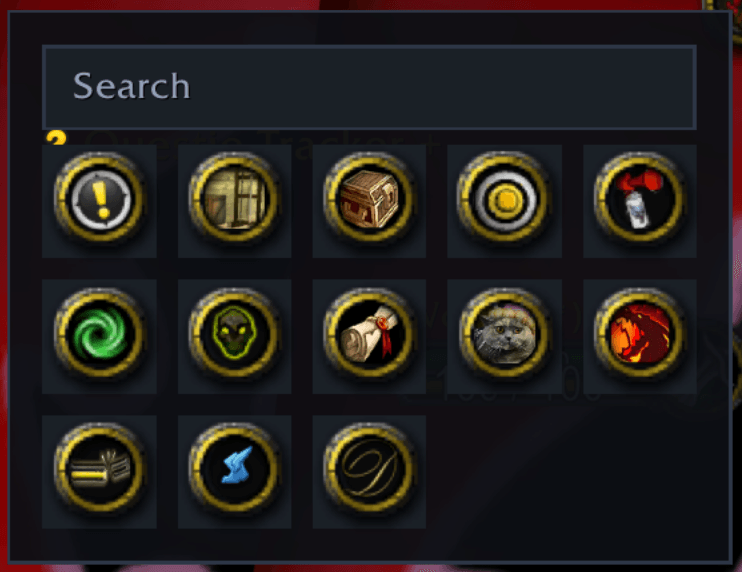
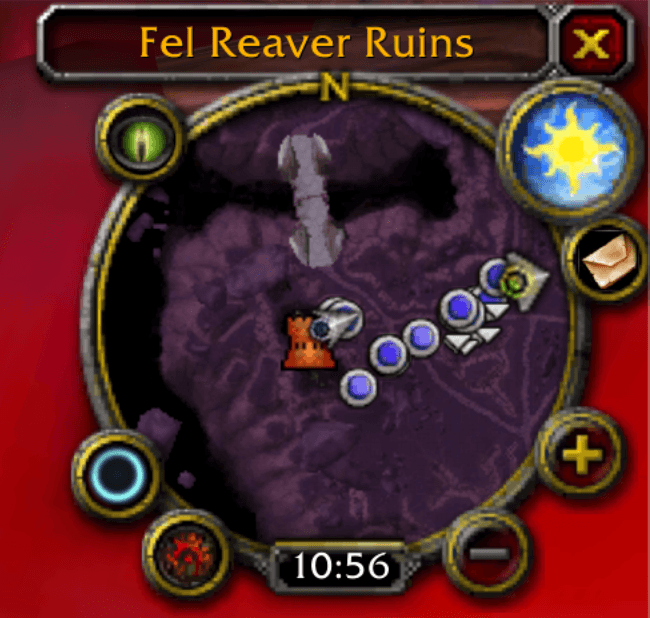
Every addon you install drops another little button around your minimap until the edge is a cluttered ring of icons. Halo replaces that clutter with one elegant launcher — click it and your addon buttons fan out in a clean, animated tray. Click away and they tuck back out of sight.
Features
- A tidy minimap — exactly one button stays on the minimap; everything else lives in the tray.
- Modern, animated UI — a flat dark panel with smooth fade/scale, hover highlights, and eased motion.
- Catches everything — modern LibDBIcon buttons and legacy hand-made minimap buttons, including ones created after login.
- Drag-to-reorder — drag buttons into any order; a ghost icon lifts while the others glide to open a gap.
- Grid or radial layout — a reflowing grid, or a ring where buttons orbit the launcher.
- Search — once you have lots of buttons, a search box filters the tray instantly.
- Profiles — save and switch settings, or share them across characters.
- Opt-in Blizzard buttons — pull the Looking For Group, Mail, Tracking, or Battlegrounds buttons into the tray too.
- Masque support — skins the launcher if you use Masque.
- Lossless & safe — send any button back to the minimap anytime; Halo only touches non-secure frames, so it never taints the UI.
Usage
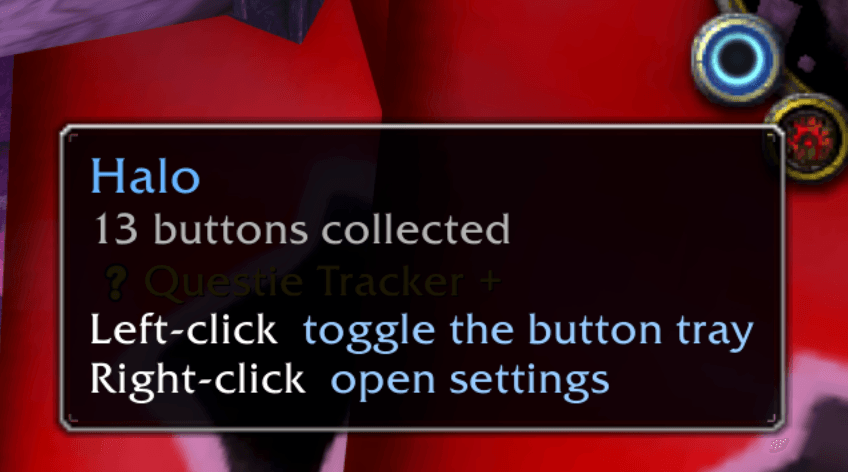
- Left-click the launcher — toggle the tray
- Right-click the launcher — open settings
- Drag the launcher — reposition it around the minimap
/halotoggle ·/halo configsettings ·/halo resetdefaults
Compatibility
Built for The Burning Crusade Classic – Anniversary (2.5.5, interface 20505).
Open source (MIT): https://github.com/adbergen/Halo
The Halo Team

