GuildVote
- By
GuildVote is a anonymous voting system that is flexible for raids, guilds, or parties.
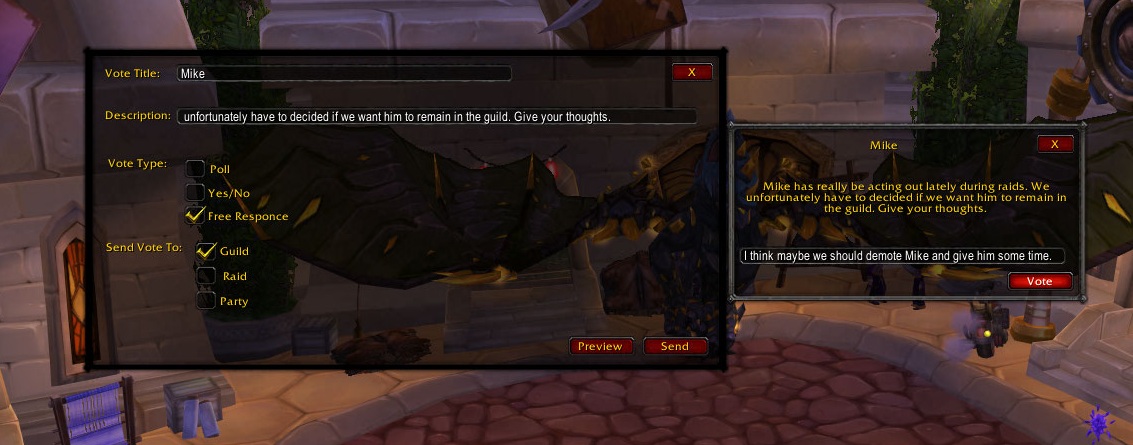
This is what it looks like when a user get a free response question.
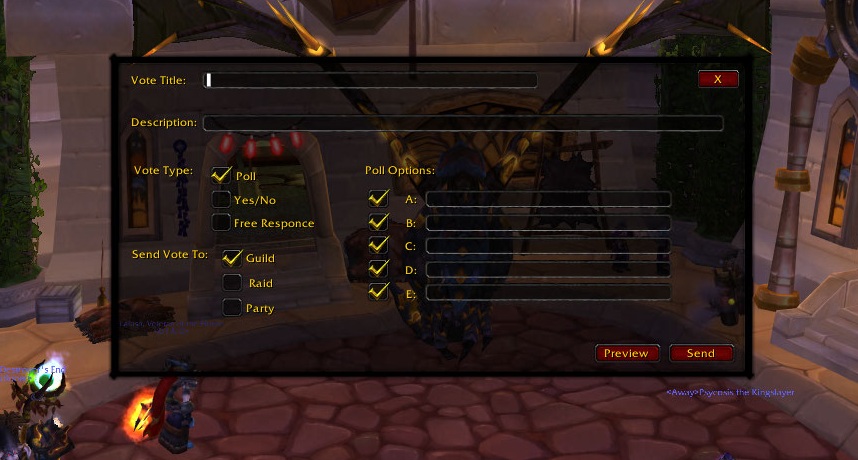
This is what GuildVote looks like when you first open it.
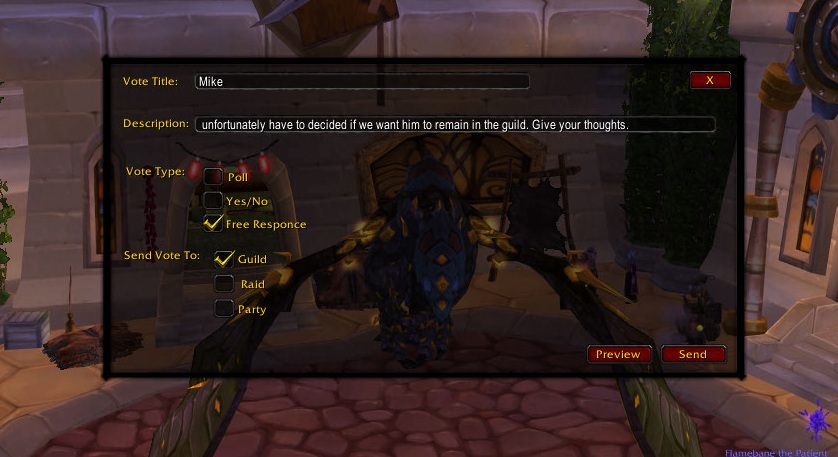
This is what it look like when before you send out a free response
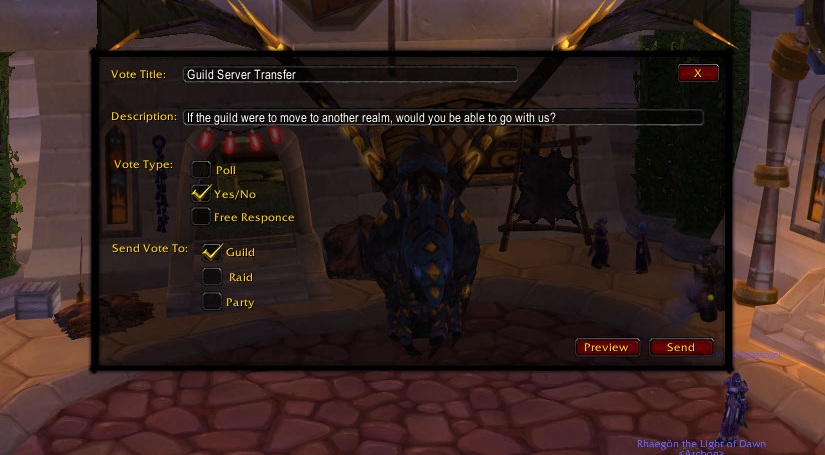
This is what it look like before you send out a yes/no vote.
This is what it looks like when a user gets a yes/no vote
Reduced Size
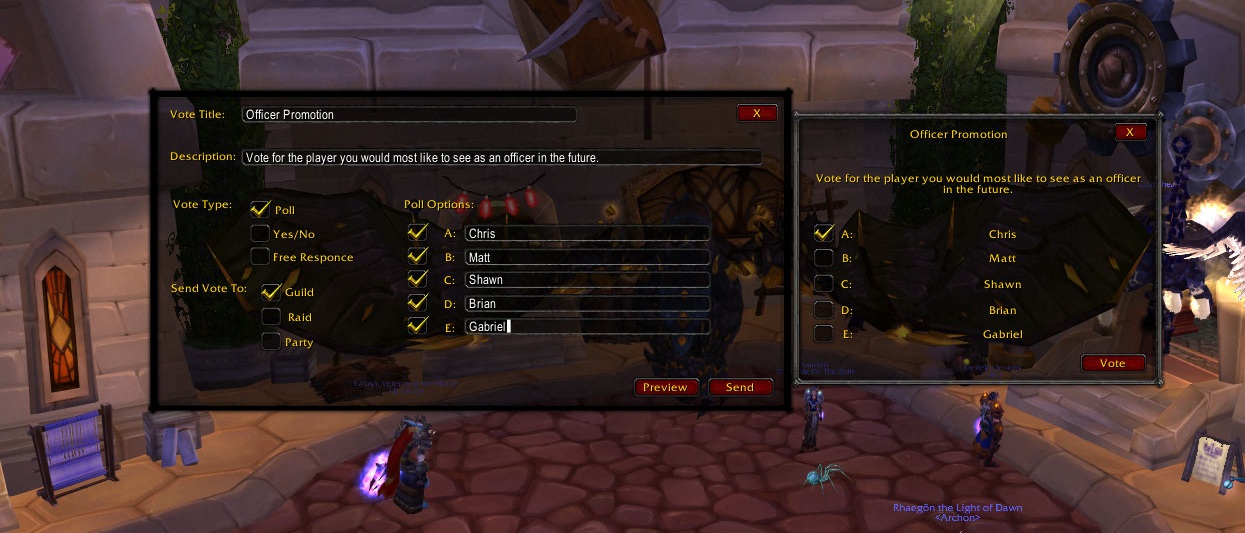
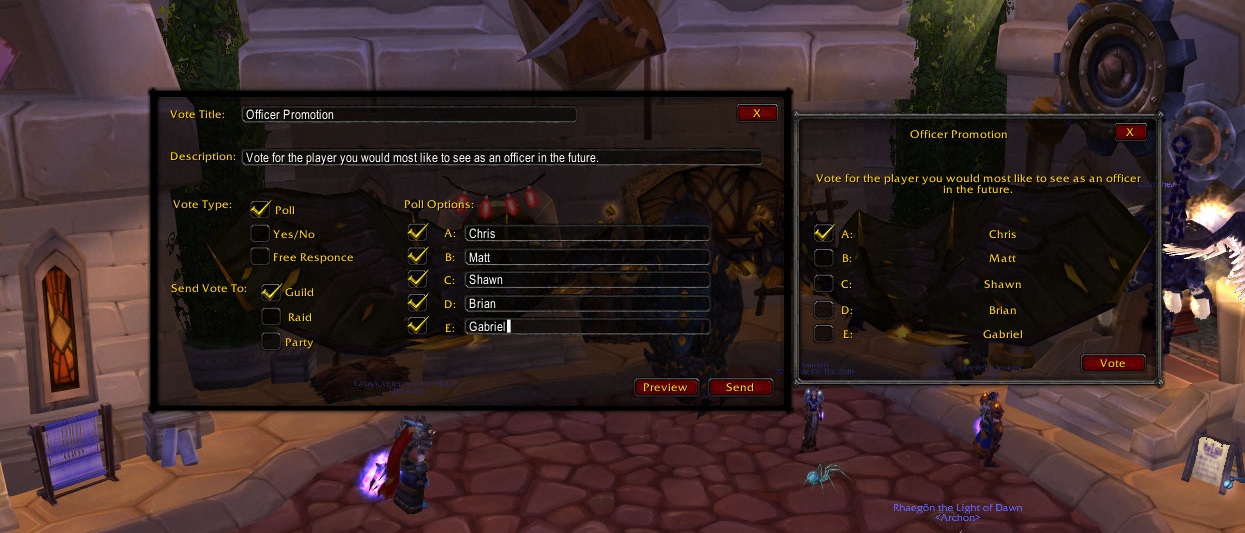
This is what it looks like when you get a poll.
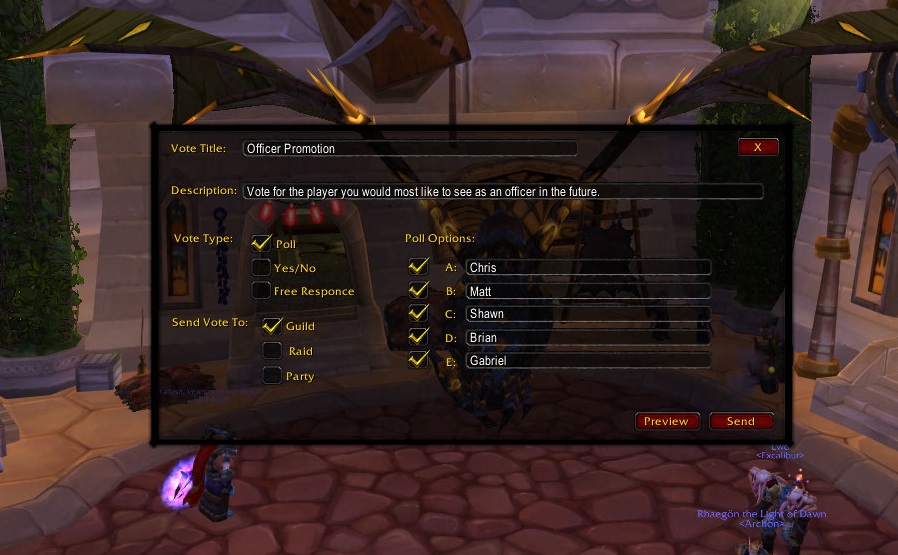
This is what it would look like if a user were about to send out a poll to their guild.
Description

GuildVote, What makes it different?
This addon allows the user to easilymake a Vote which can be in the form of a Poll, Yes/No, or Free Response reply system. GuildVote can be used within a Guild, Raid, or Party. For others to be able to participate in the vote they must have GuildVote. GuildVote can easily provide the results to all of its voters. GuildVote is completely anonymous and no one - not even the vote creator - can see what you vote! Feel safe voting for what YOU want without bias!
GuildVote, Basic Operation
GuildVote has a fairly simple UI which consists of basic options for the Title, Description, Options for Polls, and the group you would like to send the vote too. When a user receives a vote, a window will pop up allowing them to easily click (or type, for free response) their choice. It's as easy as one person making the vote and then everyone with GuildVote getting a popup window. The results are send back to the vote creator. If the vote creator wishes he can choose to send out results for the vote.
How GuildVote works with slash commands:
THIS METHOD STILL WORKS BUT NOW THERE IS A UI METHOD WHICH IS EASIER! To access the menu simply type "/gv help". This menu will appear:
- /gv title=YourTitle - Use to set the title of your vote.
- /gv info=YourVoteInfo - Use to set the info of your vote. This further describes your vote and what it is. Ask the question here.
- /gv type=YourVoteType - Use to set the type of vote. Options: [poll, yesno, freeanswer]
- /gv options=YourVoteOptions - This only matters if your VoteType is a poll, these are the A,B,C,D,E. Separate using commas and no spaces.
- /gv sendto=YourChoice - By default it is guild. Options: [guild, raid, party]
- /gv send - Use to send out your vote!
For example, as a guild you are trying to decide on new guild raiding times. Here is a sample Poll:
- /gv title=Raid Times
- /gv info=Pick the raid times that are most suitable to you.
- /gv type=poll
- /gv options=5:30PM - 8:30PM,6:30PM - 9:30PM,7:00PM - 10:00PM,8:00PM - 11:00PM
- /gv sendto=guild
- /gv send
This would display the following:
- Promedeus has initiated a Guild Vote
- Raid Times
- Pick the raid times that are most suitable to you.
- Poll Options:
- A: 5:30PM - 8:30PM
- B: 6:30PM - 9:30PM
- C: 7:00PM - 10:00PM
- D: 8:00PM - 11:00PM
- /gv vote=YourVote - submit your vote
To cast your vote you simply type "/gv vote=C".
If you created the Poll then you are able to check the progress of the votes by typing "/gv results". If the vote is over and wish to display the results to all the voters simply type "/gv report".
GuildVote makes voting easy, non-bias, and flexible.
The GuildVote Team