


GuildKeep
- By
Guild Keep Home.png
Guild Keep Events.png
Guild Keep Guild Info.png
Guild Keep Community.png
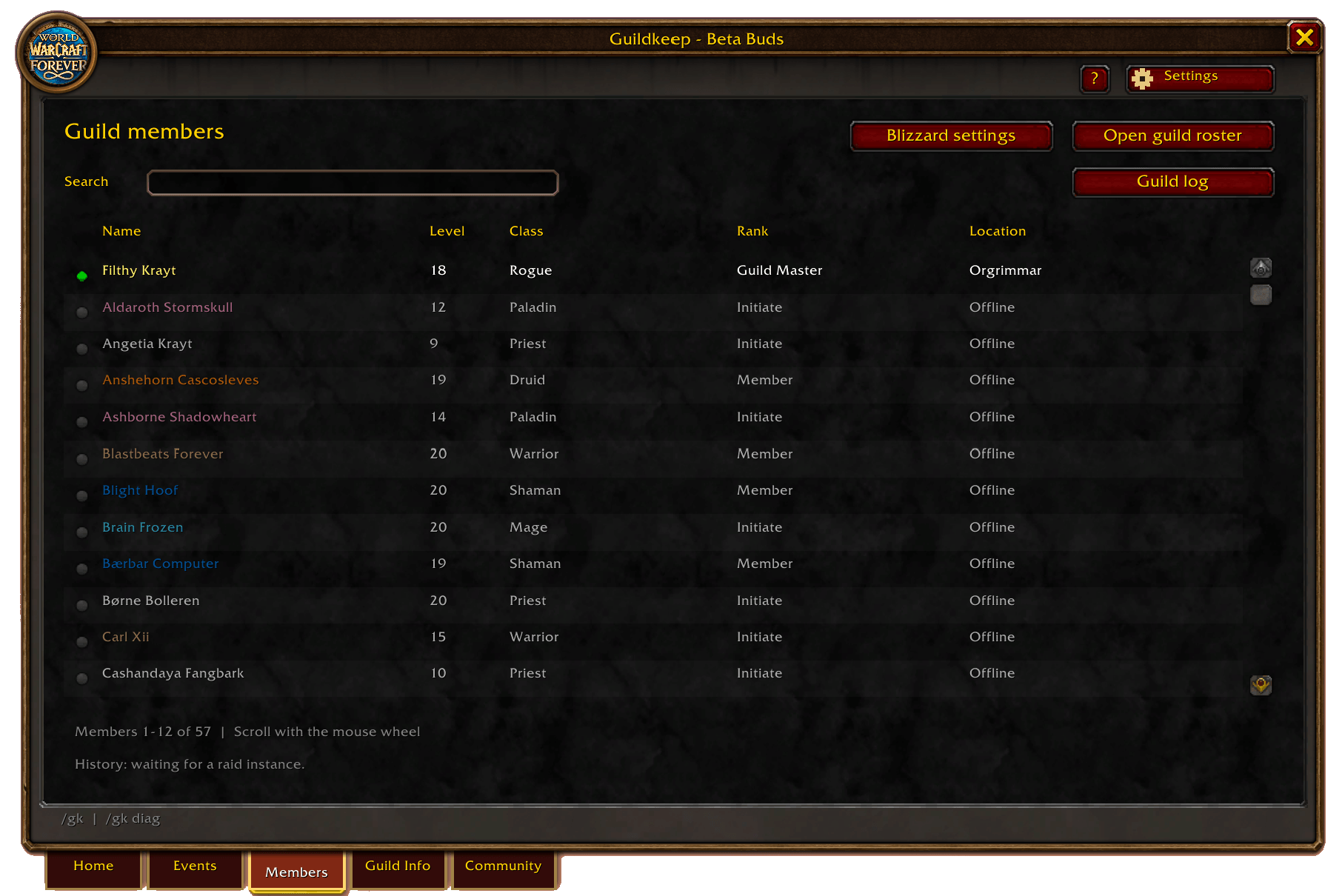
Guild Keep Members.png
Description
GuildKeep (formerly GuildTome) gives your guild one place to organize events, prepare for raids, share information, and keep track of its members. Built for WoW Forever, it brings everyday guild tools into a familiar in-game interface, with features for both members and officers.
Whether you are putting together a casual dungeon group or preparing a full raid roster, GuildKeep helps everyone find the information they need.
What you can do with GuildKeep
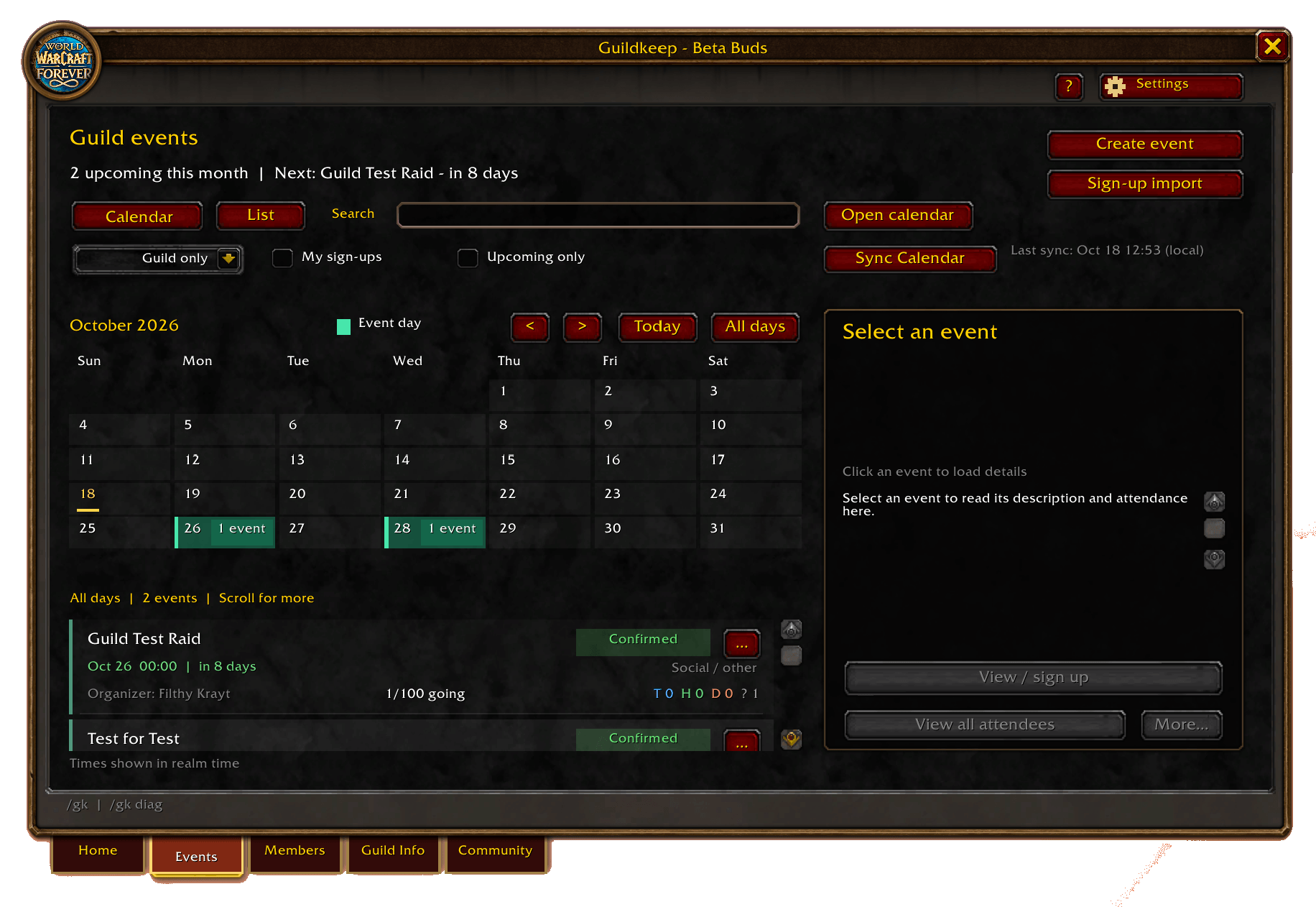
- Plan guild events. Browse events in calendar or list view, manage your signup, and choose your class role and specialization. Open Blizzard’s calendar directly to create guild events.
- Prepare your raid roster. Review attendees, confirm players, manage standby responses, and organize selected and benched members. Authorized leaders can invite eligible attendees from the event tools.
- Manage Soft Reserves. Browse raid loot and reserve one High, one Normal, and one Low priority item for each event. Officers can reserve items for players without the addon, mark items as Hard Reserved, and lock reserves when the raid begins. Each event has its own choices, so previous reserves do not carry into the next raid. (Raids and loot pool will be updated once fully cached on release).
- Review attendance and loot. Record observed raid participation and Epic or higher loot receipts. View attendance summaries and individual loot history with dates, with correction tools for officers. Event signups remain separate from recorded attendance.
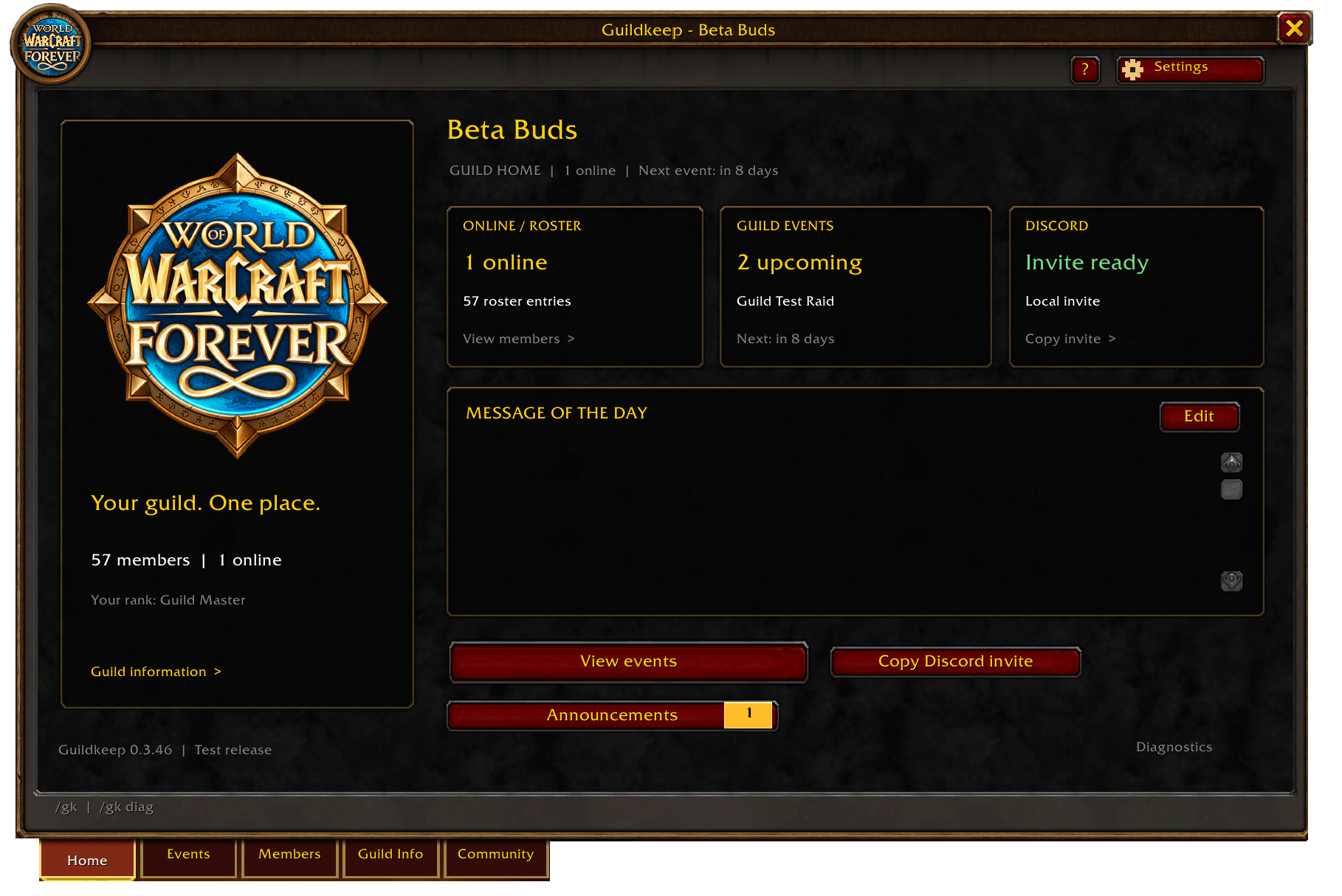
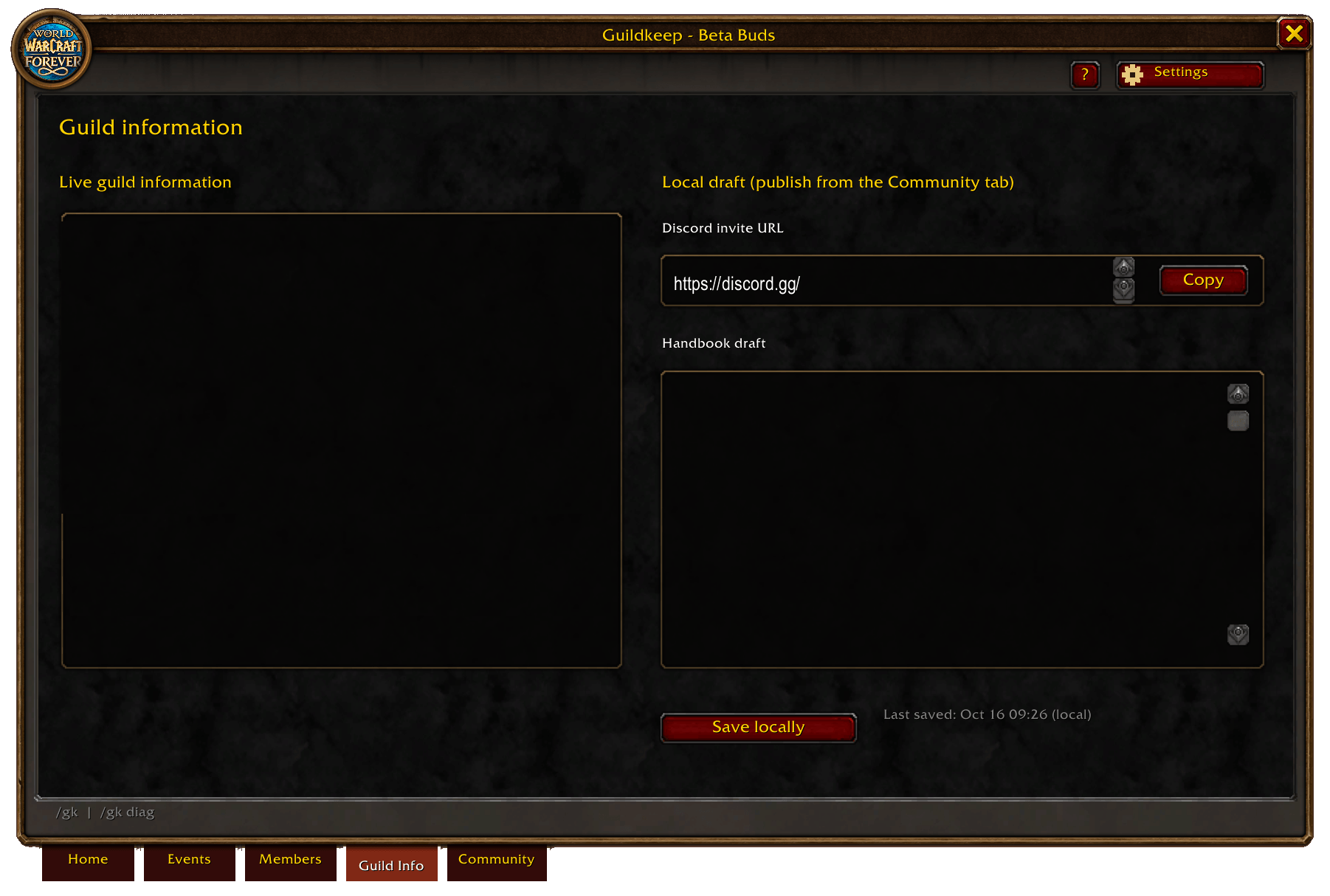
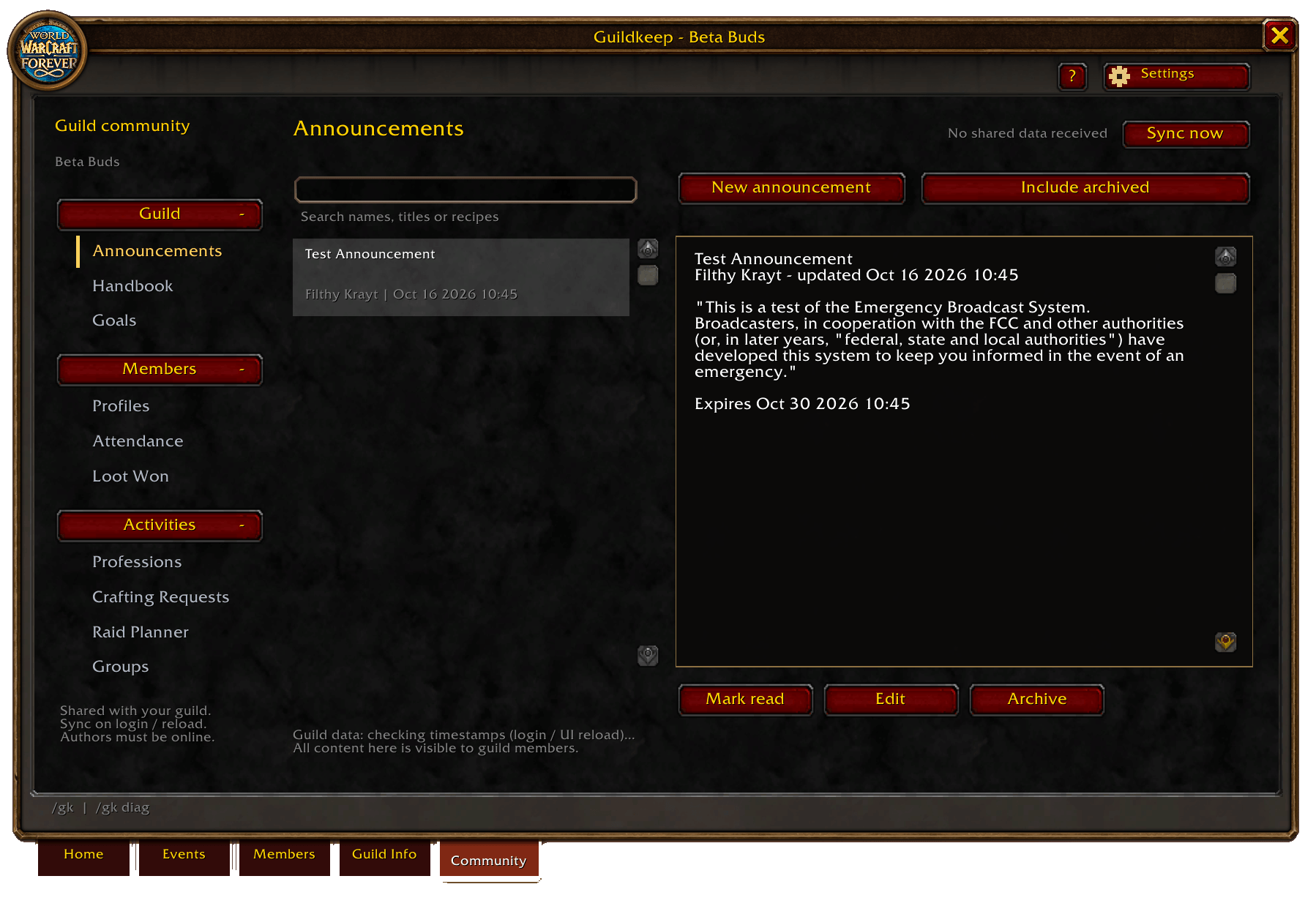
- Keep your guild informed. Publish announcements, maintain a shared handbook, and track guild goals. The Home page brings together your guild’s message of the day, online members, upcoming events, and Discord invite.
- Get to know your members. Browse the live guild roster, create shared member profiles, and link mains and alts. View guild membership history, including join and leave records and available inviter information.
- Find crafters and organize groups. Browse professions by category, with automatically detected character skills, specialties, and Cooking. Add recipe information and notes, post crafting requests, or find members through the guild group board. New crafting requests close after five days unless completed or cancelled sooner.
- Make it your own. Choose from guild crests and color themes, including class colors. Use an account theme or a separate theme for each character. Optional guild map locations, introductory guides, page help, and patch notes are also included.
Guild data is shared between online GuildKeep users on login, UI reload, or an officer’s manual sync. Members see the information their addon has received, without requiring a recurring background sync.
Optional Discord companions support event announcements and Discord signups. An officer can import signup codes into GuildKeep’s combined event roster. These tools require separate setup and a running host computer or server; imported responses do not directly change Blizzard’s calendar attendance.
Open GuildKeep with /gk or /GuildKeep, or use the minimap icon. Existing /gh and /guildhub commands remain supported.
GuildKeep Team
