


Guild Gatekeeper
- By

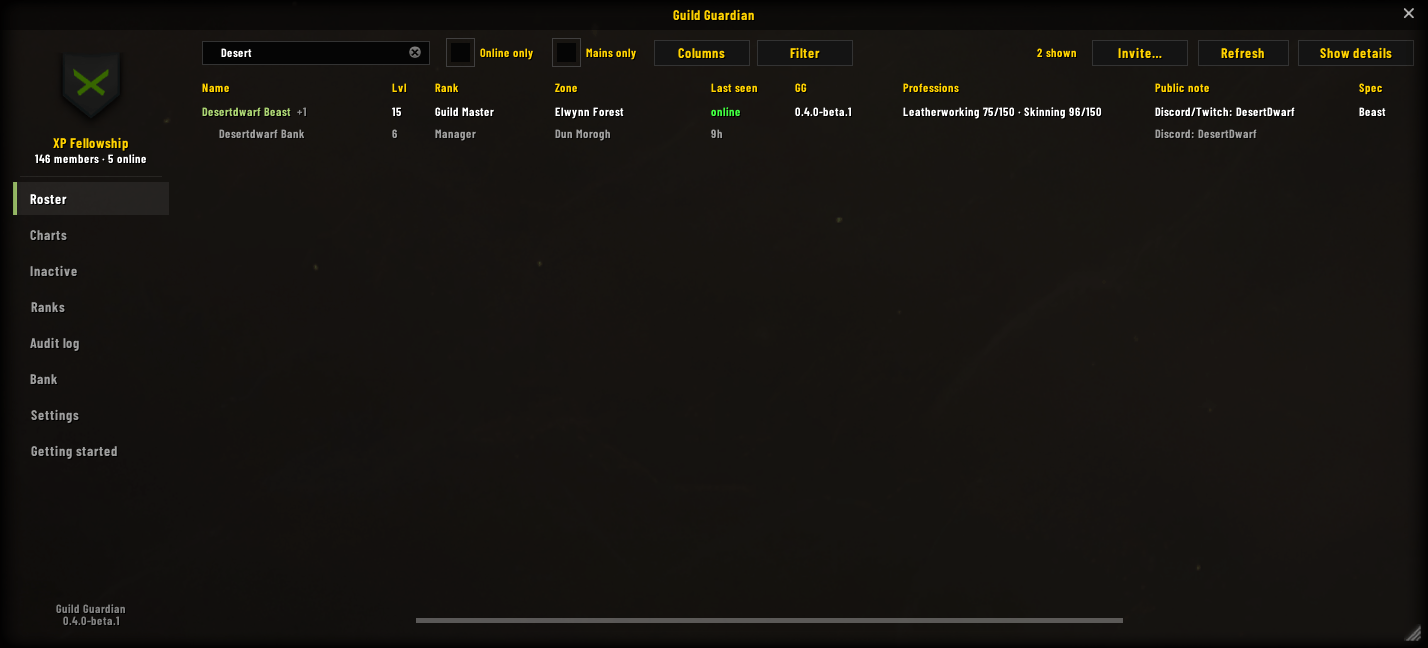
01. Roster: Search, filters, columns you choose, and alts grouped under their main.
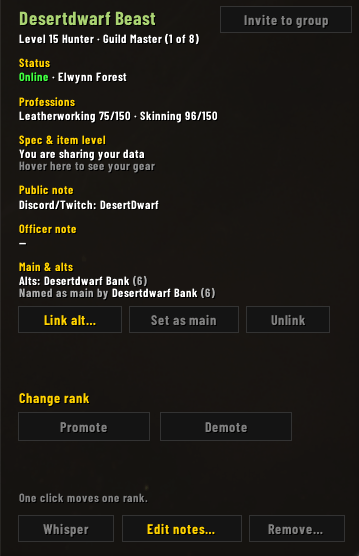
02. Member details: Status, professions, spec and item level, notes, alts, rank changes, invites, and removal.
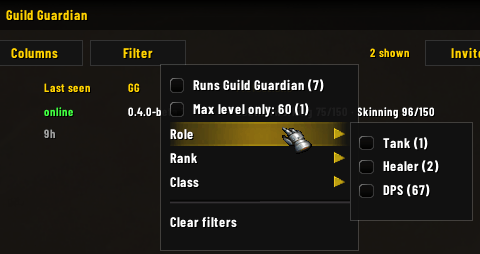
03. Filter by role: Pick Tank, Healer, DPS, or any mix, to find who can fill a group.
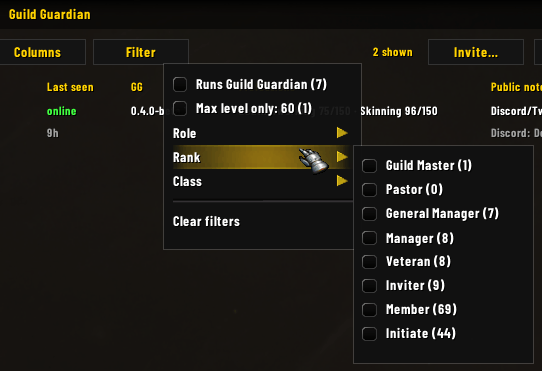
04. Filter by rank: Any number of ranks, with a member count for each.
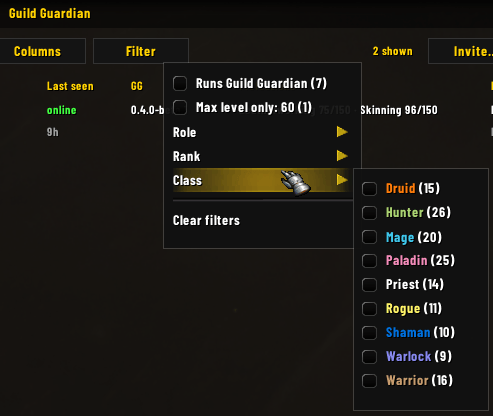
05. Filter by class: Any number of classes, in class colors.
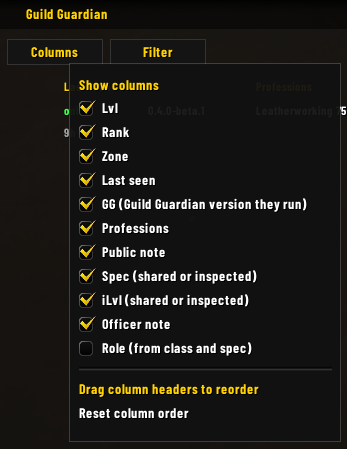
06. Columns: Show the columns you need and drag headers to reorder them.
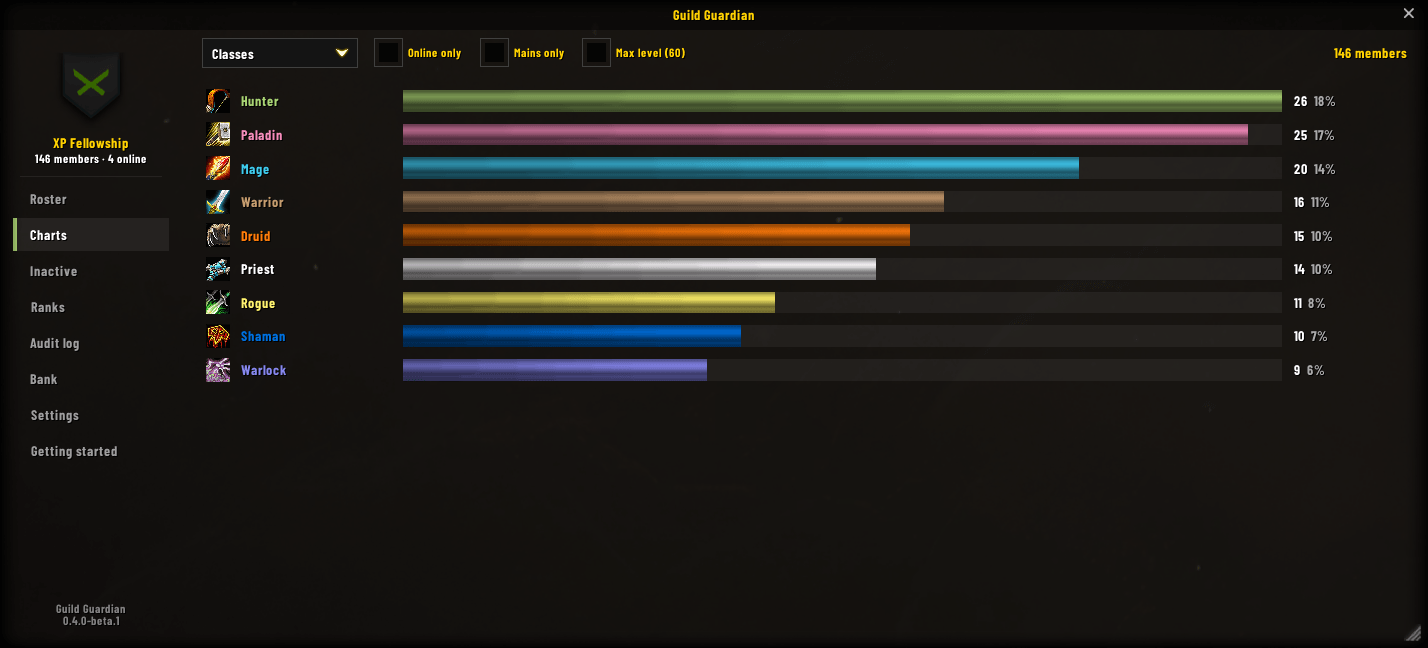
07. Charts: classes: How many members play each class. Click a bar to see them on the roster.
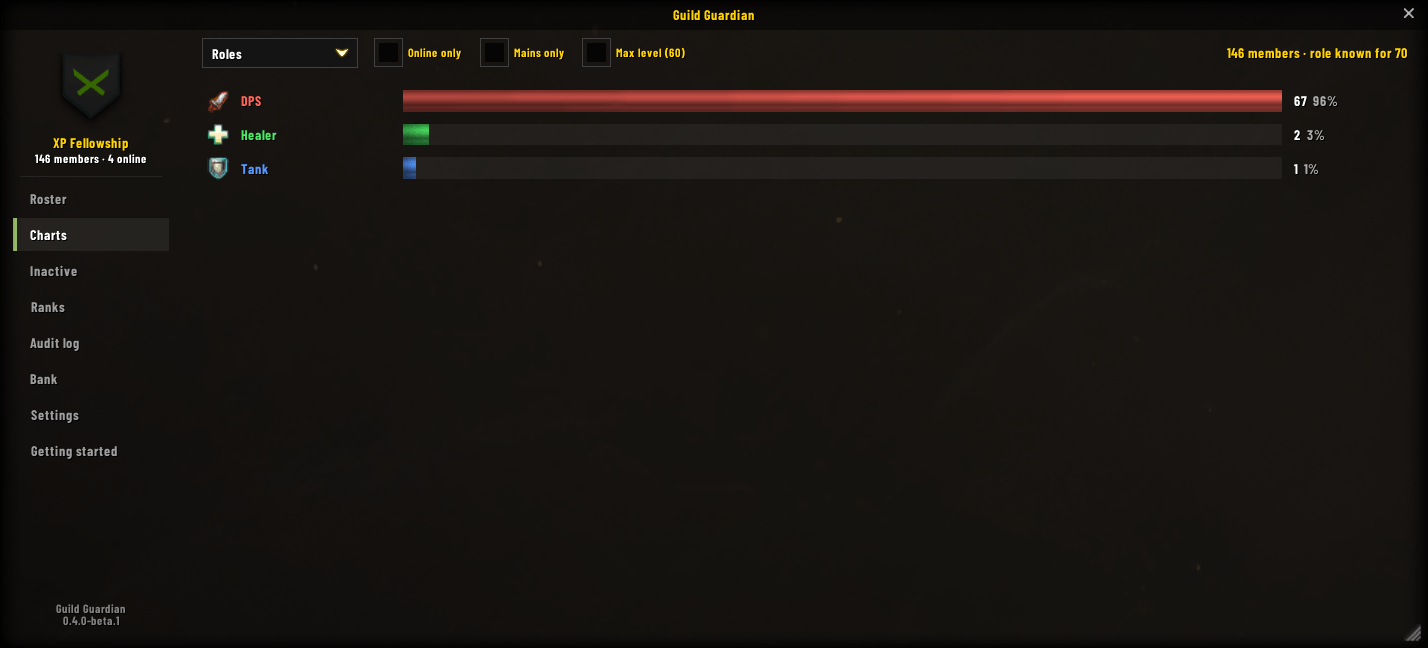
08. Charts: roles: Tanks, healers, and DPS at a glance.
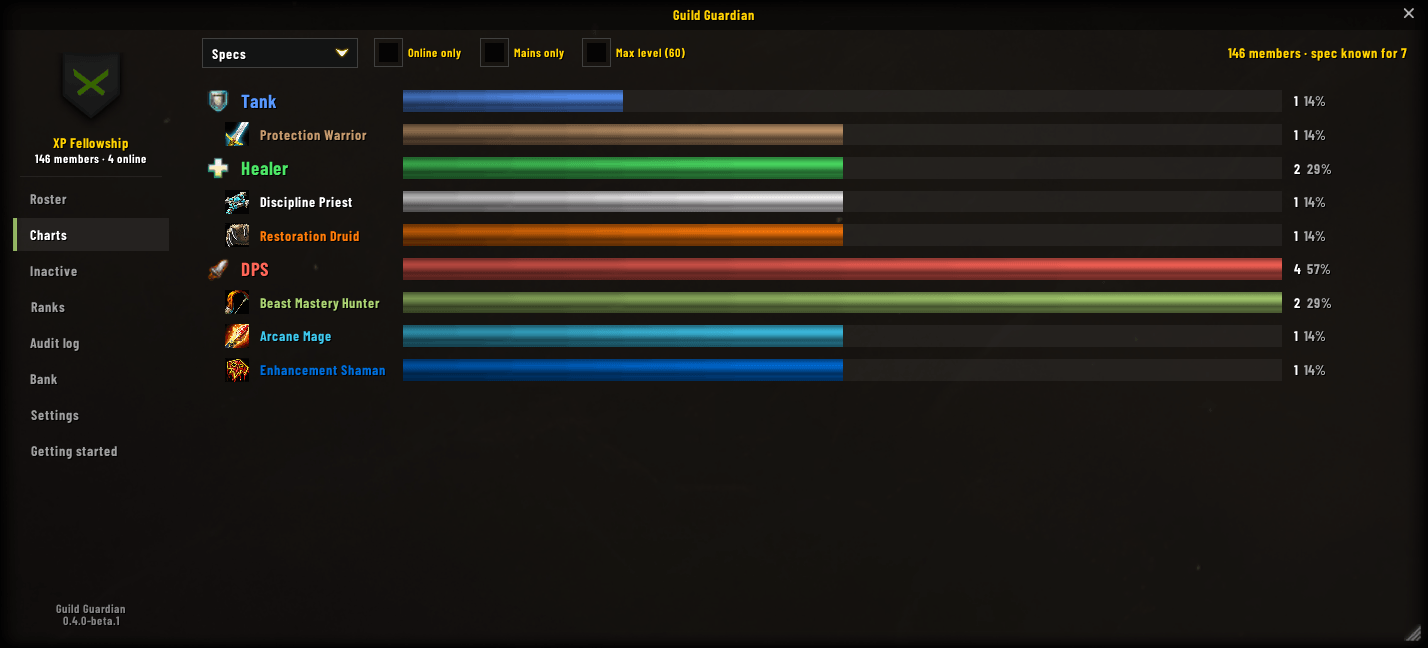
09. Charts: specs by role: Specs grouped under Tank, Healer, and DPS, with totals.
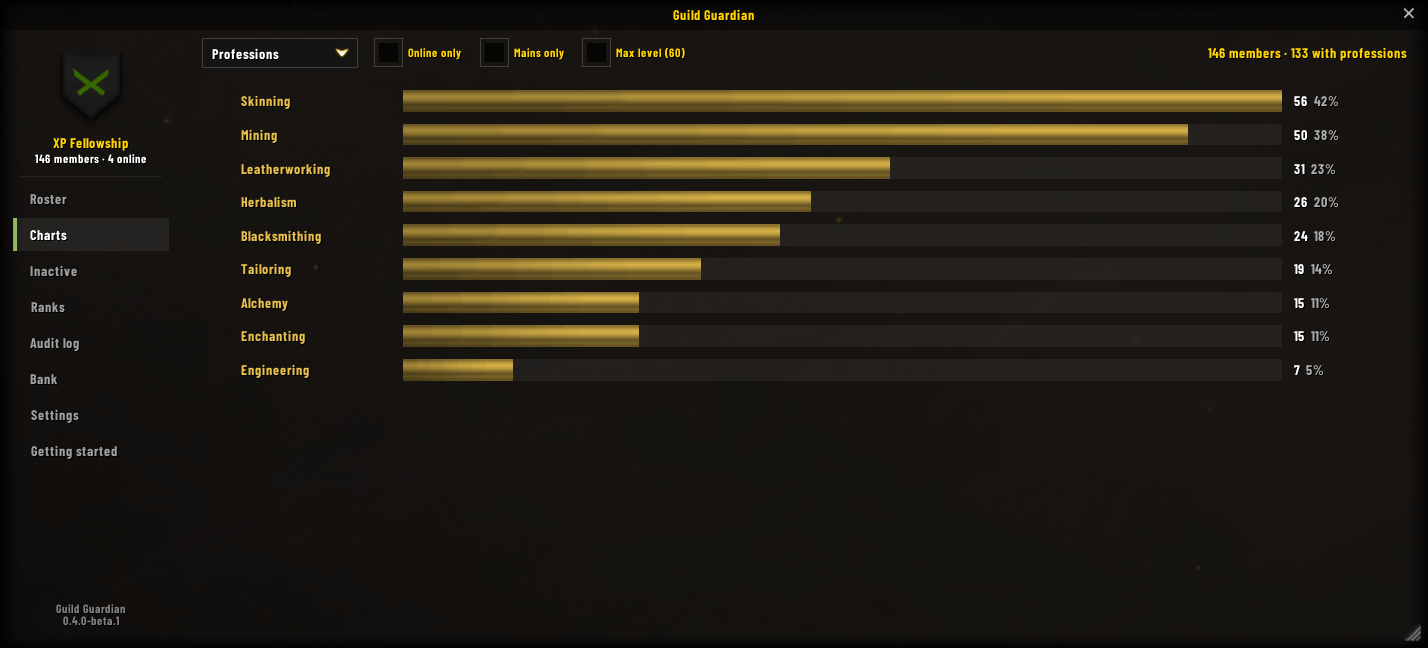
10. Charts: professions: Who covers which profession.
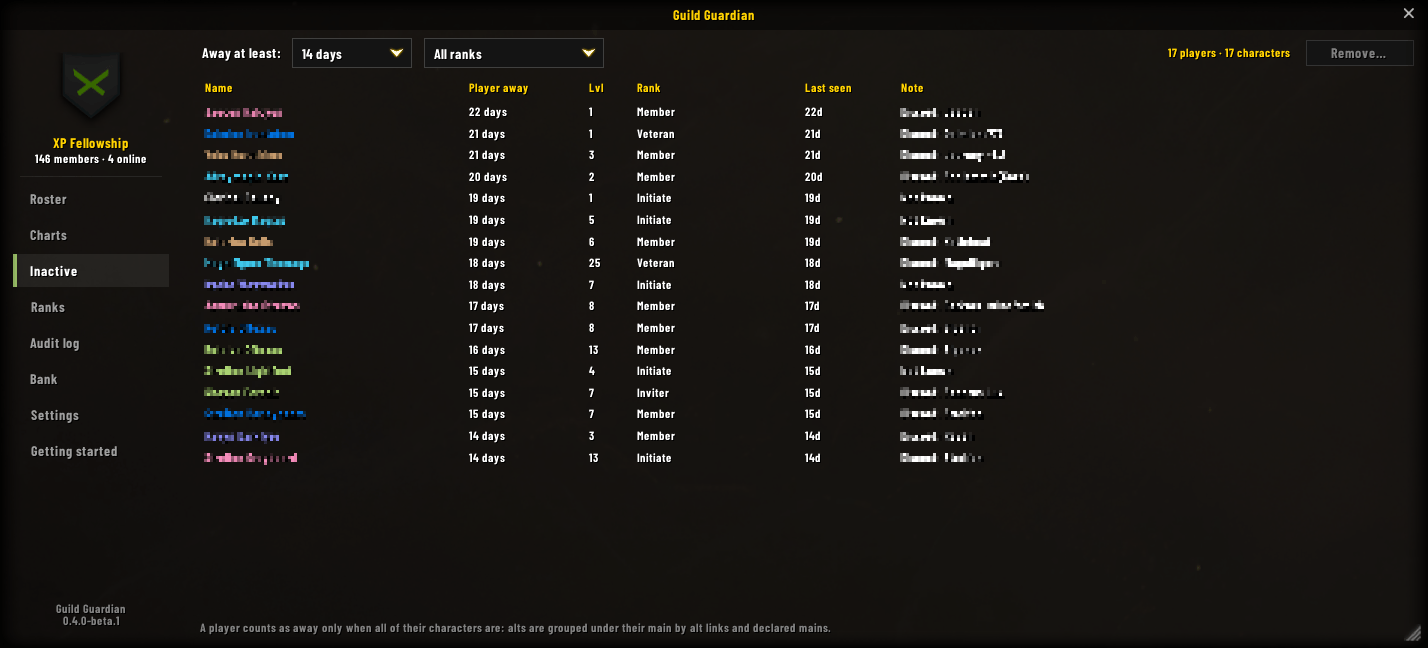
11. Inactive: Players whose characters have all been away for a while, with alts under their main.
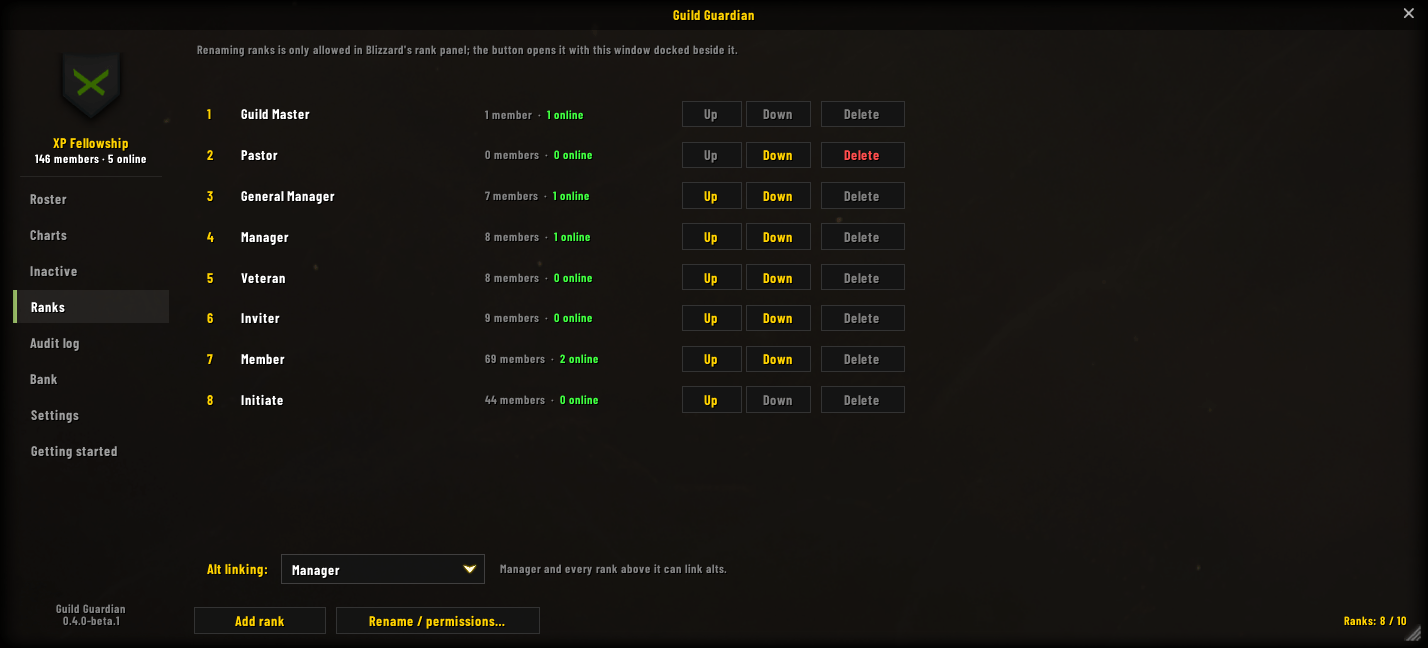
12. Ranks: Members and online counts per rank; the Guild Master can add, move, and delete ranks.
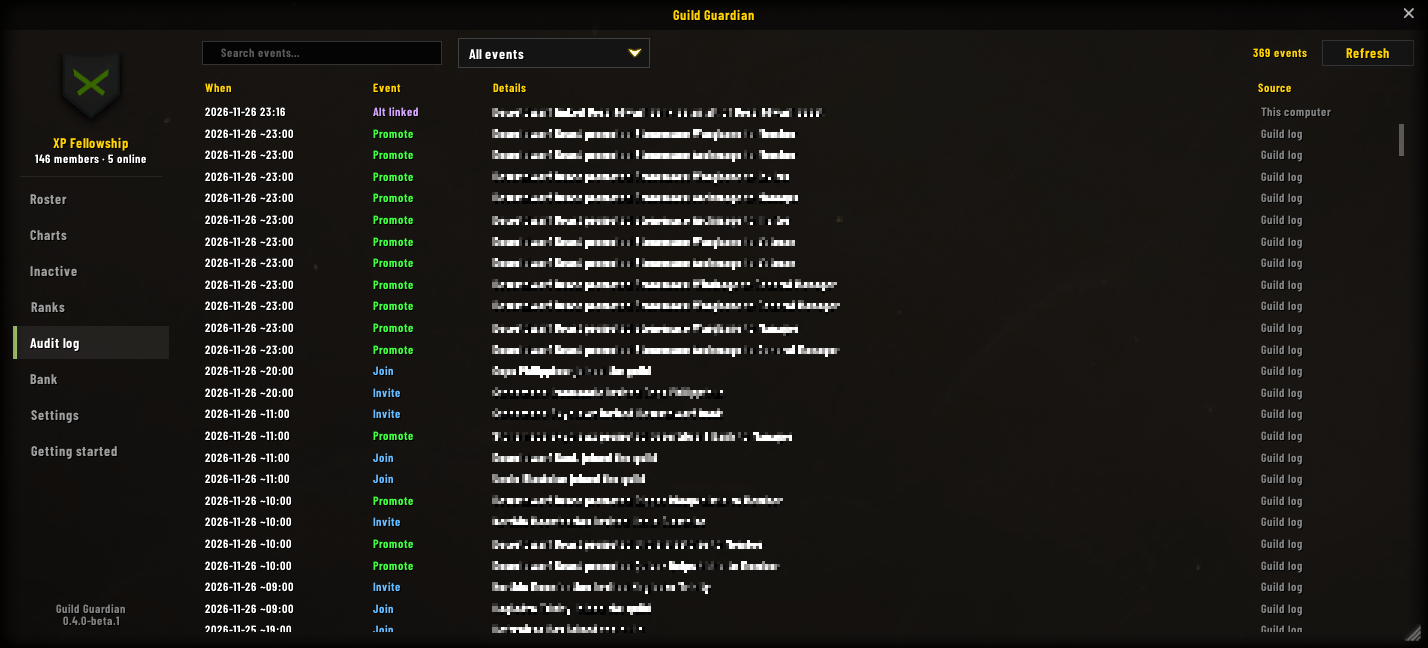
13. Audit log: Joins, leaves, promotions, and alt links, kept after Blizzard's log forgets them.
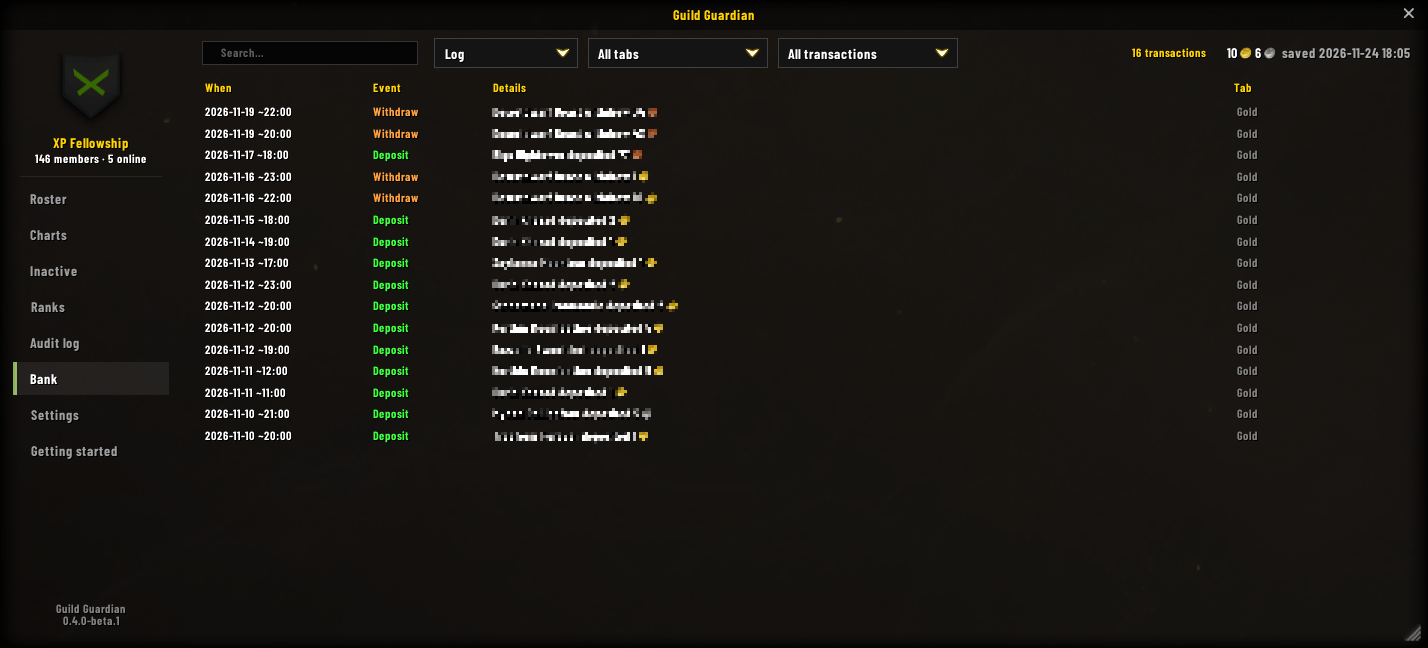
14. Guild bank log: The bank's gold and item log, readable anywhere after one visit.
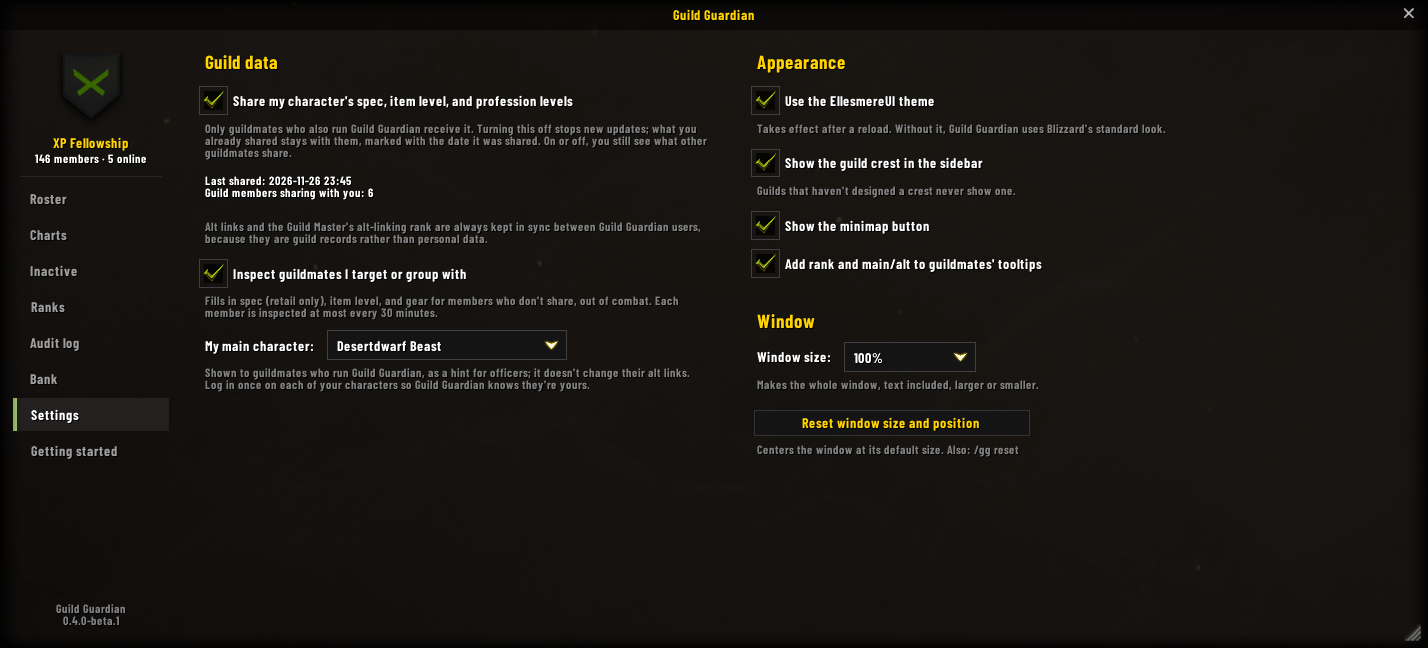
15. Settings: Sharing, inspecting, your main, theme, minimap button, tooltips, and window size.
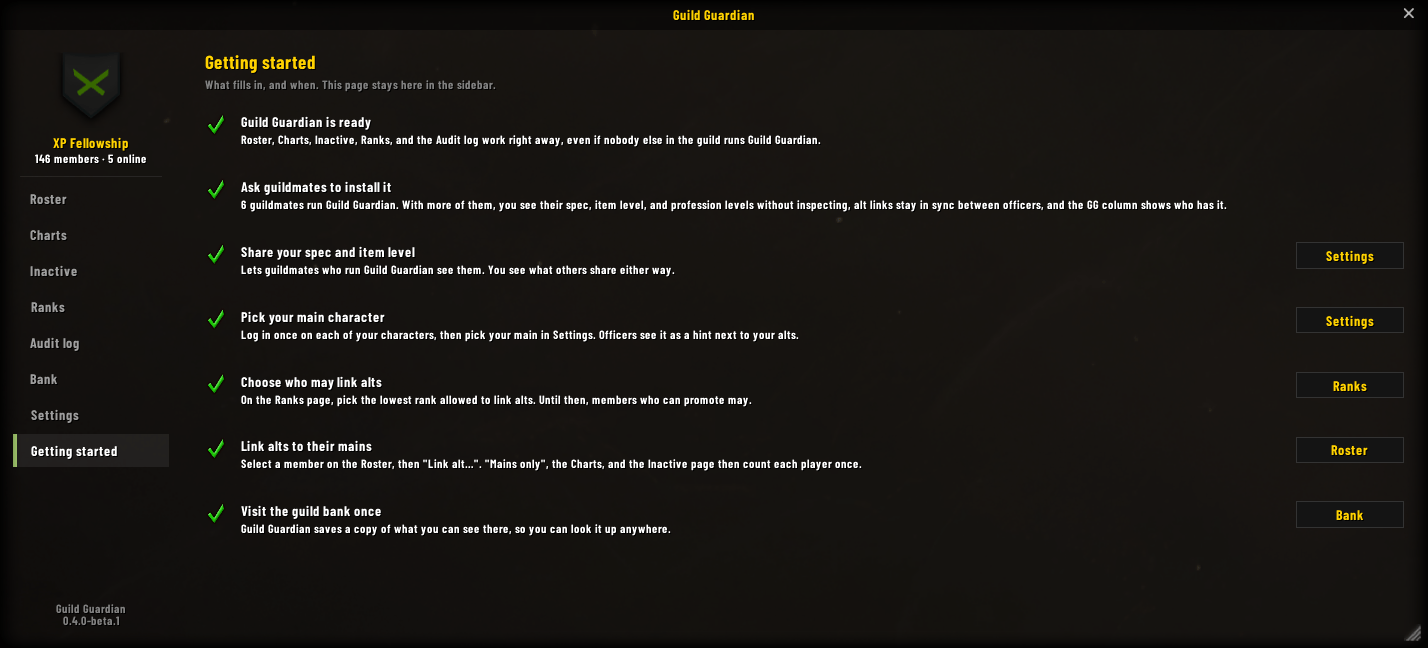
16. Getting started: A checklist of what fills in, and when.