GSE: SOL WoW Forever Pack
- By
One-button GSE levelling sequences for every WoW Forever spec, 1–60. Install it next to GSE and your sequences import themselves.

01-SOL-Forever-Cover.jpg
02-GSE-Drag-to-Action-Bar.jpg
03-GSE-Which-Button.jpg
04-GSE-Setup-Tips.jpg
05-GSE-Last-Resort-Reset.jpg
d77a8fbc-090d-4e29-af48-d211e9a63d24.png
Description
One free install. All 28 specs. Levels 1–60.
I built this pack to make levelling easier on your hands. Put your main rotation on one button and add a second for groups or healing if your spec has one. Press at your own pace: one press every second or two is enough. The pack loads its sequences into GSE, so there's no import string to copy.
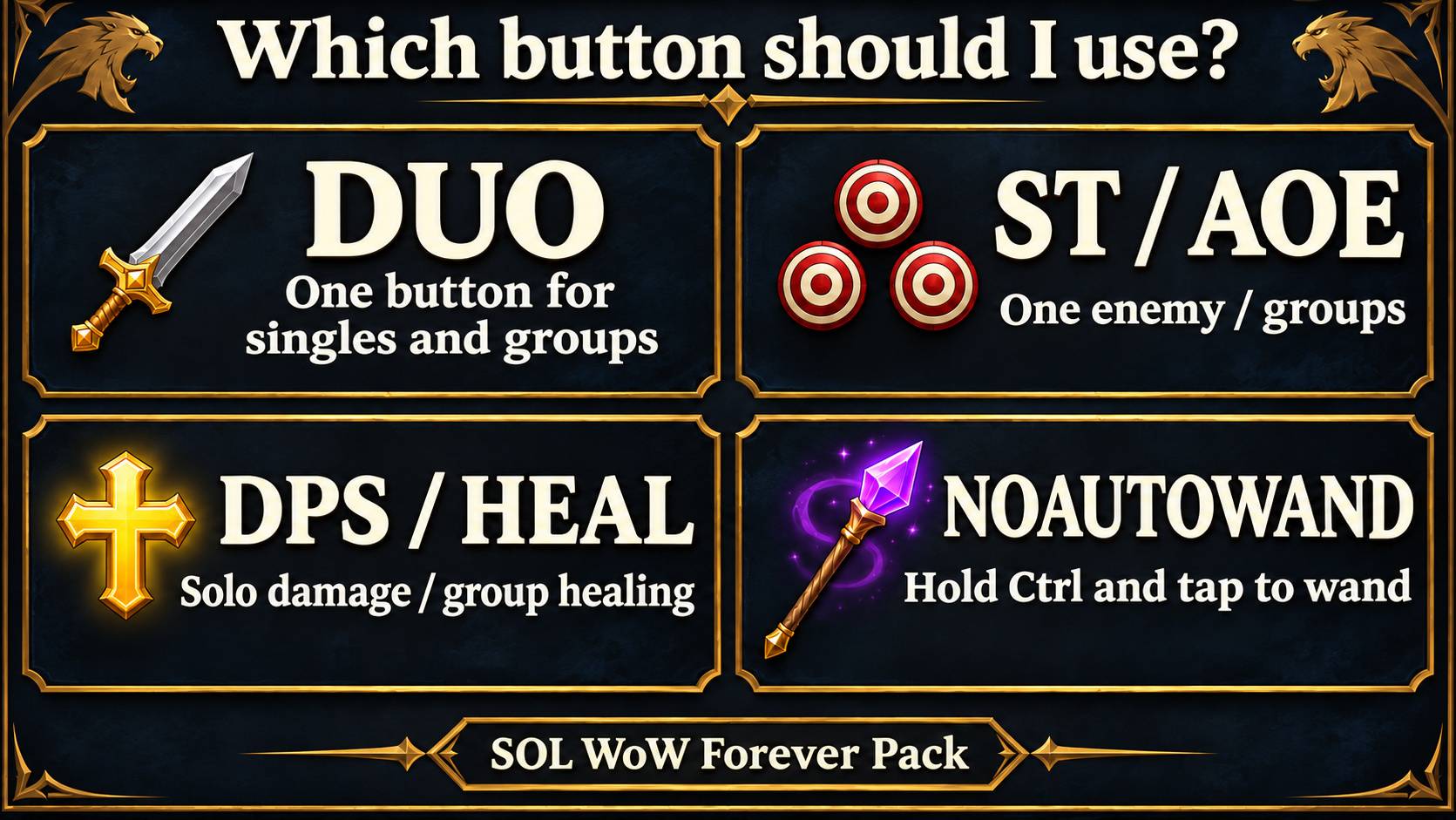
Which button should I use?
- DUO: Use the same button for single enemies and groups.
- ST / AOE: If your spec has separate buttons, use ST for one enemy and AOE for groups.
- DPS / HEAL: Use the damage button for solo play and HEAL when healing a group. Holy Paladin uses ST for solo damage.
- SOLO: For Protection Warriors and Paladins who are questing alone.
- AUTOWAND: A twin of the main button for Mage, Priest and Warlock. Your wand takes over by itself. You need a wand equipped.
- AUTOSHOT: A Beast Mastery twin of ST that uses less mana.
- WAND: An optional wand-only button for Mage, Priest and Warlock.
Keys: On most buttons, hold Shift for auto attack, Auto Shot or wand only, with no spells. On many specs Ctrl and Alt add an extra spell. Every sequence lists its keys in its notes in /gse.
Protection Paladin: Pick DUO for tanking with Consecration on Alt, AUTO for Consecration without holding a key, SOLO for questing, or MANA for the Seal of Wisdom variant.
Retribution Paladin: Start with DUO (Seal of Righteousness). COMMAND and WISDOM use those seals instead. TWIST is experimental.
Get playing
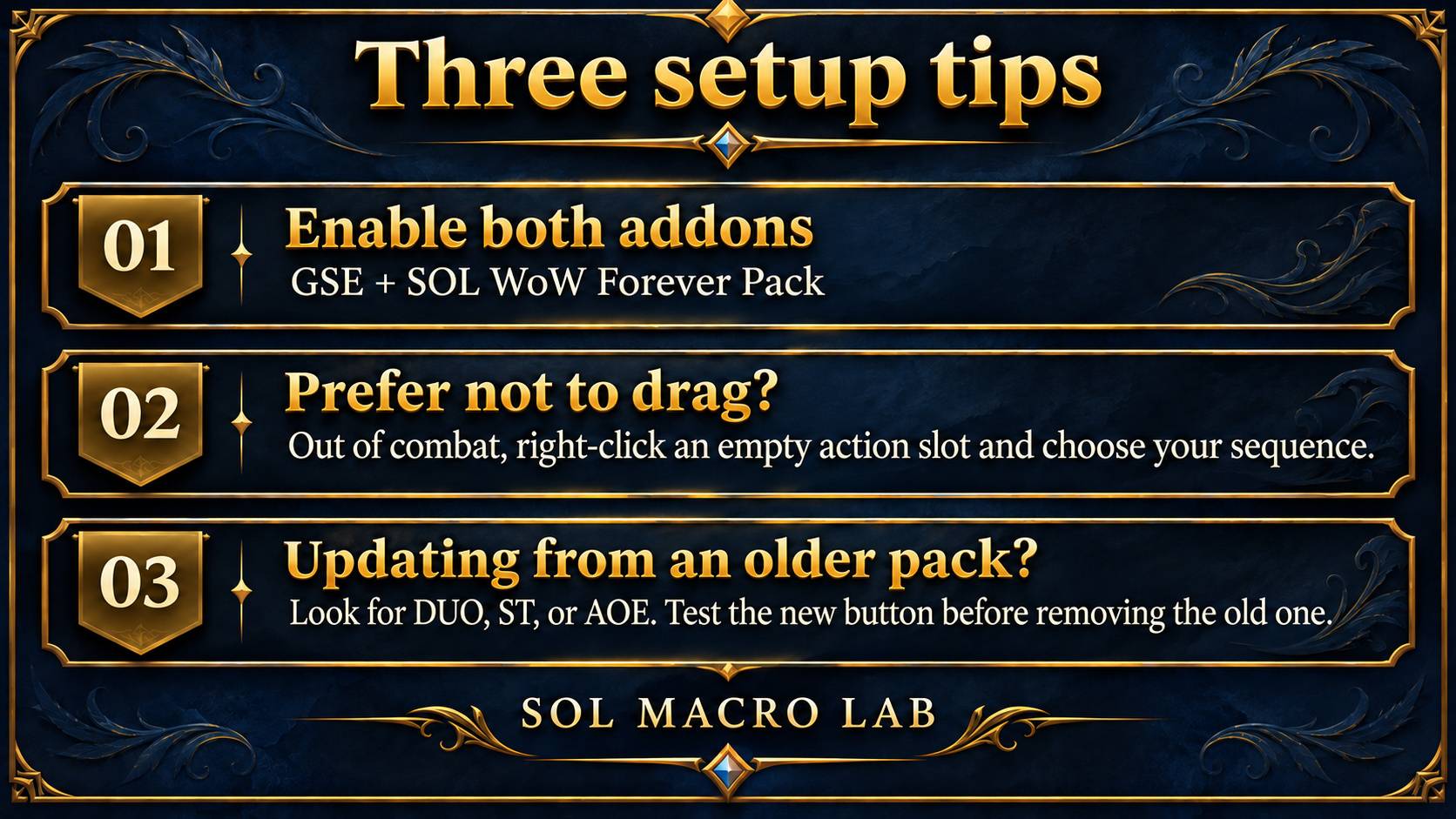
- Install and enable both GSE and SOL WoW Forever Pack in your WoW Forever client.
- Out of combat, type
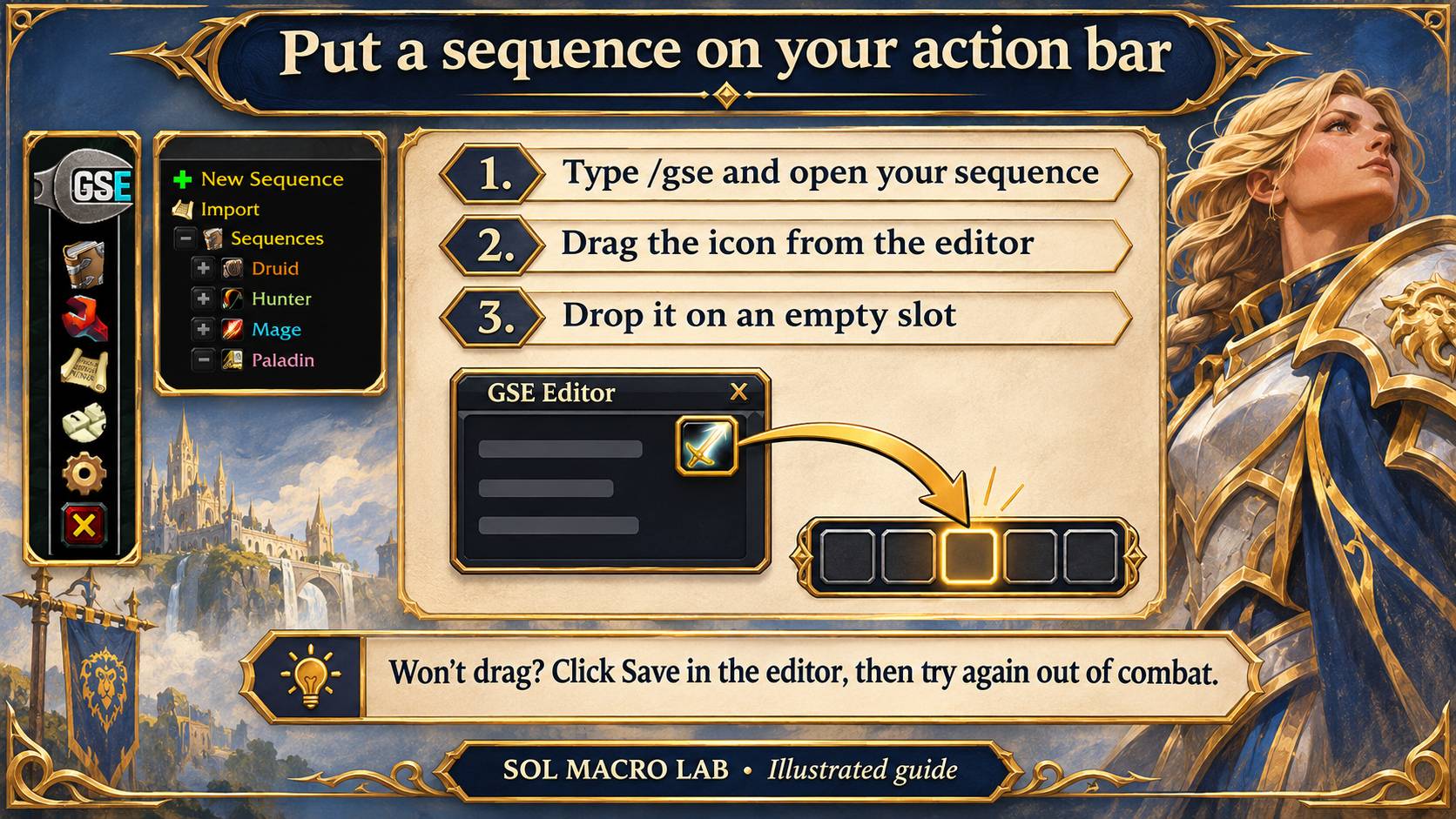
/gse, expand your class under Sequences, and open theSOL_sequence you want. - Drag the sequence icon from the editor to an empty action-bar slot. If it won't drag, click Save in the editor and try again. You can also right-click an empty slot and select the sequence.
- Target an enemy and keep pressing that slot's key.
Good to know
- Target an enemy yourself. The buttons never pick or pull one for you.
- Unbind Shift+1 to Shift+6 ("Action Page") in Key Bindings, or Shift with your key changes your action bar.
- Tick Auto Attack/Auto Shot in the game options, or your wand or Auto Shot fires once and stops.
- After learning a new spell or talent, type
/reload.
Updating from an older build? The NOAUTOWAND buttons are gone: the main buttons cast spells only now, and Shift wands. Buttons from older builds that are not listed above are no longer updated. Delete them in /gse and put the new button on your bar.
What does each button do? Every sequence explains itself. In /gse, open the sequence and read its notes on the Configuration page: what it casts, in what order, and what its keys do.
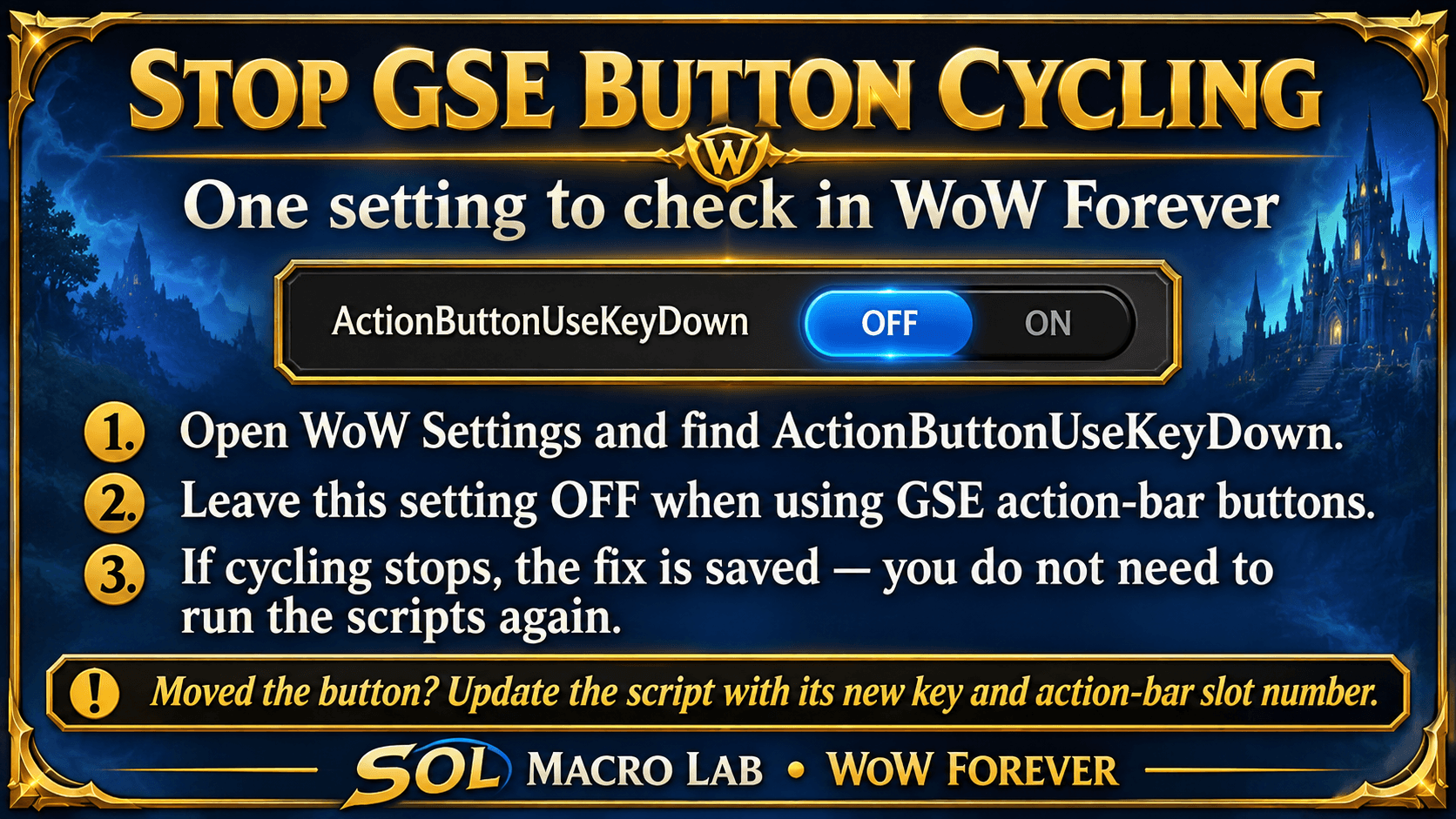
Gallery note: The setup cards are AI-assisted illustrations, not exact in-game screenshots.
Full spec guides and modifier keys on GSE United
Also by me: KickThrough (free) makes your kicks and stuns go through while you spam GSE.
The full pack is free. If it saves your fingers and you'd like to support future updates, buy me a coffee on Patreon.
GSE: SOL WoW Forever Pack Team