


Group Sentinel - Blacklist
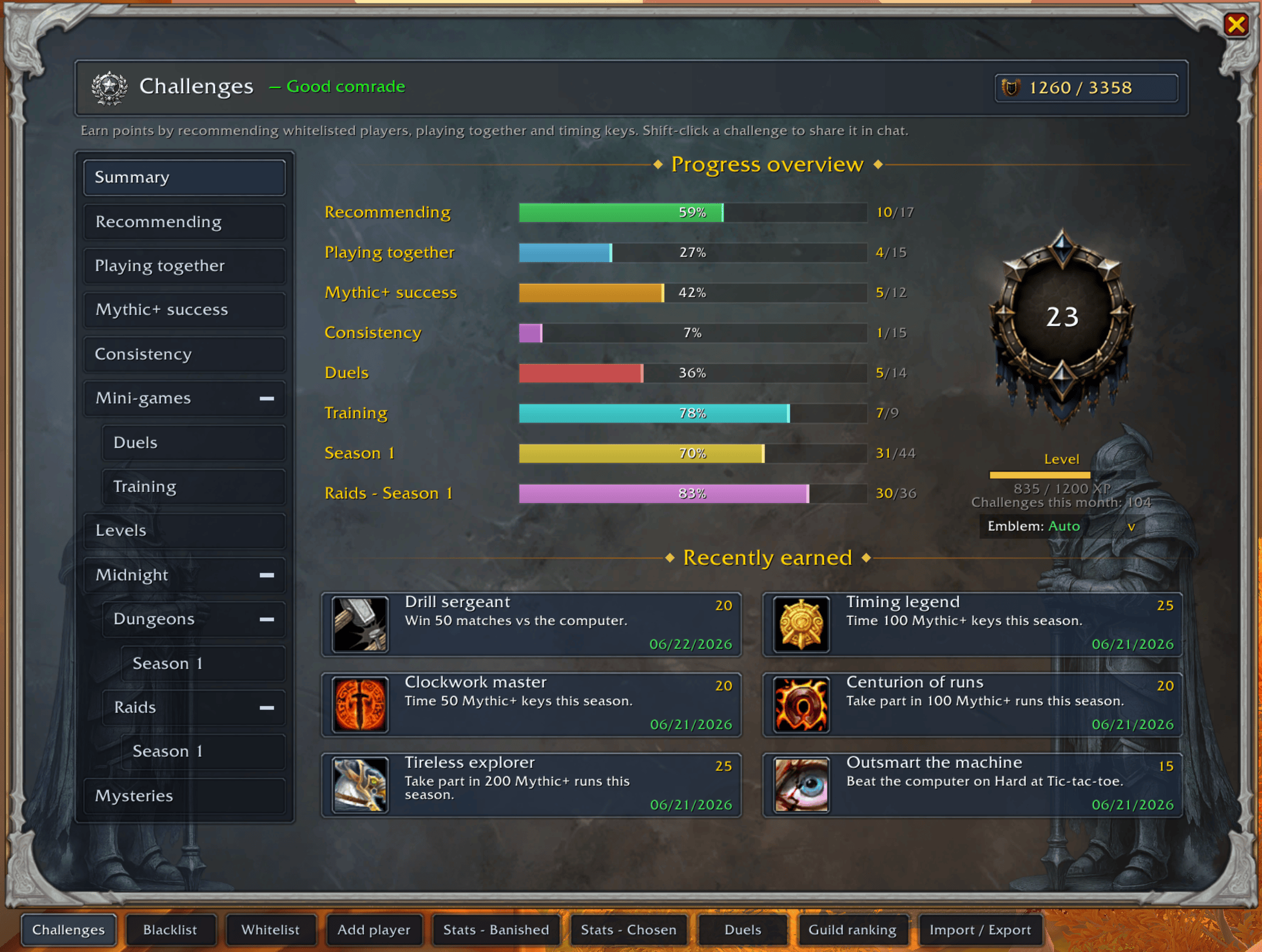
Earn points by recommending good players, playing together and timing keys.
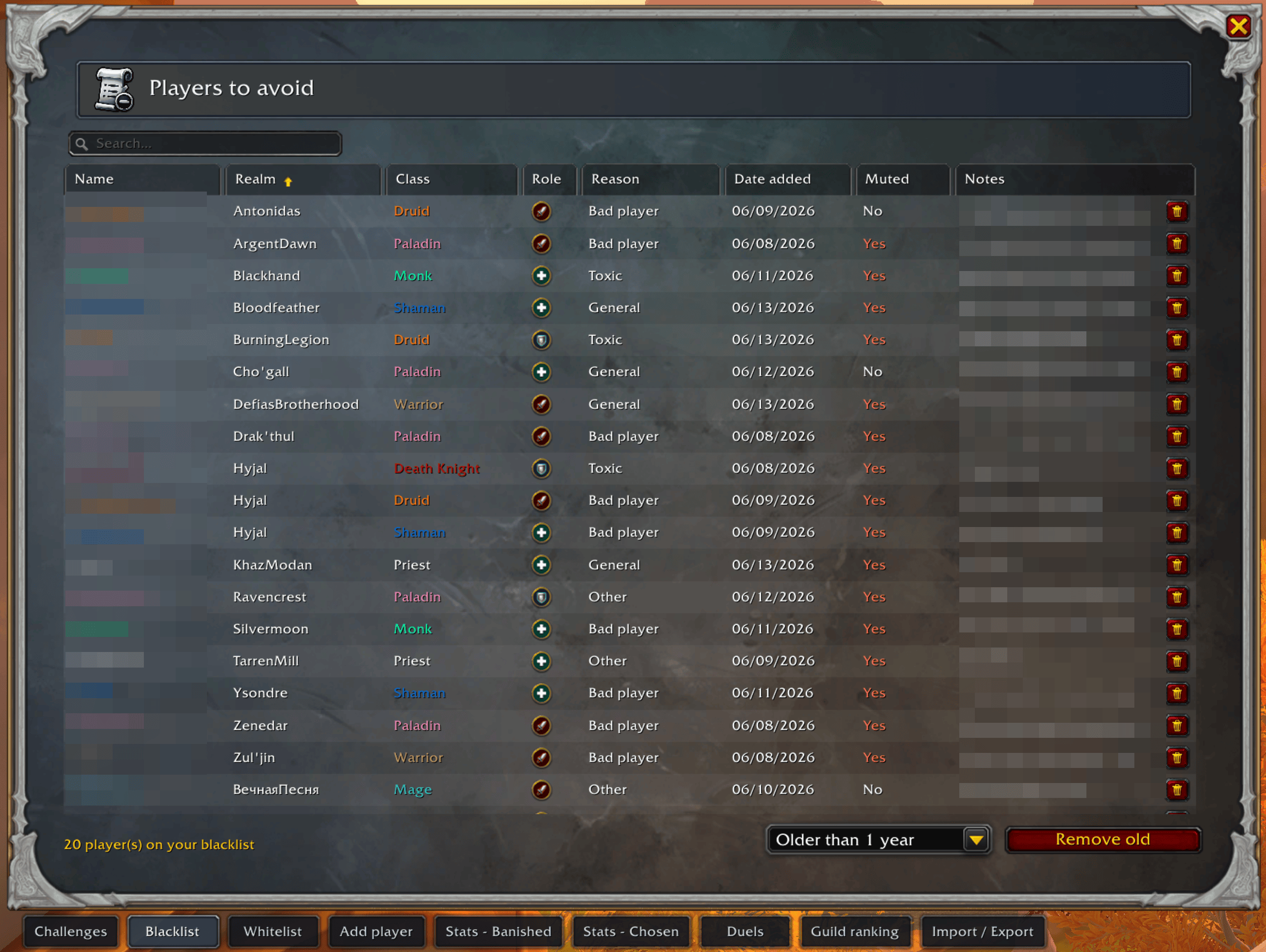
The players you noted after a run that went badly, with the reason and your remarks, so you're reminded if you cross paths again.
![Thumbnail When a group's leader is on your blacklist, its listing turns red and shows a clear [BLACKLISTED] tag, so you can skip flagged groups while browsing the dungeon finder without checking each name by hand.](https://media.forgecdn.net/attachments/1740/395/capture-daa-c-cran-du-2026-06-17-10-30-49-min-png.png)
When a group's leader is on your blacklist, its listing turns red and shows a clear [BLACKLISTED] tag, so you can skip flagged groups while browsing the dungeon finder without checking each name by hand.
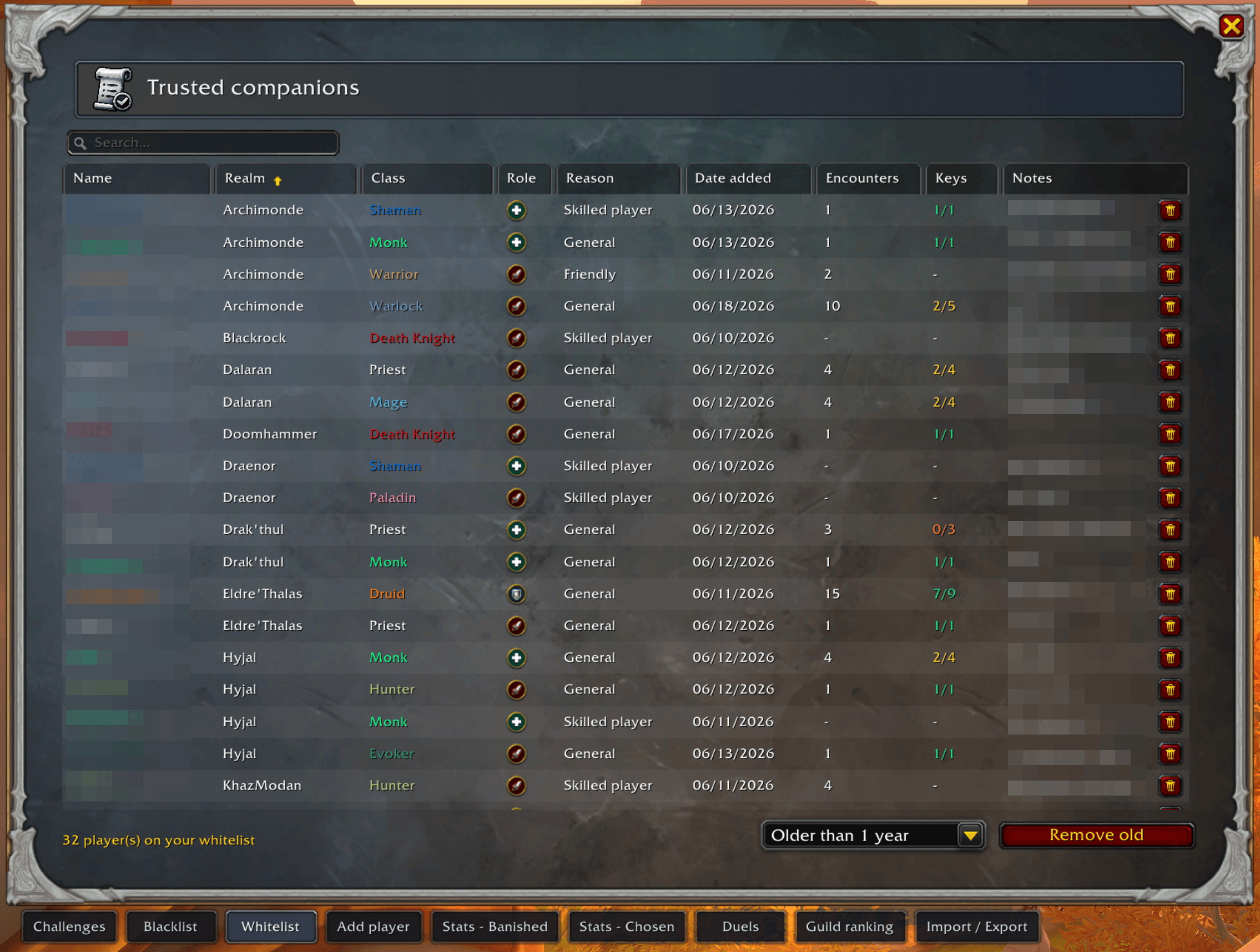
Your list of recommended players: name, class, role, reason, note, and how many times you've grouped together. Sortable, searchable, editable in one click.
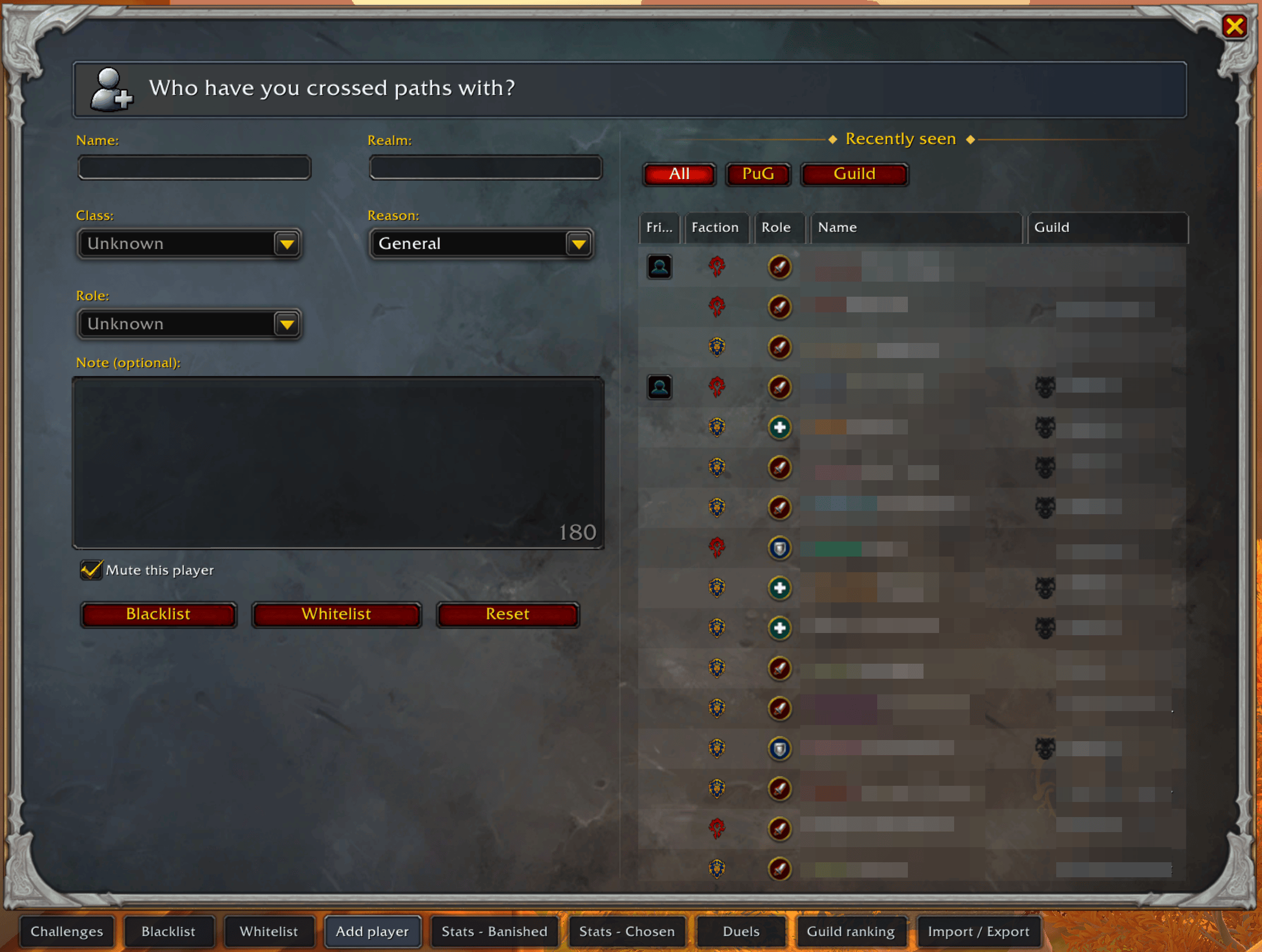
Recommend or blacklist players faster
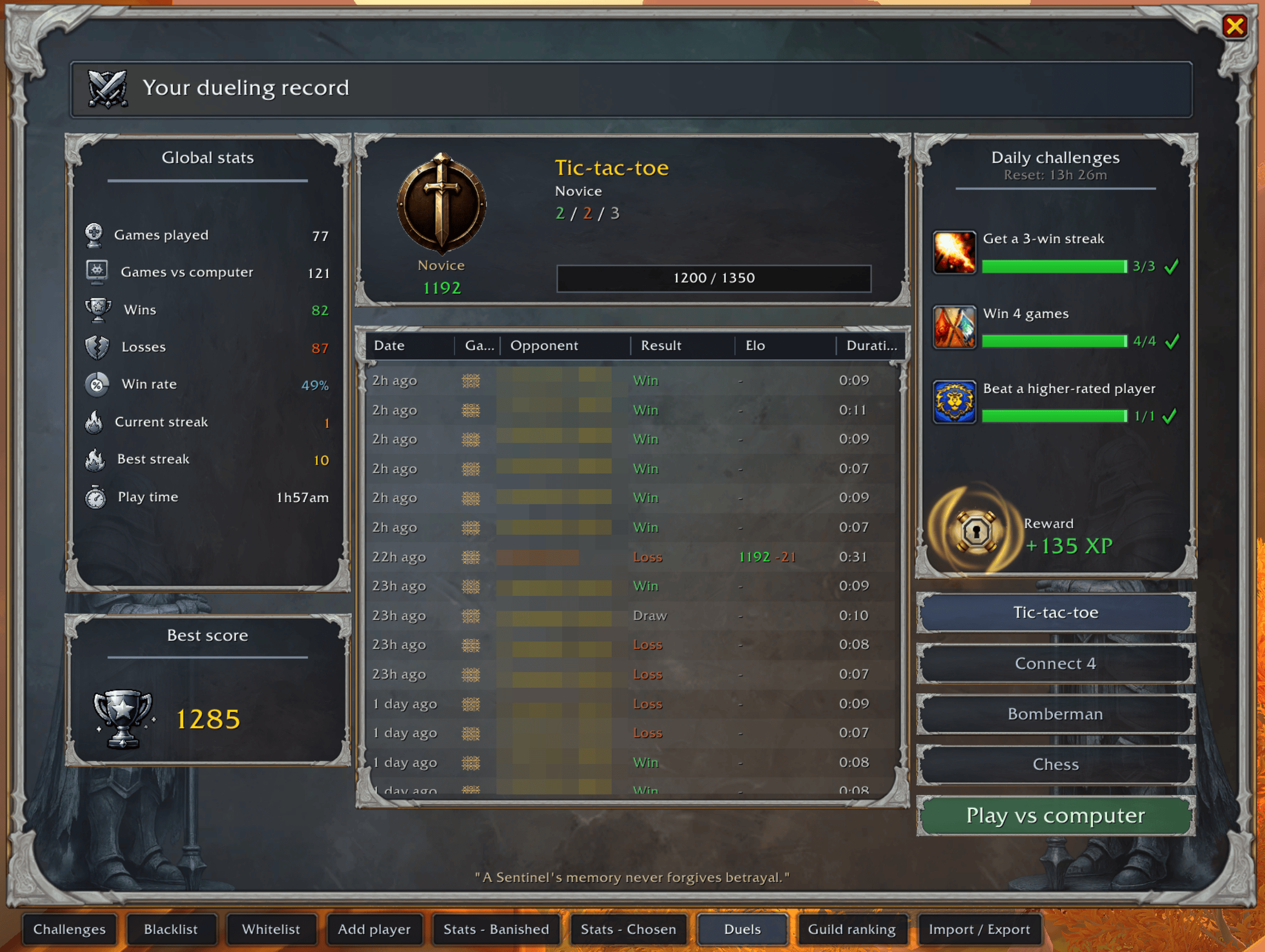
Turn any downtime into a duel right-click a player, pick Tic-tac-toe or Connect 4, and let the Elo ladder decide who's best.
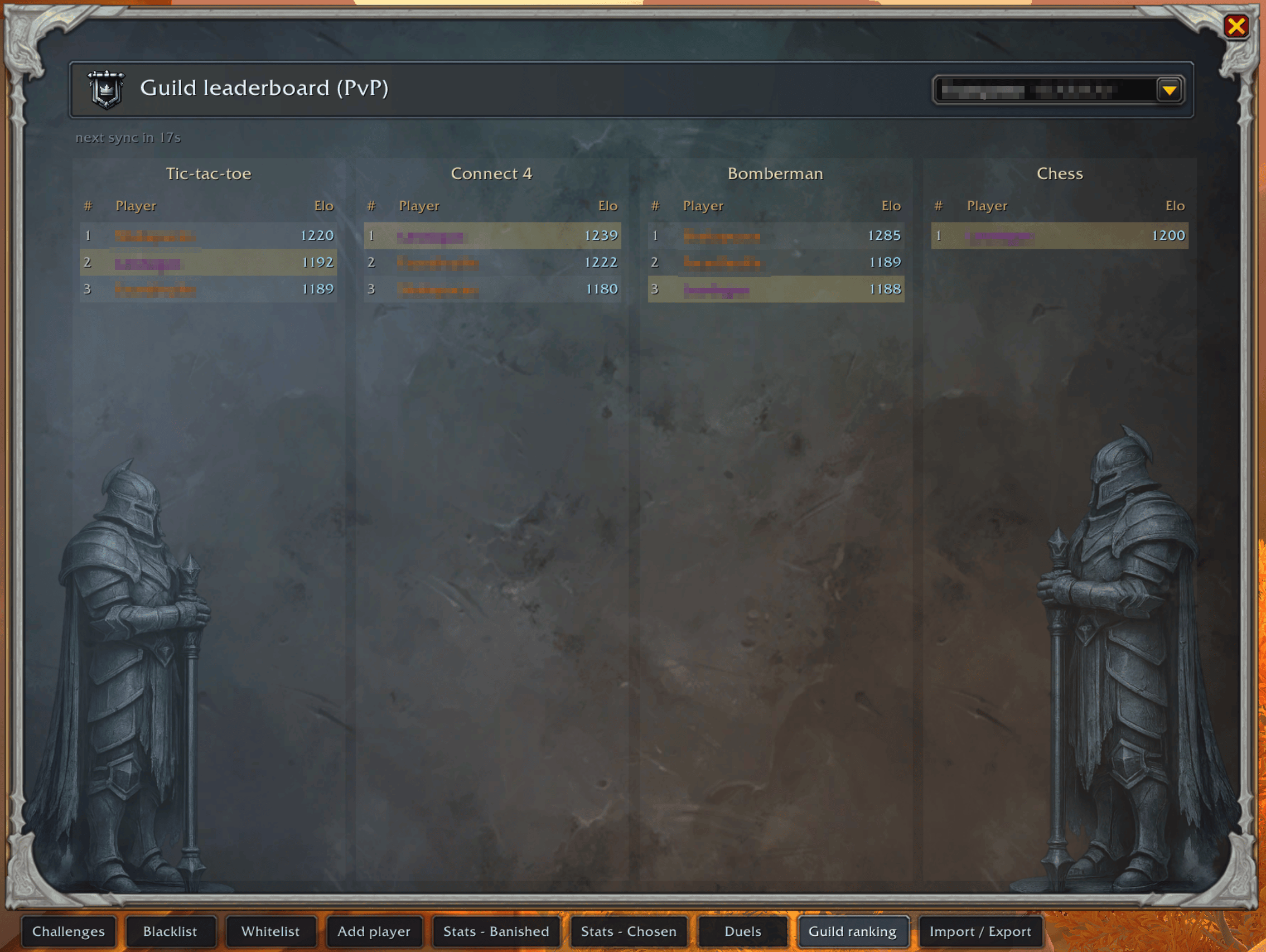
Challenge your guild members and show off your ELO on the leaderboard
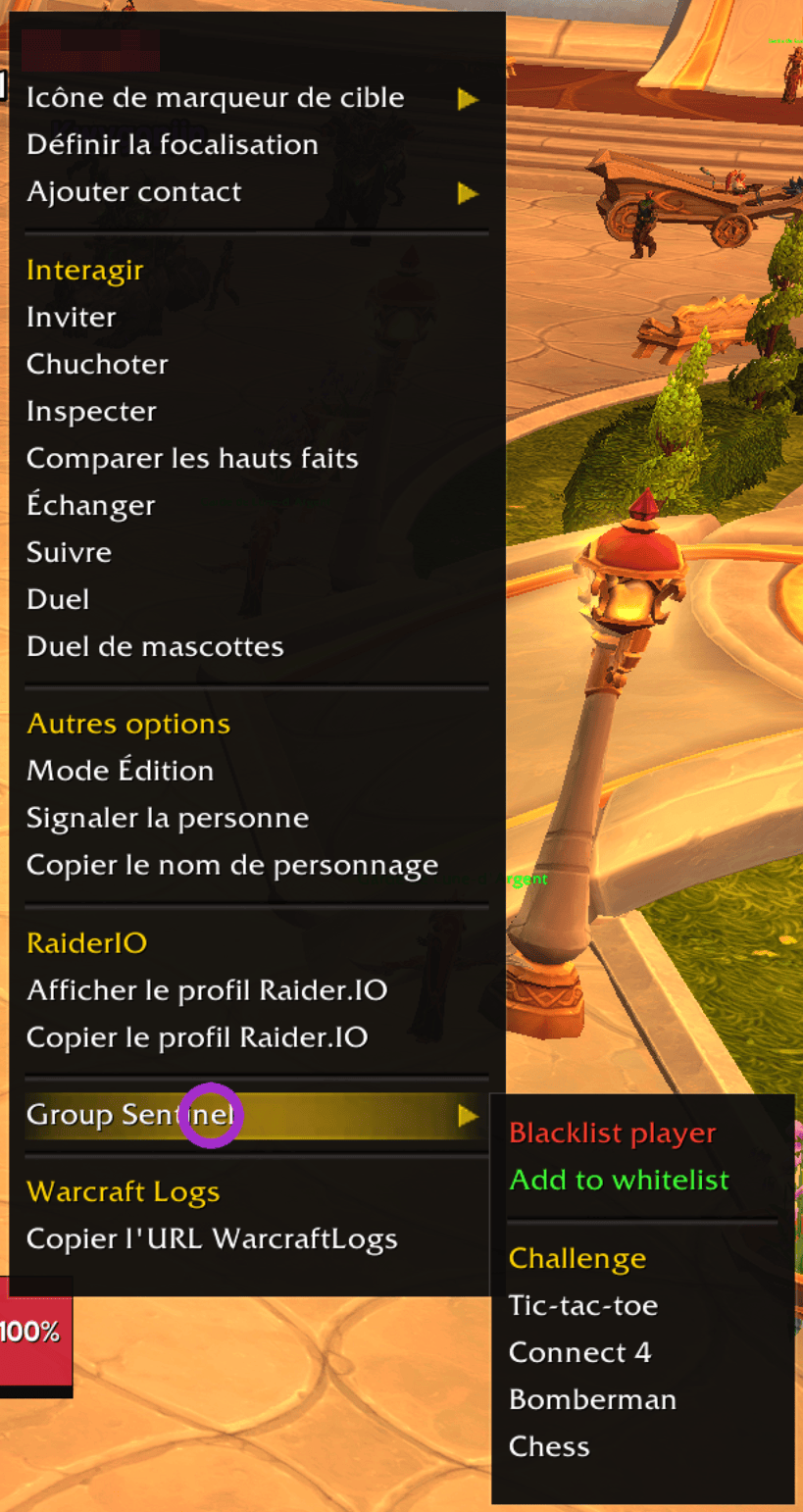
Shortcut to ban/whitelist or challenge players
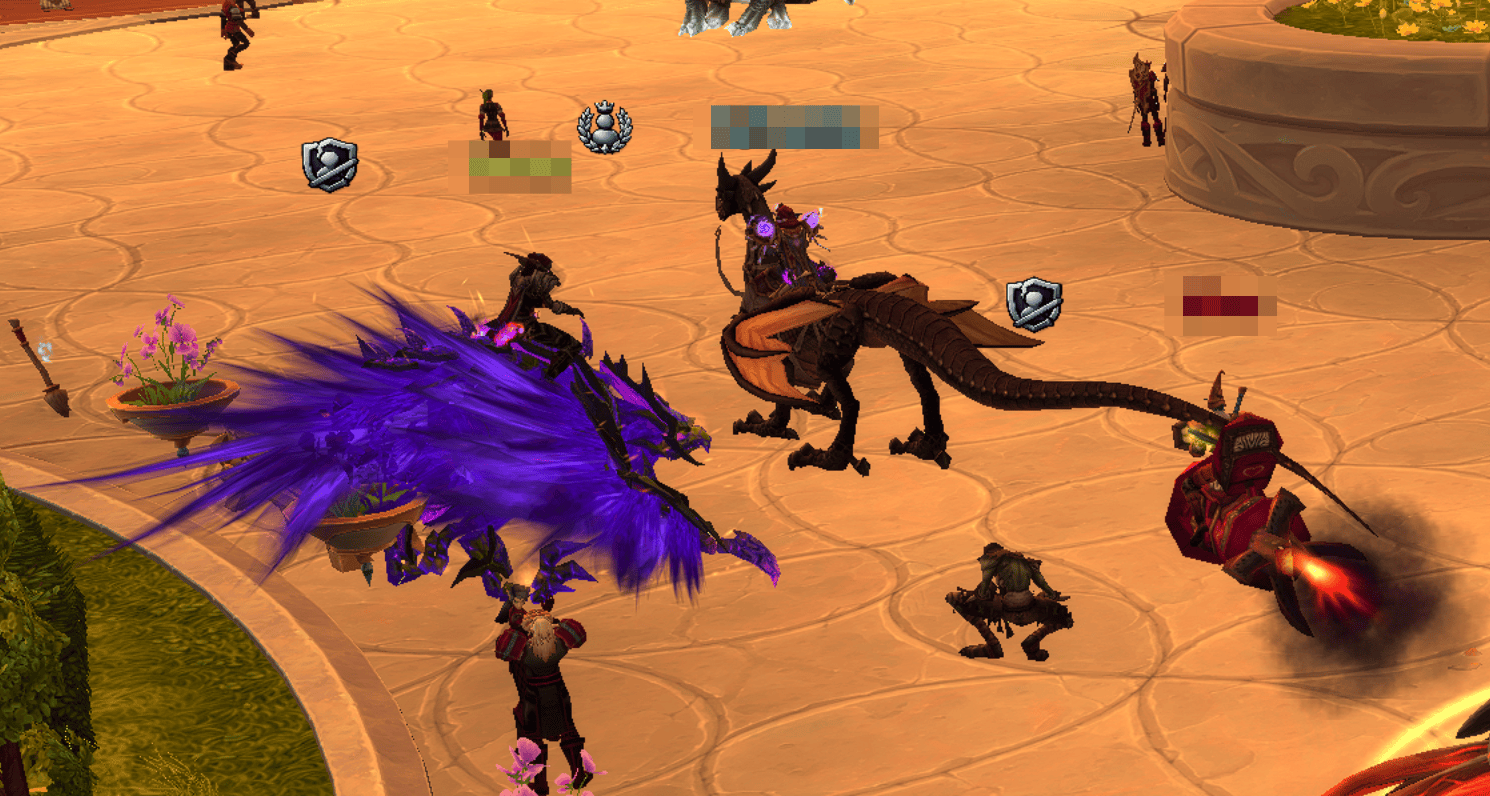
Blacklisted and recommanded players are tagged right on their nameplate simply sign, so you spot them instantly in the open world and cities. No need to open any window. The marker can be turned off in Settings.
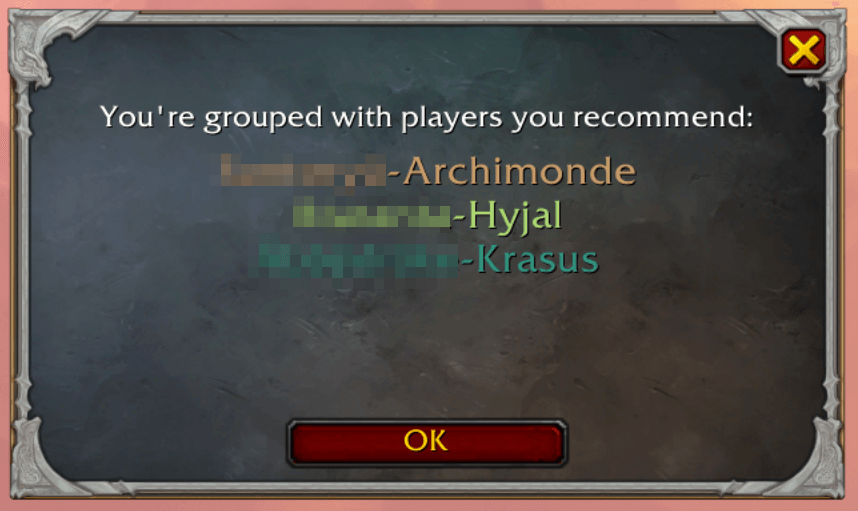
A celebratory window with a level-up chime when you group with players you recommend. It lists everyone at once ("You're grouped with players you recommend:") so several good players never spam you — just one friendly heads-up, dismissed with OK.
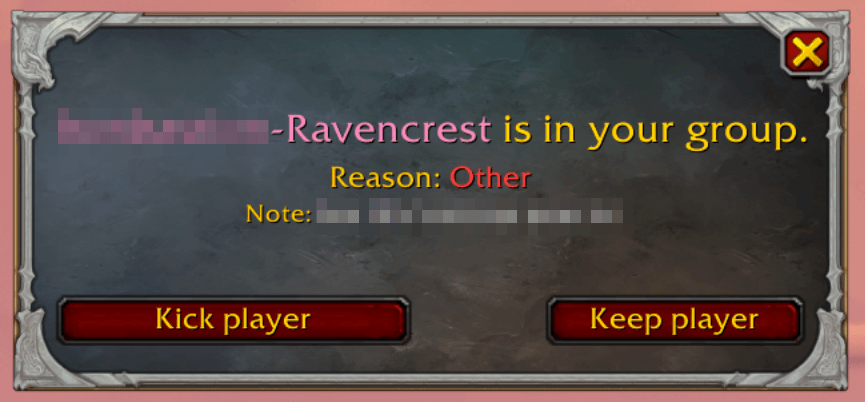
The same warning, but since you lead the group it offers Kick player or Keep player instead of leaving yourself. Any whisper sent stays generic.
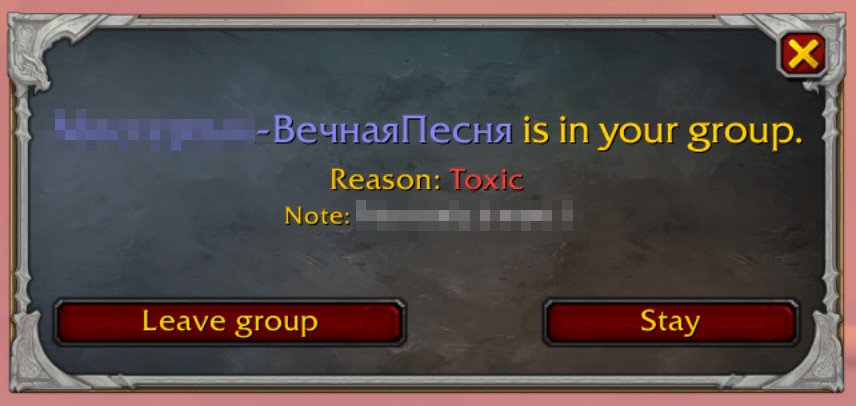
Pops up when you join a group with someone on your reminders list. It shows their name, the reason and your note, and lets you Leave group or Stay — your call. (Title in-game: "Blacklisted player detected".)
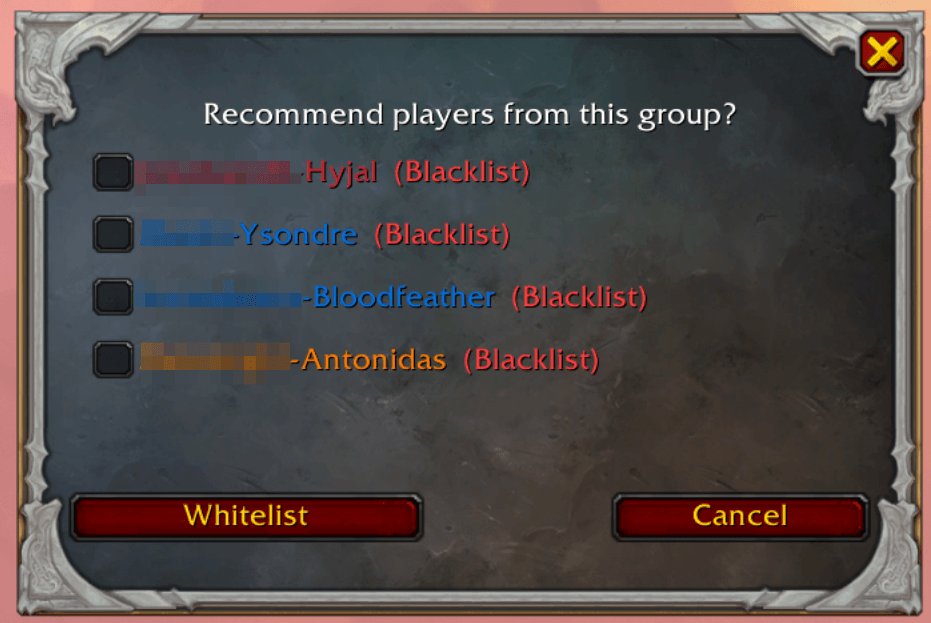
Remember the good players
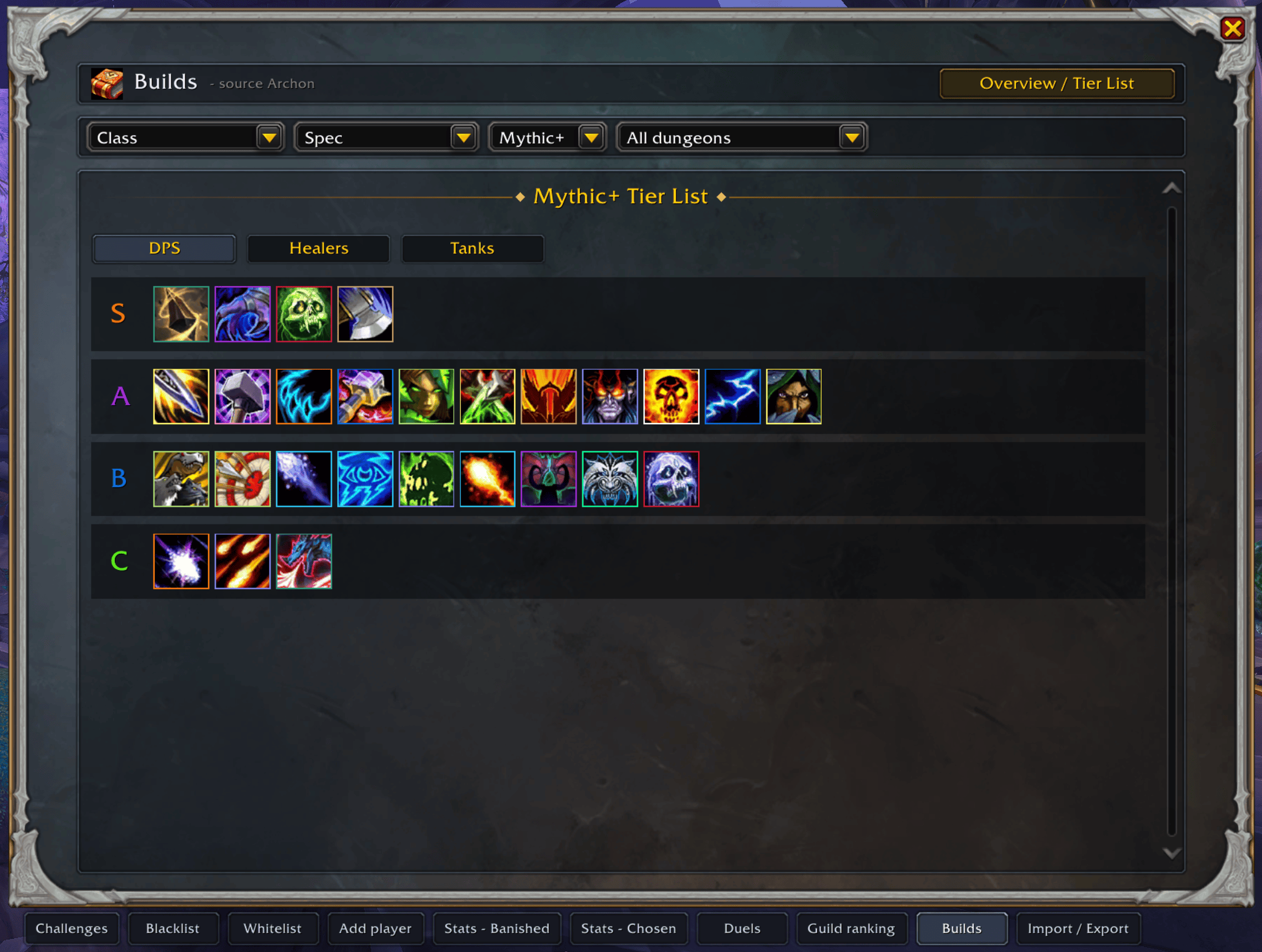
Tiers list per role
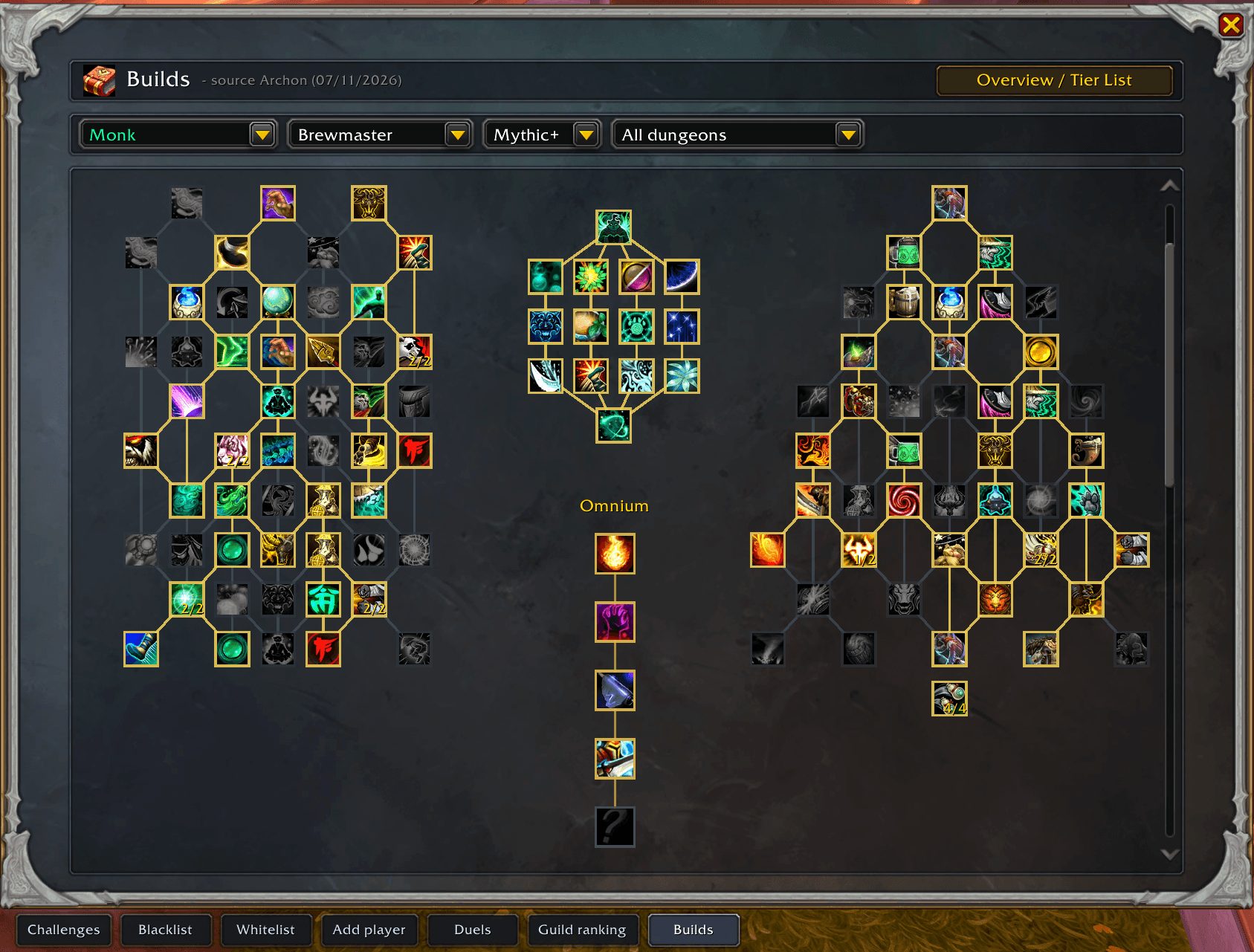
M+ : Talents and Omnium spell from logs (Archon)
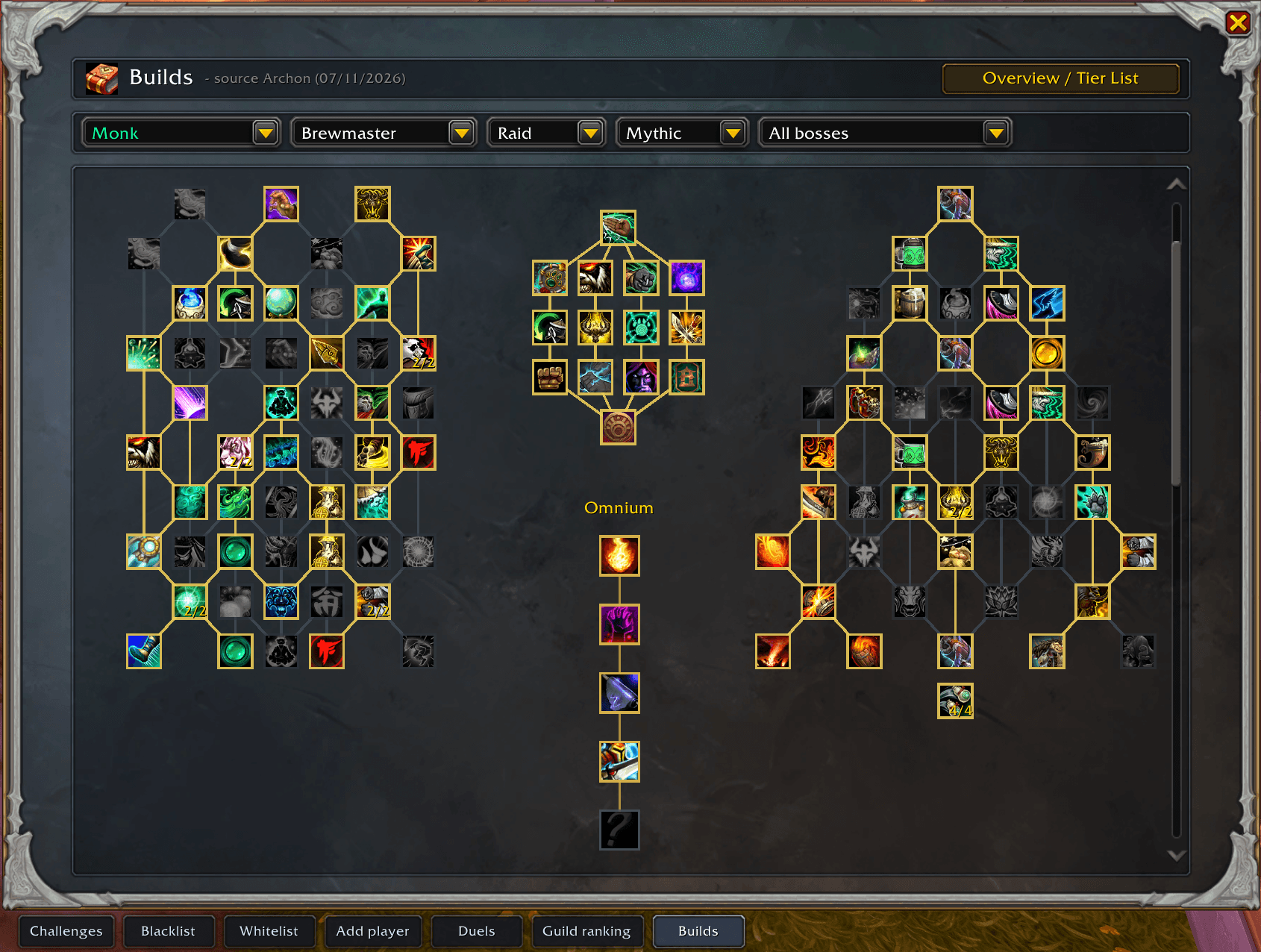
Raids : Talents and Omnium spell from logs (Archon)
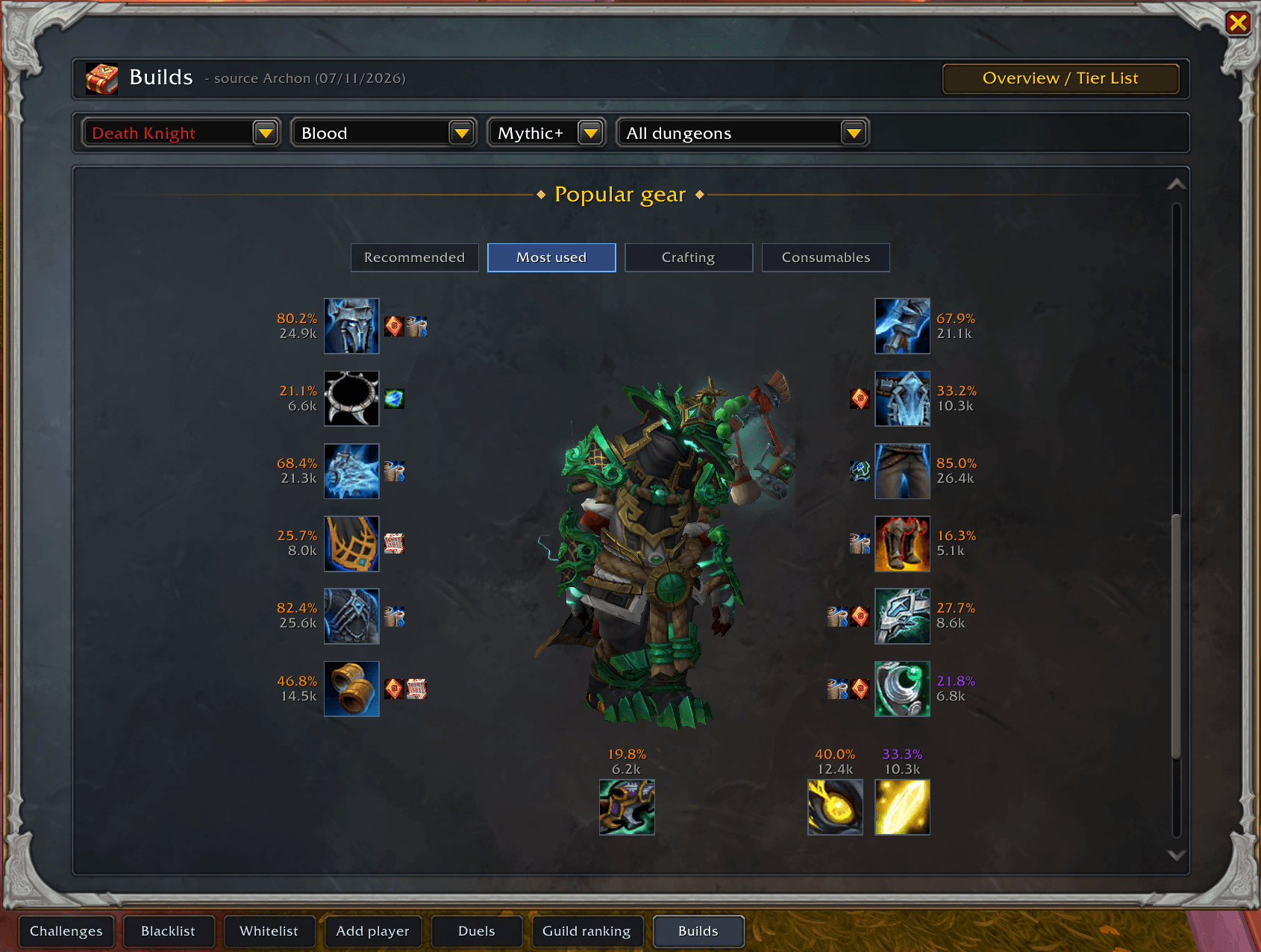
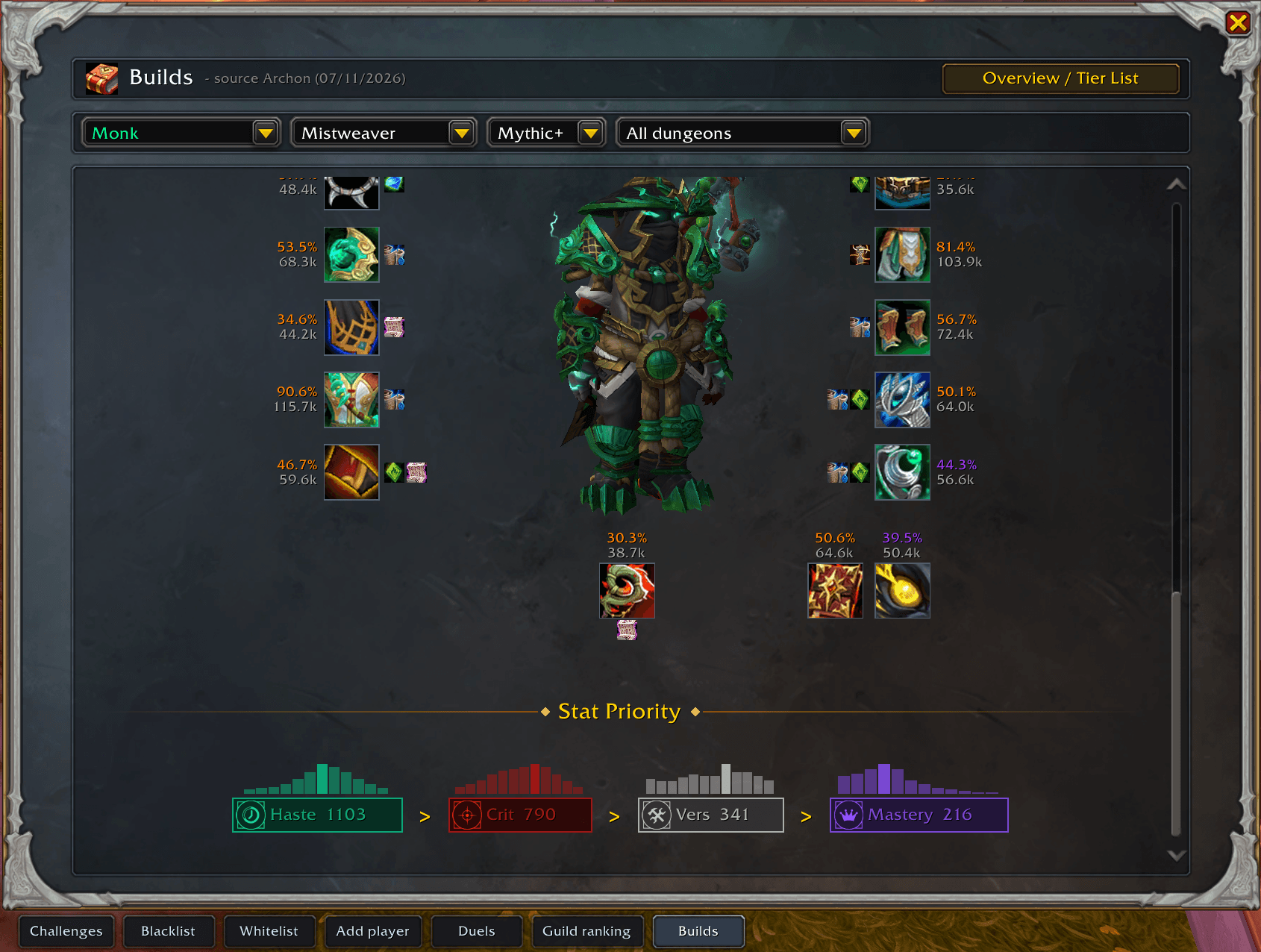
Bis and popular gears from logs (Archon)
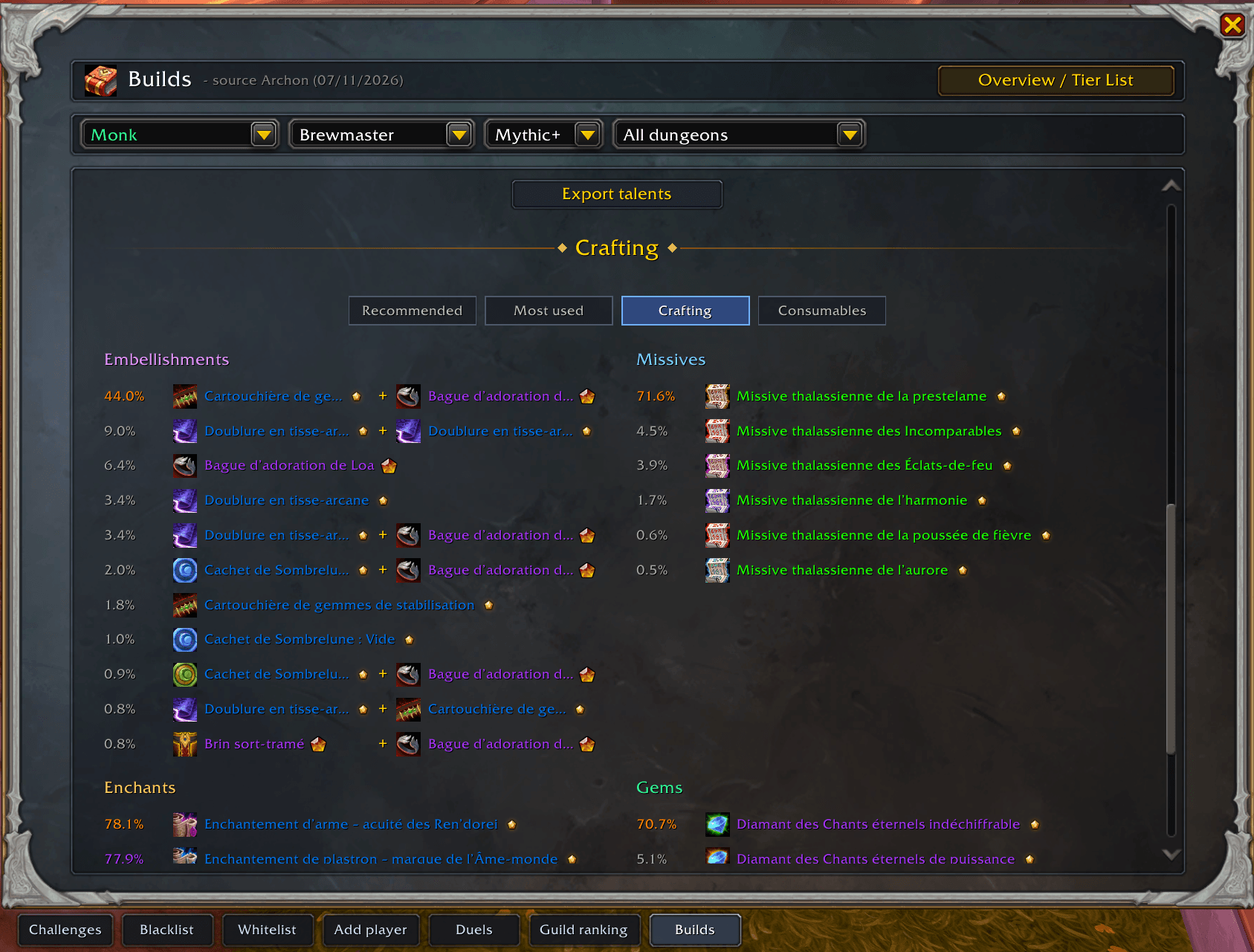
Components items for craft from logs (Archon)
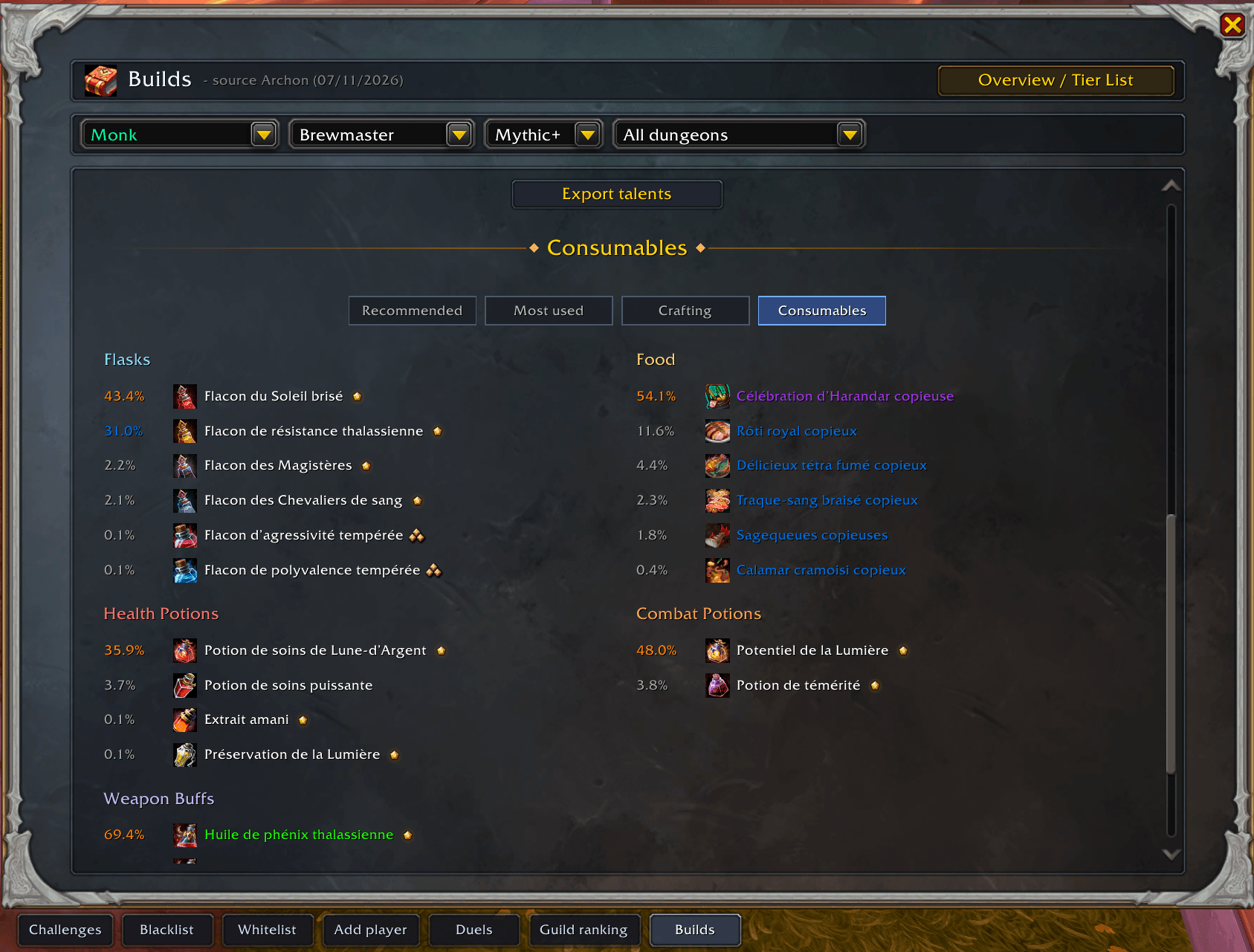
Consumables from logs (Archon)
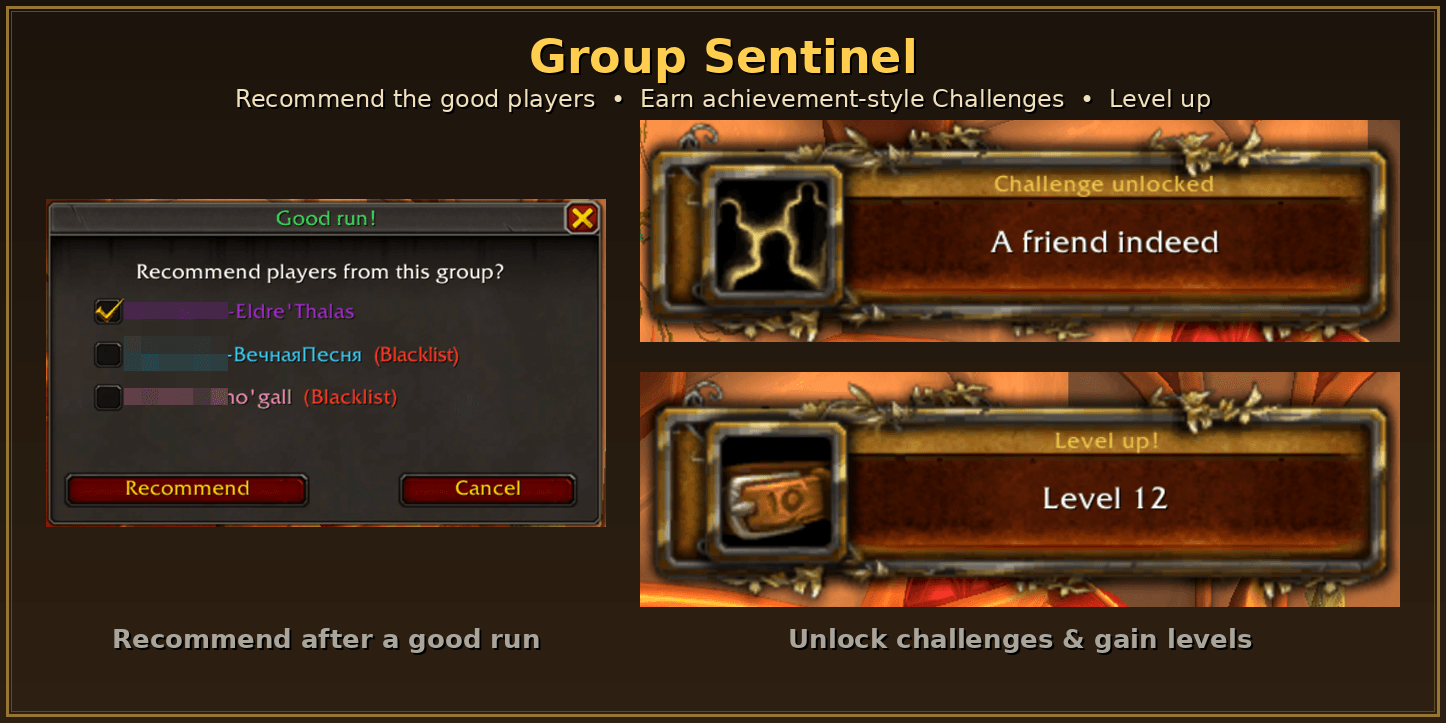
Remember the good players, earn achievement-style Challenges, and watch your level climb.
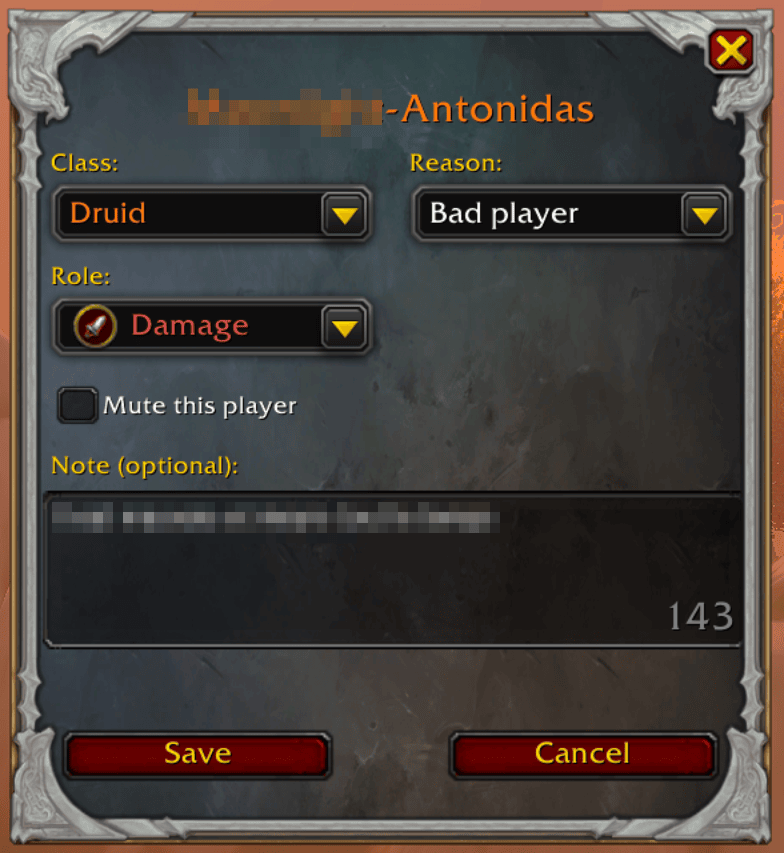
Add and edit entry
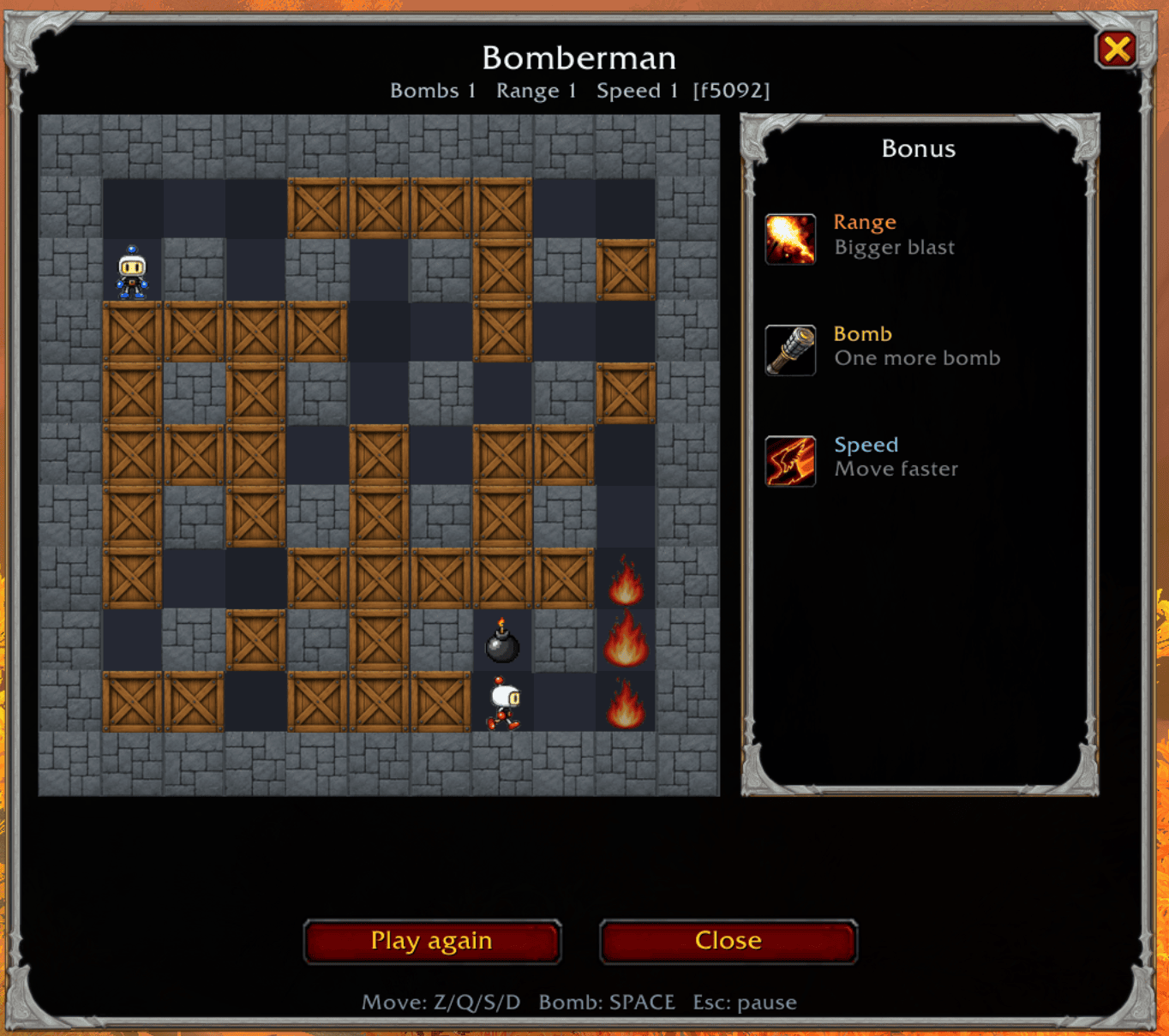
You can play with your friend or AI mini games
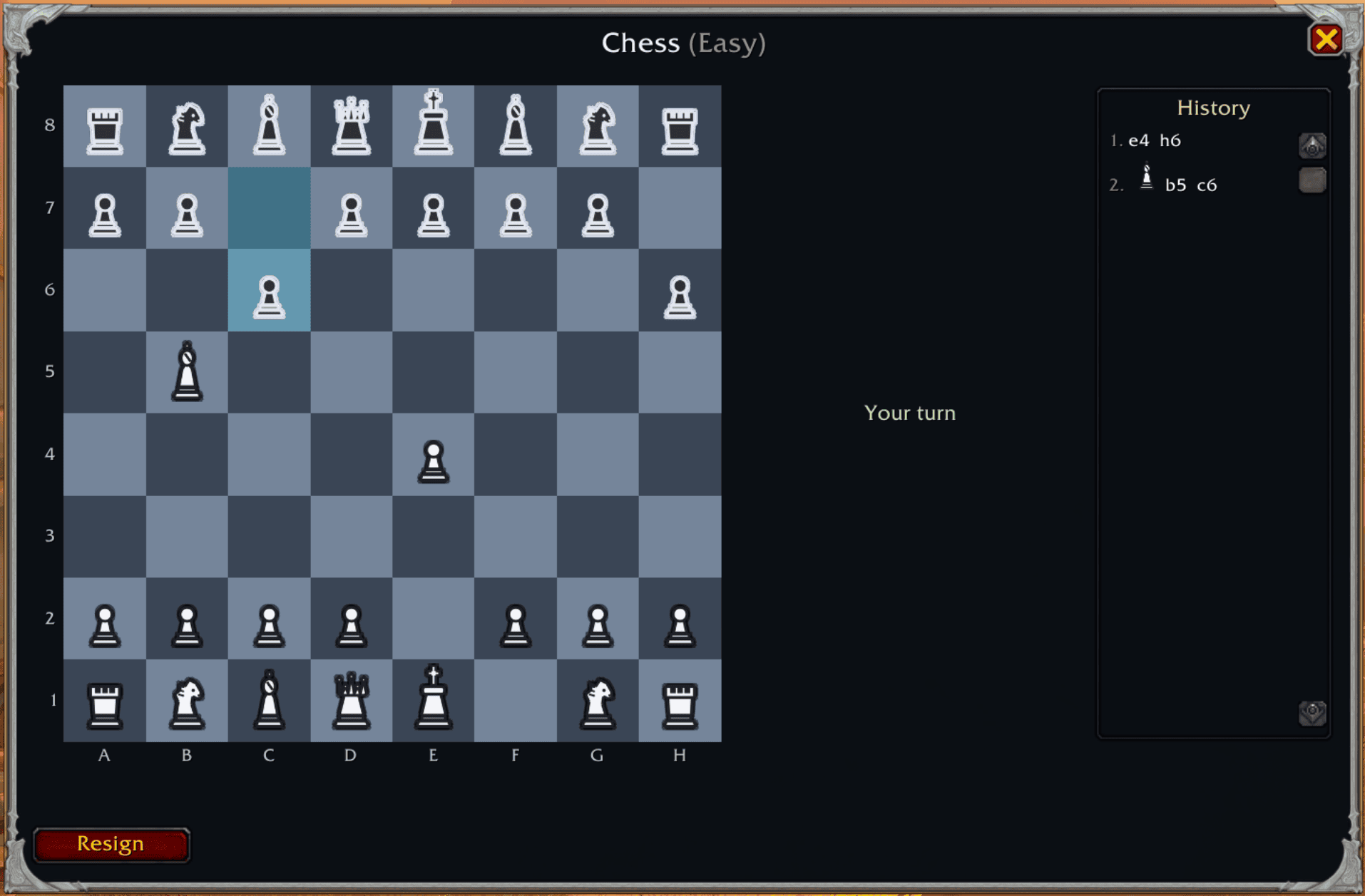
You can play with your friend or AI mini games
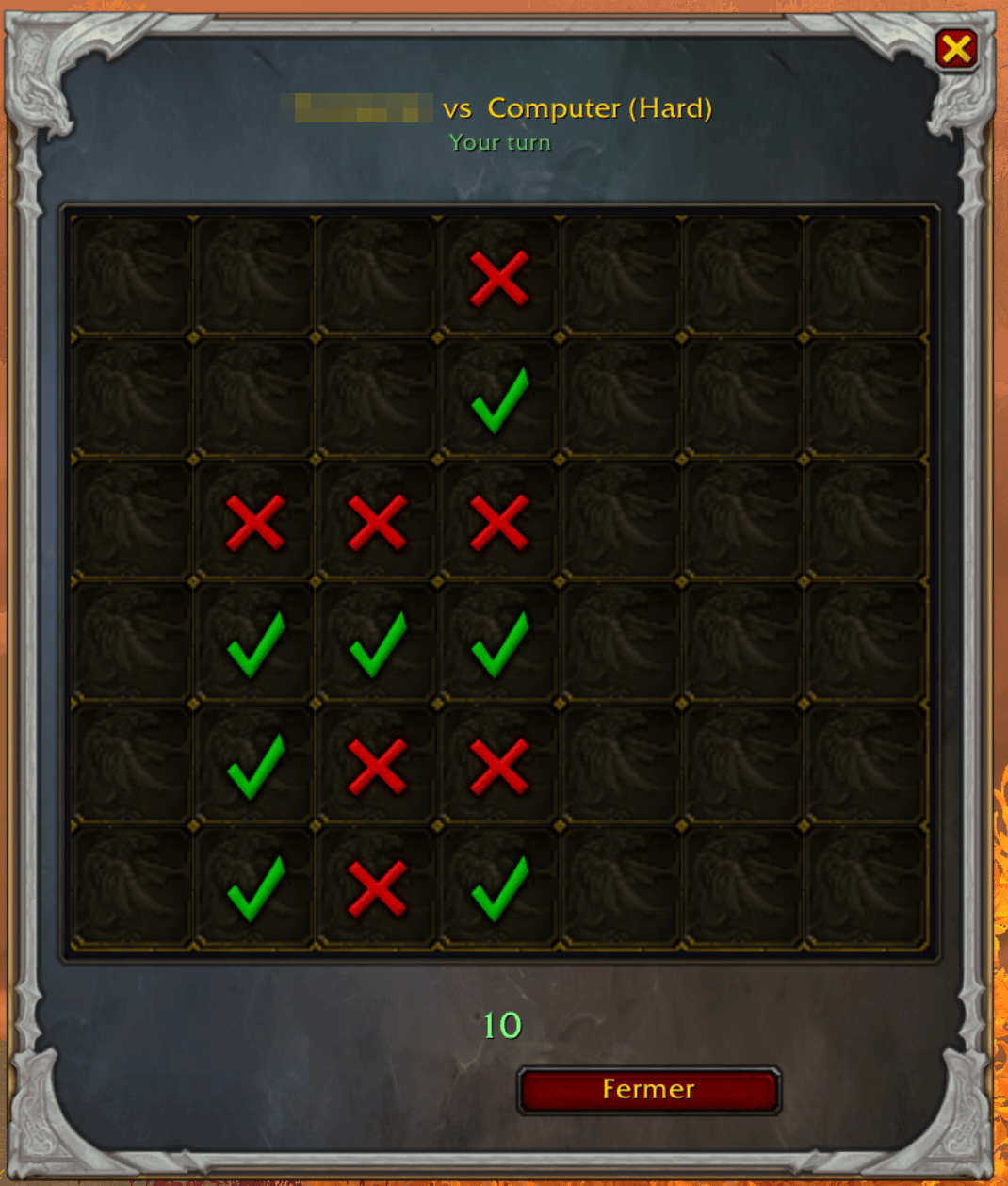
You can play with your friend or AI mini games
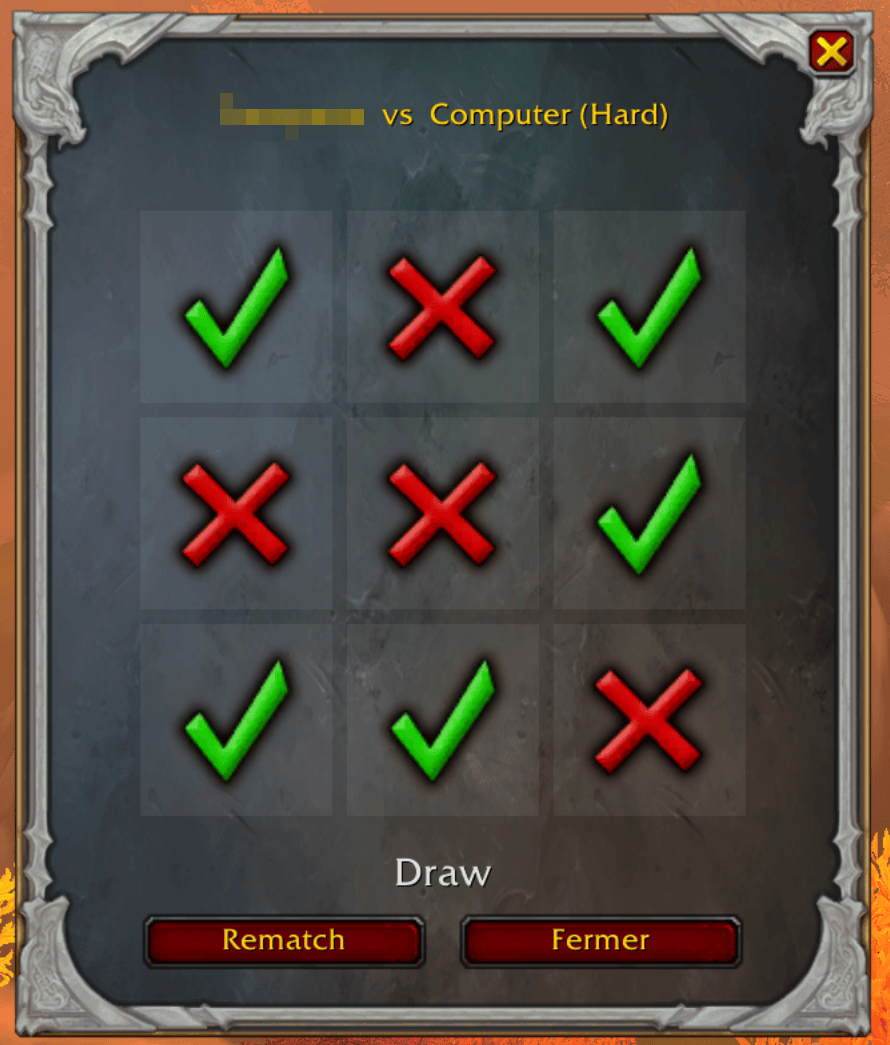
You can play with your friend or AI mini games
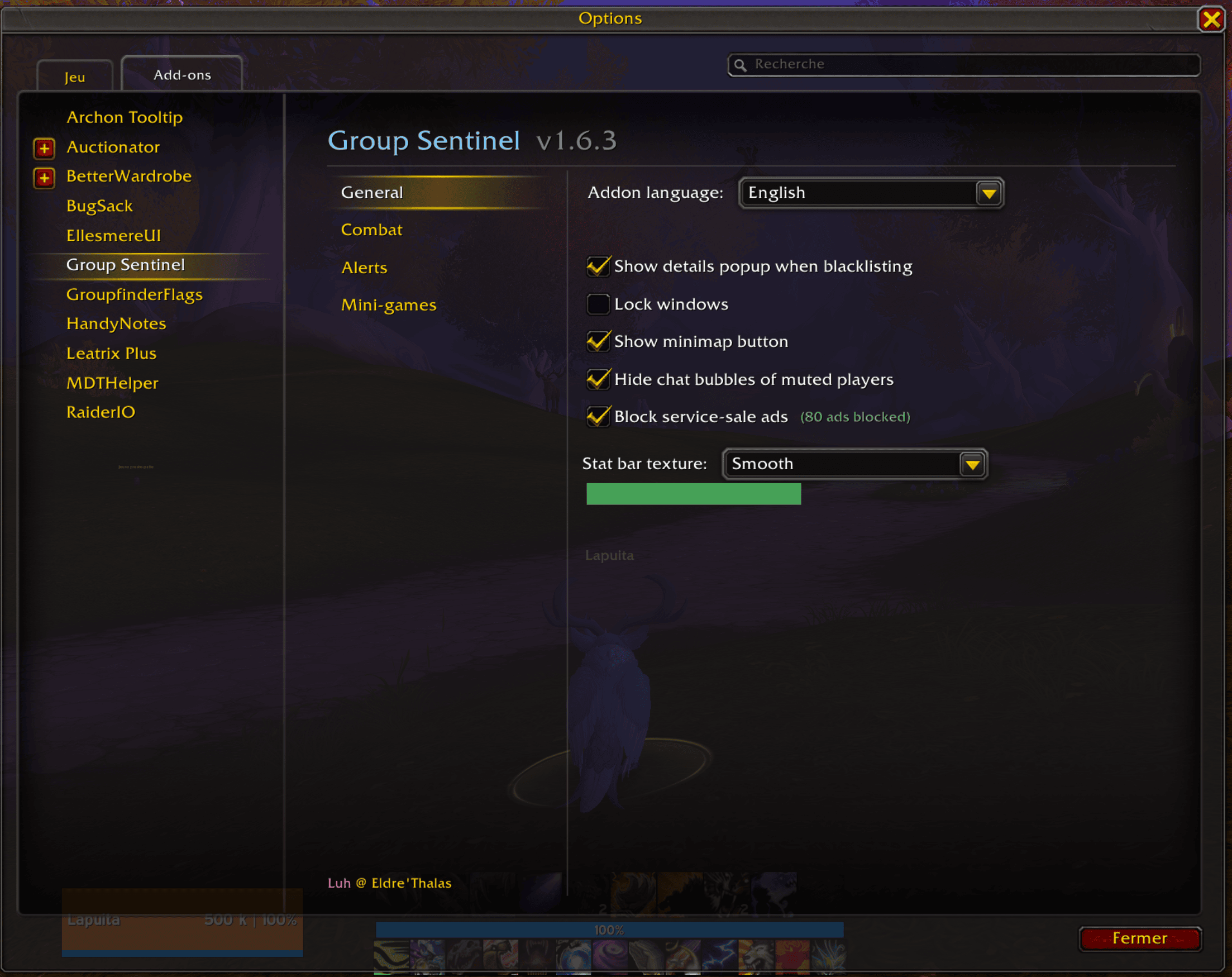
Core options: show the details window when adding, minimap button, lock windows, language, and hide chat bubbles for muted players.
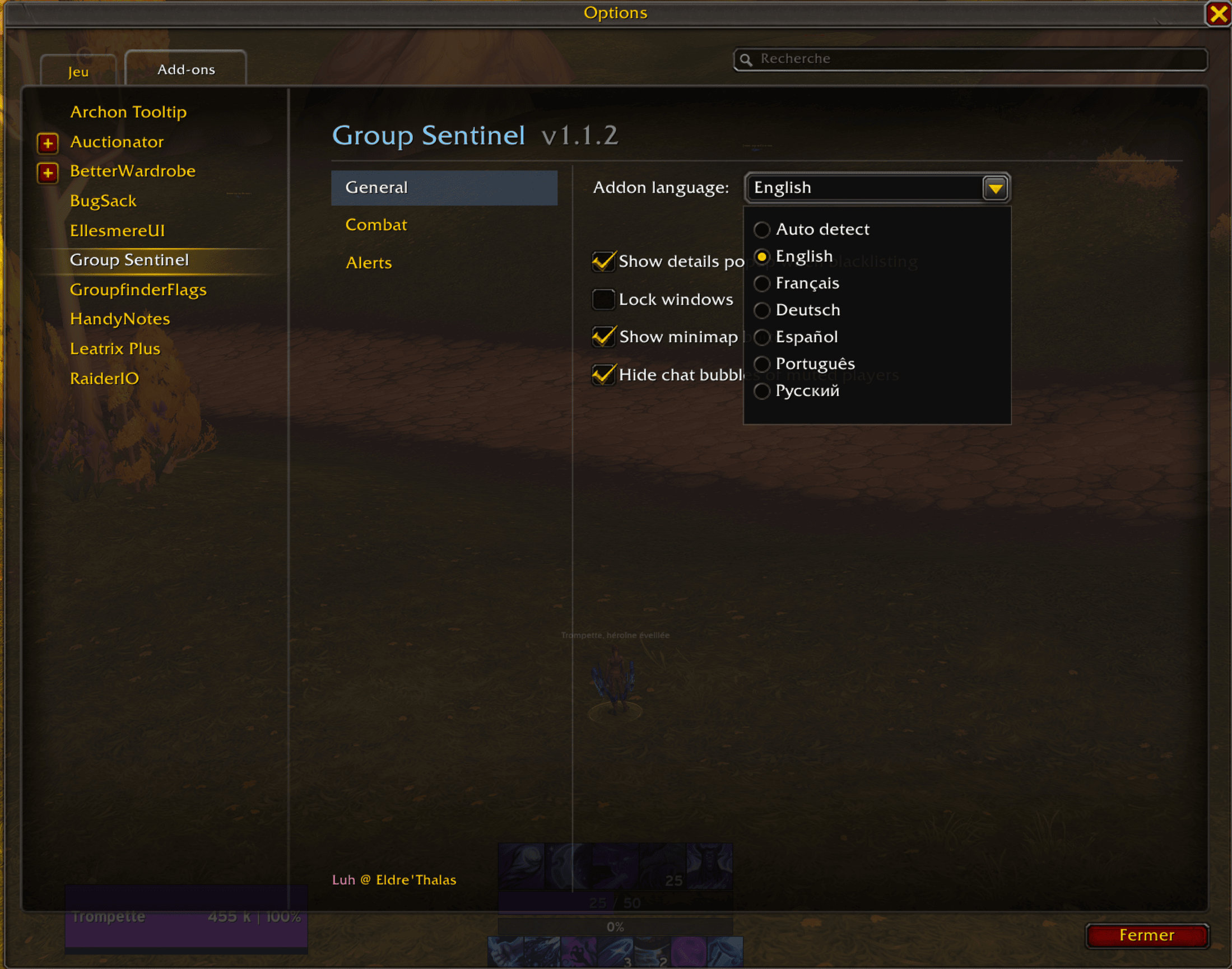
Core options: show the details window when adding, minimap button, lock windows, language, and hide chat bubbles for muted players.
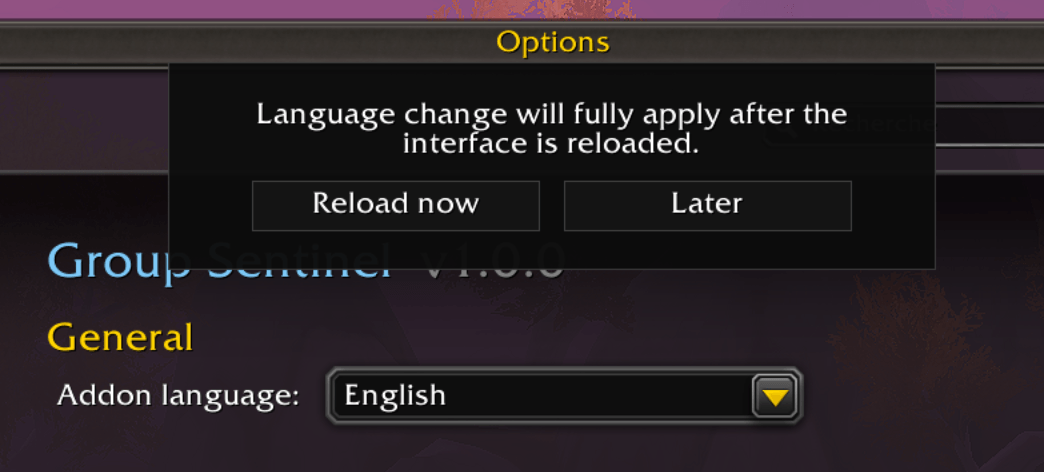
Use auto detect or change your language in-game
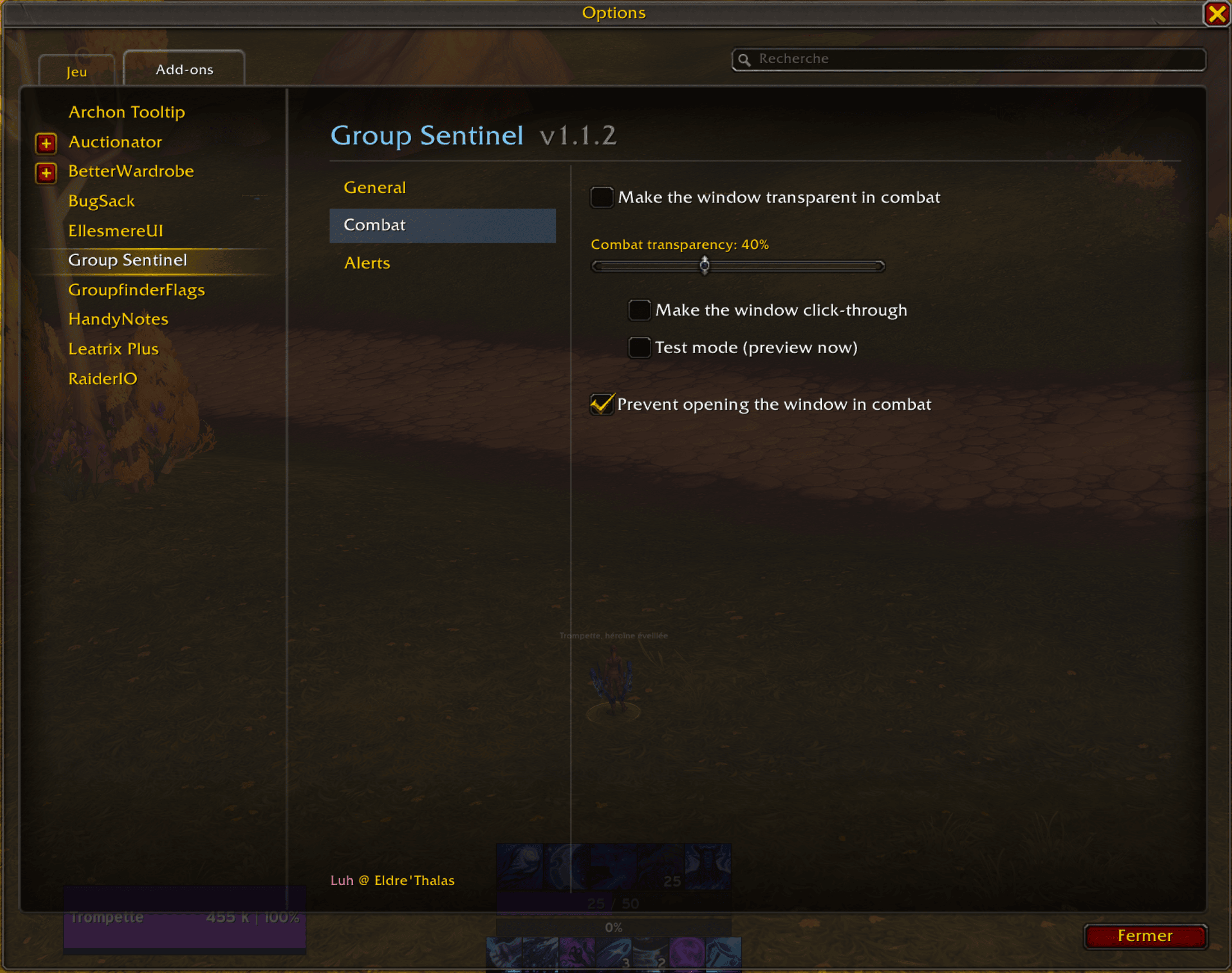
Window behavior in combat: transparency, click-through (clicks pass through), block opening, transparency strength, and a test preview.
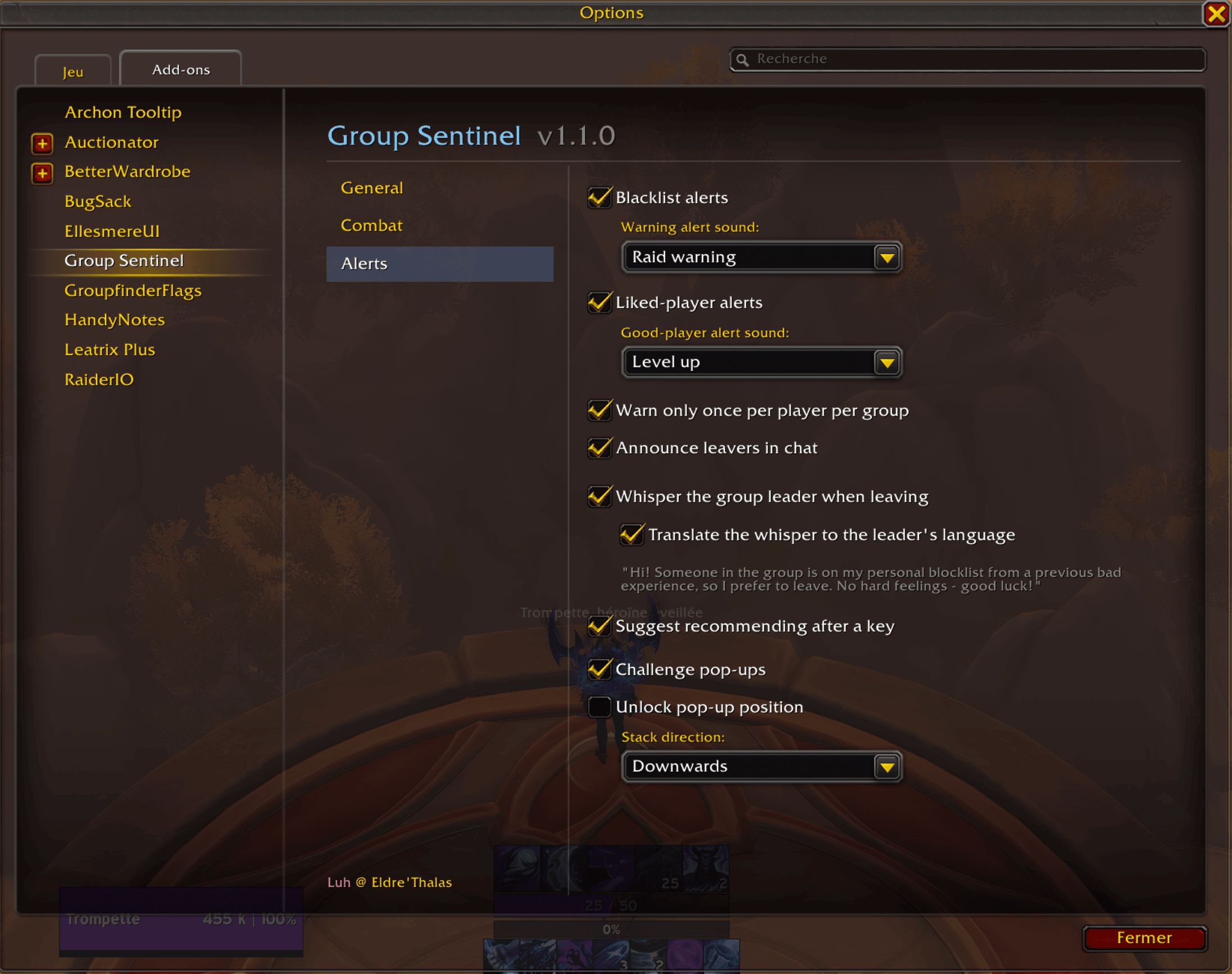
Toggle liked-player alerts and blacklist alerts independently, warn only once per player per group, announce Mythic+ leavers, and whisper (optionally translated) the group leader when you leave.