GroundFx
- By
Customize grass and vegetation visuals with three simple controls. Lightweight, Blizzard-style interface with English and Spanish localization.
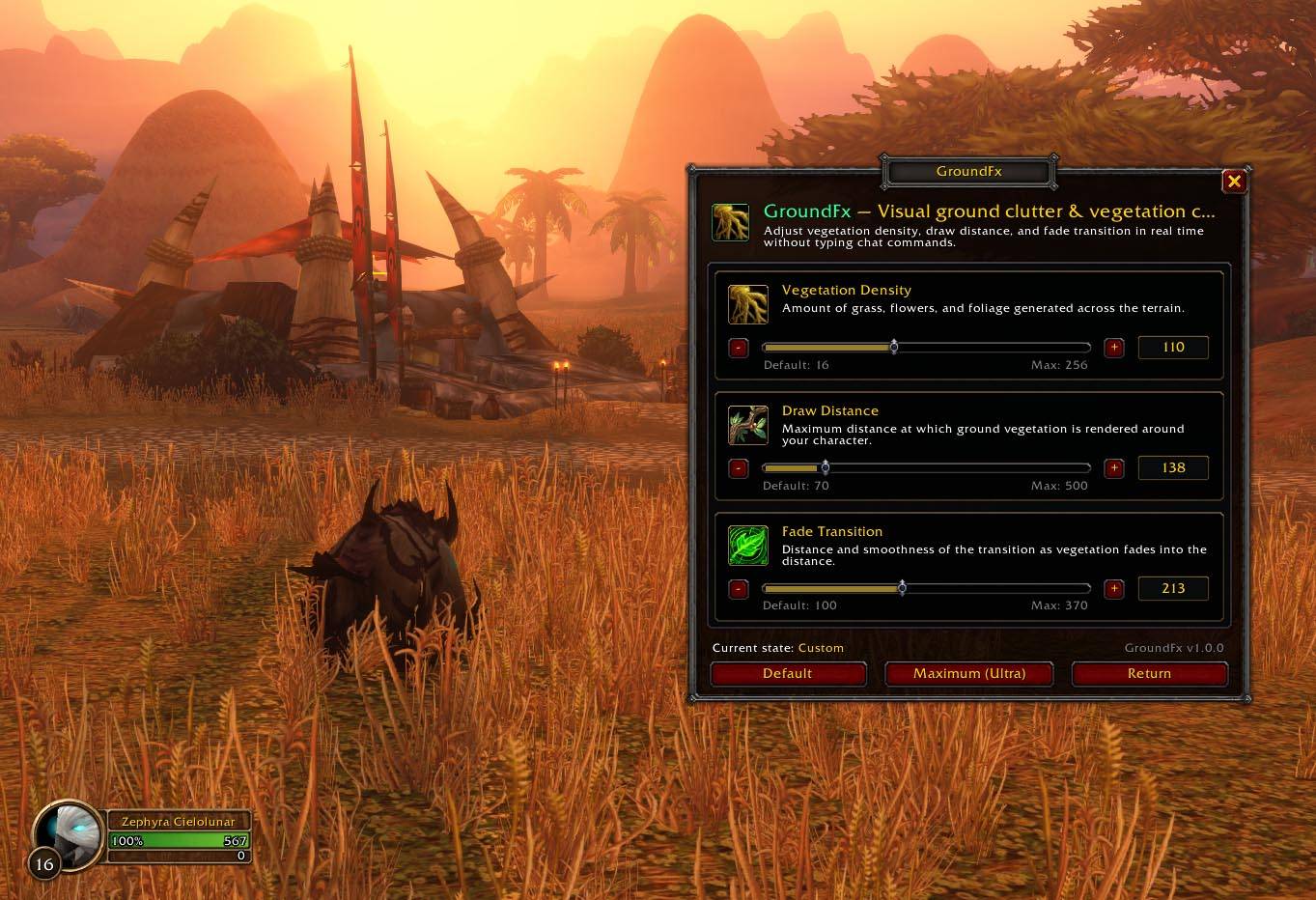
Controls
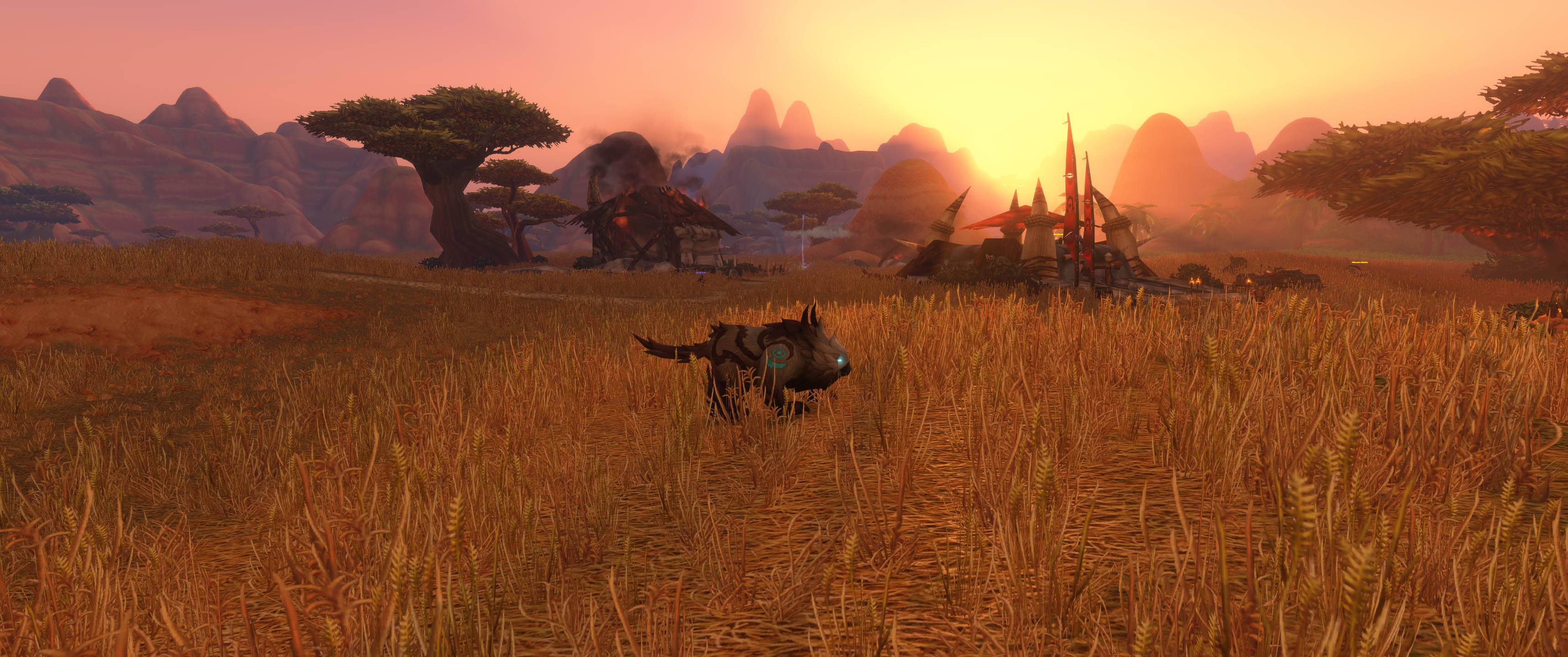
Image04.jpg
Description
GroundFx
GroundFX gives players control over grass and vegetation rendering through three simple sliders. Designed for WoW Forever, it features a lightweight footprint, Blizzard-style interface, compatibility with MinimapButtonButton, and full localization for English and Spanish (Spain).
How to open it
- Type
/groundfxor/gfx - For the best experience, open the options by clicking the minimap icon.
Commands
| Command | Accepted Aliases | Description |
|---|---|---|
/gfx or /groundfx |
/gfx open, /gfx config |
Opens or closes the visual control window. |
/gfx max |
/gfx ultra |
Sets all 3 controls to maximum quality (256 / 500 / 370). |
/gfx reset |
/gfx default |
Restores all 3 controls to the default values (16 / 70 / 100). |
/gfx es |
/gfx eses |
Switches the addon language to Spanish (esES). |
/gfx en |
/gfx enen, /gfx enus |
Switches the addon language to English (enEN). |
/gfx help |
(any other text) | Displays the list of available commands in the chat. |
GroundFx Team