GnomeLevelUp
- By
Panels.jpg
Discord_UaQ8e5uvmD.gif
Description
GnomeLevelUp
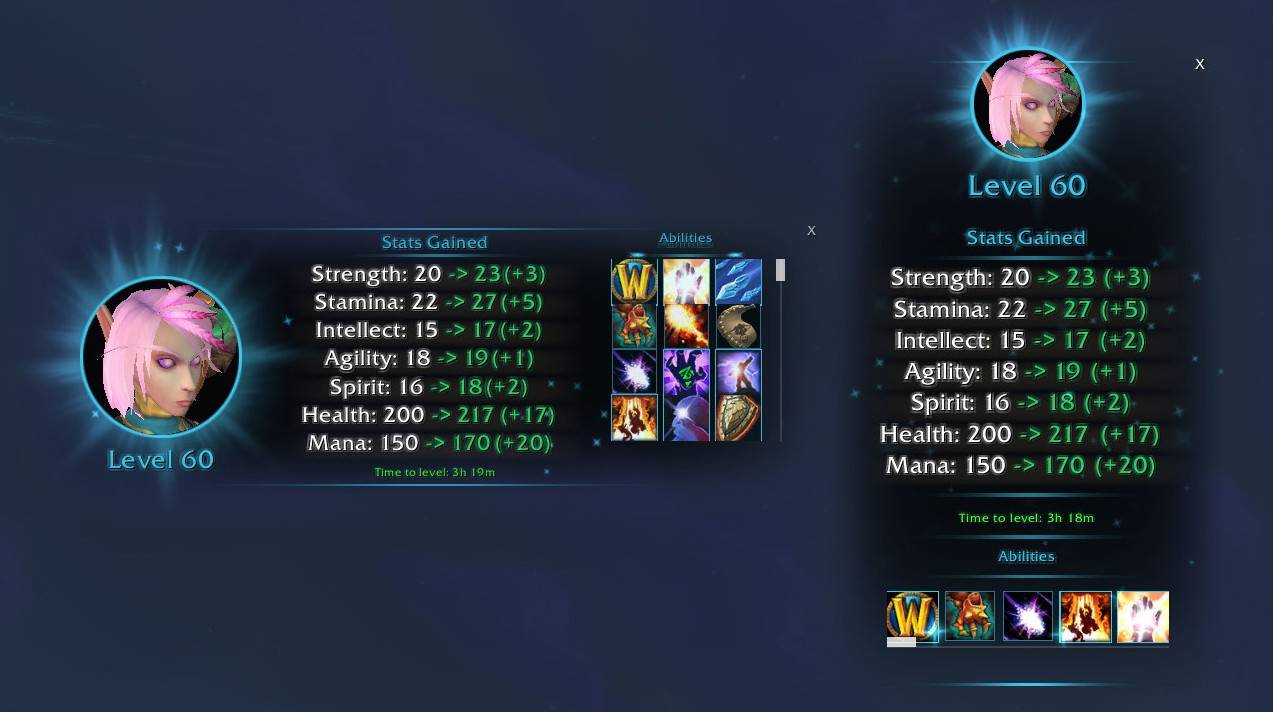
A new fancy level-up screen inspired by other RPGs! See your stat gains, check which trainer abilities you still need to learn, and more!!
A quick note: I'm super thankful for all the support my first lil addon got during the WoWForever beta. The current state of it is almost indistinguishable from the sloppy version I released back in early October, and that's thanks to the support and suggestions I got in that time!
I realize the new version might be too animated for some, so if that's you make sure you enable Classic Mode in the first time setup. That'll disable all the new animations and fancier effects!
Features
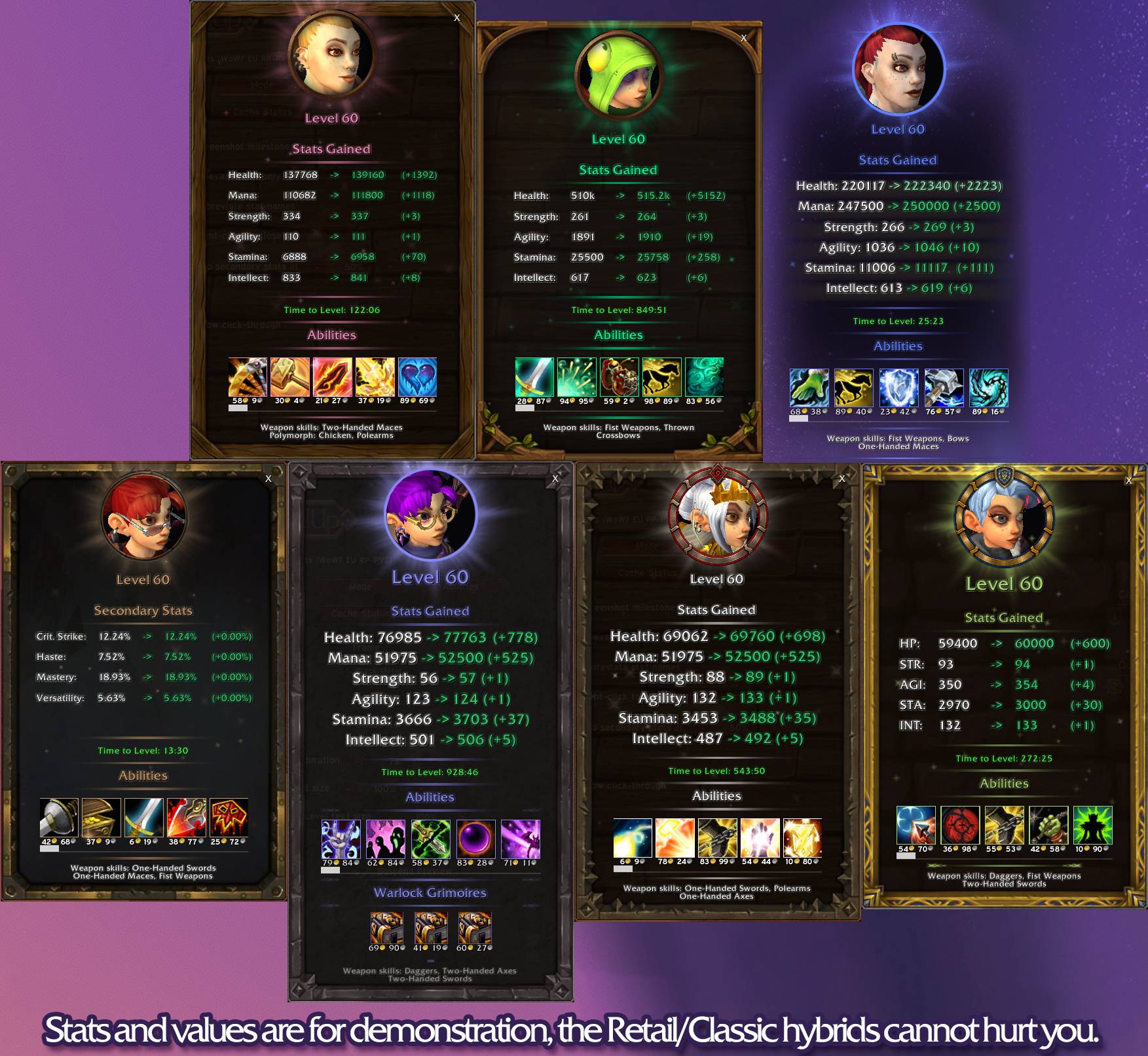
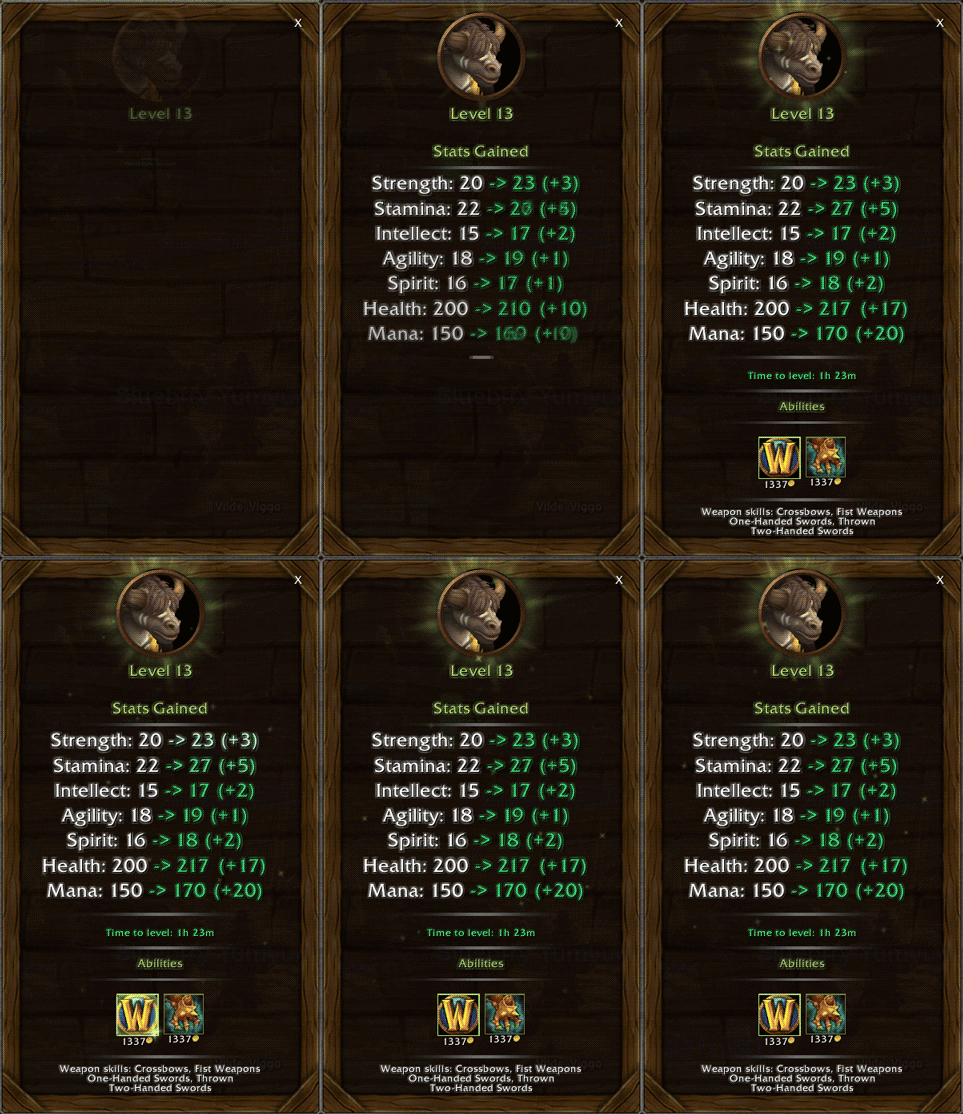
- Stat gains: Shows your old and new values for stats that increased.
- Trainer abilities: Displays unlearned abilities as spell icons with tooltips and prices.
- Weapon skills: Lists unlearned weapon proficiencies on a separate line.
- Time Played: Shows your time played this past level and records your best runs!
- Lists new Grimoires unlocked this level for Warlocks and Pet Skills for Hunters!
- 7 themes to choose from: Modern (now redesigned!), Wood, Trellis, Metal, Gnomeregan, Alliance and Horde!
- Vertical, Compact and Horizontal display modes!
- Fully customizable: Almost every element of GLU can be customized. Backgrounds, frames, fonts, animations, timing and more!
- New 3D Portrait mode! (Thanks to 3Zeah for this method!)
- New animated elements and milestone animations! And a Classic Mode toggle for those who want something less flashy!
- Choose from built in sounds or add your own!
- Dedicated controller mode/controller options menu!
- Translations for all officially supported Forever languages! (Note: Only French and Spanish are hand translated, other languages are machine translations.)
How to Use:
On first load you'll be presented with some basic customization choices, once you're set up you can use /glu test to preview the screen without leveling up. Open the options menu throuugh /glu options or the addon control panel to see even more customization.
Previous versions required a manual trainer scan but post 1.4.0 we're shipping with a full library of skills. The trainer scan will still occur the first time you visit a new trainer after a patch, but it is not needed for basic functionality.
If you're updating from an earlier version and having issues, please make sure to clear your trainer cache with /glu cleartraining, then visit your trainer again. This helps prevent conflicts between versions.
AI Disclaimer
I am still very new to LUA and used AI as a training tool and to help me debug and to suggest ways to build certain functions, AI was primarily initially used to help me write and understand the functions that allowed for spell book caching.
Any area of code in which AI was used I made sure to try and learn what the AI was doing and why, then quizzed myself on the functions later. A lot the AI's suggestions were outright thrown out, and I used only the free version of the agent to stop myself relying on it too much.
As it stands the addon is about 90/10 my code/AI code.
It was used much more early on but now is only used for optimization help and documentation because I still suck at that. Since rewriting the trainer cache system it's basically unrecognizable from the original addon where AI was used more.
No AI was used for any graphical assets, they're either taken directly from WoW, made by me, contributed or kitbashed from various other assets.
Made by Lessá – Argent Dawn EU.
Shout-outs:
Shadowhand for early testing, feedback and the locale system overhaul.
Alyssa for the Horde/Alliance rings
Rena and Molly for proof-reading the Spanish translation.
3Zeah for allowing me to use their workaround for circular 3d portraits!
The 60 Sky Elves who graciously got deleted while developing this addon.
GnomeLevelUp Team