Glimpse: KeybindsTooltip
- By
Shows the keyboard, mouse and click-cast bindings of spells, items and macros directly in their tooltips. An extension for Glimpse.
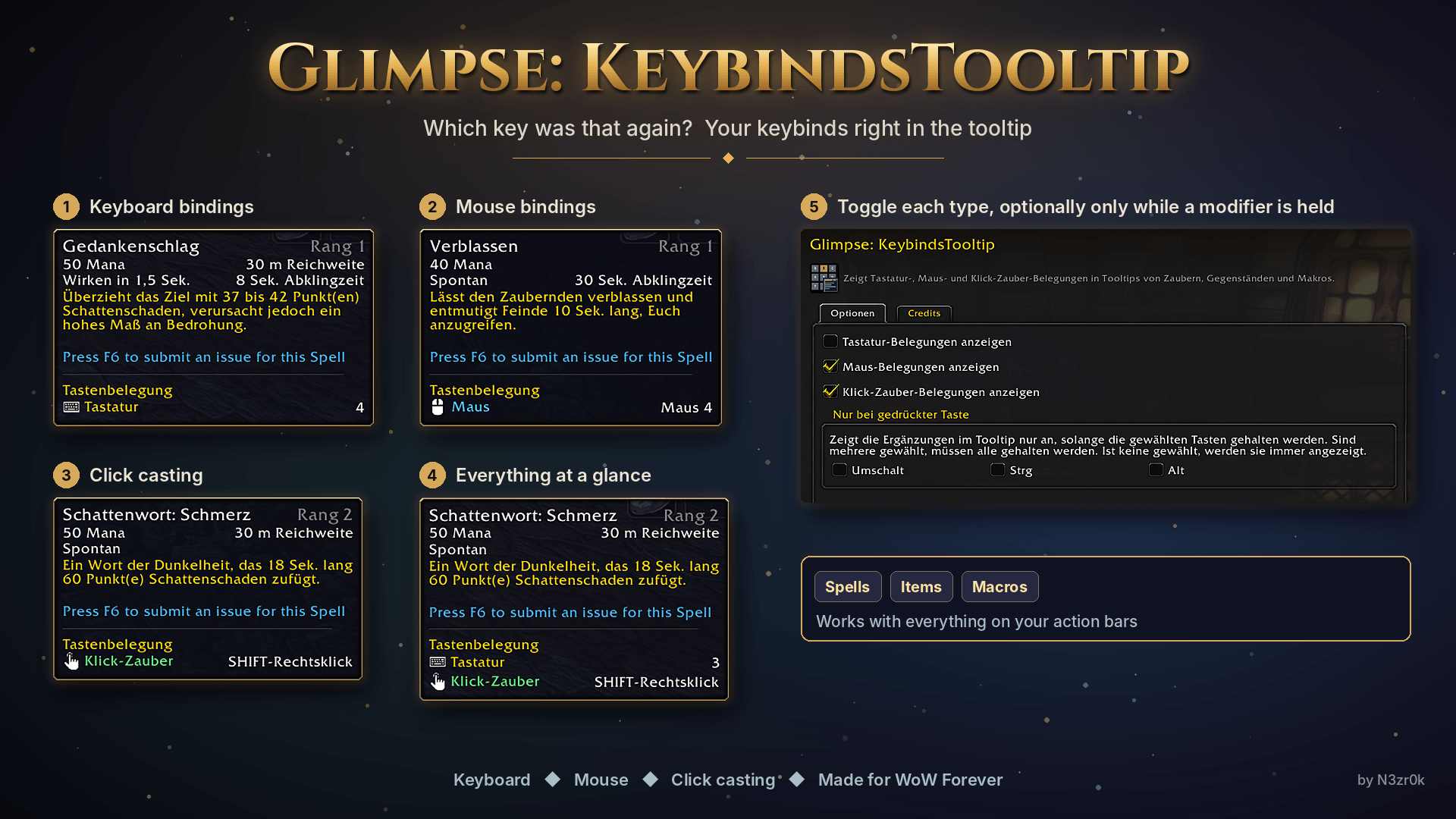
glimpse-keybindstooltip-collage-en.png
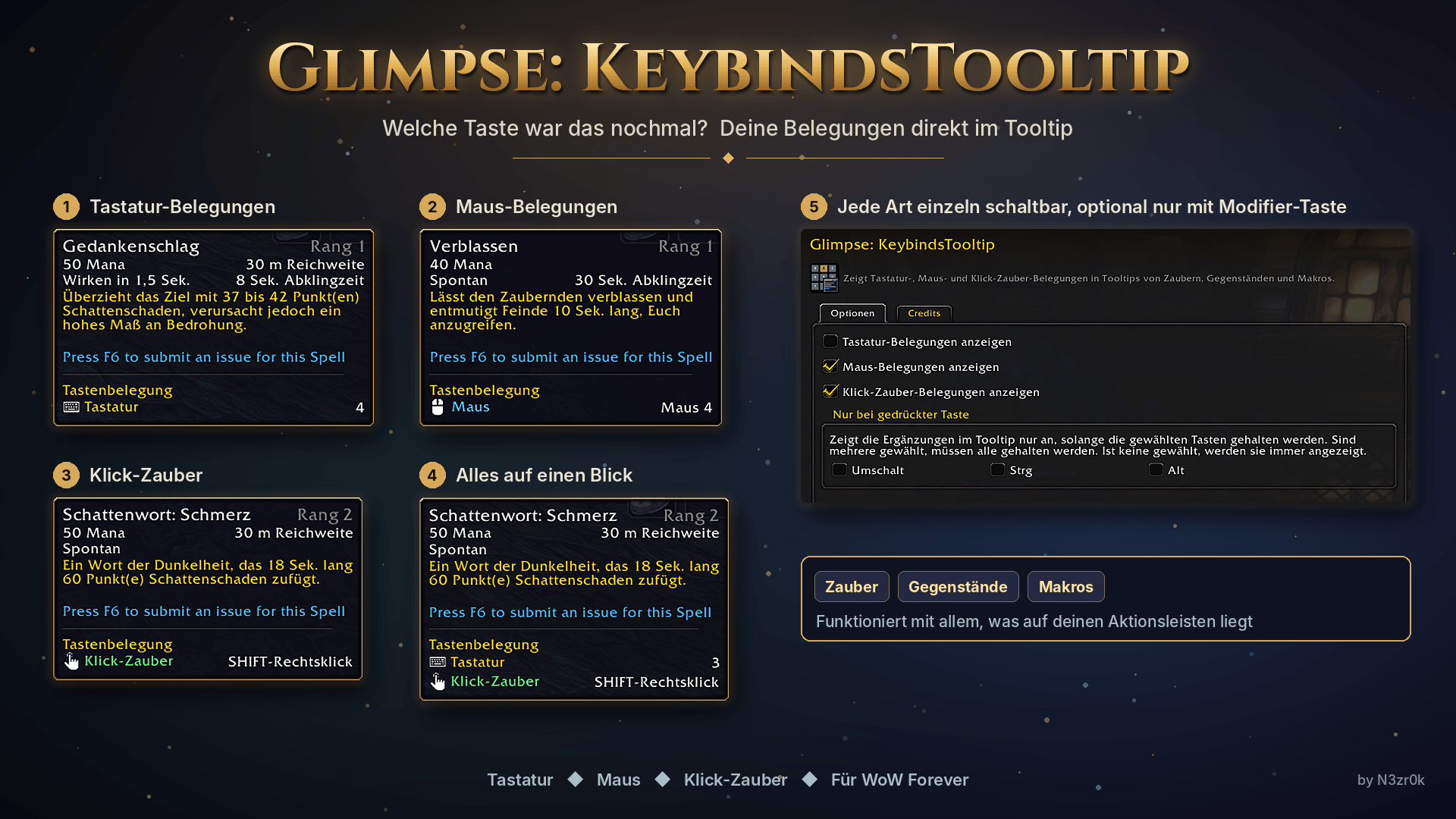
glimpse-keybindstooltip-collage.png
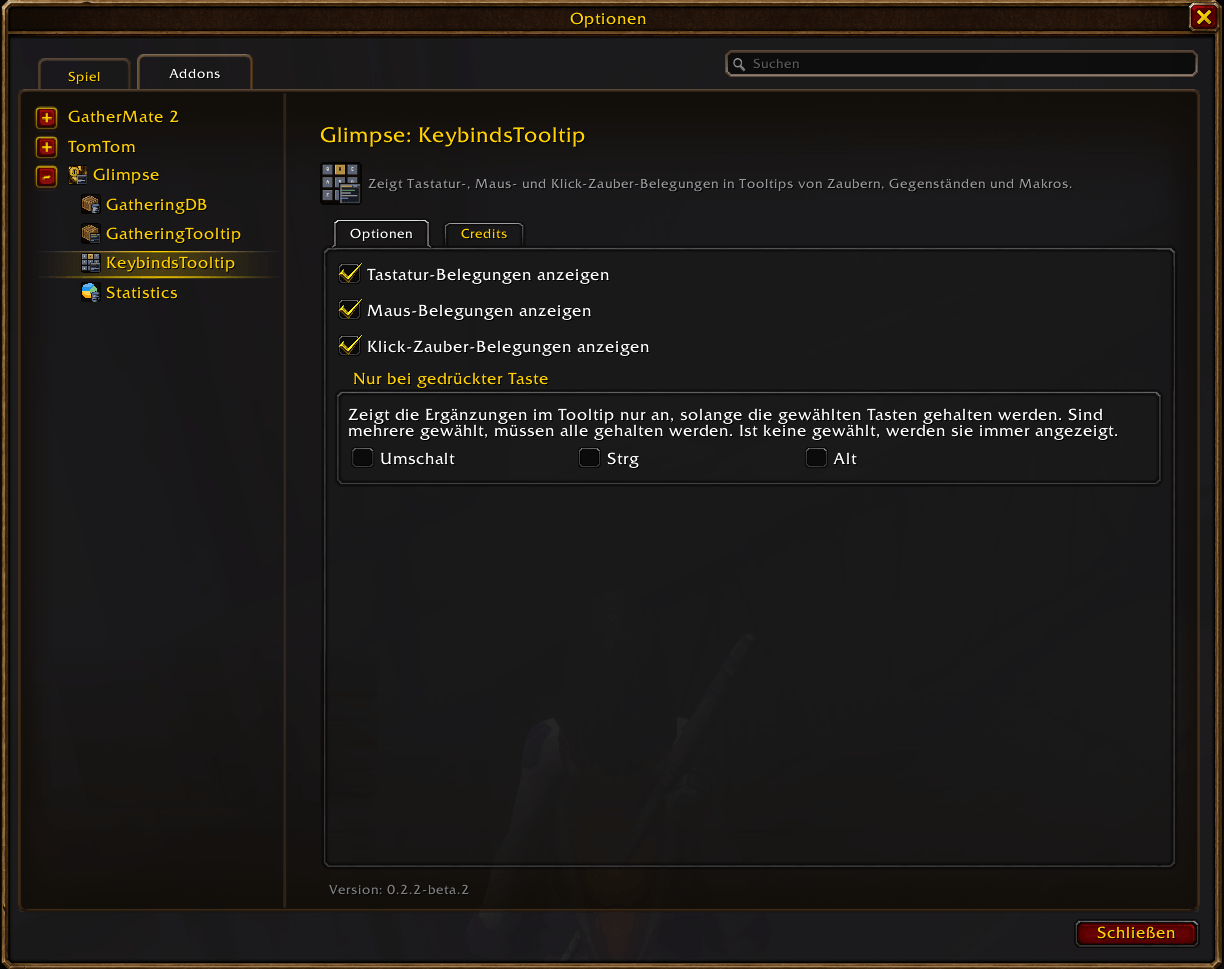
glimpse-options-keybindstooltip.png
Description
Glimpse: KeybindsTooltip



Hover a spell, an item or a macro and the tooltip gets a "Keybindings" section with one row per kind: keyboard, mouse and click-cast, with the keys on the right (several keys are separated by commas).
- Scans all action bars including stance, bonus, override and vehicle bars, your macros and Blizzard click-casting
- The bindings are read again whenever they change (bars, key bindings, macros), no manual refresh needed
- Works in tooltips of spells, items and macros; everything the game hides from addons is skipped safely
Requires Glimpse 0.2.2 or newer. Settings are on the Glimpse > KeybindsTooltip page in the game options (/gli config).
Source and issues: https://github.com/N3zr0k/Glimpse_KeybindsTooltip
Glimpse: KeybindsTooltip Team