


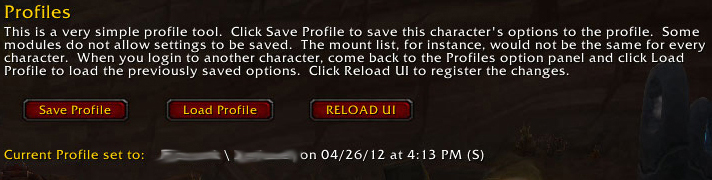
This allows you to save most of your settings to load into another toon.
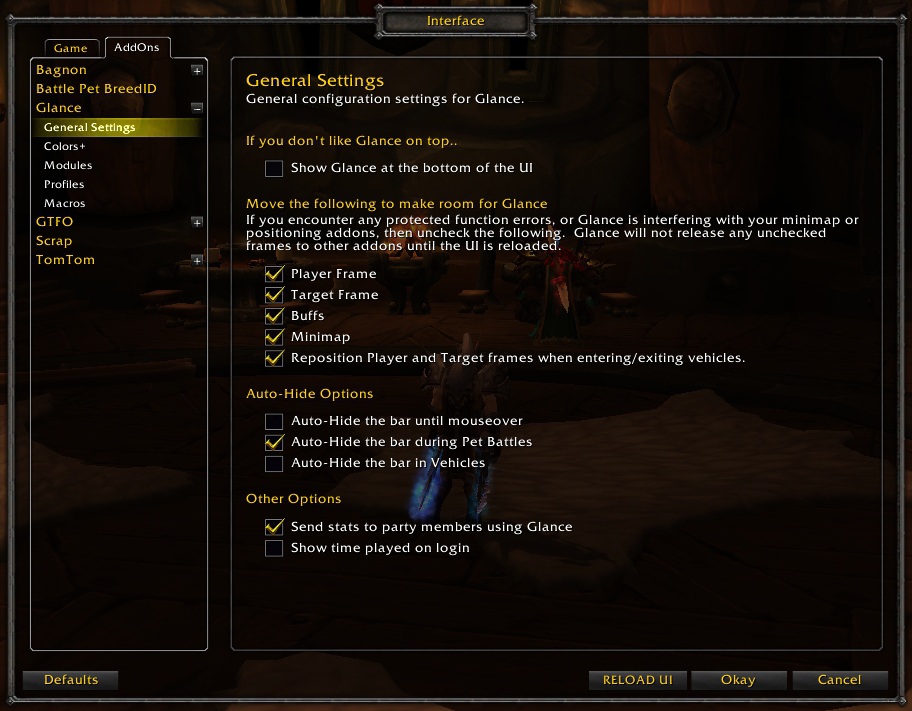
Interface Options for the bar itself.
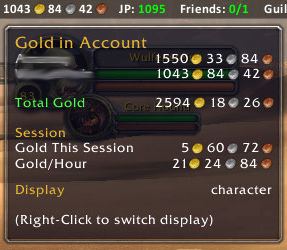
This shows you all your gold.
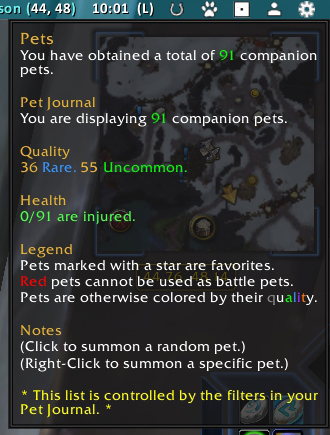
Displays number of pets collected, how many are injured.
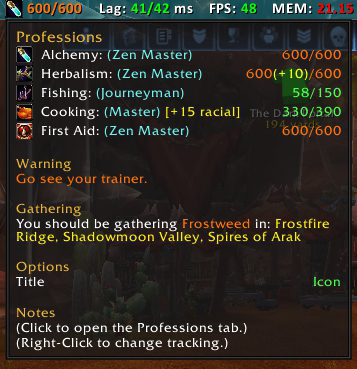
Displays professions level, colored orange when you need to train, tips on where to gather, racial bonuses, etc.
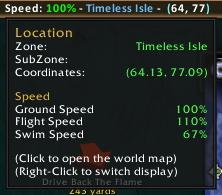
This displays where you are and how fast you are going.
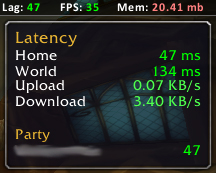
The Lag tooltip shows your current, minimum, maximum, and average latency.
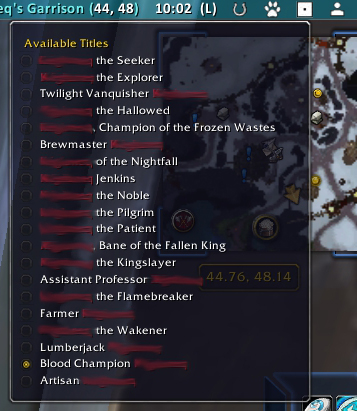
Select your title
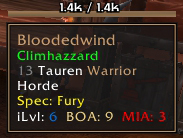
Displays: Spec, Item level, PVP (number of PVP items worn), BOA (number of heirloom gear worn), BAD (number of under level heirloom gear worn), MIA (number of missing gear)
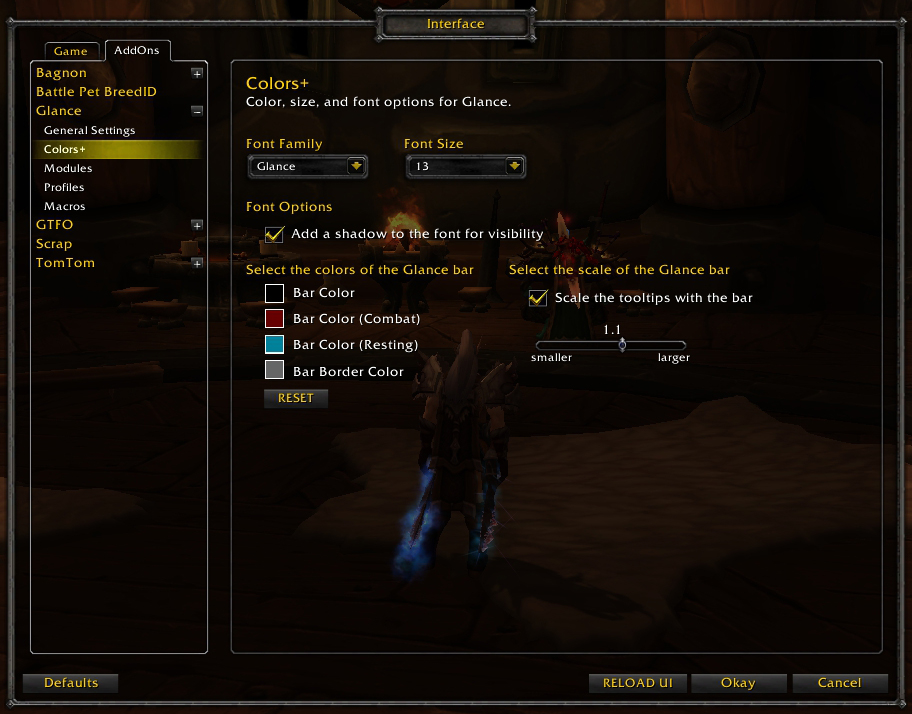
This lets you choose the font to use, and set default colors for the bar in normal, resting, and combat states.
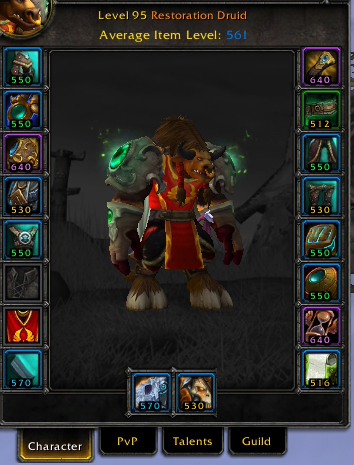
Item Level Overlays for each piece of gear
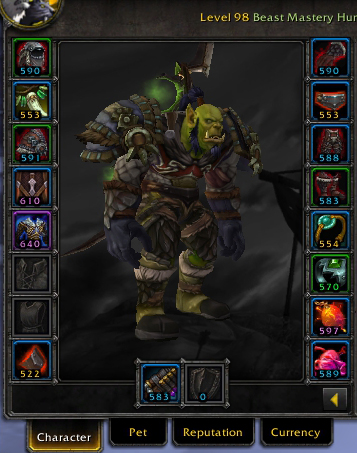
Item Level Overlays for each piece of gear
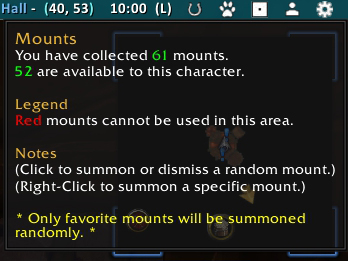
Displays number of mounts collected
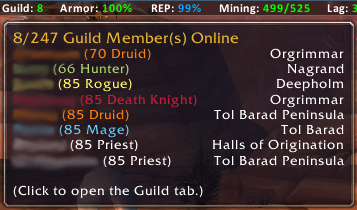
The guild tooltip shows you which of your guild members are online, their level, class, and location.
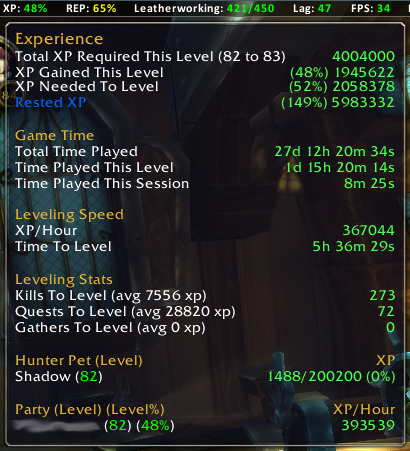
The XP tooltip displays your current, needed, and rested experience, how long it will take you to level, and how many kills/quests/gathers you need to level.
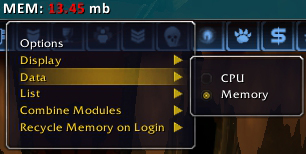
Here you can set how many addons to display, change tracking from MEMory to CPU, choose to combine all 500 of the Glance entries to one line, etc.
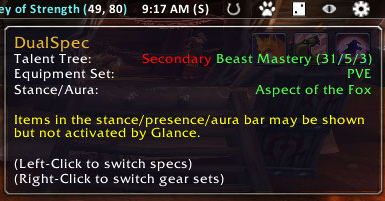
This shows your current spec, stance, and equipment set.
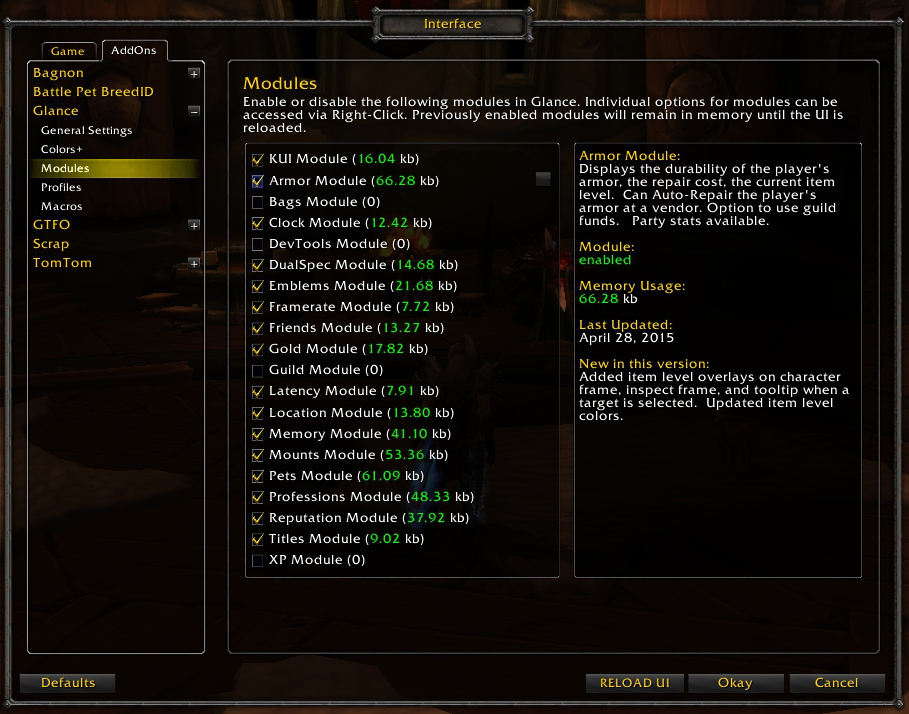
This lets you turn modules on or off.
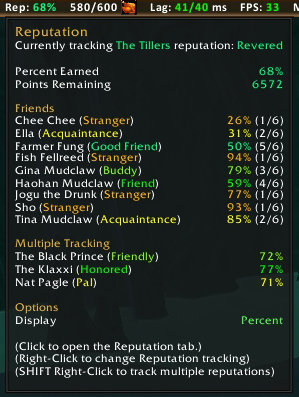
This shows you what reputation(s) you are tracking and how much remains to the next level.
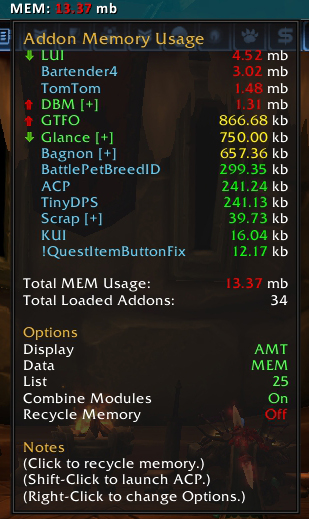
Sorted from high to low, colored by percentage of use, and arrows telling you if the memory usage is increasing or decreasing.
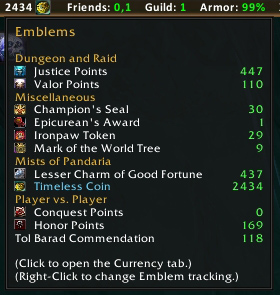
This shows you all your emblems and how many you have.
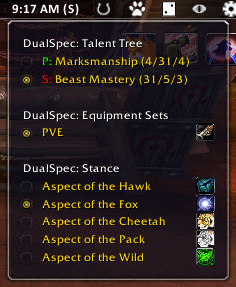
This allows you to set your spec and equipment set.
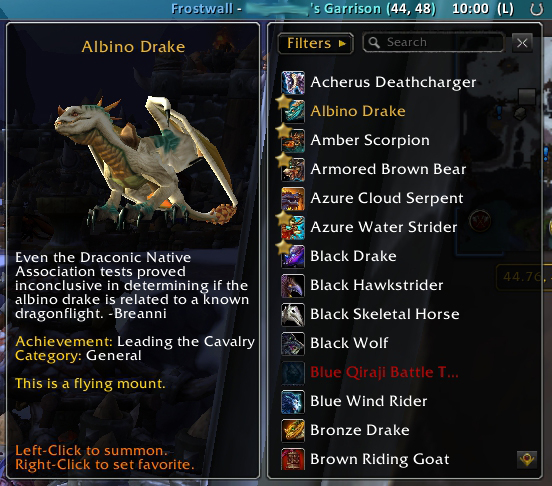
Displays mount, model, description, and source
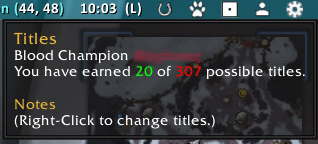
Displays your title and how many you have earned
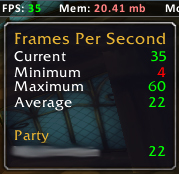
The FPS tooltip shows your current, minimum, maximum, and average frame rate.

The Glance Bar
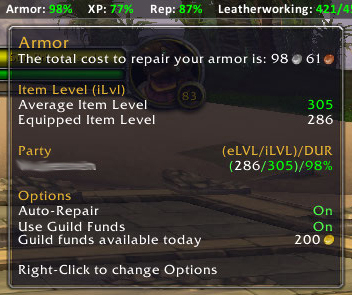
This shows how much it costs to repair, and your average/equipped item level.
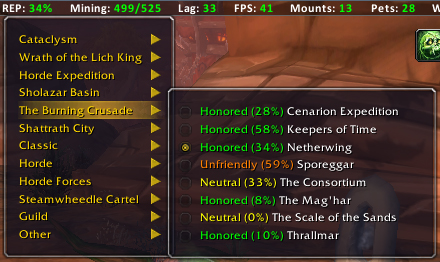
The reputation dropdown shows you what your reputation is with each faction. Select a faction to track it in the bar.
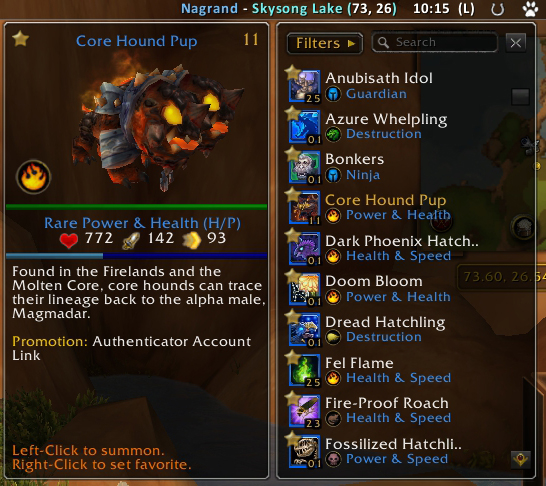
Displays name, model, level, health, xp, type, description, source, and breed.
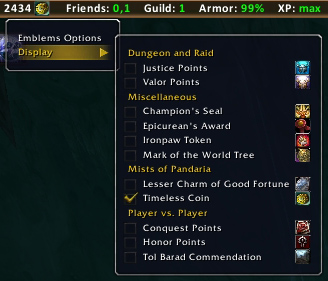
This lets you choose which emblems to display.