


GG Kick Practice
Train your kicks on fake and real practice casts with on-screen timing feedback.
GGKick Practice helps you train interrupt timing in a controlled way: you get real casts you should kick in a window, and fake casts that end early—so you learn when to commit and when to hold the kick.
Why use it
- Muscle memory: Repeat the same kick-window timing without needing a duel partner or arena queue.
- Fake discipline: Random fake timing trains you not to panic-kick every bar you see.
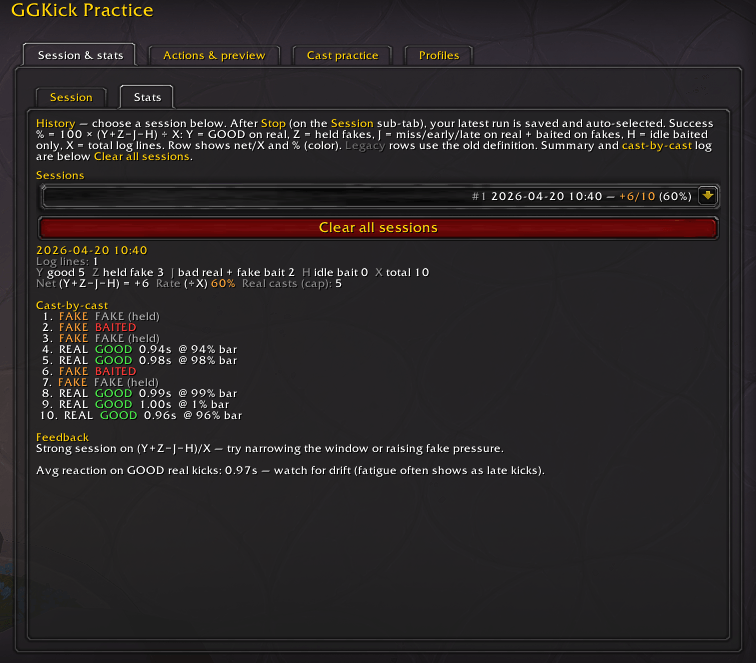
- Clear feedback: Each attempt is labeled (e.g. good kick, early, late, miss, baited) so you see what went wrong, not just “I wasted kick.”
- Works where you play: Bar on the target nameplate or a floating bar when you don’t want plates (e.g. arena mindset).
What you can do
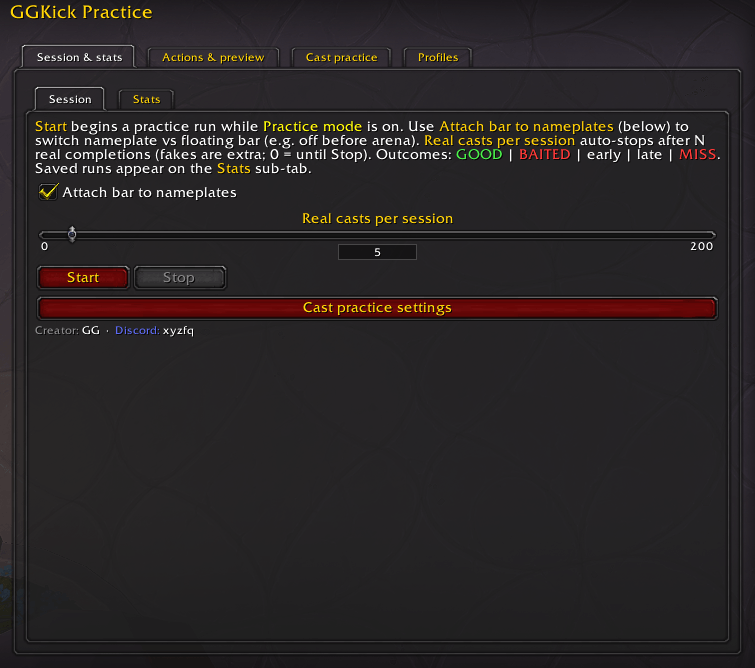
- Turn Practice mode on and run sessions: start a block of rounds, stop when you want, and review results later.
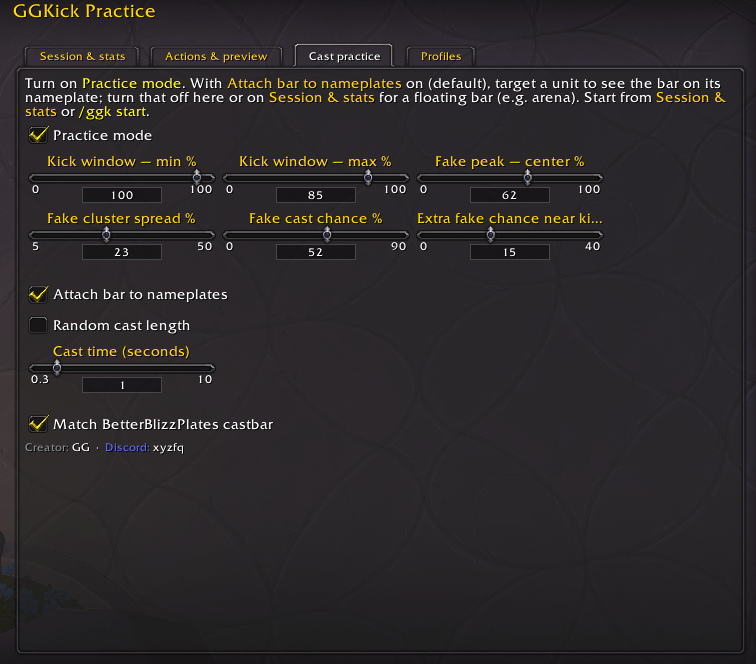
- Tune your kick window (the % range on the bar that counts as a clean kick on real casts).
- Adjust fake chance, fake timing, and how tightly fakes cluster—make drills easier or brutal.
- Use fixed or random cast lengths to match the situations you care about.
- Optionally match BetterBlizzPlates’ cast bar look so practice feels like your real UI (when that addon’s settings are available).
- Turn on layout preview to see kick window and fake spread on the bar while you tweak sliders.
- Use slash commands (e.g. open options, toggle practice, start a session, kick, stats) for quick control without digging through menus.
How to use
-
- Turn Practice Mode ON
- Start a session:
/ggk start - Use your macro to kick casts
- Rounds repeat automatically (real + fake casts)
- Stop from the UI when you’re done
- Review results in Session & stats → Stats
Slash commands
/ggk— open options/ggk practice on / off / toggle— enable/disable practice mode/ggk start— start a session/ggk kick— perform practice kick/ggk stats— print stats to chat/ggk export— export settings/profile
Who it’s for
Anyone who wants cleaner kicks in PvP — especially against fake casts, jukes, and last-moment cancels—without relying on random queue RNG to get reps.
The GG Kick Practice Team
