GenreHUD (Forever)
- By
WoWScrnShot_101626_145702.jpg
WoWScrnShot_101626_145706.jpg
WoWScrnShot_101626_145712.jpg
WoWScrnShot_101626_145718.jpg
WoWScrnShot_101626_141824.jpg
WoWScrnShot_101526_125205.jpg
WoWScrnShot_101526_125134.jpg
WoWScrnShot_101526_125143.jpg
WoWScrnShot_101526_125150.jpg
WoWScrnShot_101526_125157.jpg
WoWScrnShot_101726_214906.jpg
WoWScrnShot_101726_214910.jpg
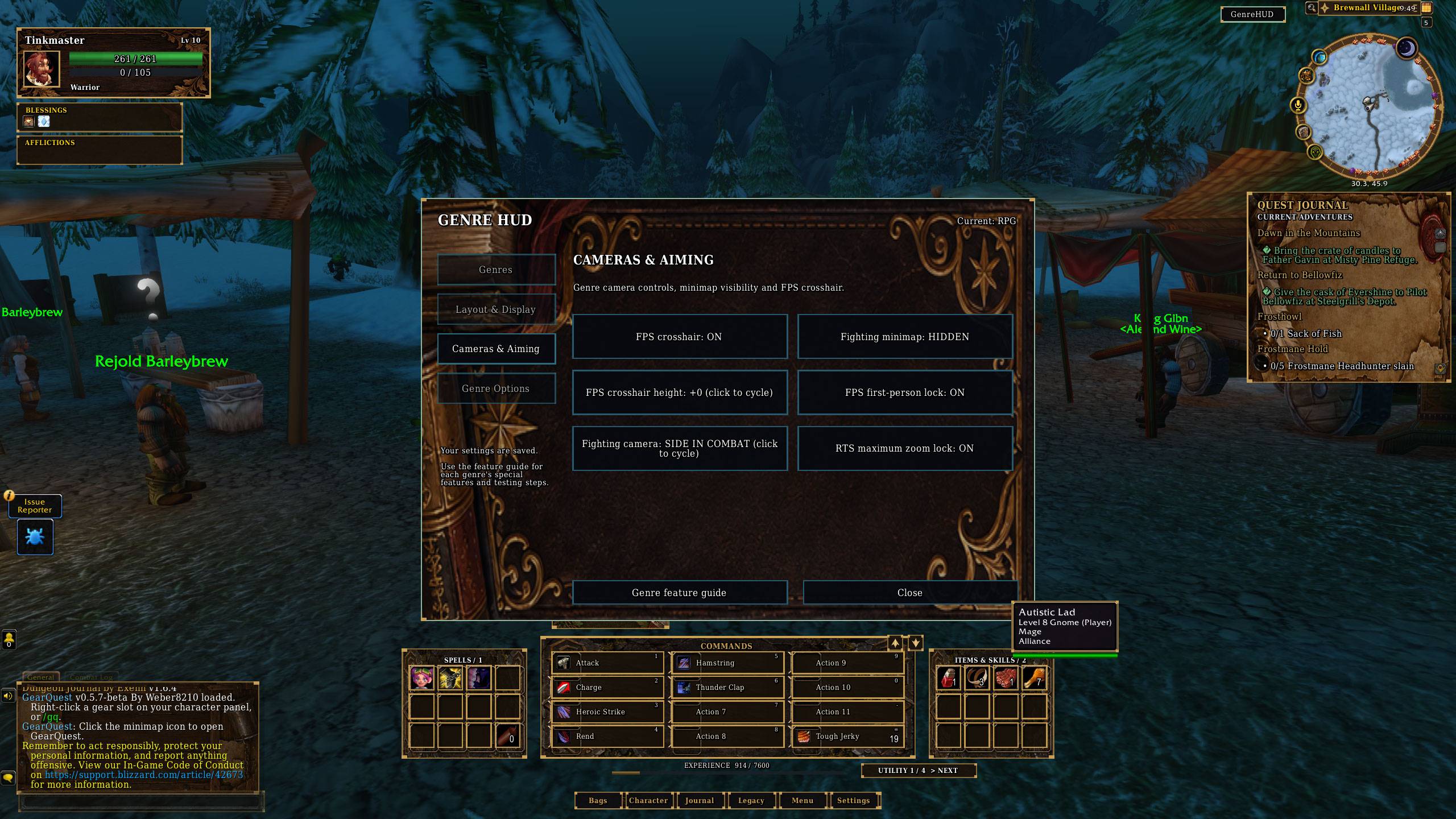
WoWScrnShot_101726_214913.jpg
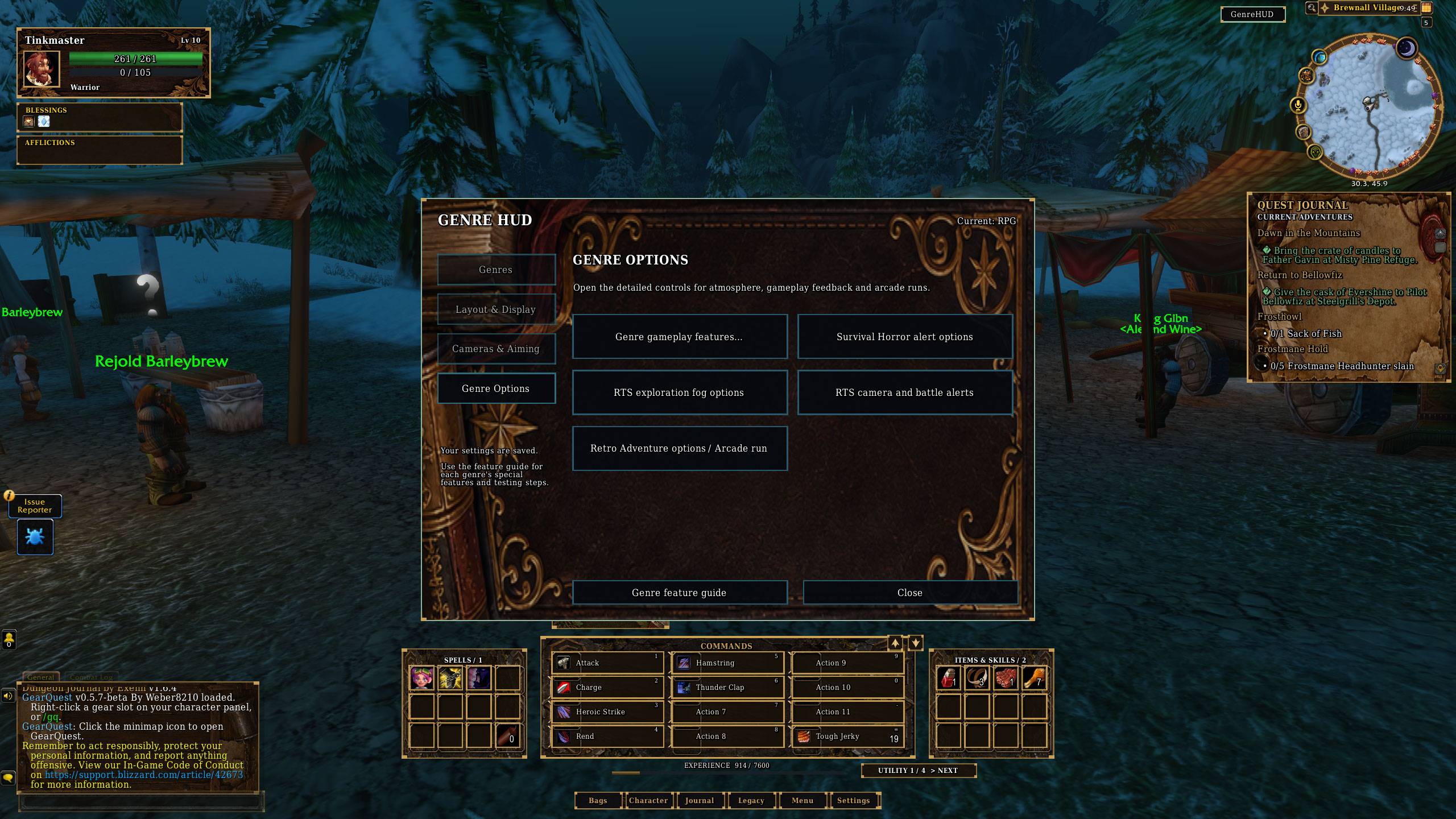
WoWScrnShot_101726_214917.jpg
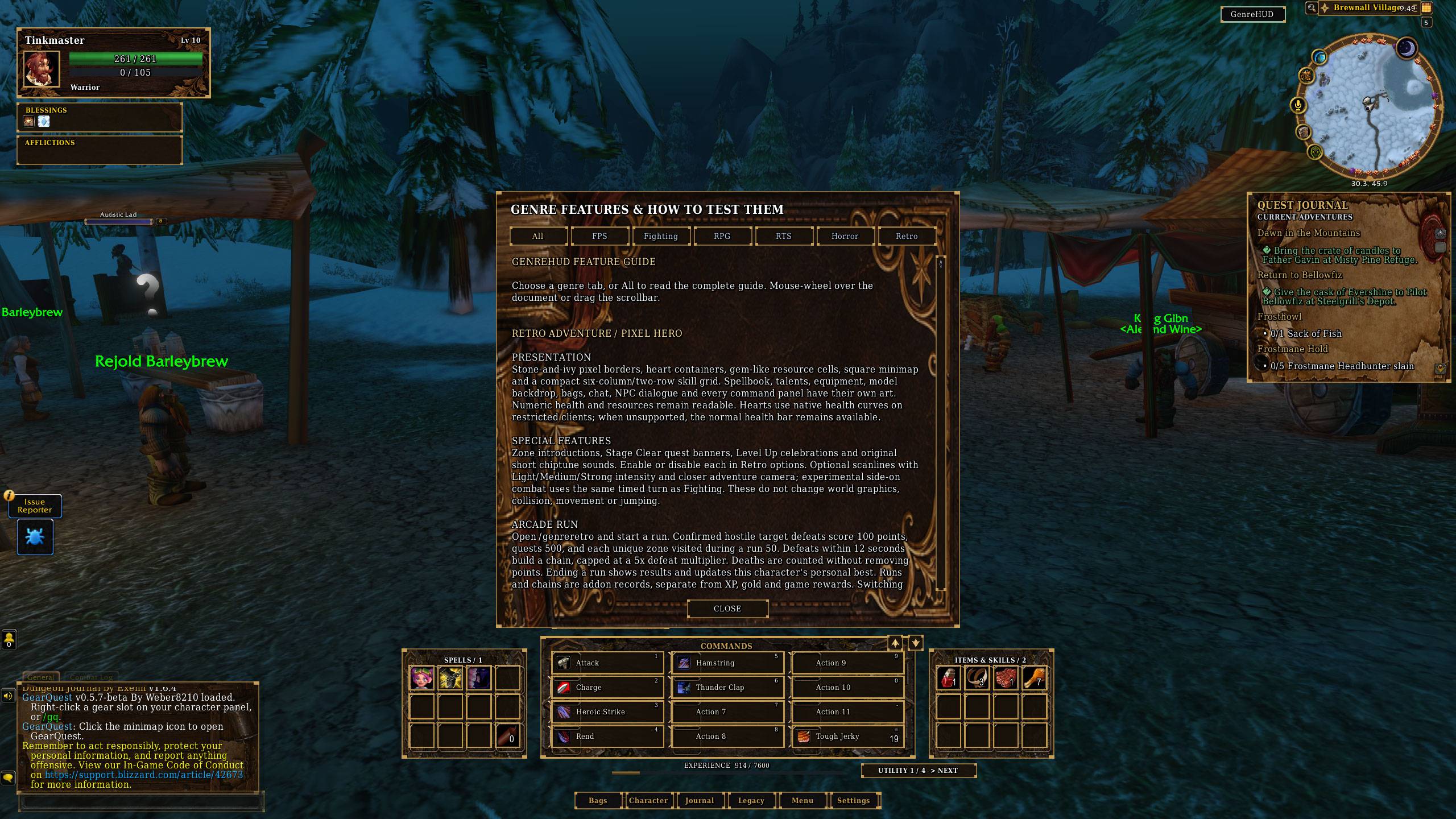
WoWScrnShot_101726_214922.jpg
Description
One world. Six ways to play.
GenreHUD transforms your World of Warcraft interface into six distinct gaming genres. Each includes its own artwork, layouts, themed windows and special features that go beyond changing colours.
Choose your genre
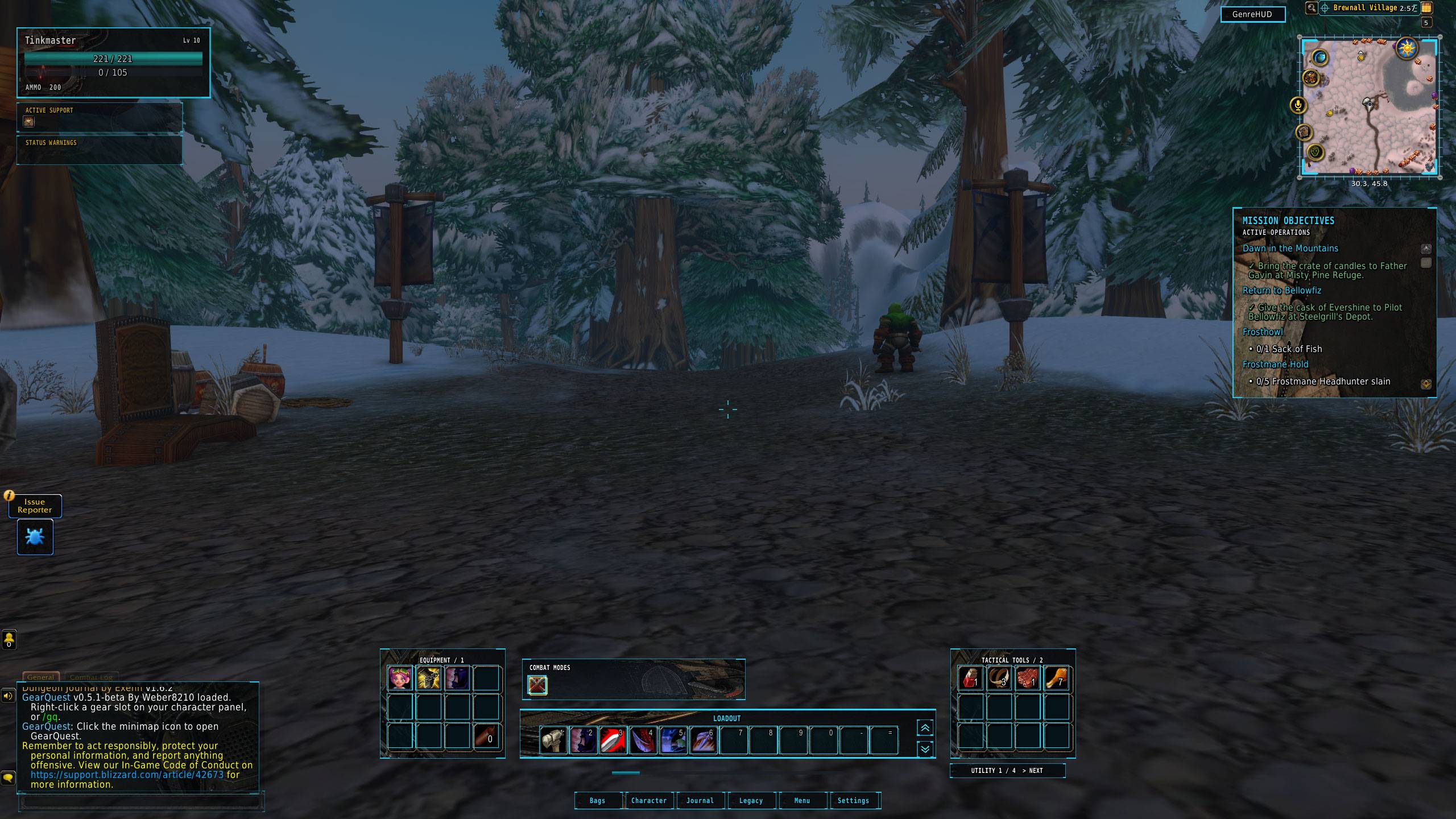
FPS — Enter the action
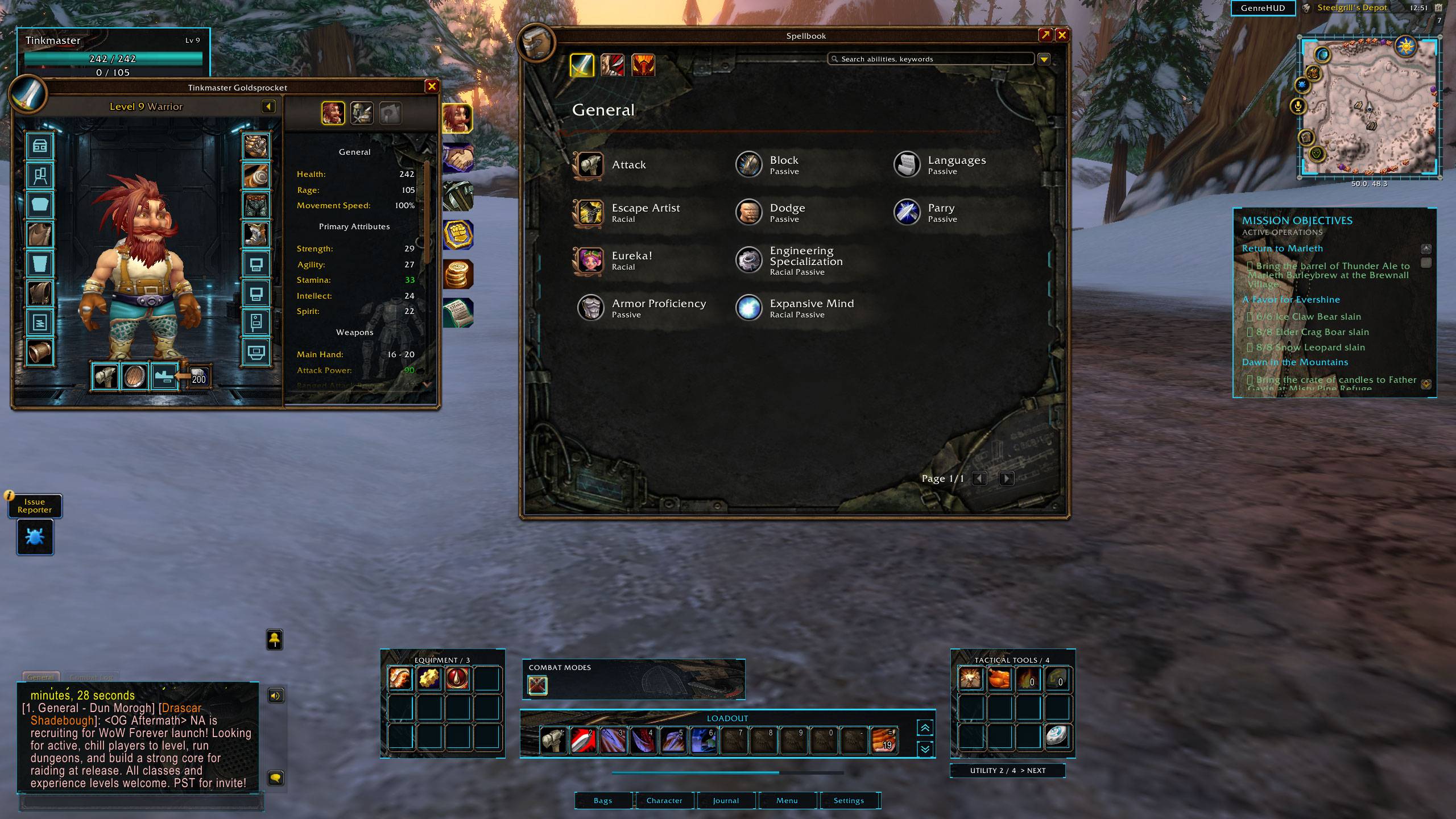
A first-person camera, tactical HUD, crosshair and mission-style objectives bring a shooter-inspired feel to your adventures.
Fighting — Face your opponent
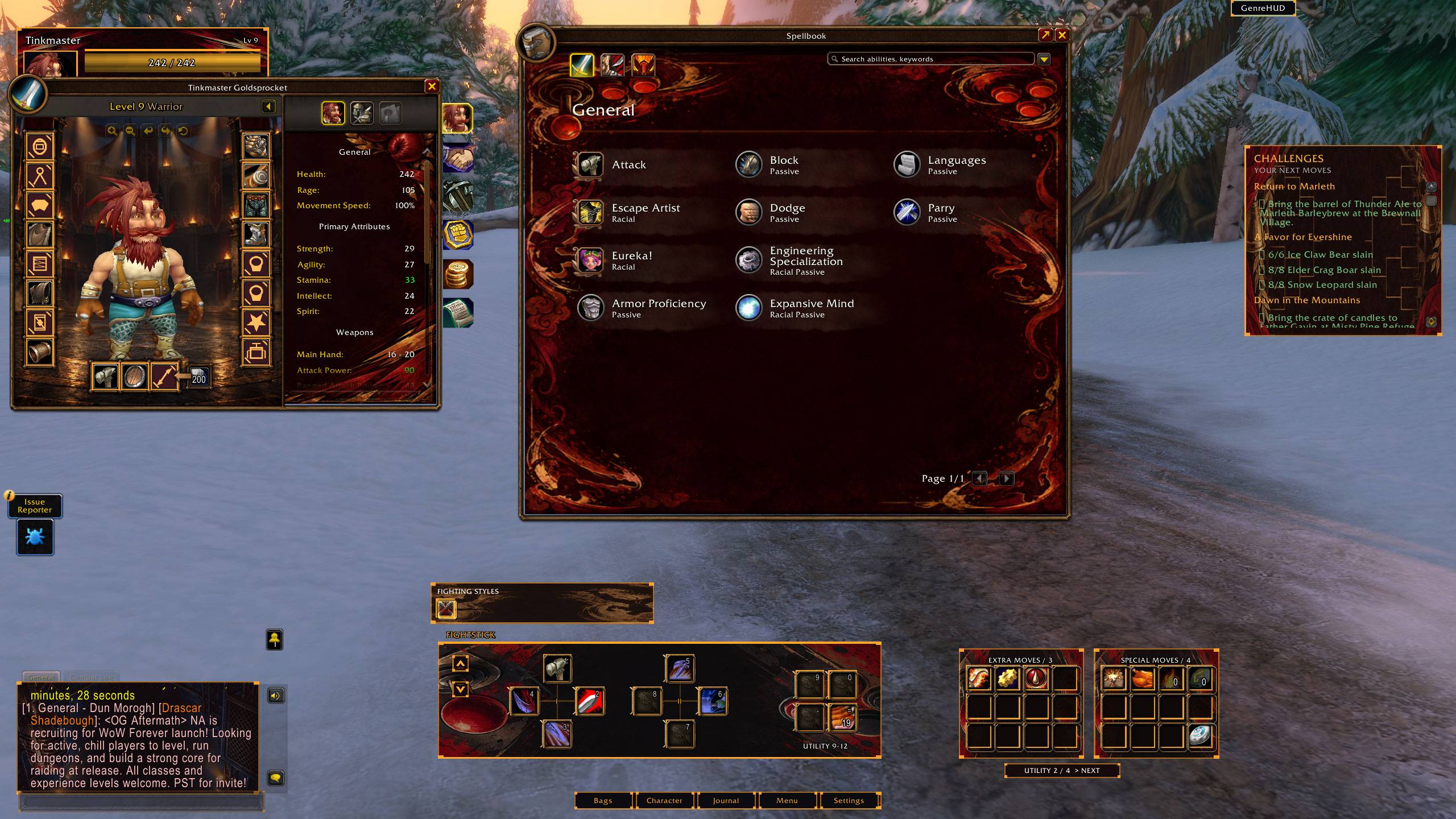
A side-on combat camera, versus-style portraits, fightstick-inspired commands, class-aware resource display and victory banners turn melee encounters into arcade showdowns.
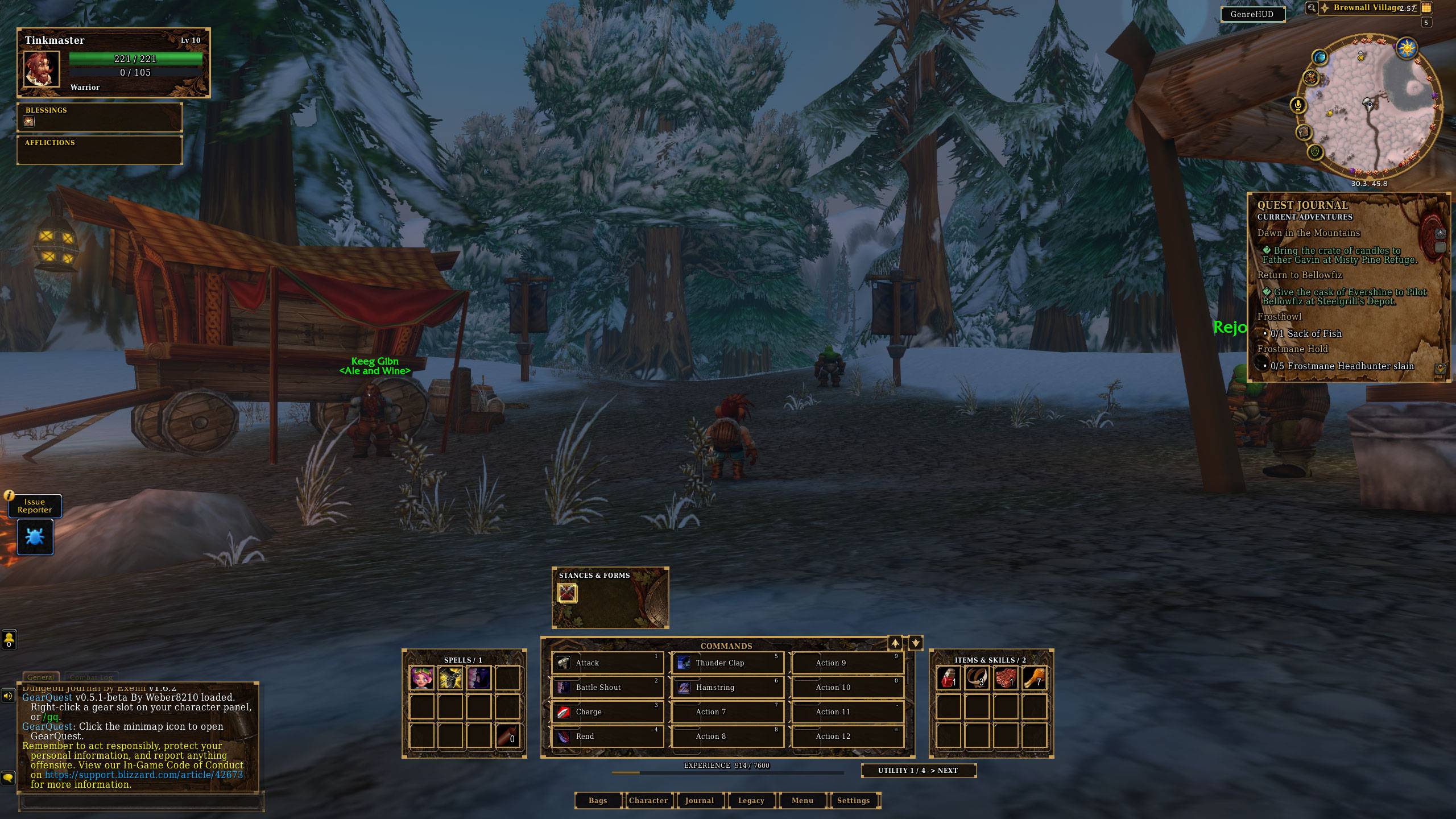
RPG — Choose your next move
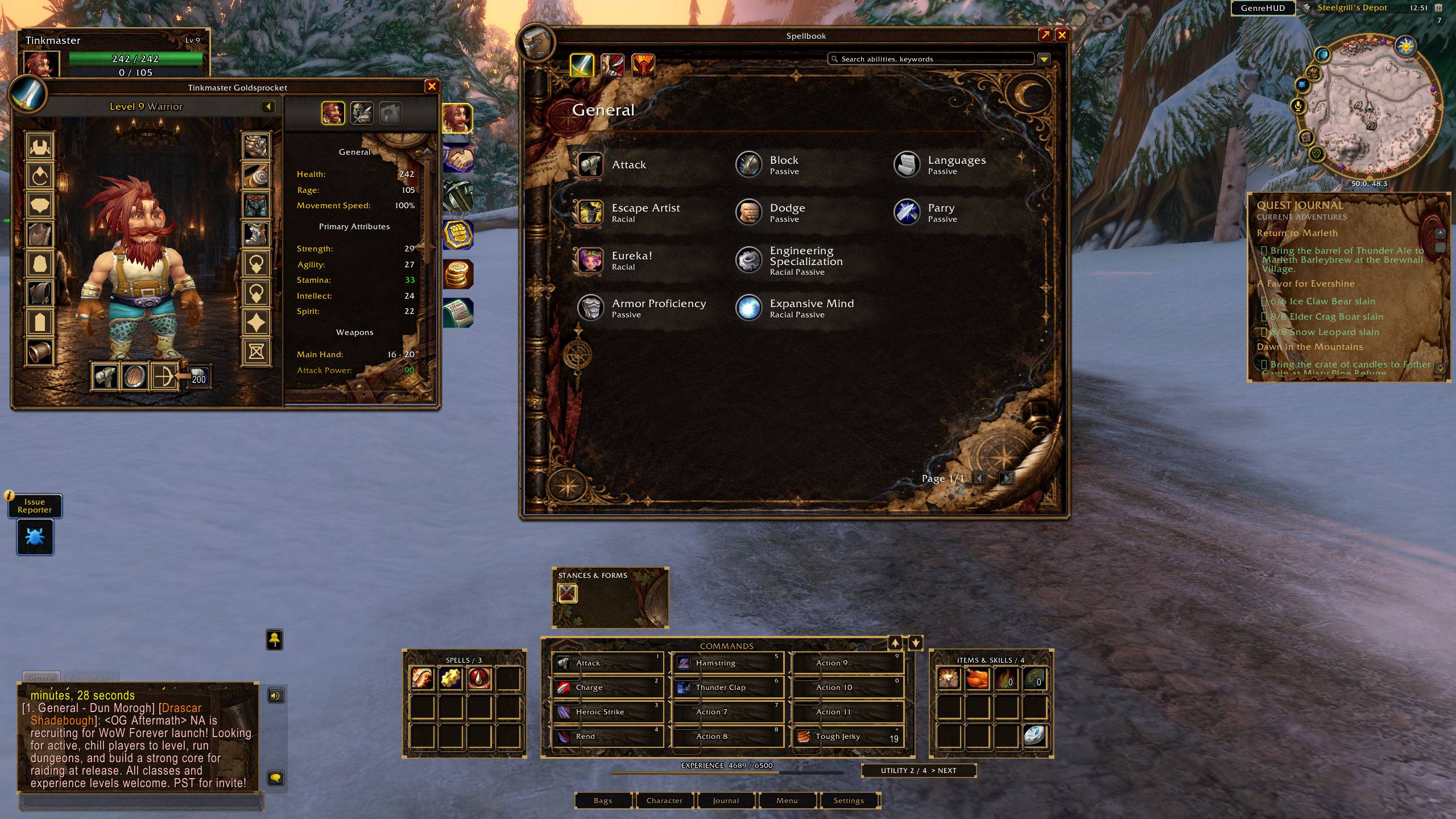
Classic console RPG command menus display abilities as readable names with smaller icons. Fantasy artwork, themed journals and character panels complete the adventure.
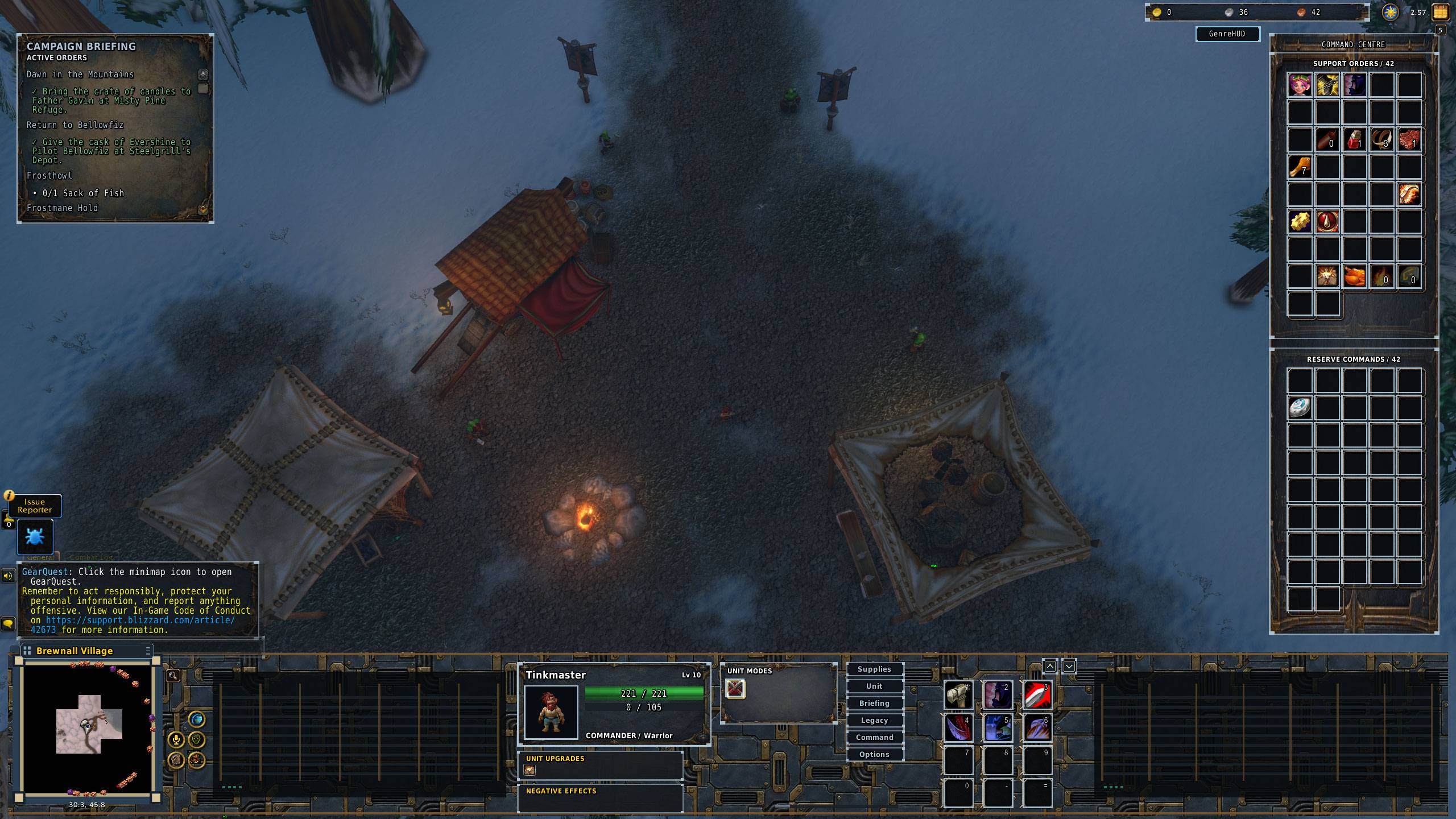
RTS — Take command
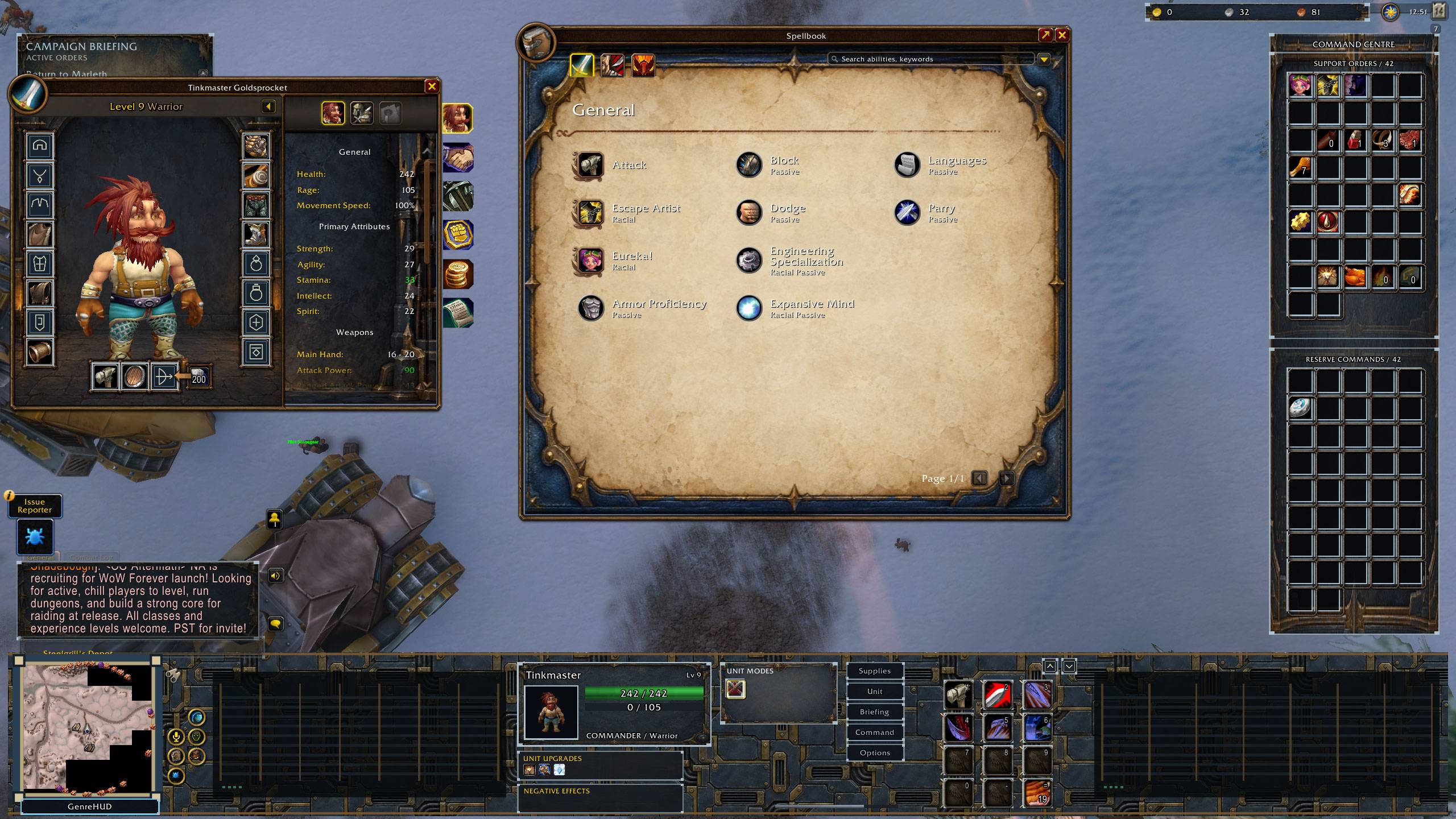
A strategy-inspired command console combines a bottom-left minimap, unit information, side command panels and currency displays. Explore with minimap fog of war and zoomed-out camera options.
Survival Horror — Watch your vitals
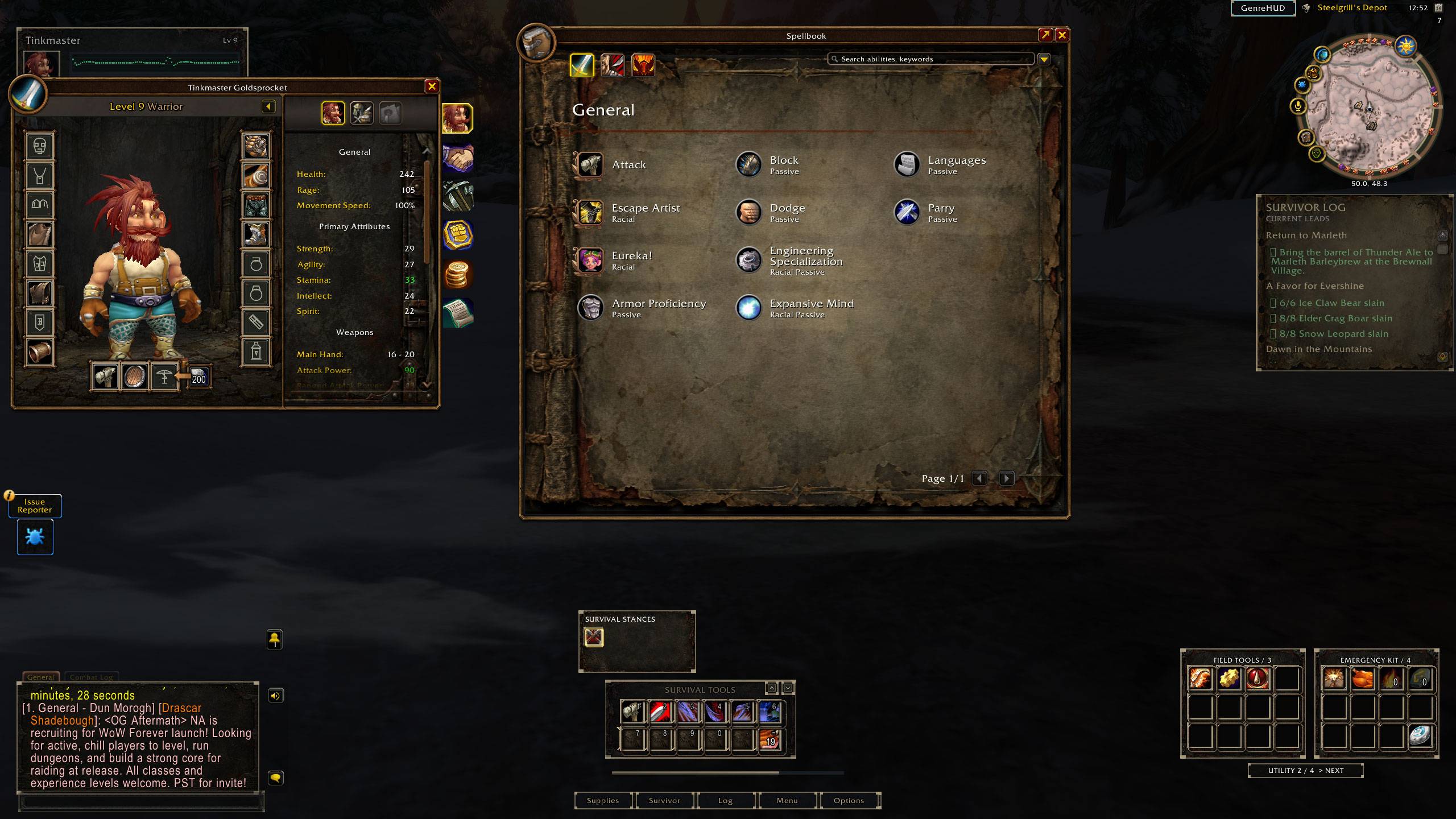
Adjustable screen darkening, animated mist, menacing combat alerts and slow warning flashes create a tense atmosphere. An ECG-style vitals display changes as your health falls.
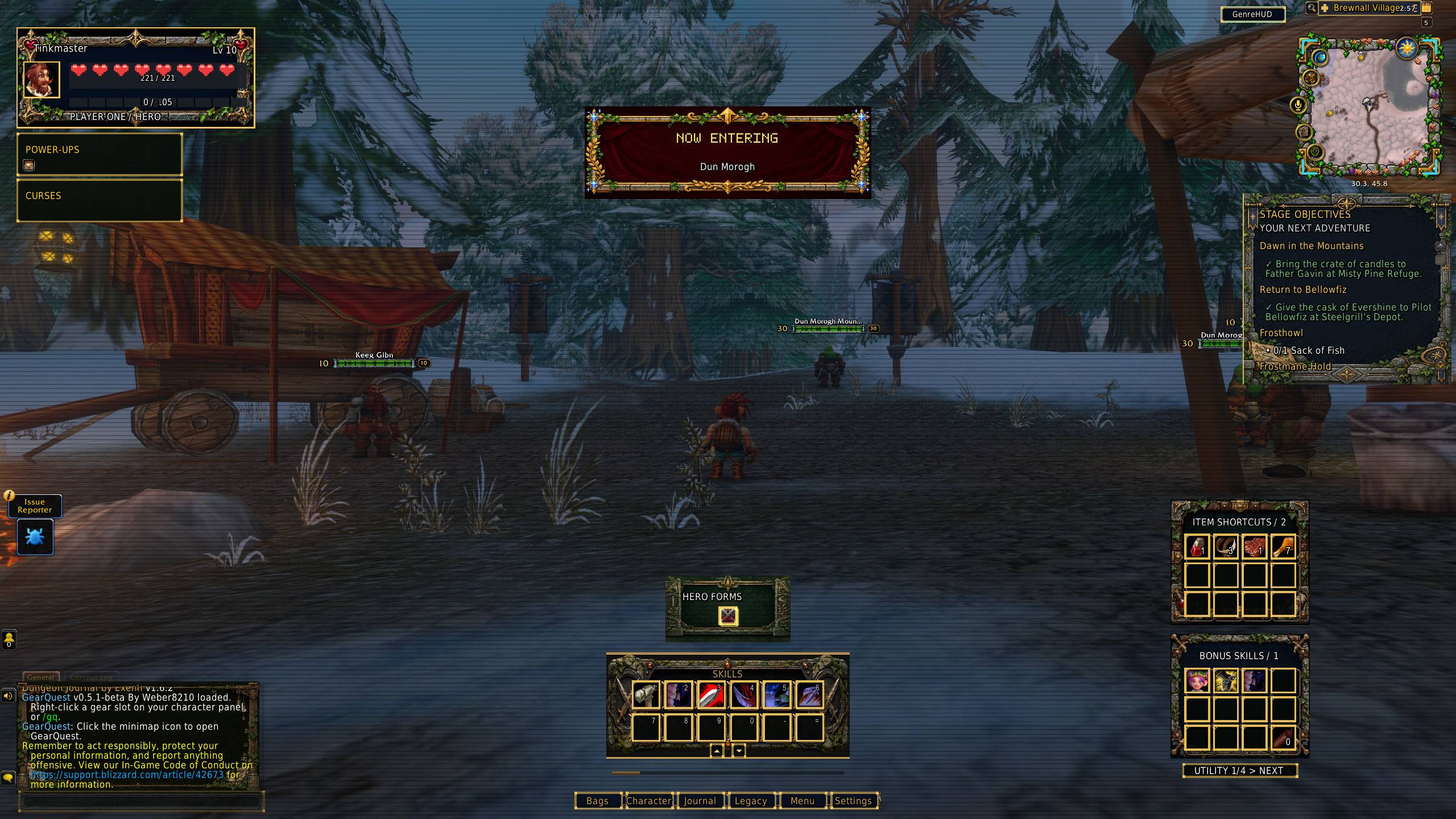
Retro Adventure — Make every encounter count
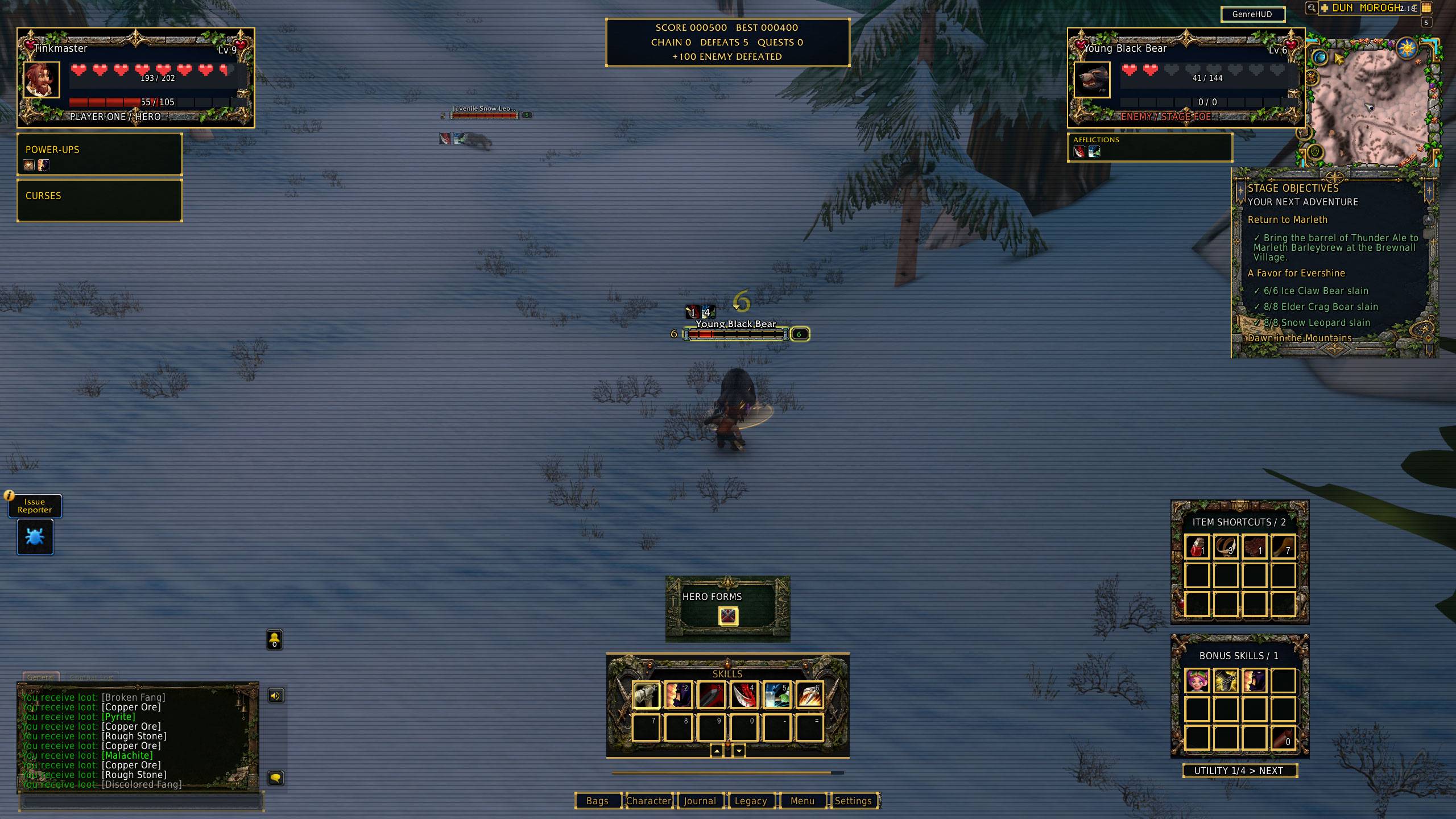
Pixel-inspired frames, hearts, retro nameplates, optional scanlines and arcade-style banners give Azeroth a nostalgic look. Optional scoring runs add another reason to keep adventuring.
More than a combat HUD
GenreHUD also themes bags, objectives, chat, minimap headers, character panels, spellbooks and talent windows. Custom world-map borders frame the original map artwork.
Class controls include stances, forms, pet commands and possession controls. Your normal spells and keybindings remain available.
Getting started
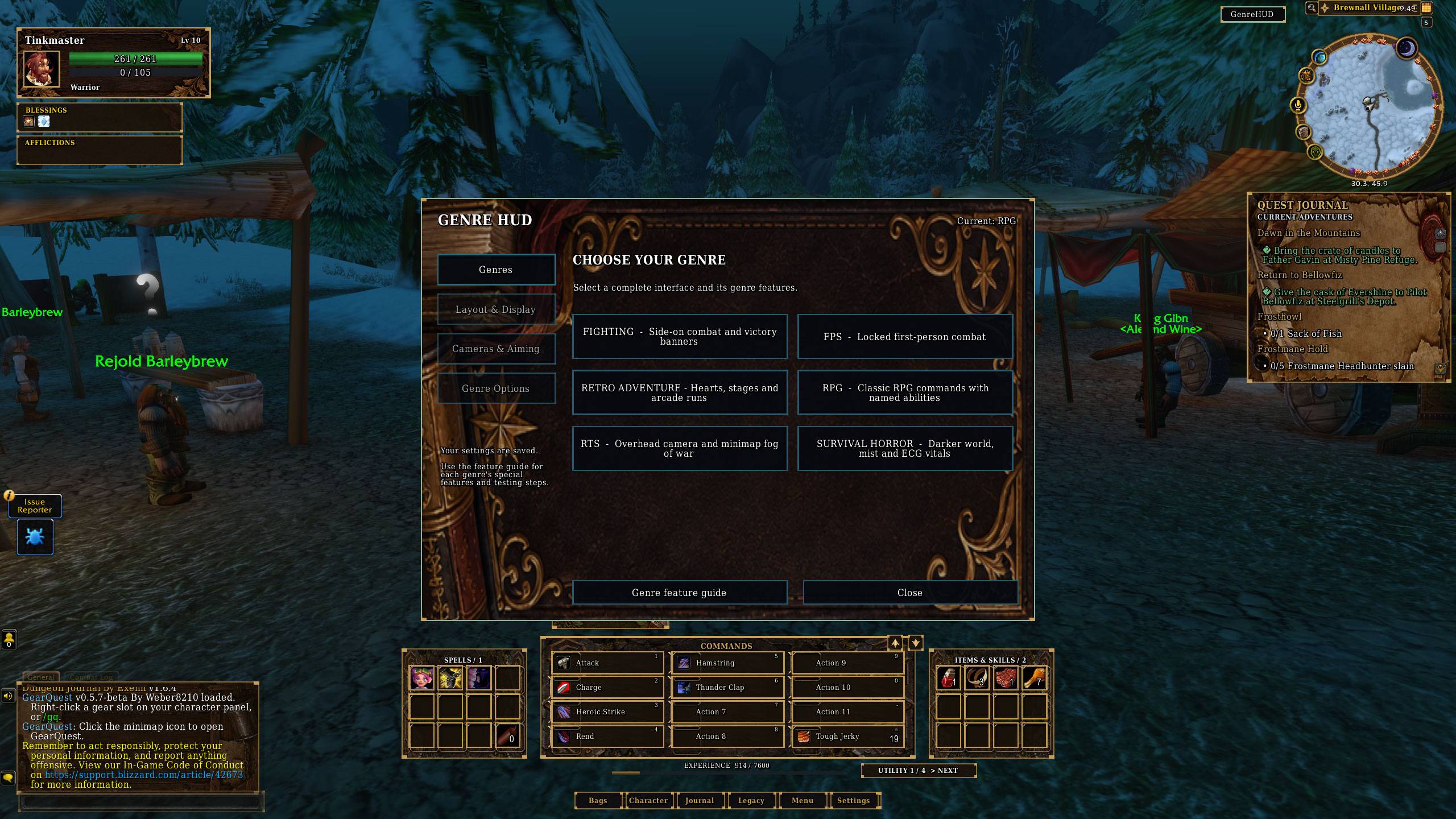
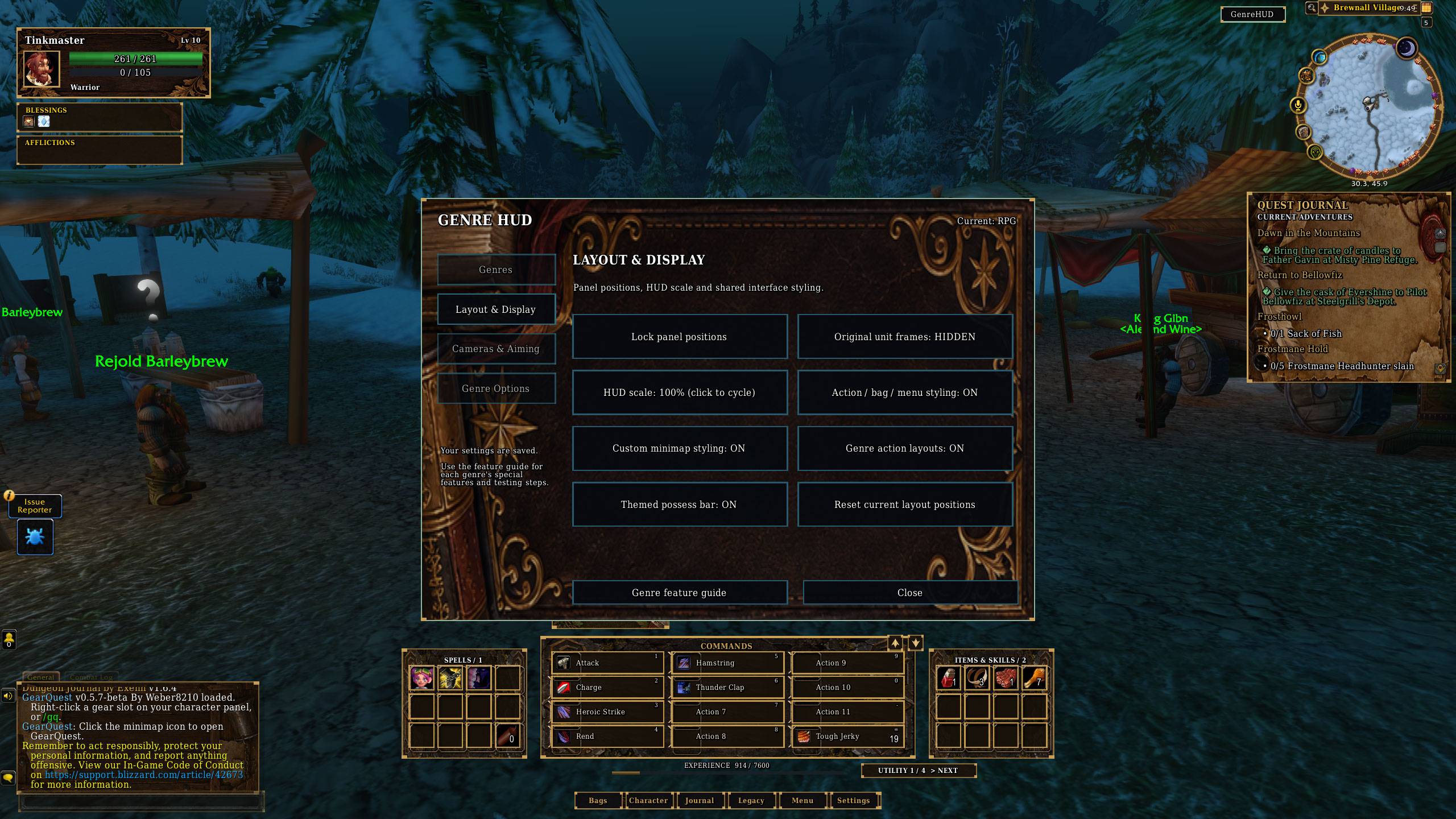
Install GenreHUD, then open its menu using the GenreHUD button or /genre. Choose a genre and use the built-in Features guide to explore its special features and options.
Some interface changes wait until combat ends.
Beta testing and feedback
GenreHUD is actively being tested. If you encounter a problem, please include:
-
Your addon version and selected genre
-
Your screen resolution and UI scale
-
What you were doing when the problem occurred
-
A screenshot and the full Lua error, if available
For blocked-action warnings, include the output from /genreblocked.
Credits
Created with AI assistance, including AI-generated artwork. Bundled third-party fonts retain their licence notices.
GenreHUD (Forever) Team