


GengarQoL
- By
Lightweight Quality of Life Addon that bundles several small but useful features into a single package (e.g. Mover, M+ Tools, Minimap Collector)
editmode.png
menu1.png
menu2.png
menu3.png
Description
Lightweight Quality of Life Addon for Retail
A collection of small but useful quality of life features. All modules can be individually enabled or disabled.
Features
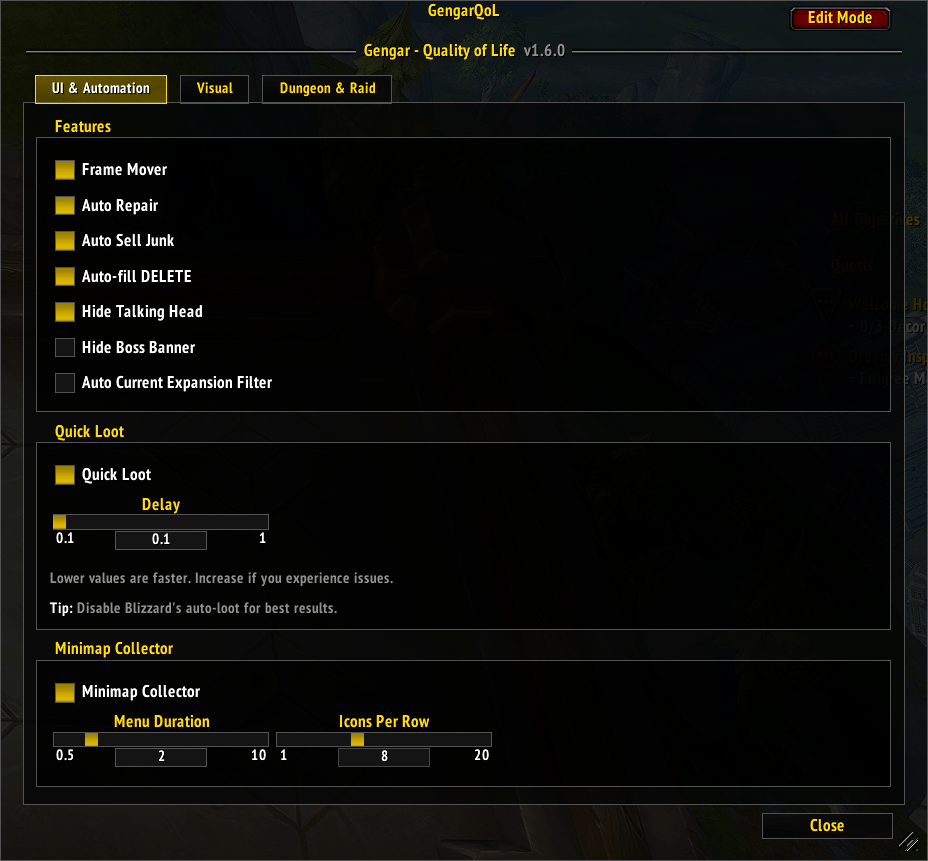
- Mover — Drag any supported UI frame to reposition it (session-based, resets on reload).
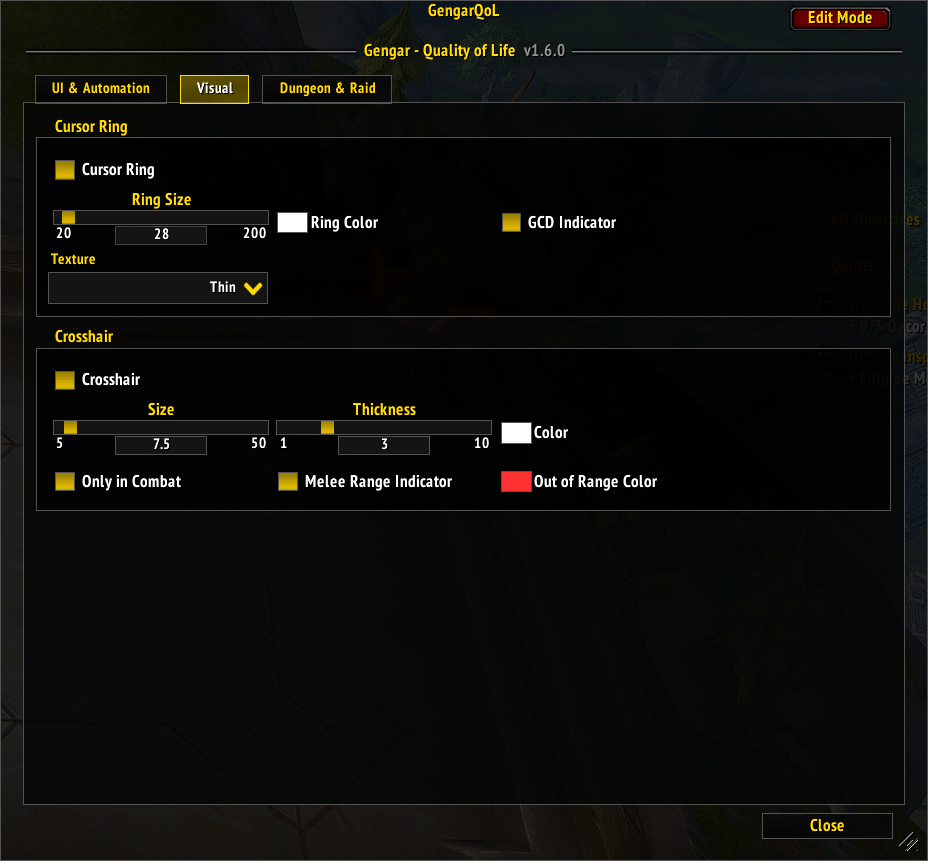
- Cursor Ring — Customizable ring around the mouse cursor. Optional: GCD indicator.
- Crosshair — Displays a crosshair at screen center. Optional: show only in combat, melee range indicator.
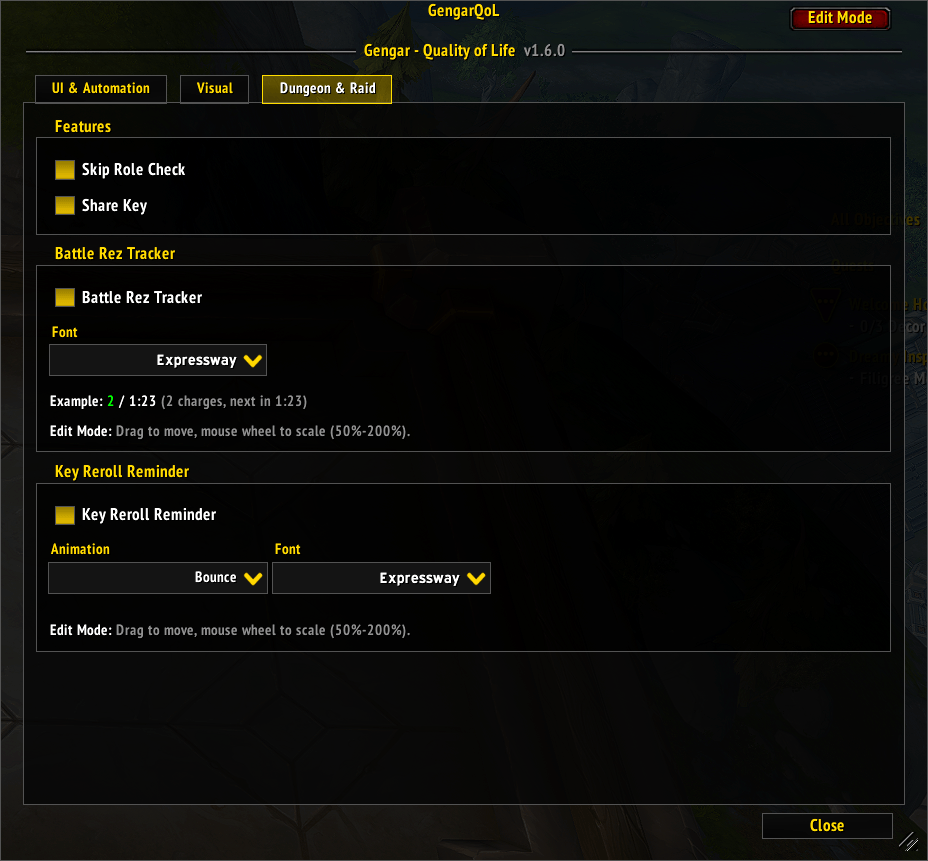
- Skip Role Check — Automatically confirms role checks with your current spec's role.
- Share Key — Shares your Mythic+ keystone in party chat when someone types !keys.
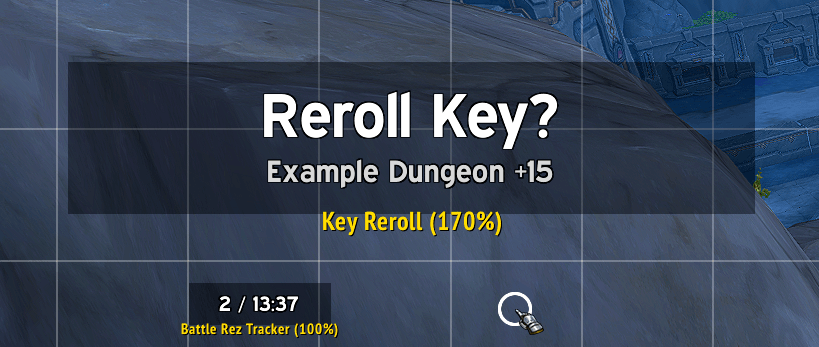
- Battle Rez Tracker — Displays battle rez charges and cooldown timer during M+ and raid encounters.
- Key Reroll Reminder — Shows a reminder to reroll your keystone after a successful M+ completion.
- Minimap Collector — Collects minimap buttons from other addons into a single expandable menu.
- Auto-fill DELETE — Auto-fills the DELETE confirmation text when deleting rare+ items.
- Quick Loot — Faster auto-looting independent of Blizzard's auto-loot setting.
- Auto Repair — Automatically repairs all gear when visiting a vendor.
- Auto Sell Junk — Automatically sells all junk items when visiting a vendor.
- Hide Talking Head — Hides the Talking Head popup that appears during quests and events.
- Hide Boss Banner — Hides the boss loot banner that appears after killing a boss.
- Hide Event Toasts — Hides event toasts (waypoint unlocked, encounter objectives, etc.) while in a Mythic+ dungeon.
- Auto Expansion Filter — Auto-sets the "Current Expansion Only" filter when the Auction House opens.
- Combat Right-Click Protection — Blocks right-click targeting while in combat to prevent accidental target switches.
- Skip Cinematics — Automatically skips cinematics and video cutscenes.
/gqol or /gengarqol to open settings.
GengarQoL Team
