Gearlink: Guild Craft & Inspect
- By
WoWScrnShot_112026_004616.jpg
WoWScrnShot_112026_004646.jpg
WoWScrnShot_112026_004703.jpg
Description
Gearlink Forever
Guild craft and inspect for World of Warcraft: Forever
See your friends' gear, talents, professions and recipes, and place crafting orders privately with the people you choose. Open it with /glf or the minimap button.
Requires: World of Warcraft: Forever, client 1.60.1 / interface 16001. Both players need the addon to see each other's data and exchange orders.
What it does
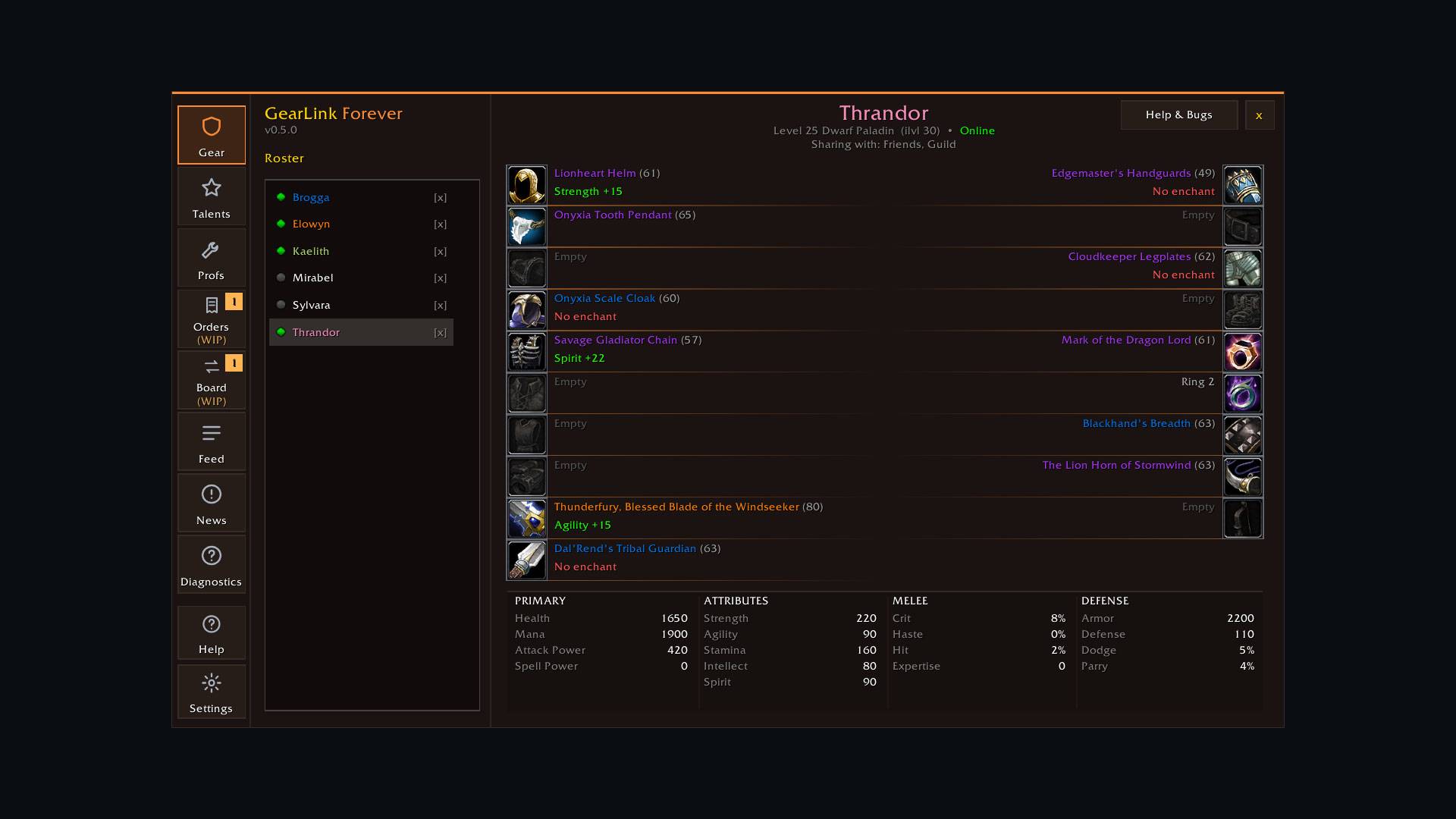
Gear inspect
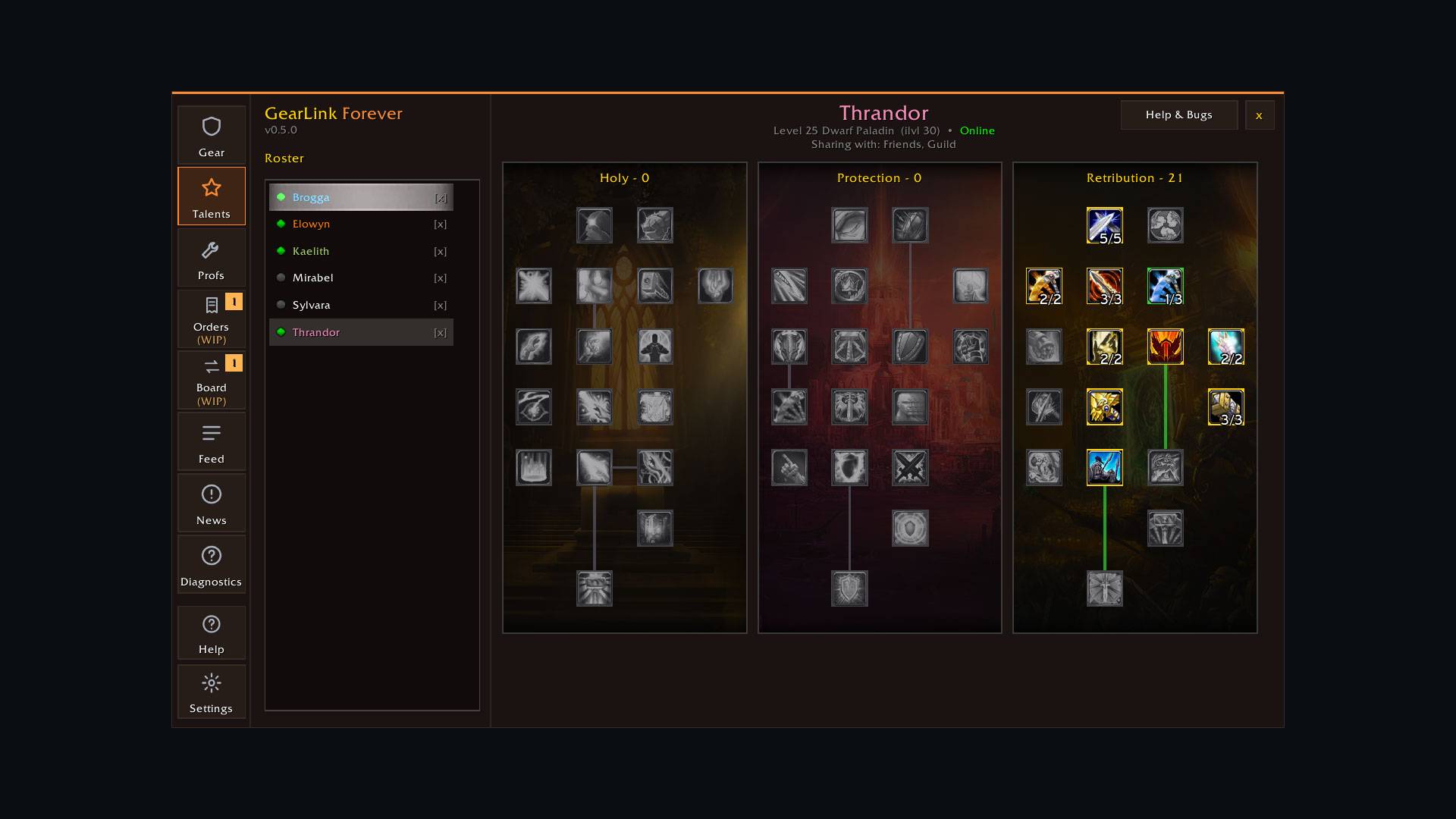
View friends' equipped items, enchants, stats and talent builds with real item tooltips. Two-column gear layout with quality colours and item levels. Battle.net friends' alts fold under one roster entry; expand it to see each character.
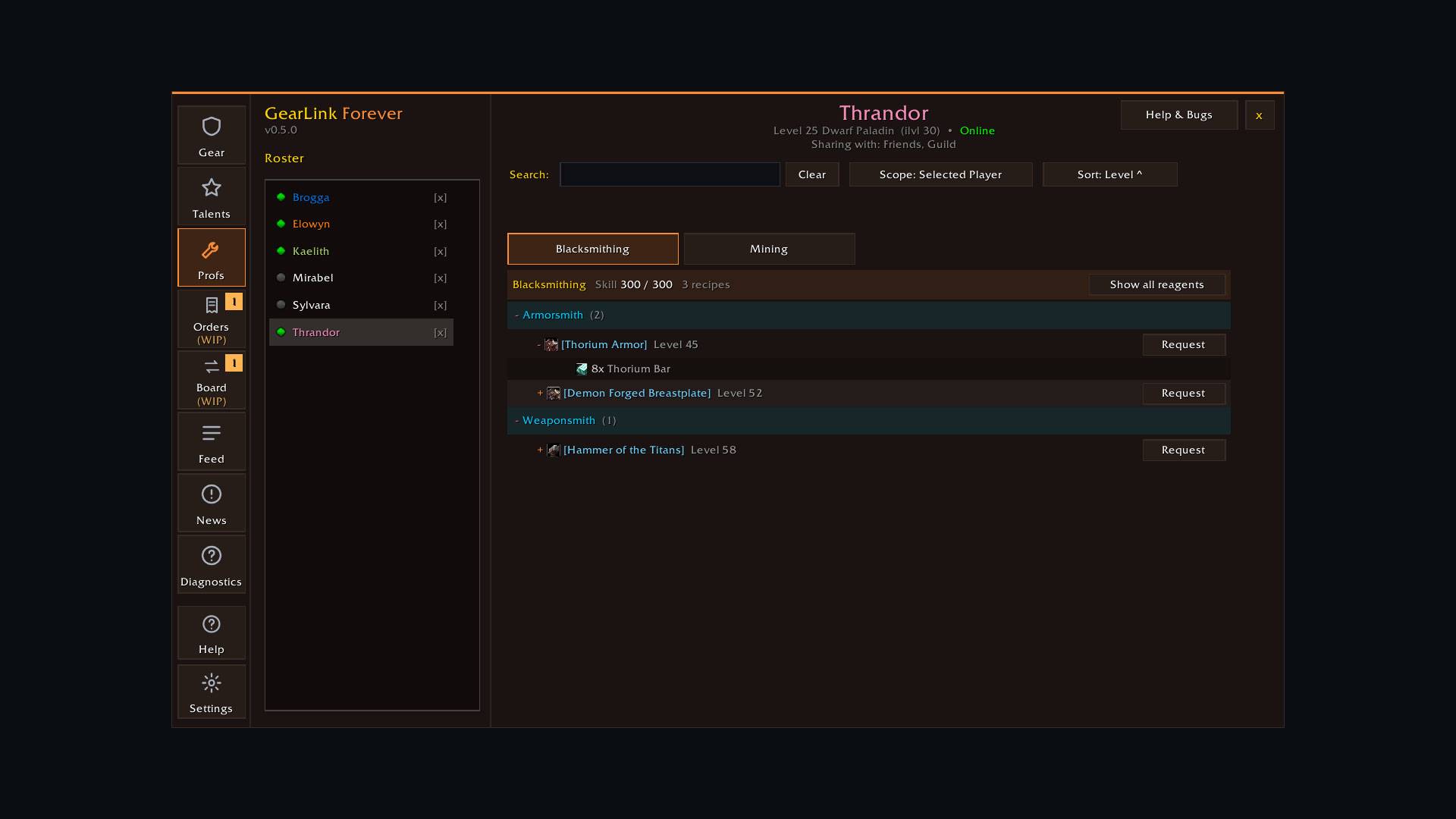
Professions and recipes
Browse your roster's professions and recipes, sort by required level, and filter to online crafters. Find who can craft what without asking in chat.
Crafting orders (work in progress)
Request a craft from a specific friend with a tip and a message. They get a notification. Each order has its own local log of what was sent and when. In-addon messaging keeps the back-and-forth in one place.
Trade Board (work in progress)
Post and claim items within your share circle.
Mailbox helper
A bar above the mail window fills in the crafter, attaches the materials and sends the letter in a few clicks. The crafter gets told the materials are on the way.
Loot feed
Opt in to sharing your drops with friends and guild, with per-rarity switches. See what your friends find as they play.
Notifications
New orders, messages, claims and mailed items show on the minimap badge and in the Feed, with optional sounds. Chat notices stay off by default.
Make it yours
17 built-in colour themes, custom palettes from any three hex colours, and optional window animations.
Diagnostics
Plain-language health checks, a performance test and a copyable anonymized support report, so problems are easy to report.
Privacy first
Gearlink shares only with the people you choose: friends, guild, or Battle.net friends on your share list. Nothing is broadcast to strangers.
- A master switch makes you invisible. Nothing about your character is sent. Crafting orders still work.
- Per-section switches hide gear, stats, talents or professions individually.
- Loot sharing is off by default and must be enabled per character.
- All data travels through WoW's own addon messages between players. Nothing is sent to an external server.
Getting started
- Open the window with
/glfor the minimap button. - Add friends to your share list. Gearlink also picks up your in-game friends and guild.
- Choose what to share with the privacy switches.
- Browse the roster, inspect gear, and find crafters on the Professions tab.
Useful commands: /glf opens the window, /glf bug builds a support report, /glf versions shows which friends run older versions.
Screenshots
Help and bugs
Questions, ideas and bug reports live on the official Discord: https://discord.gg/ytmXFFsPcm
- Install help in #support
- Bugs in #bug-reports, or use
/glf bugin game - Ideas in #suggestions
- Release notes in #changelog
Gearlink Forever v0.7.0. MIT licensed. Created by Vaedrin.
Gearlink: Guild Craft & Inspect Team