
GearHUD
- By

3.png

2.png
6.png

4.png
5.png

1.png
Description
Description
This addon is a lightweight, intuitive HUD designed for rapid gear swapping and efficient equipment set management. It provides a clean, unobtrusive interface to help you manage your gear sets seamlessly during your adventures.
Key Features
-
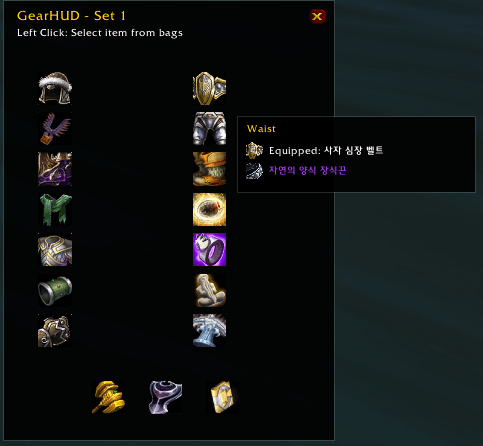
Rapid Gear Swapping: Change your gear sets instantly via an intuitive HUD interface.
-
Drag-and-Drop Support: Easily assign items from your bags to specific equipment slots.
-
Lightweight Design: Optimized for minimal impact on game performance.
-
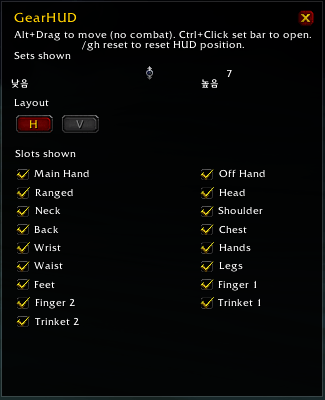
Customizable Layout: Freely adjust the size and position of the HUD to fit your UI.
-
Combat-Aware: Intelligently handles equipment changes during combat encounters.
-
Clean Interface: Designed to stay out of your way, providing only the information and controls you need.
-
Flexible Orientation: Supports both horizontal and vertical layout modes to perfectly match your UI setup.
How to Use
-
Once installed, access the options menu by typing
/ghin the chat. -
Left Click: Select/Equip an item from your bags.
-
Right Click: Unequip an item from the slot.
-
Ctrl + Left Click: Open the options menu.
-
Alt + Right Click: Move the HUD to a desired position.
GearHUD Team
