


Gatherpedia
- By
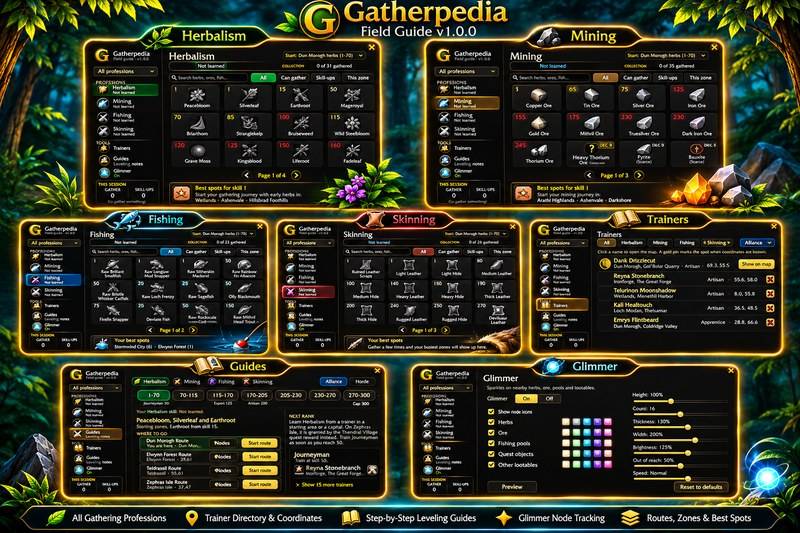
Gatherpedia
Every profession in World of Warcraft: Forever in one guide. Every profession starts with gathering, so Gatherpedia now covers them all.
Version 2.0 merges Professionpedia into Gatherpedia. If you had Professionpedia installed, remove its folder.
Open it with the minimap button or /gp.
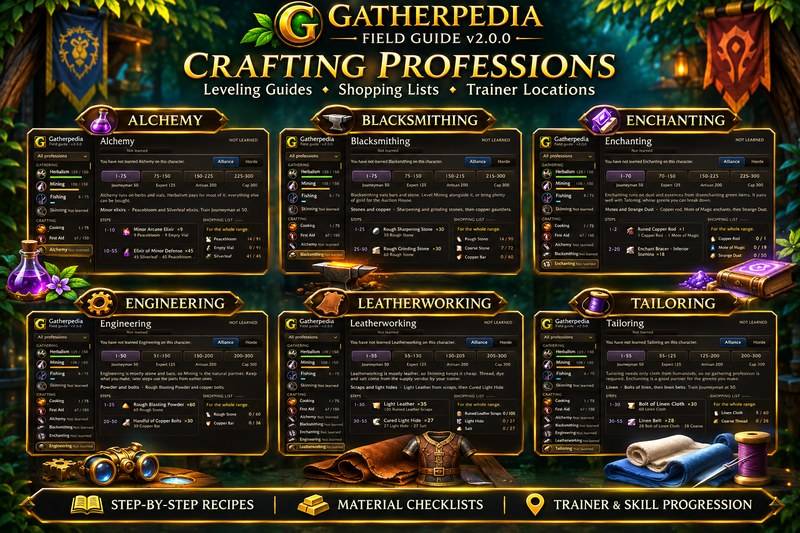
Crafting guides
1-300 guides for Alchemy, Blacksmithing, Enchanting, Engineering, Leatherworking, Tailoring, Cooking and First Aid, checked against Forever.
- Skill track split into ranges, opening on your current range with rank-ups marked
- Steps with what to make, how many and the materials, with your current step highlighted and cheaper alternatives listed
- Shopping list for the rest of your range, counting what is in your bags and bank
- Click any material to see where to buy it (nearest vendors with navigation), what makes it, where to gather or loot it, and its auction house price
- Next rank card with cost, level and the nearest trainer for your faction
- Recipe vendors with map pins, and tips for each range
Camp tab
Every profession, gathering and crafting, has a Camp tab next to the Alliance and Horde buttons.
- Each camp object with its tier, skill, effect and whether you can build it yet
- Learn it links navigate to the nearest trainer or to the dungeon that drops the blueprint
- Every material opens its vendors, crafters, gather and loot sources, and auction house price
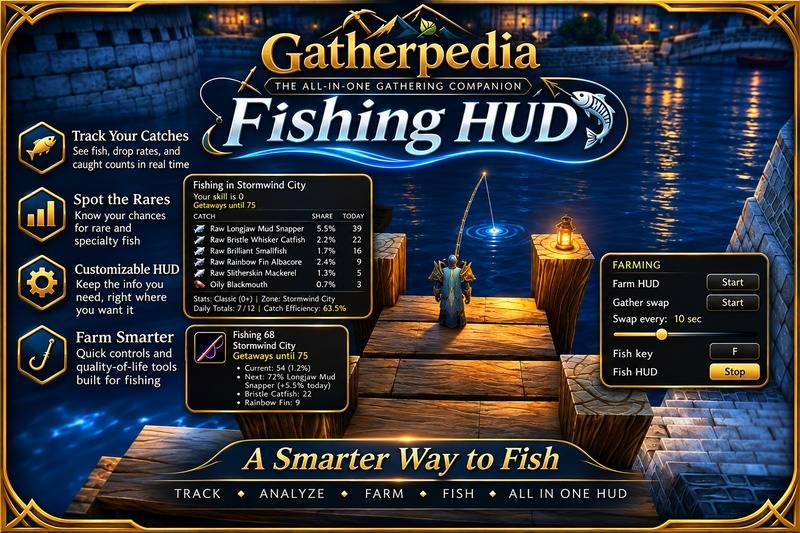
Fish HUD
Turn your screen into a clean fishing view with one click. Start the Fish HUD from the farming box and everything clears away except what you need to fish.
- Clear screen: action bars, unit frames, other addons and the rest of the interface are hidden, like photo mode
- Stays up: the farming box, the fishing box and the zone catches window
- Optional chat: keep your chat window, tabs and buttons on screen and type with Enter as usual (on by default, toggle it on the farming box or the Farming page)
- Safe: being attacked brings your full interface back instantly, as does Stop or Alt+Z
Zone catches window
- Every fish and item you can catch in your current zone, with its icon and share of catches
- Your fishing skill with bonuses, and what the zone needs (getaways until a skill, or no getaways)
- Your own catch share for each fish once you have 5 catches in the zone
- Follows you between zones and updates as you fish
- Covers 43 zones, based on Classic fishing loot tables
Fishing box
- Cast button that applies your best lure first when the pole has none
- Fishing skill, zone status, lure time left and your catches in the zone
- Grows to fit its information instead of cutting lines off
- Shows while a fishing pole is equipped, and always during the Fish HUD
All three windows can be dragged anywhere and remember where you left them.
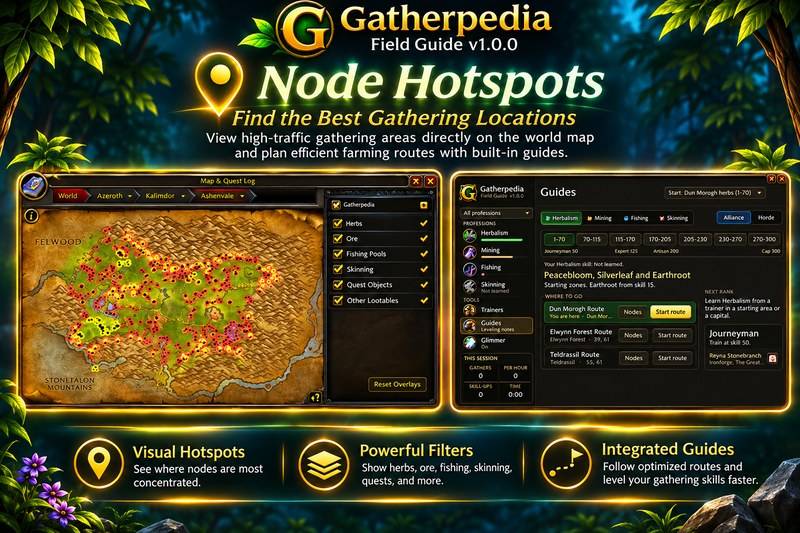
Gathering
Herbalism, Mining, Fishing and Skinning.
- Item pages with every zone the item comes from, your counts per zone and faction hints
- Map pins for herb and ore nodes, fishing pools and skinnable beasts, colored by skill-up chance
- 1-300 gathering guides with recorded farm routes and an on-screen 3D arrow that follows the route and survives /reload
- Routes drawn on the world map and minimap, with a key binding for the best route in your zone
- Goals with a progress tracker, and a "time to move on" card when you outgrow a range
- This Session box with gathered per hour, gold per hour, skill-ups per hour and time to skill cap
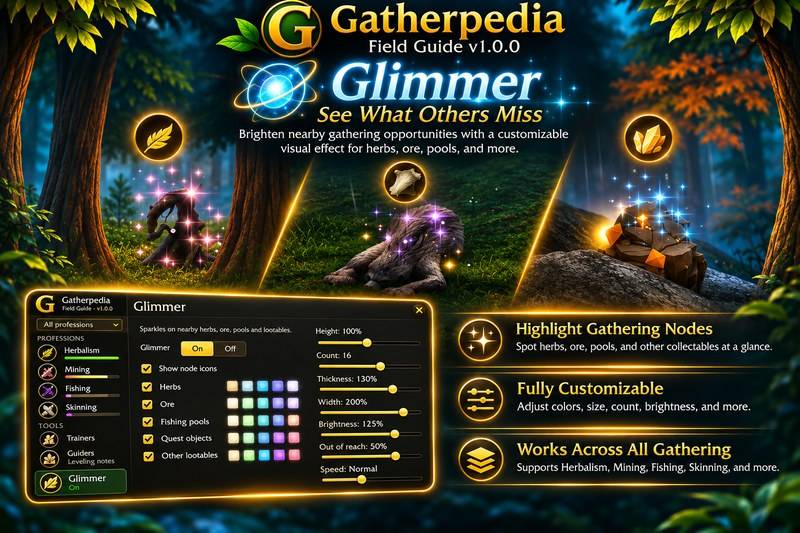
Glimmer
A glimmer cloud on the nearest herb, ore, fishing pool, skinnable beast or quest object.
- Adjustable range, with an option for nodes above and below you
- Skinning only glimmers on dead, looted beasts and dragonkin, and on humanoids while Grizzle's Skinner is off cooldown
- Separate on/off and color for each kind, and grey when your skill is too low
Trainers
Every trainer for every profession, plus suppliers, book vendors and rank-up quest givers. Click a trainer or Navigate to Trainer and the arrow points to them from anywhere on the same continent.
Slash commands
- /gp or /pp: open or close the window
- /gp alchemy (or any profession name): open that guide
- /gp trainers: open the Trainers list
- /gp glimmer: turn Glimmer on or off
- /gp options: options window
Credits and license
Gatherpedia by Curs3d221. Farm routes were recorded in game by the author.
Spawn points, node names, and trainer, vendor and drop locations come from QuestieDB (Forever build) by the Questie team (https://github.com/Questie/Questie), licensed under the GNU GPL v3.
Gatherpedia is free software under the GNU General Public License, version 3 or later.
Gatherpedia Team
