


GatherMate2 QuickMenu
- By
GM1.png
Screenshot 2026-11-19 235733.png
Screenshot 2026-11-19 235741.png
Description
GatherMate2 QuickMenu
A lightweight companion addon for GatherMate2 that makes managing gathering resource markers quick and easy.
GatherMate2 QuickMenu adds convenient controls to your World of Warcraft interface, allowing you to show or hide gathering nodes without opening the full GatherMate2 settings.
Features
-
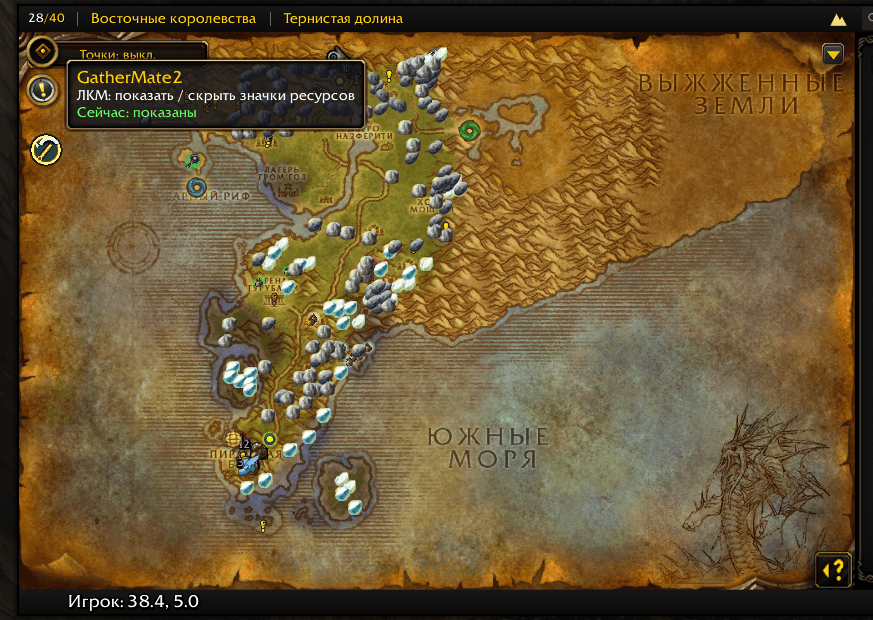
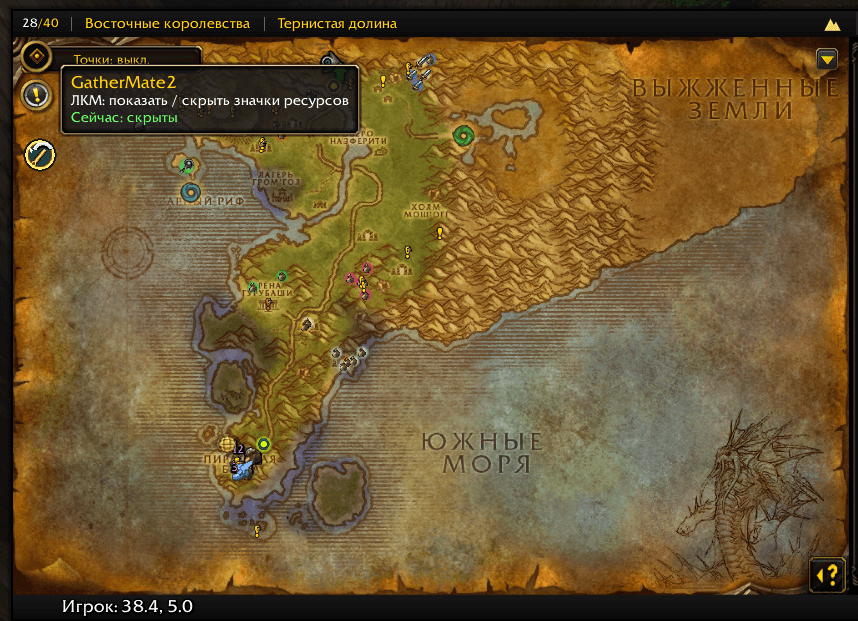
World Map Toggle: Show or hide gathering resource markers directly from the world map using a compact, round pickaxe button.
-
Minimap Toggle: Independently control resource markers on the minimap.
-
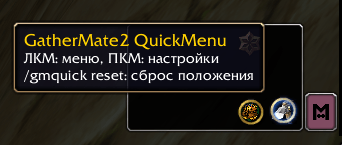
Quick Menu: Compact, draggable WoW-style menu with persistent checkbox settings.
-
Minimap Button: Convenient access to the quick menu from your minimap.
-
MBB Integration: Supports MinimapButtonButton for organizing addon buttons.
-
Saved Settings: Remembers your preferences and menu position between sessions.
-
Localization: Automatically detects your game client's language and displays translated interface text.
How to Use
-
Left-click the minimap button to open the Quick Menu.
-
Right-click the minimap button to access GatherMate2 settings.
-
Click the world map pickaxe icon to toggle gathering markers.
-
Drag the Quick Menu by its title to reposition it.
-
Use
/gmquick resetto restore default positions.
Installation
-
Install GatherMate2.
-
Download and extract GatherMate2 QuickMenu into your
Interface/AddOnsdirectory. -
Restart World of Warcraft or type
/reload.
Dependencies
Required: GatherMate2
Optional: MinimapButtonButton (MBB)
Compatibility
Tested on WoW Forever with GatherMate2 1.52.7.
Compatibility with other World of Warcraft versions has not yet been verified.
Credits
GatherMate2 is developed by its respective authors, including kagaro, xinhuan, and nevcairiel.
GatherMate2 QuickMenu is an independent companion addon and does not include or modify the original GatherMate2 files.
License
MIT License.
GatherMate2 QuickMenu Team
