Gather Atlas
- By
Remembers every herb, ore vein and fish you gather and shows them on the world map, with filters and a searchable database. For WoW Forever.
banner-1920x1080.jpg
Description
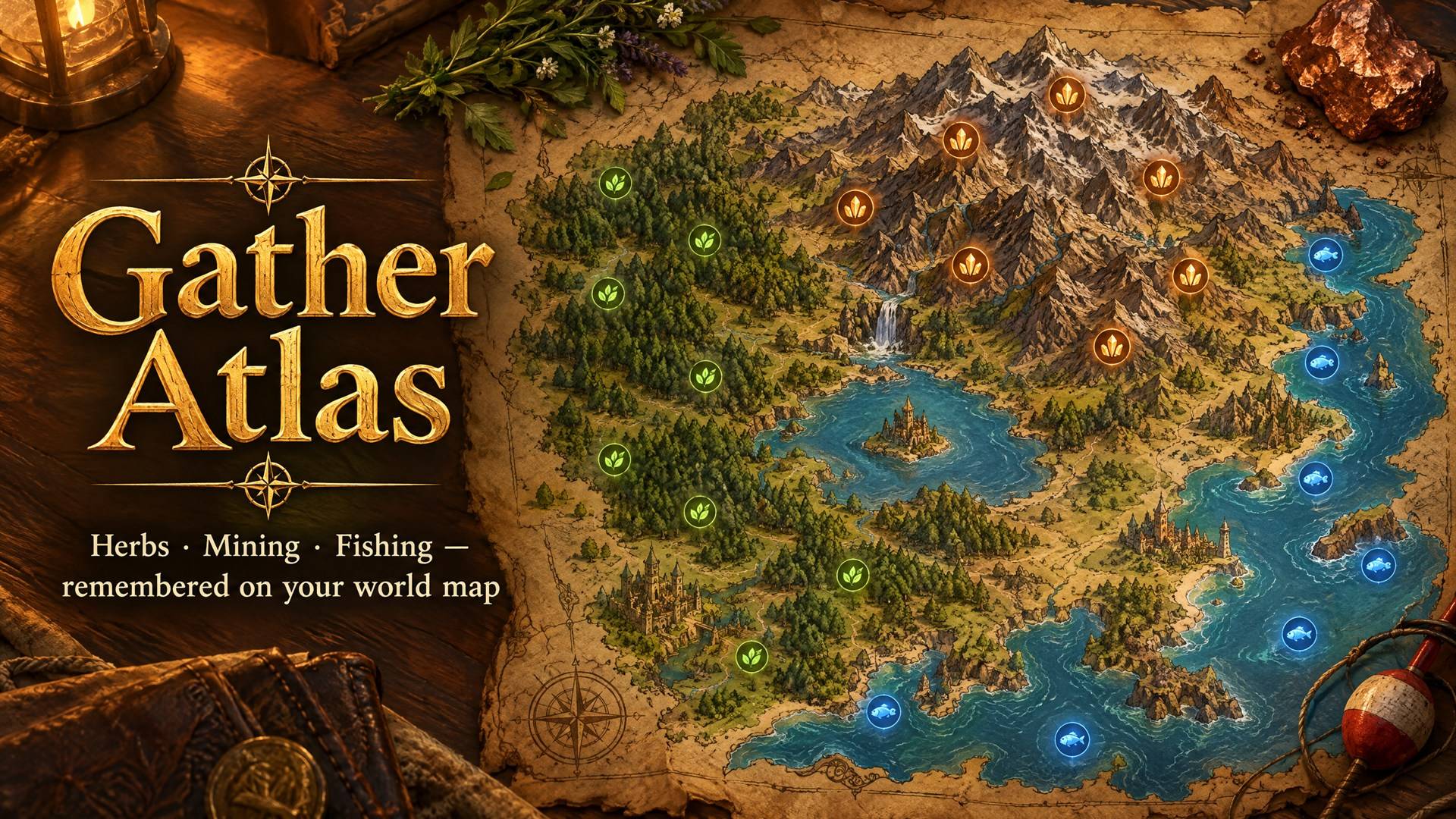
Your own gathering atlas for WoW Forever. Every herb you pick, every vein you mine and every fish you catch is saved with its exact spot and shown on the world map. Over time you get a map of where to go for exactly what you need.
Getting started
- After installing, a short welcome guide shows you how it works and lets you pick your settings.
- Open Gather Atlas from the minimap icon (left-click) or with
/gatlas. On the world map, the Gather Atlas button (top right) holds the filters. No commands needed. - Then just play: gather, mine and fish as usual and your map fills up.
Features
- Automatic recording: herbs, mining veins and fish (grey junk skipped). Gathering again at the same spot strengthens the existing node instead of duplicating it.
- World map pins with the item icon.
- Hover: name, how many times, how long ago, coordinates.
- Click: set a waypoint.
- Shift+click: delete a wrong node.
- Also shown, smaller, on the continent map.
- Map button (top right of the world map): Herbs / Mining / Fishing toggles, a searchable list with node counts for the zone you are viewing, Shift+click to show only one resource, and node size and opacity sliders in case the nodes get in the way. Right-click it to hide or show every node. Its tooltip tells you how many nodes are on the map you are viewing.
- Database window: All / Herbs / Mining / Fishing tabs, search, and every zone where you found each resource, sorted by node count. Click a zone to open its map showing only that resource.
- Minimap icon: left-click opens the window, right-click opens the options, drag it around the minimap edge. You can hide it.
- Options page in Options > AddOns > Gather Atlas.
- Account-wide data: all your characters feed the same database.
- English and Spanish.
Commands
You never need them, but they are there. Type /gatlas help in game.
| Command | What it does |
|---|---|
/gatlas |
Open the window with everything you gathered |
/herb · /mina · /pesca |
Open it on Herbs, Mining or Fishing |
/gatlas options |
Options |
/gatlas intro |
Show the welcome guide again |
/gatlas icon |
Show/hide the minimap icon |
/gatlas all |
Show everything on the map again (clear filters) |
/gatlas points |
Show/hide map nodes |
/gatlas continent |
Show/hide nodes on the continent map |
/gatlas size <8-32> |
Map icon size |
/gatlas opacity <20-100> |
Map icon opacity |
/gatlas announce |
Chat message when a new node is found |
/gatlas delete <name> |
Delete every node of a herb, vein or fish |
/gatlas reset |
Clear the whole database |
/gatlas debug |
Print the spells you cast (if something is not recorded) |
Good to know
- It starts empty and only knows what you gather, so everything on your map is real WoW Forever data, including its new zones.
- Names are stored as your game client shows them.
- Fishing nodes mark where you stood, not where the bobber landed.
- Positions are not available inside most instances, so nodes there are not recorded.
Bug reports and ideas are welcome in the comments.
Gather Atlas Team