
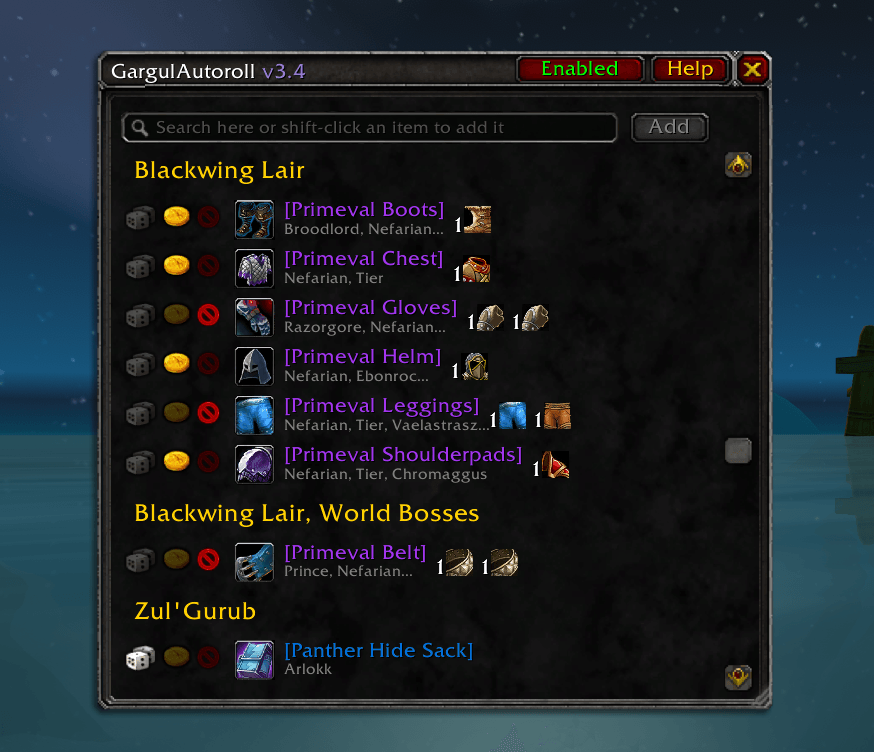
gar-interface.PNG
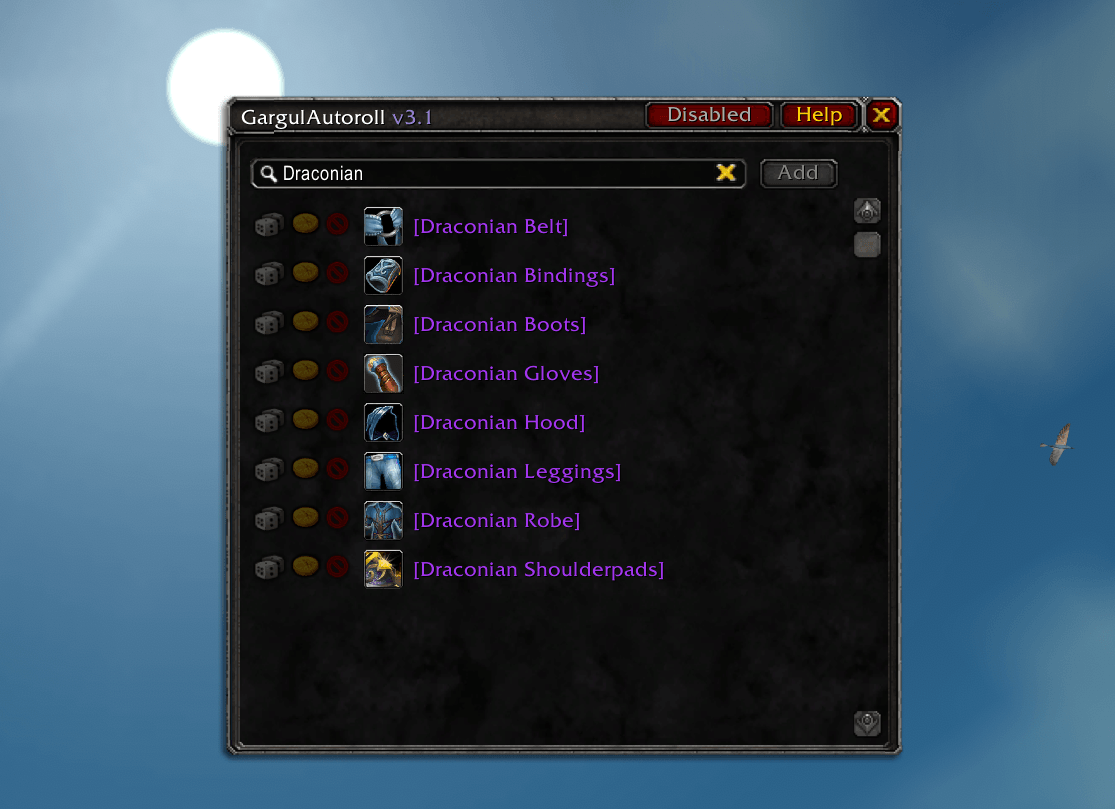
gar-search-itemname.PNG
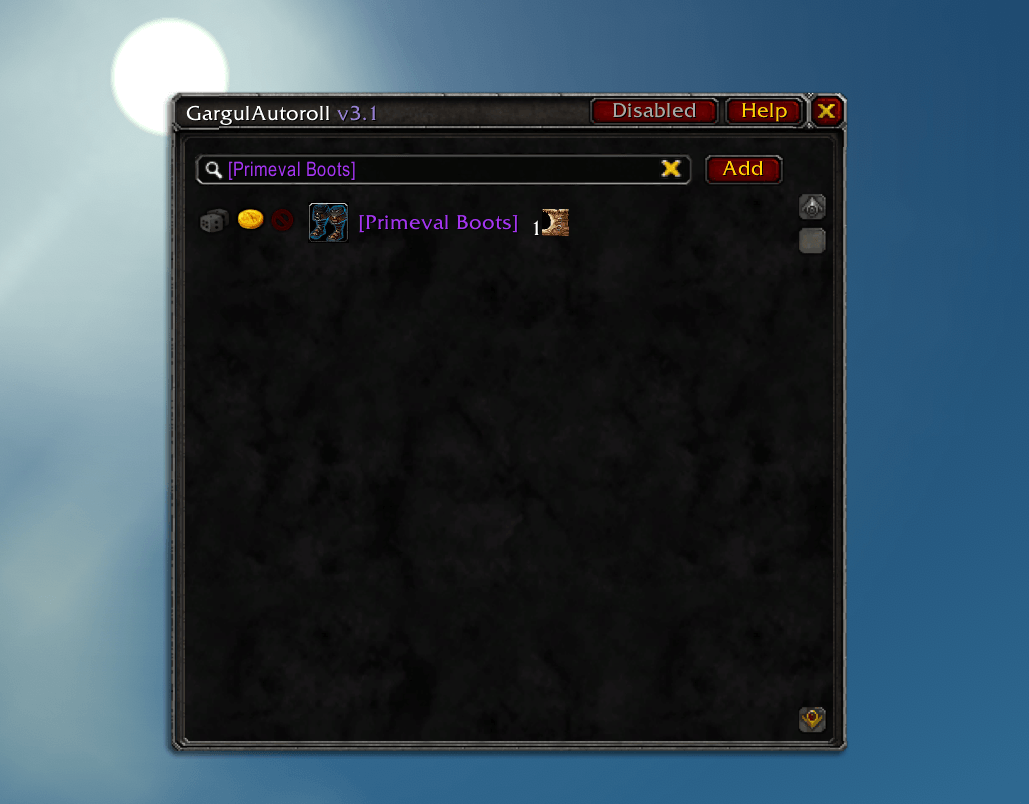
gar-search-itemlink.PNG
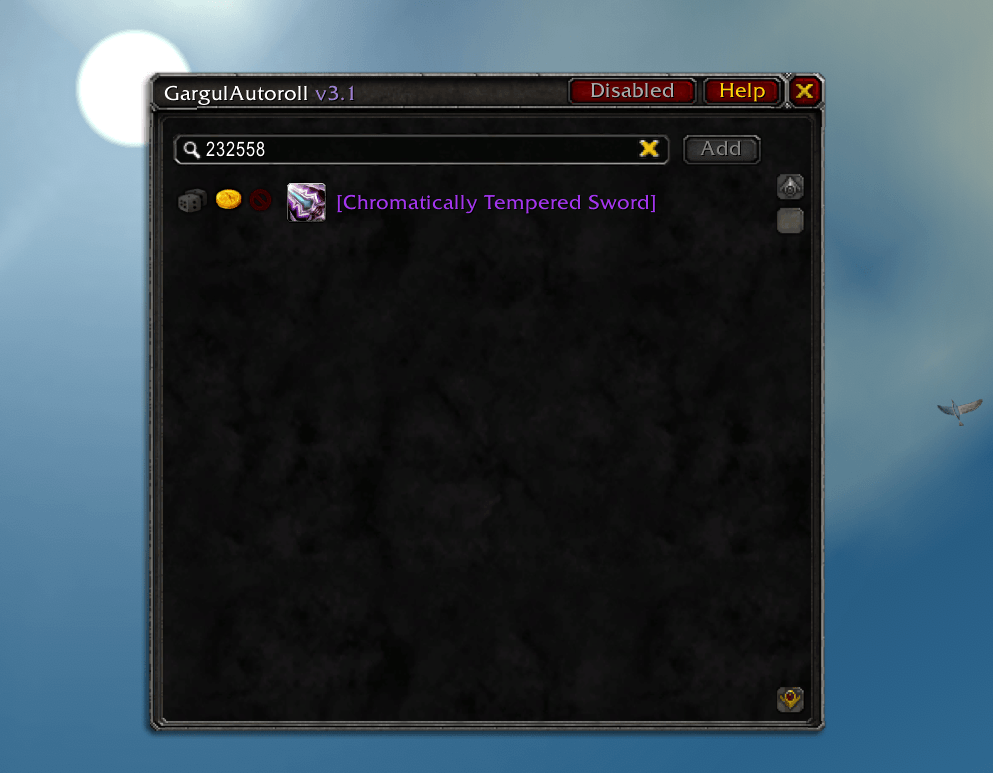
gar-search-itemid.PNG
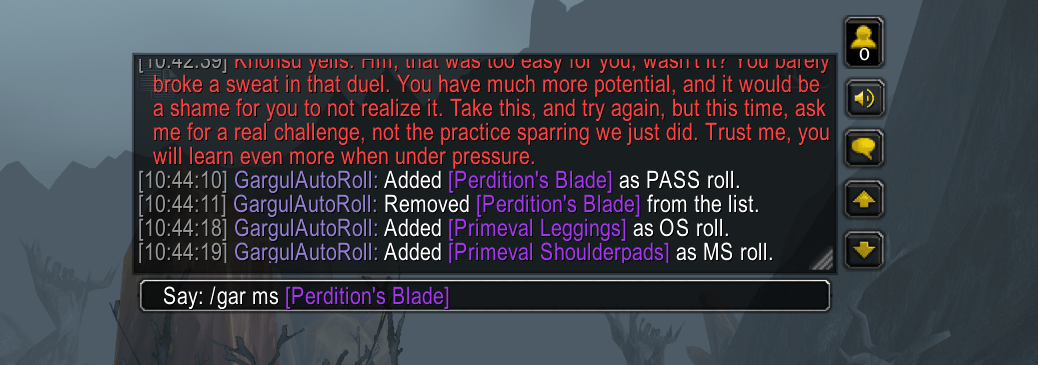
gar-usage.PNG
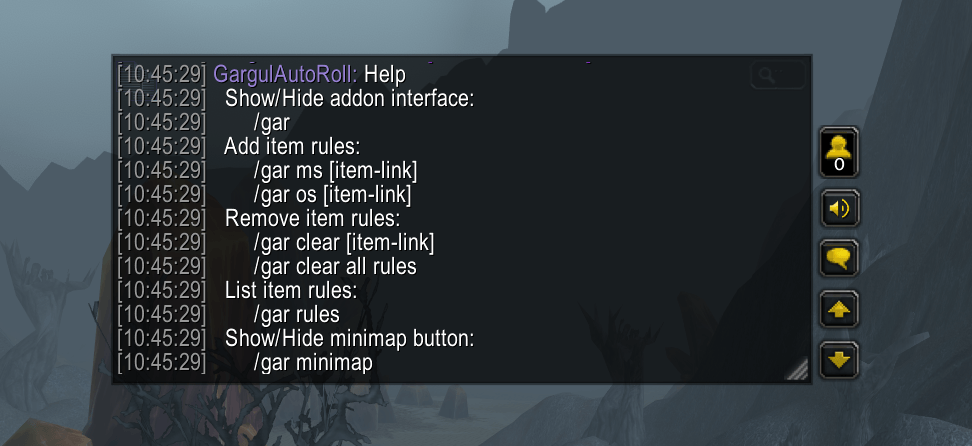
gar-commands.PNG
Description
GargulAutoRoll
Automate your MS/OS Gargul rolls in WoW Classic and Season of Discovery.
Usage
1. Search for your wanted item or paste an [item-link] in the search box
2. Click on the NEED icon (/roll), or the GREED icon (/roll 99) or PASS icon (don't roll) to save a rule.
3. The addon will roll need/greed automatically after a “roll on [item-link]” raid message.
4. Item will change to PASS if you are the winner in a “[item-link] was awarded to Player” raid message.
Features
- Autorolling ms/os/pass for saved items
- Compares saved items with already looted items (including exchanged tier tokens)
Searchable items
- My searchable database only contains SoD level 60 raid loot.
- If you play Classic and have AtlasLootClassic installed, it will import their Classic items.
- You want to search and roll for tier tokens, as those are the ones droped by bosses.
Chat Commands
Show/Hide addon interface
/gar
Add item rules
/gar ms [item-link]
/gar os [item-link]
/gar pass [item-link]
Remove item rules
/gar remove [item-link]
List item rules
/gar rules
Enable/Disable the addon
/gar enable
/gar disable
Show/Hide minimap button
/gar minimap
The GargulAutoRoll Team
