
Full Mana Forever
- By

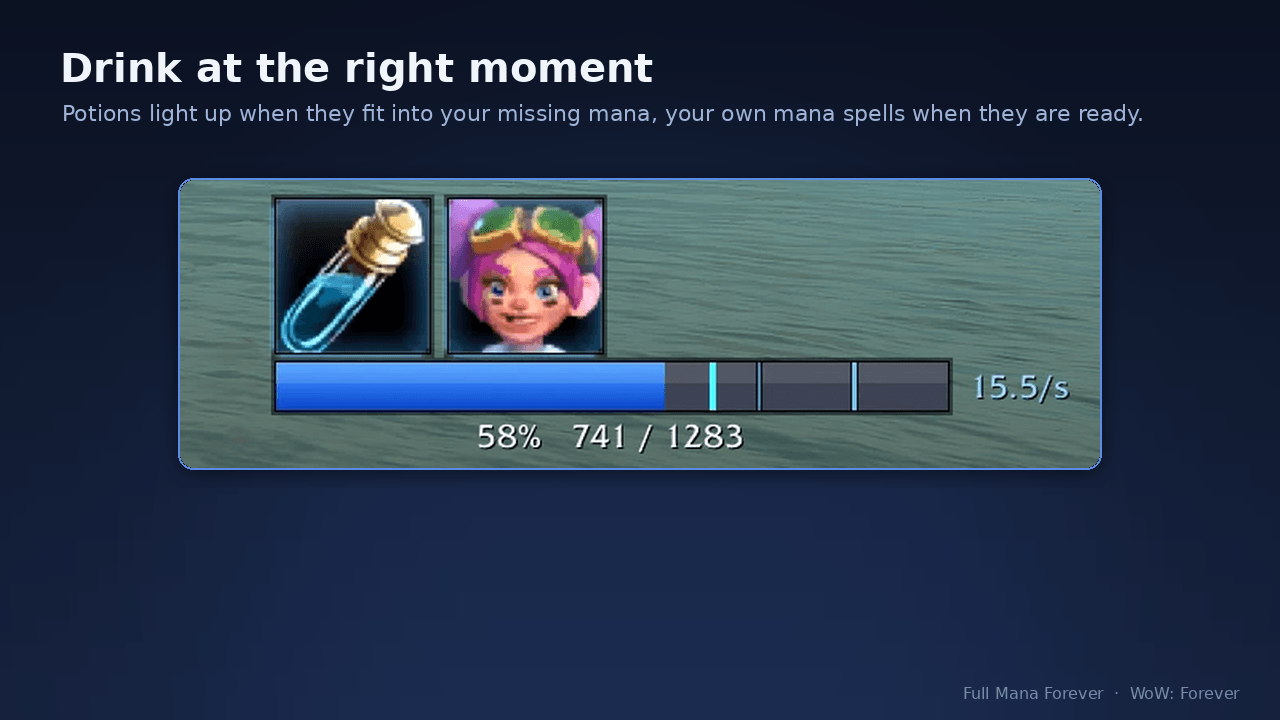
Your potion lights up when it is ready and its whole restore fits into your missing mana: nothing wasted. Your own mana spells (here Eureka!) light up when they are ready. The bar shows your mana, the markers and your regen.
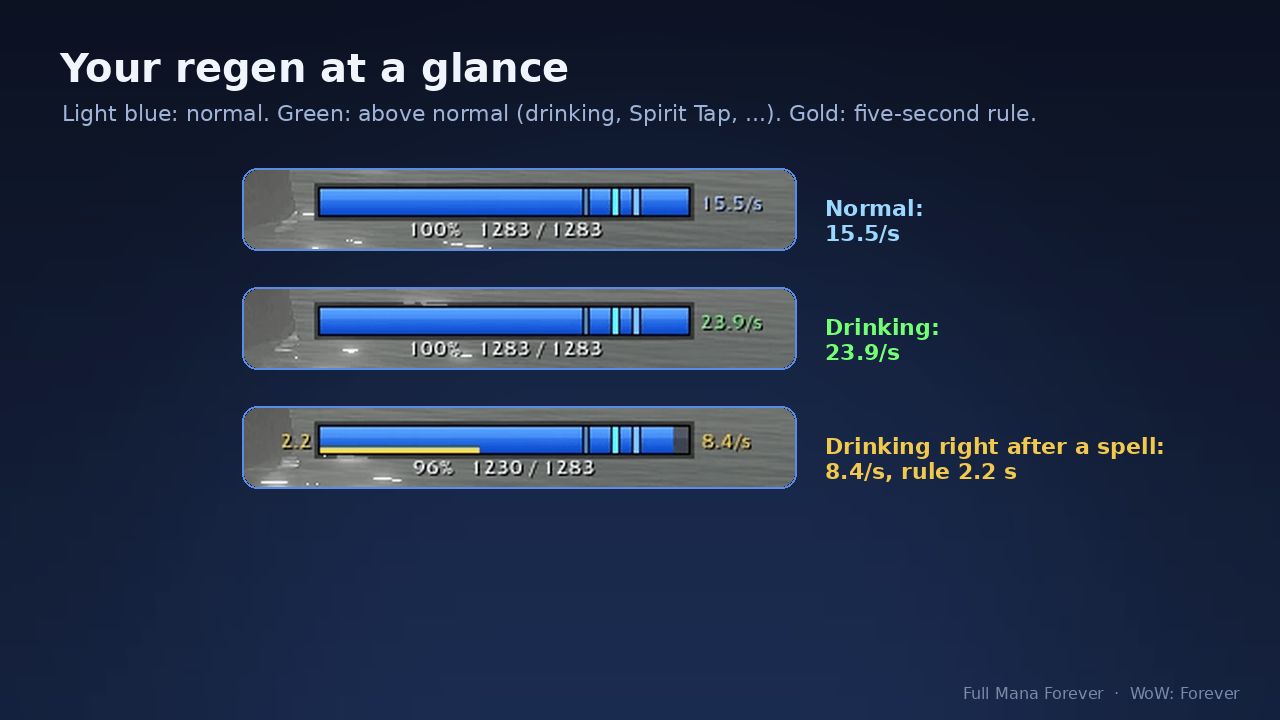
Light blue: your normal regen. Green: above normal, for example while drinking or with Spirit Tap. Gold: the five-second rule is running after a spell. The regen shown is the one running right now, per second, also in combat.
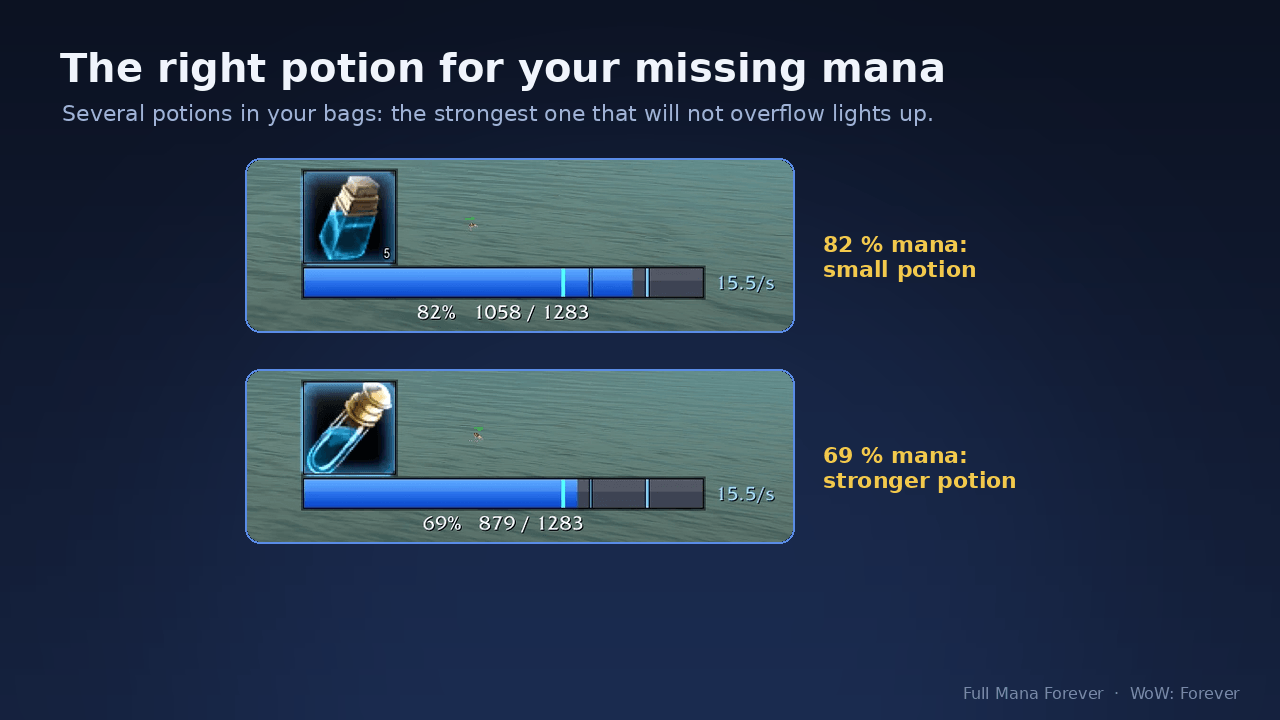
With several potions in your bags the addon picks the strongest one that will not overflow: the small potion at 82 % mana, the stronger one at 69 %.
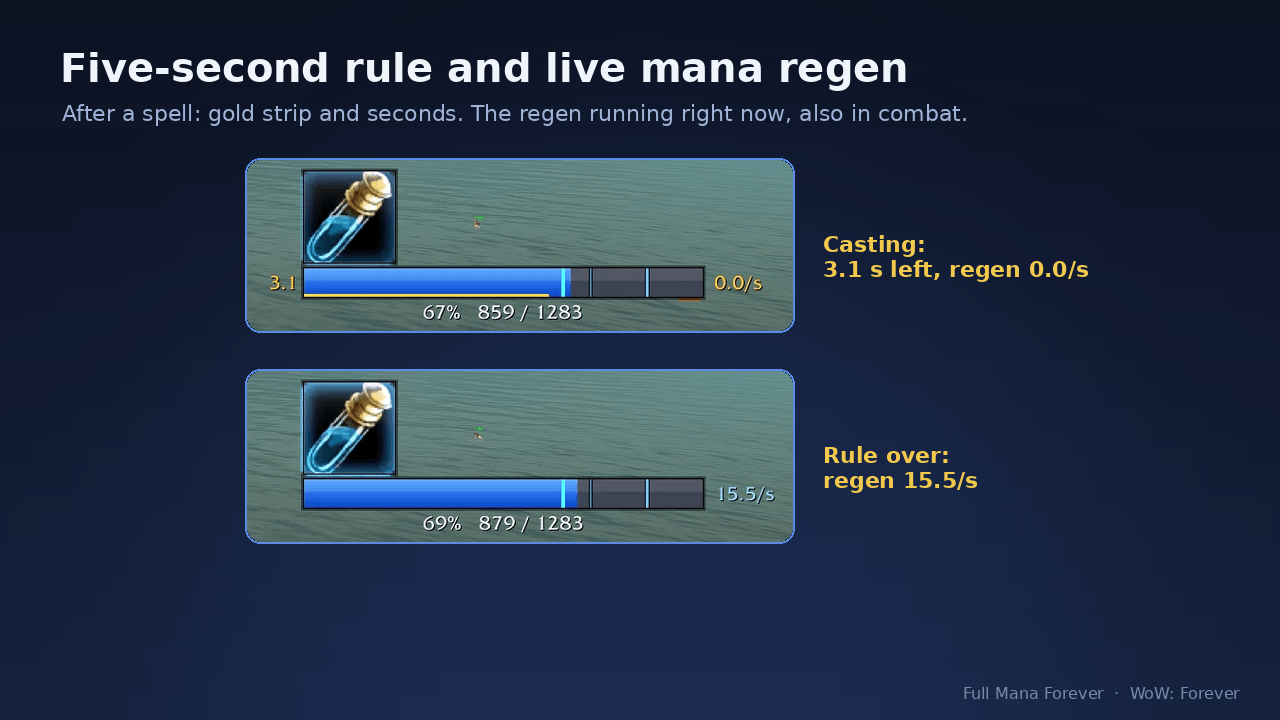
After a spell that costs mana, a gold strip and the seconds count down the 5 seconds of reduced regen (here 3.1 s, 0.0/s). Then your full regen shows again (15.5/s). Wands, potions and food do not start the rule.
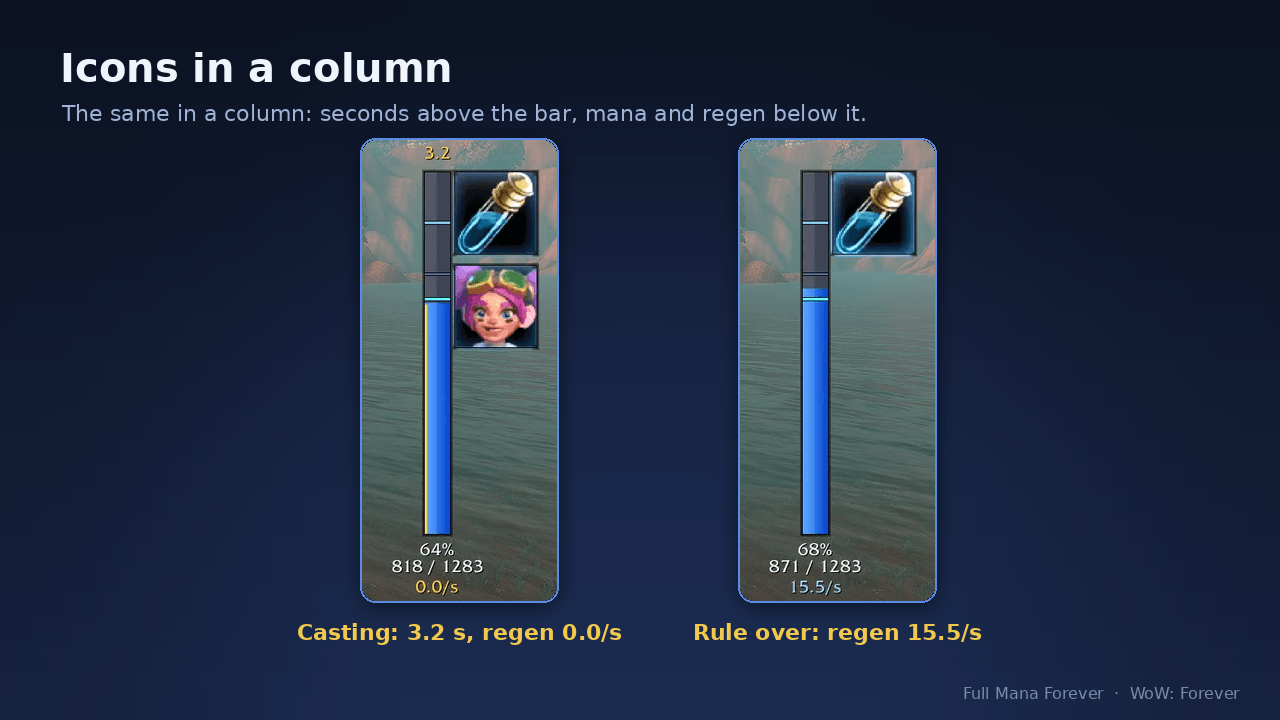
The same with the icons in a column: the seconds sit above the bar, the mana numbers and the regen below it.
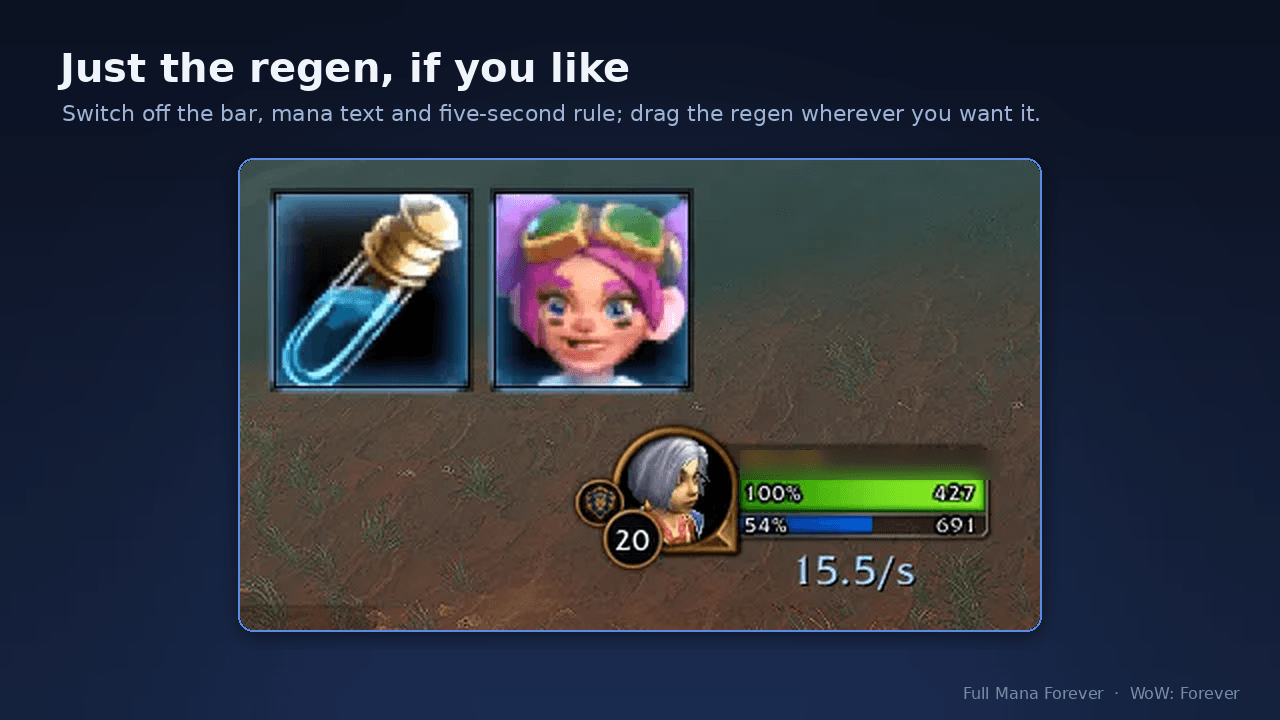
Switch off the mana bar, the mana text and the five-second rule and keep only the icons and your live regen, dragged wherever you want it, for example next to your character.
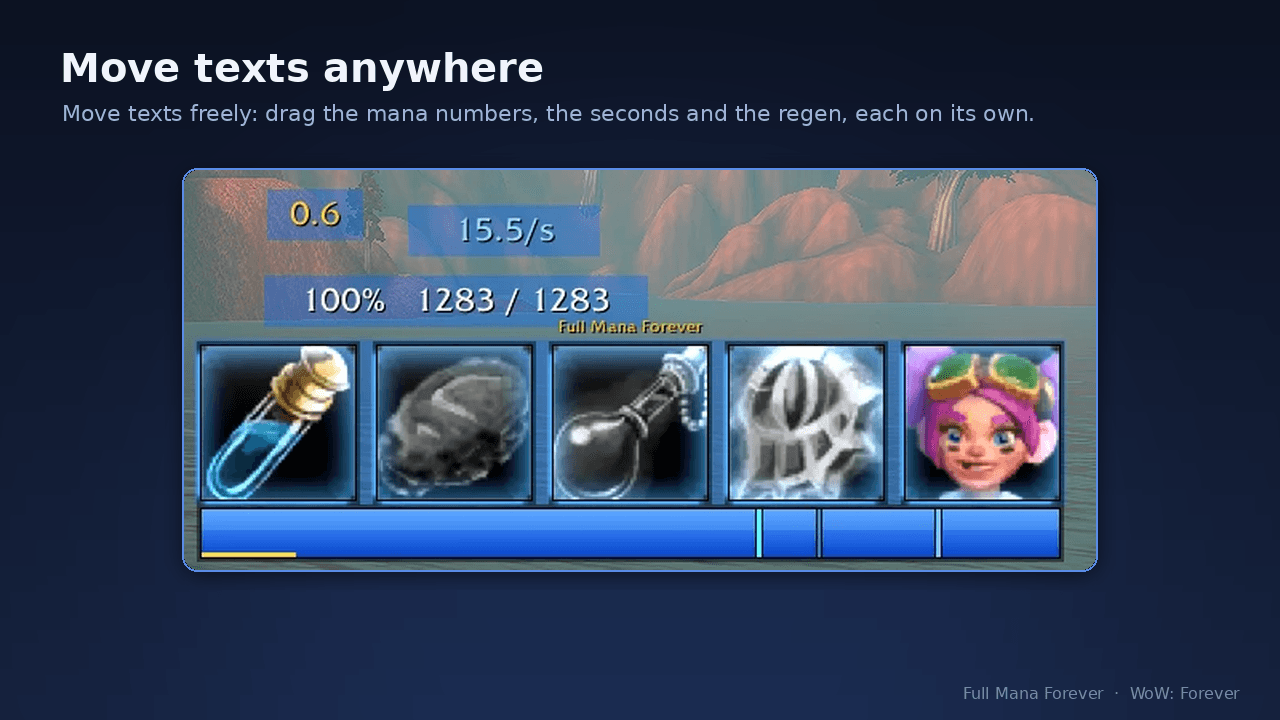
Unlock the frame and switch on “Move texts freely”: drag the mana numbers, the five-second seconds and the regen anywhere on the screen, each on its own. /fmf reset puts them back at the bar.
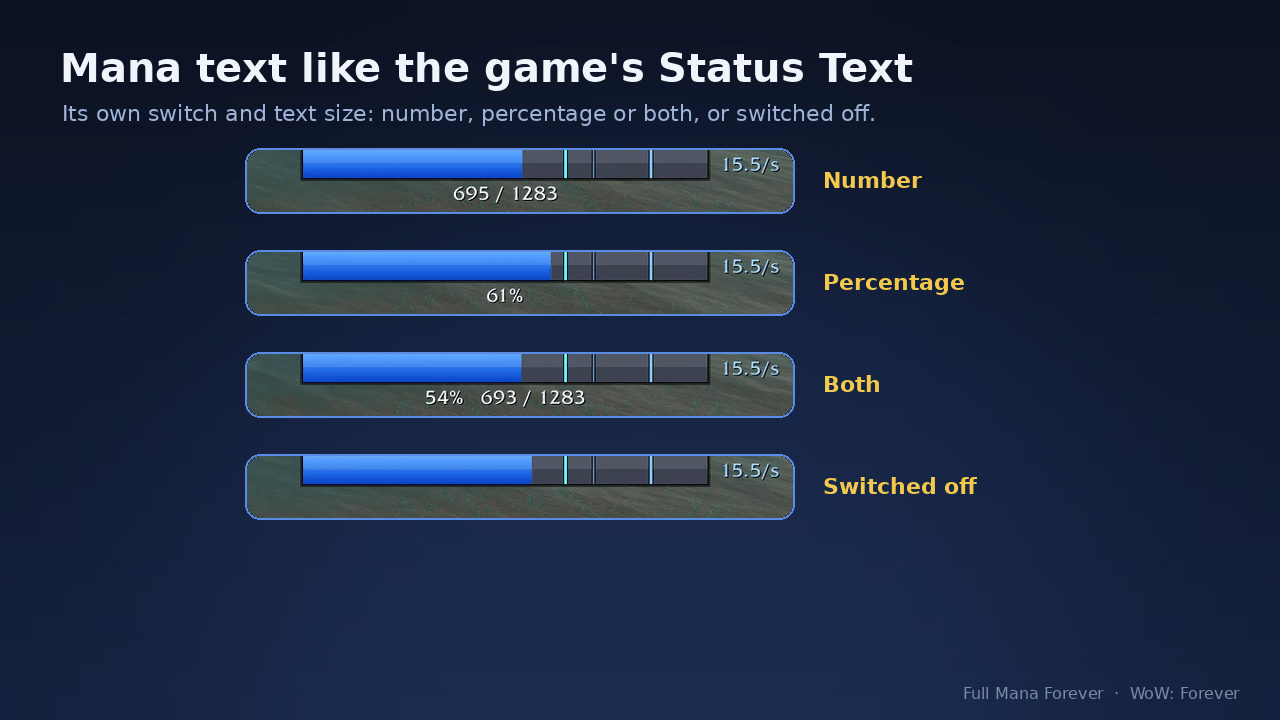
The mana numbers like the game’s Status Text: number, percentage or both, with their own switch and text size. They also show with the mana bar switched off.

Every supported item and your class's own mana spells. Switch each on or off, see your level and what you carry, and set each spell's own mana threshold with - and +.
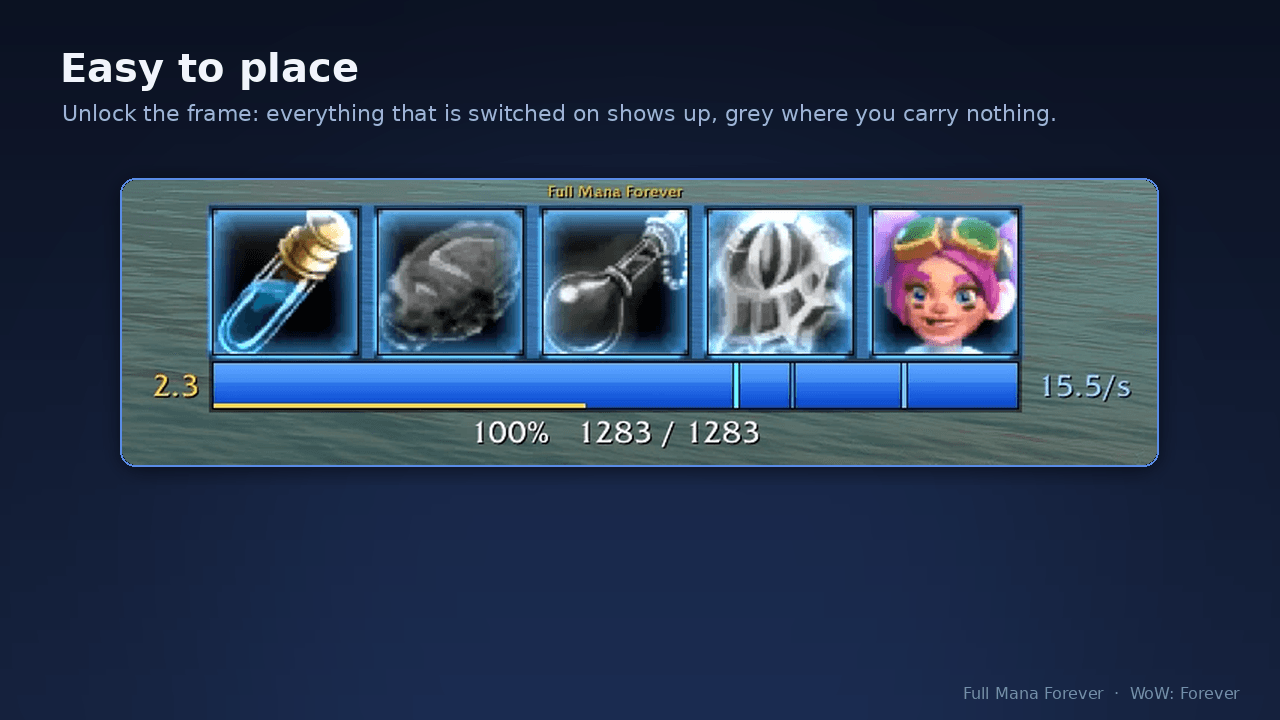
Unlock the frame to place it: everything that is switched on shows up, grey where you carry nothing. Drag it where you want it and lock it again.
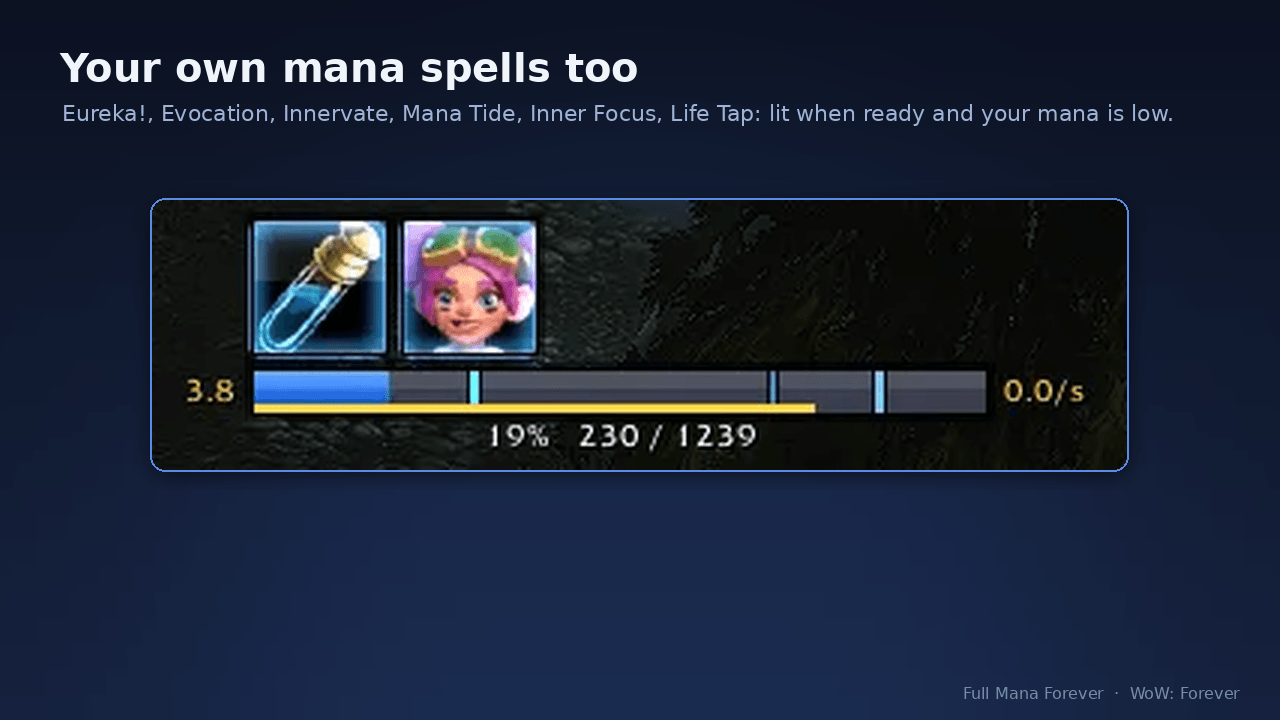
Your own mana spells get an icon too: Eureka!, Evocation, Innervate, Mana Tide, Inner Focus, Life Tap and Ley Line reading. It lights up when the spell is ready and your mana is at or below the share you choose (50 % by default).
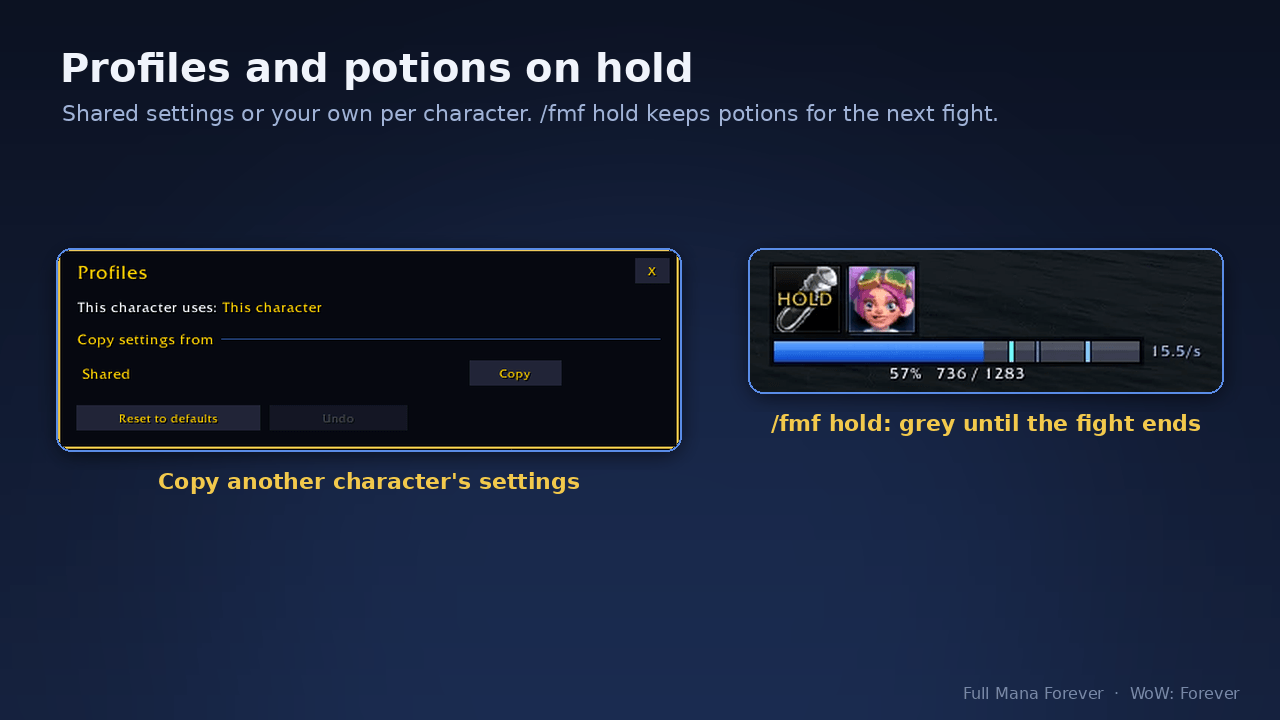
Shared settings for all characters or your own per character; copy another character’s settings in one click. /fmf hold keeps your mana potions for the next fight: the icon turns grey with HOLD.
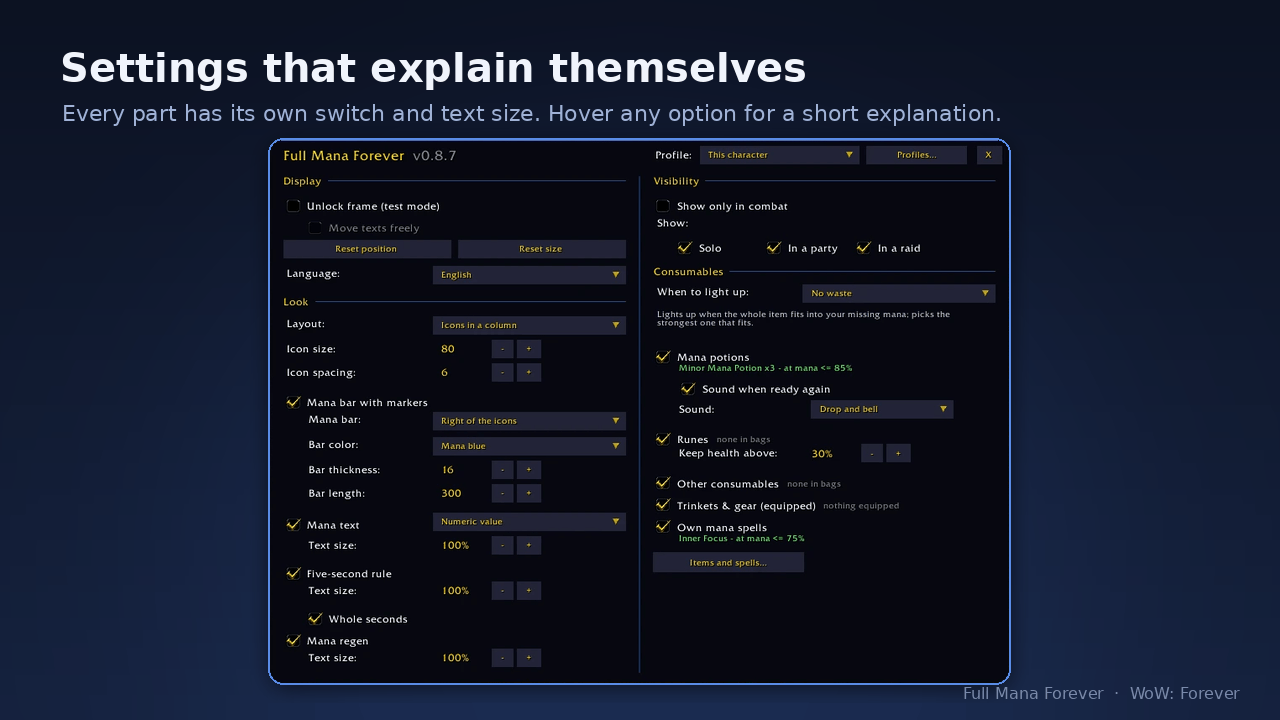
Every part has its own switch and text size. Hover any option for a short explanation. Items and spells opens the list of everything the addon knows.