
FSwapper3
- By

Automatically swaps to your last weapons from fishing pole when entering combat
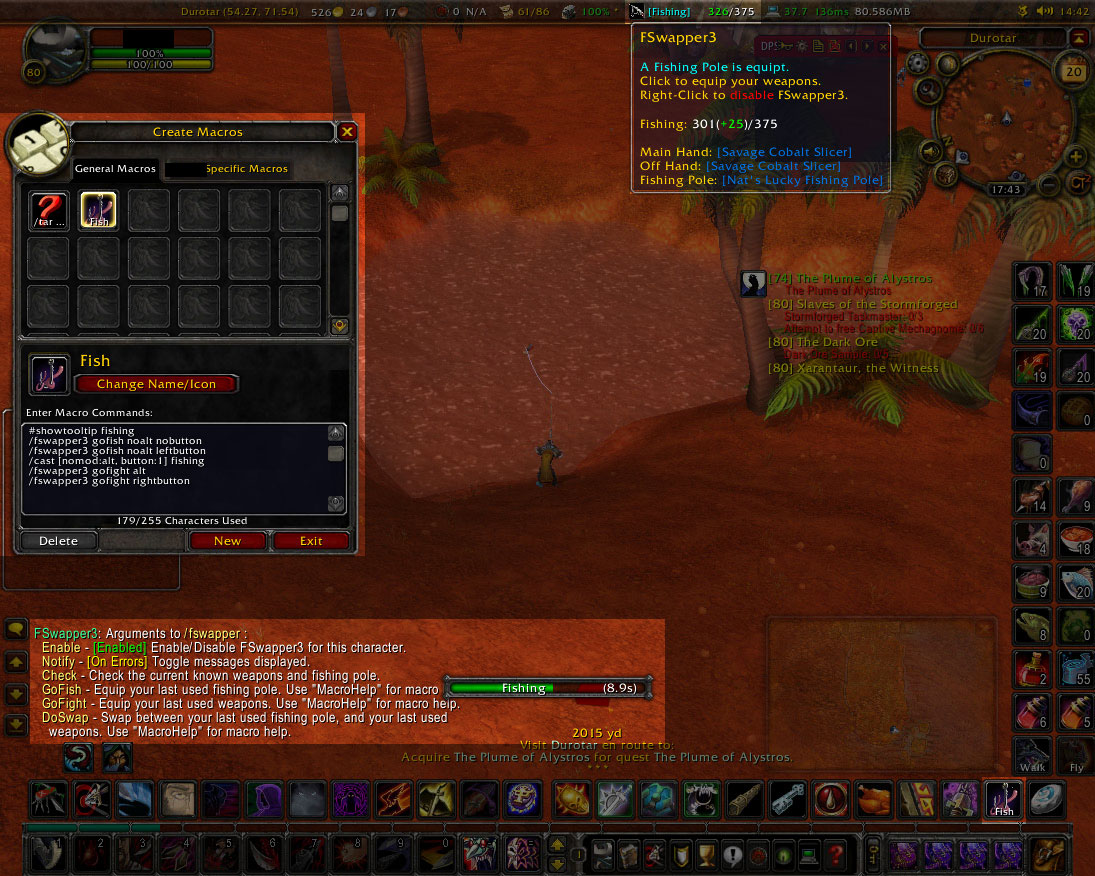
This is another full-screen image with everything darkened except the main components of FSwapper3, this is just to give you an idea of what it is.
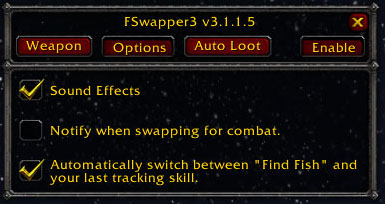
Options menu.
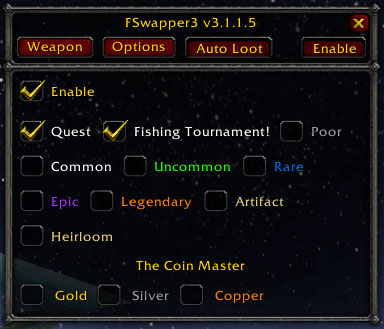
Auto Loot menu.
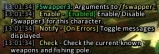
FSwapper3 slash command arguments.
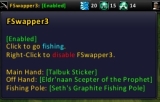
How FSwapper3's Data Broker Tool-tip looks.
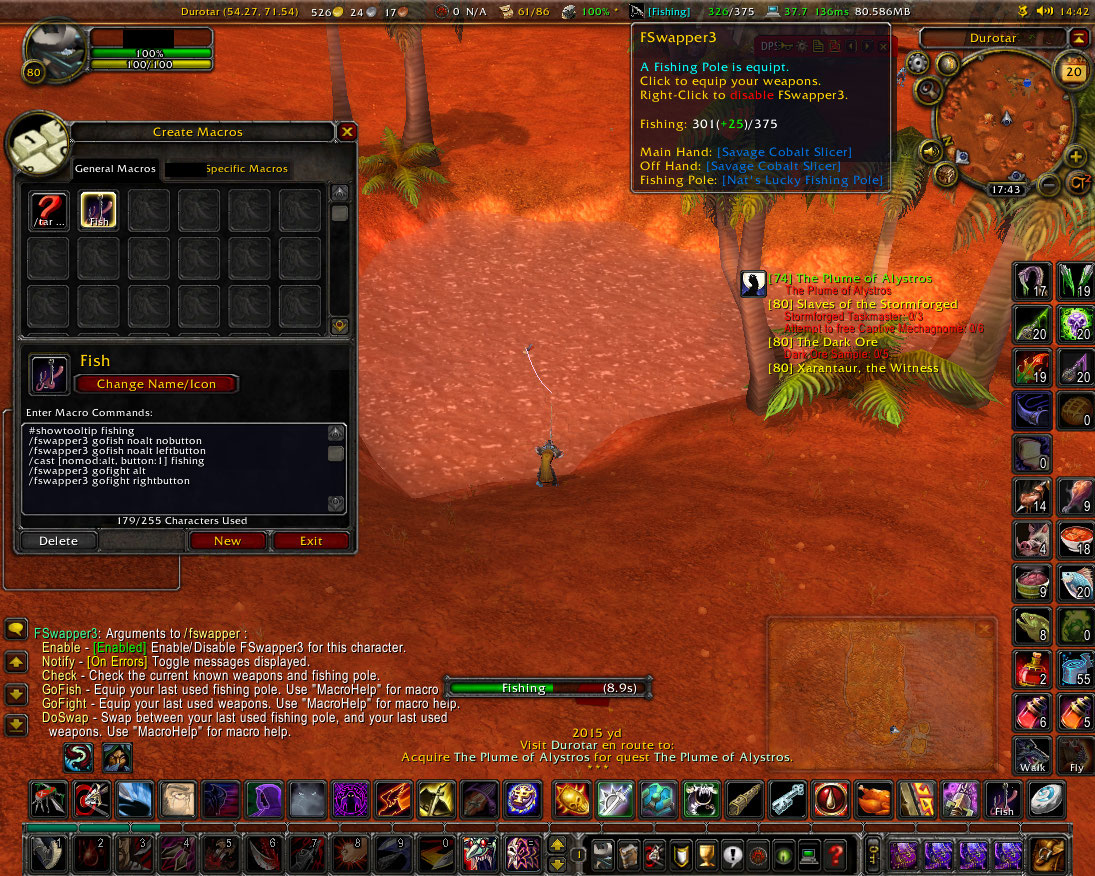
This is how FSwapper3 looks on your whole screen if you use Titan Panel.
Note that the macro window is open just to show the macro, and doesn't need to be open. And the chat window text is just showing the arguments - FSwapper3 isn't that spam...

How FSwapper3's Data Broker looks in Titan Panel.