


Frost Tear Additions and Media for Ellesmere
- By
An assets pack to go along with the Frost Tear UI profile for Ellesmere UI
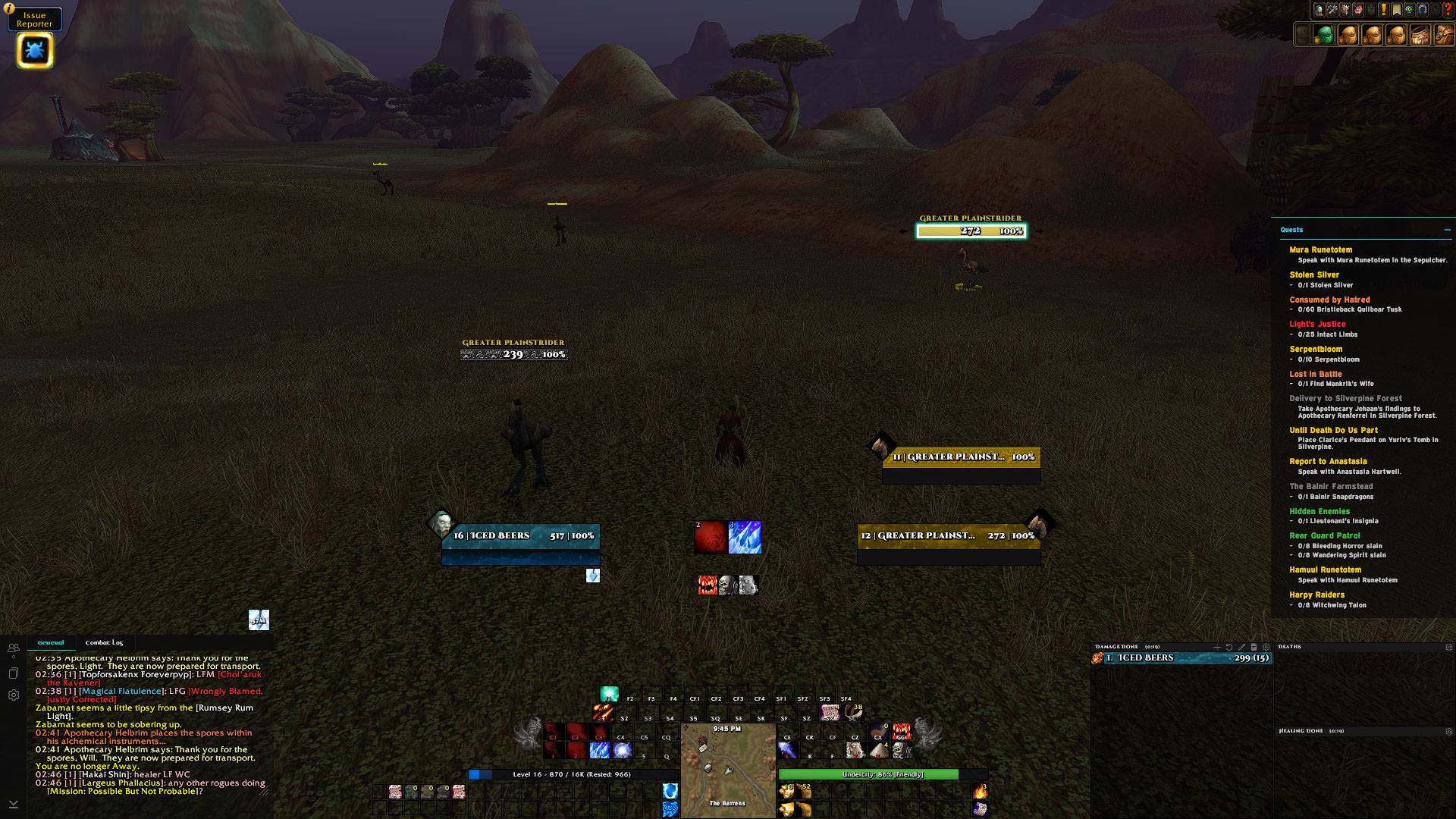
WoWScrnShot_100326_144630.jpg
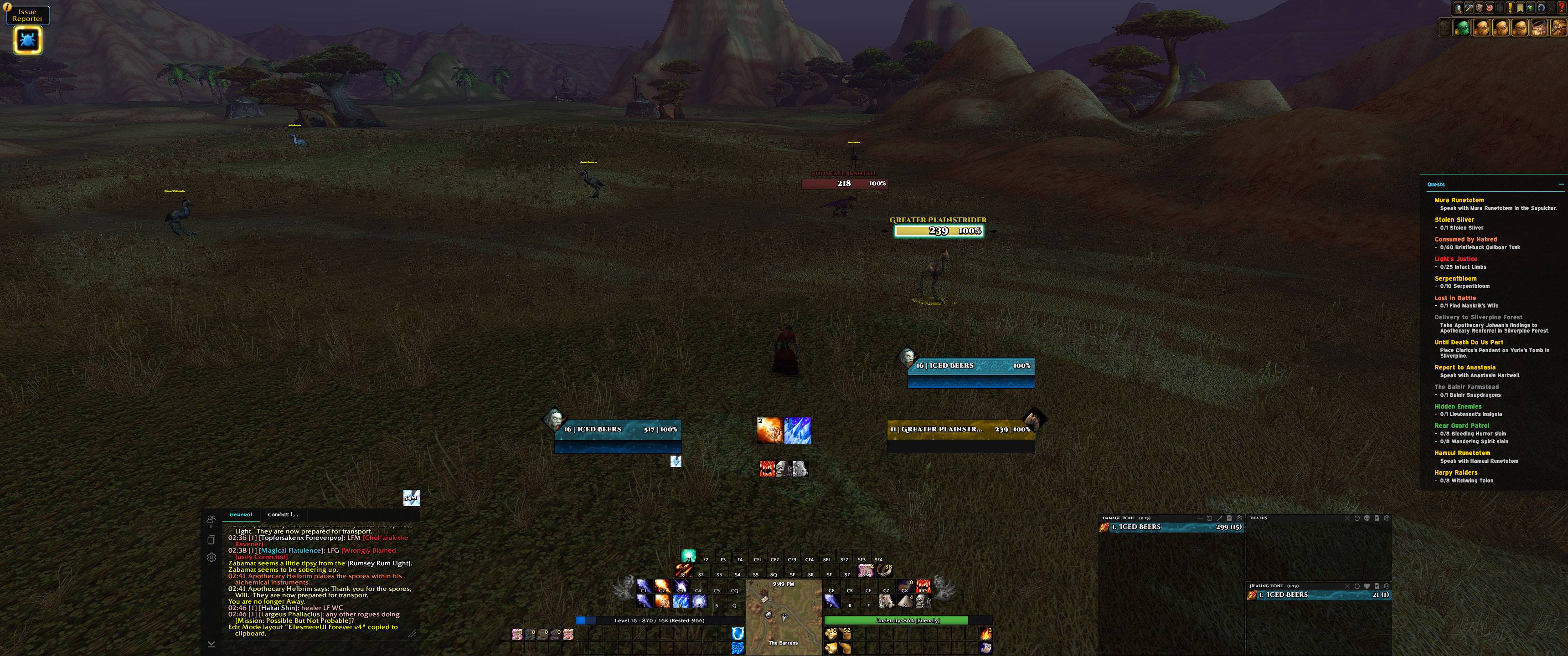
WoWScrnShot_100326_145015.jpg
Description
Frost Tear is a resource pack made for Ellesmere UI.
note: it does not inject or change anything within Ellesmere UI. This addon simply uses lua to add fonts and images to WoW.
Recommended setup instructions:
- Download, or have Ellesmere UI installed
- Download Frost tear via Curseforge
- Login to a character, hit ESC and click on EllesmereUI for it's options menu
- Click on "Import Profile"
- Head to https://ellesmereui.com/frosttear
- Copy and paste the text string into the EllesmereUI import string box
- Now type /reload to reload your UI and save everything.
Side note: Depending on screen size, chat and DPS meters might need to be moved manually (click on it in Ellesmere unlock mode and use your arrow keys for tiny adjustments).
Frost Tear Additions and Media for Ellesmere Team
