Frogski's Cursor Trail
- By
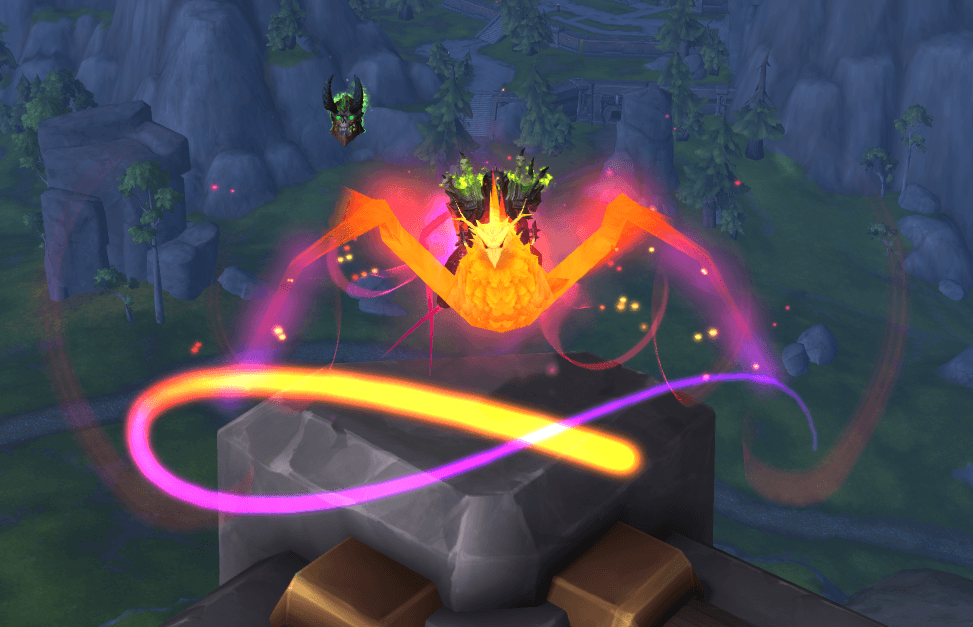
Creates a fully customizable animated trail that follows your cursor, with flowing rainbow, class color options and more!
ash.png
Description
Frogski's Cursor Trail 🐸
Like the addon? 🍺 Buy Frogski a hops smoothie!
Frogski Cursor Trail adds a smooth, animated trail to your mouse cursor in World of Warcraft.
It’s meant to be flexible and easy to tweak until it looks exactly how you want.
If you like visual feedback, gradients and rainbows or just knowing where your cursor actually is — this addon is for you.
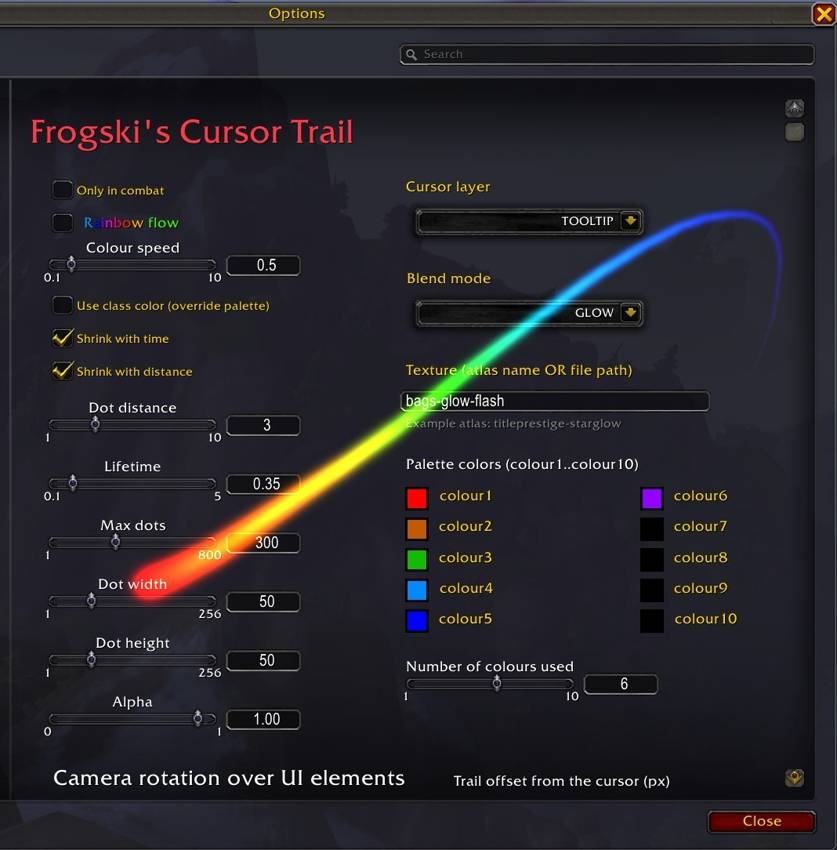
Main Features
Cursor Trail
- Smooth animated trail that follows your cursor
- Rainbow gradients or static color transitions
- Class color mode if you want it to match your character
- Lots of things you can tweak:
- Dot spacing
- Lifetime
- Max number of dots
- Width / height
- Alpha (transparency)
- Color speed and number of phases
- Optional combat-only mode
- X / Y offset so you can move the trail relative to the cursor
- Up to 10 custom colors
- Control how many color palettes are used
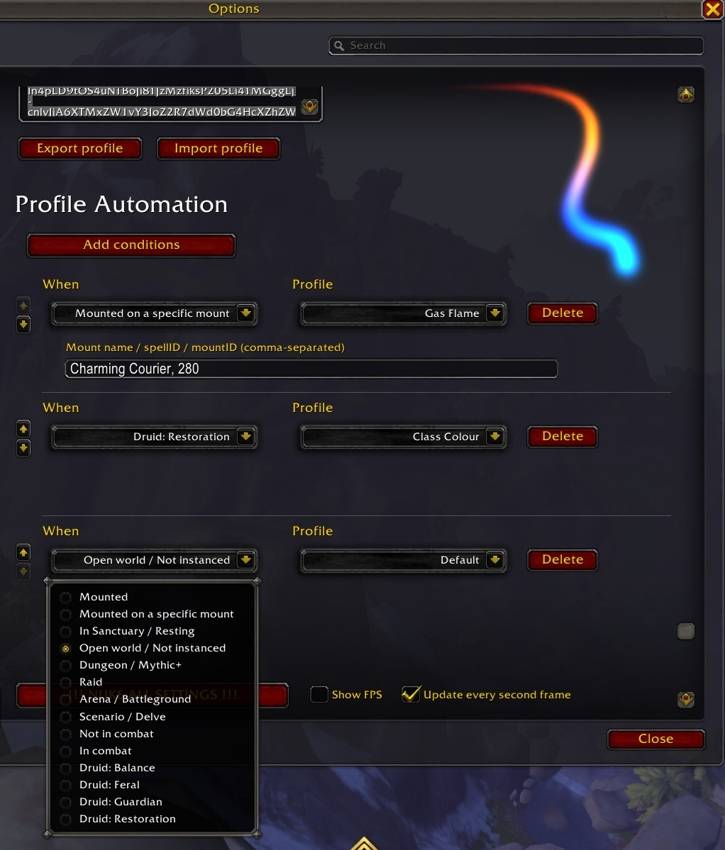
Profiles and Profile Automation
The addon now has a full profile system.
- Create, delete, and switch profiles from the options
- Export, share with friends and import profiles using strings
- Mark profiles as account-wide
- Automate the profile switching based on:
- Mounted
- Mounted on a specific mount
- In Sanctuary / Resting
- Open World / Not Instanced
- Dungeon / M+
- Raid
- Arena / Battleground
- Scenario / Delve
- Not in combat
- In combat
- Class specc 1.
- Class specc 2.
- Class specc 3.
- Class specc 4.
Camera Look Over UI (RMB Look)
Optional feature that lets you rotate the camera with Right Mouse Button even when your cursor is over UI elements.
- Toggle per profile
- Optional “only in combat” mode
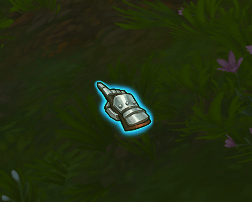
Cursor Highlight While Looking
When camera look is active:
- A visual indicator shows where your cursor actually is
- Useful because the cursor itself disappears while mouselooking
- Size is configurable
- Can be enabled or disabled independently from camera look
Nuke Button 💣
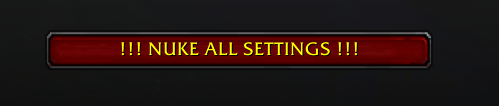
There’s a “Nuke All Settings” button if you really mess things up:
- Deletes all profiles
- Resets everything to defaults
- Asks for confirmation first (don’t worry 😄)
Have fun, and enjoy the glow 🐸💚
If something feels off or you have ideas — let me know.
(Based on my old weaakura from November 29th 2023 https://wago.io/RzZVq4F1a/1.0.0)
Frogski's Cursor Trail Team