
Friend Finder
- By
Screenshot 2026-05-17 082133.jpeg
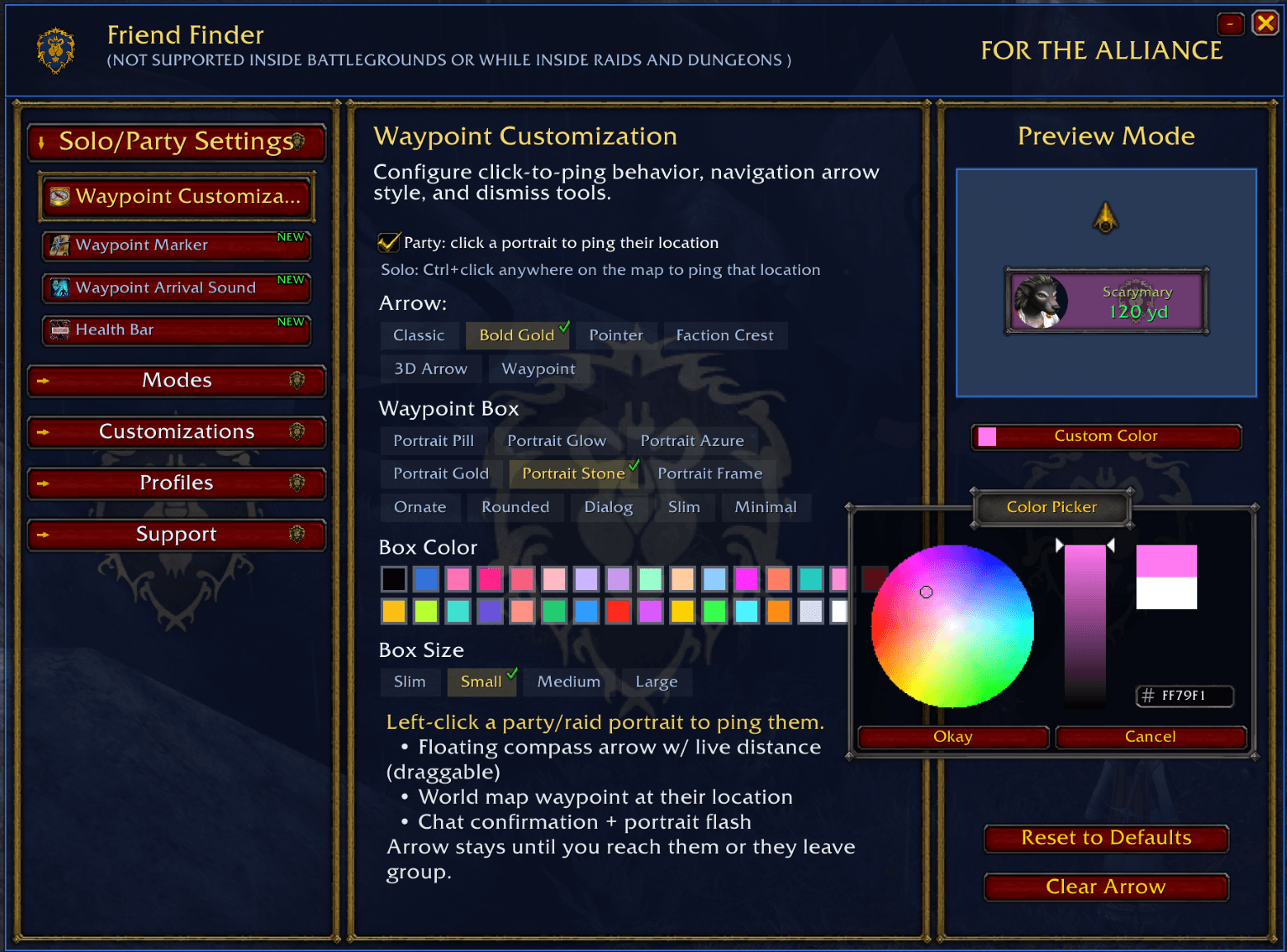
Alliance_Waypoint Customization1.png
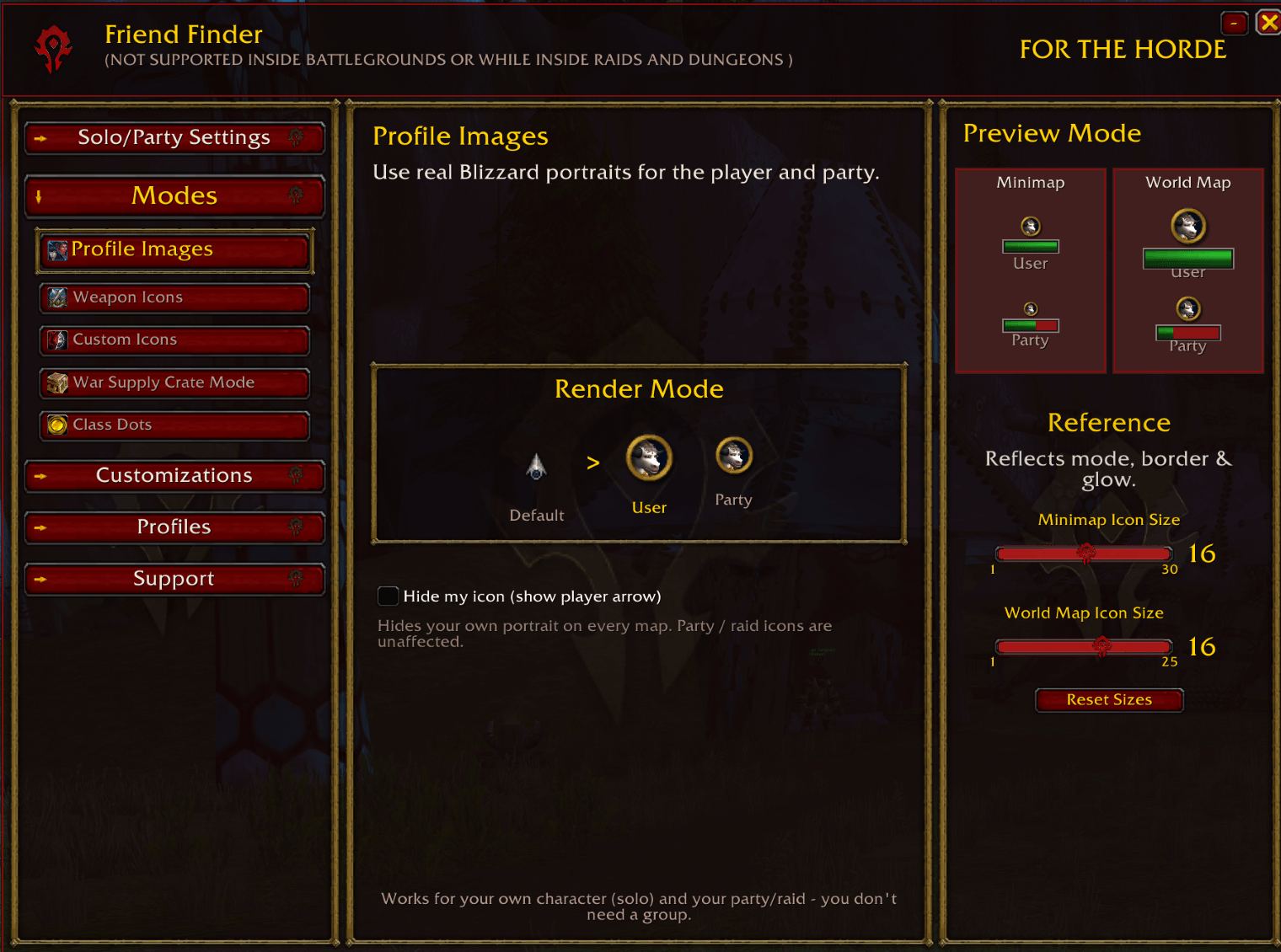
Horde_Modes.png
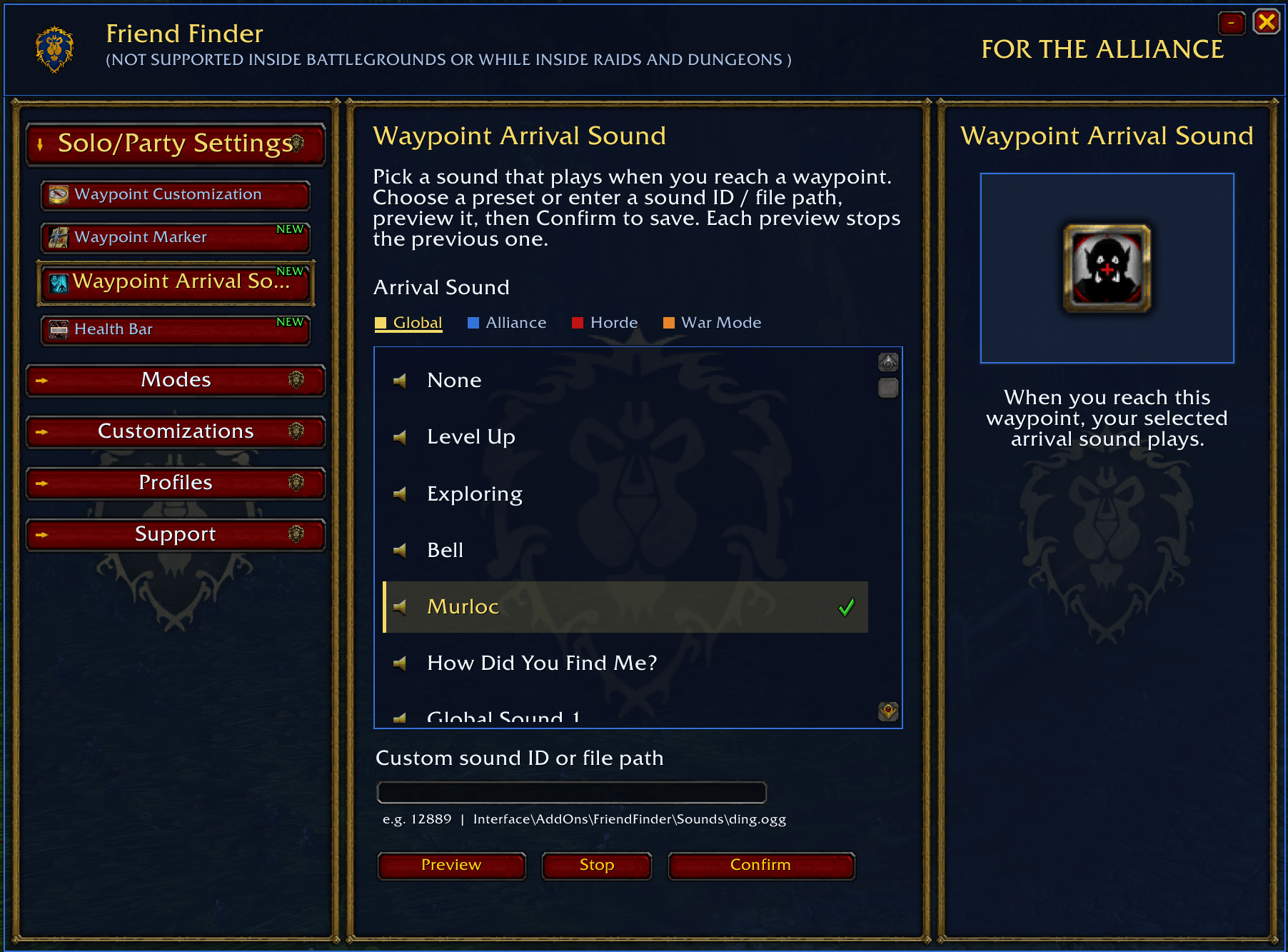
Alliance_Waypoint Arrival Sound.png
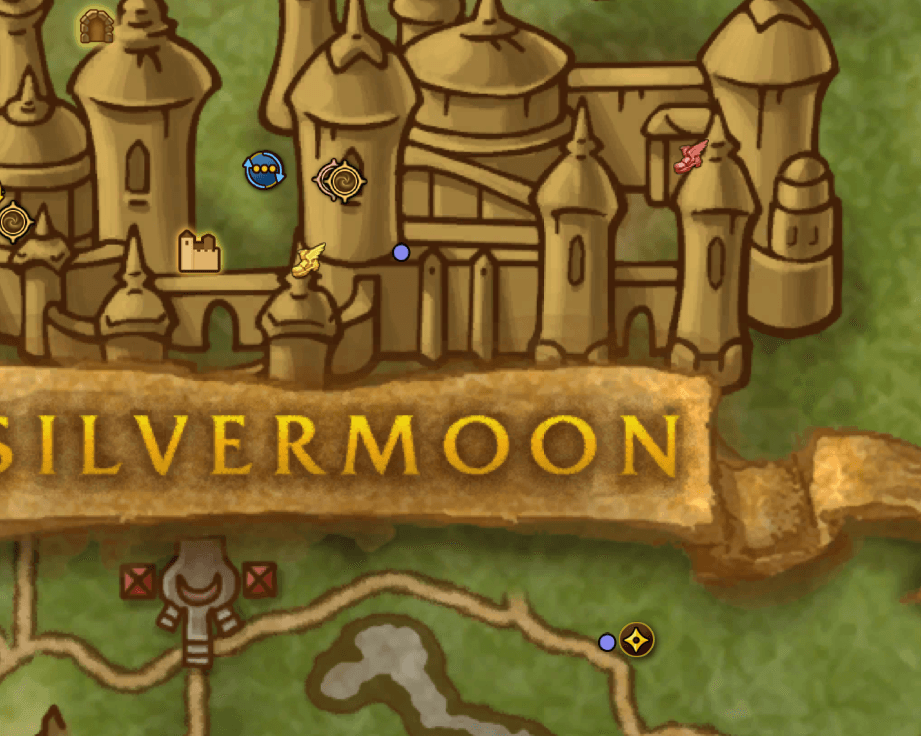
Default Image.png
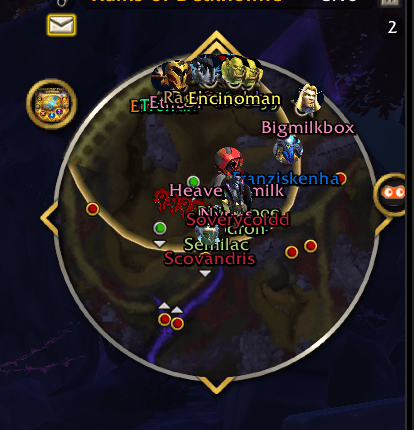
Screenshot 2026-05-17 081659.png
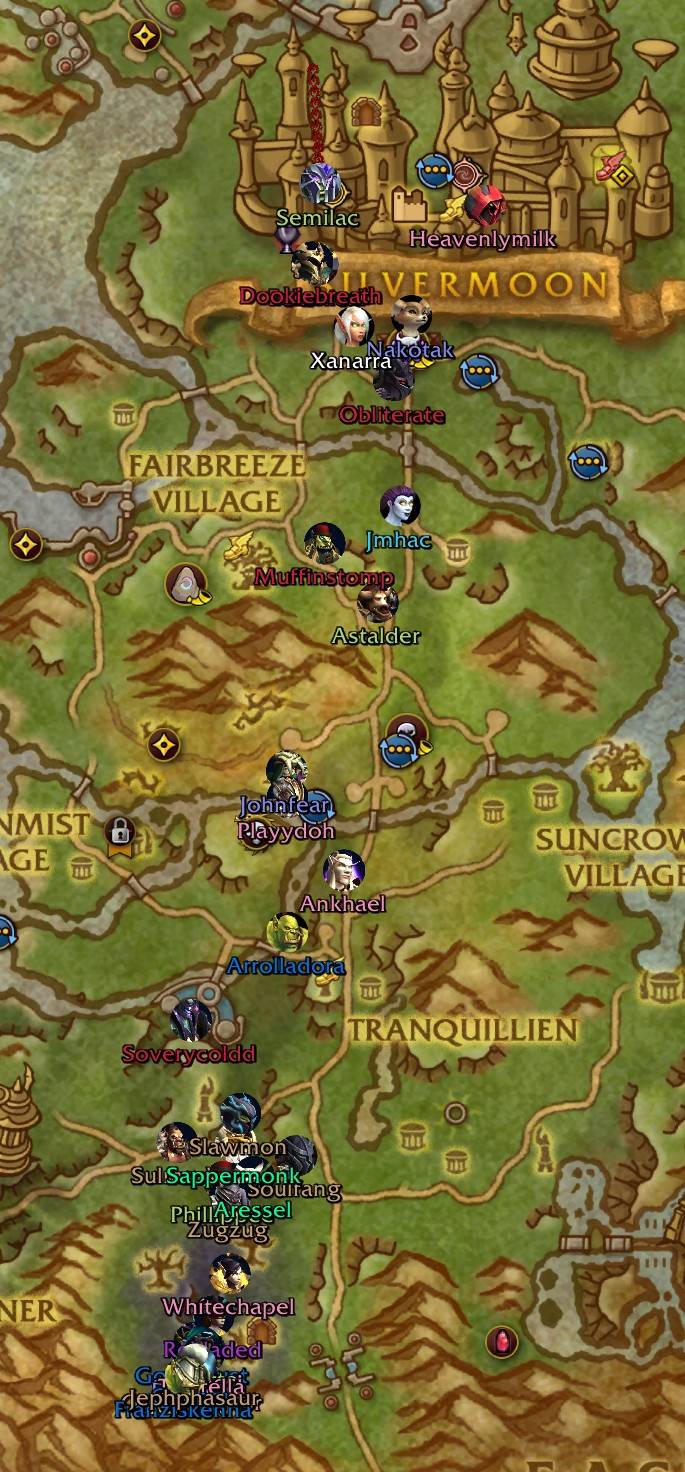
Screenshot 2026-05-17 091052.jpg
Horde_Borders.png
Alliance_WayPoint.png
Alliance_Waypoint Marker.png
Horde_WayPoint.png
Alliance_Glows.png
Horde_Modes Customization.png
Screenshot 2026-05-17 082613.jpeg
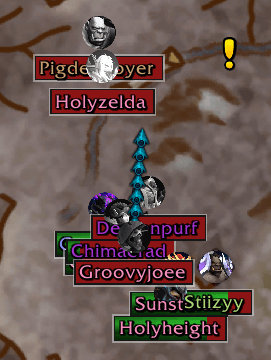
HEALTH LOW FIGHTING
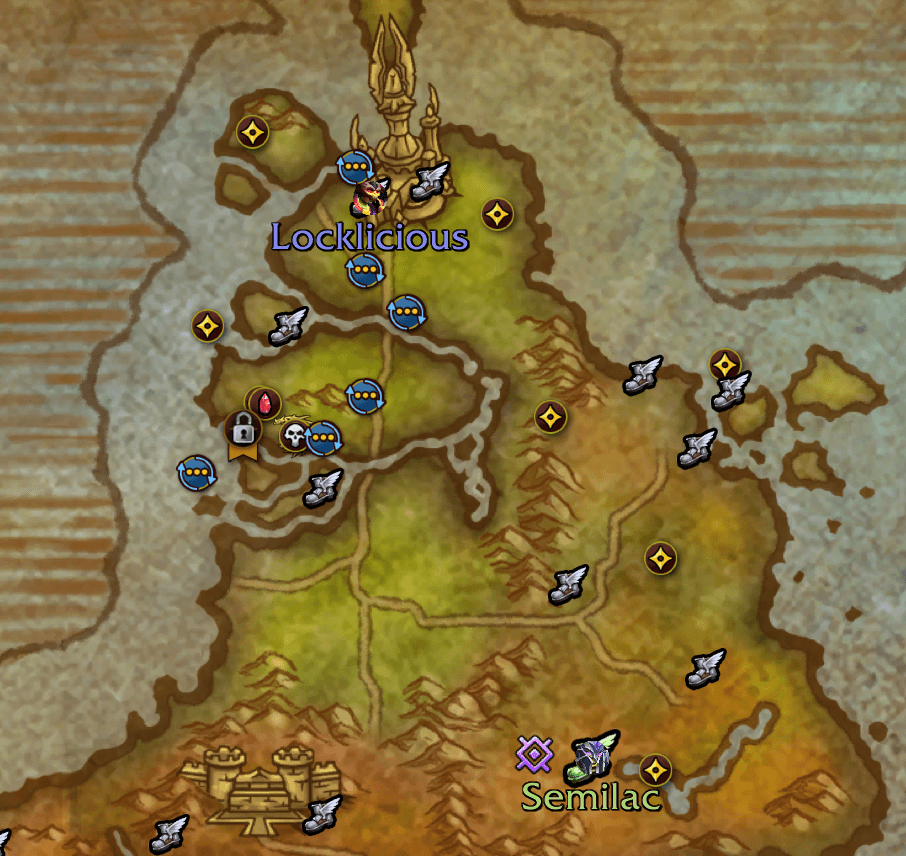
Flghtpath1.png
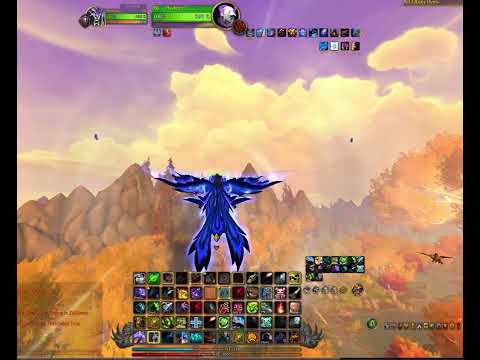
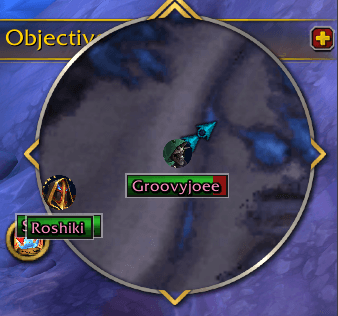
HEALTH LOW
Horde_Quick Access.png
Quick Access Update1.png
Description
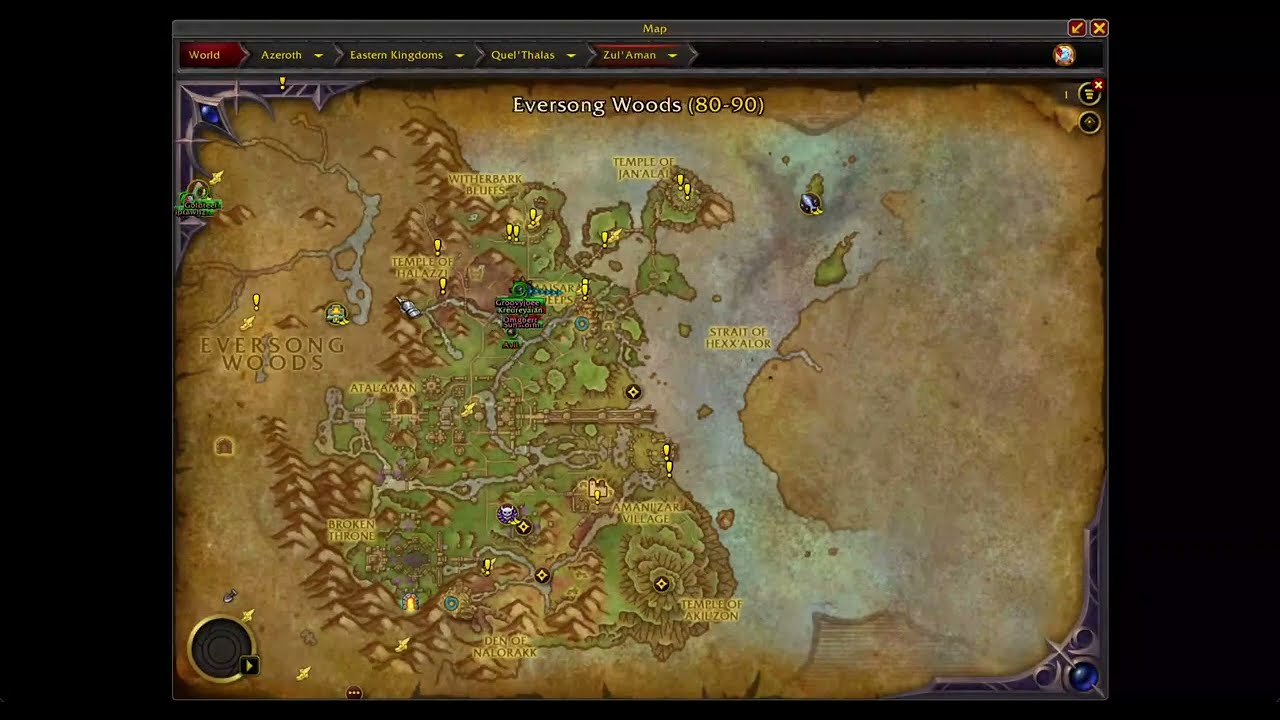
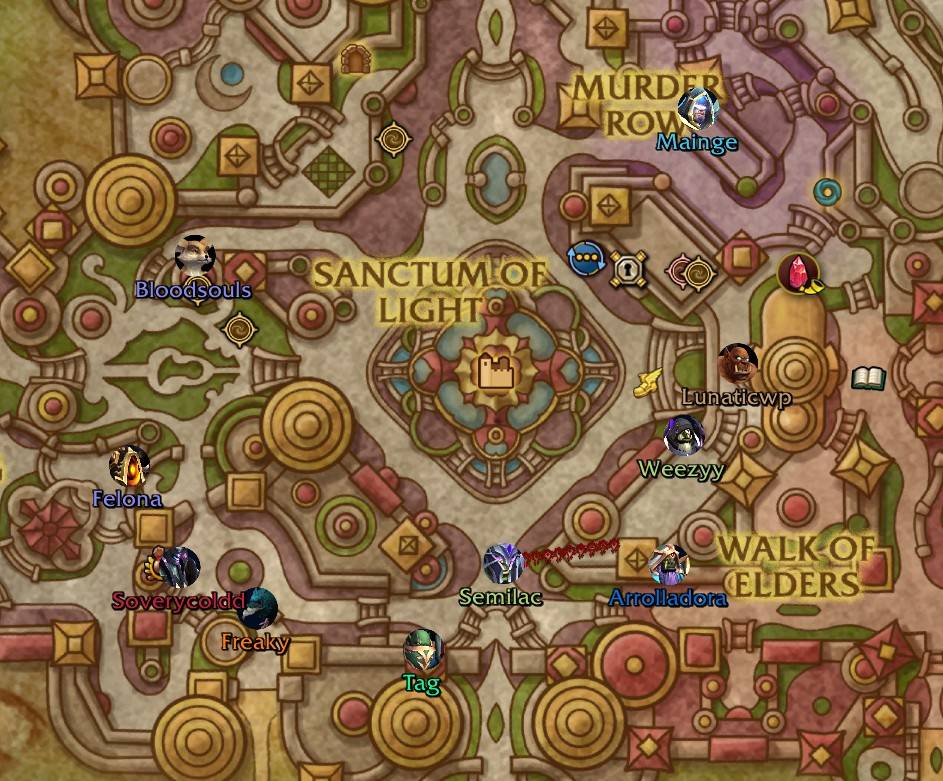
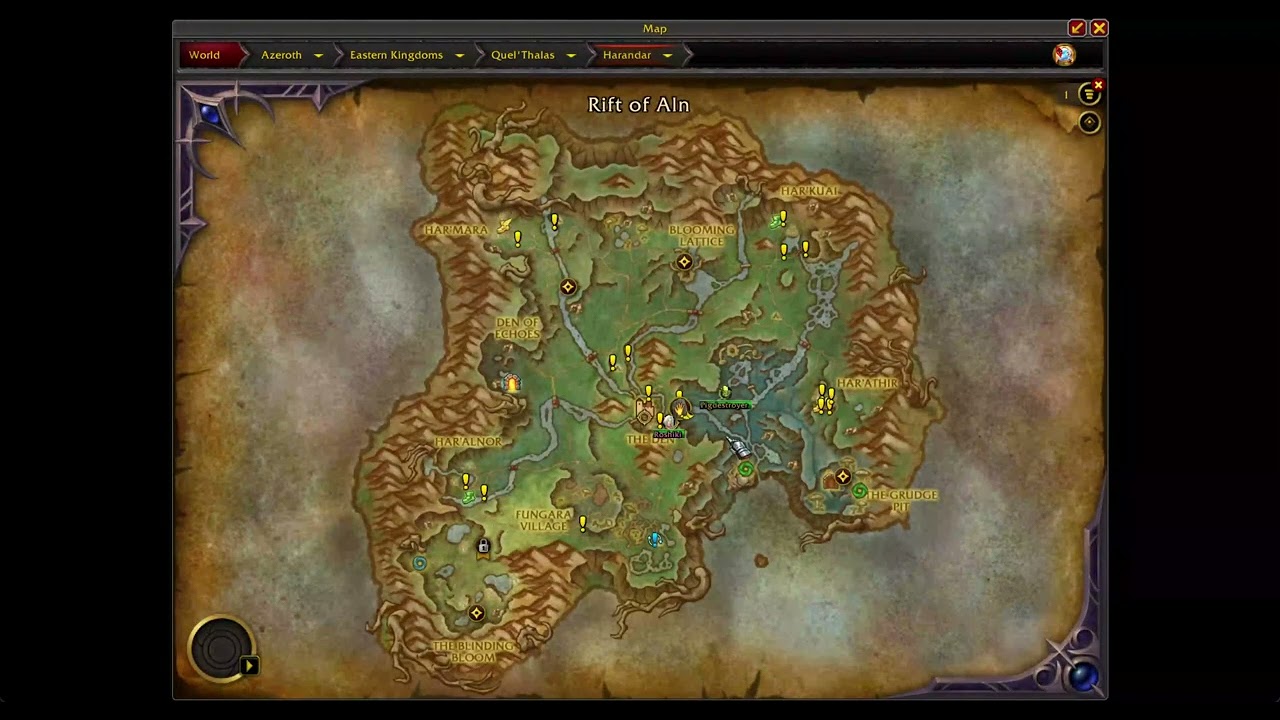
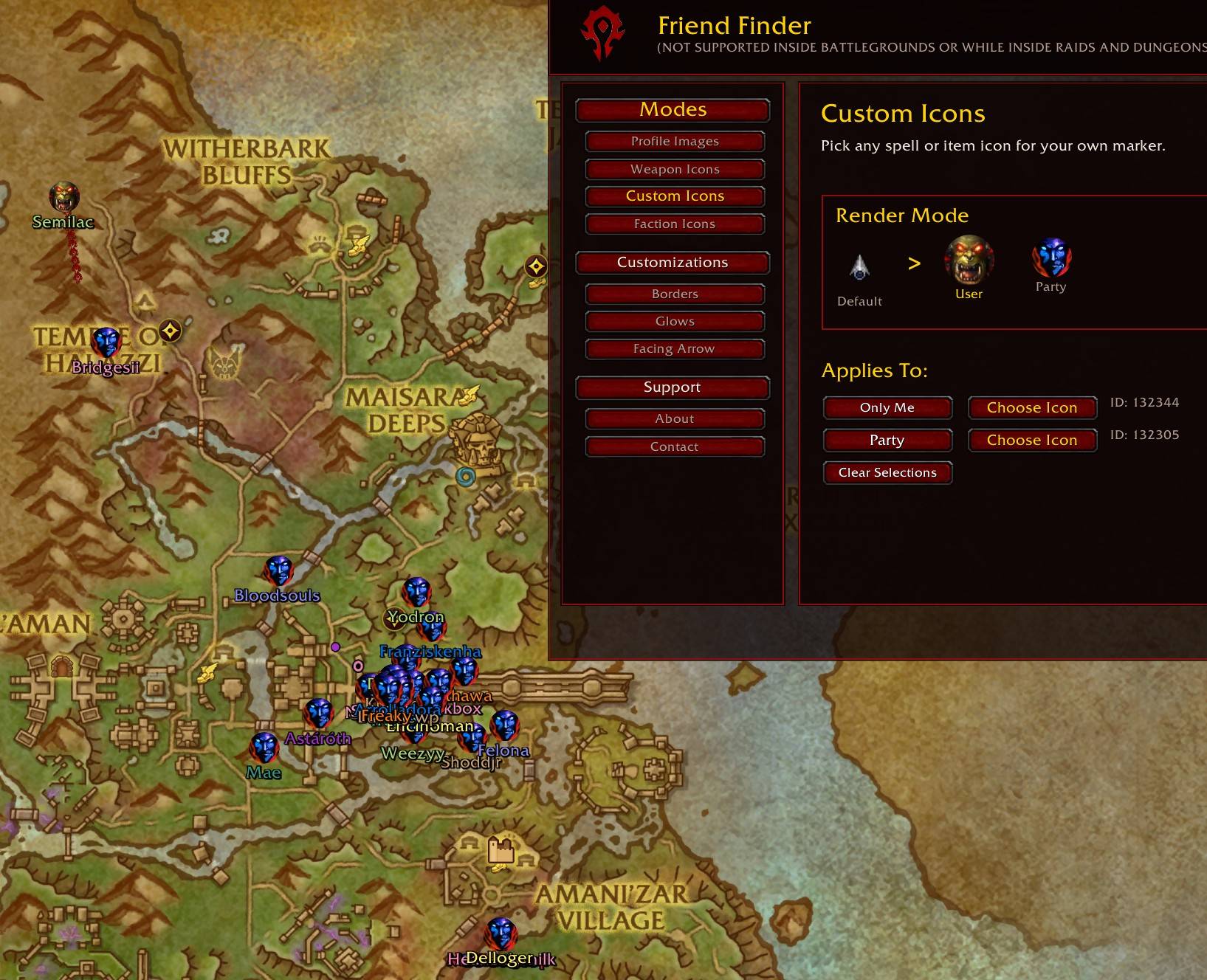
Stop squinting at tiny dots. Friend Finder replaces Blizzard's party icons with full character portraits you can actually see, then adds a live arrow with distance and direction the moment you click one, so you're never guessing where your group went.
Playing solo? You get your own portrait, a facing arrow, and a real-time health bar, plus one-click waypoints from the minimap or world map, no more stopping to dig through menus.
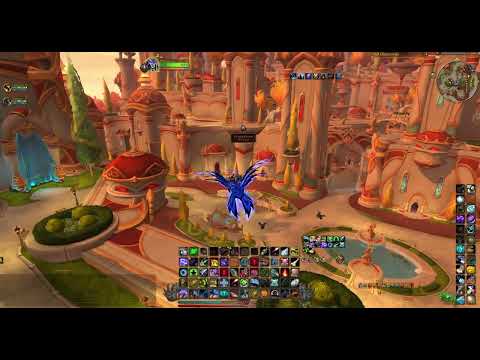
Questing with friends or chasing a War Supply Crate out in the open world? Friend Finder tracks it live too, dropping a waypoint that follows the crate plane across the sky, so you never miss the drop or the achievements tied to it, like Midnight Loot and Midnight Treasures.
What's NEW:
- New Arrival Sound customization - Browse and preview any arrival sound ID live.
What it does:
- Real character portraits, or switch to Class Dots for a simple, class-colored dot instead, your choice.
- Live War Supply Crate tracking, built for chasing crate-drop achievements.
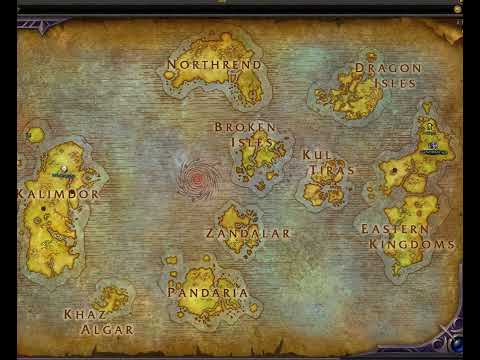
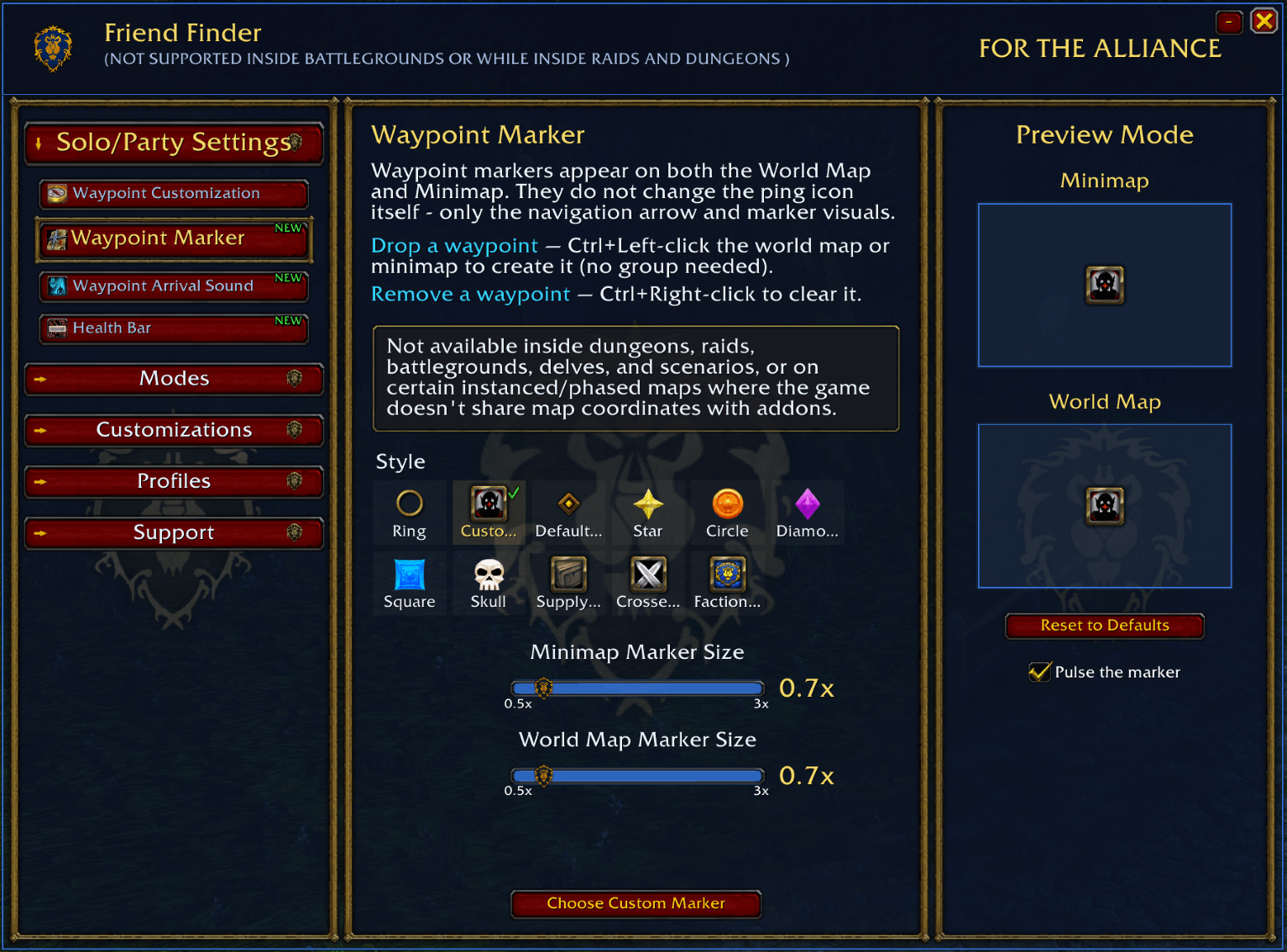
- Waypoint creation from both the minimap and world map, with a custom arrival sound.
- Real-time health bars that show who's taking damage at a glance.
- Directional arrows for facing, with adjustable count, spacing, and color.
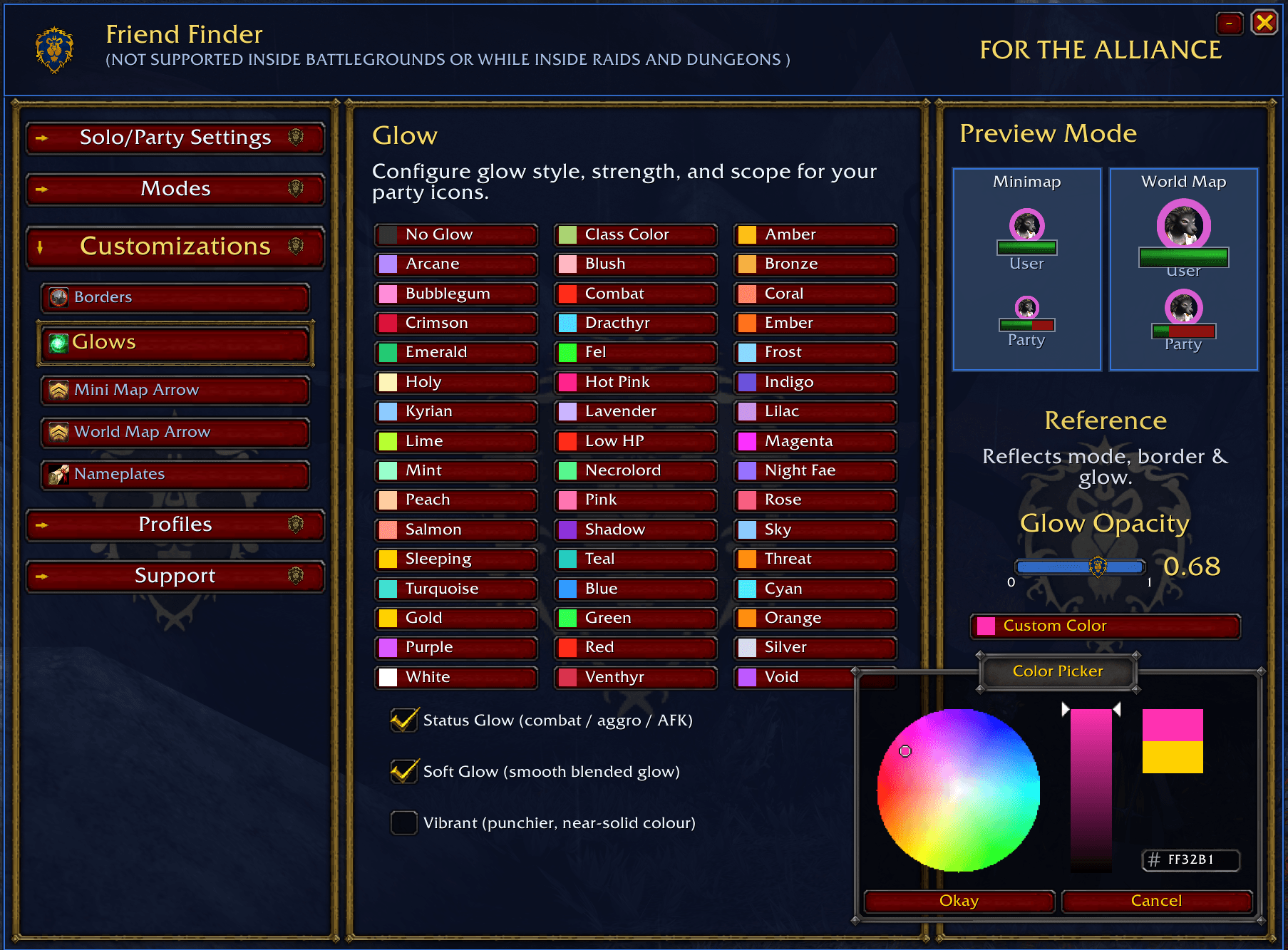
- Border rings and glow effects, including a Vibrant option for a bolder look.
- Portraits shift color when a player is fighting, injured, or inactive, so you know their state.
- Per-character profiles you can create, save, import, export, or delete anytime.
- Horde and Alliance faction-themed styling built into the UI.
Customizations:
- Profile Images - Shows real character portraits for you and your teammates, making the map feel more alive and easier to read at a glance.
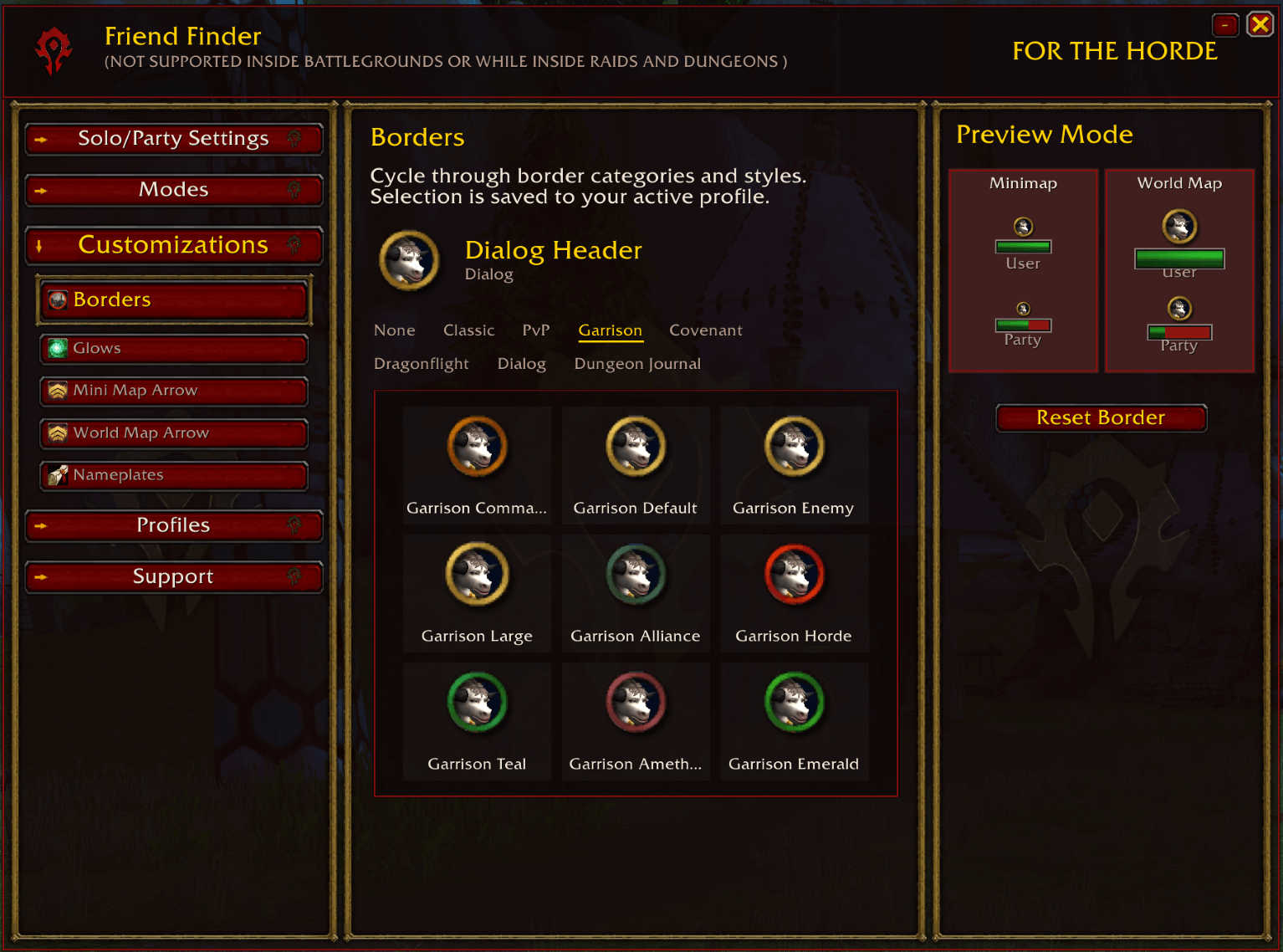
- Borders - Choose from multiple border rings that stay visually sharp and properly aligned,
- Glows - Flexible glow settings with color choices, brightness control, and a Vibrant option for a stronger, near‑solid look.
- Mini Map Arrow & World Map Arrow - A customizable facing trail that mirrors your real map size and lets you tweak count, spacing, and color.
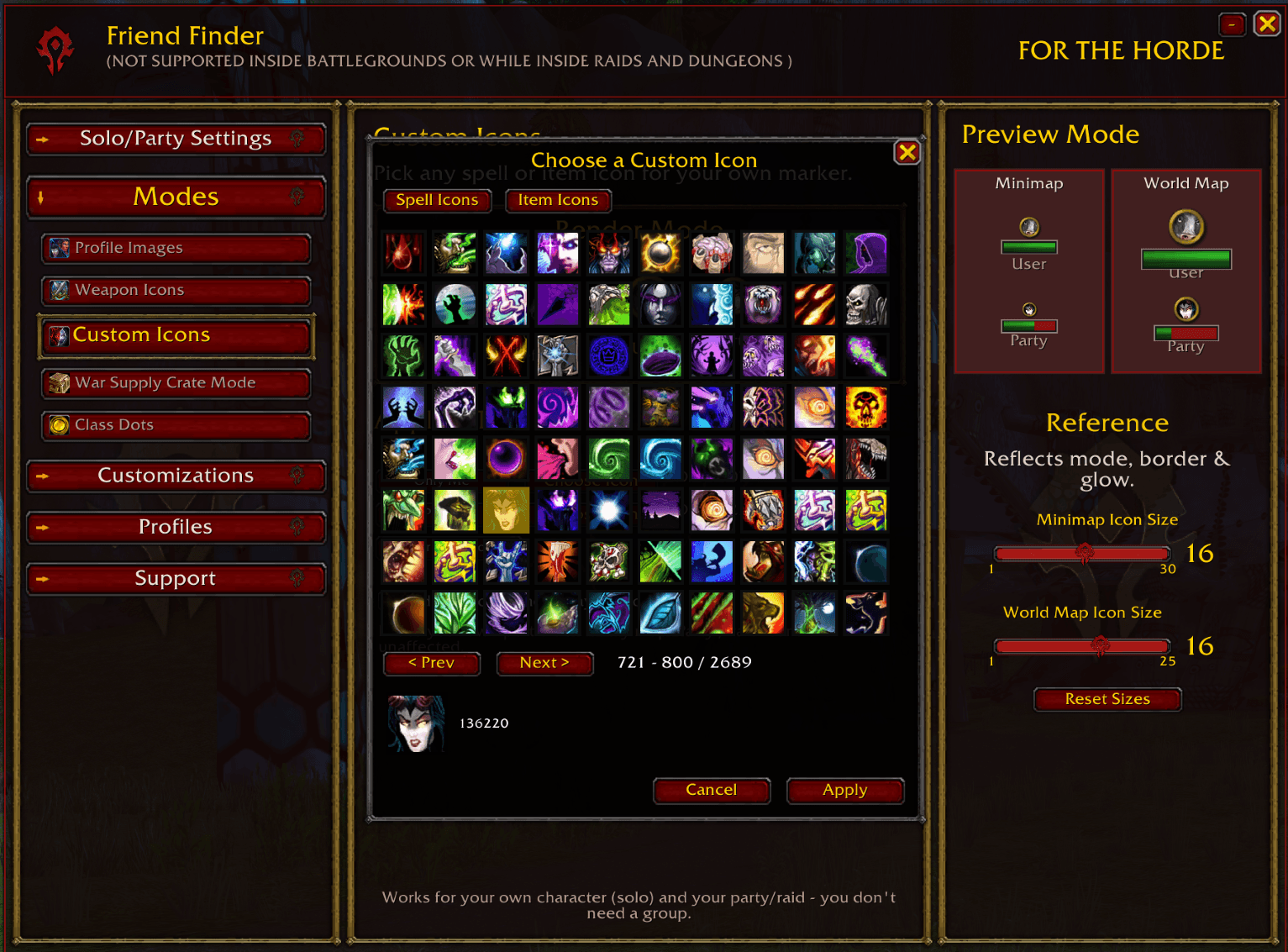
- Custom Profile Icons - Store up to 2,600 full customization sets and swap between them instantly.
- State-aware coloring - Portraits change color depending on whether a player is fighting, injured, or inactive
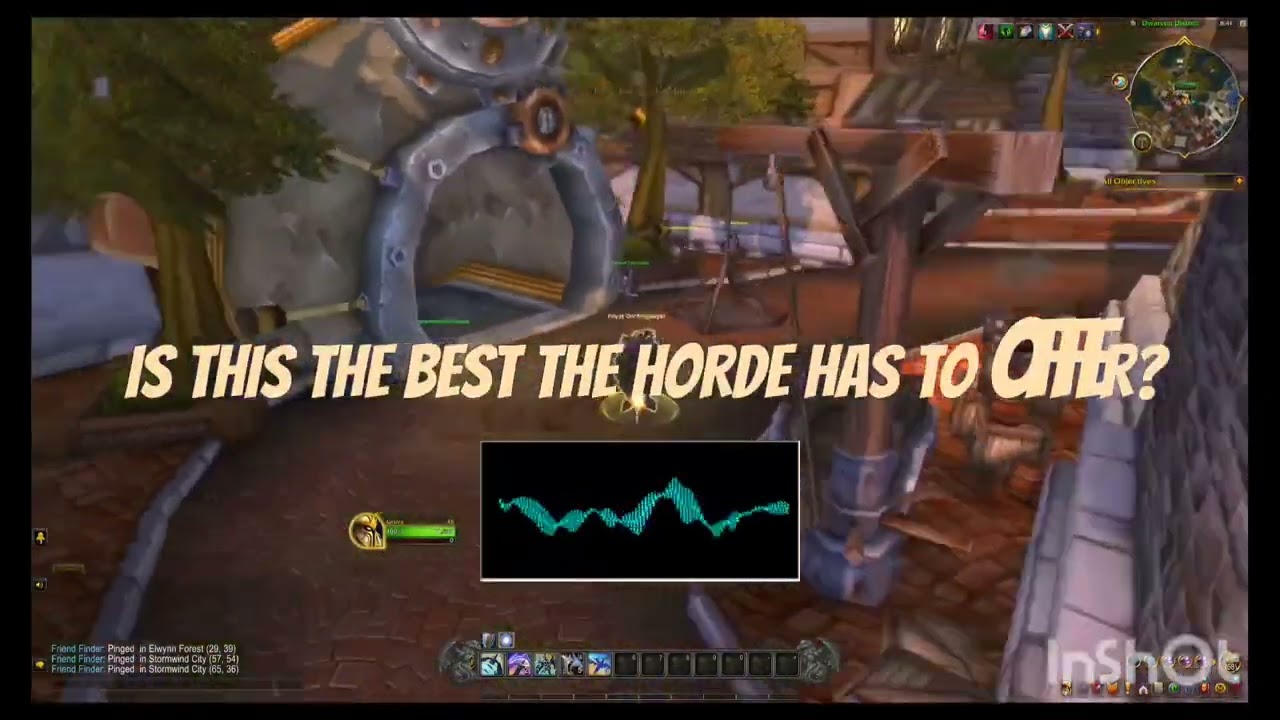
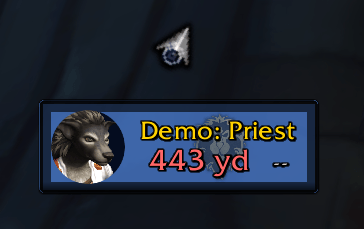
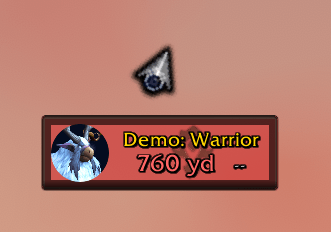
- Click-to-Ping - Ping a teammate by clicking their portrait, a draggable arrow appears with distance, direction, and range indicators.
- Hide My Icon - If you prefer Blizzard’s arrow, you can hide your own icon with a single setting.
- Profiles tab - Each character keeps its own profile, and you can create, save, reset, import, export, or delete profiles anytime.
- Class Dots - Prefer the classic dot look over portraits? This render mode shows a simple, clean class‑colored dot for each player, easy to read and instantly recognizable.
- Health Bars - A health bar positioned behind the player’s name changes as their health goes up or down. It’s nice when you’re scanning the map and want to see who’s taking damage.
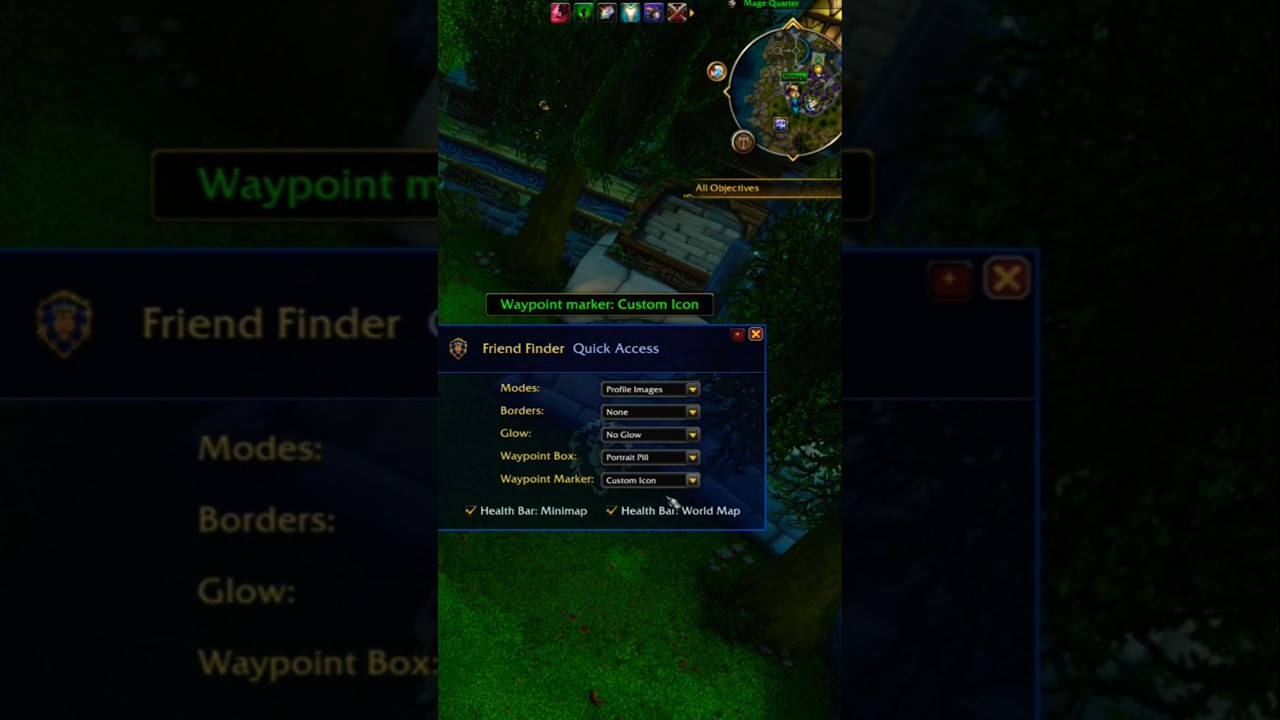
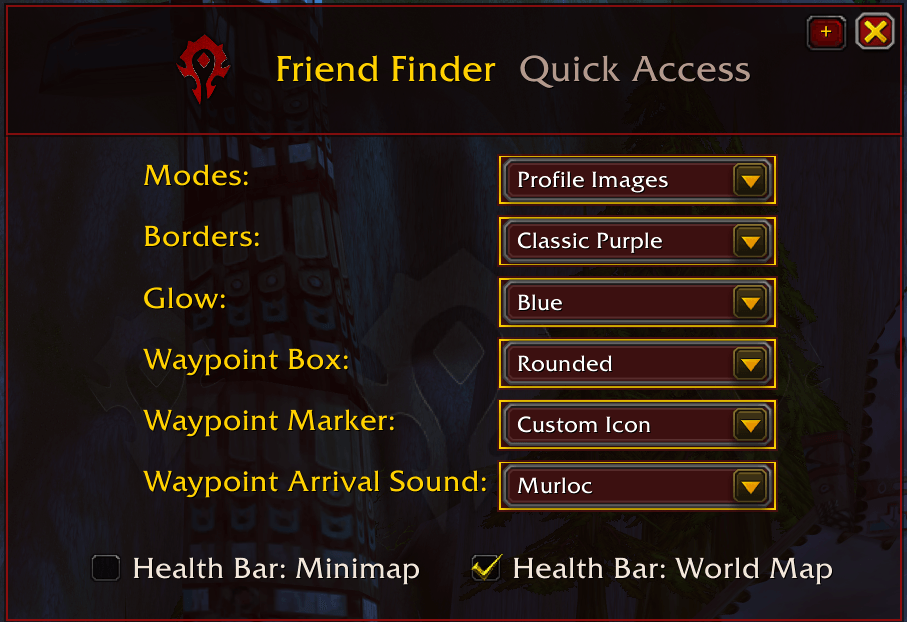
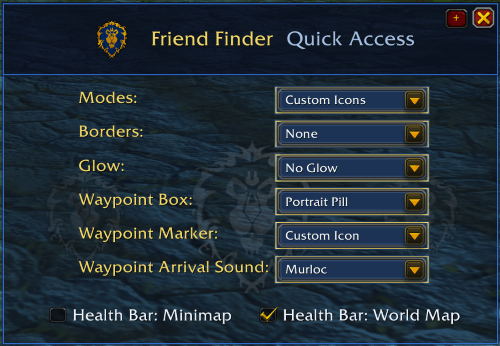
- Quick Access (Minimized Window) - A small panel with your favorite custimization options within reach. Lets you switch things up without reopening the full settings window.
- New Arrival Sound - Browse and preview a full library of sound IDs, then set one to play when you reach your waypoint.
- Faction Theming - Detects your character's faction and automatically applies matching UI colors.
Supported Areas:
* World view (Azeroth, Outland, etc.)
* Continent maps
* Zone maps
* City maps
* Flight Map
* Minimap
Not supported:
* Battlegrounds map
* Arena map
* Party/raid member positions inside instanced dungeons
(this is a game limitation, not an addon bug)
* Minimap pinging in areas with restricted map data
Copyright (c) 2026 Oscar Navarrete. All Rights Reserved.
This addon may be freely used and modified for personal,
non-commercial use within World of Warcraft. Redistribution of
modified versions, or reuse of source code in other published
addons, requires written permission from the author.
App icon by Pix (@HauntingHare), created on commission.
Portfolio: https://vgen.co/hauntinghare
© 2026 Oscar Navarrete. All rights reserved.
Contact: friendfinderaddon@gmail.com
Friend Finder Team
