Screenshot 2026-11-12 222255.png
banner_en.png
features_en.png
portraits_en.png
Description
ForeverUnitFrames
Clean, flat player and target frames with buffs, debuffs, portraits and profiles – every frame configured on its own.
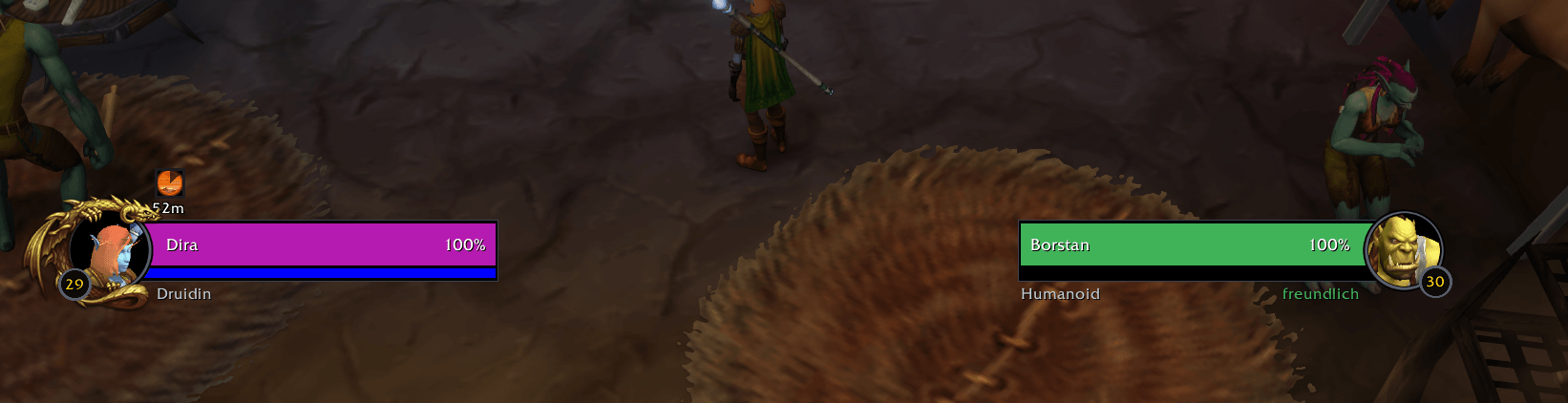
ForeverUnitFrames replaces the default player and target frames with sleek, modern bars. Everything can be adjusted in the settings window, with a live preview that shows every change instantly.
Features
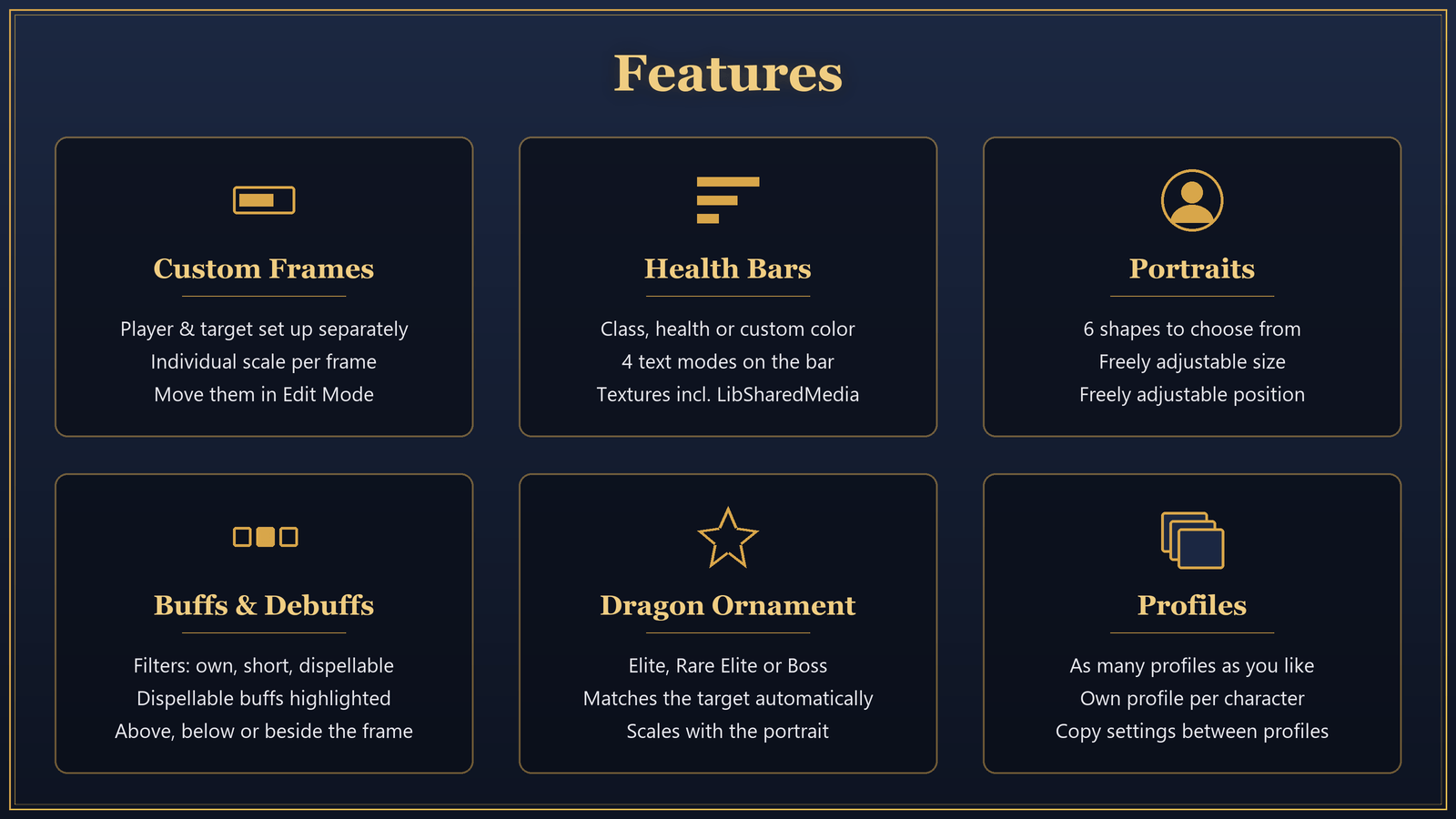
Frames
- Separate frames for player and target, each with its own scale and look
- Move them using Blizzard's Edit Mode (
/ff unlock) - Optionally hides Blizzard's player and target frames
- Optionally hides Blizzard's buff and debuff bars in the top right corner as well
Health Bars
- Color: class color, by health, or a custom color (NPCs always use reaction color)
- Text: value + percent, percent only, value / maximum, or no text
- Textures: Flat, Blizzard, Blizzard Raid, Gloss – plus every texture from LibSharedMedia
- Optional shading for a bit of depth
Portraits
- Can be shown or hidden
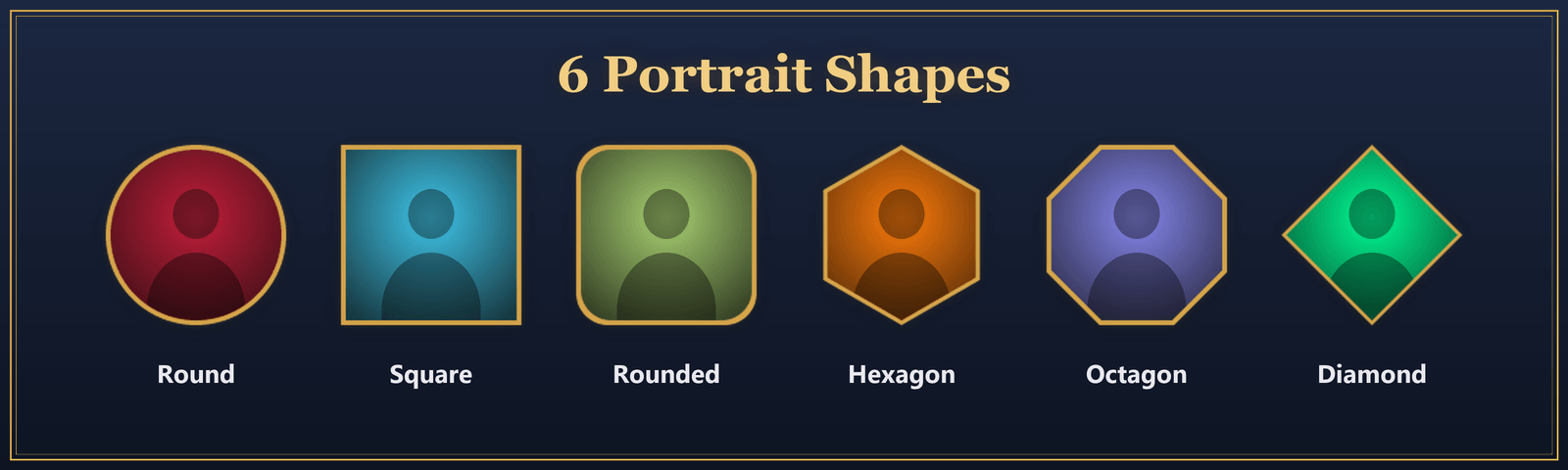
- Six shapes: round, rounded, square, diamond, hexagon, octagon
- Freely adjustable size and position
Buffs & Debuffs
- Debuffs on player and target, on the target optionally only your own
- Buffs above the frame, below the debuffs, or next to the frame
- Filters: all, only your own, only short ones (under 1 minute), or only dispellable / stealable
- Adjustable icon size and maximum count
- Dispellable buffs on enemies are highlighted
Dragon Ornament
- The familiar Blizzard dragon around the portrait: Elite (gold), Rare Elite (silver) or Boss
- On the target it automatically matches the enemy
- On the player it's purely decorative
- Scales with the portrait size, offset freely adjustable
Profiles
- Create, switch and delete as many profiles as you like
- Copy settings from another profile
- Each character remembers its own profile
- Position, size and colors are stored per profile
Commands
| Command | Function |
|---|---|
/ff |
Opens the settings |
/ff unlock |
Opens Edit Mode to move the frames |
/foreverframes |
Same as /ff |
Notes
- The settings menu is currently in German only.
- Showing Blizzard's frames again only takes effect after a
/reload. - Cancelling buffs with a right-click only works through Blizzard's buff bar.
Feedback
Found a bug or have a suggestion? Feel free to leave a comment or open a ticket – feedback is always welcome!
ForeverUnitFrames Team