ForeverQuestSort
- By
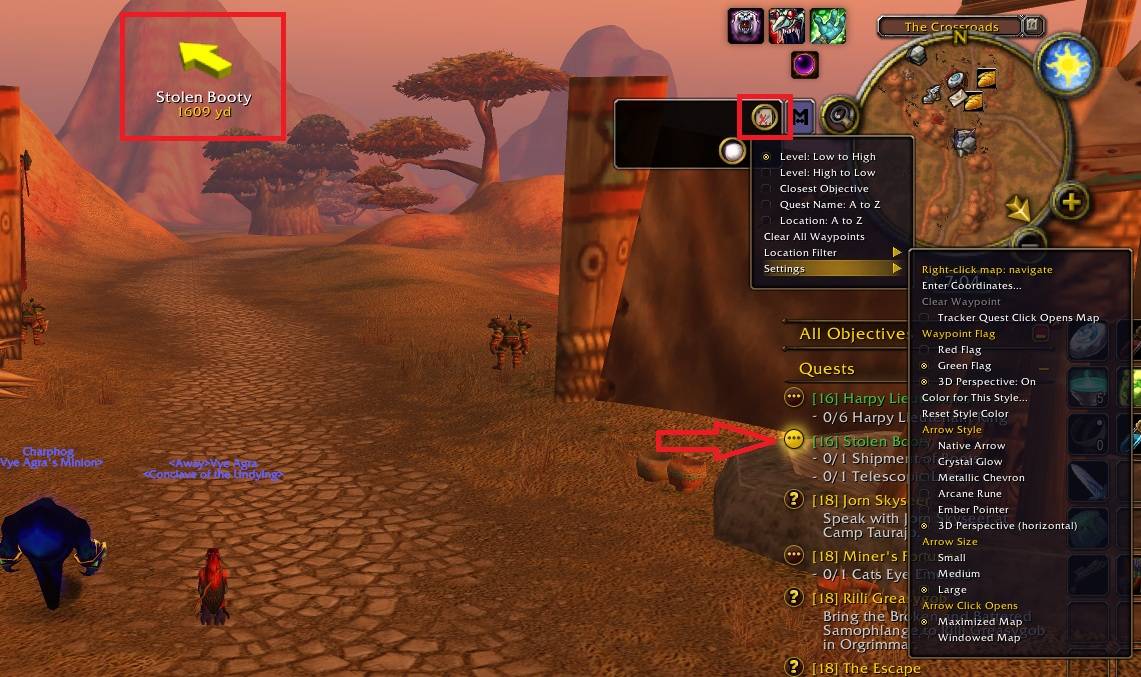
Sort your quest tracker by level, distance, or location, and navigate with customizable waypoint arrows and map flags
ForeverQuestSort.jpg
Library 1.png
Library 2.png
Services1.png
Description
ForeverQuestSort
Keep your quests organized and your next destination easy to find. ForeverQuestSort adds sorting options to your objective tracker, location filtering, and customizable waypoint navigation.
Quest sorting and filtering
- Sort quests by level, from low to high or high to low.
- Find nearby objectives with nearest-first sorting.
- Sort locations alphabetically or filter quests to a specific location.
- Switch back to All Locations to see your full tracked list.
Waypoints and navigation
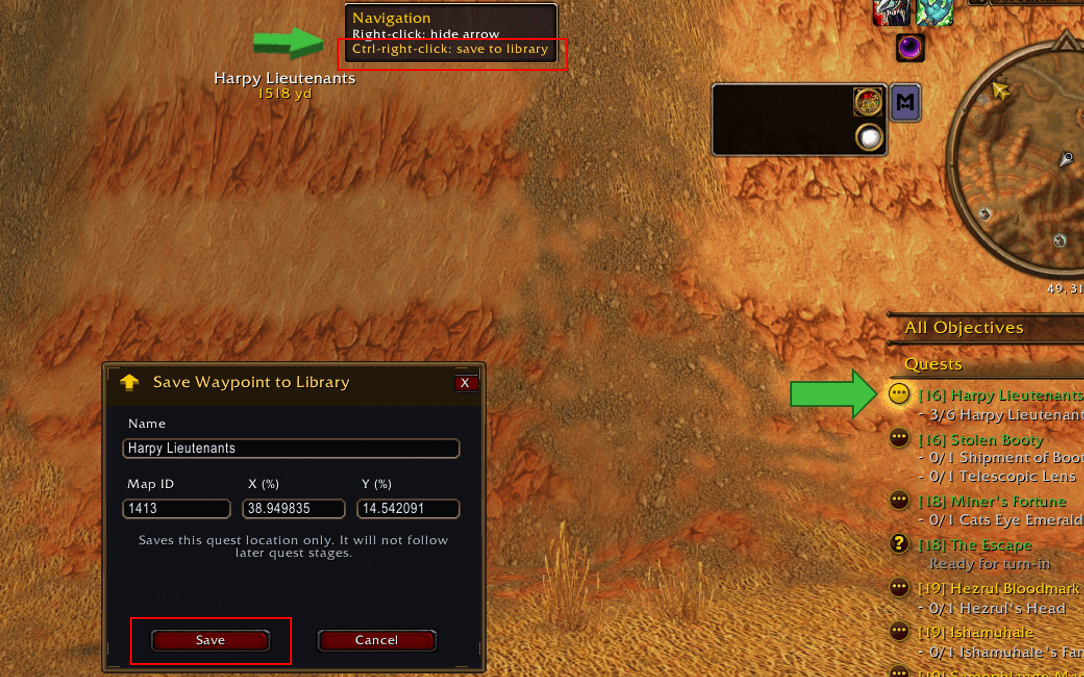
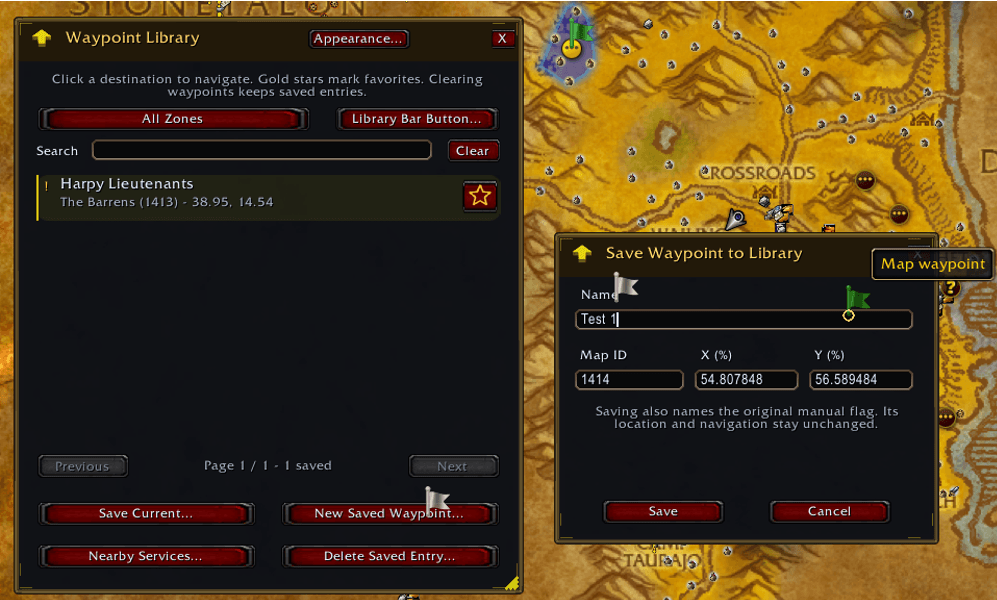
- Create multiple manual waypoints without removing existing ones.
- Left-click a manual flag to select it as your navigation destination.
- Identify your selected waypoint by the gold ring around its flag.
- Right-click flags to remove them.
- Select a quest in the objective tracker or world map to show its flag when location data is available.
- Keep quest flags visible while navigating to manual waypoints.
Customization
Customize navigation arrow appearance, colors, size, and labels. Choose red or green map flags, and create waypoints through the map, coordinate entry, or slash commands.
Useful commands
/fqs way 45.5 62 Meeting point— create a waypoint in your current zone./fqs waymap 123 45.5 62 Meeting point— create a waypoint on a specific map.
Quest location availability depends on the game client. A quest flag may point to a route entrance or next navigation point rather than the center of the highlighted quest area.
ForeverQuestSort Team