ForeverProfiles
Save custom graphics profiles for WoW Forever and switch between them with one-click.
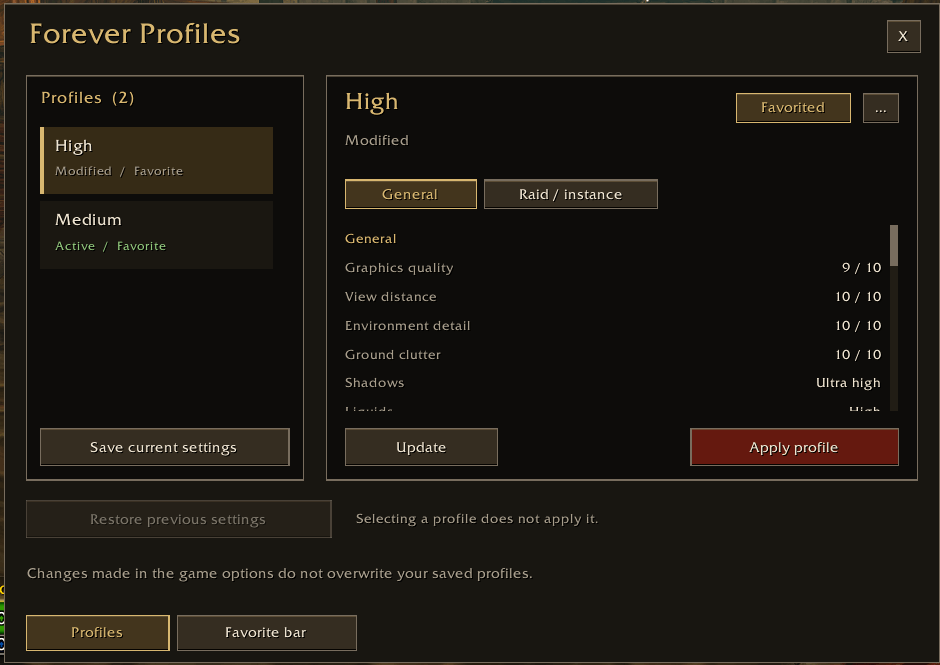
Capture d'écran 2026-10-05 153452.png
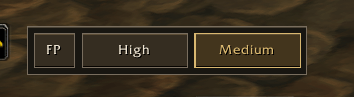
Capture d'écran 2026-10-05 153518.png
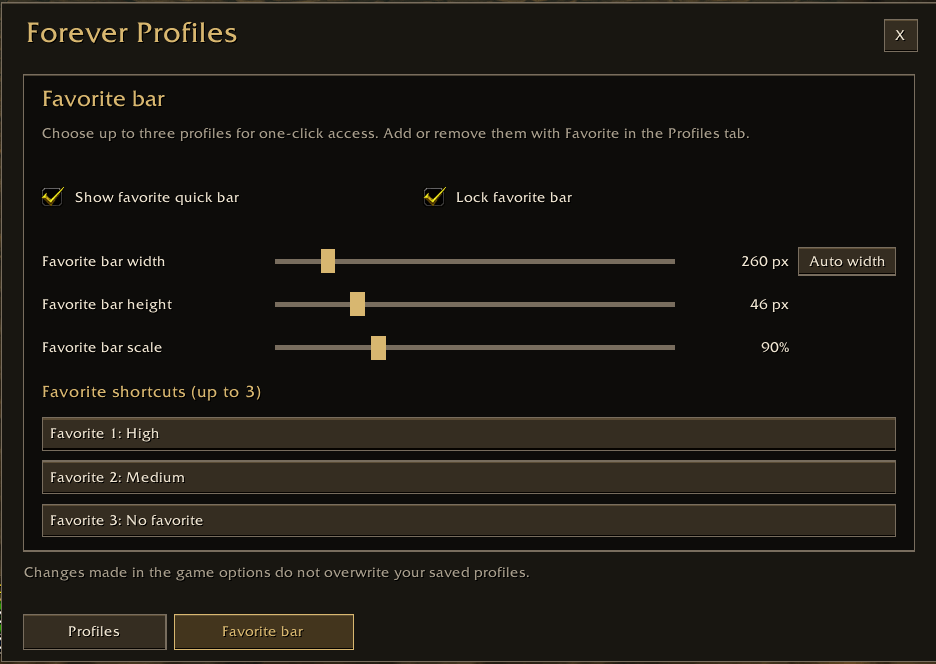
Capture d'écran 2026-10-05 153541.png
Description

Tired of FPS drops in busy cities or crowded areas?
Save custom graphics profiles for WoW Forever and switch between them with one-click or keyboard shortcuts.
Features
- Save and manage up to 40 graphics profiles.
- Capture general and separate raid settings, including supported render scale and FPS options.
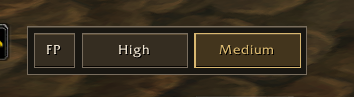
- Switch quickly using a 3-profile favorites bar.
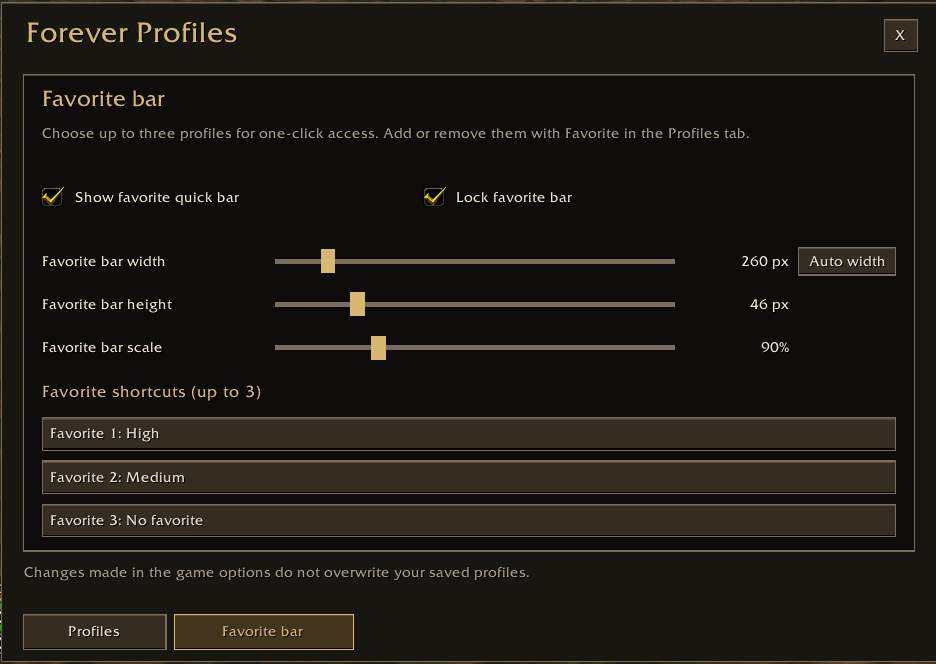
- Move or lock the bar and adjust its width, height, and scale independently.
- Restore the settings used before your last switch during the current session.
Getting started
- Configure your graphics in the game and click Apply.
- Open
/fpand select Save current settings. - Save another configuration, then add your profiles to favorites.
Create your own setups for exploration, busy areas, or multitasking. Saved profiles are shared across your characters on the same account and installation.
The temporary restore point is cleared by /reload or restarting the game.
Screenshots
Manage your profiles
Switch with one click
Customize the favorites bar
ForeverProfiles Team