


ForeverPlusPlus
- By

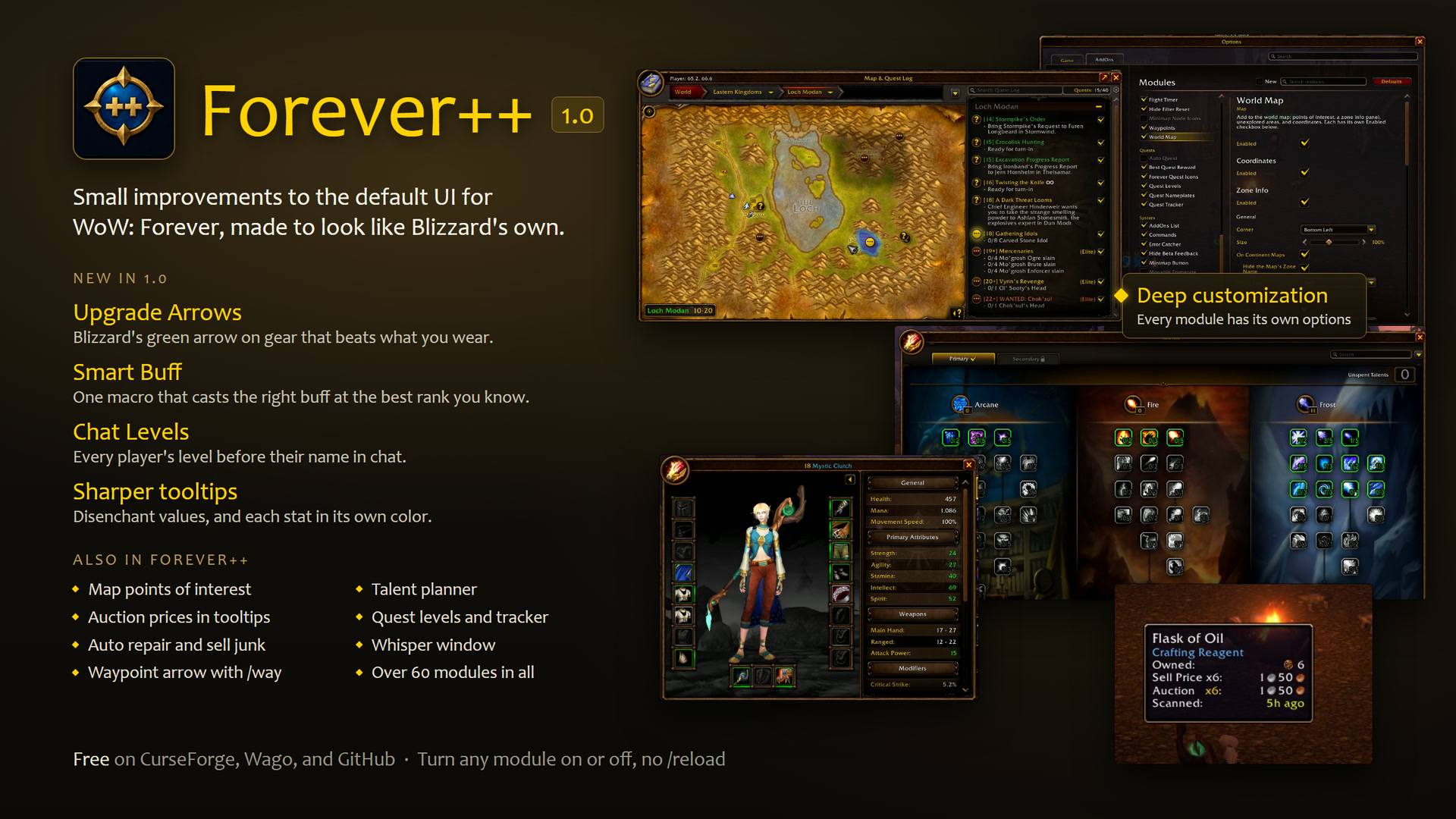
Small improvements to the default UI for WoW: Forever, made to look like Blizzard's own. Over 60 modules, each one on or off in Settings with no /reload, and most with their own options.
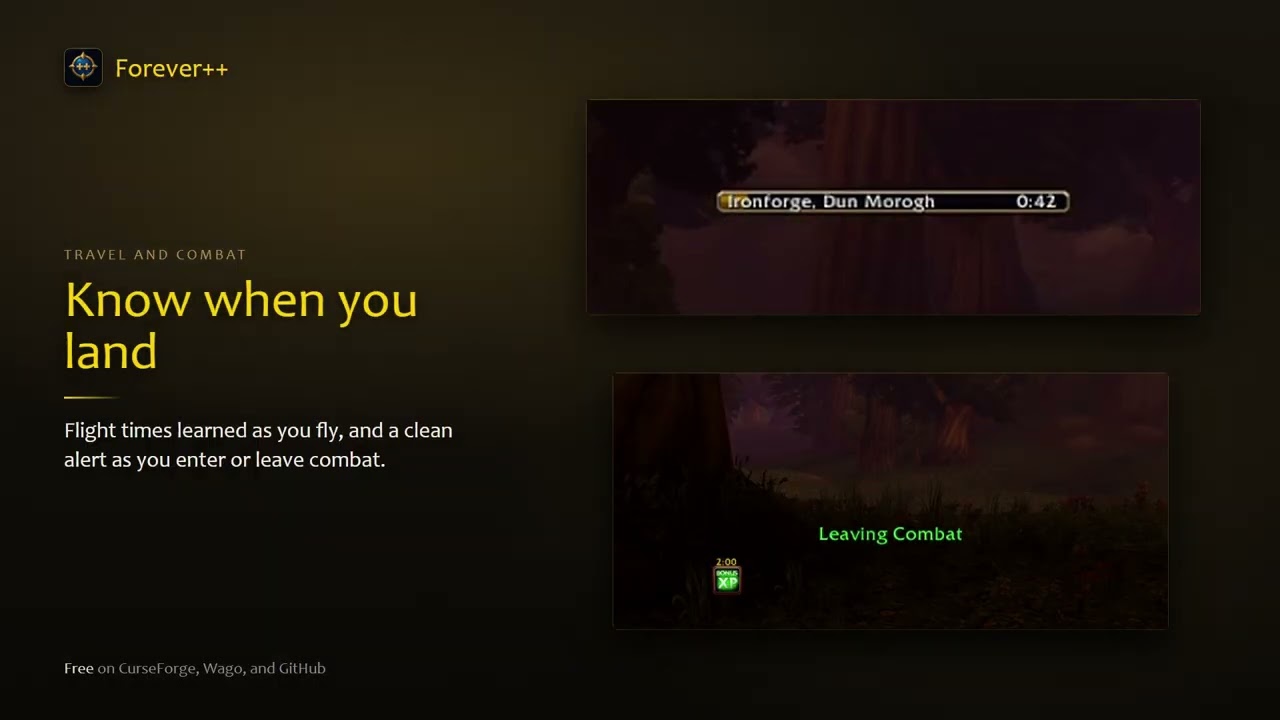
An 80-second tour of Forever++ 1.0: the module settings, upgrade arrows, a smarter world map, chat levels and whispers, nameplates, flight times, Edit Mode, and more.
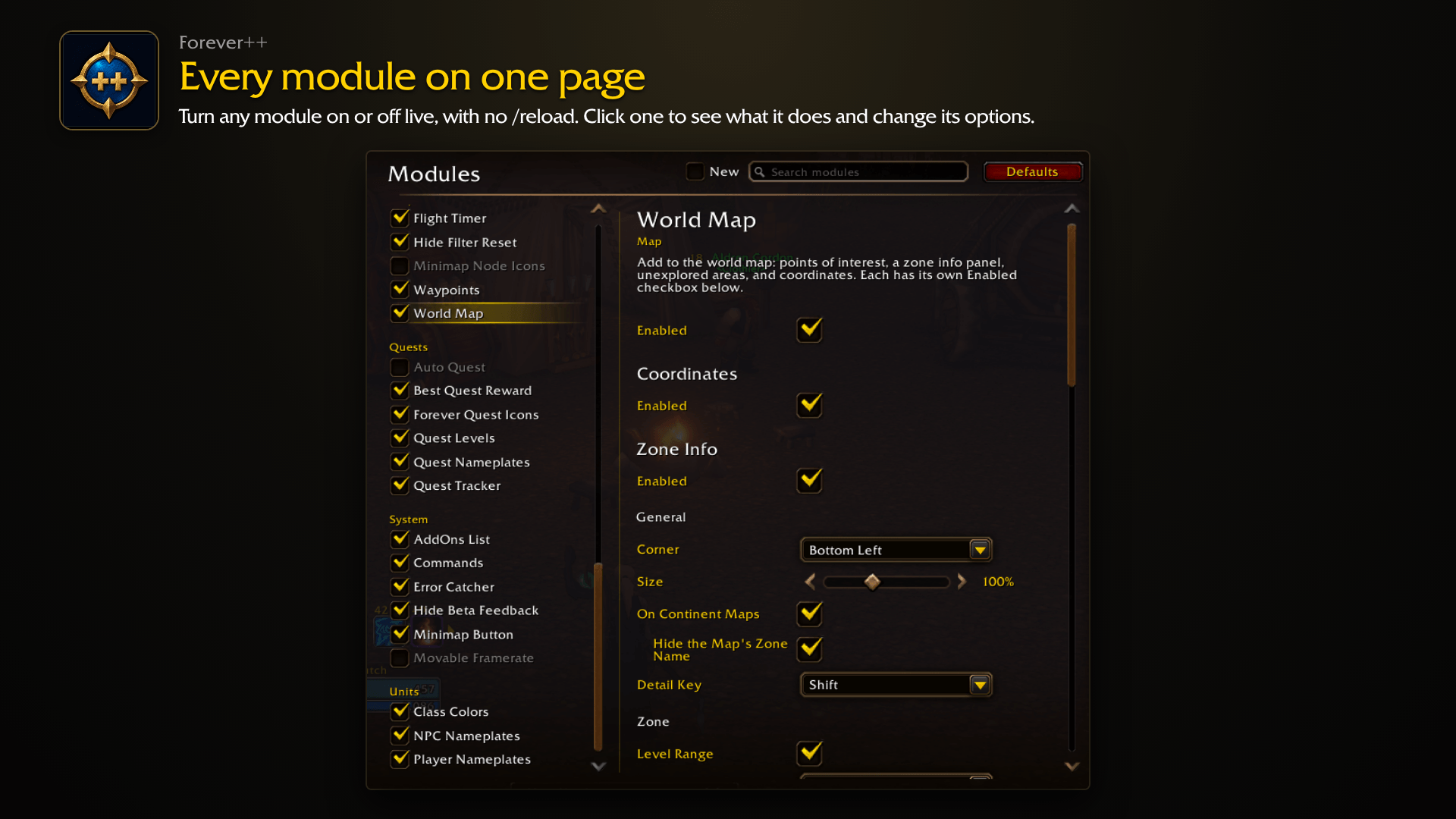
Every module is listed by category with its own checkbox. Click one to see what it does and change its options.
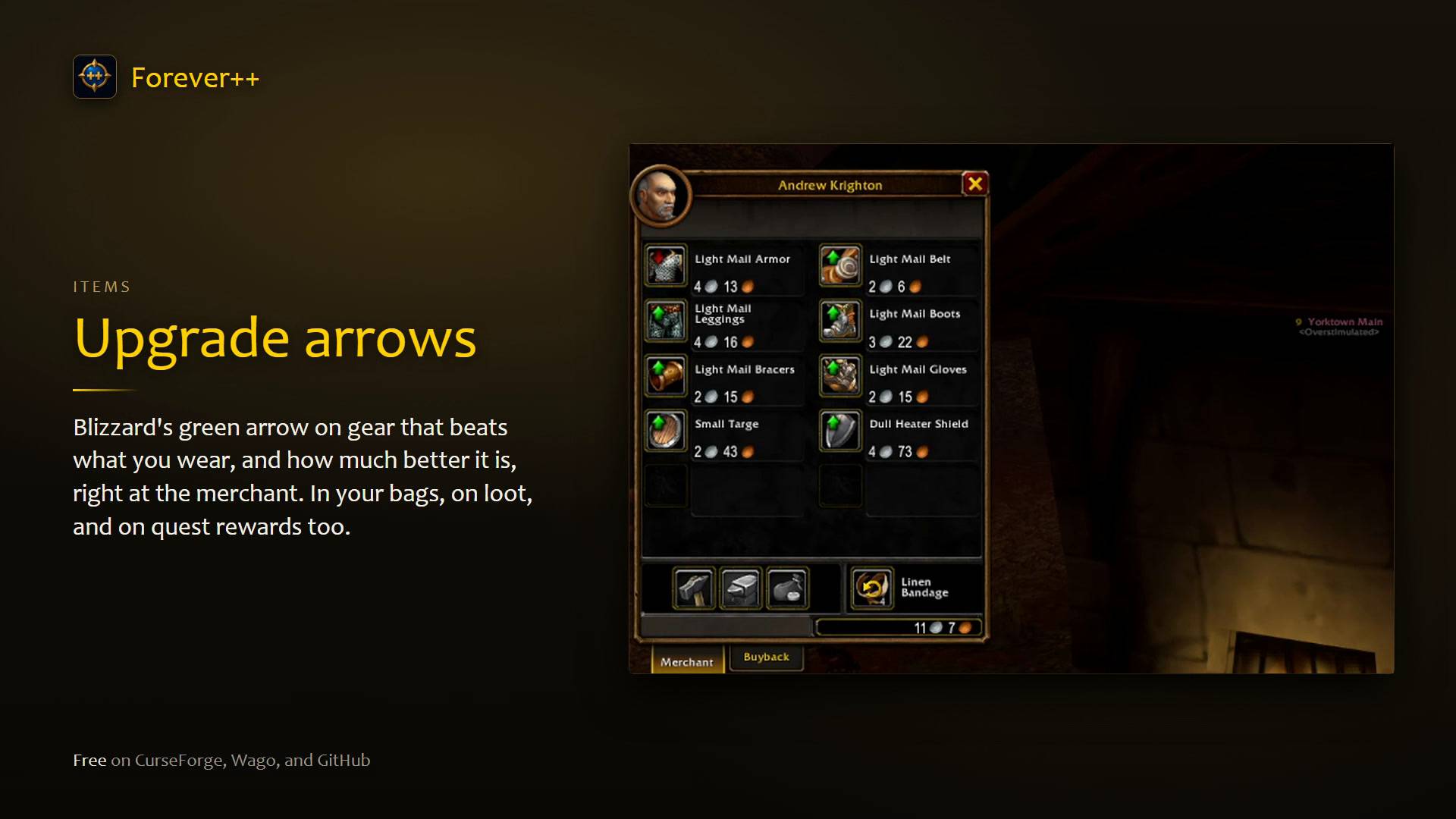
Blizzard's green arrow on gear that beats what you wear, judged by stat weights for your class and talent tree. Shown at the merchant, and in your bags, on loot, and on quest rewards too.
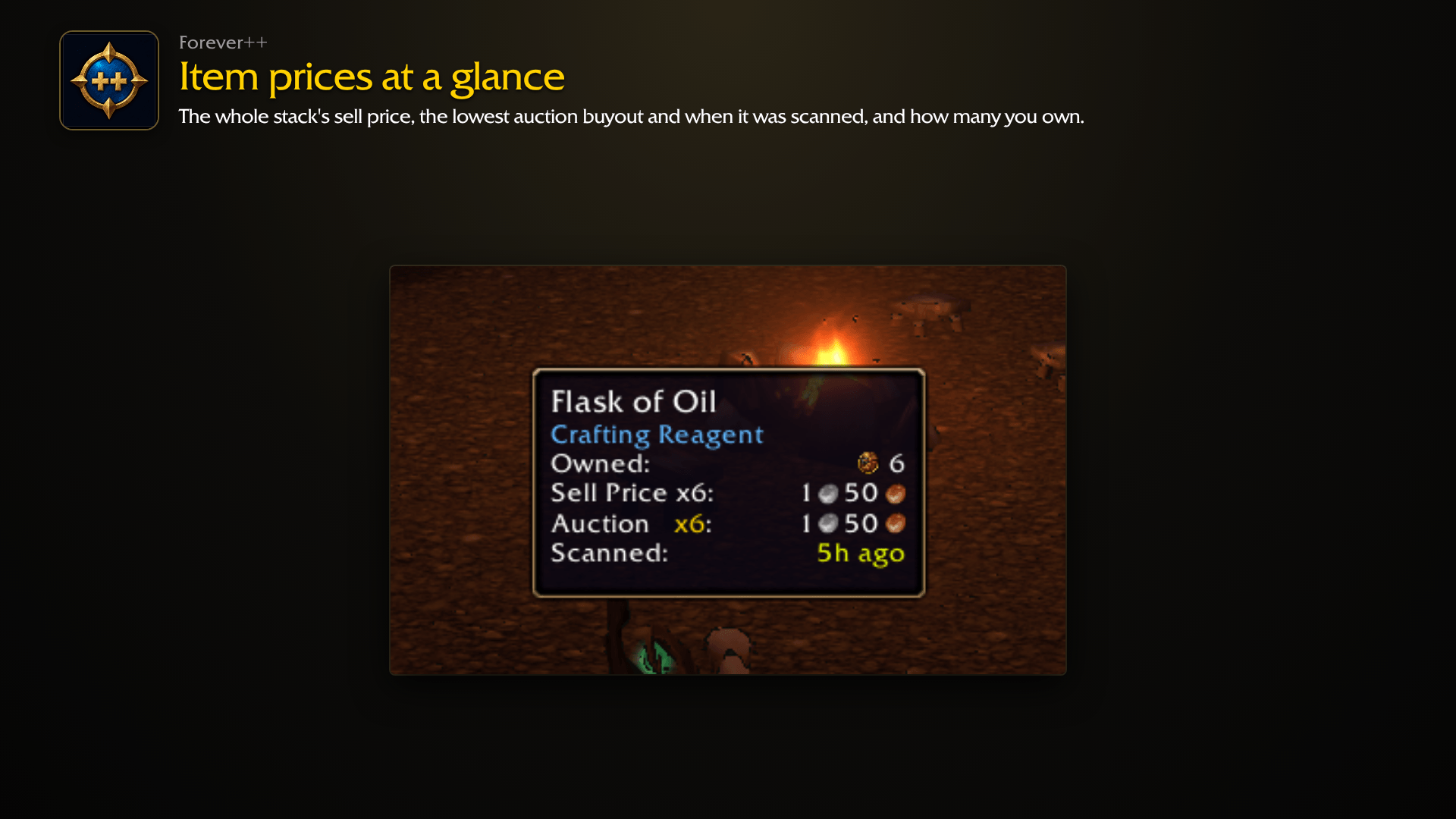
Item tooltips show what the whole stack sells for, the lowest auction buyout and how long ago it was scanned, and how many you own.
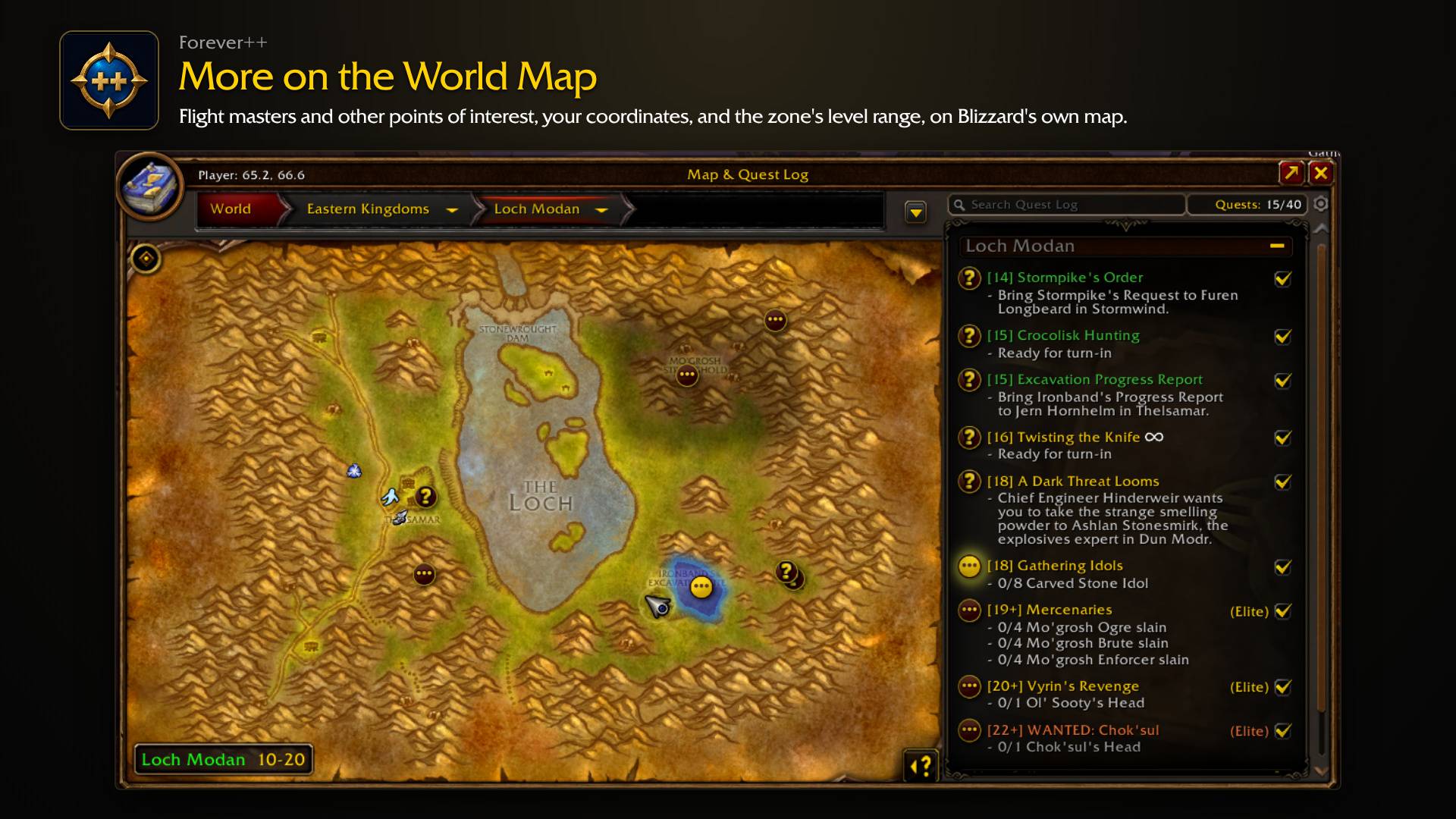
Flight masters, dungeons, and other points of interest, your coordinates, and the zone’s level range, all on Blizzard’s own map.
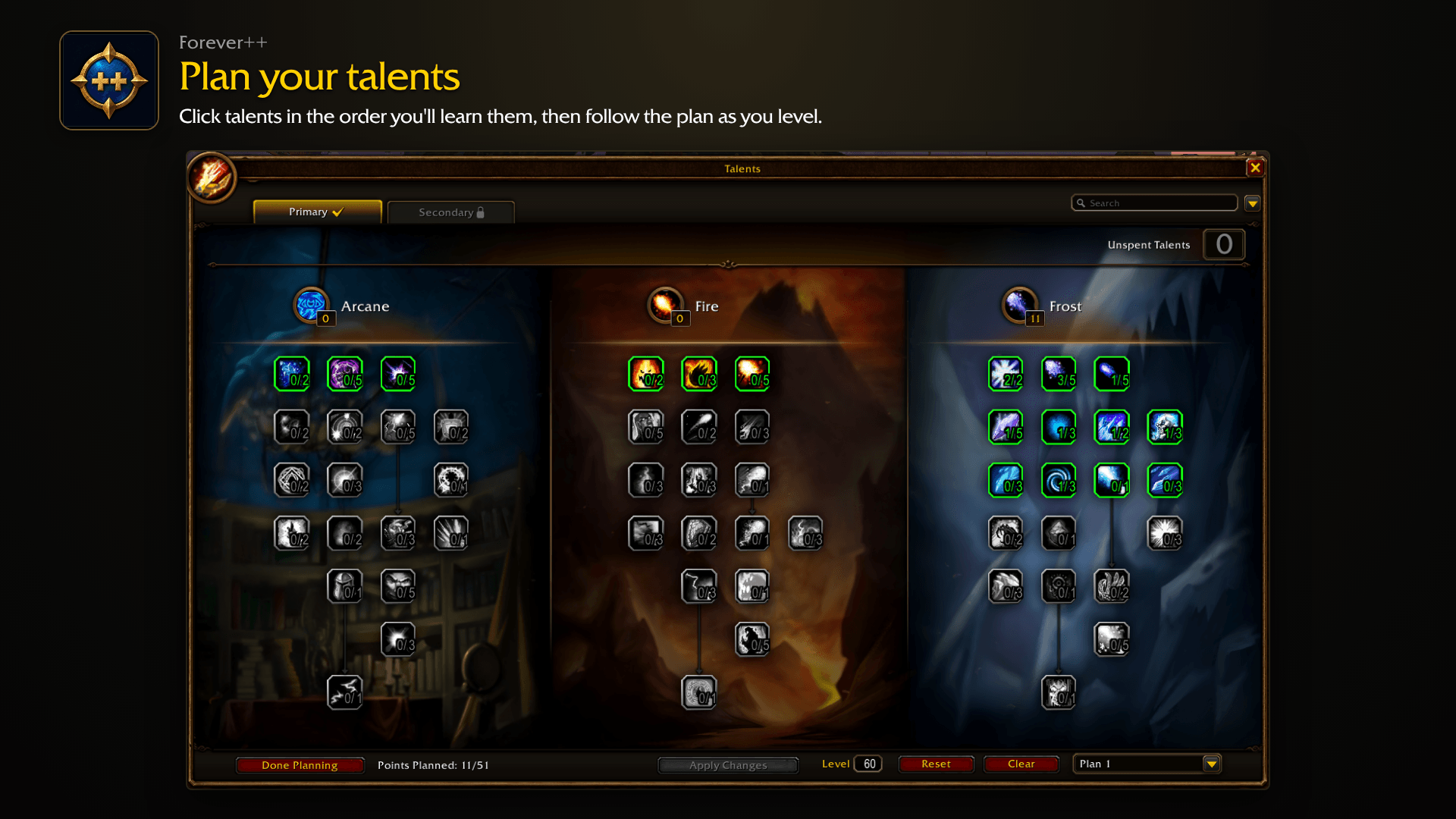
Click talents in the order you’ll learn them, keep several named plans, and follow the plan as you level. The next talent glows when you have a point to spend.
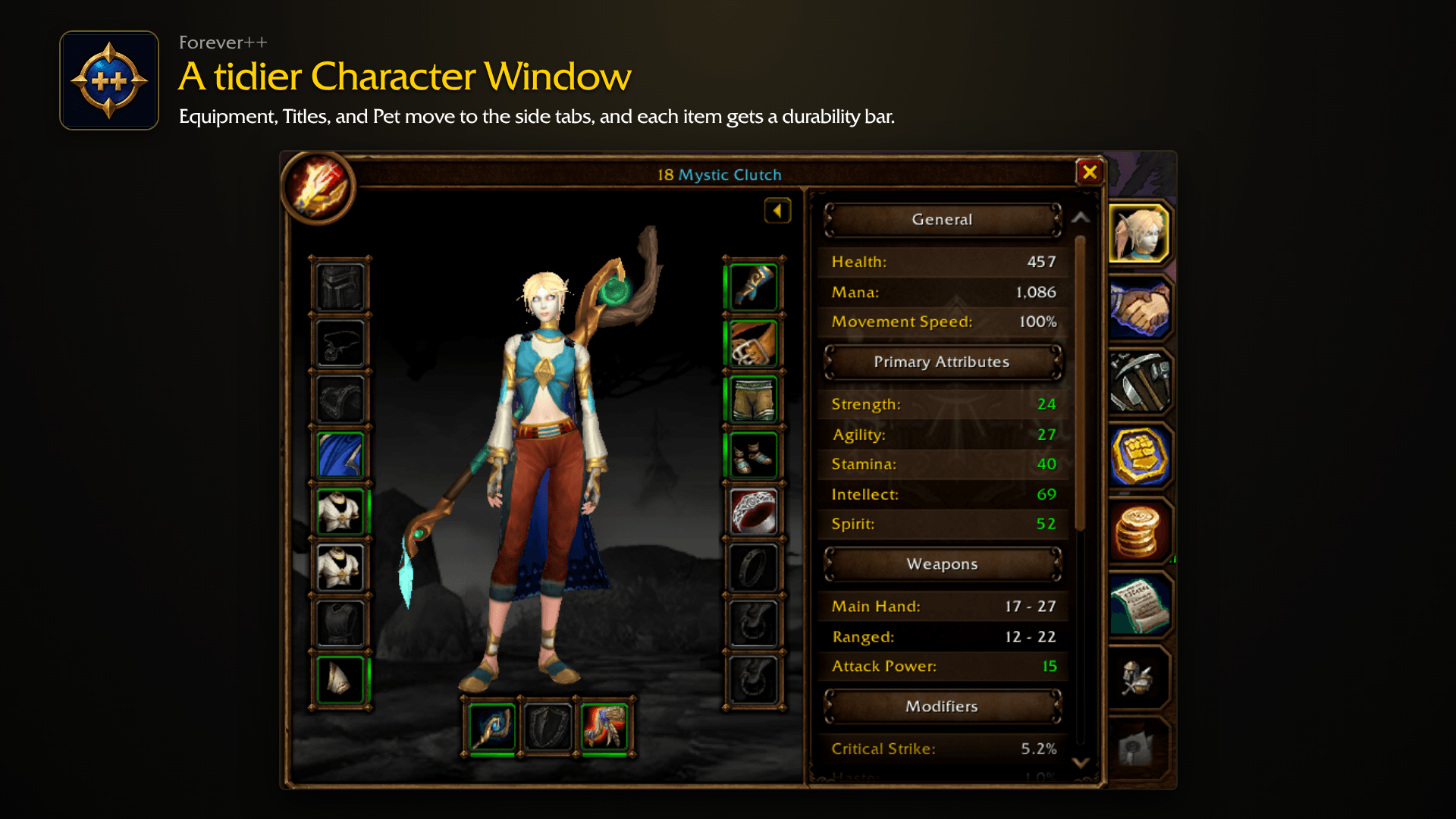
Equipment, Titles, and Pet move to the side tabs, your name shows in your class color, and each item gets a durability bar.
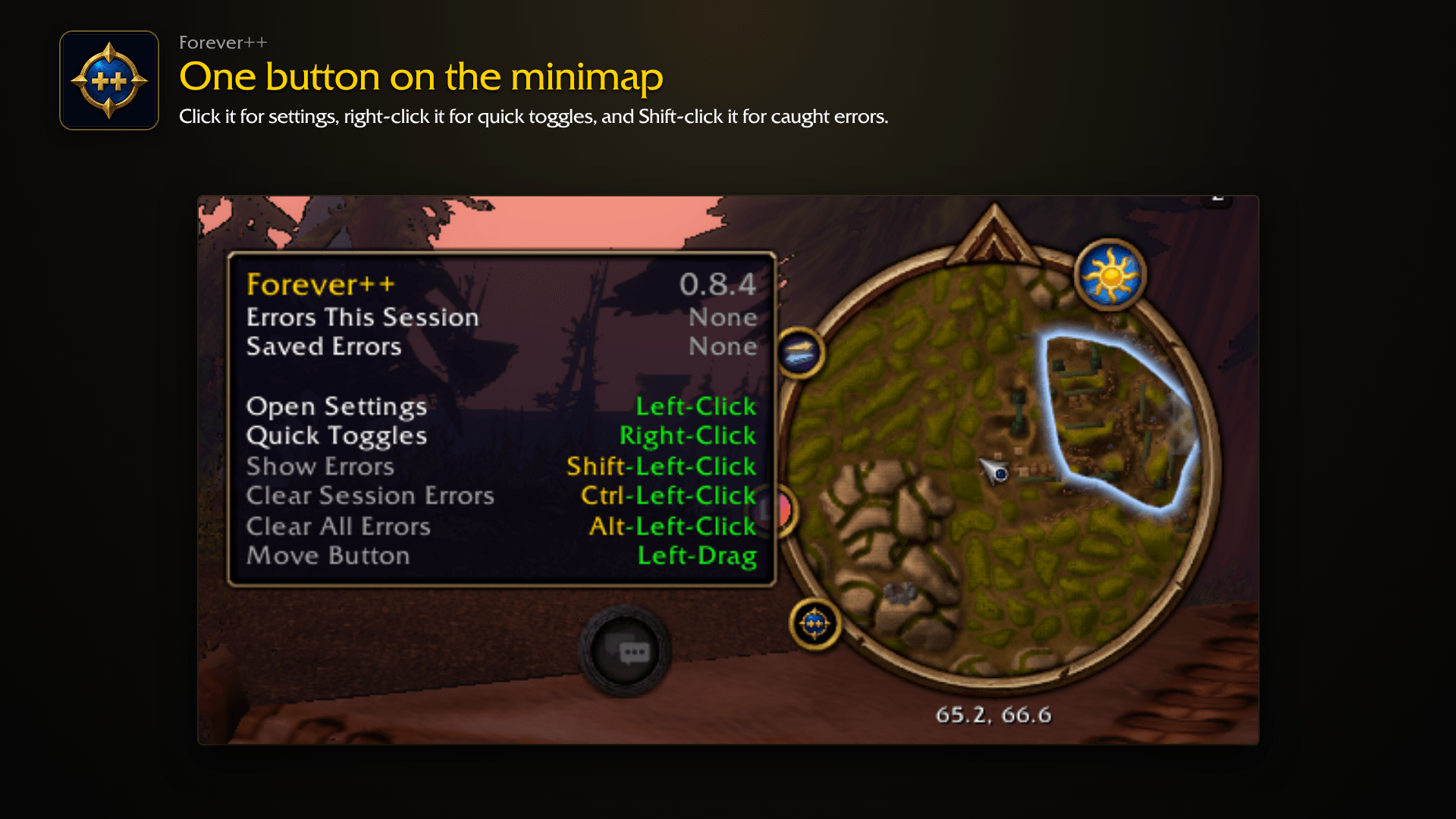
Click it for settings, right-click it to turn automations like Auto Repair and Fast Loot on or off, and Shift-click it for caught errors.
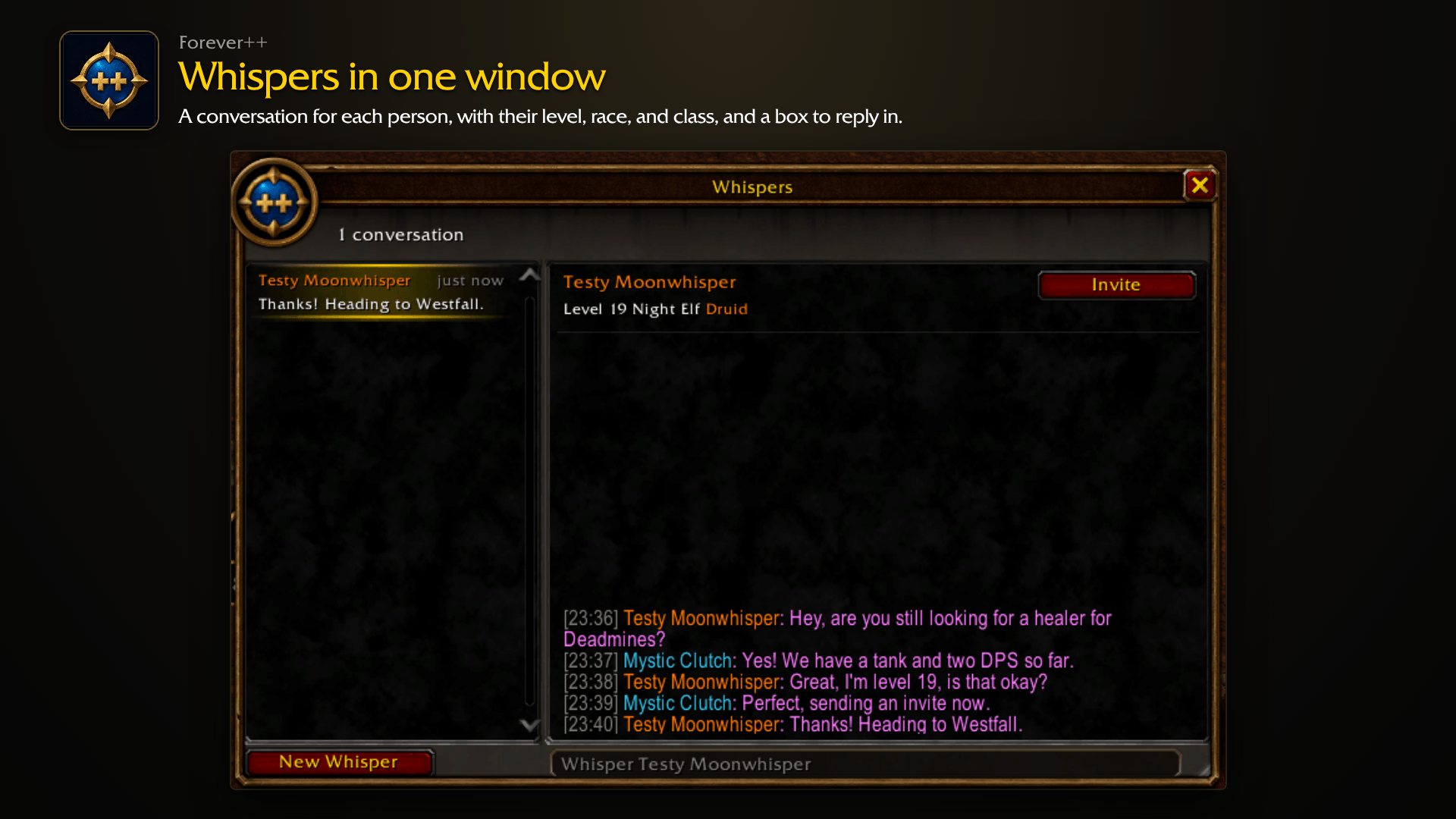
A conversation for each person, with their level, race, and class, a box to reply in, and an Invite button. Conversations are saved for each character.