


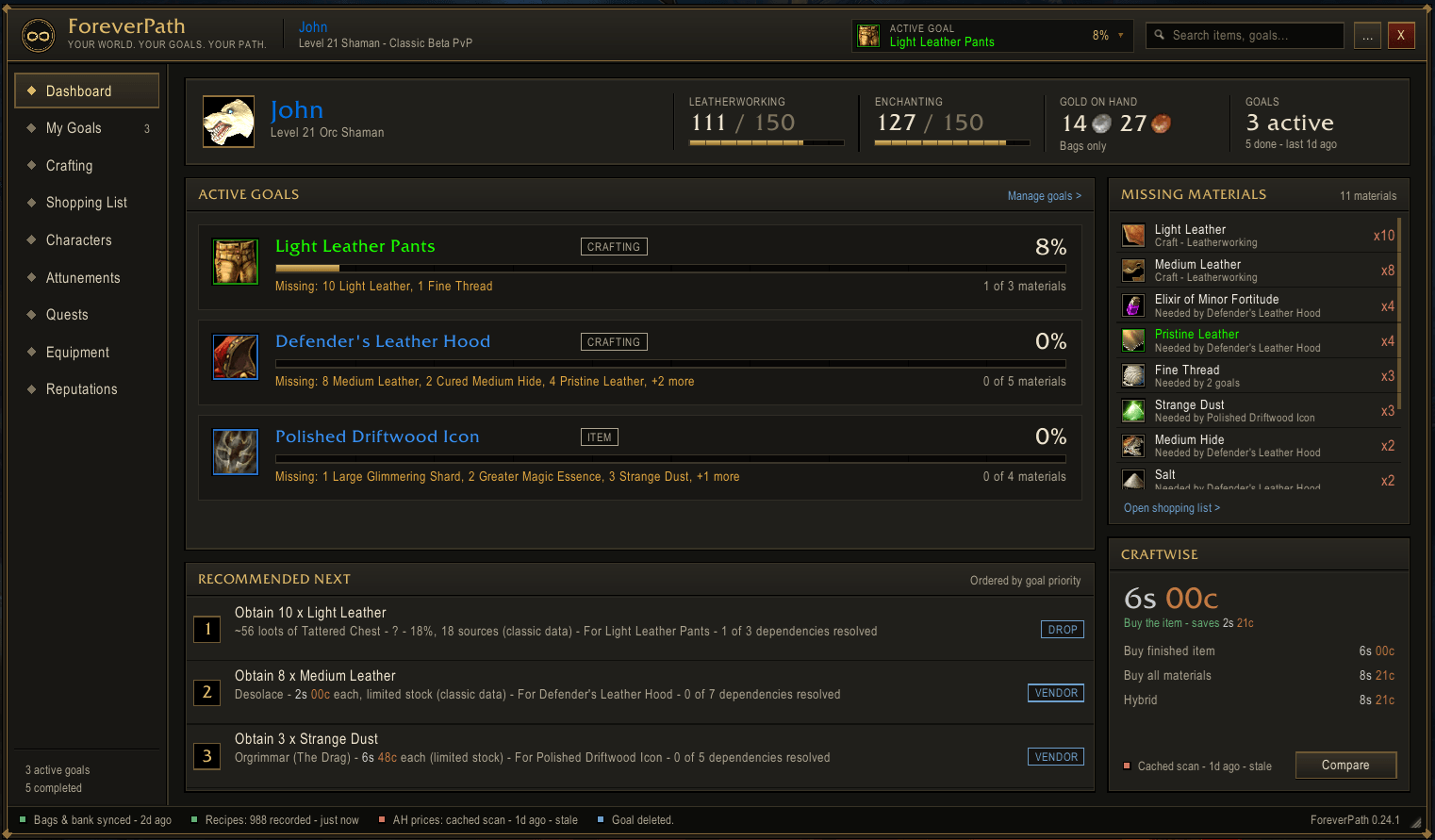
Dashboard.png
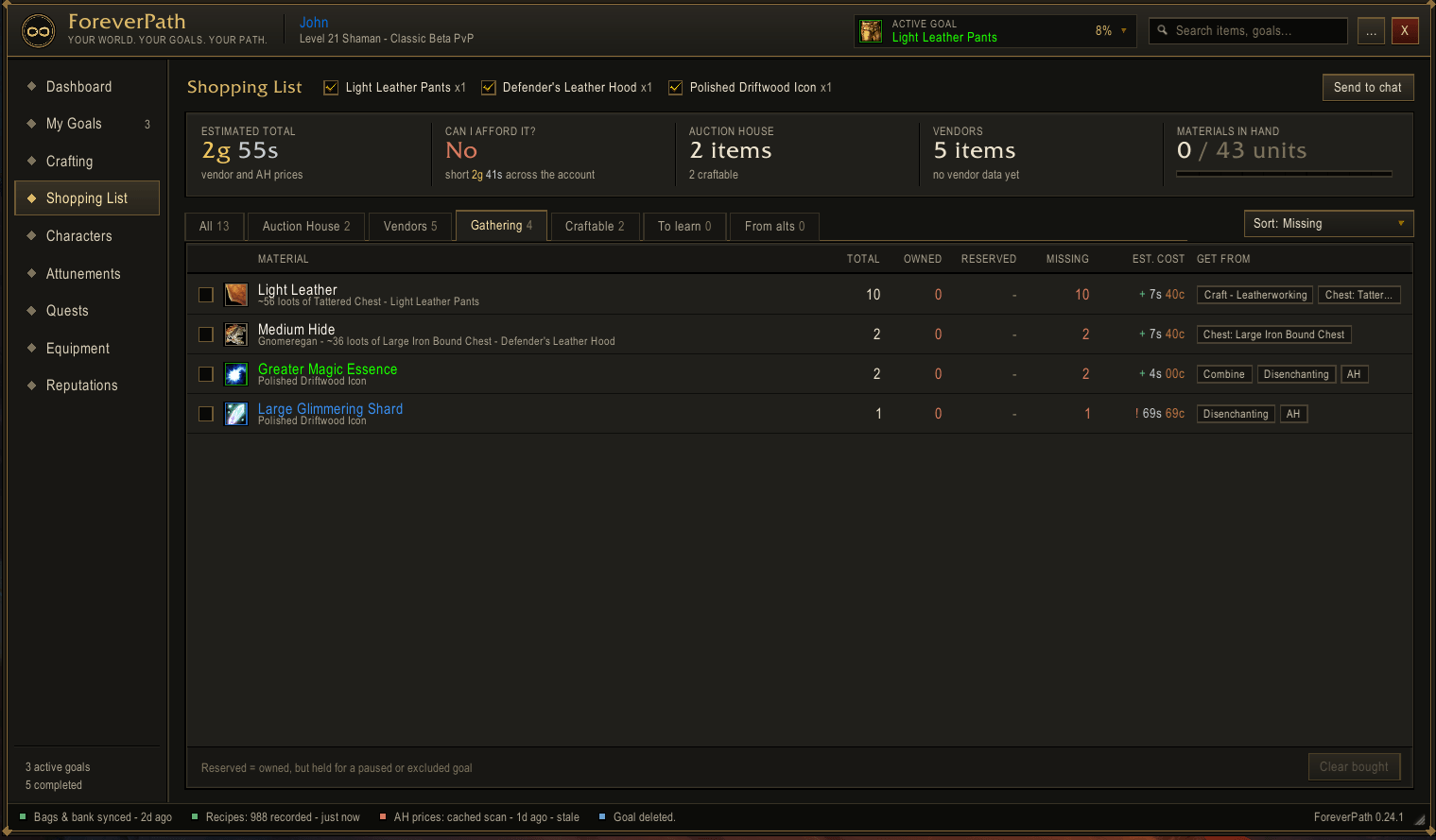
Shopping_List.png
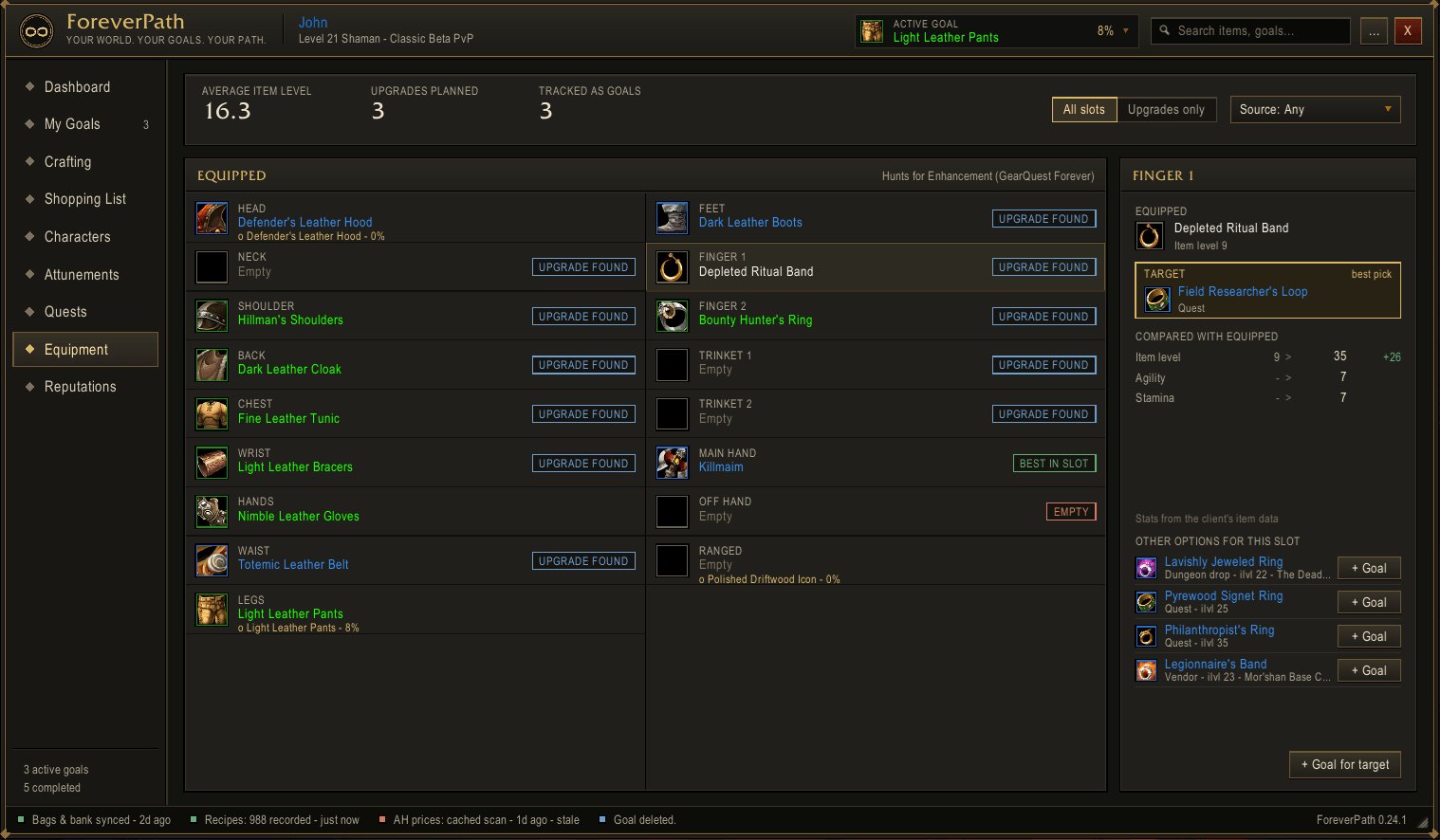
Character_Upgrades.png
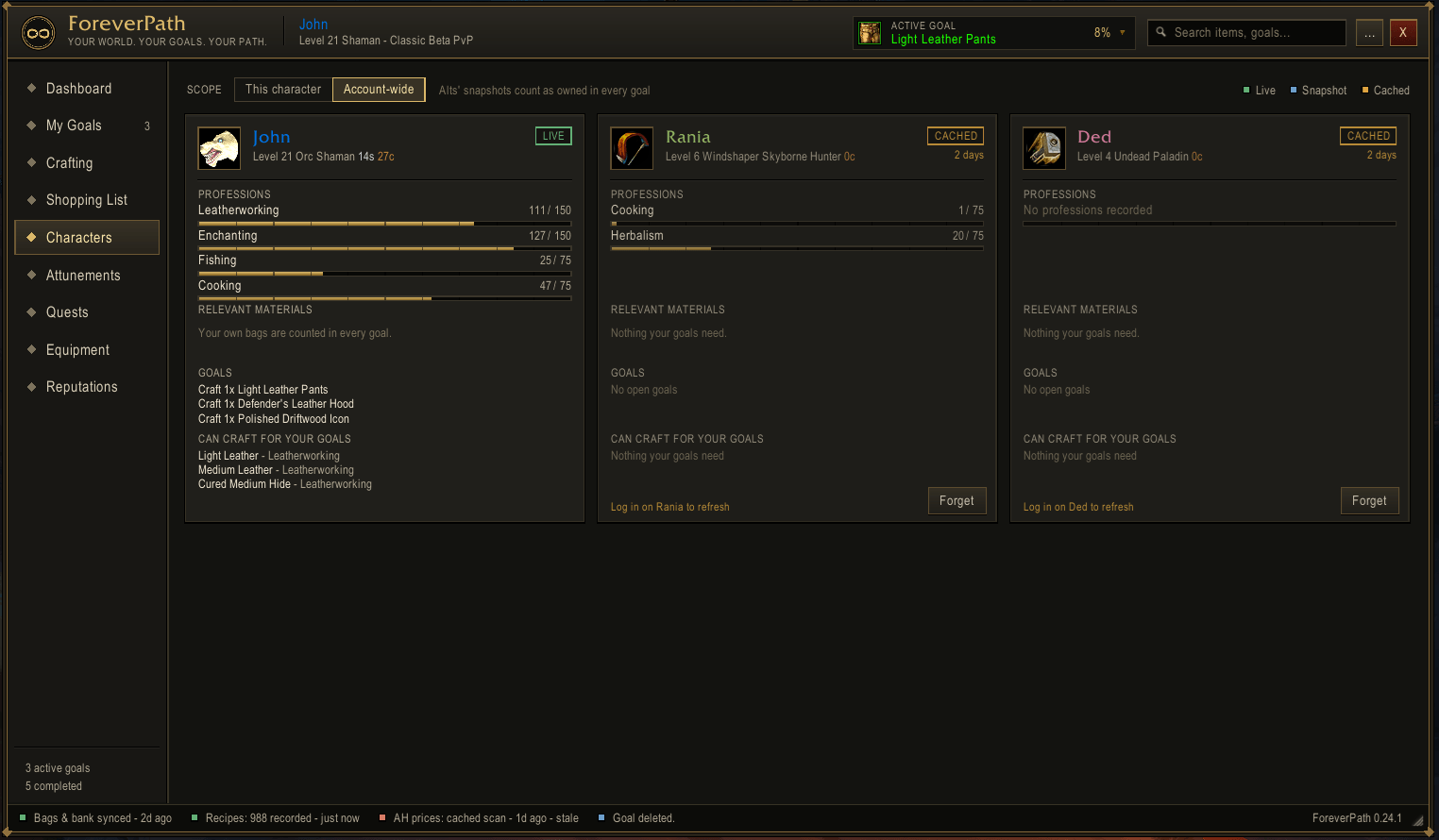
Alts.png
Description
Forever Path - Goal Planner
Goal-driven progression planner for World of Warcraft: Forever.
Choose what you want and ForeverPath works out how to get it: an item, a recipe, a profession level, a questline, an attunement or a reputation. It lays out each step, lists what you still need and where each piece comes from, and tracks your progress as you play. Everything is in game, so you don't need to alt-tab to a database site.
Preview build. ForeverPath is in active development and some features haven't been tested on every part of Forever yet. Bug reports and feedback are very welcome.
What it does
Plan any goal
- Items: craft it, buy it, farm it or earn it from a quest. You see every route and can choose which one to follow.
- Professions: learn a specific recipe, or reach a skill level with a step-by-step levelling plan.
- Quests and questlines: for a quest reward such as a class weapon, you get the whole chain. Each step names the NPC and the zone, and you can set a map waypoint to it.
- Attunements: step-by-step progress for every attunement chain.
- Reputations and enchants: plan rep grinds and enchanting goals.
Know exactly what you're missing
- Dependency tree: a full tree of reagents and sub-components. Each one is marked as had, partial, missing, craftable or on the Auction House.
- Alts count too: your alts' bags, bank and professions are included. Plans only suggest routes that one of your characters can actually do.
- Shopping list: everything you still need in one list, with Auction House prices from Auctionator, sortable by zone.
- Farming estimates: for example, "~16 kills of Wolf".
- CraftWise: compares buying, crafting and a mix of both, to find the cheapest way to finish a goal.
Stays out of your way
- Goal tracker: a compact tracker you can keep on screen while you play.
- Auto-complete: goals complete themselves when the item arrives in your bags, with an optional celebration toast.
- Minimap button: left-click opens the window and right-click toggles the tracker. It works with button bars such as MinimapButtonButton.
- Quick search: type-ahead search for items, recipes, quests and factions. Shift-click any item to link it in chat or search for it on the Auction House.
Learns Forever as you play
- What it records: Forever changes classic content, so ForeverPath records what you actually see in game:
- what drops from what you loot;
- vendor prices;
- trainer requirements;
- quest givers and turn-ins.
- Priority: what you've seen in game always outranks older classic data.
- Sharing:
/fp exportand/fp importlet friends and guildmates swap what they've learned.
Data sources
- Built in:
- a recipe and item catalogue extracted from the Forever client;
- classic-era quests, NPCs, drops, vendors and trainers from the CMaNGOS classic-db project. These are in the included
ForeverPath_ClassicDBdata module, which loads only when needed.
- Optional addons: if you have these installed, ForeverPath uses their data automatically:
- Auctionator for prices;
- AtlasLoot Classic for loot tables;
- ForeverDungeonJournal for dungeon loot and quests;
- Attune for attunement chains;
- GearQuest Forever for gear picks;
- Questie for quest data, when its Forever version is available.
Getting started
- Install the addon. The download contains two folders,
ForeverPathandForeverPath_ClassicDB, and both go in your AddOns folder. - Type
/fp, or click the minimap button. - Open each of your professions once so ForeverPath can record your recipes, and log into your alts so it can see their bags.
- Add a goal and follow the plan.
Useful commands:
/fp helplists every command./fp trackershows or hides the tracker./fp minimapshows or hides the minimap button./fp trainshows what you can train right now./fp statusshows what data ForeverPath has found.
License and credits
- License: ForeverPath is open source under GPL-3.0.
- Classic data: comes from CMaNGOS classic-db (GPL-3.0). It's game content used for non-commercial purposes under that project's terms.
- Thanks: to the authors of the optional addons above, whose data ForeverPath reads while they're running.
ForeverPath – Goal Planner Team
