


ForeverPad
- By
ForeverPad_CurseForge_Logo_400x400.png
ForeverPad_CurseForge_Screenshot_1.jpg
ForeverPad_CurseForge_Screenshot_2.jpg
ForeverPad_HUD_Layout_CurseForge.jpg
ForeverPad_Visibility_CurseForge.jpg
Description
ForeverPad
Take control of your controller interface.
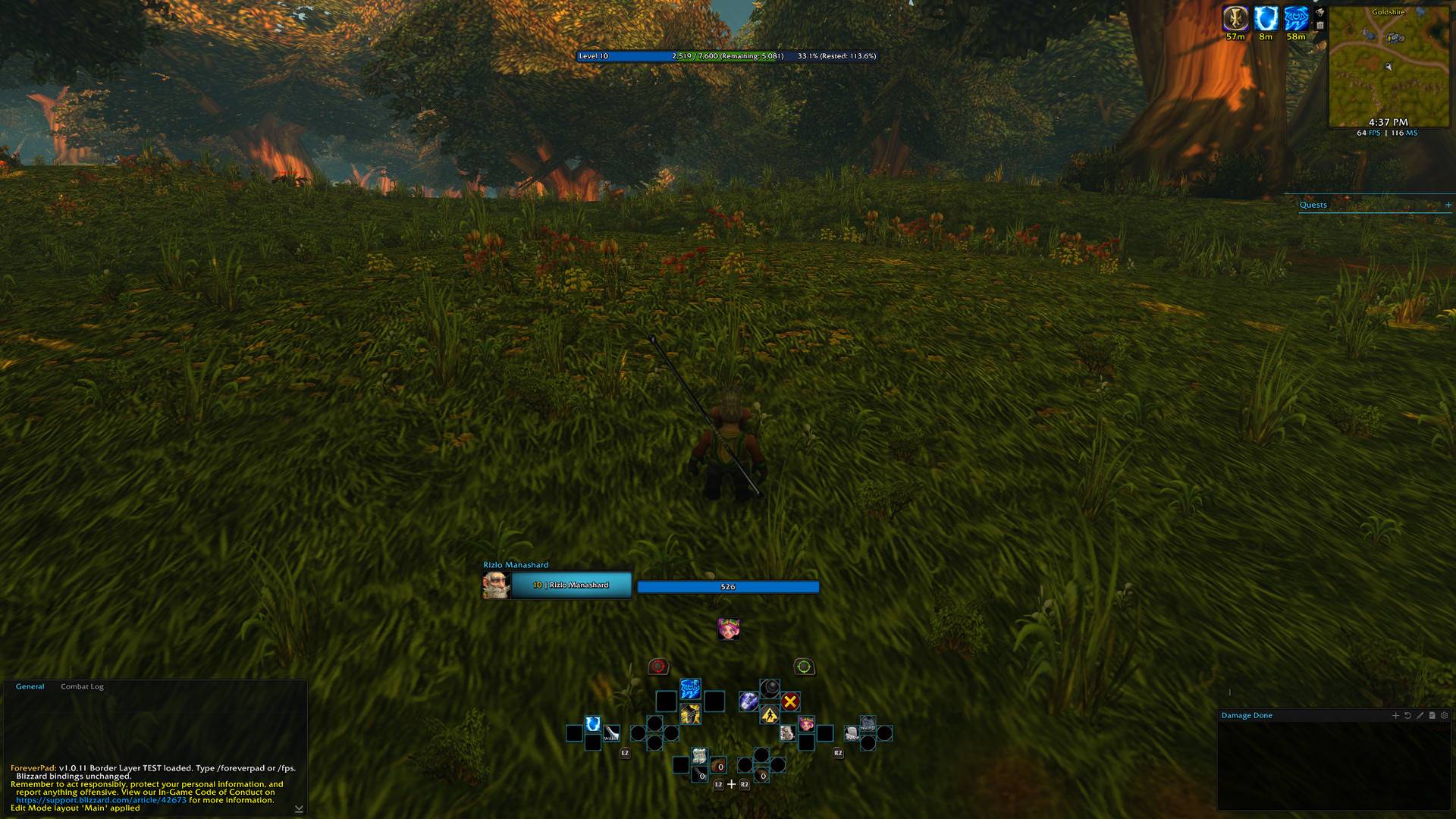
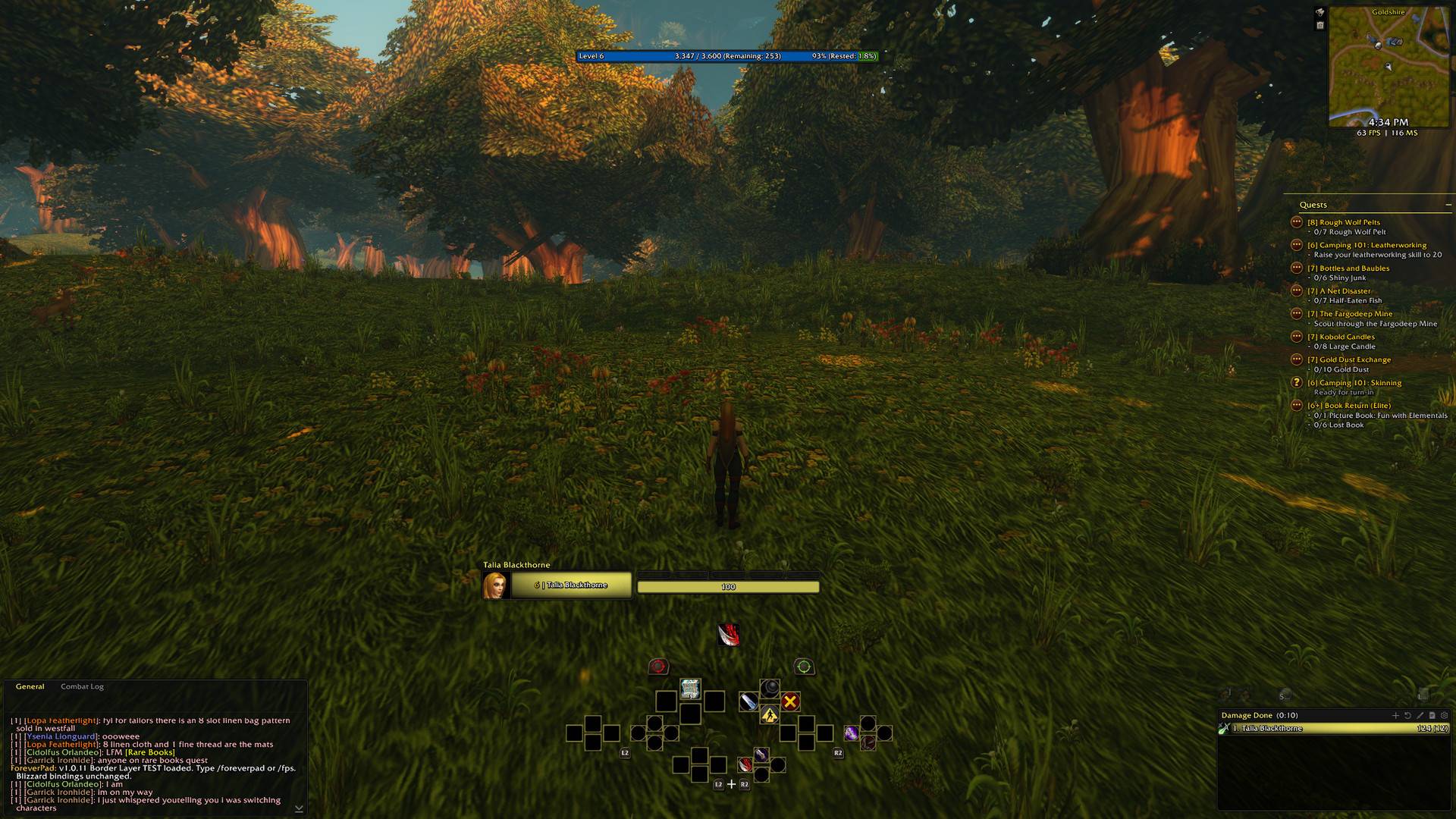
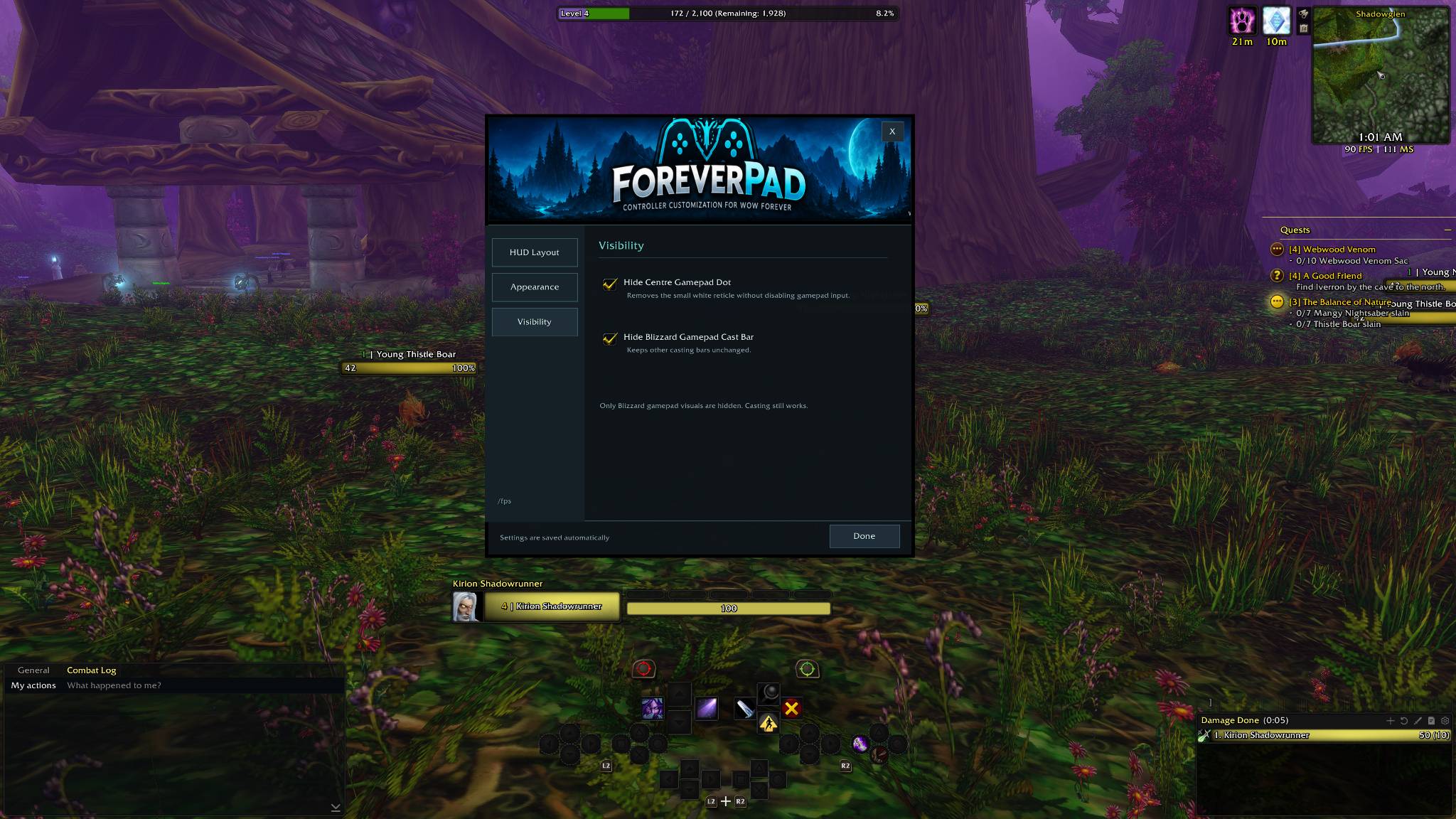
ForeverPad is a lightweight World of Warcraft addon designed to give gamepad players more control over Blizzard's native controller action bar.
Move it, resize it and customize its appearance to better suit your UI, without replacing the familiar controller layout or changing how your abilities work.
Features
-
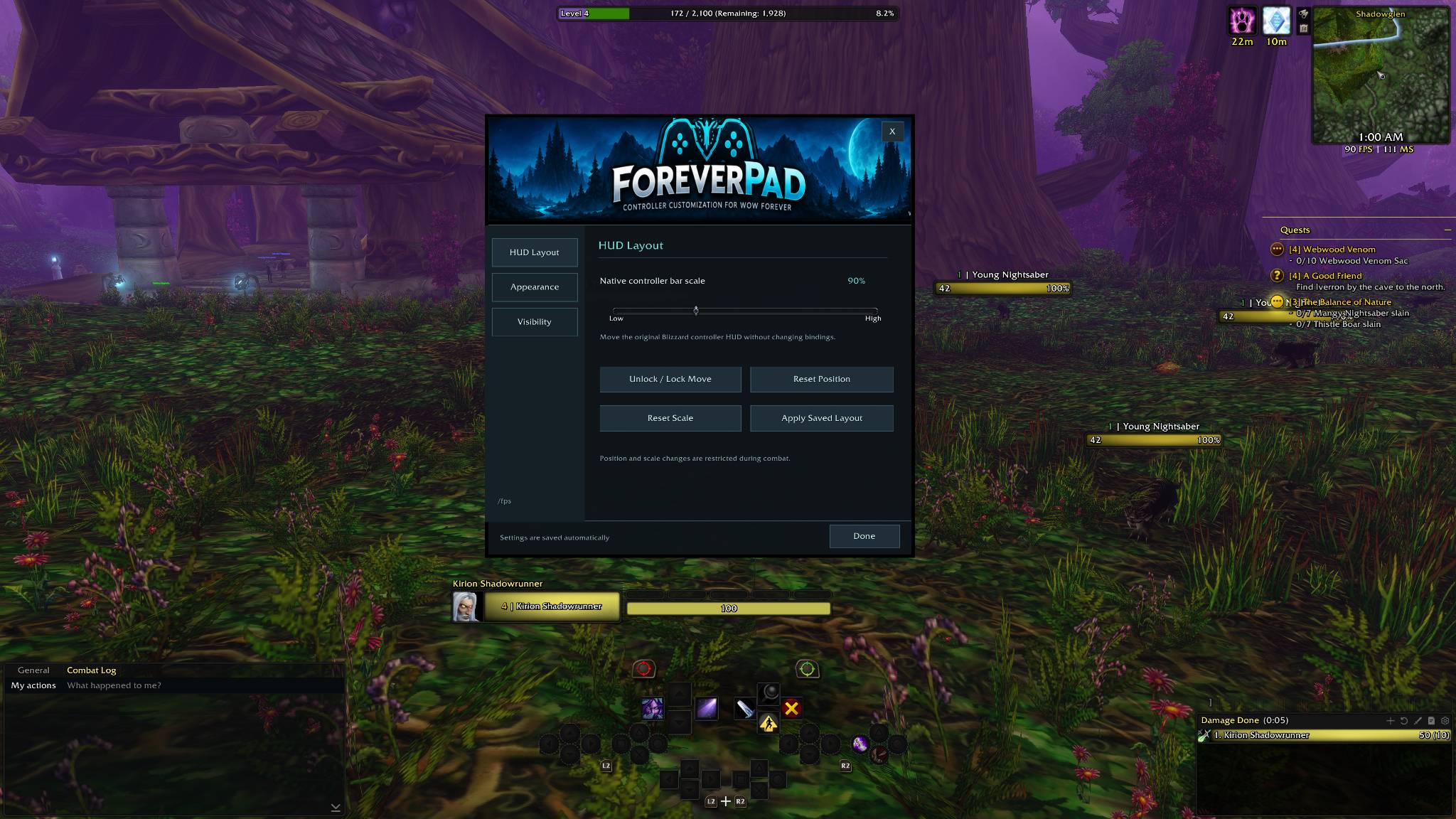
Move your controller HUD to your preferred position on screen.
-
Adjust the scale to fit your display and UI layout.
-
Customize button appearance with a clean, understated visual style.
-
Preserve native controller functionality, including existing action bindings and ability icons.
-
Supports modifier layouts, including L2/R2 combinations.
-
Works alongside Blizzard's Compact Mode for the controller action bar.
-
Saves your settings between sessions.
-
Lightweight design, with no replacement action bar or unnecessary background panels.
Getting started
-
Install ForeverPad in your World of Warcraft AddOns directory.
-
Launch the game with your controller connected.
-
Type
/foreverpador/fpsin chat to open the settings. -
Adjust the position, scale and appearance of your controller action bar.
Compatibility
ForeverPad is developed for WoW Forever, targeting interface version 16001.
It modifies the presentation of Blizzard's native gamepad action bar rather than creating a separate action bar system.
Compatibility with other World of Warcraft clients is not guaranteed.
Important notes
ForeverPad does not automatically configure your controller or create new keybindings. Your existing controller setup remains managed by the game.
If upgrading from ForeverPad Studio, remove or disable the old addon folder before installing ForeverPad. Keep your saved settings if you want to preserve your existing configuration.
Feedback and bug reports
If you encounter an issue, please include your game build, addon version, a description of the problem and any Lua error messages.
Feedback and suggestions are welcome!
ForeverPad Team
