


ForeverCombo
Screenshot 2026-10-10 101626.png
Screenshot 2026-10-10 100047.png
Screenshot 2026-10-10 100147.png
Screenshot 2026-10-10 100252.png
Screenshot 2026-10-10 101809.png
Description
ForeverCombo
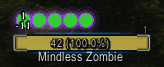
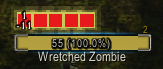
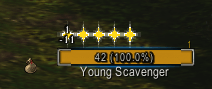
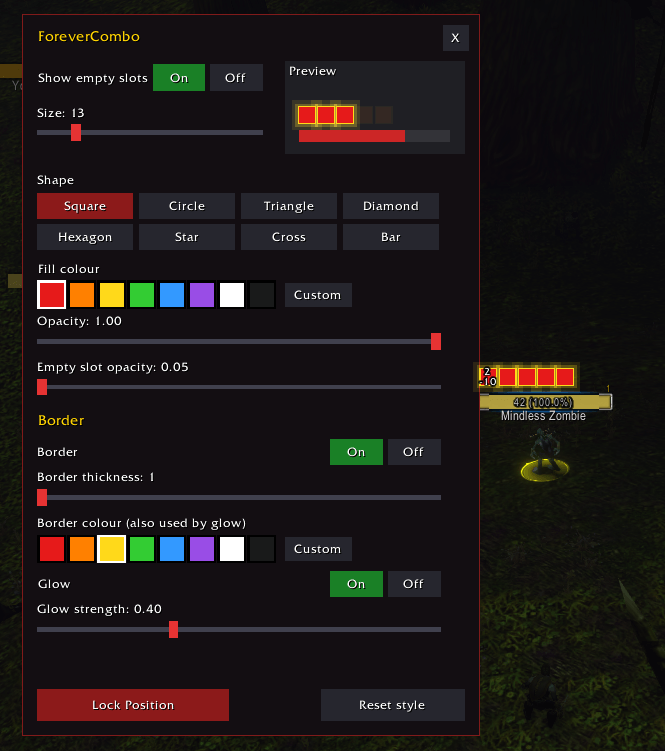
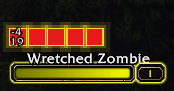
Combo points where your eyes already are. ForeverCombo draws your rogue's or druid's combo points on the enemy's nameplate, so you can see them built without looking down at a unit frame or action bar.
Built for WoW: Forever during the beta. Expect changes and new options as the addon and we switch to live.
On the nameplate
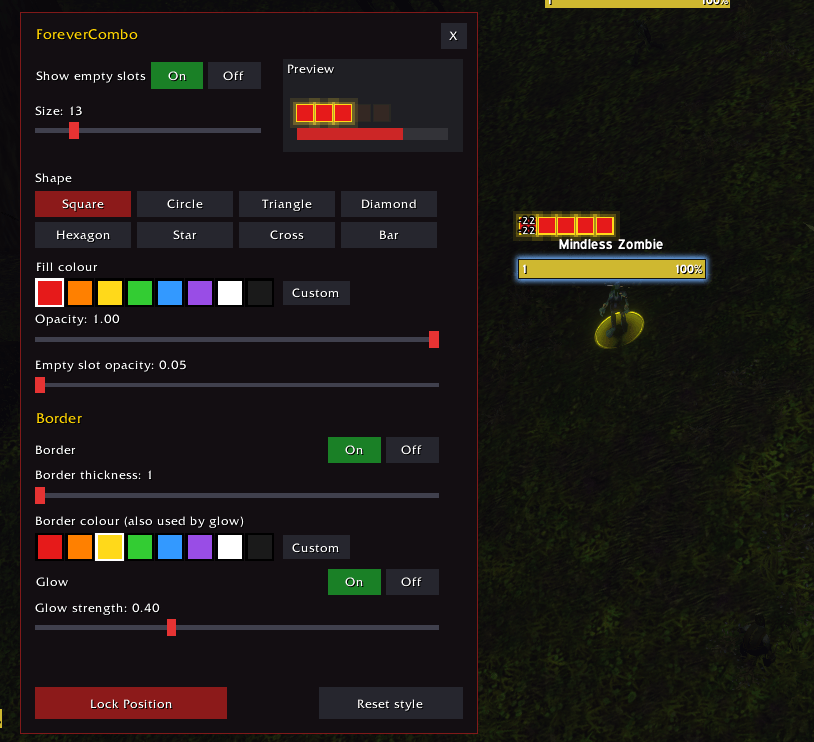
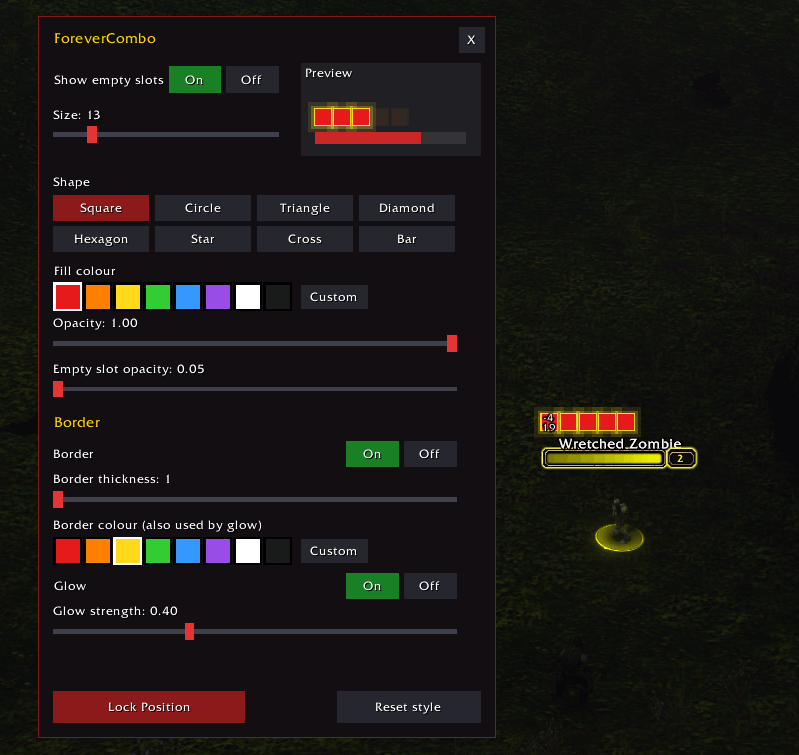
Combo points appear on the nameplate of the enemy holding them and stay there if you tab to someone else. They clear when you attack a new target, spend them, or the enemy dies. By default they sit at the left edge of the enemy's health bar, and you can move them anywhere you like.
Customize
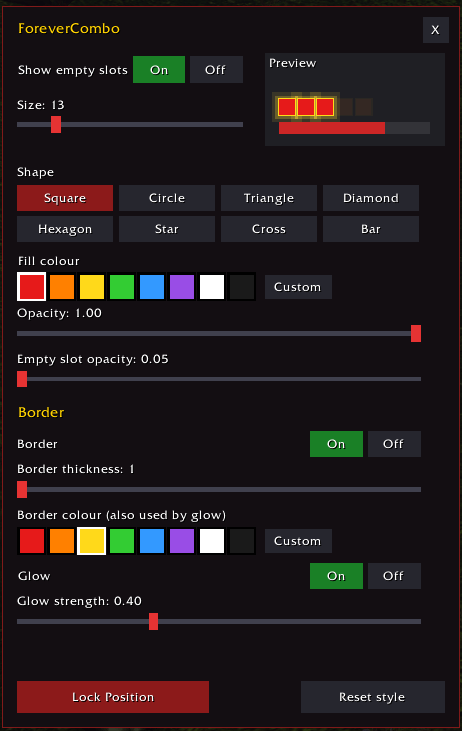
Type /fco to open the settings menu, with a live preview in the corner that shows three filled points and two empty ones.
- Shape: square, circle, triangle, diamond, hexagon, star, cross or bar
- Colour: a palette of presets, or pick any colour you want
- Size and opacity: from small and subtle to large and bold
- Empty slots: show unused points faded, so you always see all five, with their own opacity
- Border: on or off, with adjustable thickness and colour
- Glow: on or off, with adjustable strength, using the border colour
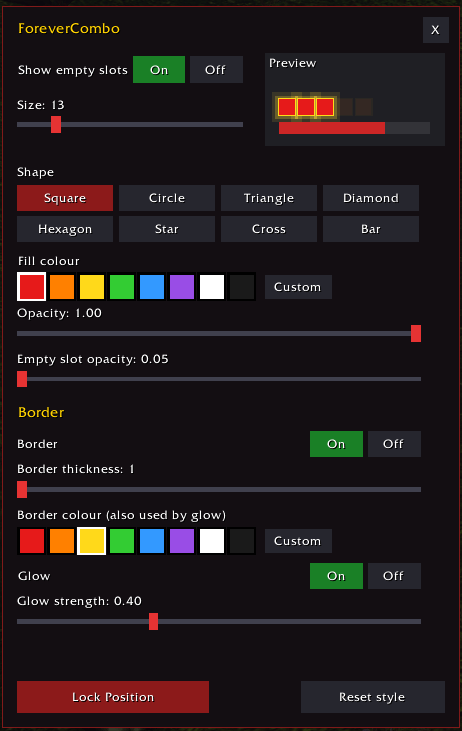
The reset button returns the style to default and keeps your position.
Positioning
Opening the menu unlocks the points, and you can drag them to where you want them. Closing the menu locks them again. The offset is shown on the points as you move them. For fine adjustments, use /fcpos with an X and Y value.
Works with
Tested with EllesmereUI nameplates and Plater, Default nameplates should always work with this addon as well.
Commands
| Command | What it does |
|---|---|
/fco |
Open the settings menu (unlocks position while open) |
/fc help |
Displays all commands |
/fc unlock |
Unlocks elements and allows you to drag the pips around the nameplate |
/fc lock |
Lock elements and print the position |
/fc pos x y |
Set the position by number (leave out the numbers to see the current values) |
/fc debug |
Print diagnostic info, useful for bug reports |
Good to know...
- Rogue & Druid only. The addon does nothing on other classes.
- No libraries needed.
- Settings are saved between sessions and shared across your characters. Because Forever is in beta, saved variables can occasionally misbehave, so if your settings reset, that's the likely cause.
- The addon needs an enemy nameplate to attach to, so turn on enemy nameplates in the game's interface options. (Ctrl+V by default)
Feedback
Found a bug or have an idea? Let me know here. If something looks wrong, include the output of /fc debug and your nameplate addon's name.
ForeverCombo Team
