


Forever Zone Levels
- By
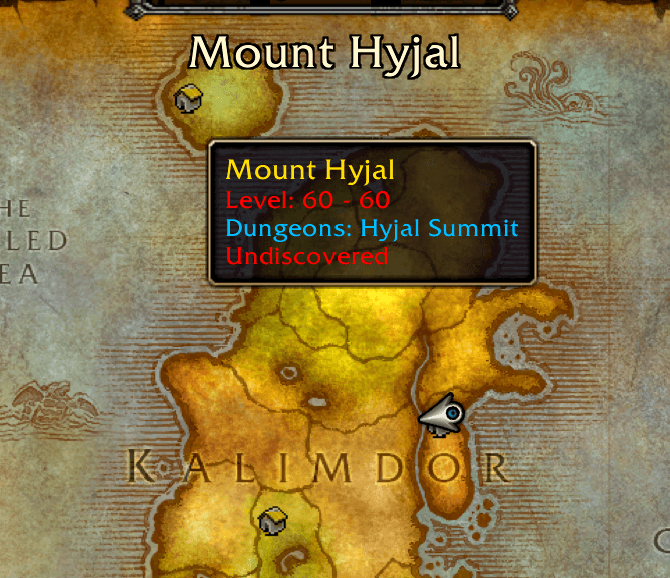
Screenshot 2026-10-13 180933.png
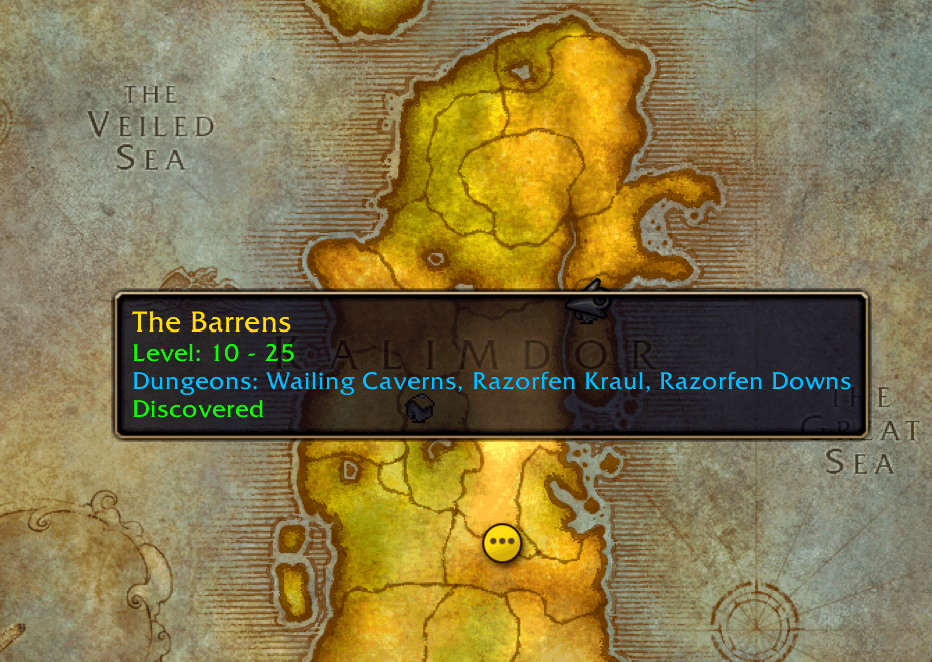
Screenshot 2026-10-13 181032.png
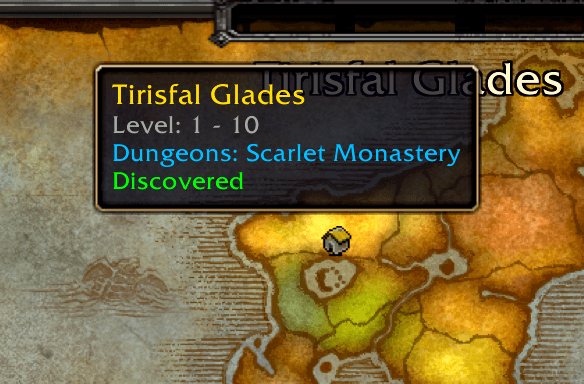
Screenshot 2026-10-13 181117.png
Description
Forever Zone Levels
Navigate Azeroth with confidence!
Forever Zone Levels is a lightweight, quality-of-life UI addon designed specifically for the WoW Forever client. It enhances your continent-level world map by adding dynamic, color-coded tooltips that display vital zone information at a glance.
Whether you are leveling a new alt or charting a path for your Skyborn Druid, this addon ensures you always know exactly what awaits you in the next zone.
✨ Features
- Dynamic Level Ranges: Hover over any zone on the Kalimdor or Eastern Kingdoms continent maps to instantly see its minimum and maximum level requirements.
- Smart Color-Coding: The level text automatically changes color based on your character's current level, letting you know instantly if a zone is safe, optimal, or deadly.
- Dungeon Quick-Reference: Wondering where to run your next group? The tooltip displays a list of all classic dungeons located within that zone.
- Exploration Tracking: Easily see if your current character has successfully "Discovered" the zone or if it remains "Undiscovered."
- Clutter-Free UI: The custom tooltip only appears when looking at the broad continent map. The moment you click into a specific zone (like The Barrens or Elwynn Forest), the tooltip hides itself so it never blocks your quest markers or map icons.
- WoW Forever Ready: Fully updated with custom WoW Forever content, including the level 60 Mount Hyjal zone and new custom areas like Zephras Isle and Riverglades.
🎨 Level Color Key
The addon compares the zone's level range to your character's current level and color-codes the text accordingly:
⬛ Grey: Trivial - You have outleveled this zone.
⬜ White: Optimal - The zone is right at your level.
🟩 Green: Easy - Mobs here are slightly below your level.
🟧 Orange: Challenging - Mobs are a few levels higher than you.
🟥 Red: Dangerous - Enter at your own risk!
⚙️ Installation & Usage
Simply install the addon via CurseForge or extract the .zip into your _classic_\Interface\AddOns folder. There is no configuration required—just open your World Map (M), zoom out to the continent view, and hover your mouse over any zone!
Forever Zone Levels Team
