Forever Vault
- By
01-profit.png
02-recipe-popup.png
03-materials.png
Description
Forever Vault tells you what your recipes are really worth, what to learn next, and what you actually earned.
Made for World of Warcraft: Forever, by the team behind forevervault.fun.
What it does
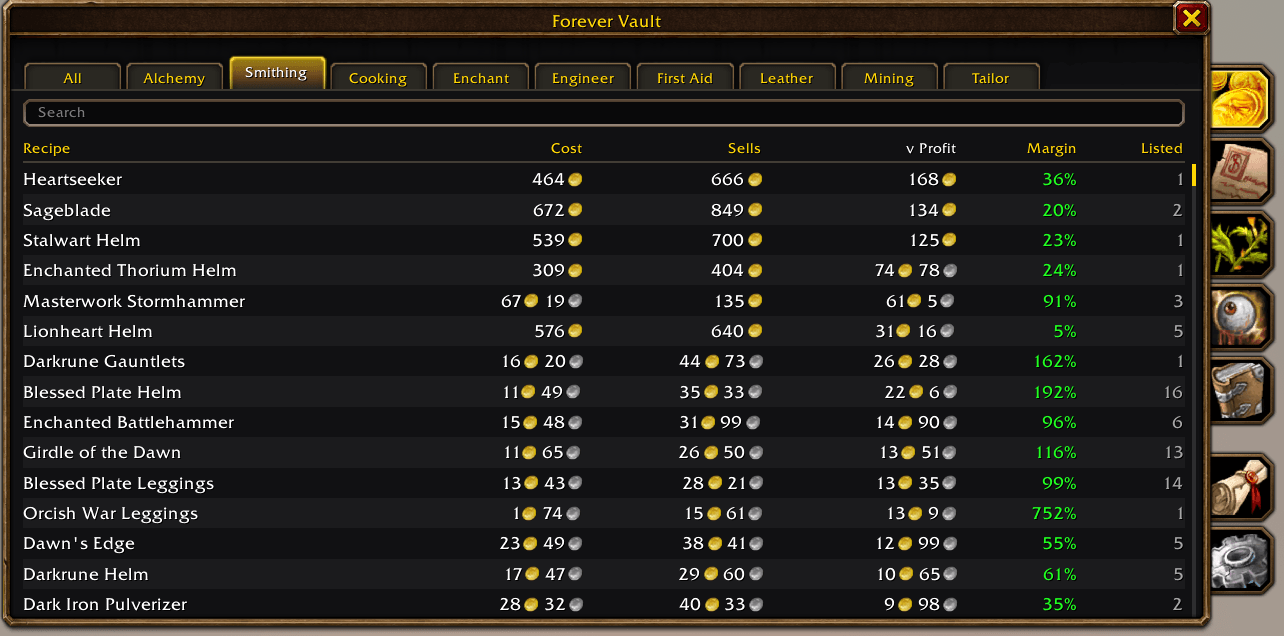
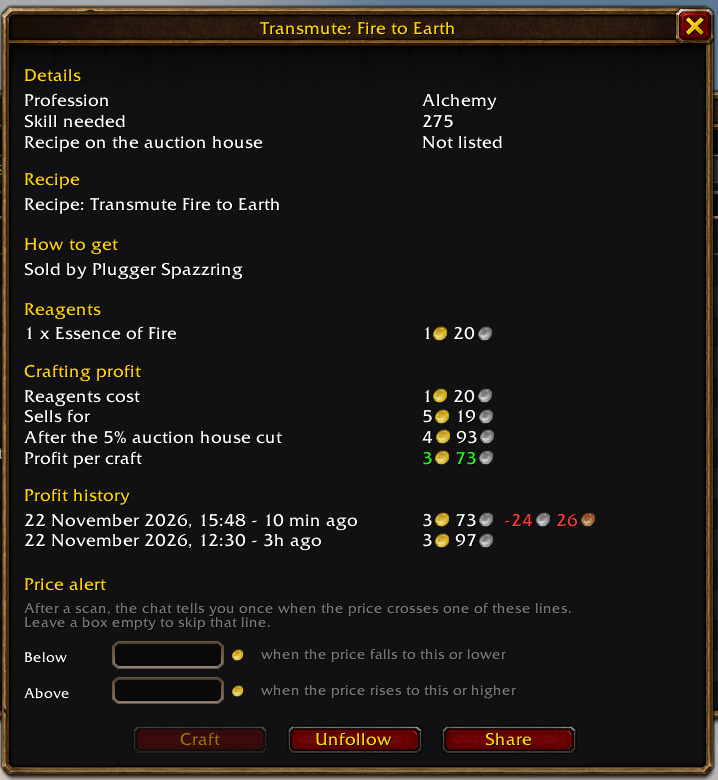
Profit lists every recipe you know, priced from the auction house: what the reagents cost, what the result sells for after the auction house cut, and your profit per craft. Click any column to sort by it, click a recipe for the full details.
Learn lists the recipes of your professions that you have not learned yet: the skill they need, where to get them (trainer, vendor, quest, a monster's drop), the recipe's own price on the auction house, and the profit it would make once you know it.
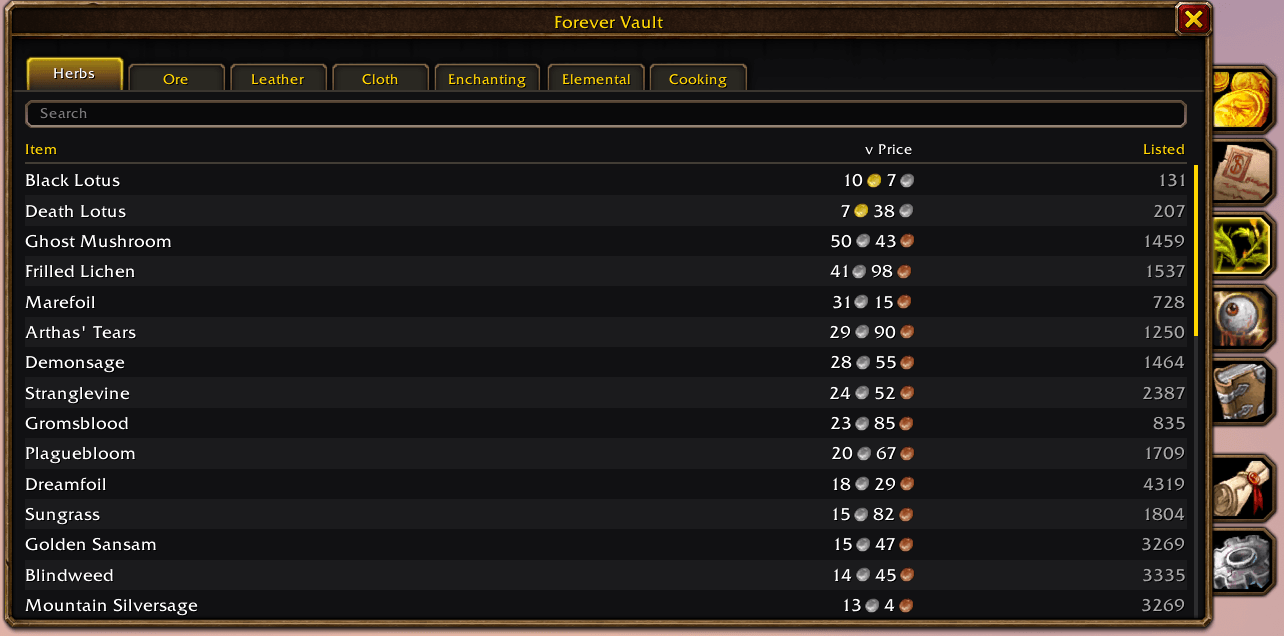
Follow is your watchlist. Follow recipes and items and see how each one moved since your last scan.
Ledger keeps a real profit ledger for each character. Crafts are recorded as you craft, sales are counted from your mailbox, and the two are matched, so you see what you really earned, not what you hoped to earn.
Scan reads the whole auction house with one click, in about 30 seconds, without freezing the game.
Getting started
1. Open each of your profession windows once, so the addon can read your recipes.
2. Open the auction house and press Scan (the gold bar at the bottom of the window).
3. Type /fv or click the minimap button to open the window. A short guide is inside.
Good to know
- Forever Vault never buys, bids, posts or cancels anything for you. A scan only starts when you press the button.
- A dash means the addon does not know yet (no price, or no recorded cost). It never shows a made-up zero.
- The auction house allows one full scan about every 15 minutes. The window tells you how long to wait.
- Everything stays in your game. The addon does not send anything anywhere.
Feedback
Found a bug, a wrong price, or have an idea? Open Settings, then Feedback, inside the addon, or write to us on forevervault.fun/contact or support@forevervault.fun.
Free and open source (MIT license).
Forever Vault Team