Forever Pathfinder
- By
The whole leveling guide in game: next step, recommended zones, talents, dungeon quests, professions, waypoints and quests that tick themselves. EN / IT.
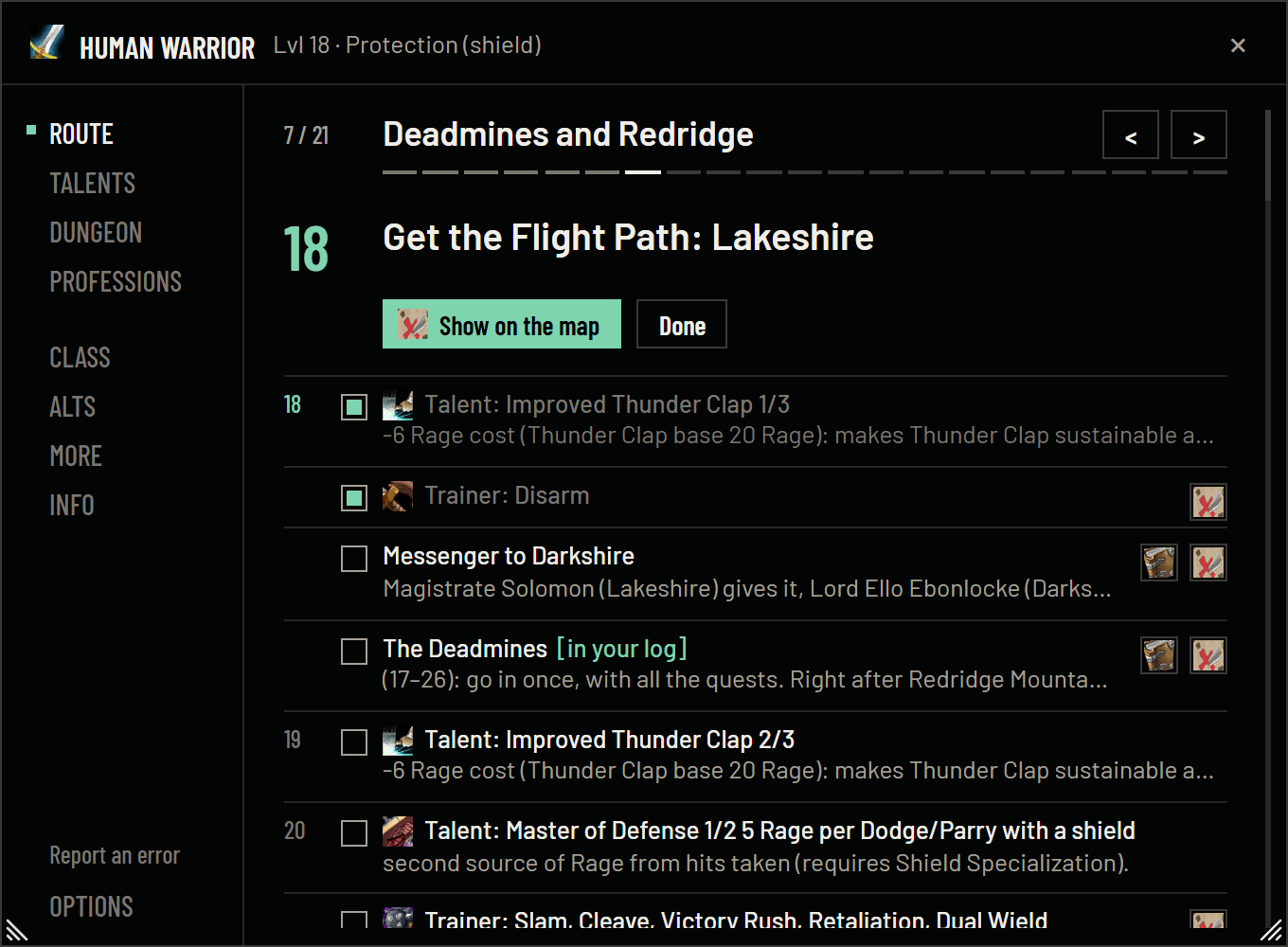
The next step in large type, with Show on the map, Questie and Done. The rest of the stage takes one line per item.
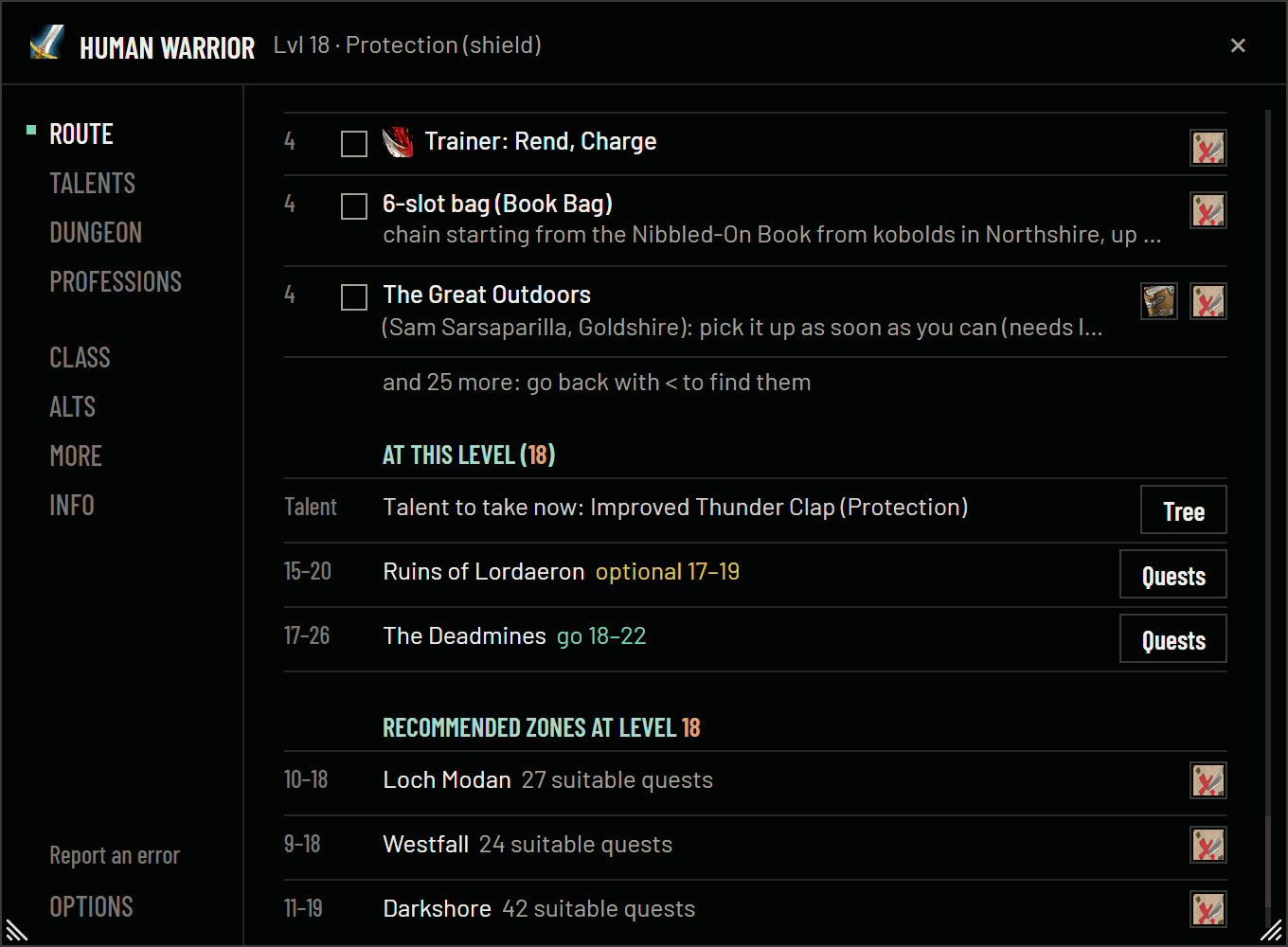
The talent to take, the dungeons that fit your level and the zones with the most quests for your race right now.
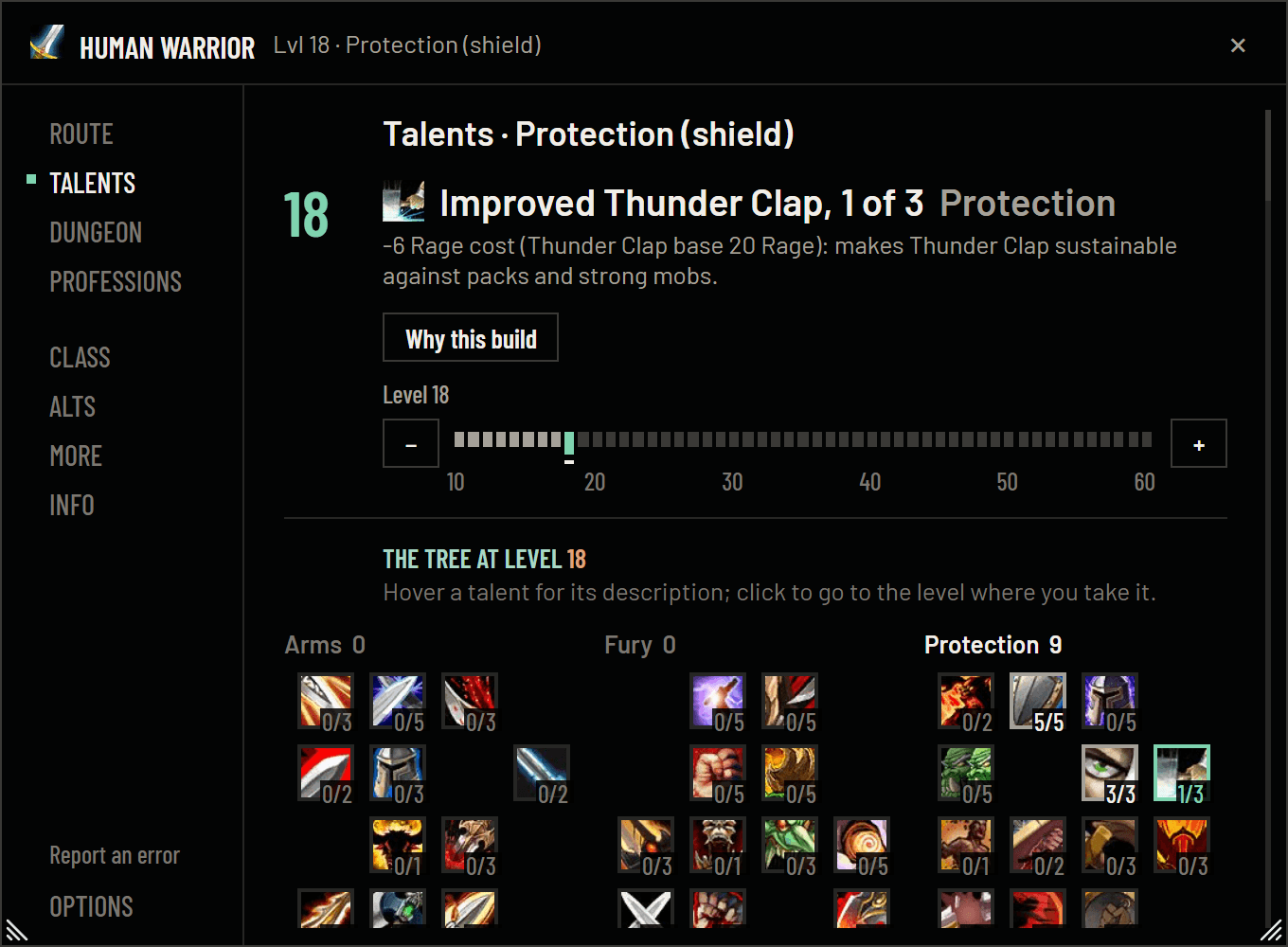
The tree at any level of the build, with a bar to move along it. The talent to take glows in the game talent window.
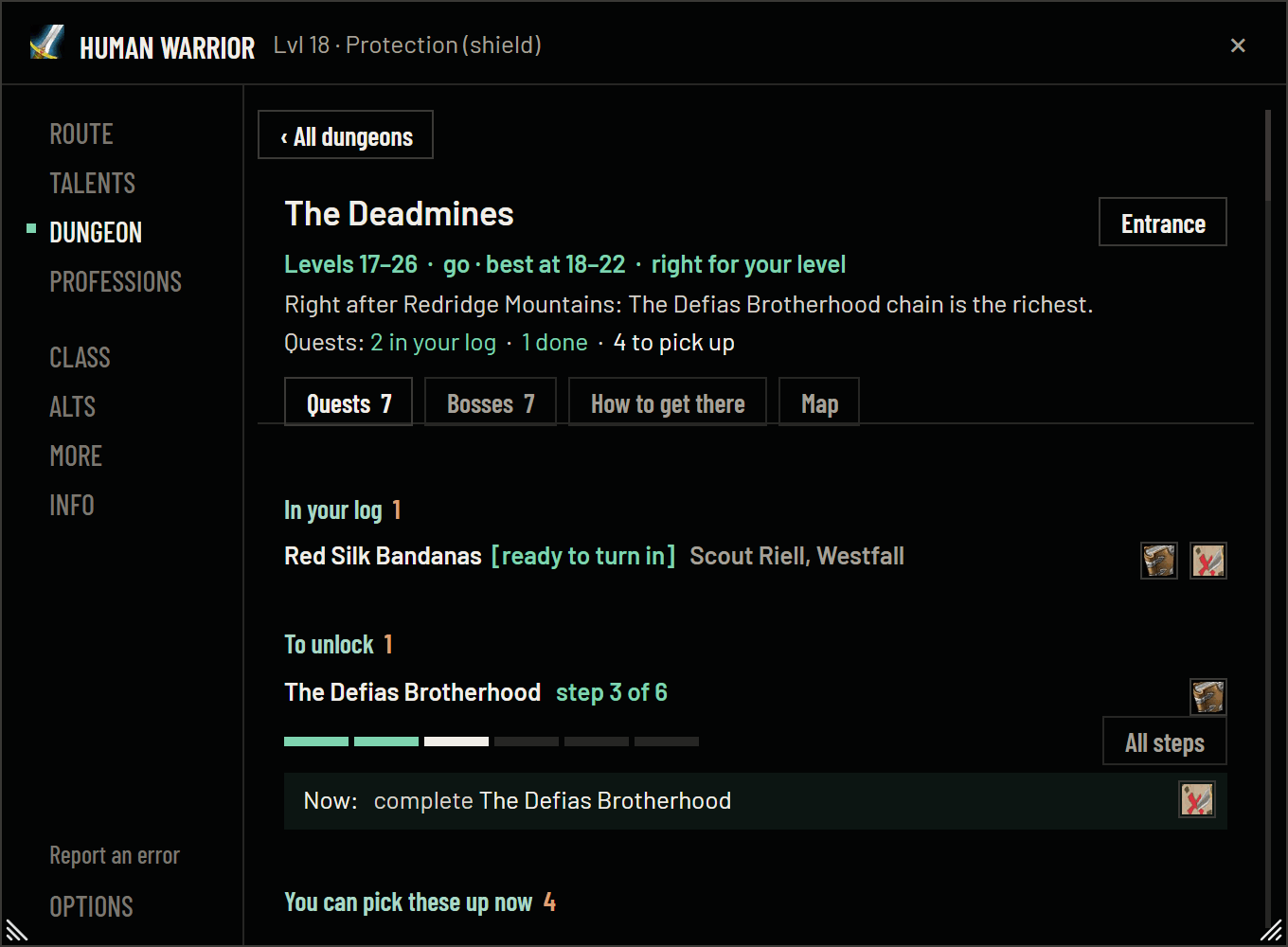
Quests in your log, chains step by step and what to do now. Entrance opens the world map on the door you walk in through.
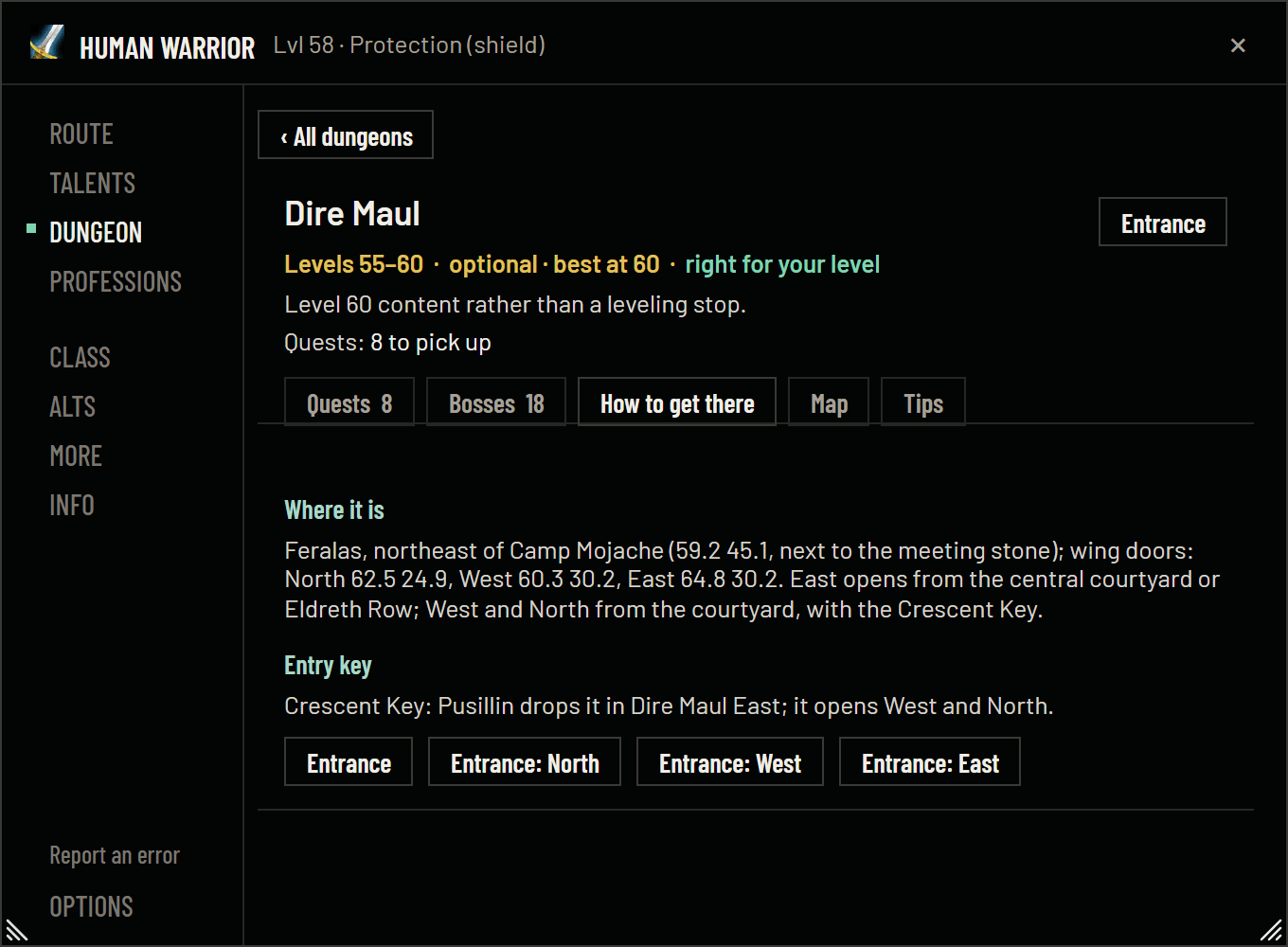
Entrances checked against several sources. Dungeons with more than one door get a button each, like Dire Maul North, West and East.
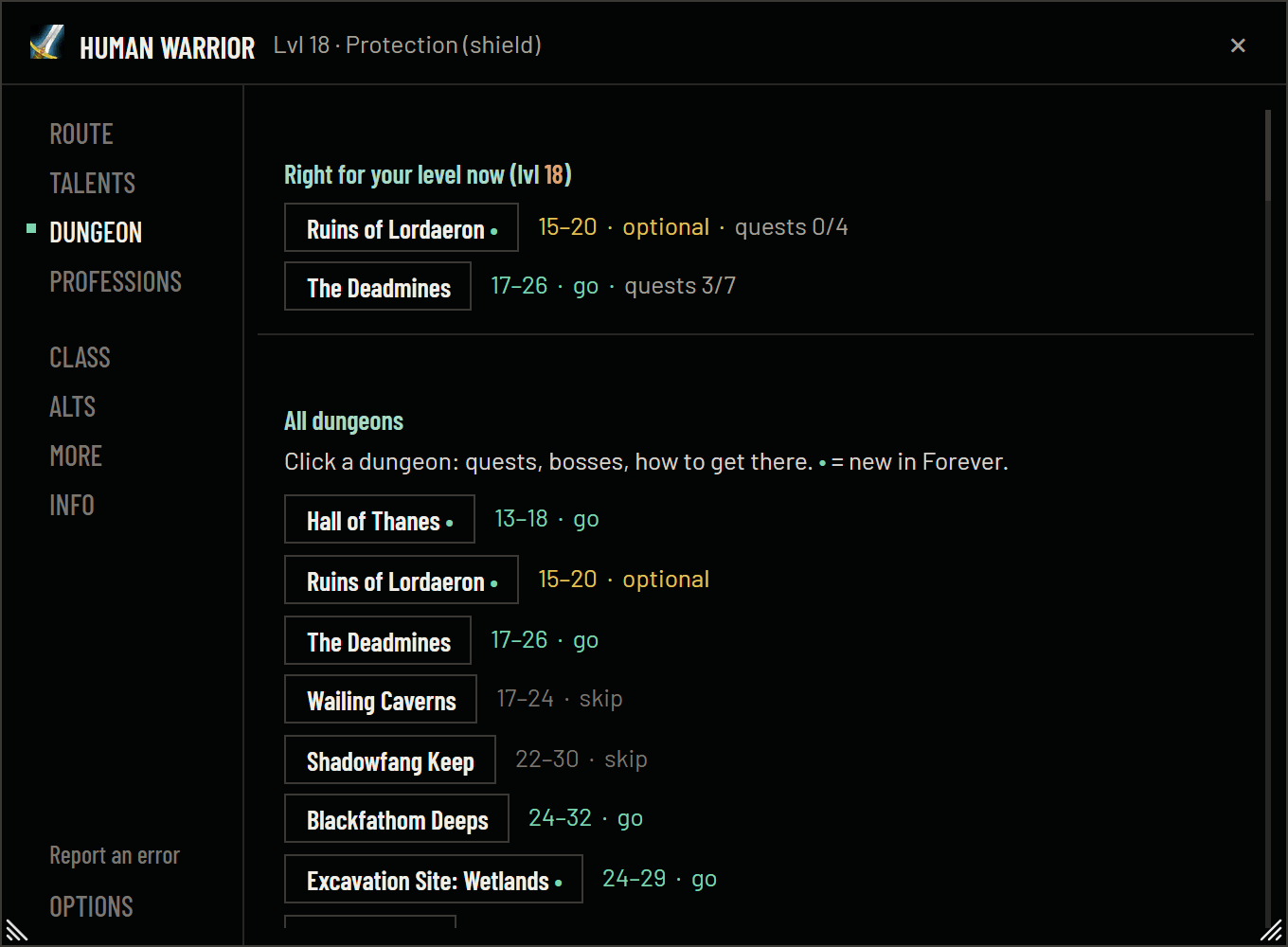
The dungeons that fit you now, then the full list from 13 to 60 with levels and a verdict per faction.
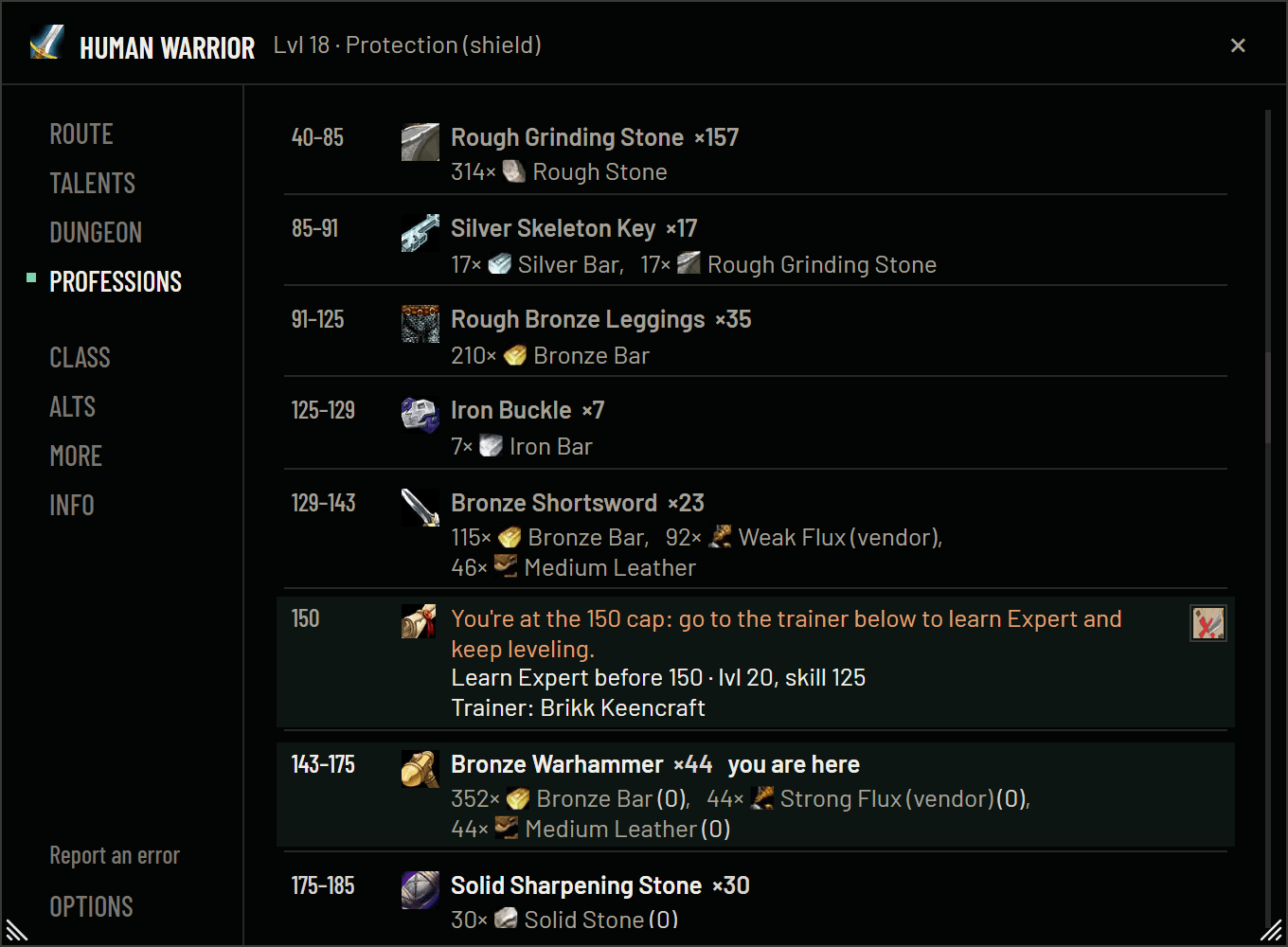
Live skill, the current step of the 1-300 route and the materials in your bags. At a cap, the trainer who teaches the next rank.
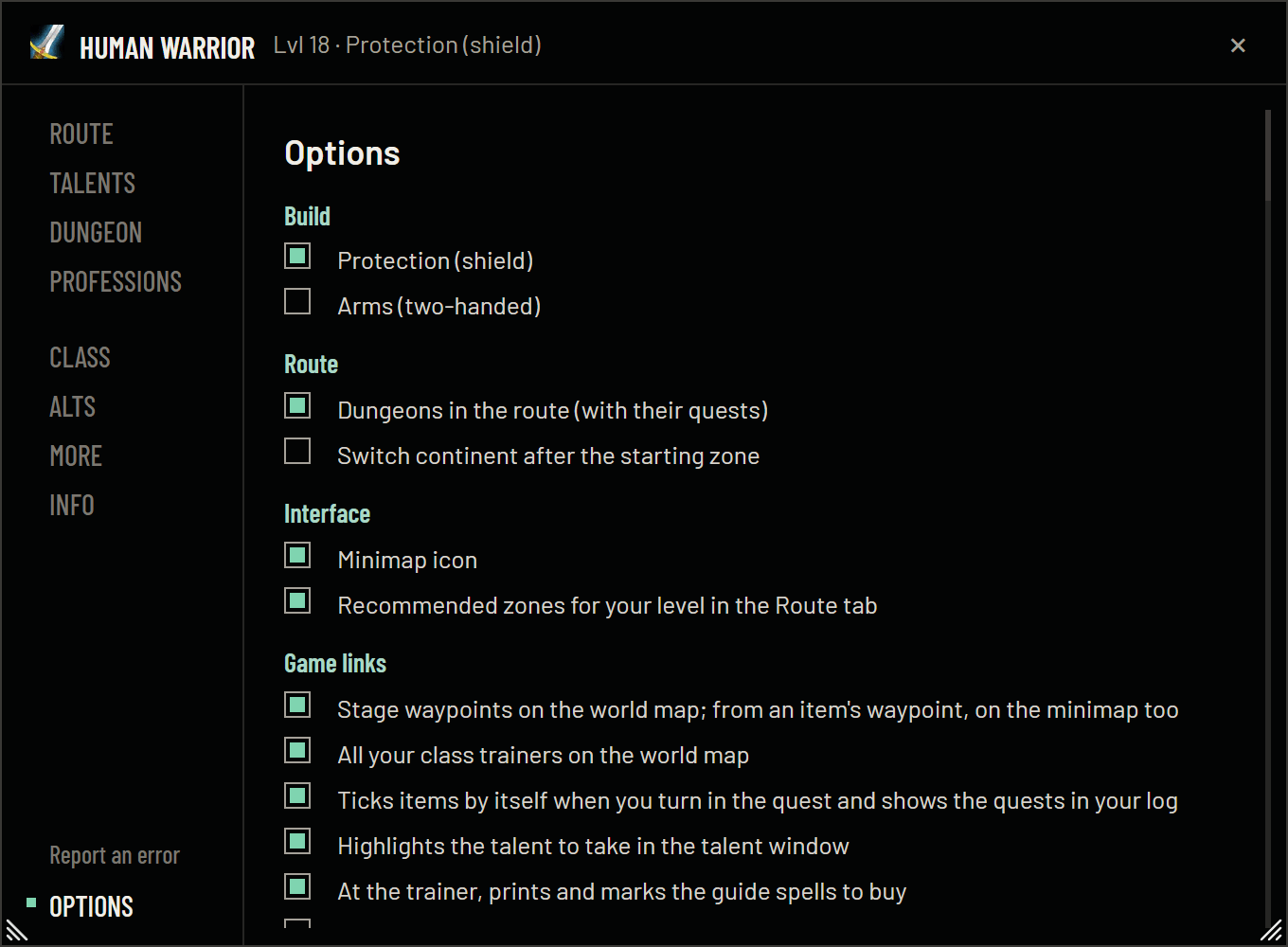
Build A, B or C, dungeons on or off, recommended zones, every game link, English or Italian.
gioco-mappa.webp
Description


Your leveling guide, one keypress away, for WoW: Forever.
You log in. You press /fp. The guide already knows your race, class and level, and it shows one thing in large type: what to do next. You go, you do it, the line ticks itself when you turn in the quest. Close the window and keep playing.
That is the whole idea. Everything else is there for when you want it.
A session with Pathfinder
Starting out. The Route tab opens on the next step, with three buttons: Show on the map, Questie, Done. The rest of the stage is one line per item; click a line to read it. If you skipped something earlier, it waits under Left behind.
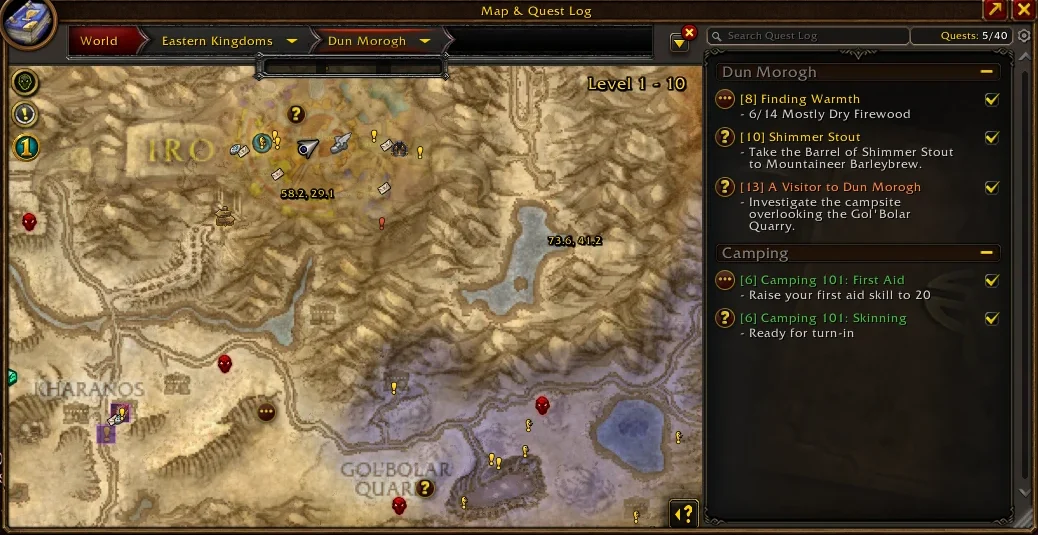
Finding the way. The map button drops a waypoint exactly where Questie says: the quest giver, or, once the quest is in your log, the nearest objective or turn-in. The waypoint clears itself when you get there.
Ding. At this level tells you which talent to take (it glows in the game's talent window), which dungeons fit you now and which zones have the most quests for your race right now.
Group time. Pick a dungeon and you get its quests, who gives them and the step you are on, the bosses in order with what to do, and a map of the inside with the bosses numbered. Entrance opens the world map on the door you walk in through. Dungeons with more than one door show a button for each.
Crafting. Professions follows your live skill: the current step of the 1–300 route, the materials already in your bags and bank, and, when you hit a cap, the trainer who teaches the next rank and where to find them. Hover an item for its tooltip, Shift + click to link it in chat.
The tabs
| Tab | What you find |
|---|---|
| Route | The next thing to do, then the stage one line per item |
| Talents | The tree at any level of the build, with a bar to slide along it |
| Dungeons | Quests, bosses, map and entrance of every dungeon, 13 to 60 |
| Professions | Skill, route step, materials, trainers |
| Class | Rotation, spells, race tips |
| Alts | Which alt to make next and how the Legacy points work |
| More · Info | XP bonuses, and where every piece of advice comes from |
| Options | Build A, B or C, dungeons on or off, zones, every game link, language |
The window can be resized from its corners.
Works with
- Questie: required. Waypoints, automatic ticks and quest details come from it.
- OneForAll: optional. One click loads the whole talent build; Bosses and loot opens the dungeon in its tab.
- MapUtils: optional. Its entrance icon opens the dungeon map.
Commands
/fp open or close · /fp options · /fp find <word> search the whole guide · /fp dungeon dungeons for your level in chat · /fp set race-class pick a route by hand, /fp auto to go back · /fp lang English or Italian · /fp debug what the addon sees
Good to know
- Made for WoW: Forever, every race (Skyborne included) and every class, from 1 to 60.
- Builds follow the most voted leveling guides on Mobalytics. Quests, zones and dungeons are checked against live game data. Each tip says whether it is confirmed by several sources, comes from a single one, or is new in Forever.
- The same guide is on the web at foreverpathfinder.github.io, with the interactive map: handy on your phone next to the PC.
- No Blizzard files are bundled: game icons are used by name.
- Found a bug? Open an issue with a screenshot of
/fp debug.
Italiano
Premi /fp e la guida ti dice la prossima cosa da fare, già per la tua razza, classe e livello; la voce si spunta da sola quando consegni la quest. Poi ci sono i segnaposti sulla mappa con Questie, il talento da prendere a ogni livello, quest, boss, mappa e ingresso di ogni dungeon, le profession con i materiali che hai e il trainer giusto a ogni cap. Testi in italiano e inglese: si sceglie nelle Opzioni o con /fp lang. Guida completa e istruzioni: foreverpathfinder.github.io/addon.html.
Free personal project, not affiliated with Blizzard Entertainment.
Forever Pathfinder Team