


Forever Macro-builder
- By
WoWScrnShot_101126_160904.jpg
WoWScrnShot_101126_160930.jpg
WoWScrnShot_101126_160907.jpg
WoWScrnShot_101126_160911.jpg
Description
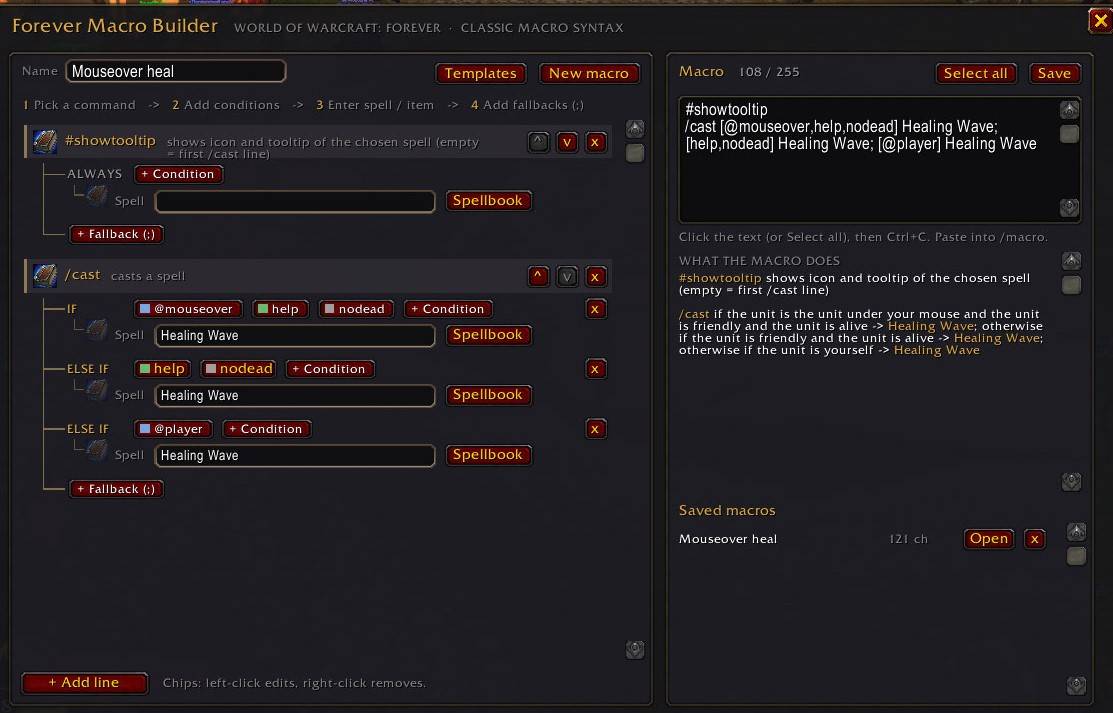
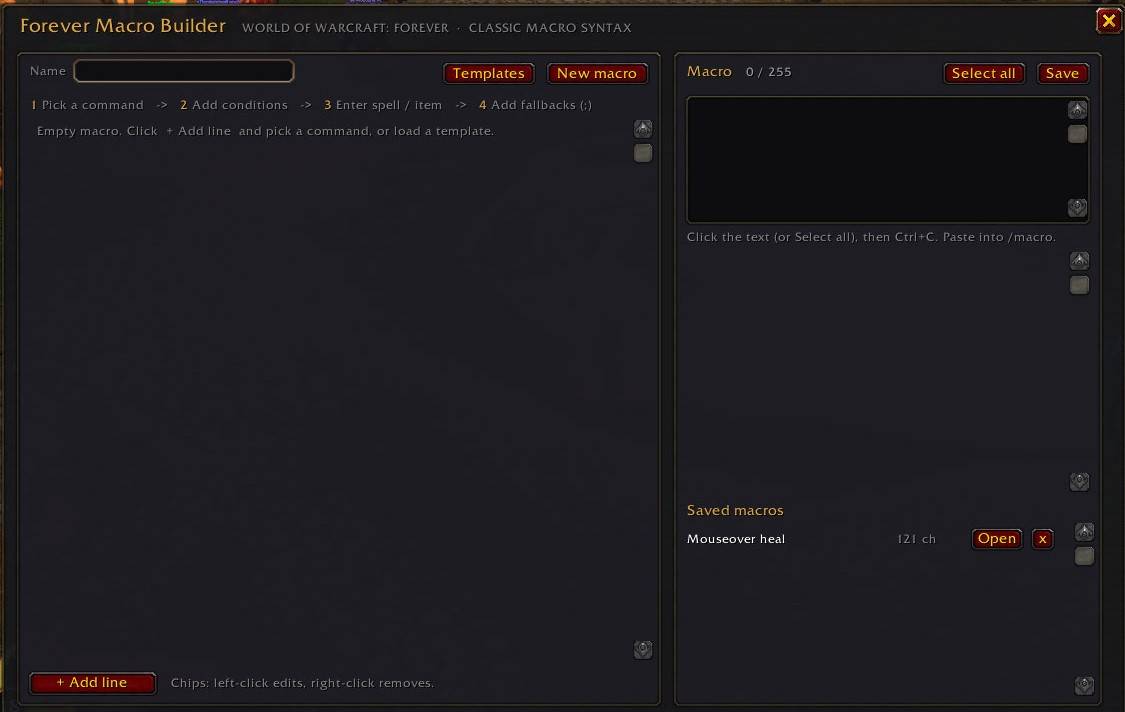
Forever Macro Builder turns macro writing into a few clicks. You build the macro as a tree: a command at the top, one branch per option, conditions as coloured chips on each branch, and the spell or item as the leaf. The macro text is generated as you go, and you copy it straight into /macro.
The point is not to write macros for you. It is to make the syntax impossible to get wrong: the builder only ever offers combinations the game accepts, and it tells you in plain English what the macro will do before you try it on a mob.
What it does
- Guided tree. Pick a command (
/cast,/use,/startattack,/tm,/petattack,/castsequence,#showtooltip…) and the builder shows only the conditions valid for that command. Conditions that contradict one already set (helpvsharm,combatvsnocombat,stealthvsnostealth…) are hidden, so impossible macros cannot be built. - Your spells and items. Open the spellbook, bag or equipment list straight from the argument field. Spells are inserted with their rank (
Healing Wave(Rank 5)), equipped items as slot numbers for/use 13, bag items by name. - Live output. The macro text updates with every click, with a 255-character counter, warnings (unreachable fallbacks,
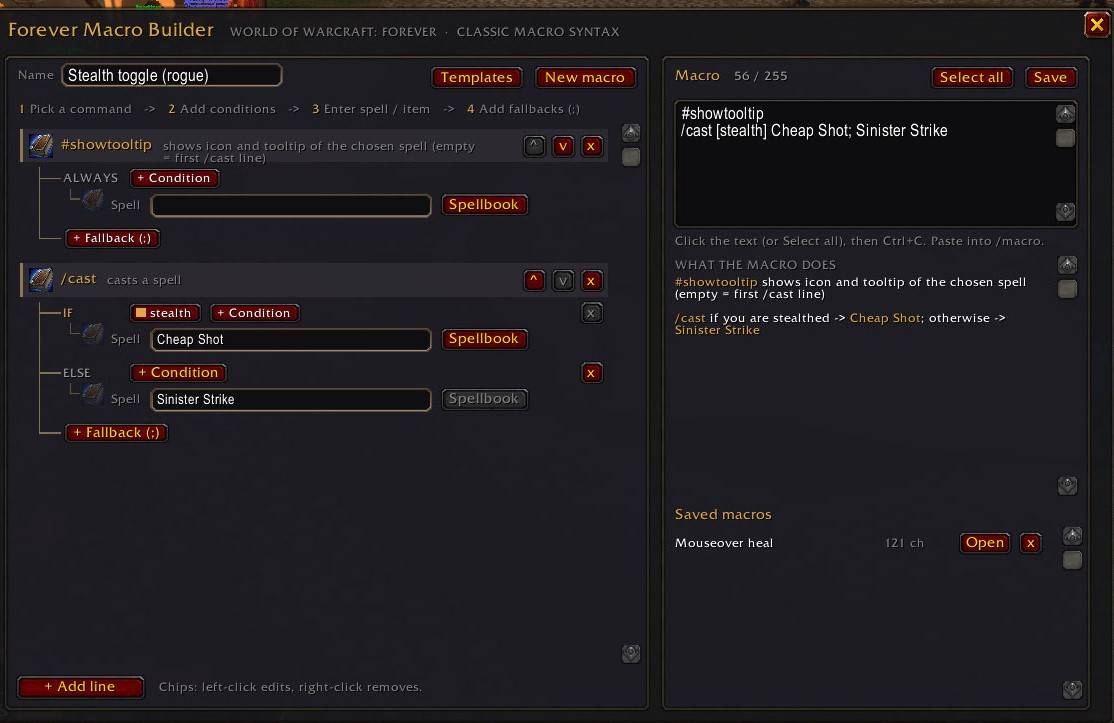
@playerwithharm, missing values, over the limit) and a line-by-line explanation of what it will do. - Icons. The tree shows the actual spell, item or raid-marker icon, so a glance tells you which macro is which.
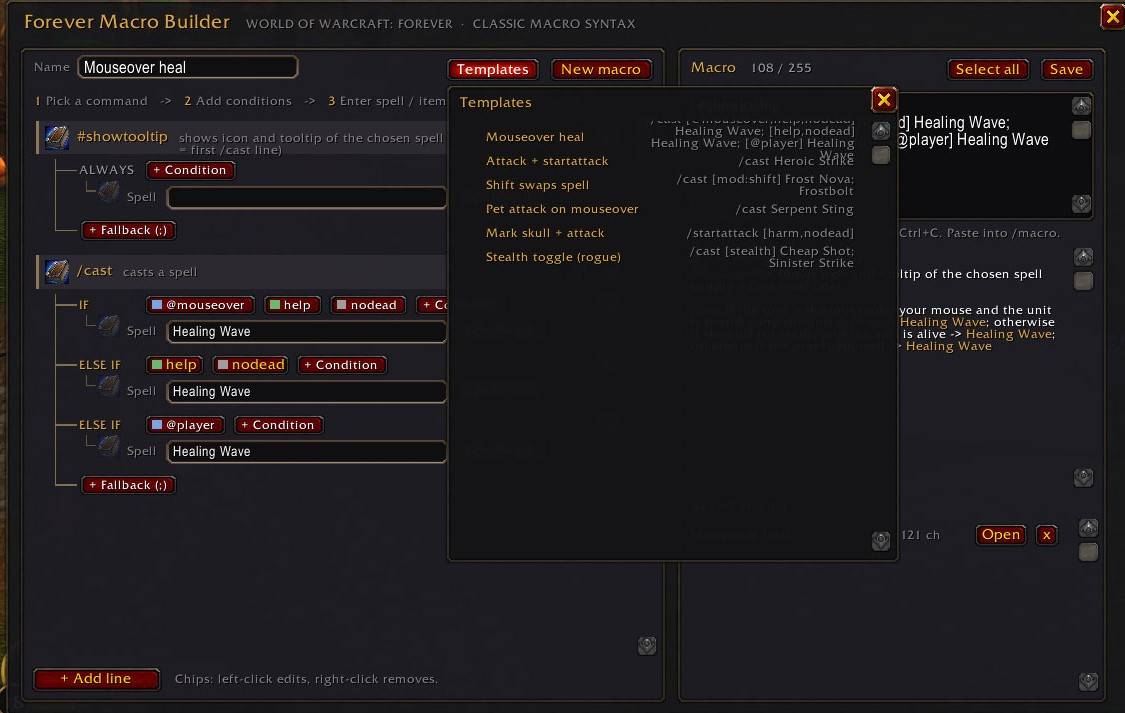
- Templates and saved macros. Mouseover heal, attack + startattack, shift-swap, pet attack, mark skull, stealth toggle. Save your own and reopen them later.
- Nothing running in the background. No OnUpdate, no timers, no events after login. When the window is closed the addon costs nothing.
Supported syntax
Classic macro syntax as used in Forever: [@unit], help/harm, exists, dead/nodead, mod:, btn:, combat, form:/stance:, stealth, pet:, equipped:, channeling:, group:, mounted, swimming, indoors/outdoors, actionbar:, plus @focus. Retail-only conditions such as [spec:] and [talent:] are deliberately left out.
Usage
/fmbor/macrobuilderopens the builder, or click the minimap button./fmb minimapshows or hides the minimap button./fmb resetresets the window and button positions.- Chips: left-click edits a value, right-click removes.
Known limitations
- Macros cannot check buffs or debuffs on a target; that is a restriction of the game’s secure macro system, not of this addon.
- The Forever beta changes its API between builds. If the spellbook or bag picker stops working after a client patch, please report the Lua error (
/console scriptErrors 1).
Feedback
Bug reports and suggestions: use the Issues tab. Please include the client build and the Lua error text if there is one.
Forever Macro-builder Team
