
Forever Layer Hop
- By

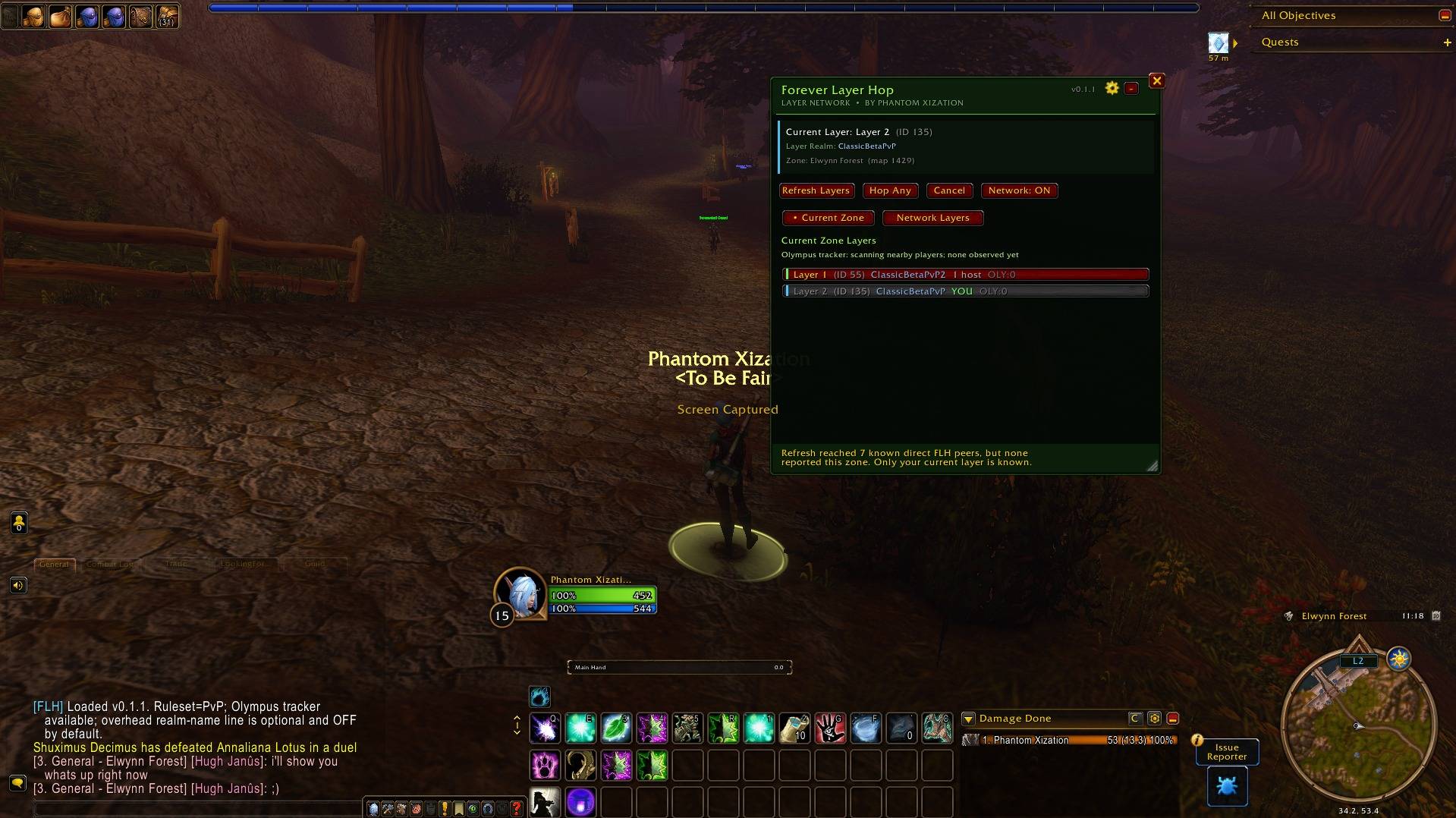
Current Zone view showing the character's active layer, backend realm, available layer hosts, and the refreshed layer list.
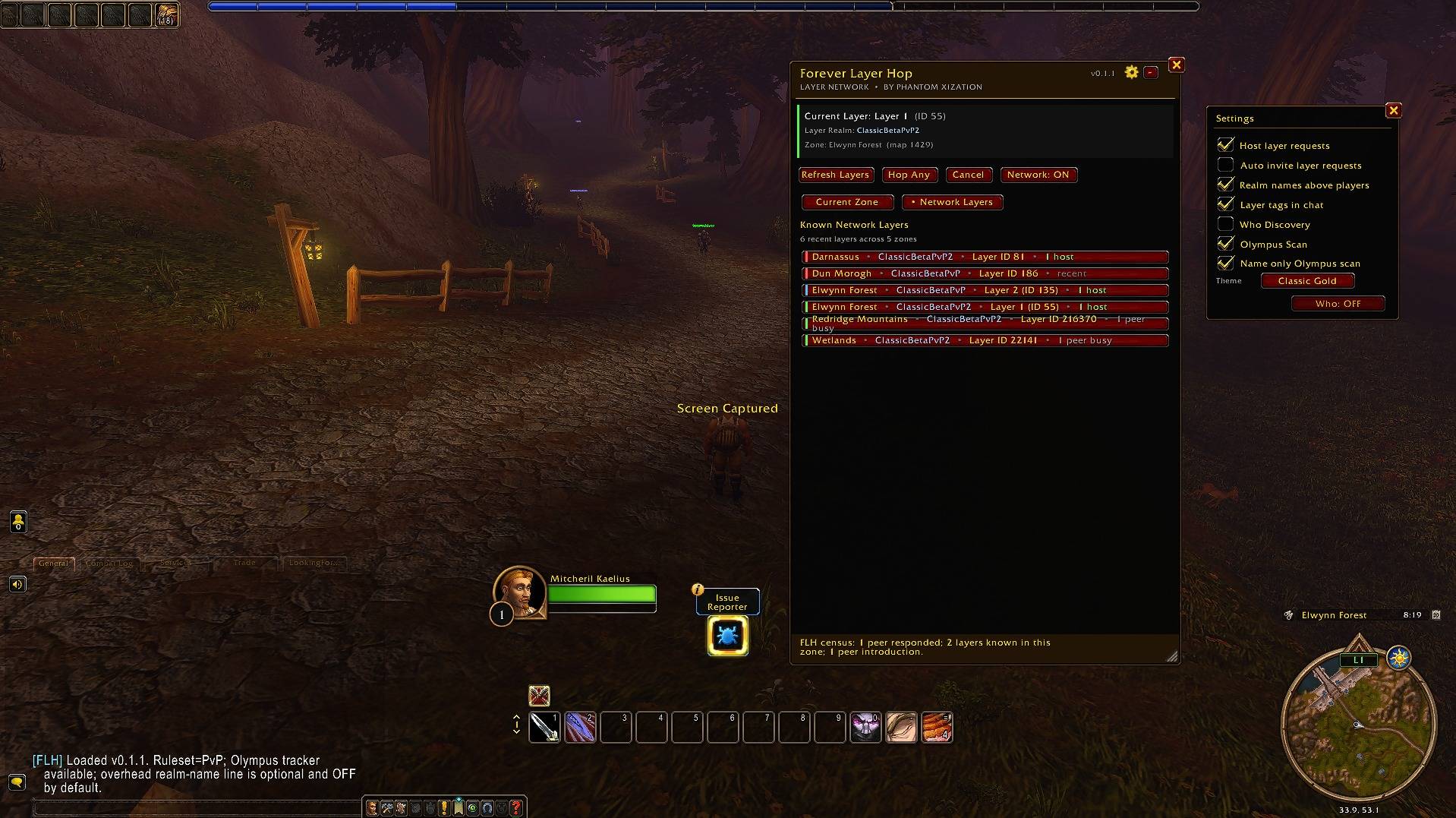
Known Network Layers across recently observed zones and backend realms, with FLH Settings open to show host controls, discovery options, realm names, chat tags, and Olympus Scan settings.
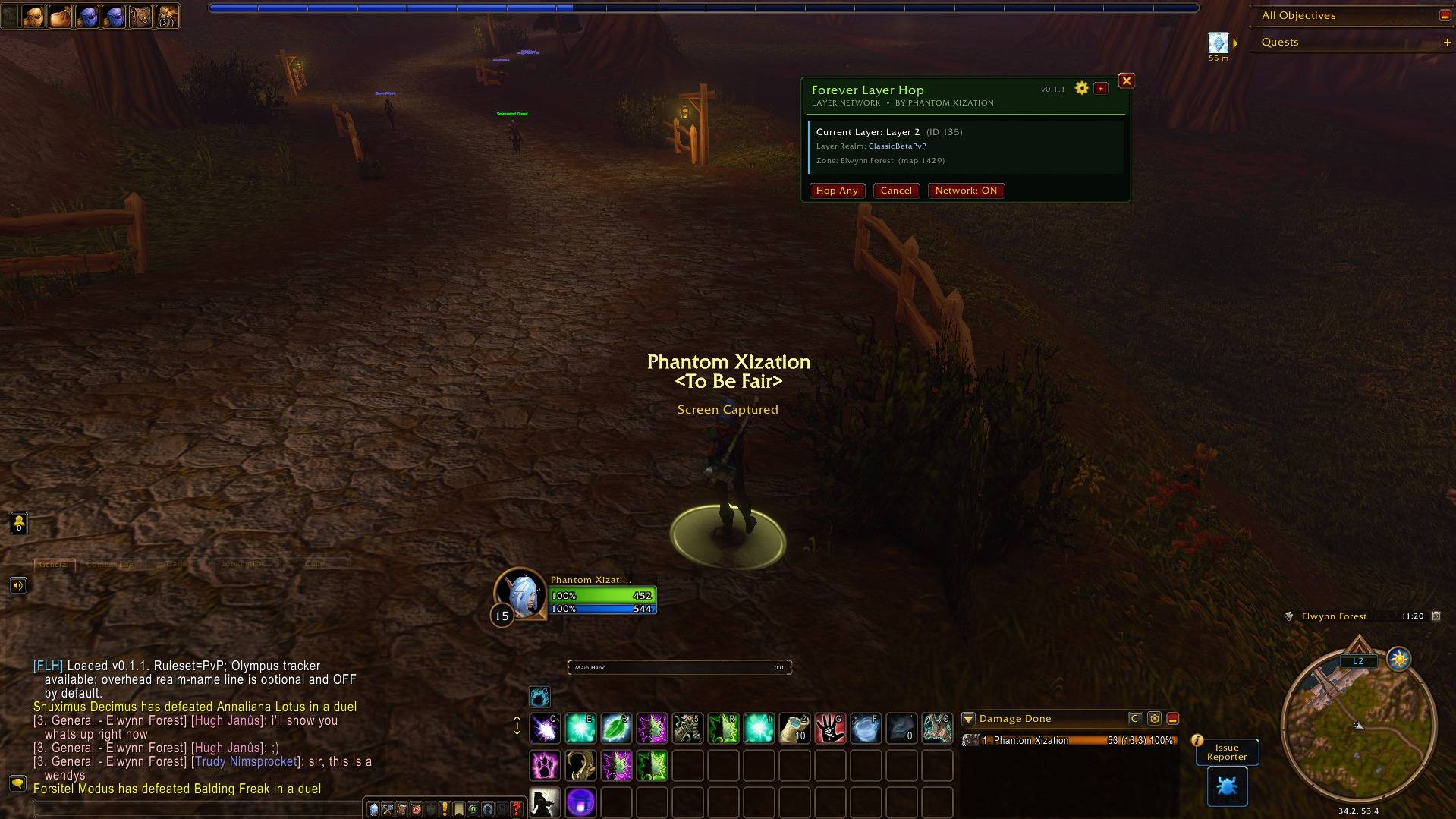
The compact FLH view keeps the current layer, backend realm, zone, Hop Any, Cancel, and Network controls visible while using very little screen space.
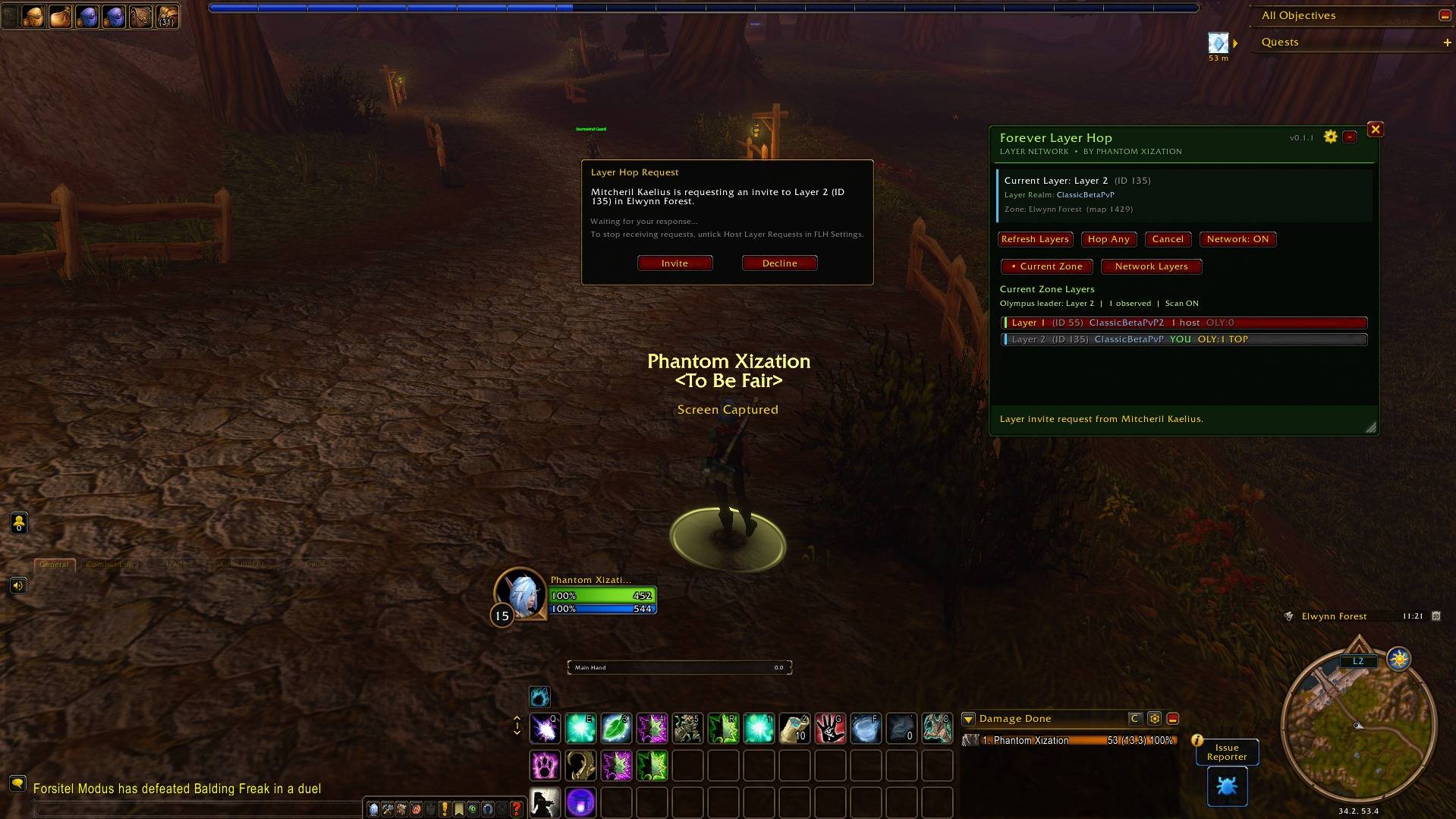
The host request window keeps incoming layer requests out of chat and provides Invite and Decline controls, plus a reminder for disabling Host Layer Requests.
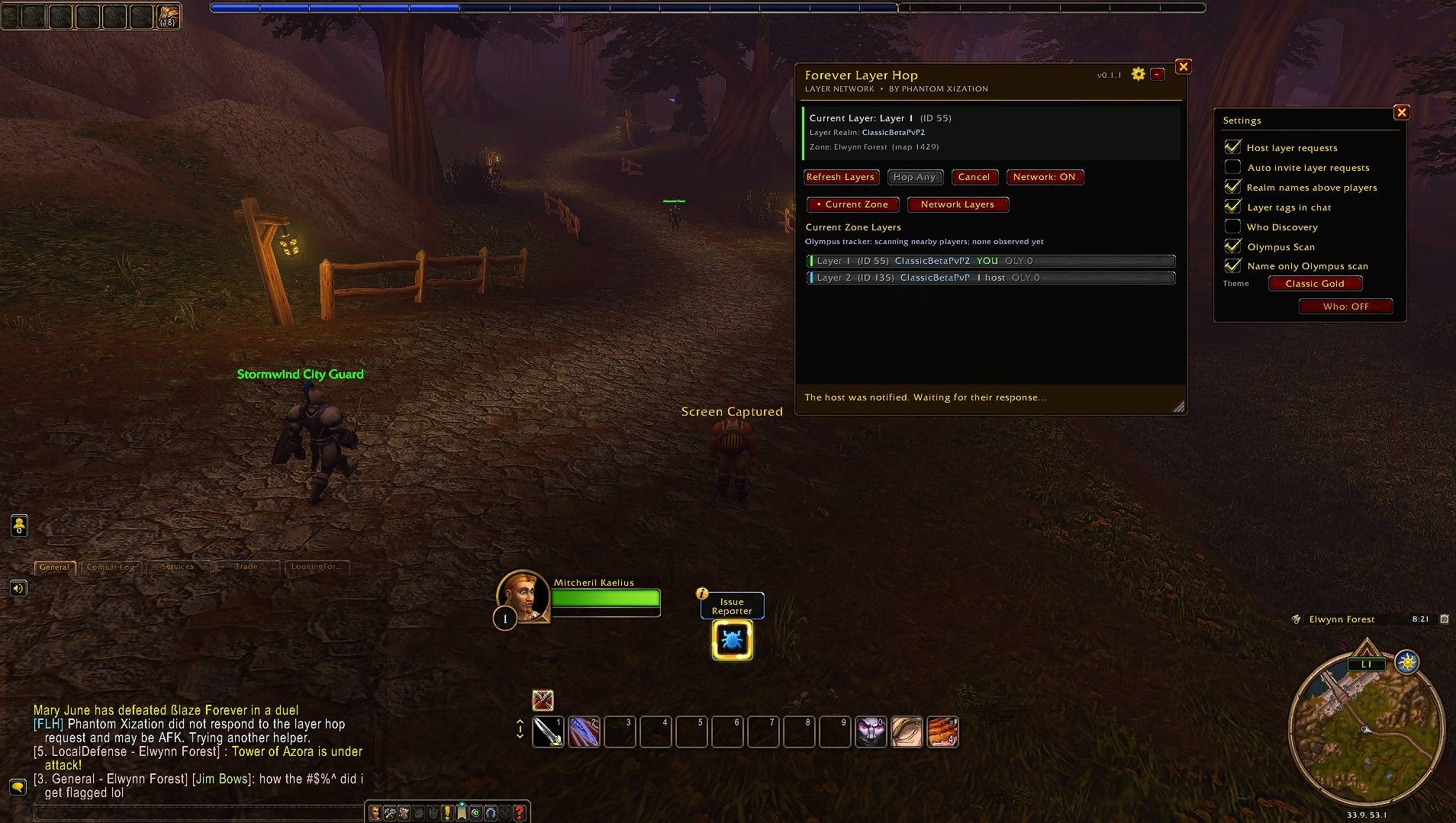
Requester view after a layer hop request is sent. FLH shows that the host was notified and waits for their response while keeping the layer list visible.
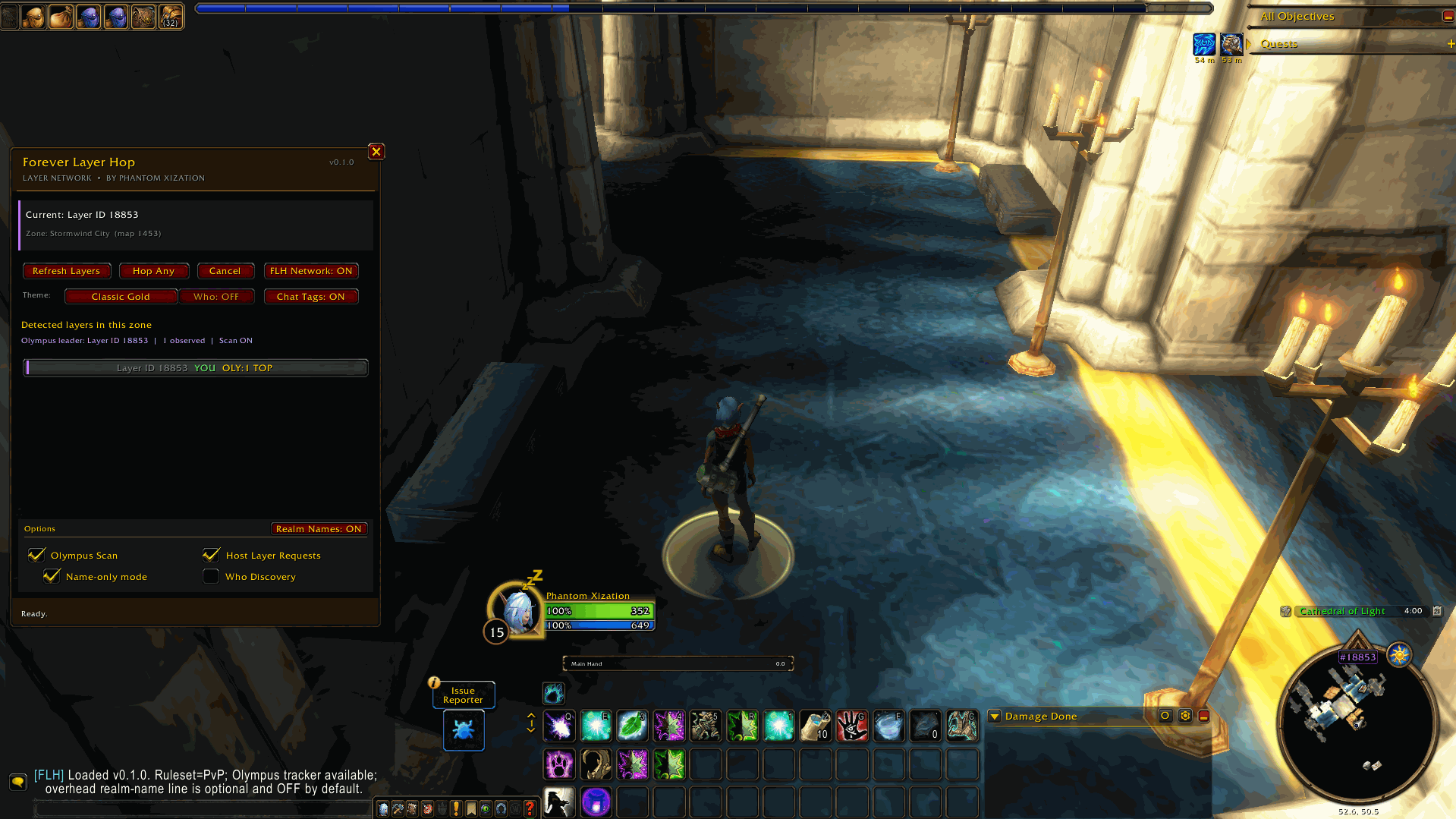
The main Forever Layer Hop window showing the player's current layer, refresh controls, hosting options, and ready state.
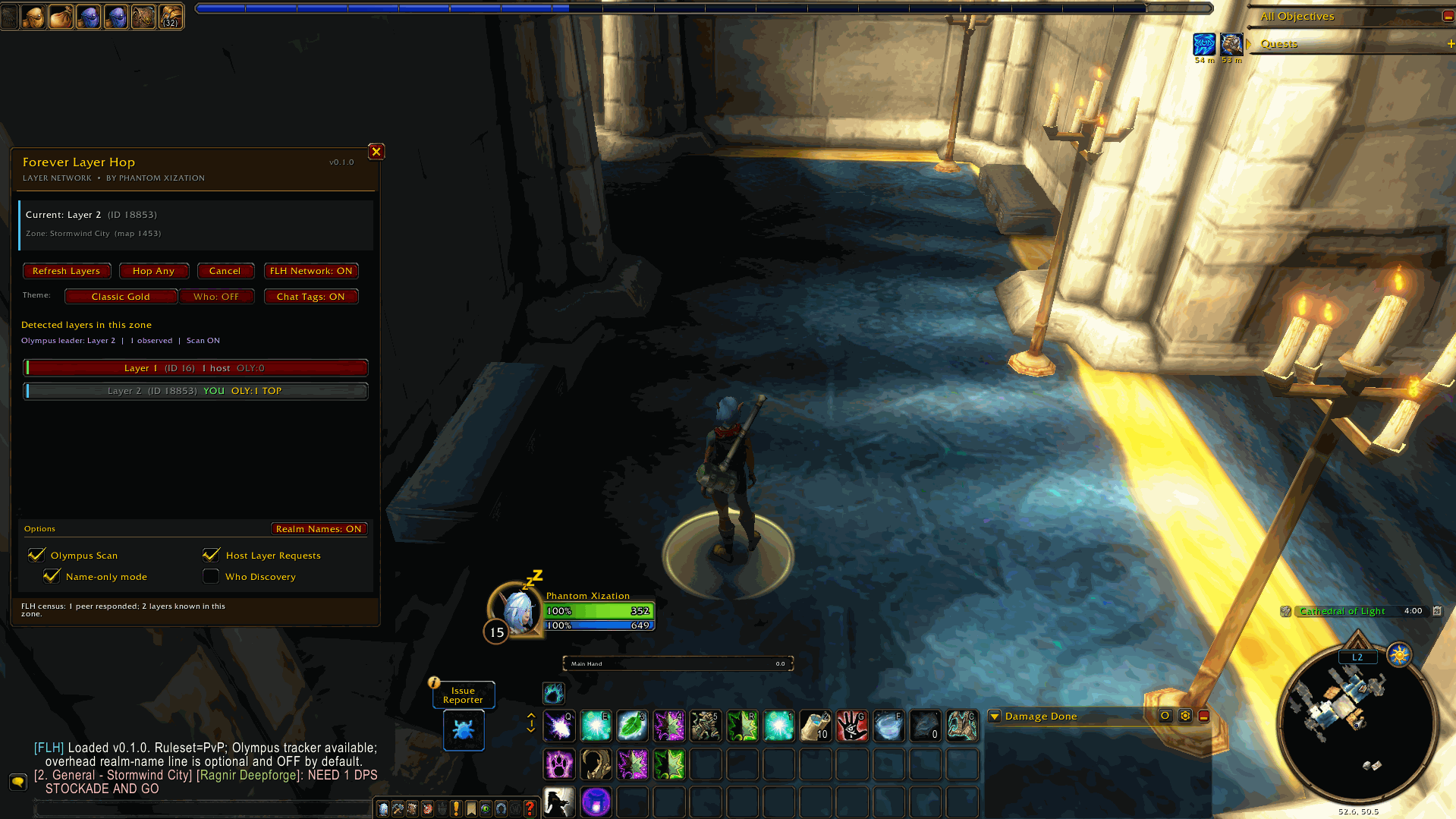
FLH detecting two active layers in Stormwind, including the player's current layer and a separate layer with an available host.
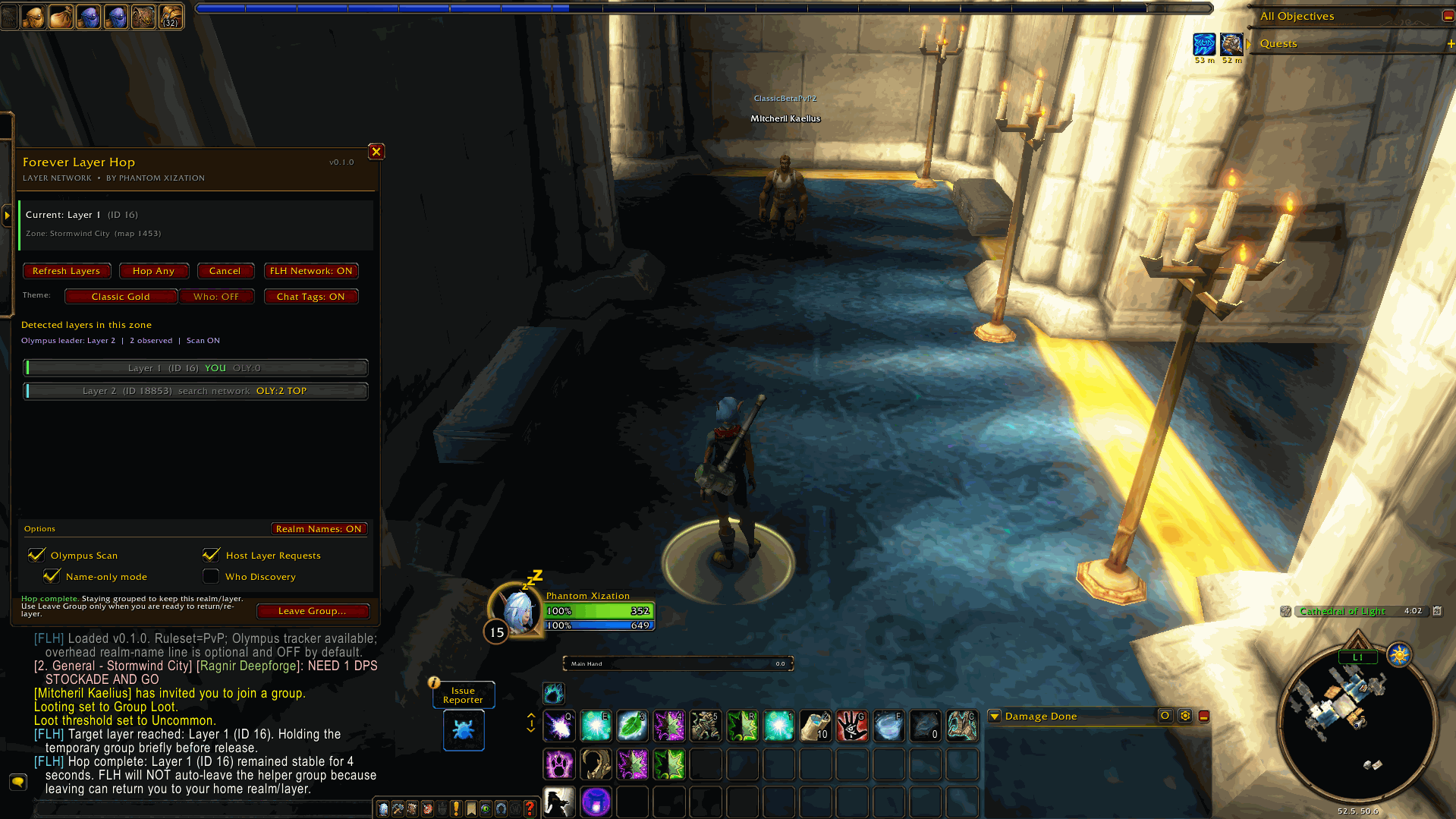
A successful layer hop where FLH keeps the helper group active so the player remains anchored to the destination realm/layer.
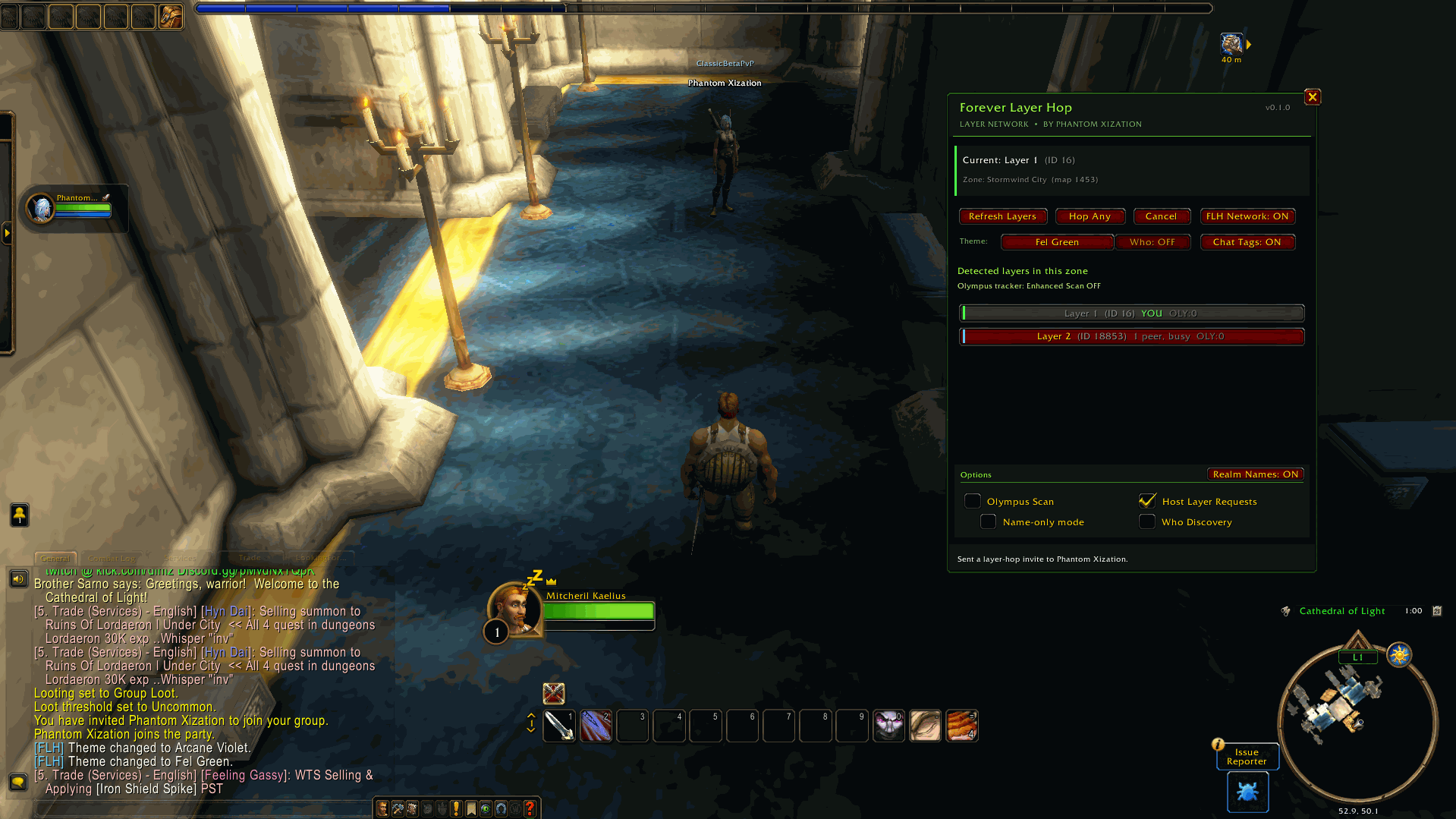
The helper-side view while assisting another FLH player with a layer hop request.