


Healing Forever
- By

Healing Forever Healer frames and click-casting built specifically for **World of Warcraft: Forever**
What's new
How it works
1. Open Healing Forever: left-click the minimap button or type /hf.
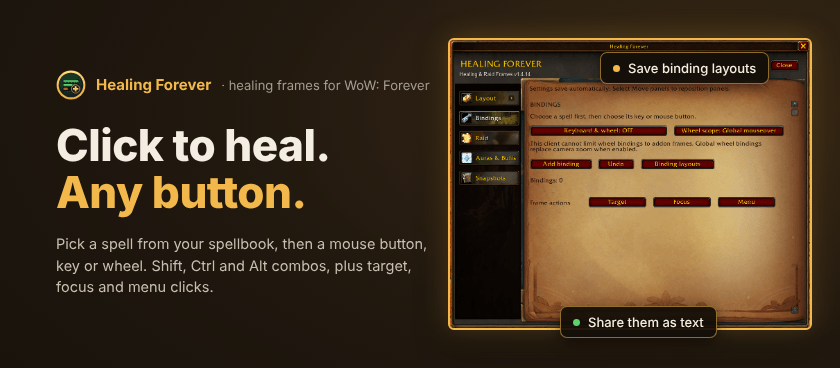
2. Bind your heals: on Bindings, choose Add binding, pick a spell from your spellbook, then click a mouse button or key on the keyboard picture.
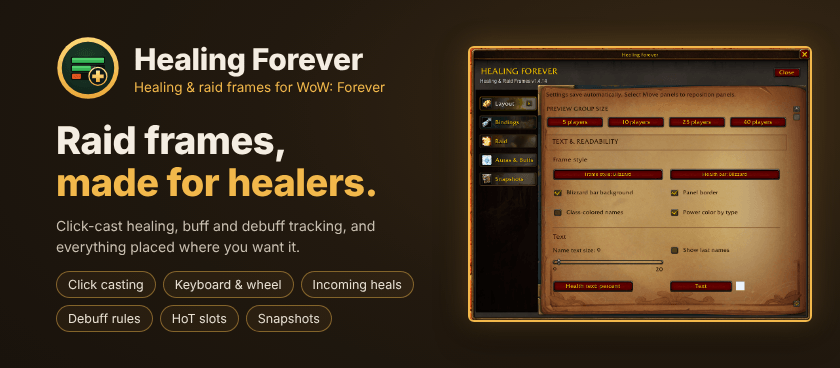
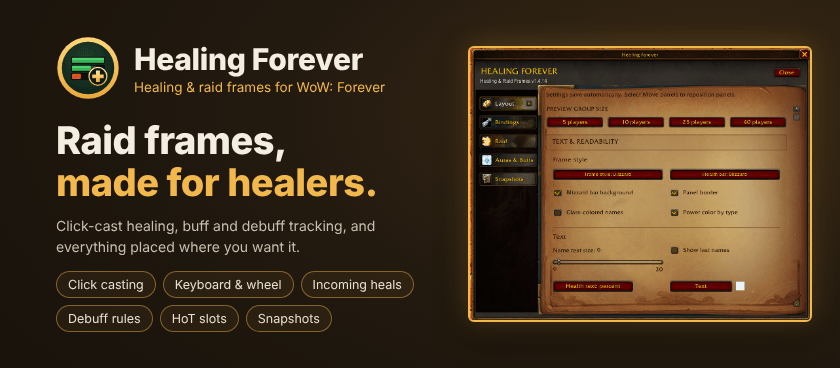
3. Shape your frames: on Layout, set the frame size, columns, colors and text. Select Move panels to place them on screen.
4. Heal: click a frame with the button you bound. Debuffs, incoming heals and low health show on each frame.
Highlights
- Blizzard-style frames: the game's raid bar textures, bar background and panel border, with your choice of health bar, colors, class-colored names, power colors by type and border thickness (down to none).
- Click casting: mouse buttons with Shift, Ctrl and Alt, plus target, focus and menu clicks. Spells come straight from your spellbook.
- Keyboard and mouse wheel: bind keys and the wheel too, with a visual keyboard picker. Wheel bindings can work over the frames only, where the game supports it.
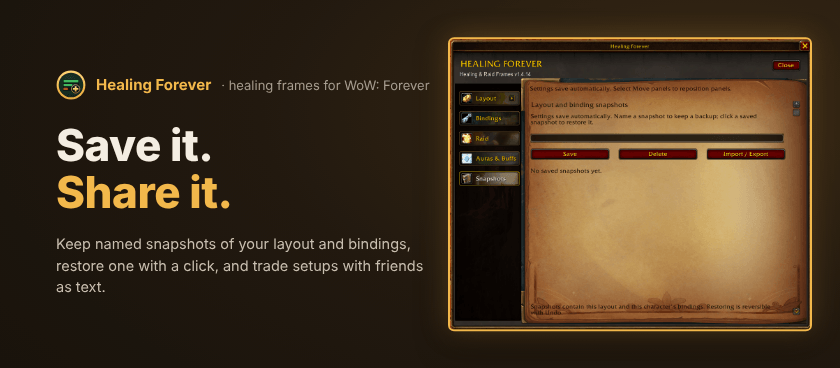
- Binding layouts: save sets of bindings, switch between them, and share them as text.
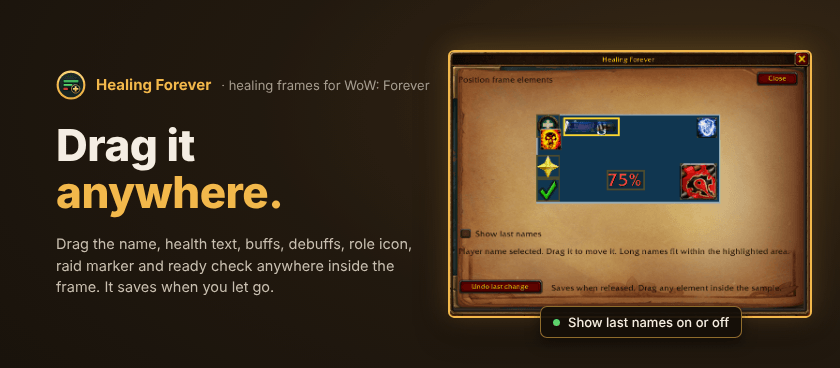
- Full names: first names, or first and last names on WoW: Forever, your choice.
- Health at a glance: incoming heals, damage absorbs, healing absorbs, low-health and aggro borders, range fading and resurrection status.
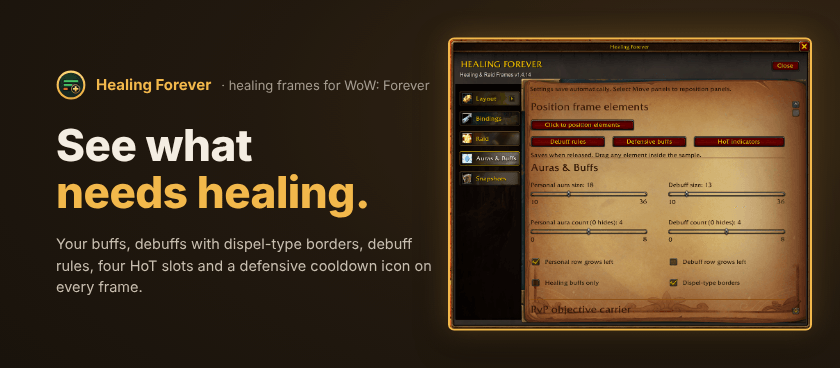
- Buffs and debuffs: your own buffs, debuffs with dispel-type borders, an option to highlight only what you can dispel, and tracked buff priorities.
- Debuff rules: hide debuffs you don't care about and give important ones fixed priority slots.
- HoT indicators: four slots for your heal-over-time spells, each with its own icon, size and timer.
- Defensive indicator: an icon for big defensive cooldowns on each frame.
- Unit icons: role icons (from your talents when you're solo), raid markers, ready checks and PvP flag and orb carriers.
- Position editor: drag the name, health text, buffs, debuffs and icons anywhere inside the frame. It saves when you let go.
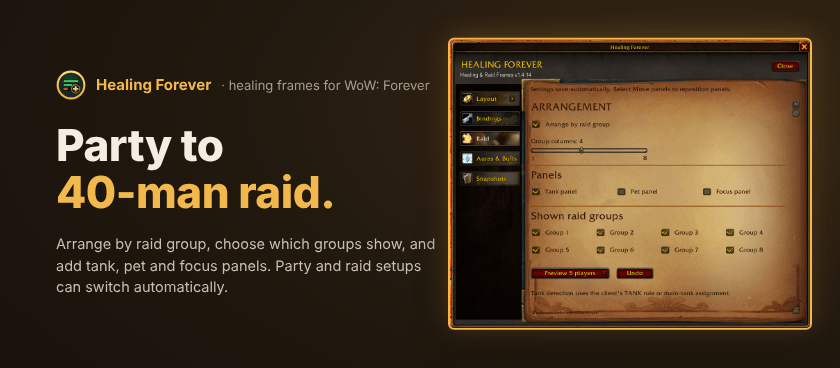
- Raid layouts: party up to 40 players, arranged by raid group, with the groups you choose, plus optional tank, pet and focus panels.
- Snapshots: save your whole setup by name, restore it with one click, share it as text, and switch between a party and a raid snapshot automatically.
- Group buff check: see who is missing Fortitude, Intellect or Mark of the Wild.
Commands
`/hf` opens Healing Forever · `/hf window` re-centers the settings window · `/hf preview` shows sample frames · `/hf lock` and `/hf unlock` lock or unlock the frames
Problems? `/hf diagnostics english` gives a report you can copy into a bug report.
Good to know
- Made for WoW: Forever.
- Settings save automatically, per character. Undo reverses your last change.
- Changes made in combat wait until combat ends, because the game locks secure frames during a fight.
- New characters start with keyboard and wheel bindings off,* so nothing takes over your keys until you choose to.
- Feedback and bug reports are welcome** on the project page. Including the `/hf diagnostics english` report helps a lot.
This mod has no additional files