Forever Guides
- By
Addon_1.png
Addon_3.png
Addon_4.png
Addon_5.png
Addon_6.png
Addon_7.png
Addon_8.png
Addon_9.png
Addon_10.png
Addon_11.png
Addon_12.png
Description
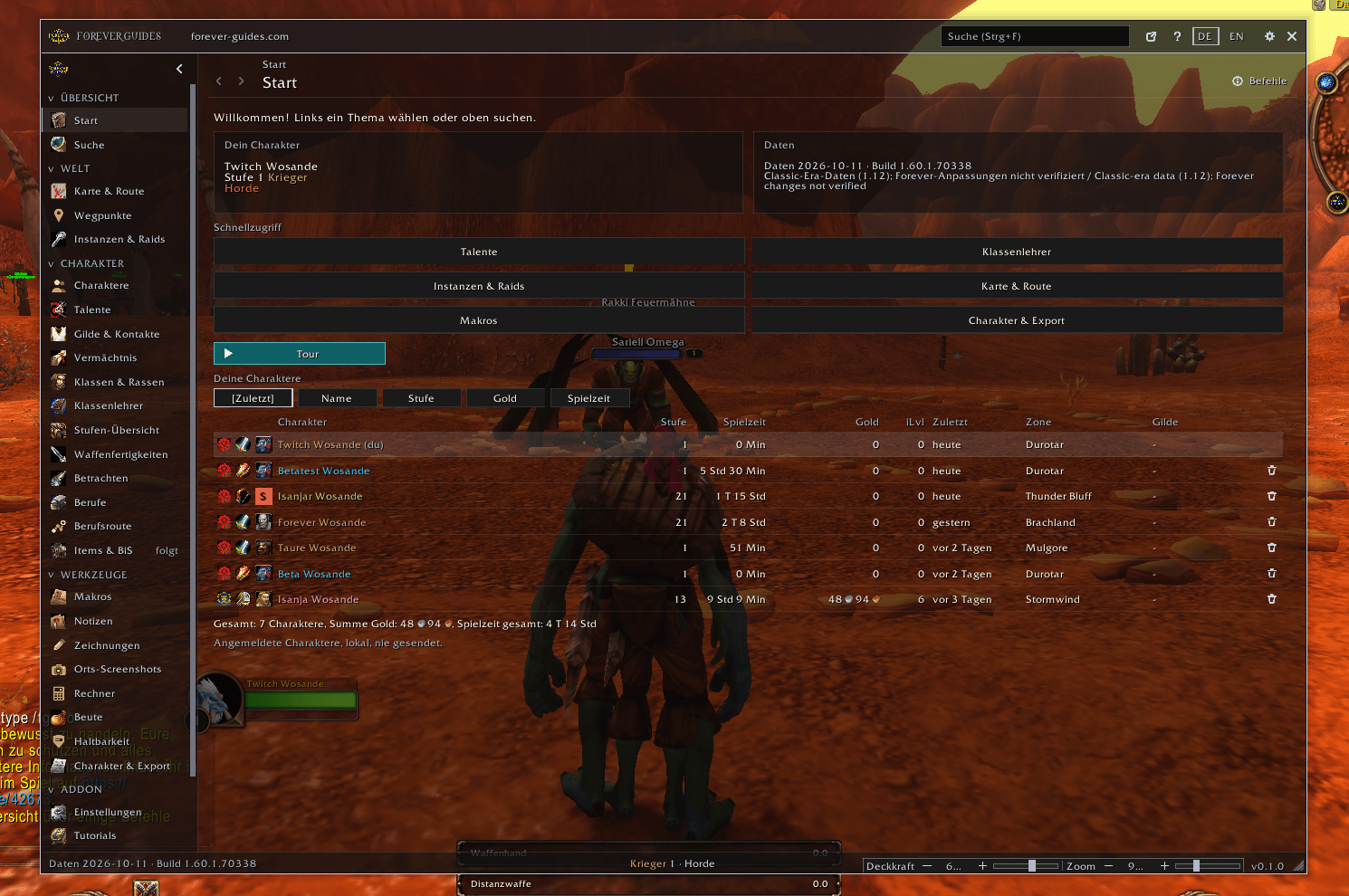
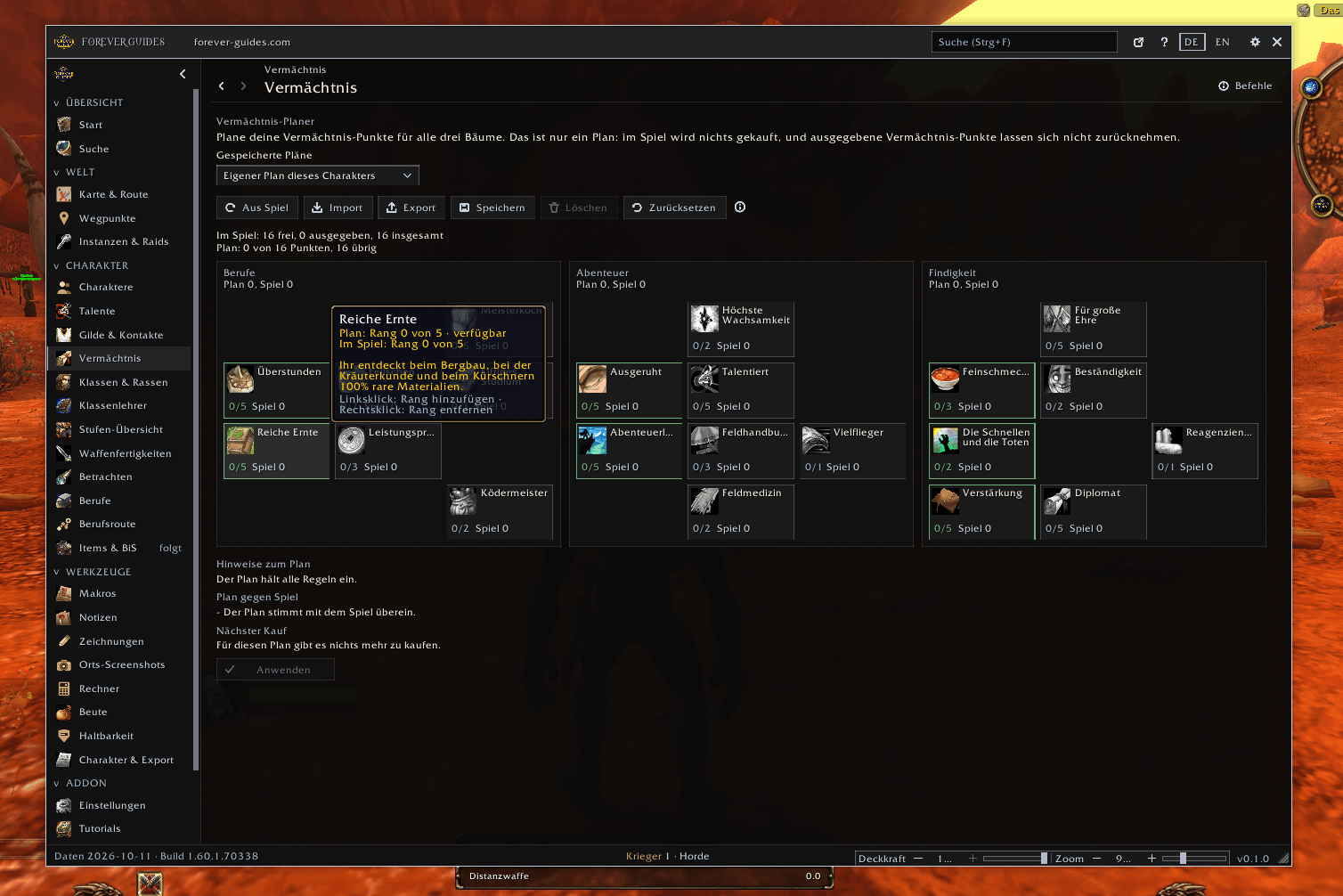
Forever Guides is the in-game companion of forever-guides.com, built for WoW Forever. It brings the guides, tools and data of the website into the game and reads your characters, so you can plan without alt-tabbing. It never plays for you and sends nothing to the internet.
Beta: many features are new and still being tested in the Forever client. Please report problems.
Characters
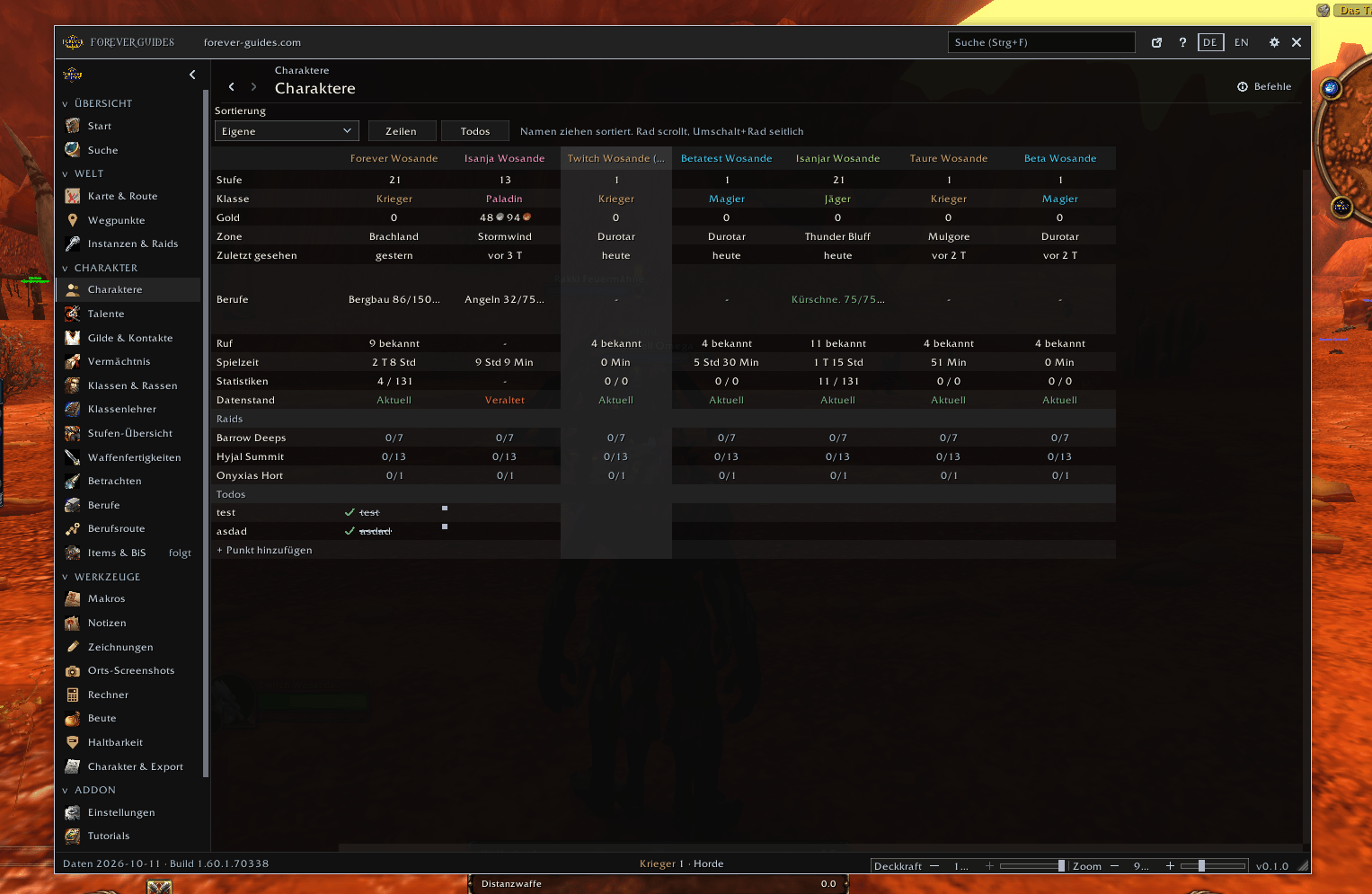
- Character overview: one grid for all your characters (move, hide and restore columns): level, class, guild, gold (with total), item level, zone, professions with skill, raid lockouts with boss status, access requirements, reputation, PvP, playtime and more statistics, plus a data freshness indicator that shows what still needs scanning. On the start page a table with level, playtime, gold, item level, last seen, zone and guild scrolls sideways when the window is narrow.
- Your own to-do items: add a row in one click, tick it per character (struck through when done), notes per row and character, daily or weekly reset.
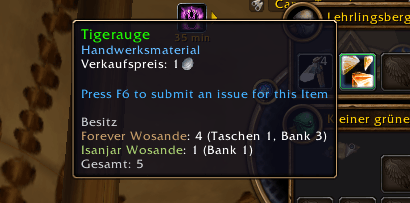
- Inventory: bags, bank and mail of all characters, shown in the item tooltip ("who has this?").
- Inspect: a compact panel at the inspect window with item level, enchants, gems and stat totals of the inspected player, plus talent split and guild where the game provides them.
- Durability window: the condition of all equipped items at a glance.
- Export: character, items seen and transmog as strings for forever-guides.com. You copy and paste them yourself.
Vendor
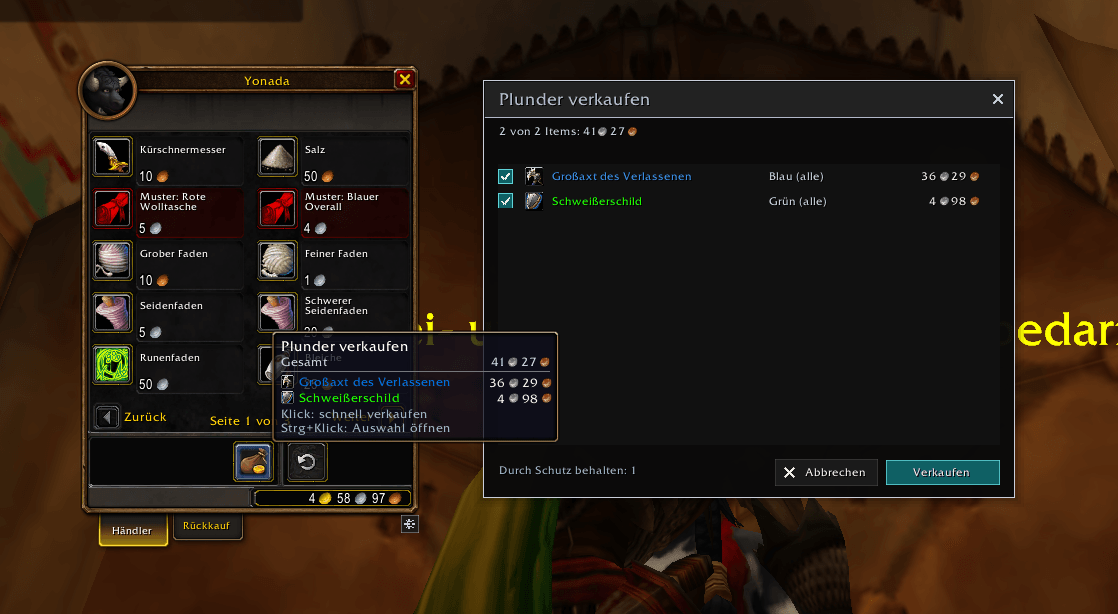
- Sell junk helper: the game's "sell all junk" button at the vendor uses your own rules. One click sells what the rules select, Ctrl+click opens a list with a checkbox per item. Rules per quality: gray always, white, green, blue and epic below an item level or all of that quality. Equipment sets, equipped items, locked items, bind filters, consumables and crafting materials are protected. A confirmation appears before rare items or better are sold. The button is colored when something can be sold and grayed out when not.
Guide and data
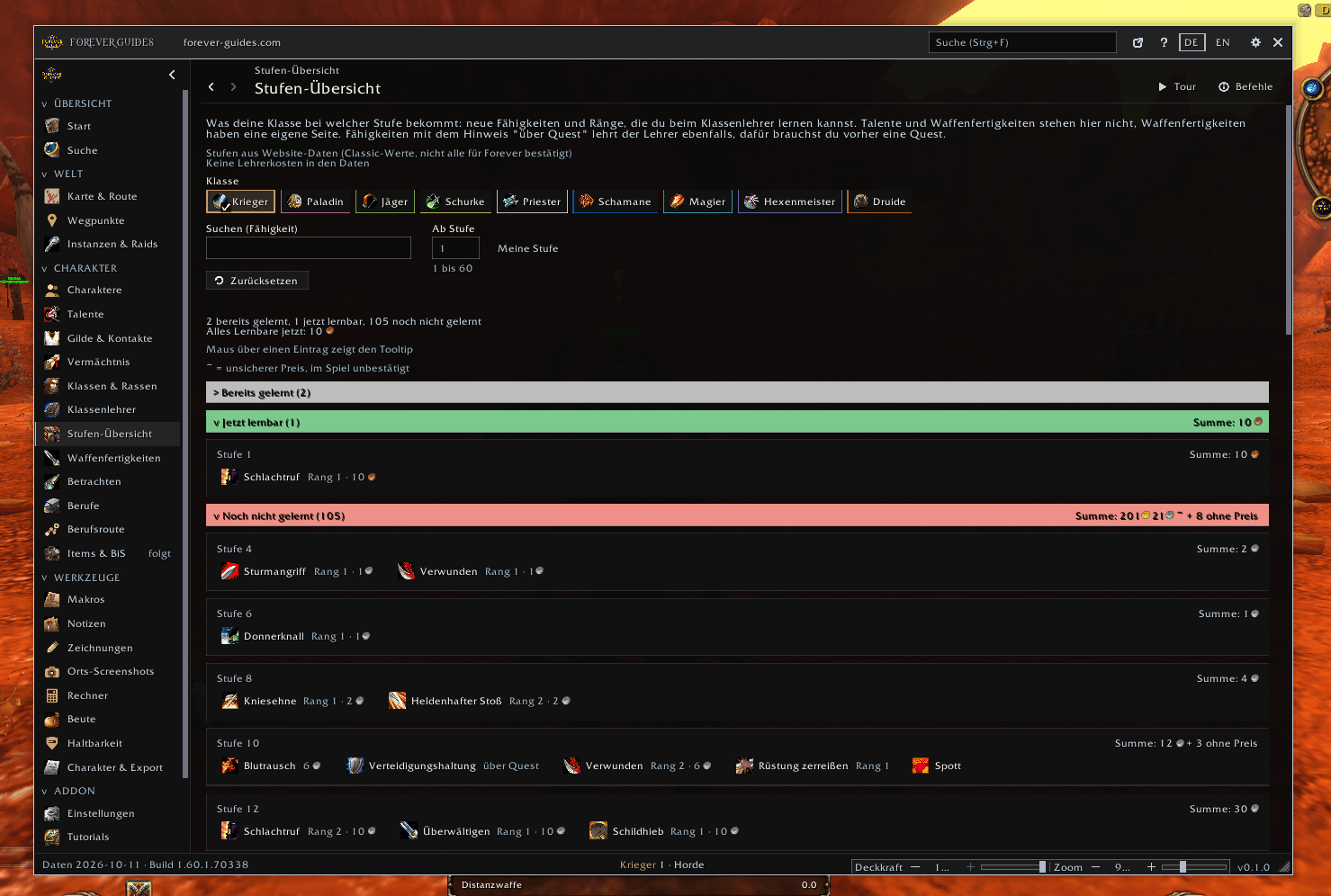
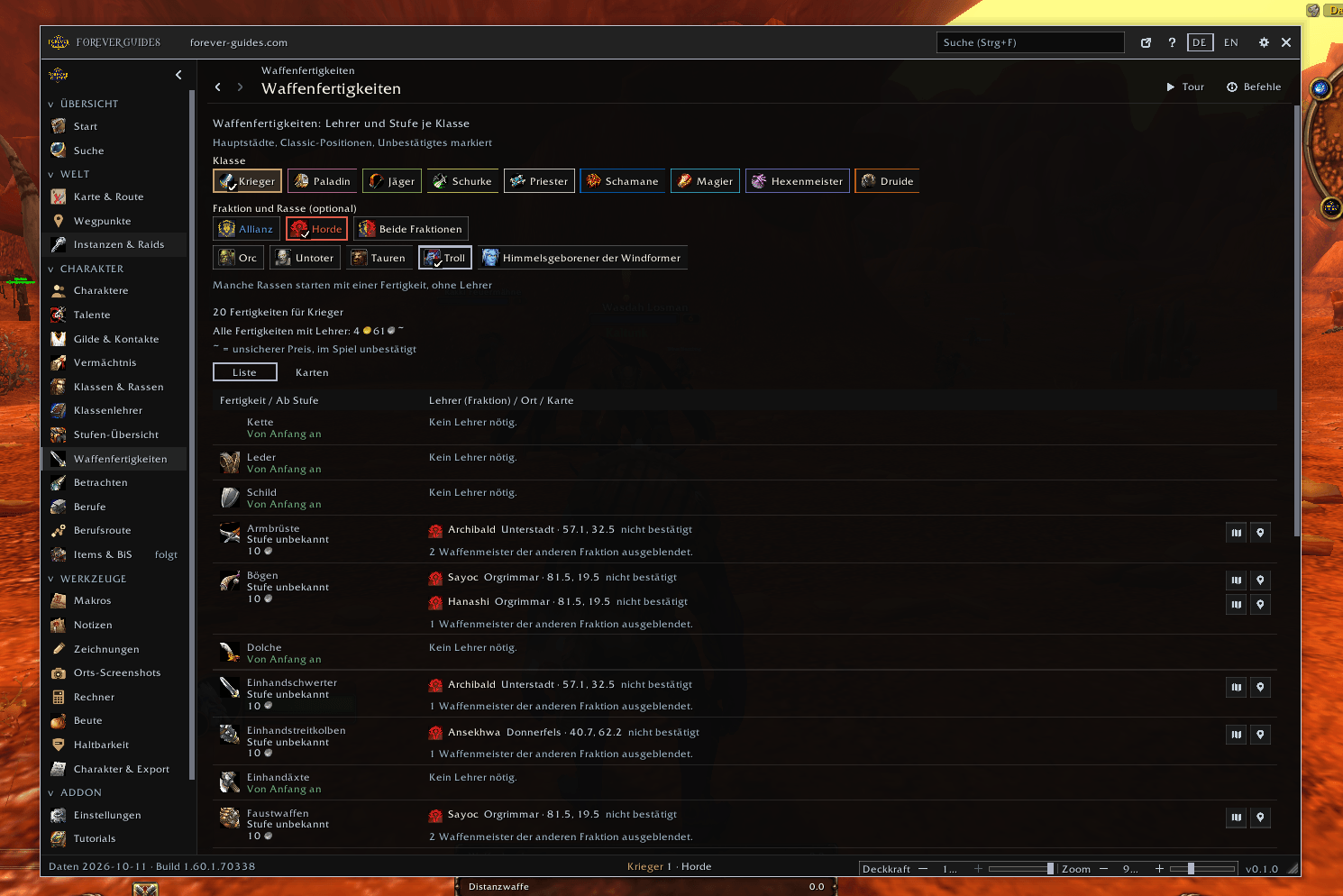
- Trainers: class trainers, weapon masters, costs per ability, level lists and map links.
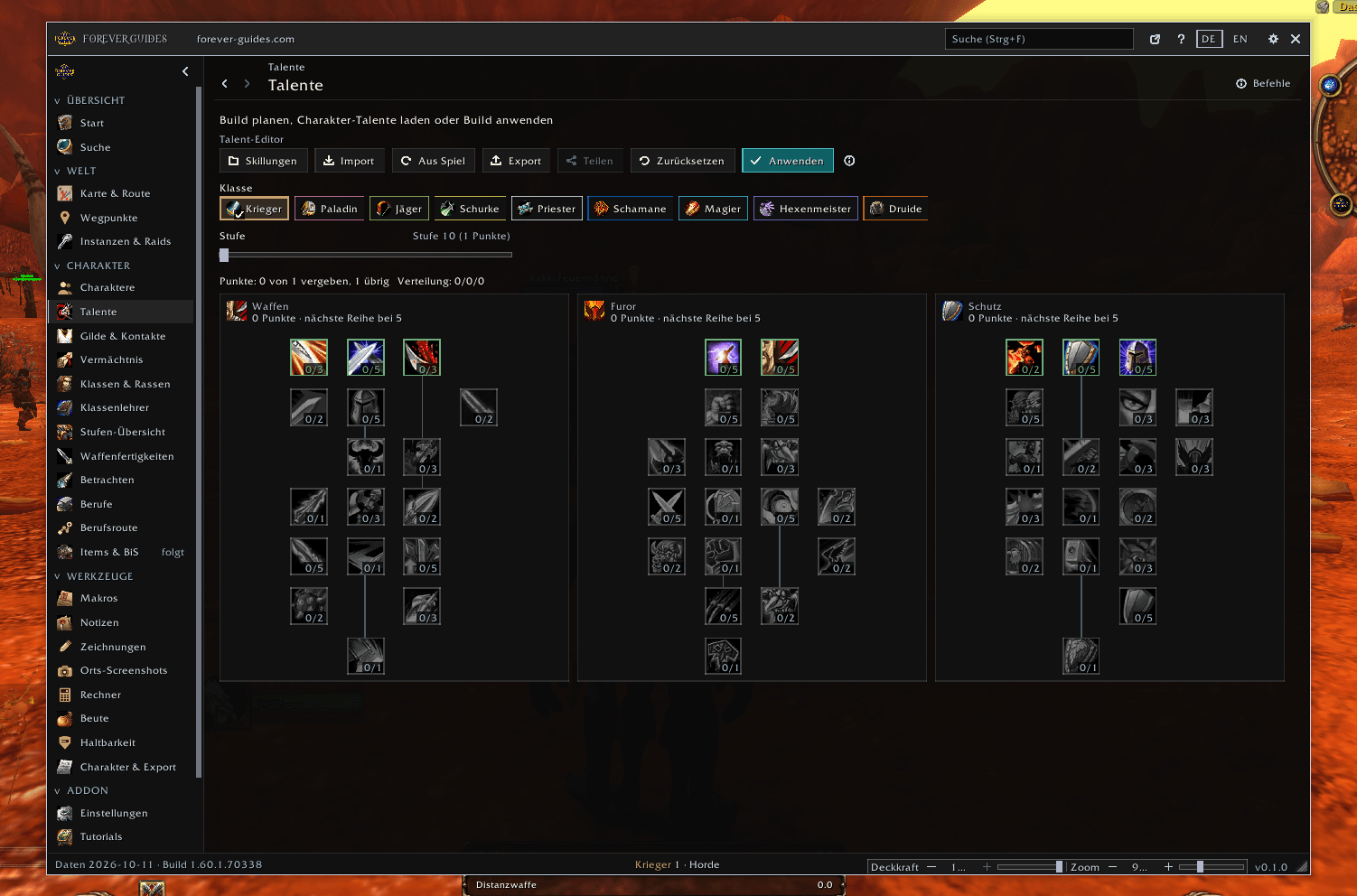
- Talents: build editor with share links, import from the website, loading your current build, and ready-made builds for every class in a resizable window. Your own builds can be named, imported and exported.
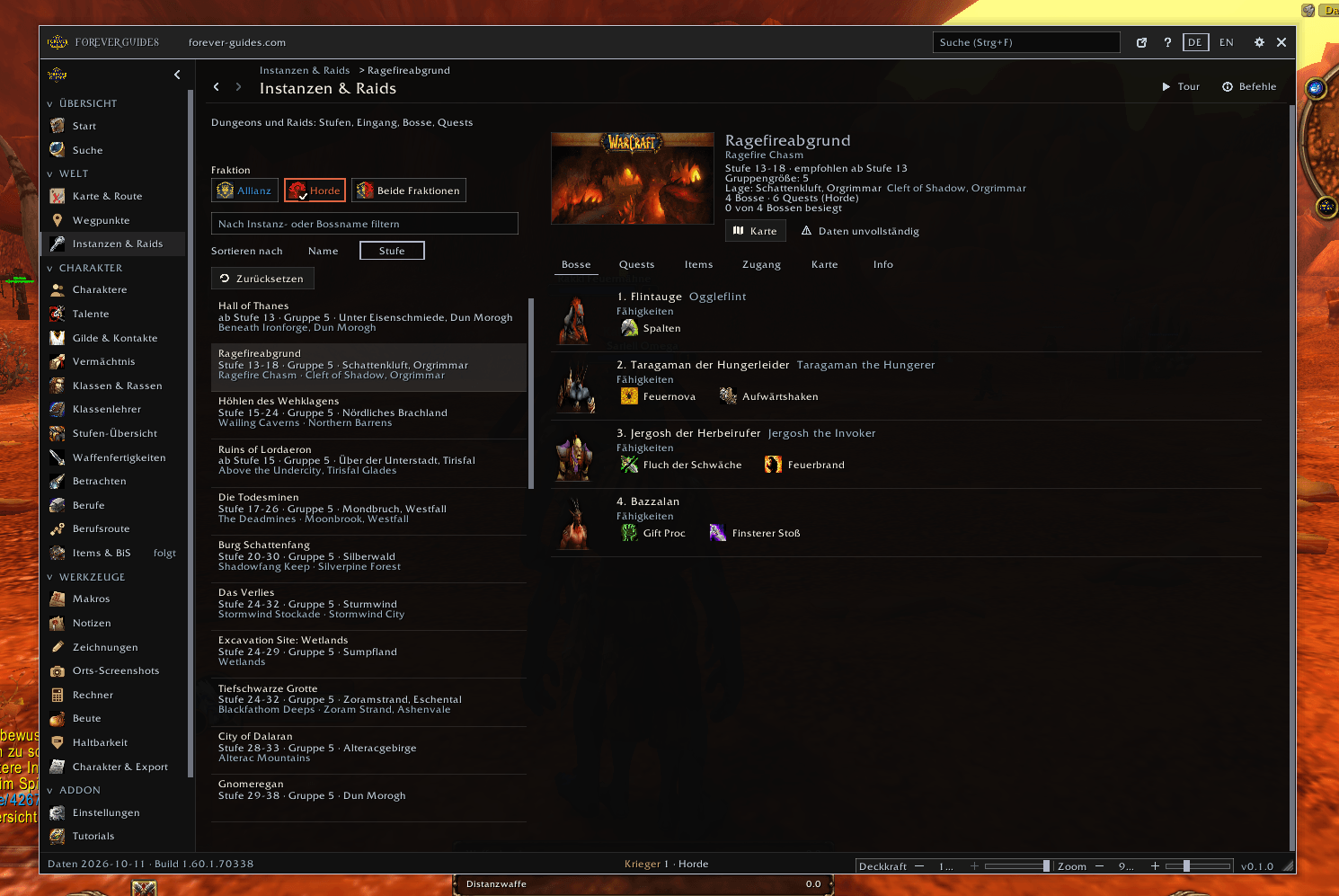
- Dungeons and raids: bosses with loot, quests, entrances, maps with boss pins, access requirements (keys, quests, reputation) with a green check, boss progress per lockout and a reset button that posts one line to your group chat.
- Loot: records the loot of your own kills on your computer, with item tooltips and drop rates.
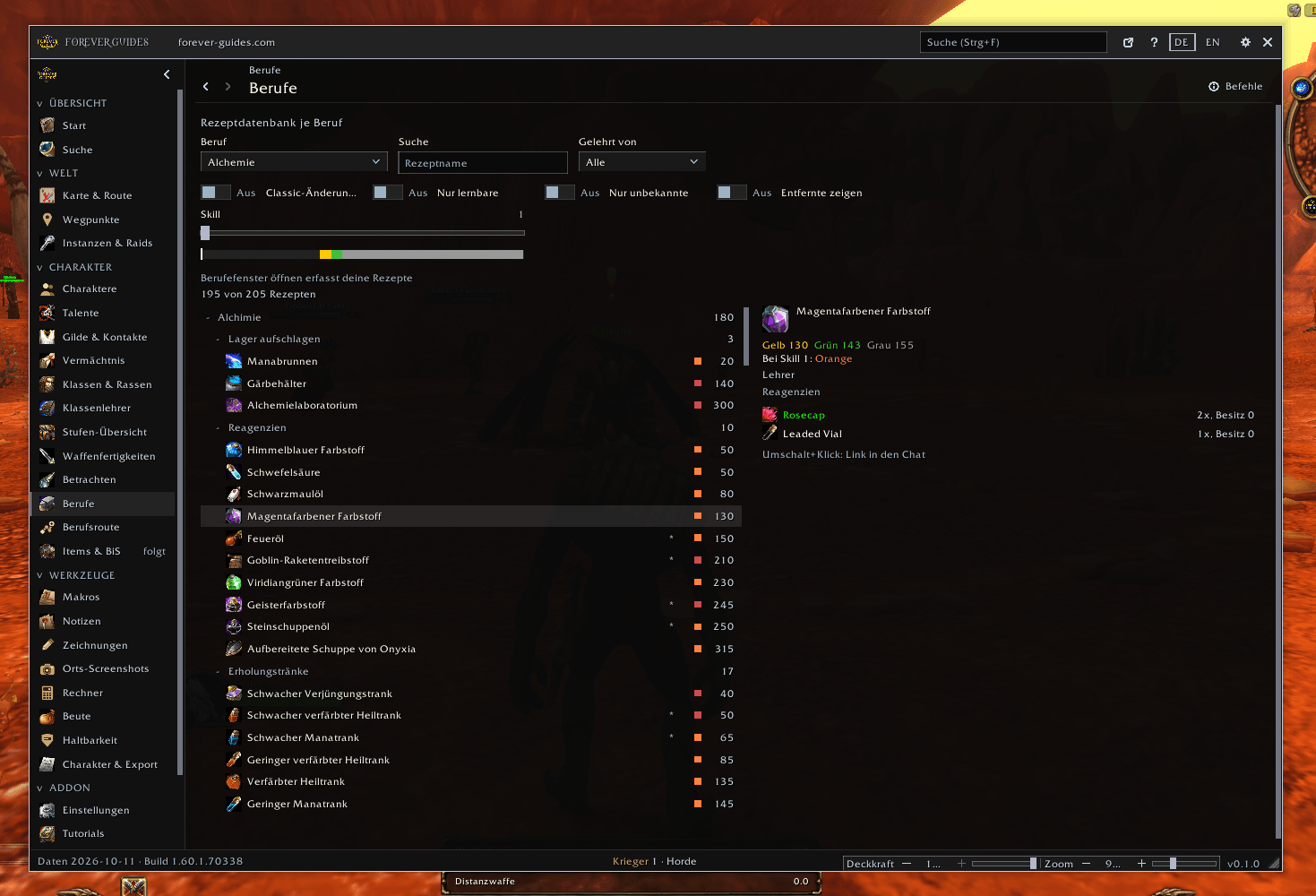
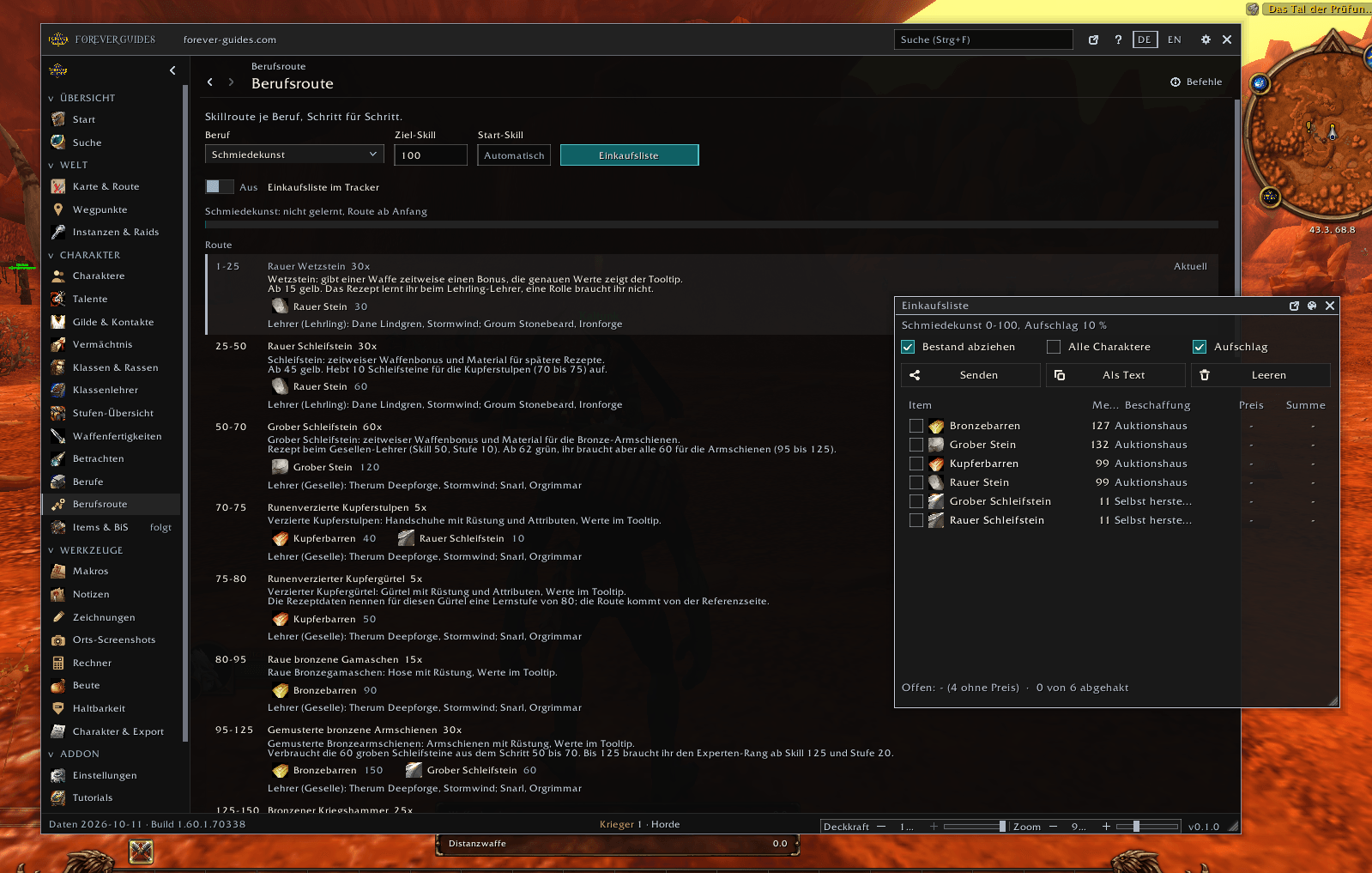
- Professions: a skill route for every profession (the same routes as on the website) with the reagents you need, and a shopping list as its own window.
- Auction house: a side tab sends your shopping list straight to Auctionator (optional, uses its public API). Without Auctionator you can copy the list.
- Search: one search for everything, with typo tolerance, German and English names, questions like "where do I find silverleaf", item tooltips on hover and a link to the website when nothing matches.
Map and travel
- World map with flight paths, boats, zeppelins and portals, route planner, flight times and a flight timer.
- Zone maps shown fully revealed or in your own exploration state.
- Your own markers, waypoints (/way works), map zoom and focus helpers, zone outlines and place screenshots.
Gathering sparkles
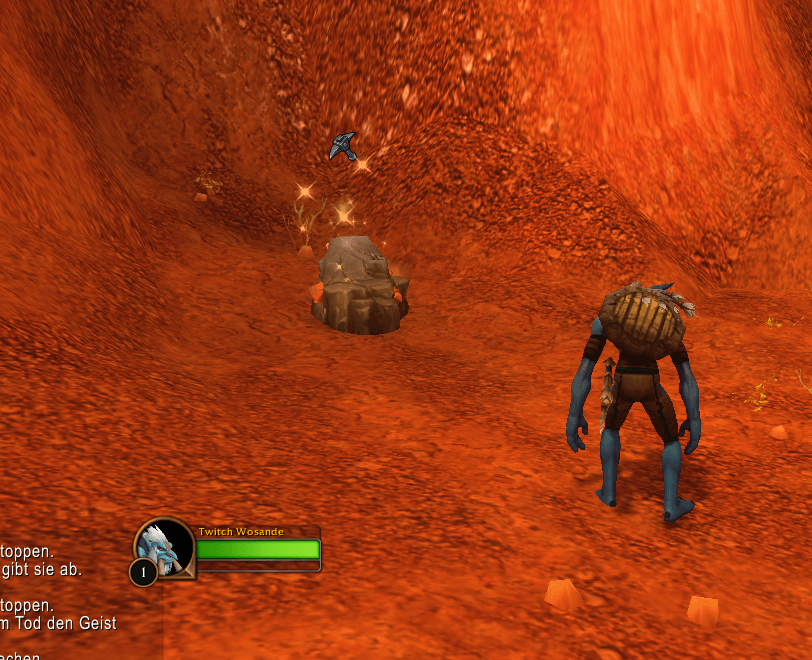
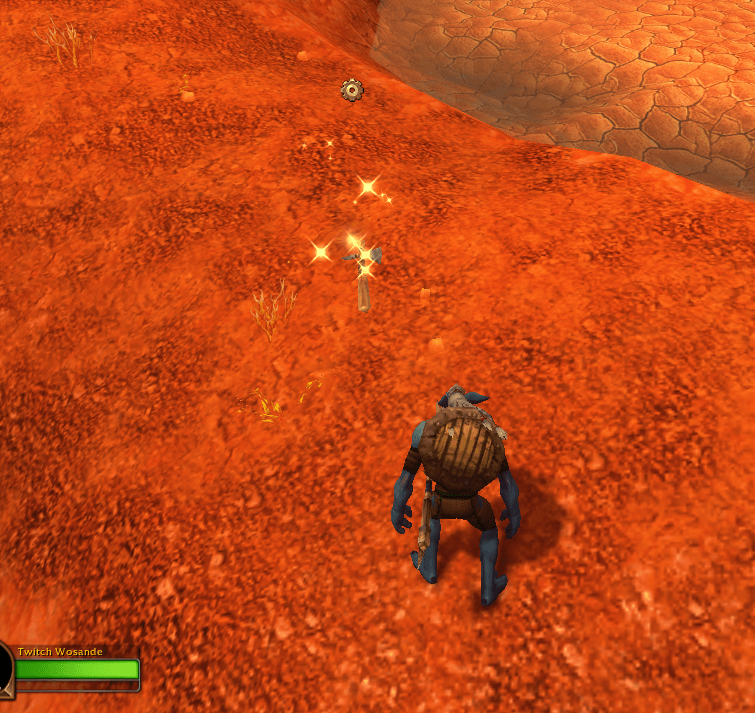
- Ore veins and herbs sparkle as you approach them, and lootable quest items glitter. Quest objects can be switched on as well. The effect uses the soft targeting of the game: it shows for objects the camera looks at, up to 16 yards, the most the game offers.
- Size, height and range (up to 16 yards) of the effect are adjustable. Without the profession the effect can be shown in gray light.
- While it is switched on, the add-on changes some graphics settings of the game (the outline mode). They are restored when you switch the feature off. It is on by default and can be switched off in Settings.
Guild and social
- Guild overview: name, item level, professions with skill, rank and notes, with filters.
- Social tab: players you met in groups, raids, dungeons and trades, with filters, pages and a "recently seen" list. Stored on your computer only, with a delete button.
- Invites by whisper keyword (needs the guild permission).
- Guild Manager (included, loads when needed): adds tabs and detail rows to the guild page (main and alt, own notes, inactivity list) and guild actions such as promote, demote, notes and remove. Each action checks your permissions, shows a preview and asks for confirmation.
Tools and windows
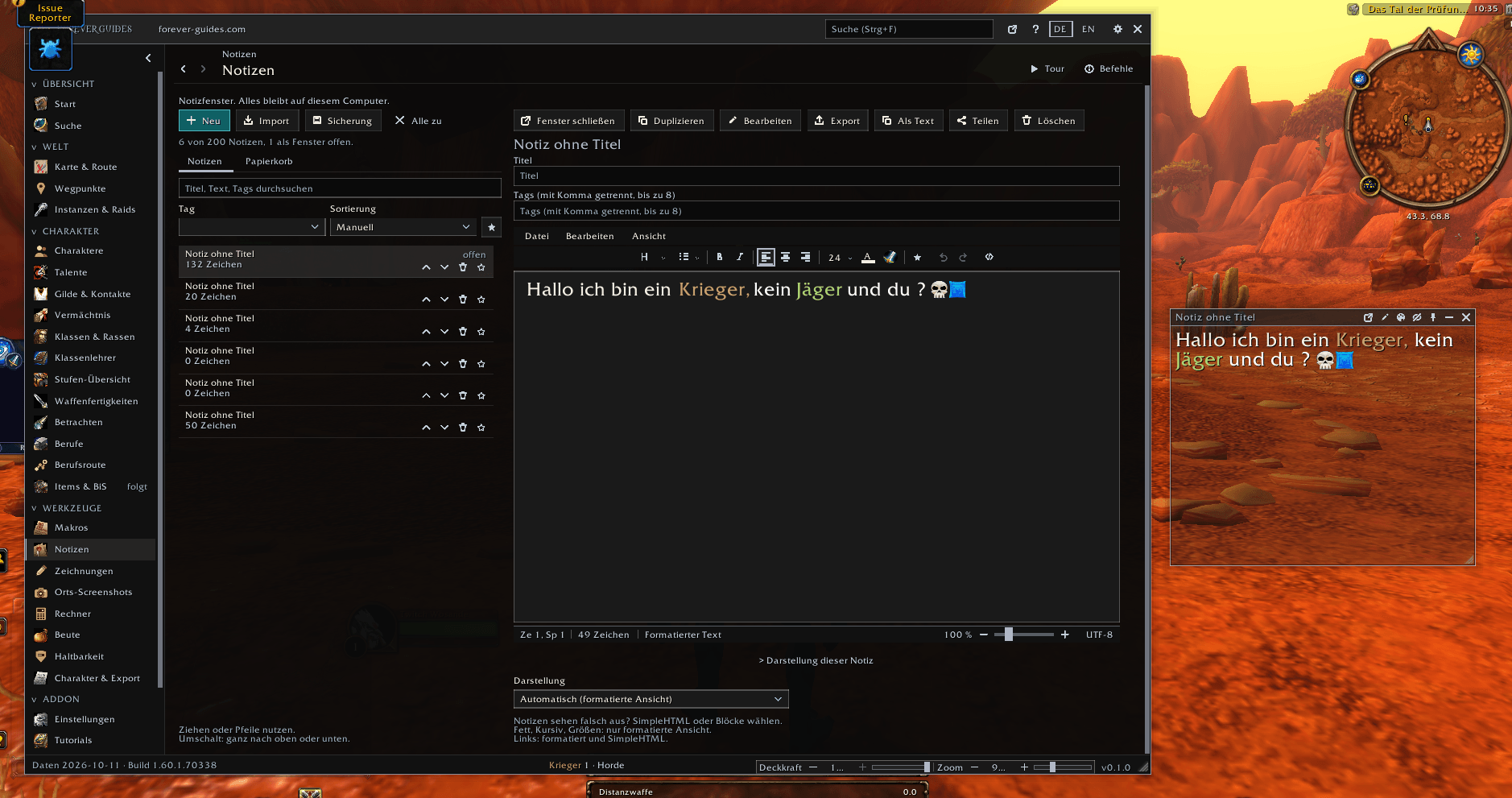
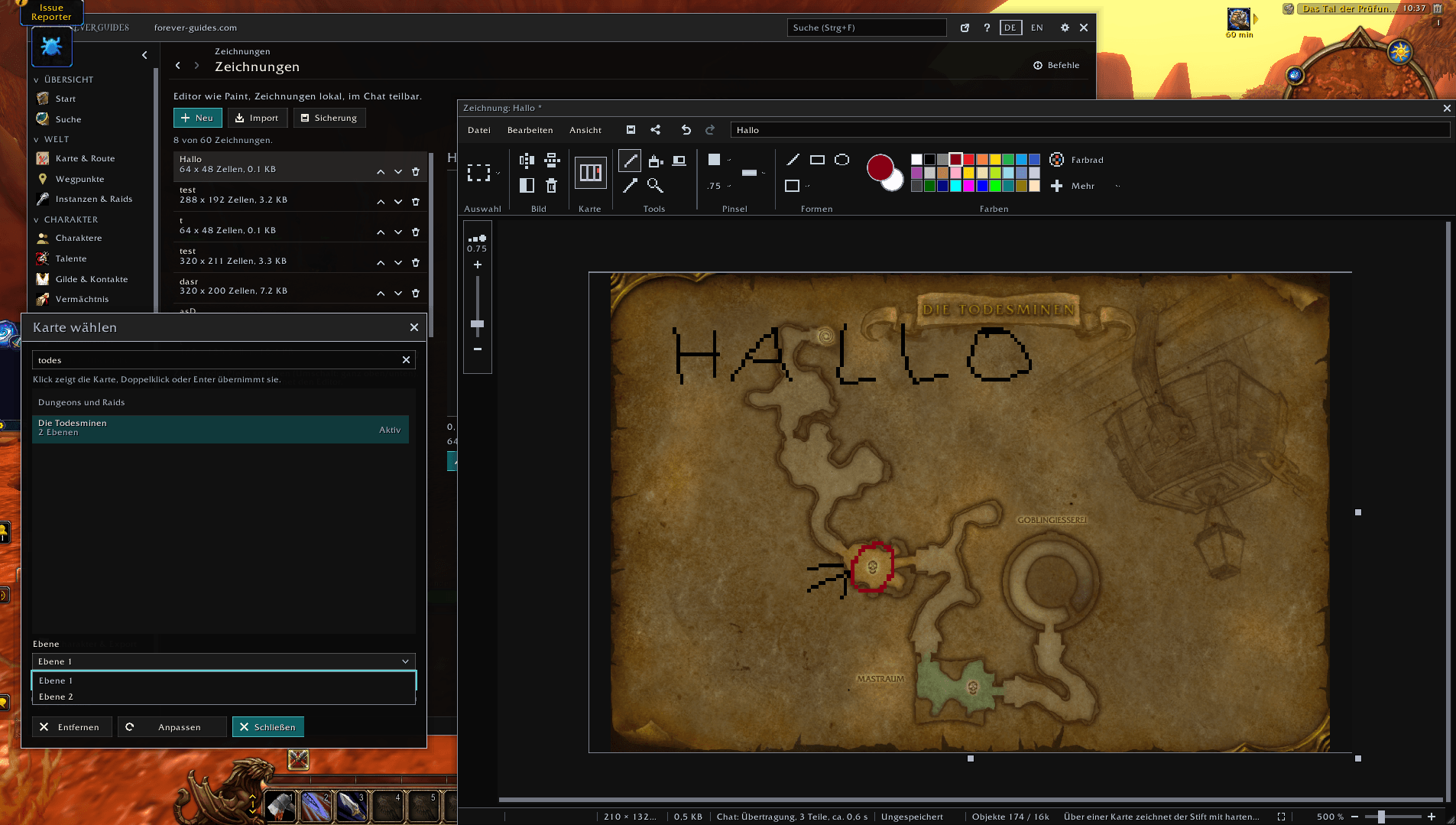
- Macro editor with templates, notes with formatting and sharing, drawing board (also on top of a map), calculators, talking head hider.
- Window helper: move, scale and fade most game windows (also the map), with a reset for each window and for all. Every add-on window moves by its title bar, and Esc closes the top add-on window first, so the vendor stays open.
- Key combinations for mouse actions (for example Ctrl+click at the sell button) can be changed in the settings. Global hotkeys are in the key bindings of the game.
- Side tabs at the Blizzard windows for professions, spellbook, talents, inspect and auction house.
Comfort and safety
- Setup wizard with guided tours, a readable error catcher with a list and optional chat message and sound, German and English, accessible colors and contrast, adjustable font size, settings in cards that adapt to the window size.
- Everything stays on your computer. The add-on makes no network connections. The website link is a plain, copyable address because add-ons cannot open a browser.
- It never plays for you. No combat information and no combat automation. Actions happen when you click, with a confirmation where it matters.
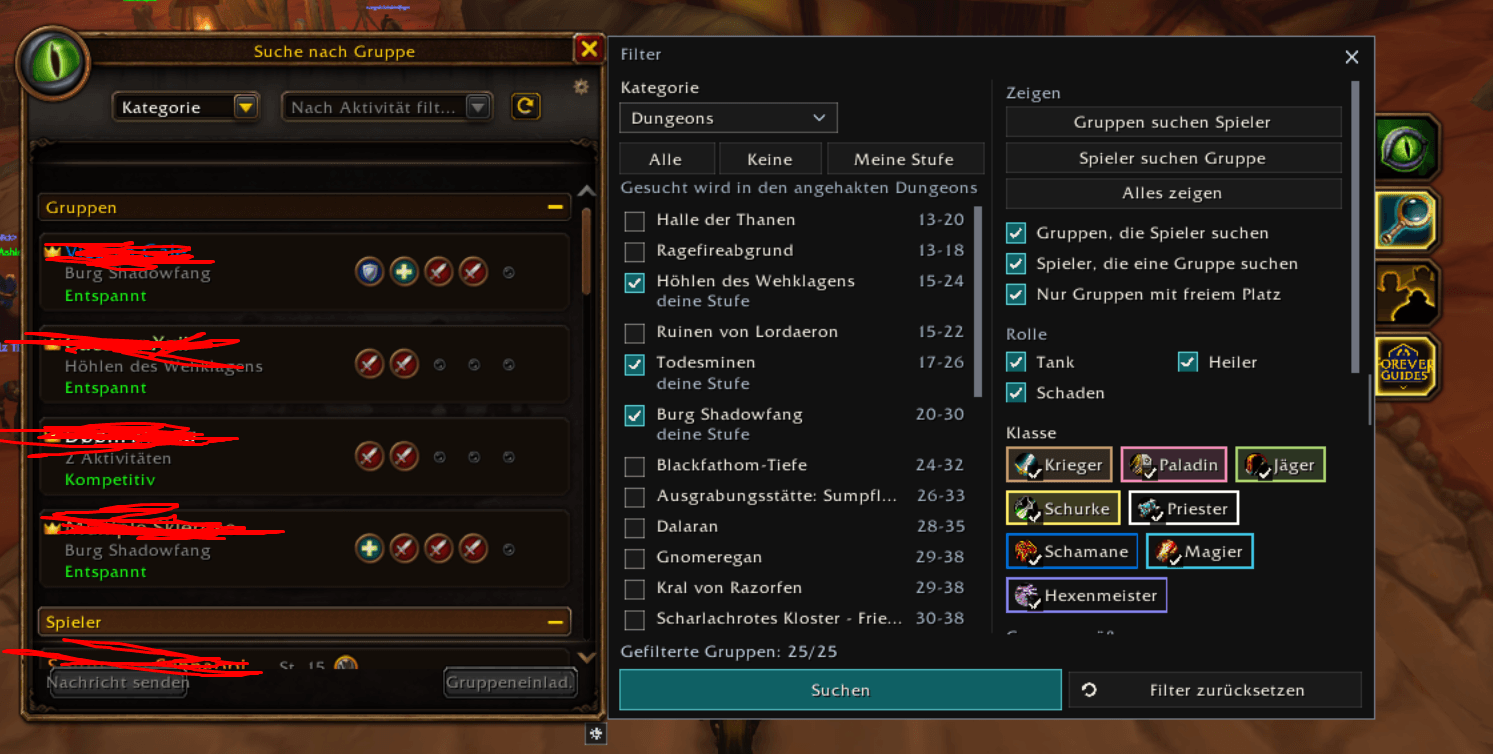
- Optional helpers, all off by default (Settings, Automation): repair at the merchant, accept summons, accept resurrections of friends, accept and turn in quests (no reward choice, no gold), accept group invites of friends, guild members and contacts, block duels of strangers, confirm role checks with your saved roles, release your spirit in PvP and hide red error text. Holding Shift (changeable) stops them, and a chat line shows what they did.
- Quiet by default: feedback messages are off, only errors and warnings show as a small toast. Switch messages on in Settings under Feedback (toast, chat or both).
- Posts to chat in one case: when you reset instances, one line goes to your group chat. You can switch that off.
Commands
/fg opens the main window. The most useful ones:
/fg: opens the main window (/fg hidecloses it)/fg help: lists the areas,/fg help <area>the commands of an area/fg search <text>: one search for everything, for example/fg search silverleaf/fg talents: talent builds and the build editor/fg trainers: class trainers, costs and level lists/fg map [place]: map of a place with routes and flight paths, for example/fg map Orgrimmar/fg way 45 60: sets a waypoint (/wayworks too),/fg routeplans a route/fg shopping: your shopping list for professions/fg find <item>: who has this item on which character/fg inspect: item level, enchants and gear of other players/fg durability: condition of your equipped items/fg macros: macro editor,/fg noteand/fg drawopen notes and the drawing board/fg windows: move, scale and reset windows/fg settings: all settings,/fg setuprestarts the setup wizard,/fg tourstarts a guided tour/fg lang de|en|auto: switch the language/fg scale 110: window scale,/fg resetresets the window position,/fg docka compact dock/fg errorsand/fg diag: error list and a support report to copy
Included modules
Forever Guides: Profession Data, Recipes, Map Data and Guild Manager are part of the download and load when needed. Optional companion: Auctionator (shopping list transfer).
Feedback and license
Comments here or contact@forever-guides.com. Free add-on with readable source. See LICENSE for what you may do with it. Not affiliated with or endorsed by Blizzard Entertainment.
Forever Guides Team