
Forever Exercise
A reminder to get out of your chair while you play WoW Forever.
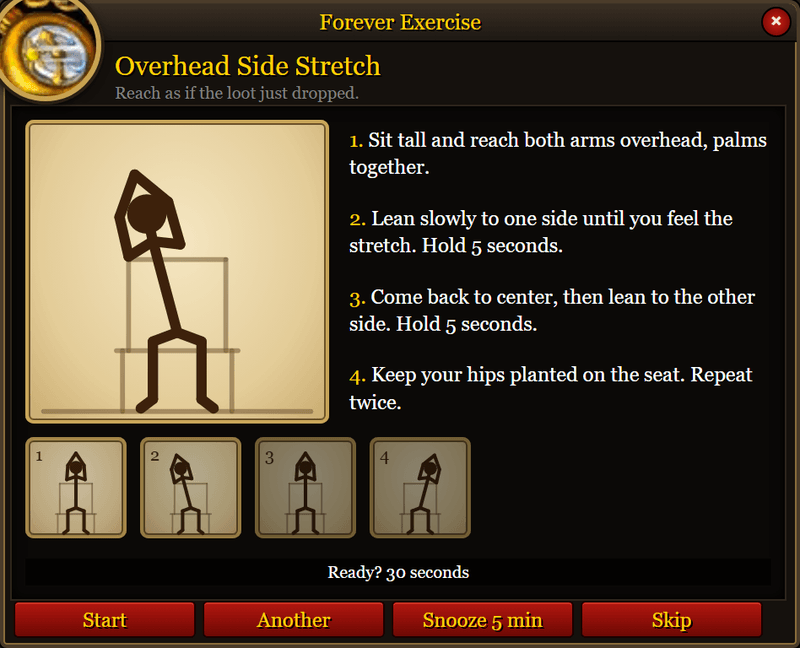
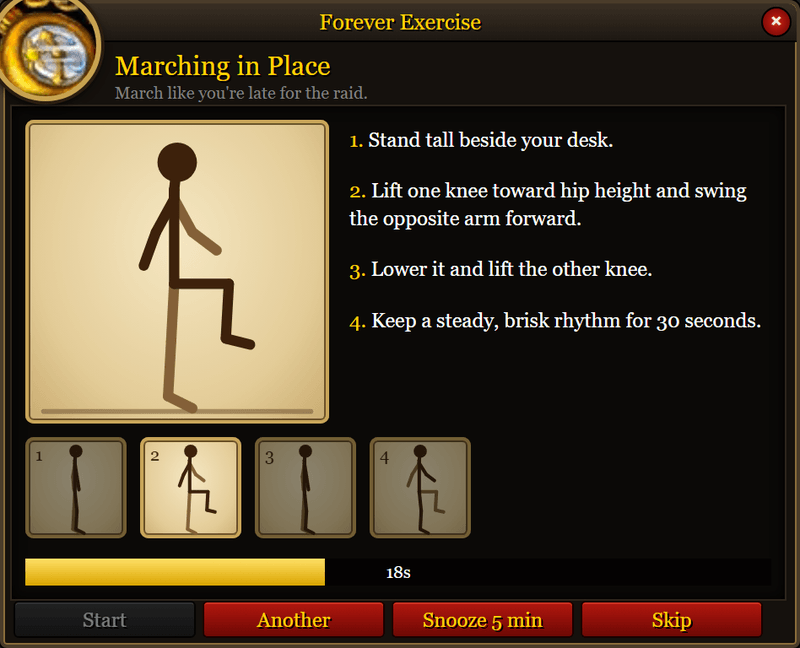
Every so often a window opens with one short desk exercise. A figure on the left moves through the poses, and the steps are written on the right. It takes about 30 seconds.
Playing with it
The timer runs while you are in the game. It begins at 30 minutes, and you can set it anywhere from 5 to 120.
When the window opens:
- Start runs the 30 second countdown.
- Another swaps in a different exercise.
- Snooze 5 min closes the window and asks again in five minutes.
- Skip, the close button, or Escape closes it and starts the full interval over.
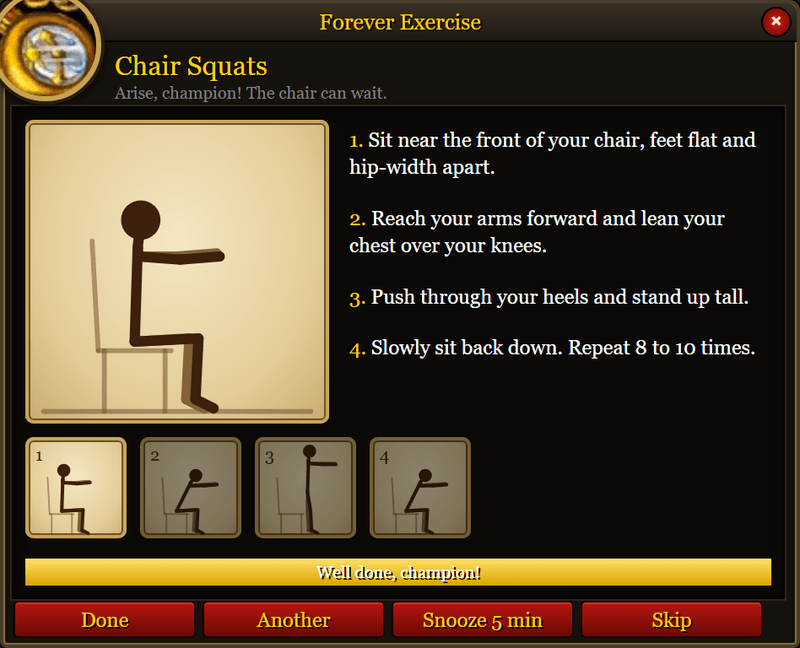
When the bar fills it says "Well done, champion!" Done closes the window.
You see every exercise once before any of them comes around again. The next round starts on a different exercise.
The window closes if you enter combat and opens again when the fight ends. A reminder that comes due during combat waits until you are out of it.
Minimap button
A pocket watch hangs on the minimap. Hover it for the time until the next exercise. Click it to open the settings. Drag it around the edge of the minimap.
The tooltip also says when the timer is paused, snoozed, waiting for combat to end, or waiting until you release your spirit.
Commands
/fexor/exerciseopens an exercise now./fex optionsor/fex configopens the settings.- During combat, the command tells you to finish the fight first.
Settings
These are in the game's own settings, under Forever Exercise. The minimap button opens them there.
- Reminder interval. Minutes of play between reminders. 5 to 120, in steps of 5. The default is 30.
- Pause in raids. On by default. The timer stops inside a raid and resumes when you leave, keeping whatever time was left.
- Pause in dungeons. On by default. The same, for dungeons. Battlegrounds and arenas keep the timer running.
- Exercise when you die. In the world, a battleground, or an arena. Off by default.
- Exercise when you die in a dungeon. Off by default.
- Exercise when you die in a raid. Off by default.
Each death option has Only while you are a ghost under it, and that line stays grey until the option above it is on. Turn it on and the exercise waits until you release your spirit. The addon remembers where you died, because releasing in a dungeon leaves your ghost outside.
The exercises
Eight exercises, done in your chair or standing next to it. Nothing to set up. Stop if something hurts.
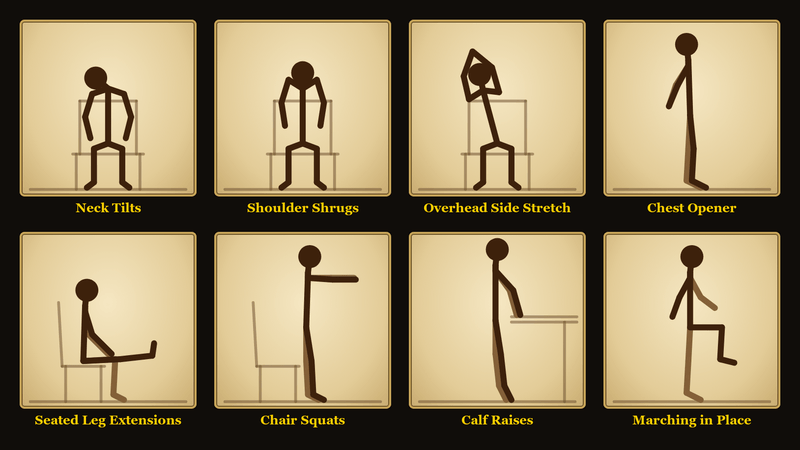
- Neck Tilts. Even a gryphon looks both ways before landing. Tilt an ear toward one shoulder, then the other.
- Shoulder Shrugs. Shrug off that last wipe. Lift both shoulders toward your ears and let them drop.
- Overhead Side Stretch. Reach as if the loot just dropped. Arms overhead, then a slow lean to each side.
- Chest Opener. Stand proud, champion. Azeroth is watching. Clasp your hands behind your back and lift your chest.
- Seated Leg Extensions. Your legs have been AFK long enough. Straighten one leg, then the other.
- Chair Squats. Arise, champion! The chair can wait. Stand up from the chair, then sit back down.
- Calf Raises. Tiptoe like you're sneaking past an elite. Rise onto the balls of your feet at your desk.
- Marching in Place. March like you're late for the raid. Knees up, at a steady pace, for the full half minute.
Install
Forever Exercise is for WoW Forever, interface 16001. The text follows your WoW client language (11 languages).
- Copy the
ForeverExercisefolder into your Forever client'sInterface\AddOnsfolder. On the beta client, that is_classic_beta_\Interface\AddOns. - Leave the folder named
ForeverExercise. - Restart the client, or type
/reload, and enable the addon if it is off.
Translations
Translations are done with AI. If you have a better one, send a pull request on GitHub.
Edit ForeverExercise/Locales/<code>.lua, then run node browser/check.js.
Forever Exercise Team
