


Forever Dungeon Quest Journal
- By
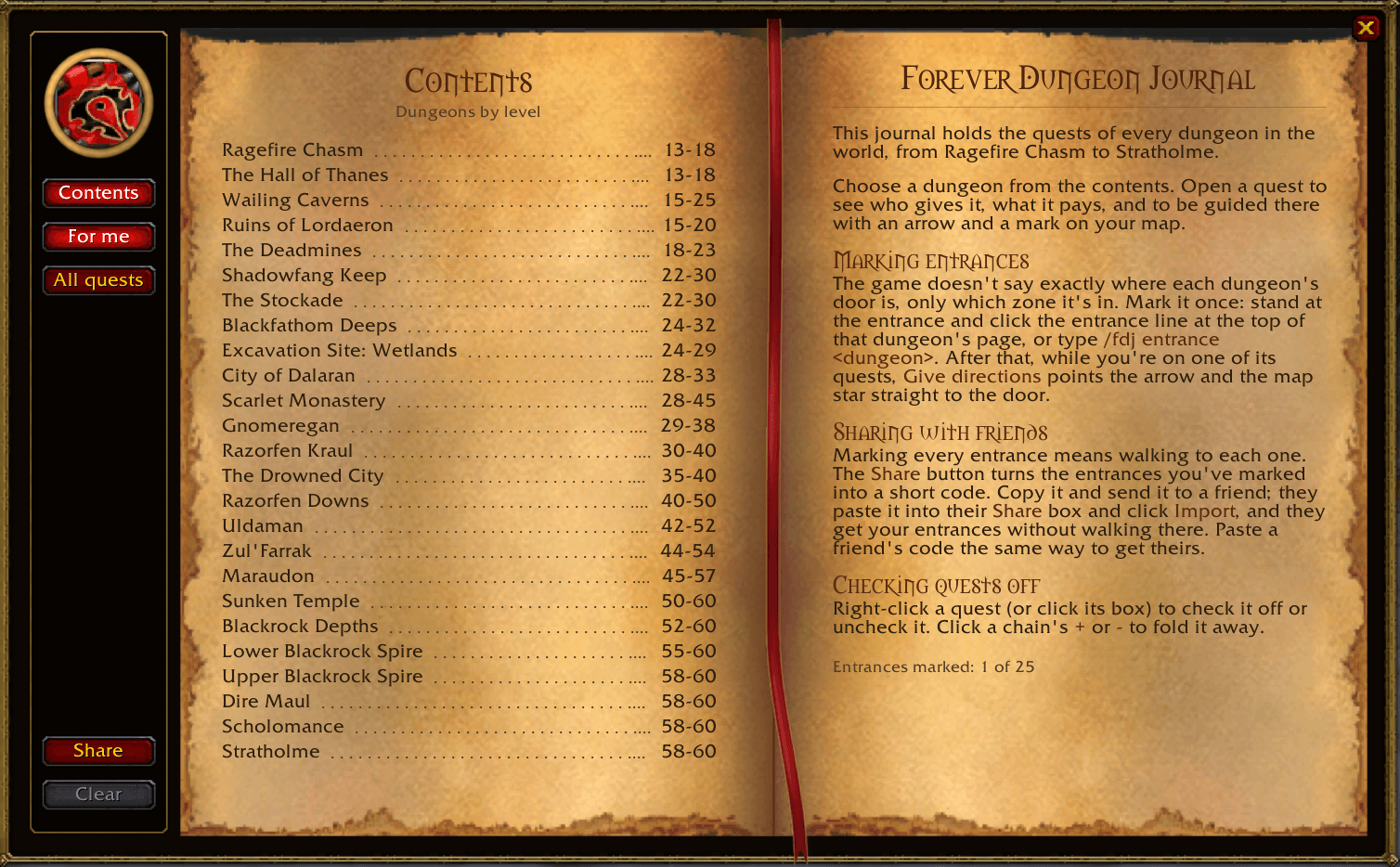
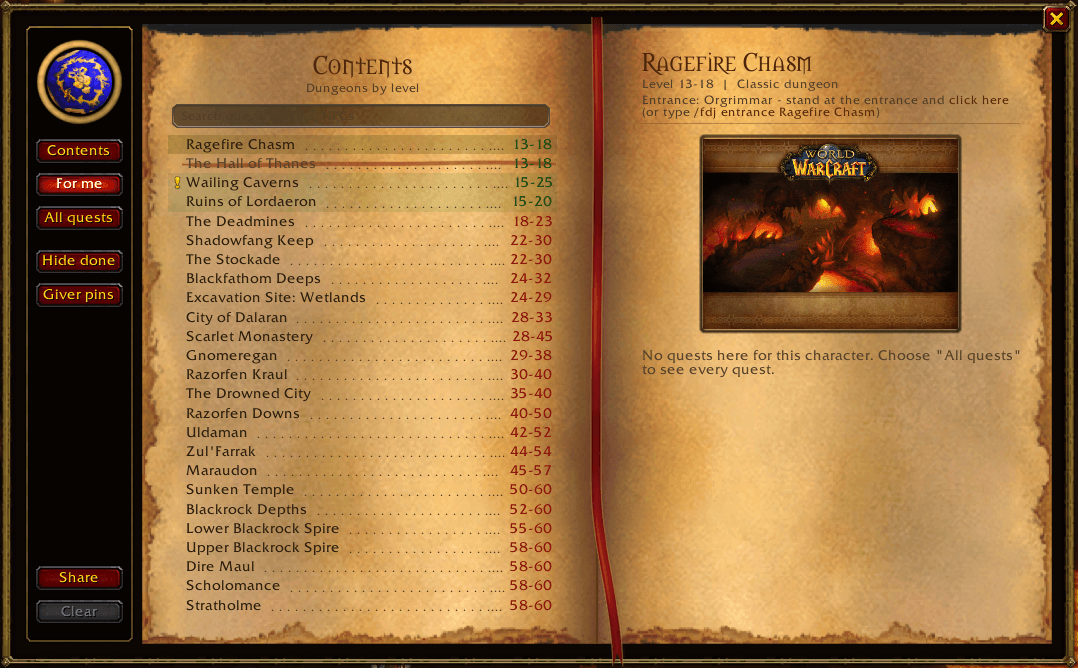
contents.png
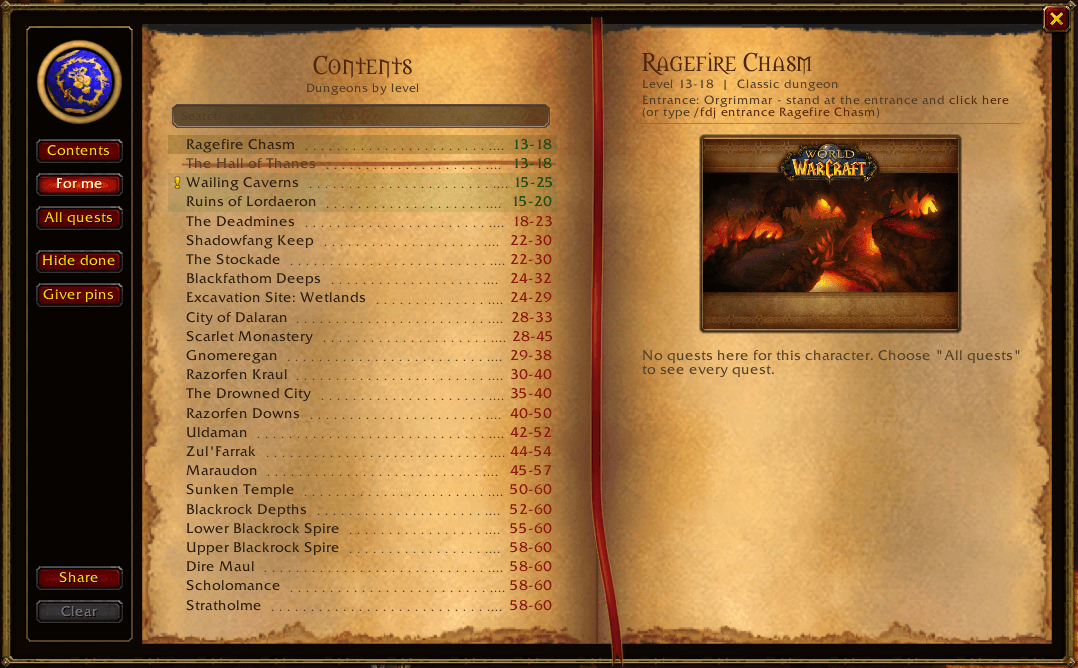
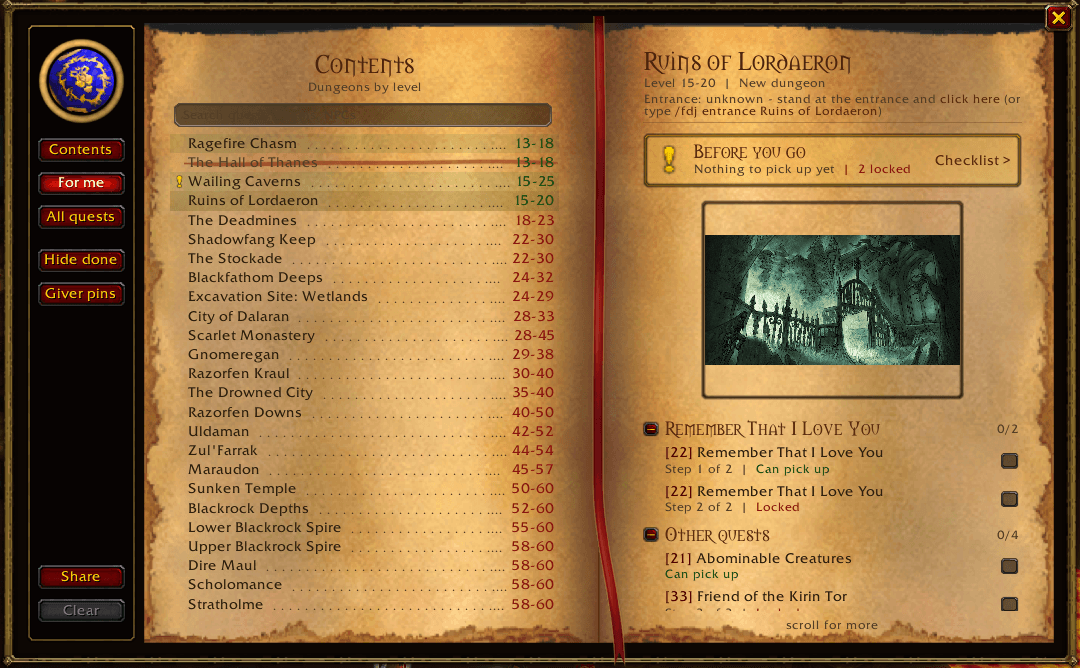
quests shown.png
dungeon quest completed.png
quest info.png
quest directions.png
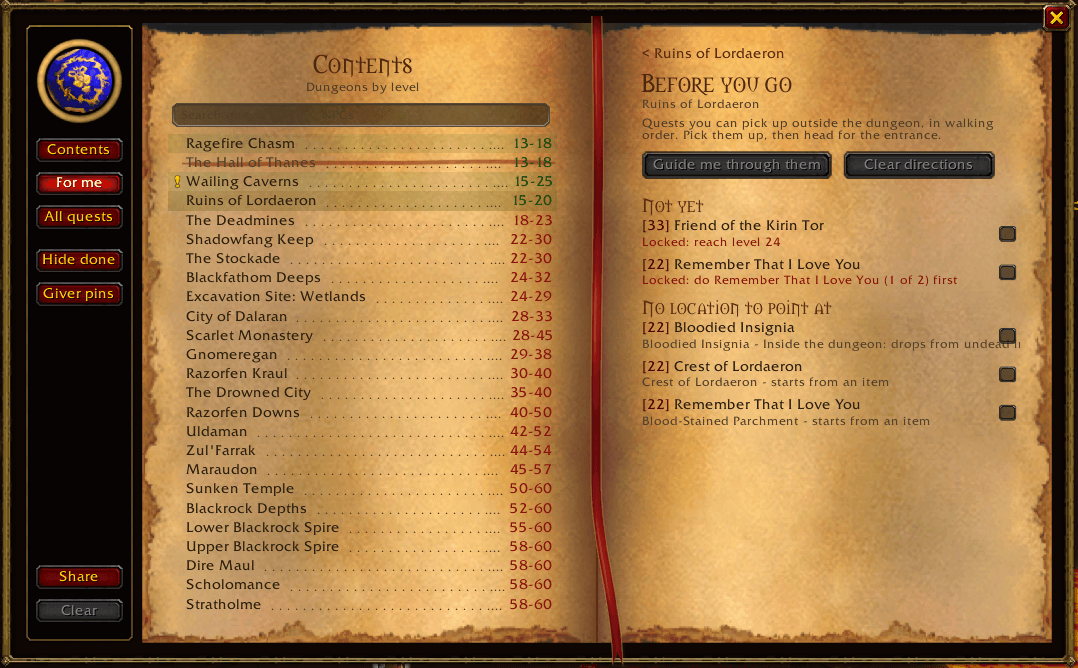
before you go update.png
quest loot and chain.png
checklist.png
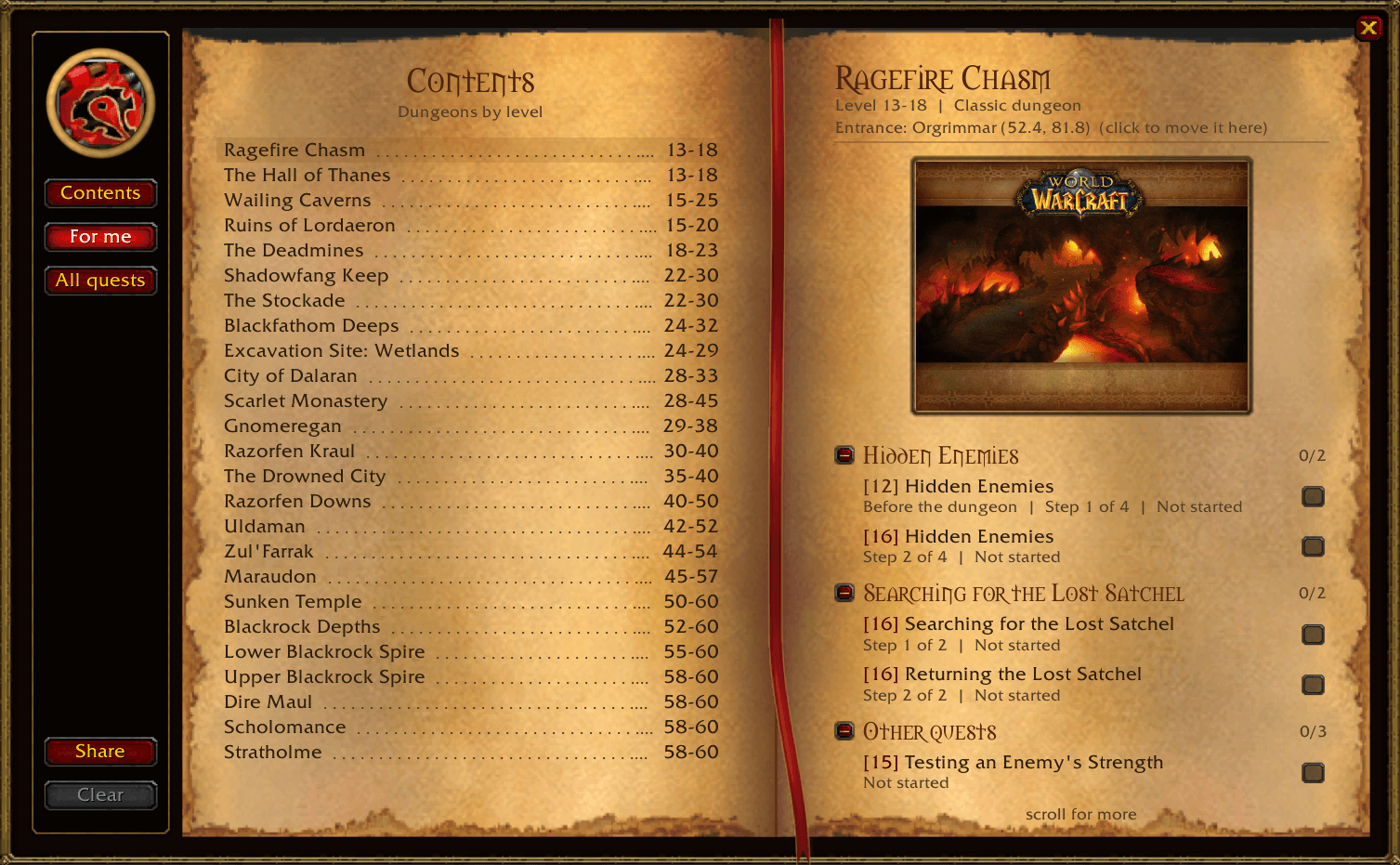
new front page.png
Description
Forever Dungeon Journal
A journal for dungeon quests in WoW Forever and Classic Era. Open it with /fdj or the minimap button.
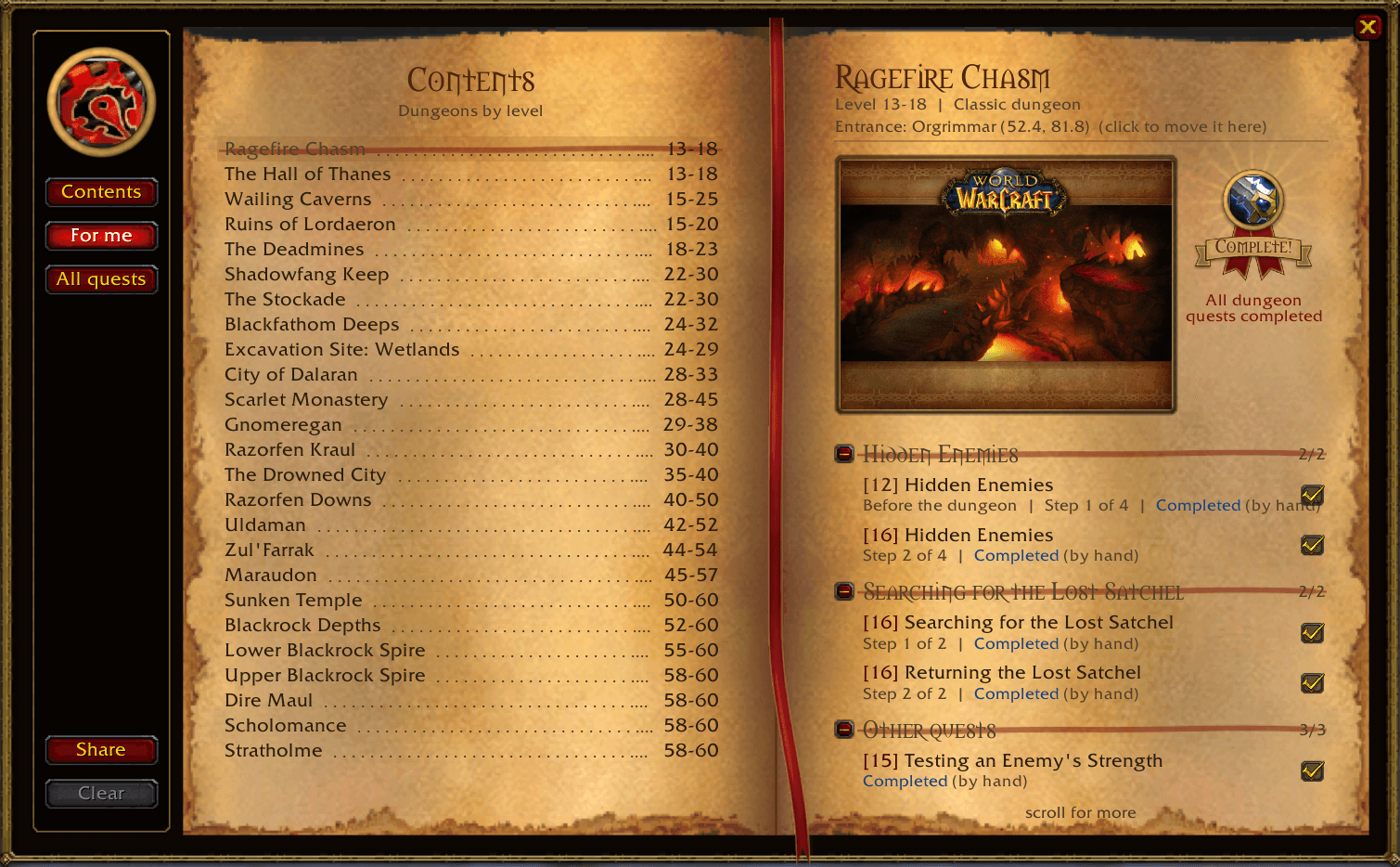
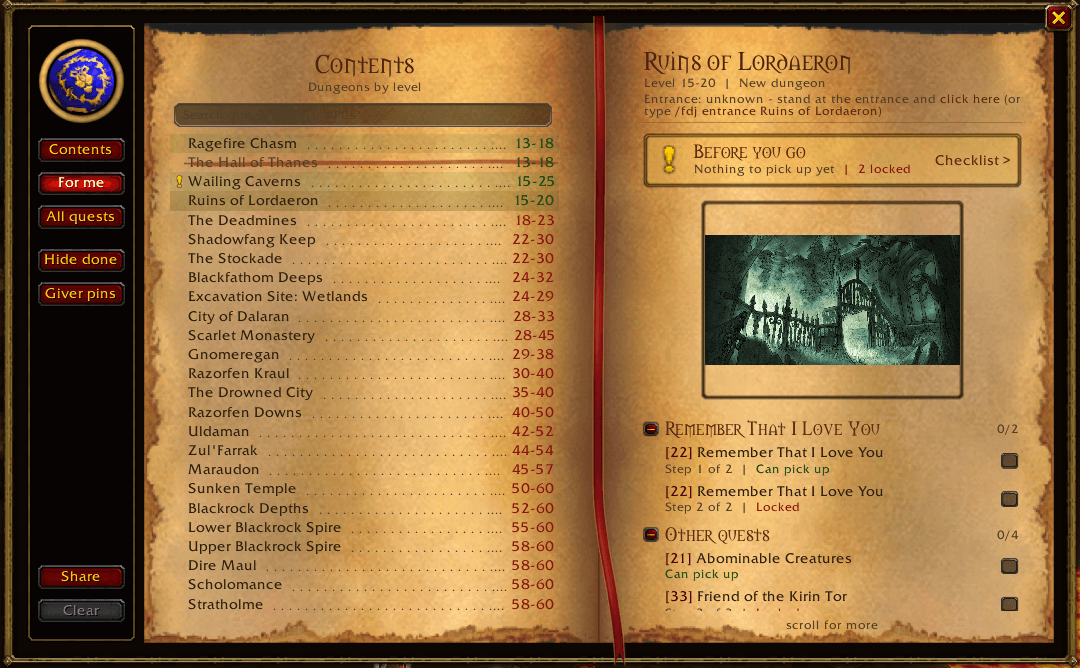
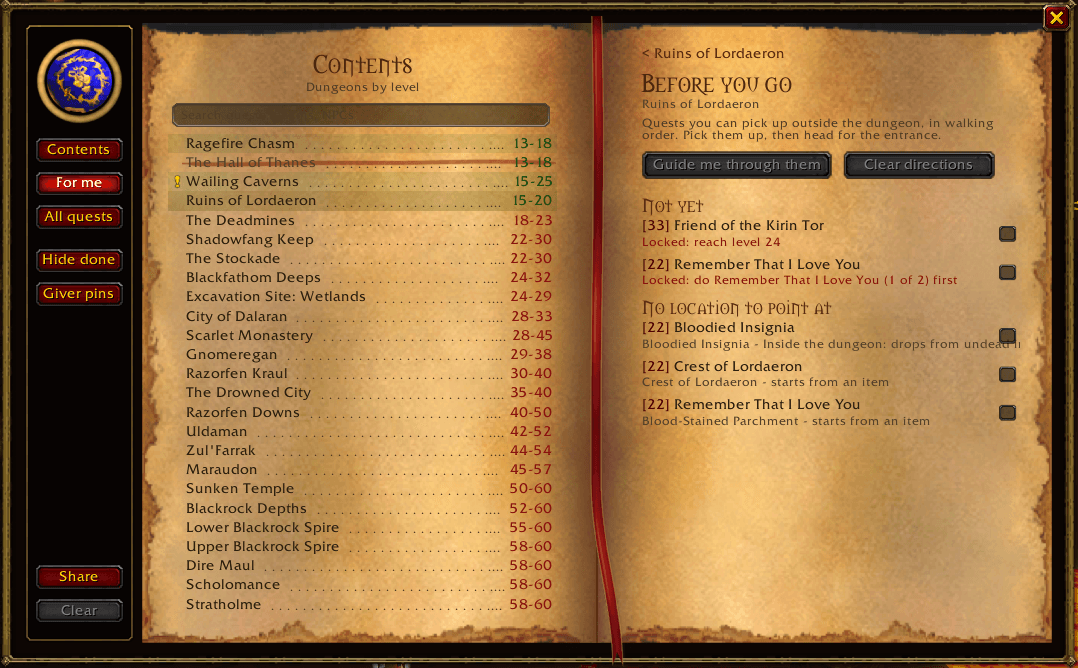
Pick a dungeon from the contents and you'll see all of its quests, with quest chains grouped together in order. Quests you need to do before you go in are marked "Before the dungeon".
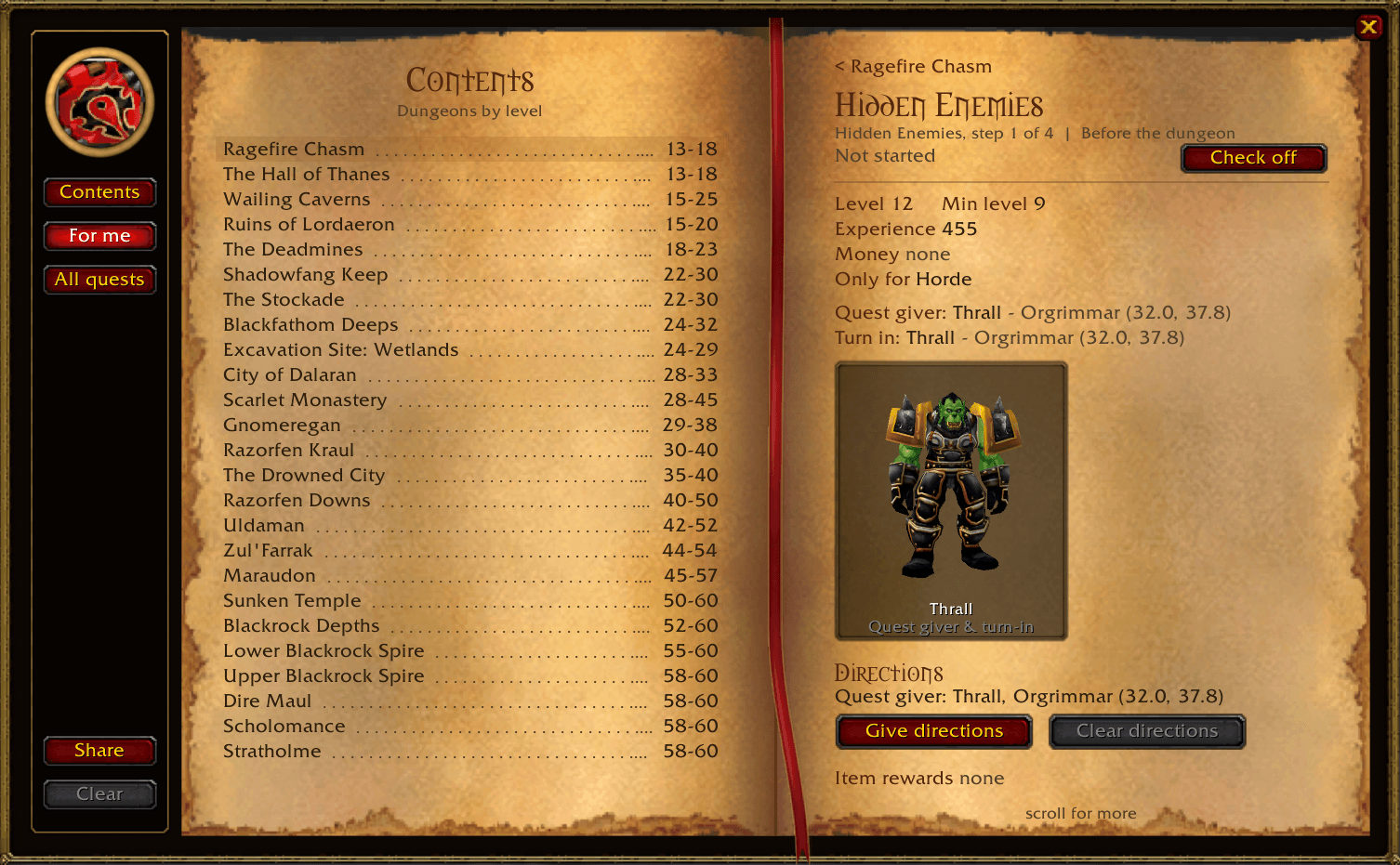
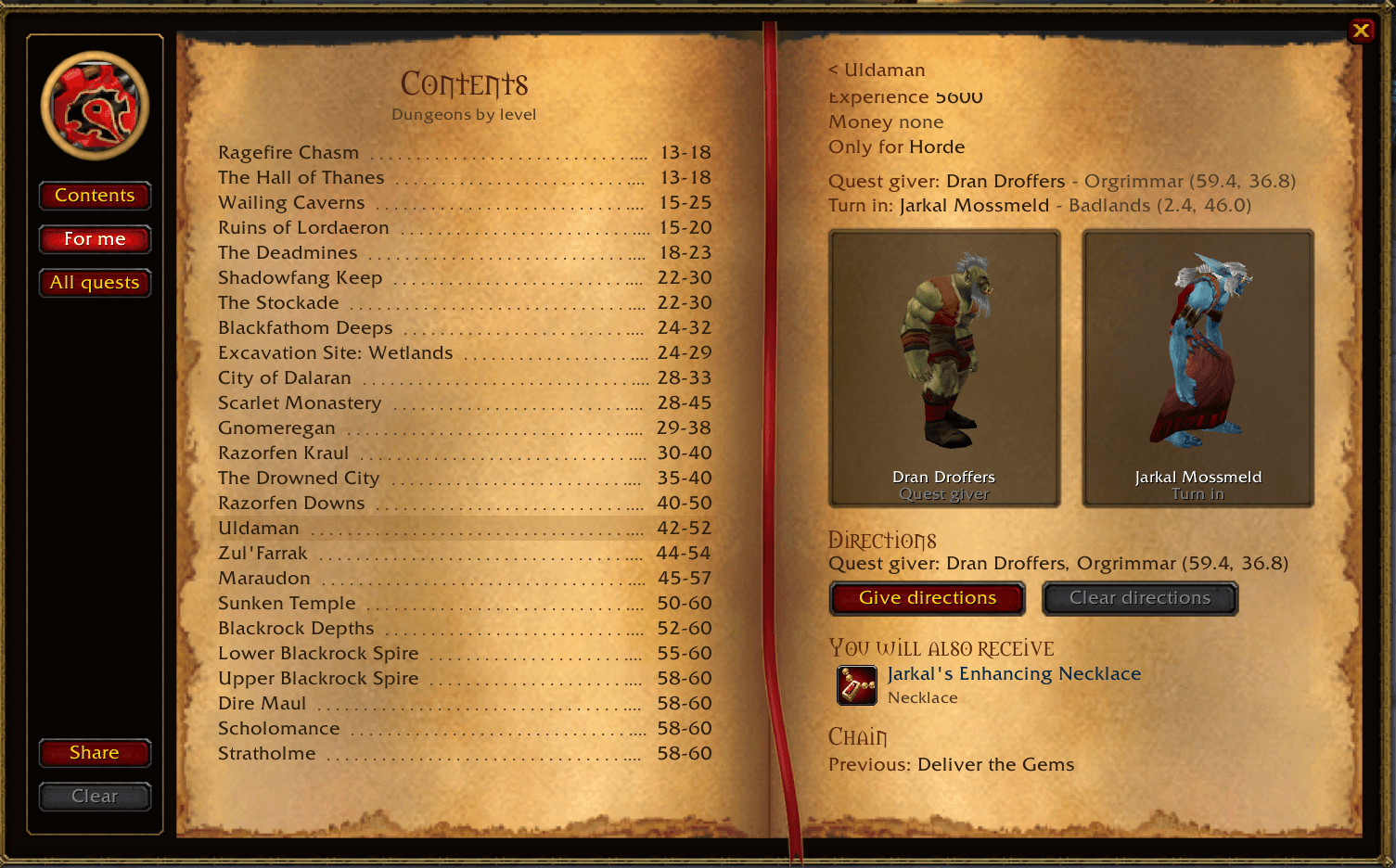
Click a quest to see:
- who gives it and where they are
- who you turn it in to
- level, XP, money and item rewards
- the previous and next quest in the chain
Getting there
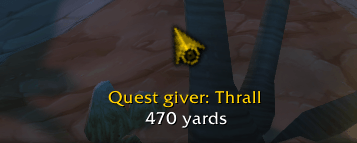
Click Give directions and an arrow points you to the quest giver. Once you have the quest, it points you to the dungeon entrance, and when you're done it points you to the turn-in. You also get a marker on your world map. If you have TomTom installed, it uses TomTom's arrow instead.
The game doesn't know exactly where each dungeon entrance is, so you mark it once yourself: stand at the entrance and click the entrance line at the top of that dungeon's page, or type /fdj entrance followed by the dungeon name. The Share button gives you a code with all your marked entrances, so a friend can import them without walking there.
Keeping track
- Quests your character can't take (wrong faction, race or class) are hidden. Click All quests to see them anyway.
- Right-click a quest to check it off yourself, or right-click again to undo it.
- Finished quest chains and dungeons get crossed out.
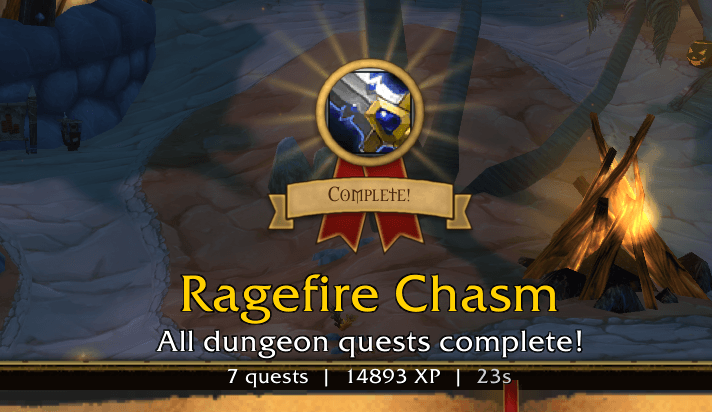
- Finish every quest in a dungeon and you get a little celebration and a medal on that dungeon's page.
Commands
- /fdj - open or close the journal
- /fdj entrance <dungeon> - mark the dungeon entrance where you're standing
- /fdj clear - clear directions
- /fdj minimap - show or hide the minimap button
- /fdj reset - reset the window and arrow positions
Notes
- Quest data comes from Wowhead. Some quests are still missing details like a location, and those will fill in as the data is updated.
- The addon only shows information. It never does anything in the game for you.
Forever Dungeon Quest Journal Team
