Forever Click Tooltip
- By
Screenshot 2026-10-15 165045.png
Screenshot 2026-10-16 153657.png
Description
Forever Click Tooltip
See your click-cast spell bindings at a glance!
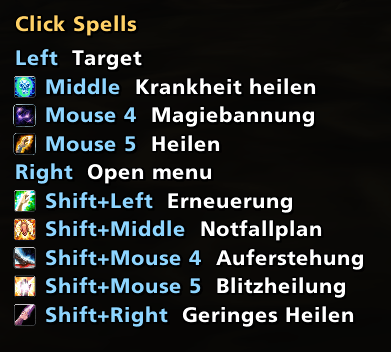
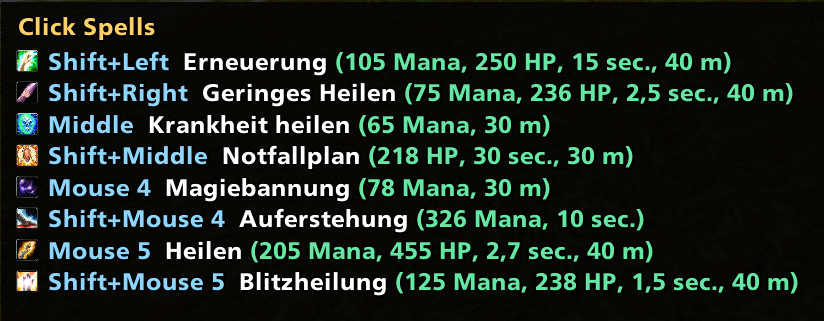
Forever Click Tooltip displays your assigned click-cast spells in a customizable tooltip when hovering over friendly player or group frames.
Whether you're healing in a dungeon, supporting your raid, or simply want to keep track of your mouse bindings, Forever Click Tooltip helps you see which spells are assigned to your mouse buttons and key combinations.
Features
-
Click-Cast Overview: Displays your assigned spells and mouse bindings in a clear tooltip.
-
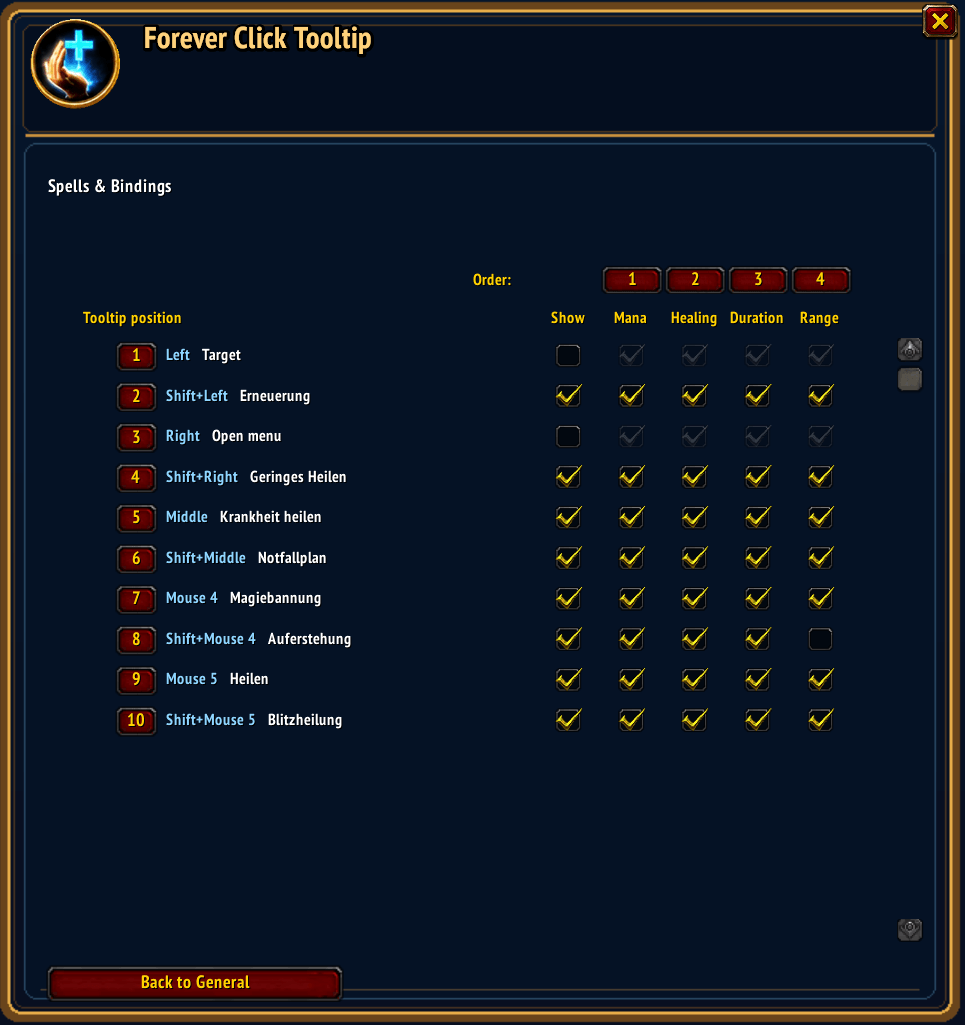
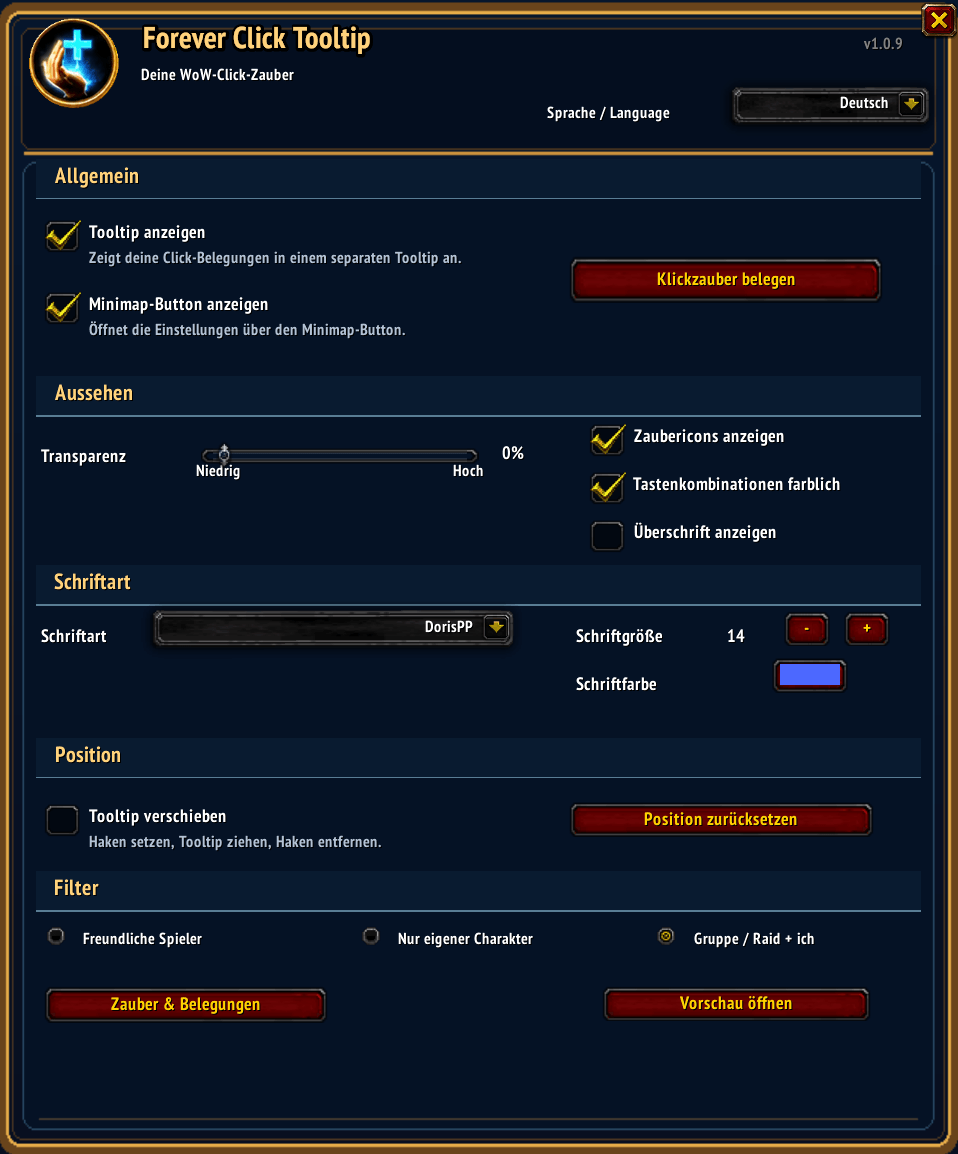
Customizable Appearance: Adjust font, font size, transparency and tooltip position.
-
Multiple Languages: Multilingual settings interface with automatic language detection.
-
Font Selection: Choose from a wide variety of available fonts.
-
Persistent Settings: Your preferences are saved between sessions and UI reloads.
-
Interface Compatibility: Works with both the default WoW interface and ElvUI.
-
Lightweight: No additional interface addon required.
Installation
-
Download and extract the addon.
-
Place the
ForeverClickTooltipfolder in your World of WarcraftInterface/AddOnsdirectory. -
Restart the game or reload your interface.
-
Configure the addon through its settings.
Compatibility
Developed and tested for World of Warcraft Forever.
Compatibility with other WoW versions has not been verified.
Feedback & Support
Found a bug or have an idea for improvement? Feel free to leave a comment!
This is my first addon development project, created with the help of AI. Feedback and suggestions are always welcome.
Author: Kromdor
Version: 1.0.5
Forever Click Tooltip Team