


Forever Best in Slot + Enchants
Description
W O W : F O R E V E R / LEVEL 30 BETA
Forever Best in Slot
+ Enchants
Your next upgrade. The right enchant. The exact source.
Gear planning, class-specific enchants and loot discovery.
Together in one addon.
GEAR THAT FITS
All 9 classes.
31 specialization profiles.
ENCHANTS THAT MATCH
Your character. Your active spec.
Built for the level-30 phase.
RANKS AT A GLANCE
Compact class and spec icons.
Only BiS #1–#5.
SOURCES ONE CLICK AWAY
Matching bosses and loot tables.
Waypoints for known world sources.
01 / BEST IN SLOT + ENCHANTS
Better gear. Finished properly.
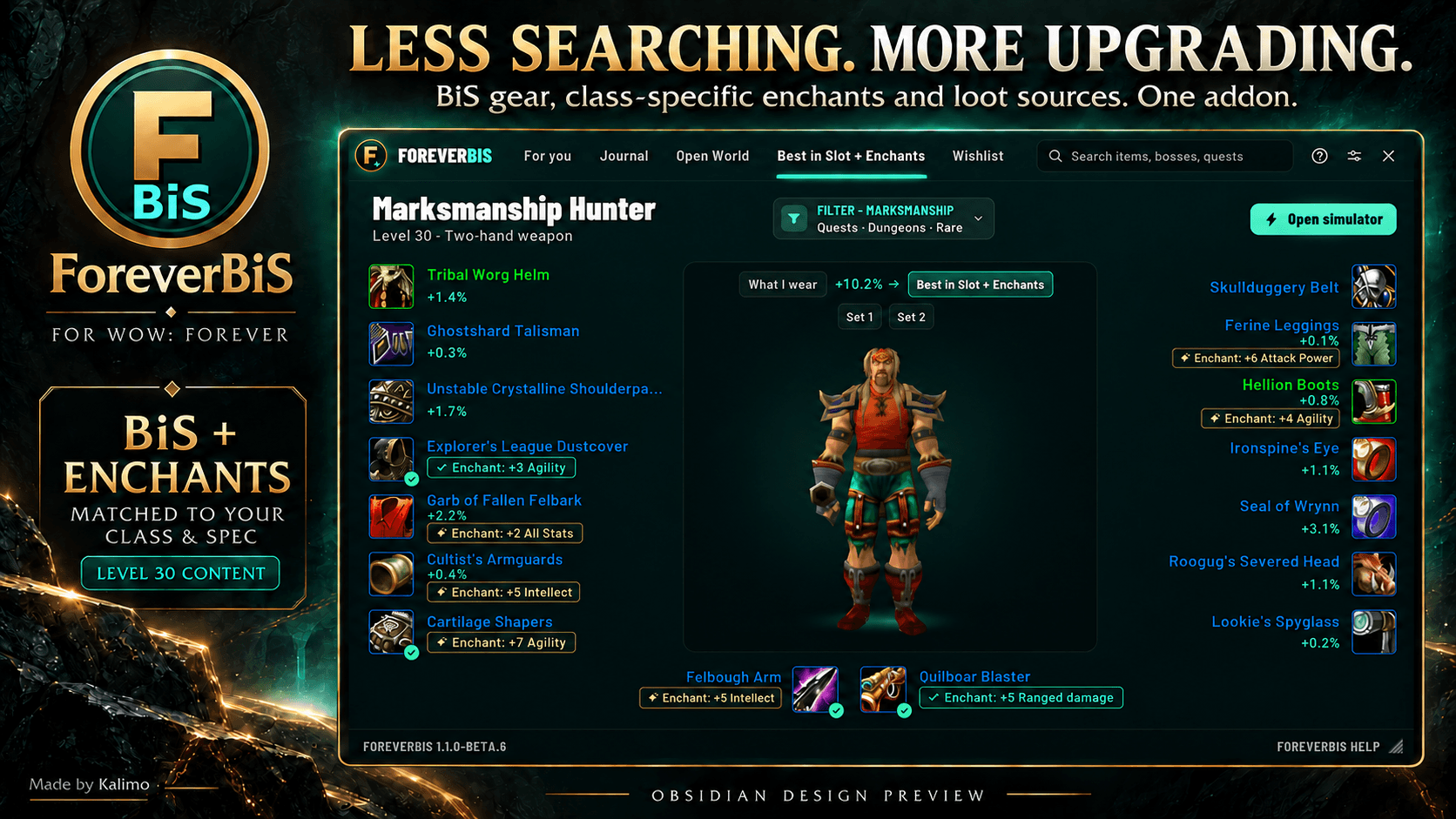
See your recommended equipment and matching improvements together, with a separate enchant box beside suitable slots.
- Matched to your class and active spec — recommendations follow the character you log into.
- Enchants, armor kits and scopes — suitable options for the current level-30 phase.
- Clear acquisition details — hover for effects, requirements, and whether you need an enchanter service or a tradable crafted item.
- Applied-enchant status — a green indicator marks a matching enchant on your equipped item.
02 / MINIMAL ITEM TOOLTIPS
One hover. A clearer decision.
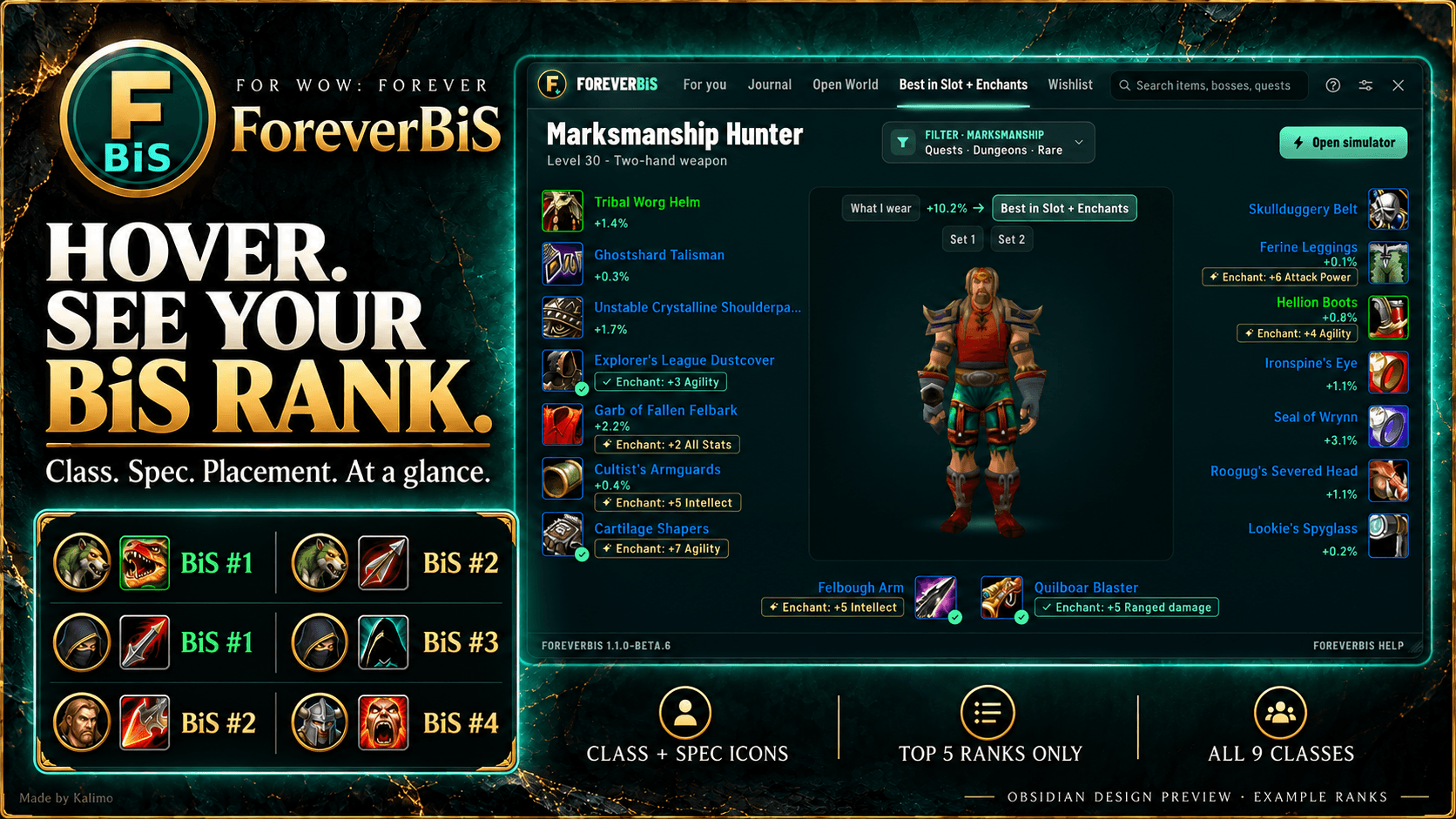
Class icon. Spec icon. BiS rank.
See qualifying Top 5 rankings directly on item tooltips, with your active spec first. A compact view that stays focused on the information you need.
03 / DUNGEONS + LOOT SOURCES
Know what drops. Know where to go.
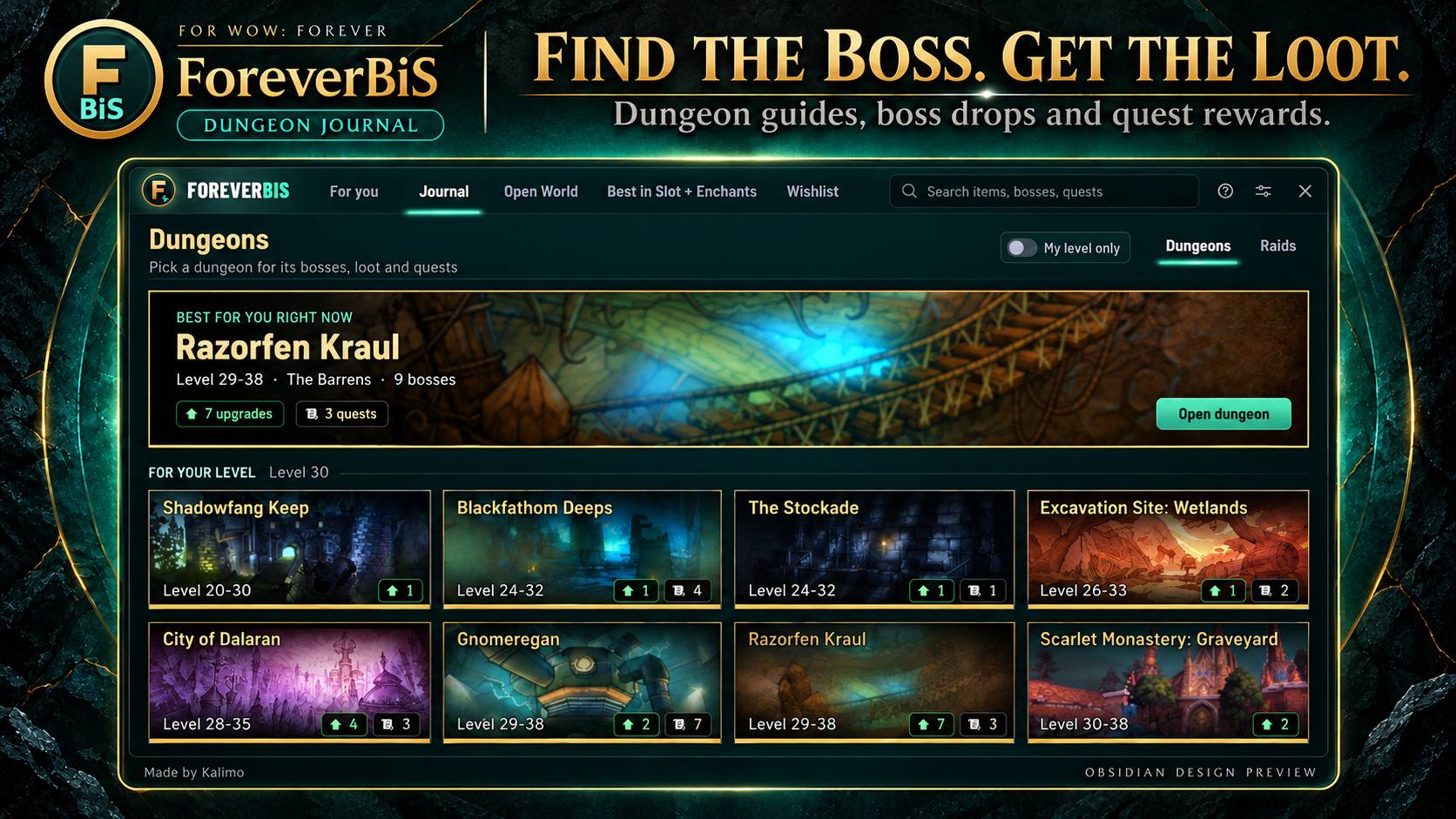
Explore dungeons, bosses, loot tables, recorded drop chances and dungeon quests in the built-in journal.
Click gear in the BiS view to open its matching boss and loot table, or place a waypoint at a known open-world source. Other items open their recorded source information.
04 / UPGRADES + WISHLIST
Make your next run count.
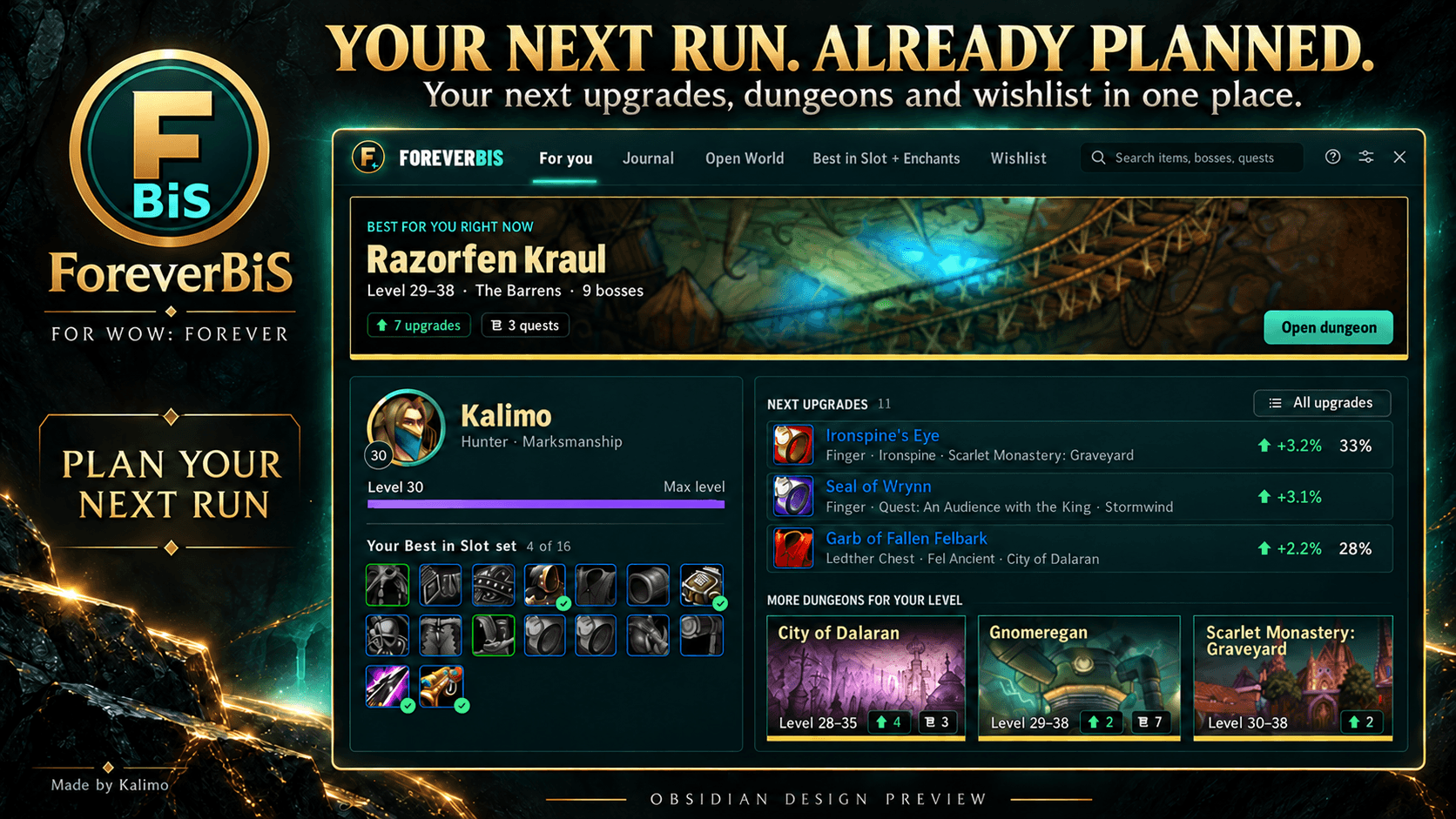
Check your next upgrades, keep a wishlist, and plan which dungeon to run next. Keep your gear goals in view while you play.
YOUR ADDON. YOUR STYLE.
Meet Obsidian.
Dark stone tones. Jade accents. Gold details.
Choose your design in settings:
Obsidian · Modern · Classic · Database
Interface localized into 10 languages.
GET STARTED
Install. Open. Plan your next upgrade.
Place the ForeverBiS folder in Interface/AddOns/.
/fbis— Open the addon./fbis settings— Choose your design and settings./fbis welcome— Revisit the welcome overview.
About this beta
Designed for the level-30 beta phase. Recommendations use stat weights, applicable filters and known source data; proc and utility effects can vary by encounter. Auction House availability and prices are not checked. World waypoints require a known location.
Mage, Priest and Shaman damage simulations are available experimentally for Forever build 70425, levels 1–30. Healing output, dynamic Spirit regeneration and Water Shield crit-mana are not fully simulated. In-game validation remains pending.
Showcase images are promotional composites. Tooltip ranks in the artwork are examples.
Less searching. More upgrading.
Made by Kalimo
Based on Lootified by Alen. Original credits and GPL license notices are retained.
Forever Best in Slot + Enchants Team
