Forever Barber – Save Your Look
- By
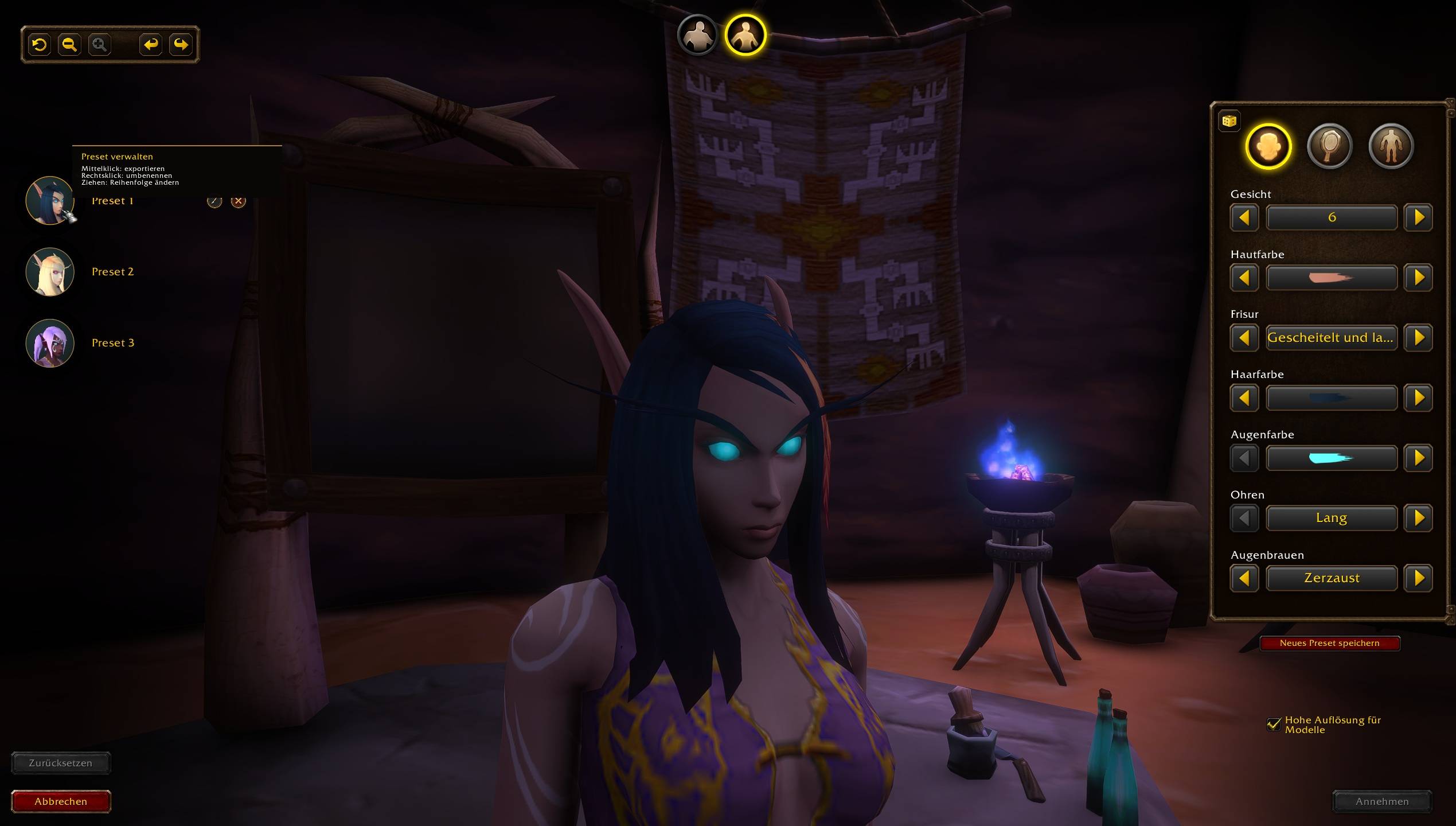
Save, organize and share your character’s appearance with named barber shop presets, portrait previews, and import/export codes. Made for WoW: Forever.
2026-10-07 19_30_41-World of Warcraft.png
2026-10-07 19_31_17-World of Warcraft.png
2026-10-07 19_31_45-World of Warcraft.png
2026-10-07 19_32_09-World of Warcraft.png
Description
Forever Barber – Save Your Look
Save your character’s appearance as named presets directly at the barber shop in WoW: Forever.
Switch between your favorite looks, experiment with new ones, and export a backup so you can recreate your character later.
Features
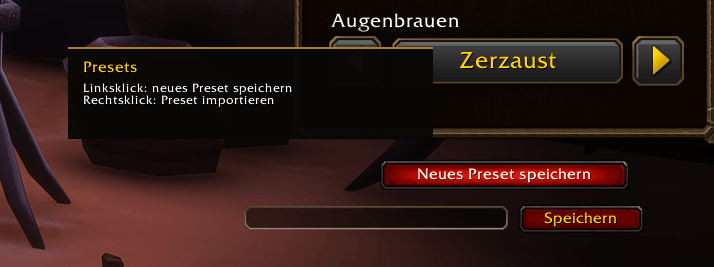
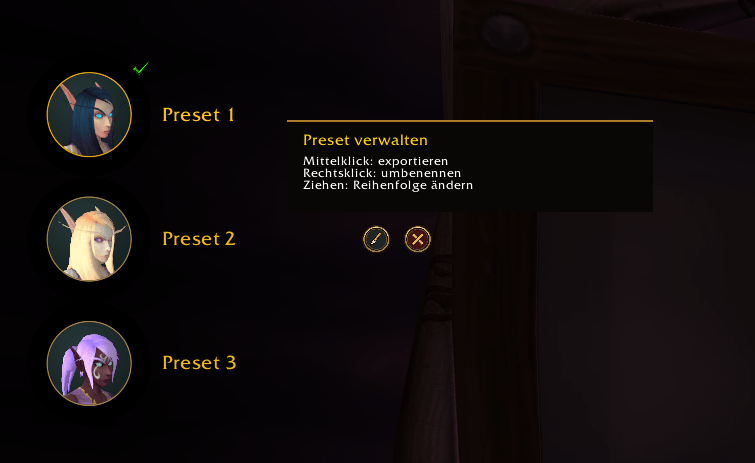
- Save and preview: Create named presets with portrait previews. Load a look, make adjustments, then use the barber shop’s Accept button when you’re ready.
- Organize your presets: Rename them or drag them into your preferred order.
- Separate male and female presets: Each gender has its own list.
- Update or delete: Overwrite a preset with your current appearance or delete it after confirmation.
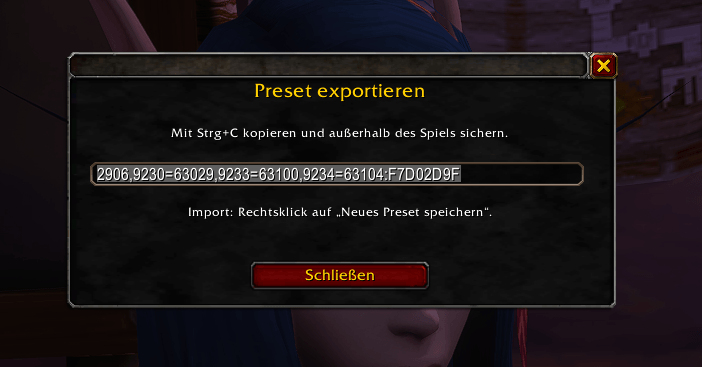
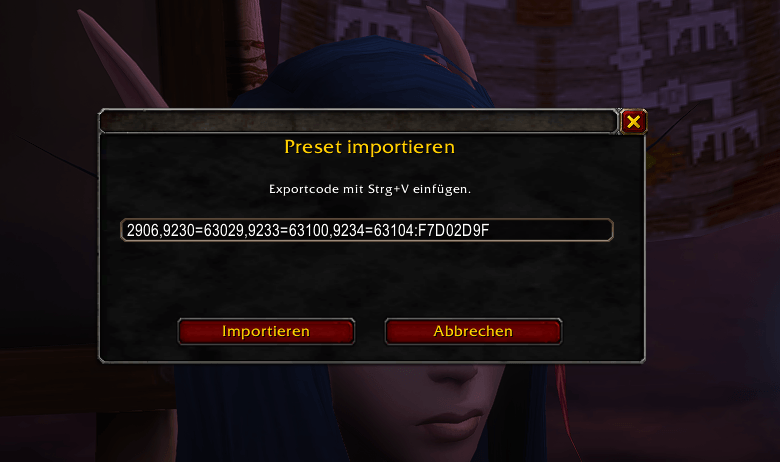
- Export and import: Copy a preset code to back it up or share it. Import checks race, gender and customization compatibility.
- English and German: The interface automatically follows your client language.
Controls
- Left-click a preset to preview it.
- Right-click a preset to rename it.
- Drag a preset onto another to reorder.
- Middle-click a portrait to export.
- Right-click Save new preset to import.
- Hover over the brush or delete button for details.
Made for WoW: Forever.
Forever Barber – Save Your Look Team