


FocBoost
- By
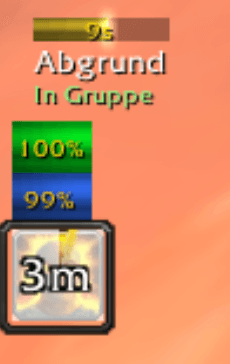
Set a focus fast, see a compact focus frame, and use class buttons that always cast on your focus. Optional alerts when your focus whispers a keyword (e.g., asking for PI).
foc.png

screenshot_active.png

screenshot_cd.png

screenshot_ready.png
options.jpg
Description
Greetings Classic casters and support enjoyers!
FocBoost is ready for WoW Classic Era and delivers a dependable focus workflow with fast utility casts and configurable alerts so you never miss another boosting request from your mates.
Quick Start
- Install the addon via CurseForge or unzip
FocBoostinto_classic_era_/Interface/AddOns/ - Reload (
/reload) after first install to initialize SavedVariables. - Target any friendly player and type
/focto lock them in as your focus.
Supported Classes & Boost Buttons
- Priest: Power Infusion: snap-casts on your focus with a secure button and tracks the remaining duration via the PI timeline bar.
- Druid: Innervate: fires on-demand without breaking your current target and keeps whisper responders in sync.
- Paladin: Blessing of Protection & Blessing of Sacrifice: ready-to-click buttons with range, cooldown, and mana feedback.
Core Commands
/foc- Set your focus to your current friendly player target./foc <name>- Set focus by character name (realm optional)./foc clear- Clear the stored focus./foc options- Open the in-game configuration panel./foc test- Trigger the alert pulse, flash, big message preview and start a 15s PI timeline preview.
Helpful Tips
- The custom focus frame shows class-colored name text, group status, and configurable health/power bars; it appears only when a valid focus is online.
- Right-click the minimap icon to toggle the frame, left-click to show/hide quickly.
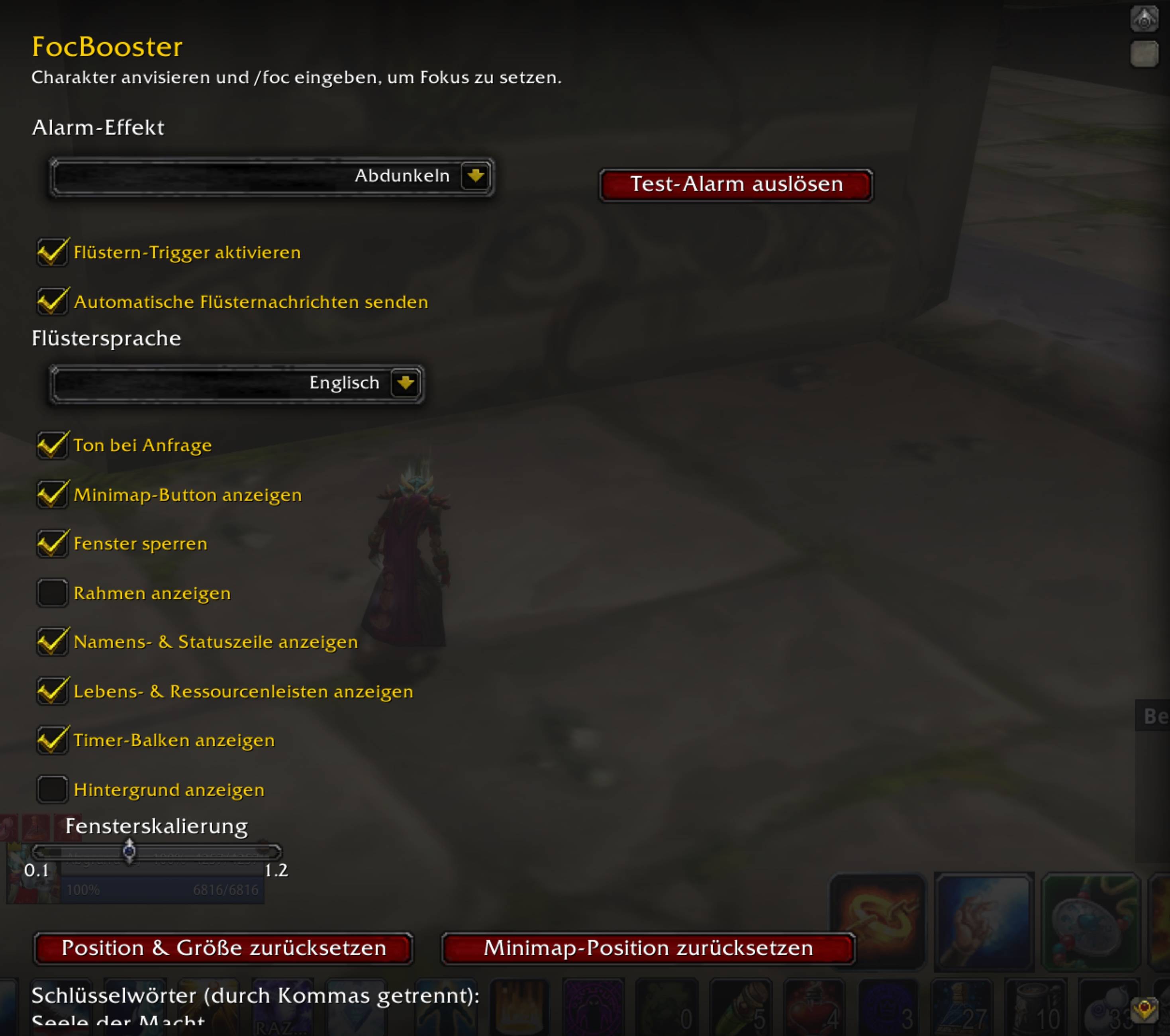
- Use the Options panel to lock the frame, adjust scale, choose among eight alert effects (from subtle dim overlay to intense strobe), and edit whisper trigger keywords.
- Visibility toggles let you hide the header, health/power bars, or the timer bar if you want the smallest possible footprint.
- The alert system includes a pulse animation, optional full-screen flash, dim overlay, top banner, and big center text for high-visibility requests and the timer.
See you in Azeroth! May your focus always have PI when they need it!
Abgrund-Firemaw
The FocBoost Team



![Titan Panel [ClassCount] project image](https://media.forgecdn.net/avatars/thumbnails/1732/704/256/256/639102927869959335.png)
![Titan Panel [Holy Candle] project image](https://media.forgecdn.net/avatars/thumbnails/1734/843/256/256/639104156365139073.png)