FlashPoint
- By
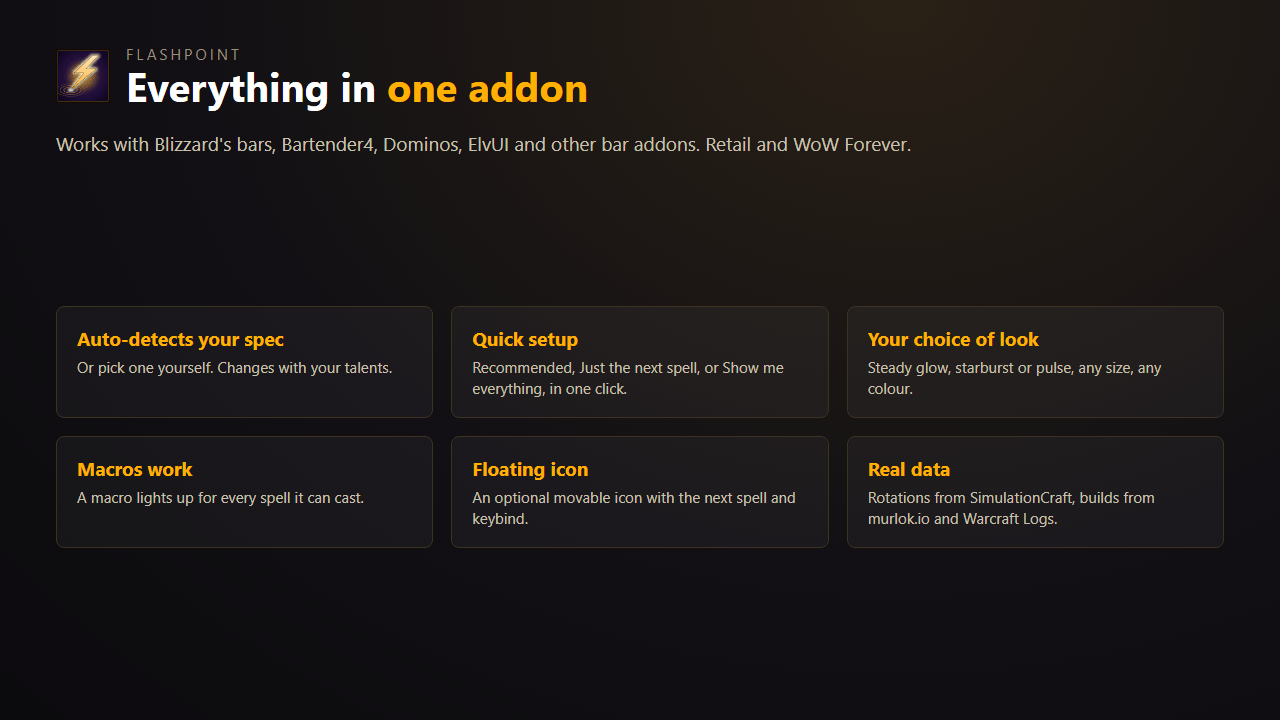
image-1794555658423.png
Description
FlashPoint is a rotation helper for World of Warcraft: Midnight. It flashes the action button you should press next, for all 13 classes and 40 specs. It detects your class, spec and talents when you log in, so you don't install separate class modules.
Features
Next-spell flash. The button to press pulses on your action bars. This works with Blizzard's bars, Bartender4, Dominos and ElvUI, including Blizzard's single-button assistant. A movable icon shows the same spell with its keybind and cooldown.
Callouts. Other buttons light up in their own colour:
- Green: a major cooldown is ready.
- Purple: a proc is active on one of your spells.
- Red: your target is casting and your interrupt is ready. The flash fades out for casts you can't interrupt.
- Blue: your health is low and a defensive is ready.
A high-contrast colour set is available for colour-blind players.
Resource cap. When your Holy Power, Combo Points, Chi, Soul Shards or Essence are full, FlashPoint flashes a spender.
Action bar check. Type /fp bars or click "FlashPoint: Bars" on the talent window. The list shows the spells your rotation uses, in priority order, each marked "On bar" or "Missing". Left-click a spell to highlight it in your open talent tree or spellbook, or drag it onto a bar.
Talent guide. Open your talents and FlashPoint marks the talents the top 50 players of your spec take, for Mythic+ or PvP:
- Green: you can take it now.
- Gold: it unlocks later.
- Red: on this choice node, top players take the other option.
- Blue: you already have it.
Each talent shows its pick rate, and a line at the bottom of the window names the hero tree those players use. When you level up, a chat message reminds you to spend the new point. The talent data comes from murlok.io.
Settings. Open them from Options > AddOns > FlashPoint, with /fp, or with the minimap button. You can change the flash style, size, speed and colours, or choose your spec by hand.
How it picks the next spell
Midnight hides most combat data from addons, which broke the older rotation helpers. FlashPoint works with what's left:
- If a resource is full, it suggests a spender.
- If not, it follows Blizzard's Assisted Combat suggestion. Blizzard's engine still sees your buffs, debuffs and cooldowns.
- If Blizzard has no suggestion, it uses a priority list built from SimulationCraft's Midnight action lists.
It also uses the data addons can still read: whether a cooldown is ready, your secondary resources, and proc alerts.
Commands
| Command | What it does |
|---|---|
/fp |
Open settings |
/fp bars |
Open the action bar check |
/fp test |
Flash every callout for 5 seconds |
/fp unlock, /fp lock |
Move the next-spell icon |
/fp minimap |
Show or hide the minimap button |
/fp on, /fp off |
Turn FlashPoint on or off |
/fp status |
Show the detected spec and the last suggestion |
Credits
- Rotation priorities come from the SimulationCraft action priority lists.
- Talent pick rates come from murlok.io.
- Spell data comes from Blizzard's game files via wago.tools.
If a suggestion looks wrong, leave a comment with your class, spec and what happened.
FlashPoint Team