Flappy Glorp
- By
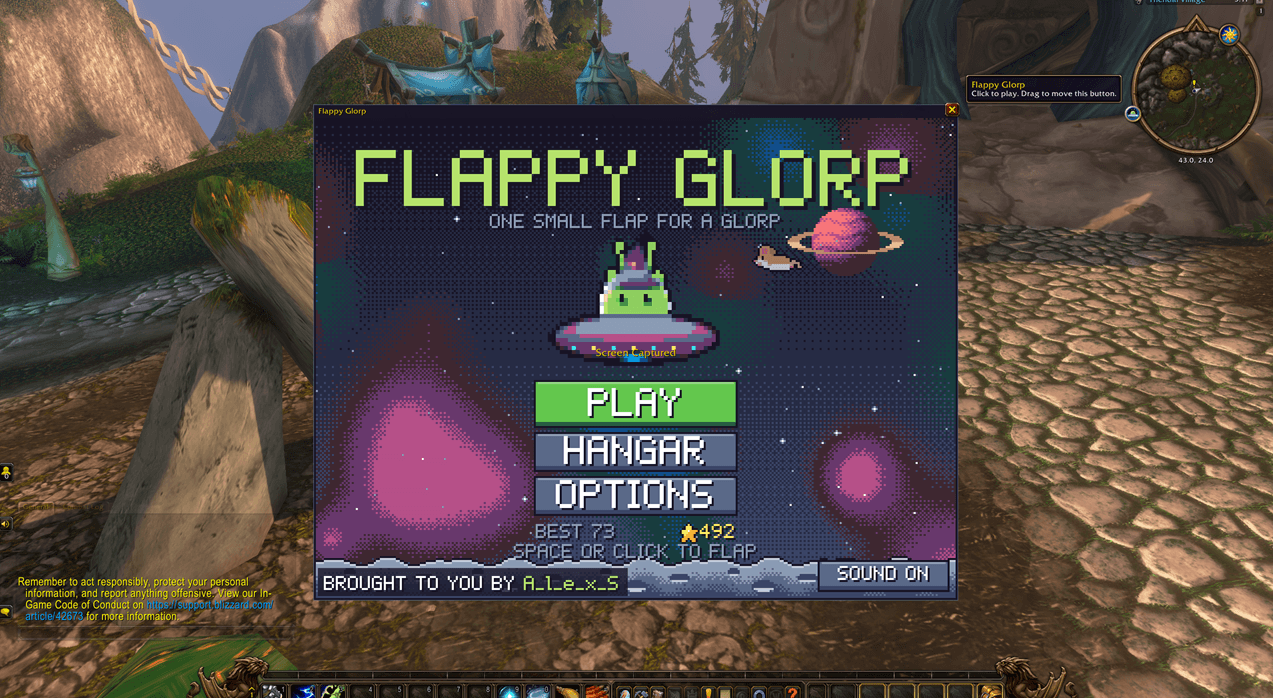
Play Flappy Glorp right inside WoW: a retro pixel-art arcade game where you flap Glorp's UFO through space, beat skill checks to smash energy walls, and collect stardust to unlock new saucers.
FlappyGlorp.png
Screenshot 2026-10-07 153919.png
Screenshot 2026-10-07 154011.png
Description
Flappy Glorp
Fly Glorp, the little green alien cat, through space in his pixel-art UFO, without leaving World of Warcraft.
Type /glorp (or click the minimap button) to open the game in its own movable window. Flap between the asteroid columns, dodge comets, and see how far you can get.
Features
- Classic flap-and-dodge action in a crisp retro pixel-art style. It gets faster and trickier the further you go.
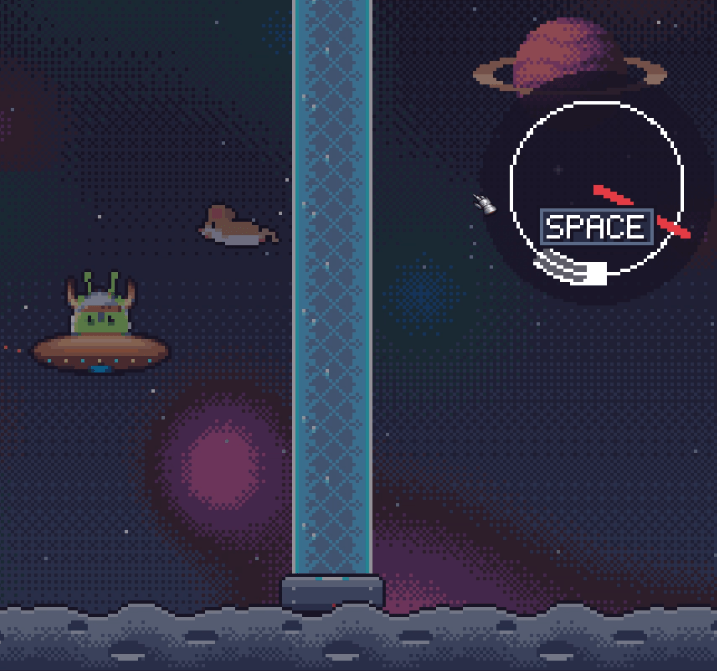
- Skill-check walls. Every so often an energy wall blocks the way. Time slows down and a skill check appears: hit the zone before the wall reaches you to shatter it. Missed? Wait for the needle to come round and try again. Hit the white sliver for bonus stardust.
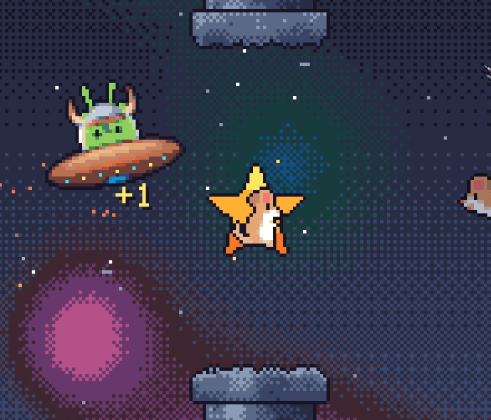
- Beach Mouse Power! Grab the rare beach mouse for 30 seconds of invincibility. Smash straight through everything with a giraffe, a toy spade and a sky full of beach mice along for the ride, to its own soundtrack.
- Rescue dogs. Reach level 50 and a good boy stands by to save you. Crash, and he flies in, barks twice, and clears the way. Every 50 levels after that, fetch a bone for another life saver. There are two dogs, and you never know which one you'll get.
- The Hangar. Spend the stardust you collect on 8 saucer styles, from the Party Saucer to the Royal Saucer.
- Your progress is saved: best score, stardust, saucers and sound settings.
- Music and sound with their own volume sliders in the game's Options menu.
Controls
- Space or click to flap and to hit skill checks.
- While the window is open, only Space is used, so the rest of your keys keep working.
- The game pauses when you enter combat or close the window.
Commands
/glorp: open or close the game/glorp size <1-8>: pixel size (/glorp size autoto fit your screen)/glorp reset: move the window back to the middle/glorp minimap: show or hide the minimap button/glorp mute: sound on or off
You can also open it from the addon compartment.
Brought to you by A_l_e_x_S.
Flappy Glorp Team