FineTune
- By
Hidden game settings in the options window by topic, plus damage number font, size and flight - for WoW Forever.
Снимок ÑкÑана_20261015_124623.png
Снимок ÑкÑана_20261015_124640.png
Description
Fine Tune
Hidden game settings that the game menu does not show - in one tidy options window, sorted by topic. No console commands, no macros: move a slider or tick a box, and it applies at once.
WoW Forever only. English and Russian clients - the addon follows the language of the game.
What's inside
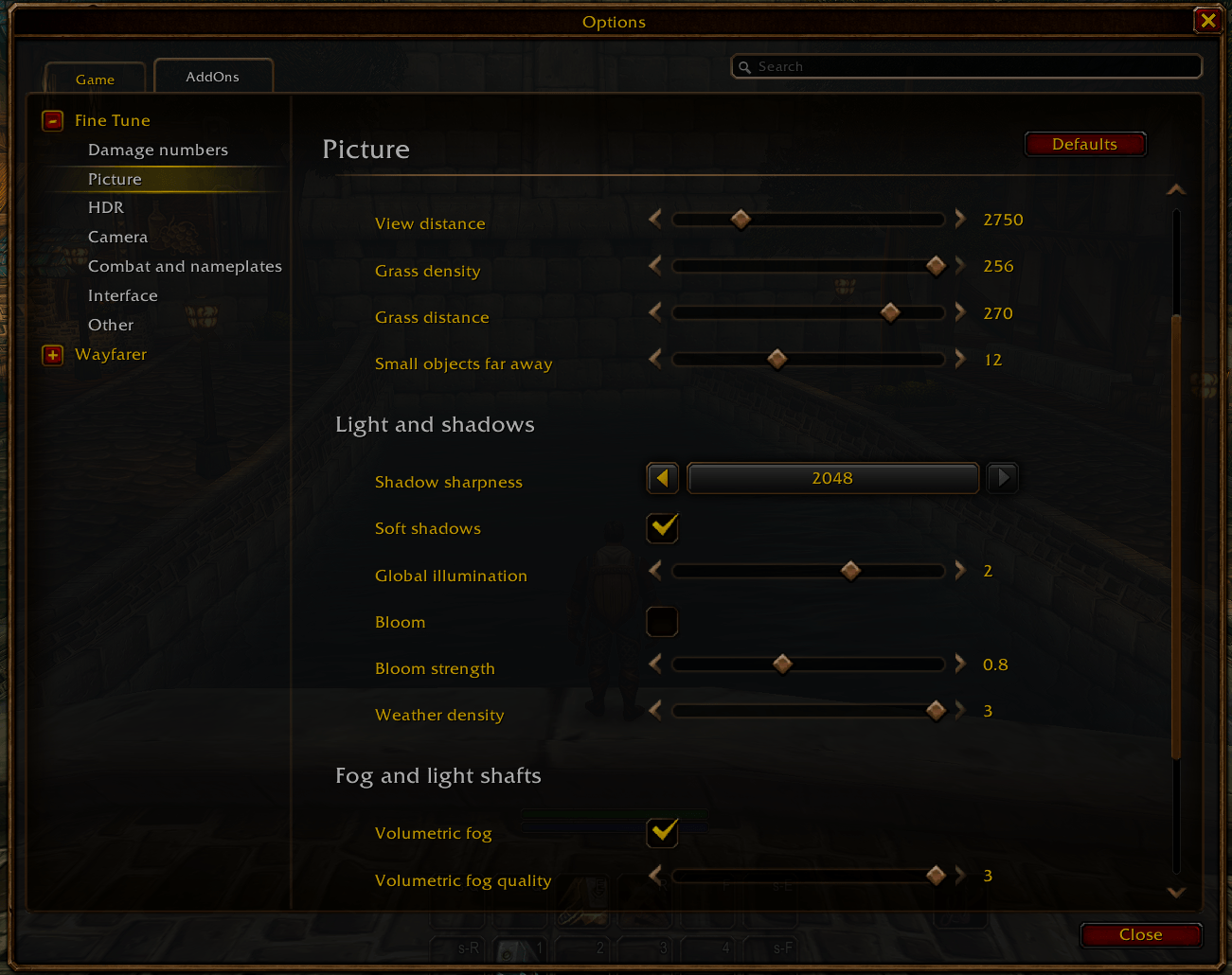
- Picture - exact view distance, grass density and distance, small objects far away, shadow sharpness, soft shadows, global illumination, bloom, weather.
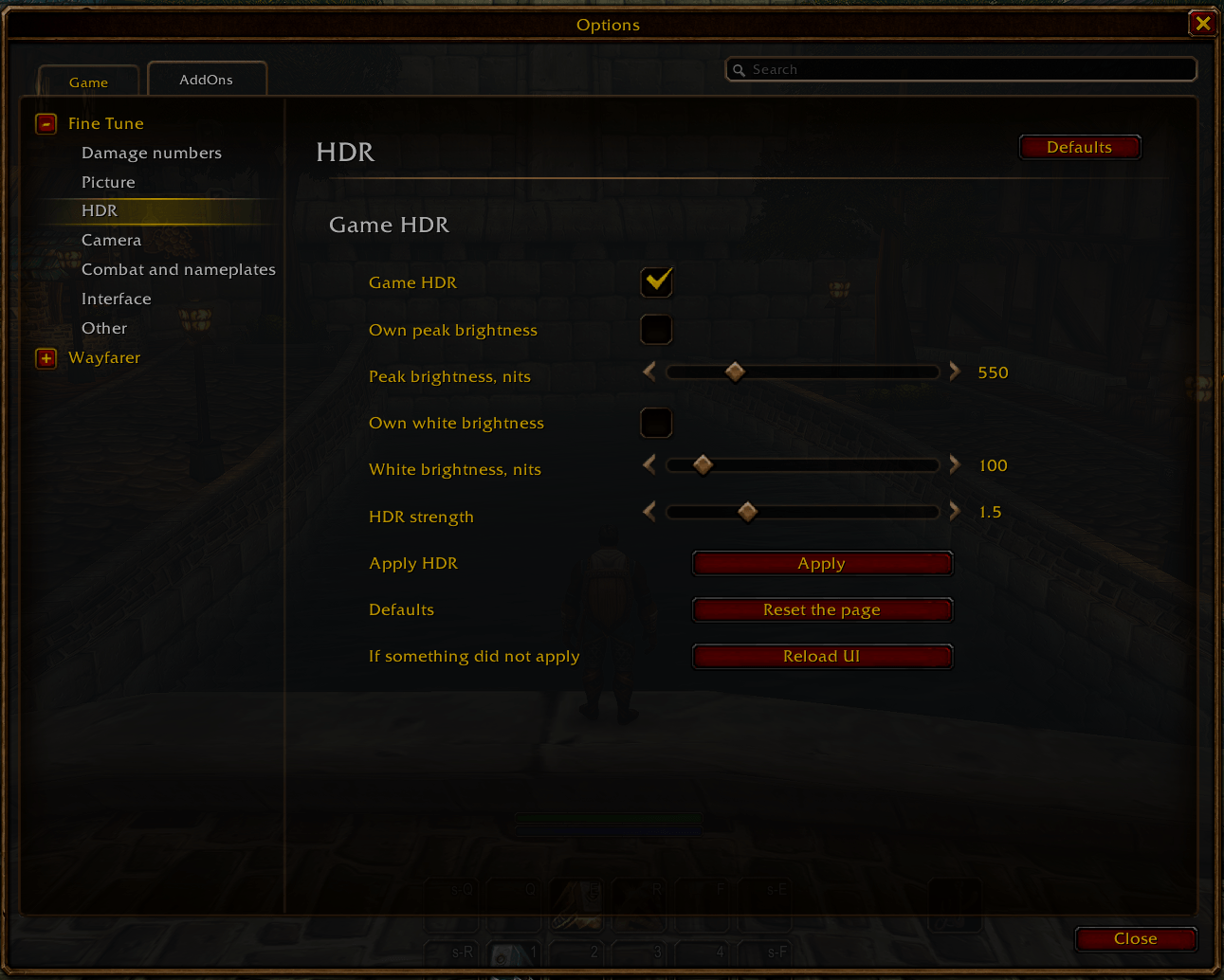
- HDR - peak and white brightness, HDR strength.
- Camera - zoom out farther than the menu allows, wheel zoom speed, action camera, camera through small objects.
- Combat and nameplates - spell queue window, nameplate distance and spacing, which damage numbers to show.
- Interface - hide clutter: tooltip health bar, portrait numbers, red error messages, macro names on bars, mob tooltip in combat.
- Other - hear sound from the character, shorter loading screen, raw mouse.
Damage numbers (optional module)
Font, size, how the numbers fly out, crit pop. Use the game fonts or your own:
drop .ttf files named custom.ttf, custom2.ttf ... custom9.ttf into
FineTune/fonts/ - the list shows the ones you have. Fonts added by font
addons appear too. The font over enemies applies after fully quitting the game.
Good to know
- Settings → AddOns → Fine Tune.
- Rows are the game's own settings: the game saves them.
- Changed too much? "Reset everything" on the main page or "Reset the page" at the bottom of each page brings back the defaults.
- What the game menu already has is not repeated - page headers say where to find it.
FineTune Team