Farscribe
- By
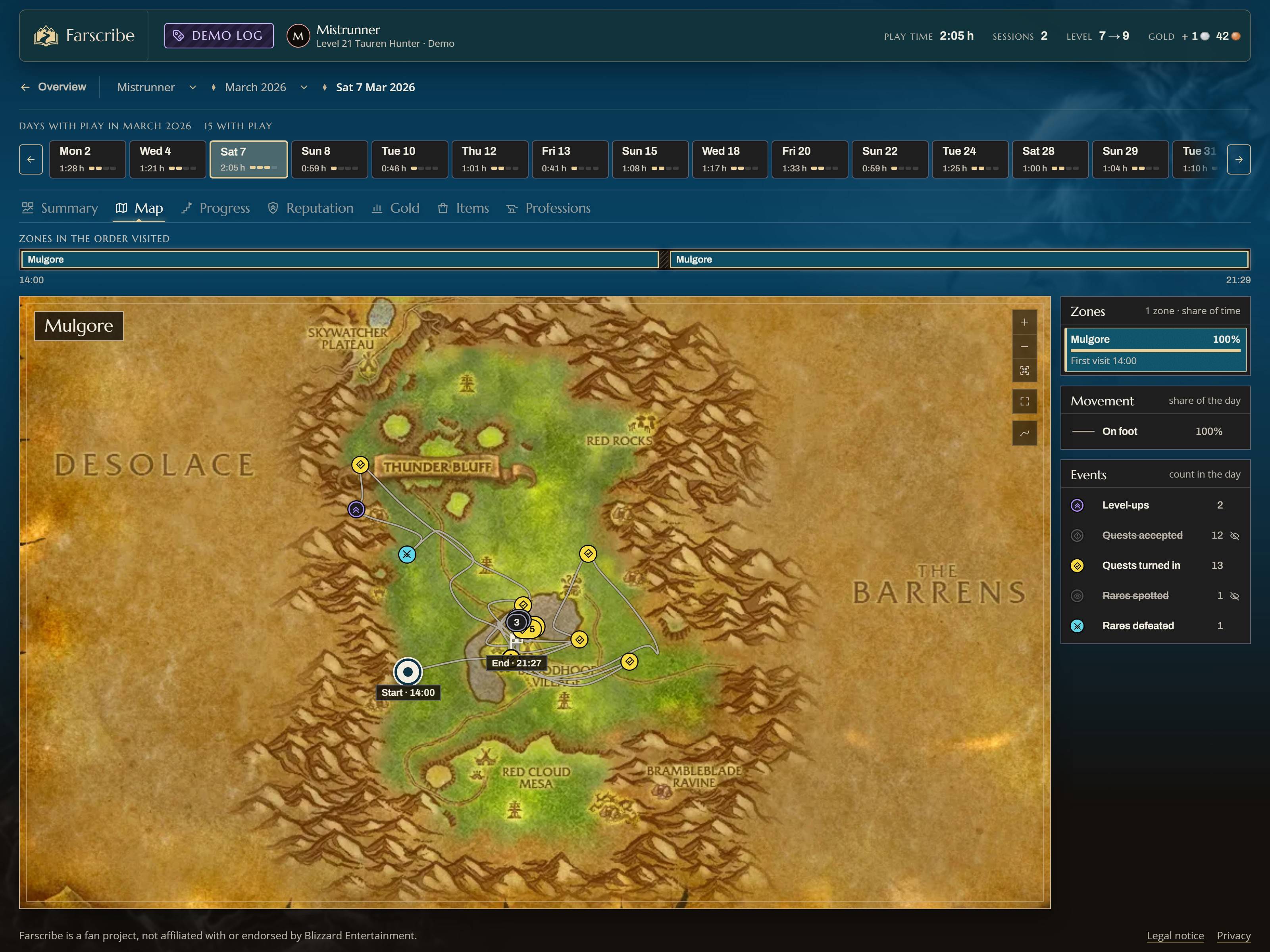
01-day-map.jpg
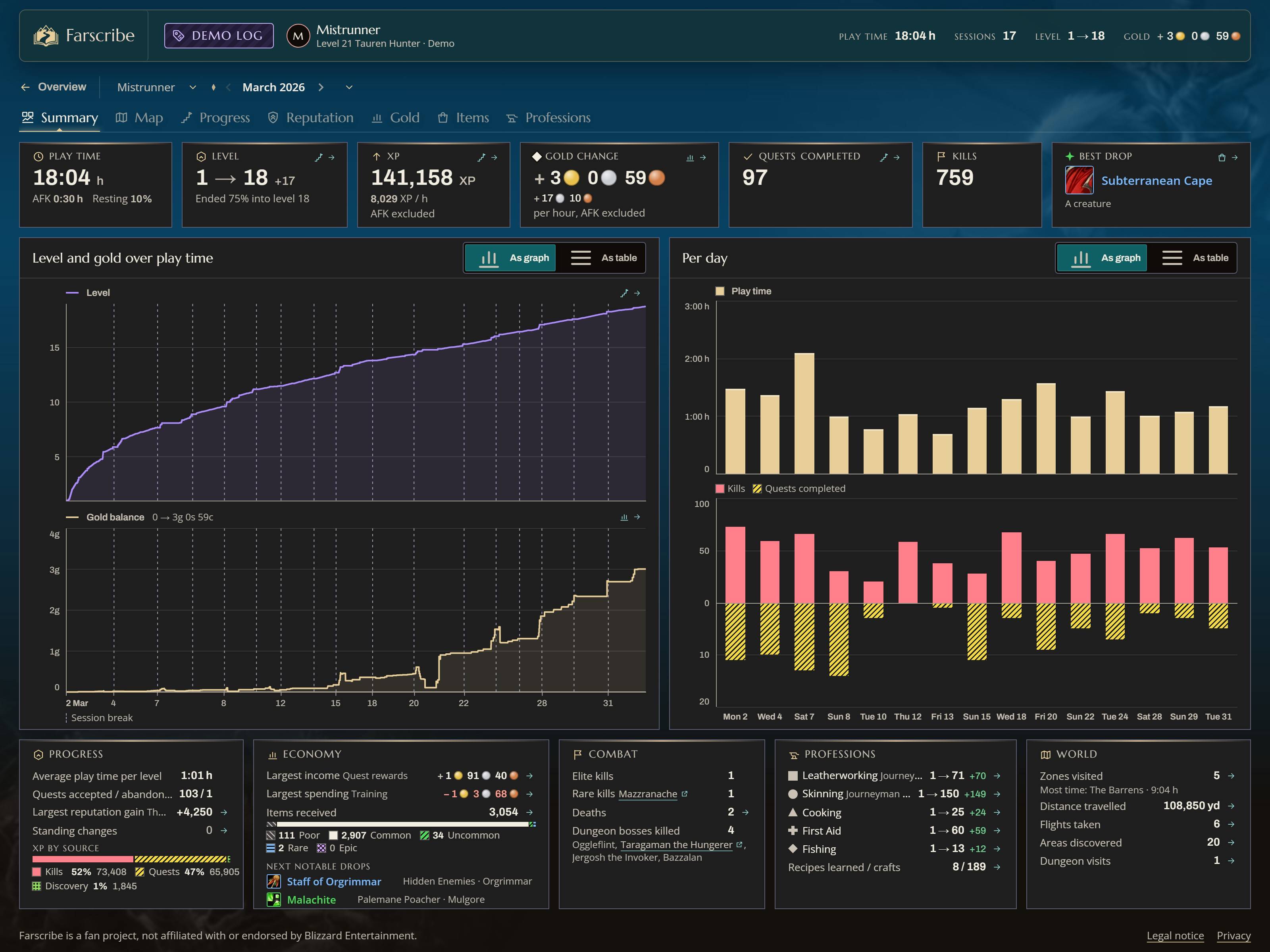
02-month-summary.jpg
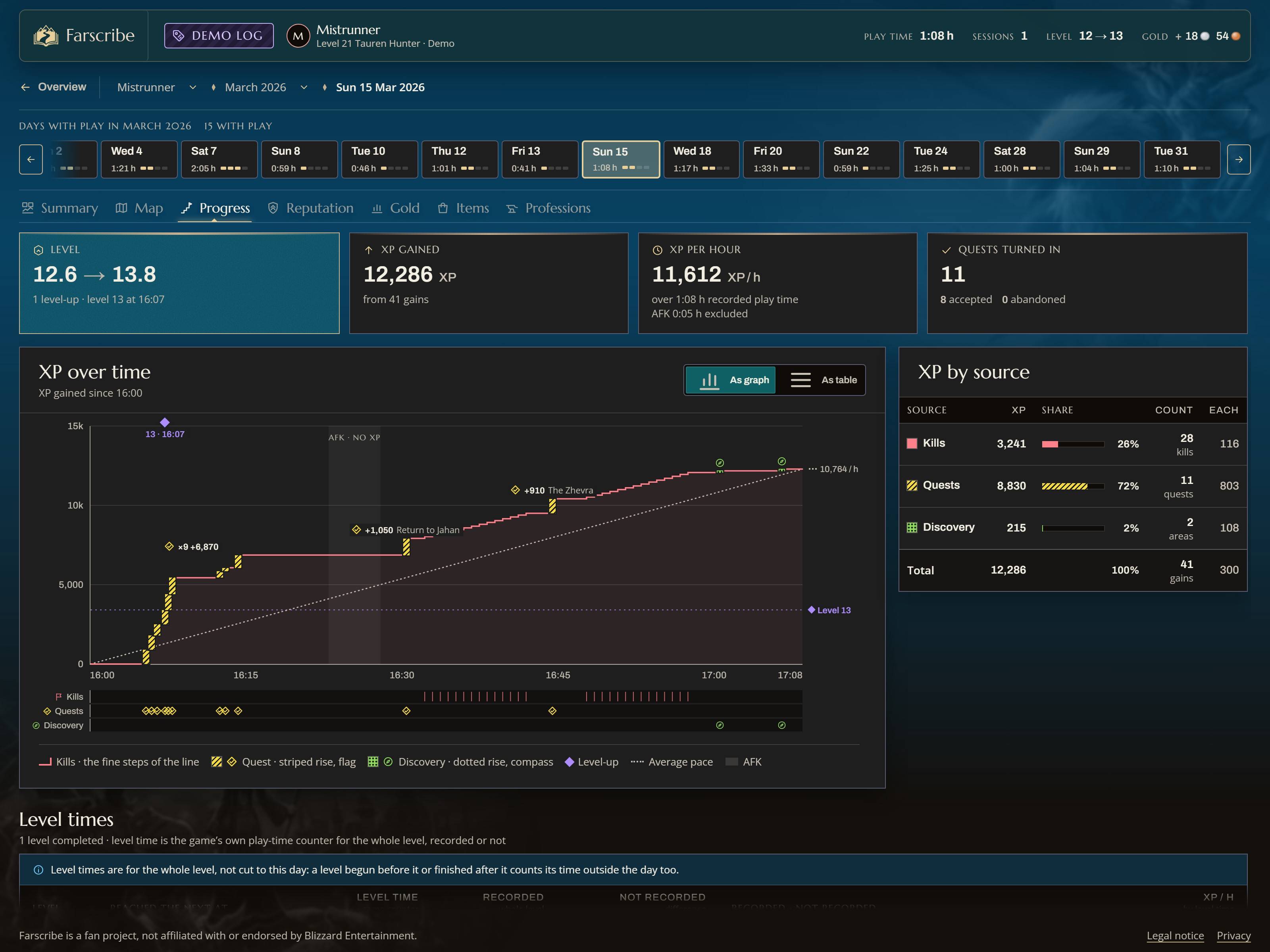
03-day-progress.jpg
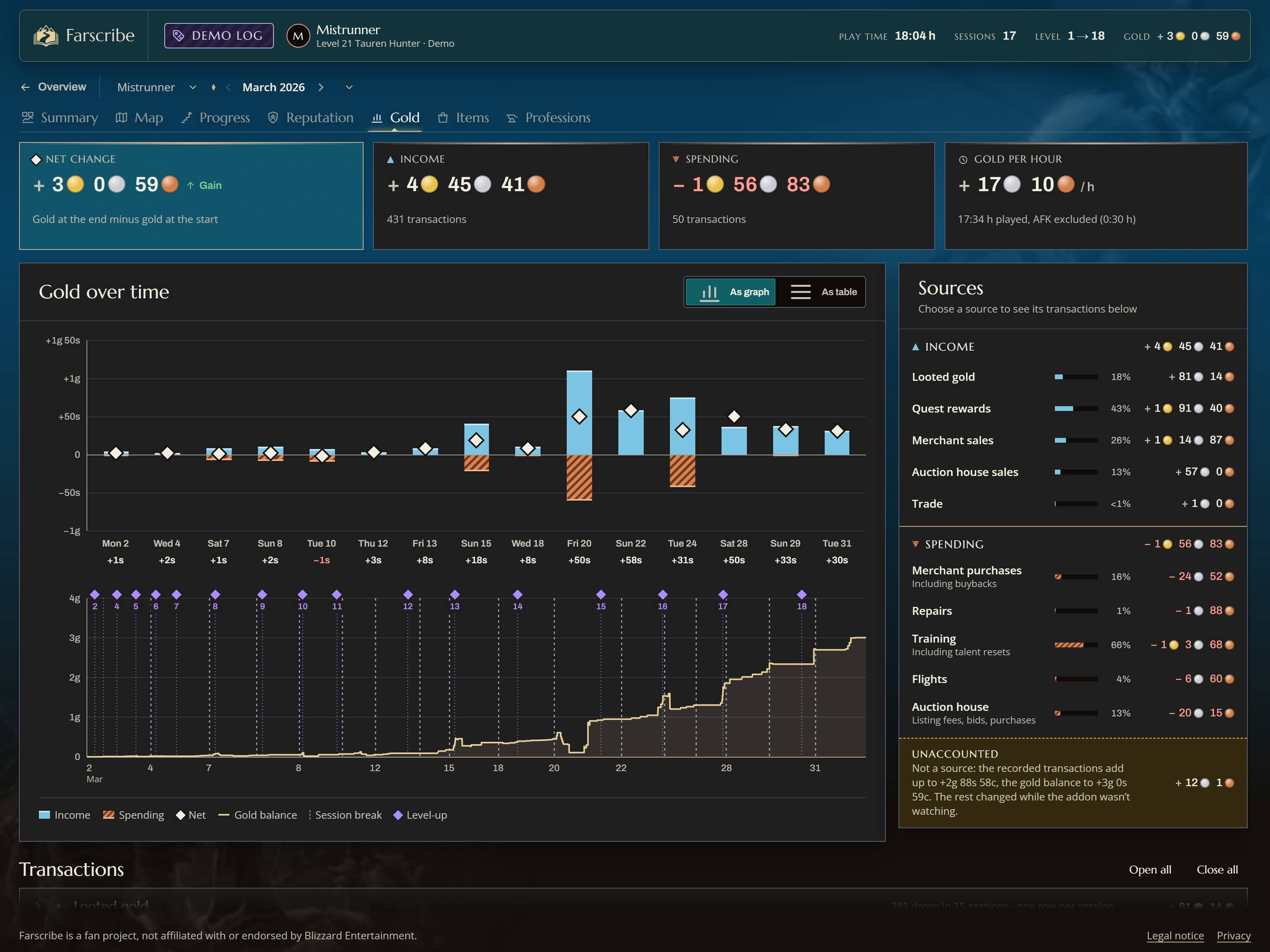
04-month-gold.jpg
05-month-items.jpg
Description
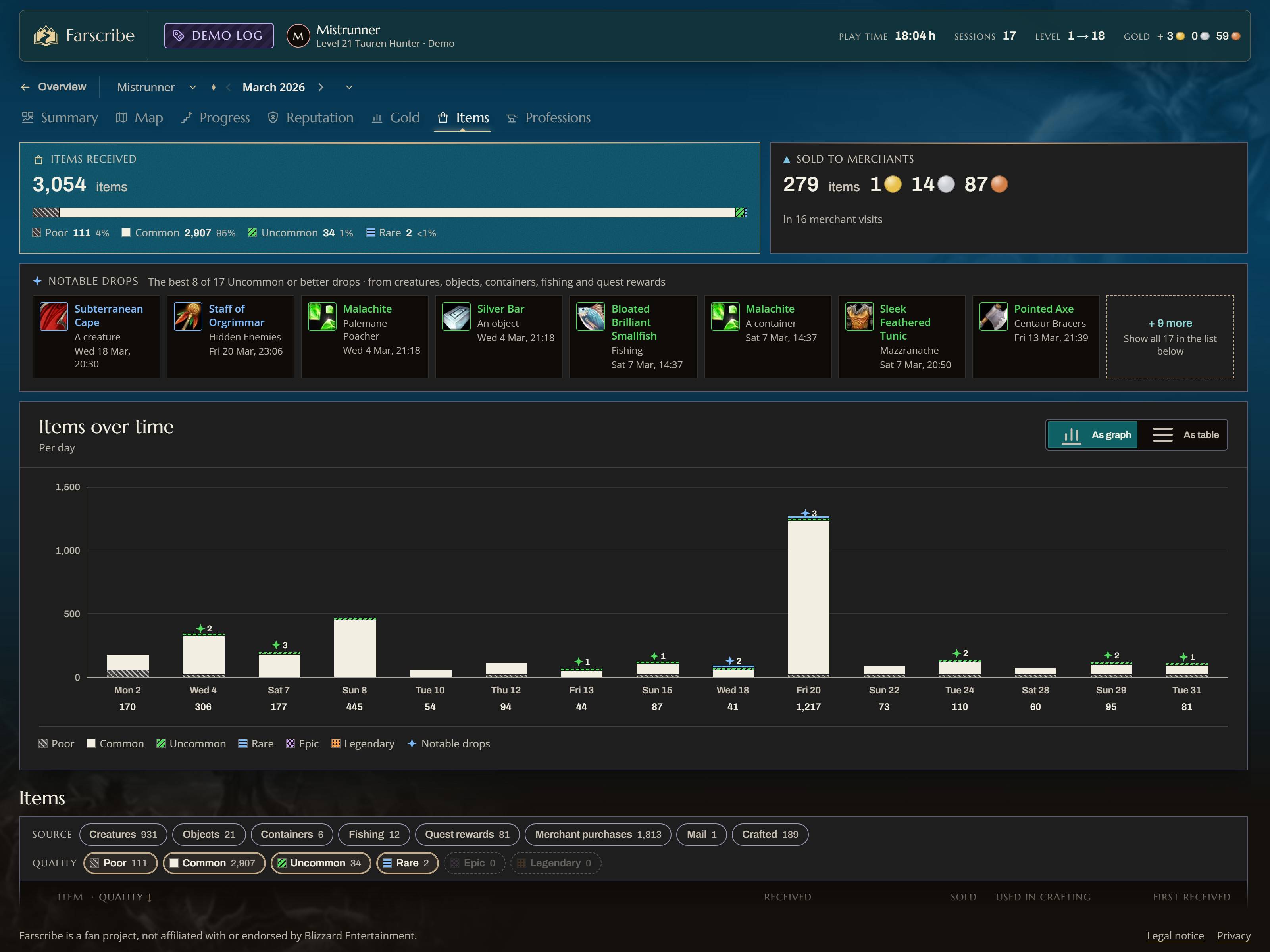
Farscribe keeps a diary of your character's journey. While you play, the addon quietly records where you venture and what happens along the way. Afterwards you open the log on farscribe.com and relive it: your routes on the map, every quest, every death, every level-up, session by session.
Try the demo → – a full sample journey, no install needed.
What gets recorded
- Travel – Where you went, on and off the beaten path. See your routes, flights, teleports and discovered areas.
- Progress – What you accomplished on your hero's journey. Track quests, level-ups, XP, professions, reputation and more.
- Combat – Your heroic deeds. Analyze your kills, deaths, boss attempts, spotted rares and duels.
- Gear and gold – Watch your treasures grow. Keep track of loot, equipment, income, spending and auction house deals.
- And more – Farscribe is in active development. The list of what it records keeps growing.
How to use it
- Install Farscribe with the CurseForge app, or unzip it into your
Interface\AddOnsfolder. - Play. Recording starts on its own.
- Type
/reloador log out. WoW only writes addon data to disk at that moment. - Go to farscribe.com and open the file
World of Warcraft\_forever_\WTF\Account<your account>\SavedVariables\Farscribe.lua.
The file holds all characters of the account and grows with every session, so you can come back any time and open it again.
Privacy
Your log never leaves your computer. The website reads the file in your browser only: nothing is uploaded to a server or stored, and there are no accounts, cookies or tracking. Close or reload the page and the log is gone from it. Item tooltips from Wowhead are loaded only if you agree to it.
The recording dot
A small dot on the edge of your minimap shows what Farscribe is doing:
- green – recording
- yellow – recording, but the game gives no position (e.g. in a dungeon)
- gray – paused
Right-click the dot to pause or resume, drag it to move it along the minimap. Hover it for details.
Commands
/farscribe (or /fscribe) followed by:
| Command | What it does |
|---|---|
status |
Shows whether recording runs and what has been stored |
pause / resume |
Pauses or resumes recording |
show / hide |
Shows or hides the minimap dot |
errors |
Lists errors the addon ran into (helpful for bug reports) |
Known limits
- No position in dungeons, raids and battlegrounds. The game doesn't tell addons where you are inside instances. Kills, loot and other events are still recorded, just not on the map.
- Data is saved only on
/reloador logout. If the game crashes, everything since the last save is lost. A/reloadnow and then after a long session keeps you safe.
Bugs and feedback
Please leave a comment on this page. If something went wrong, /farscribe errors lists what the addon ran into; adding that output helps a lot. Other questions: info@farscribe.com.
Farscribe is free for personal use; see the included LICENSE. World of Warcraft is a trademark of Blizzard Entertainment, Inc. Farscribe is not affiliated with or endorsed by Blizzard Entertainment.
Farscribe Team