


Everything Quests
- By

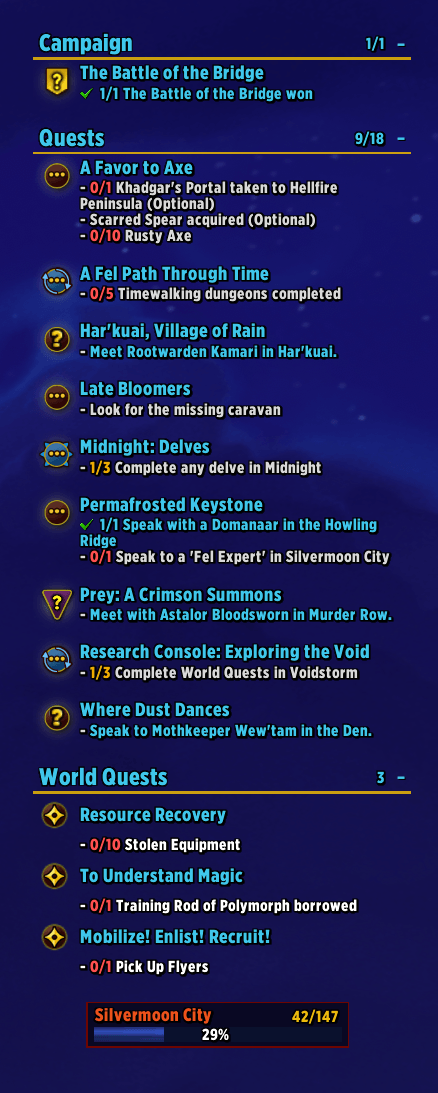
Fully customizable tracker with clean section layouts, clickable quest icons (to focus) and click title to open Quest details. Below the tracker is Zone Progress bar. Move it, resize it, or disable it completely. Changes when you change Midnight Zones
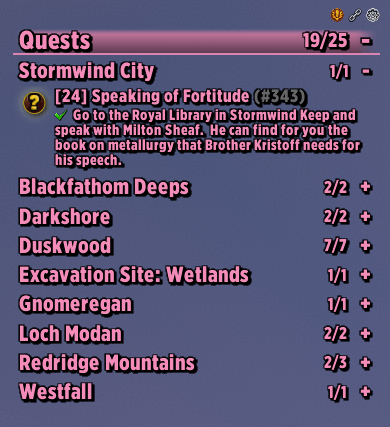
Separate your quests by zone, and style it however you want. This setup is with "Divider Lines" - All in my class color
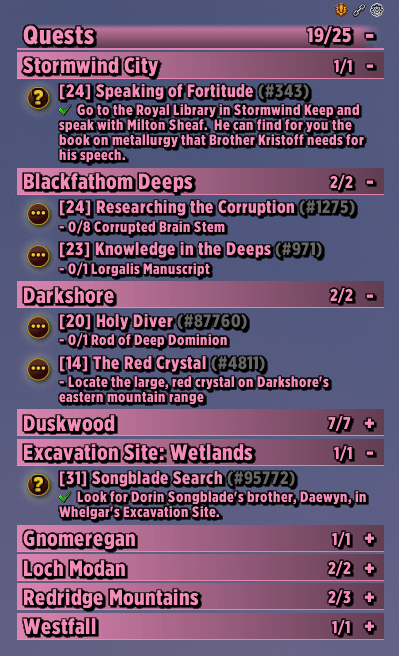
Separate your quests by zone, and style it however you want. This setup is with "Divider Lines" and "Header Bars active - All in my class color
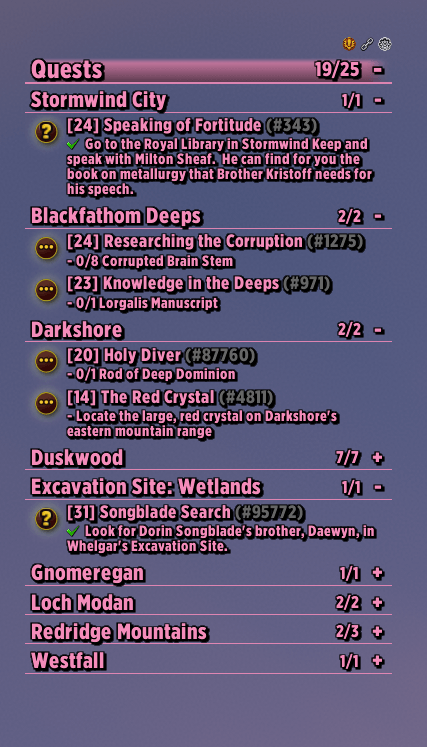
Custom Zone Headers Option - Forever
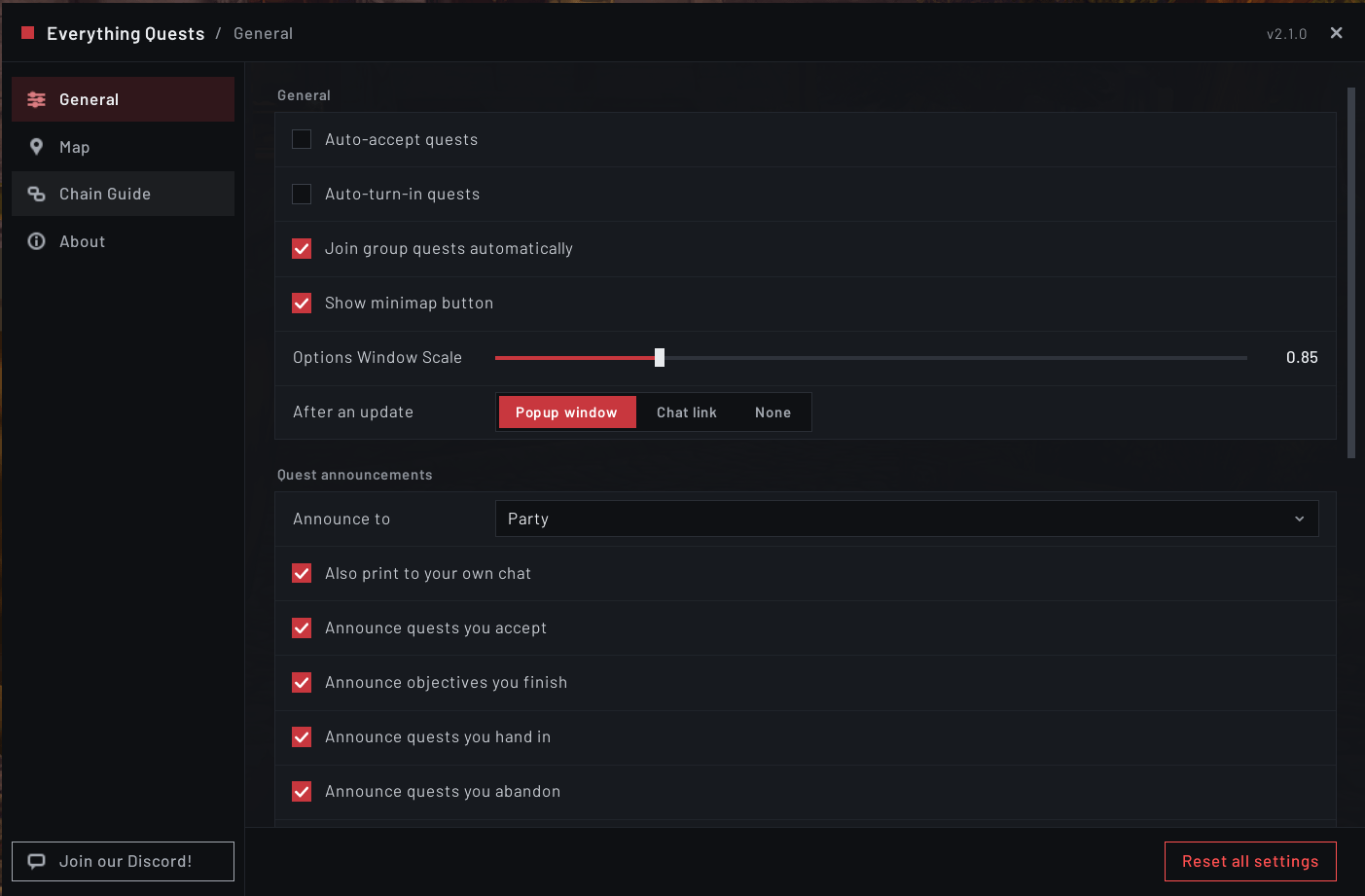
Options Menu - General Tab
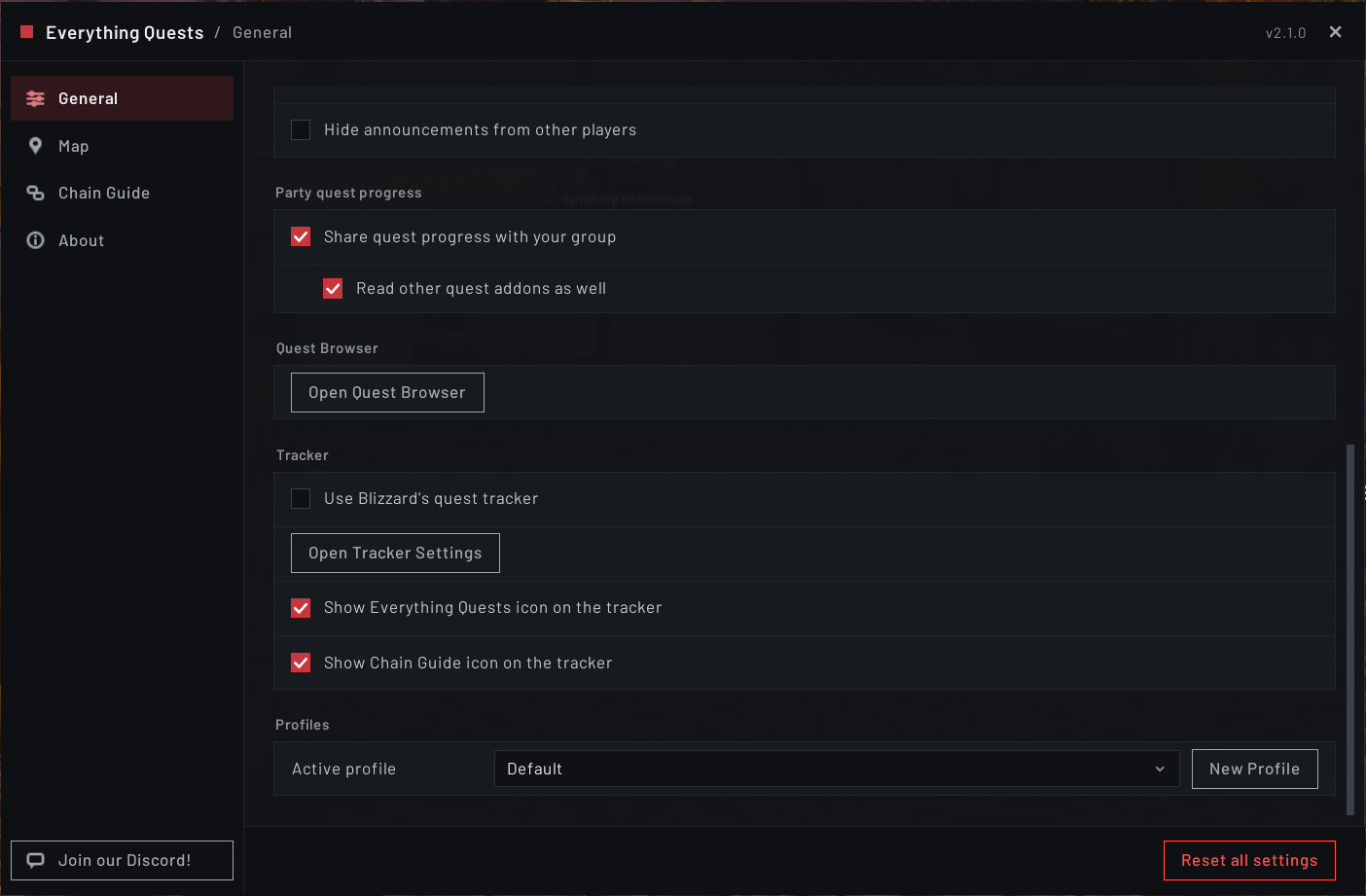
Options Menu - General Tab (Bottom)
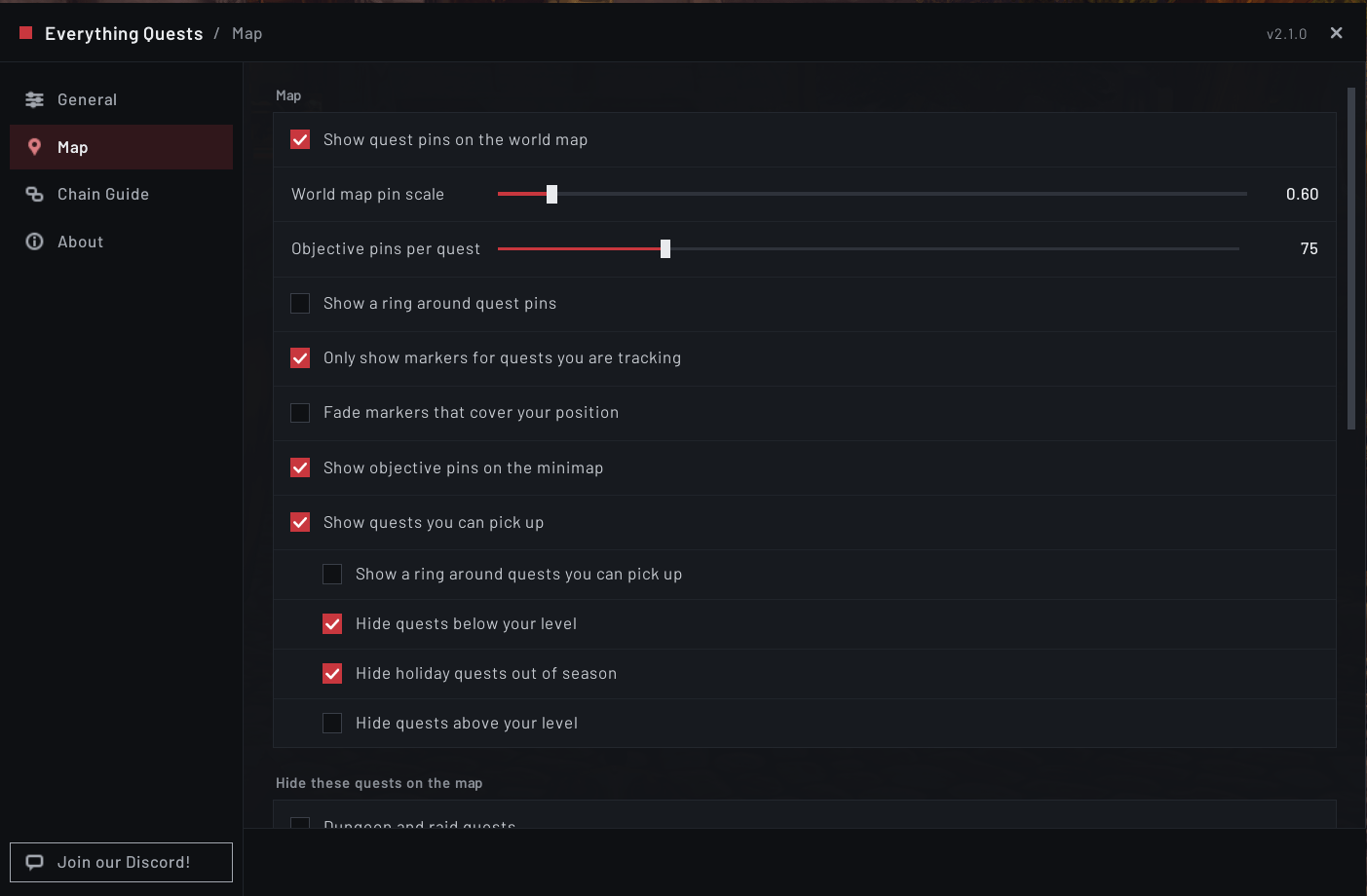
Control what you see on the world map here.
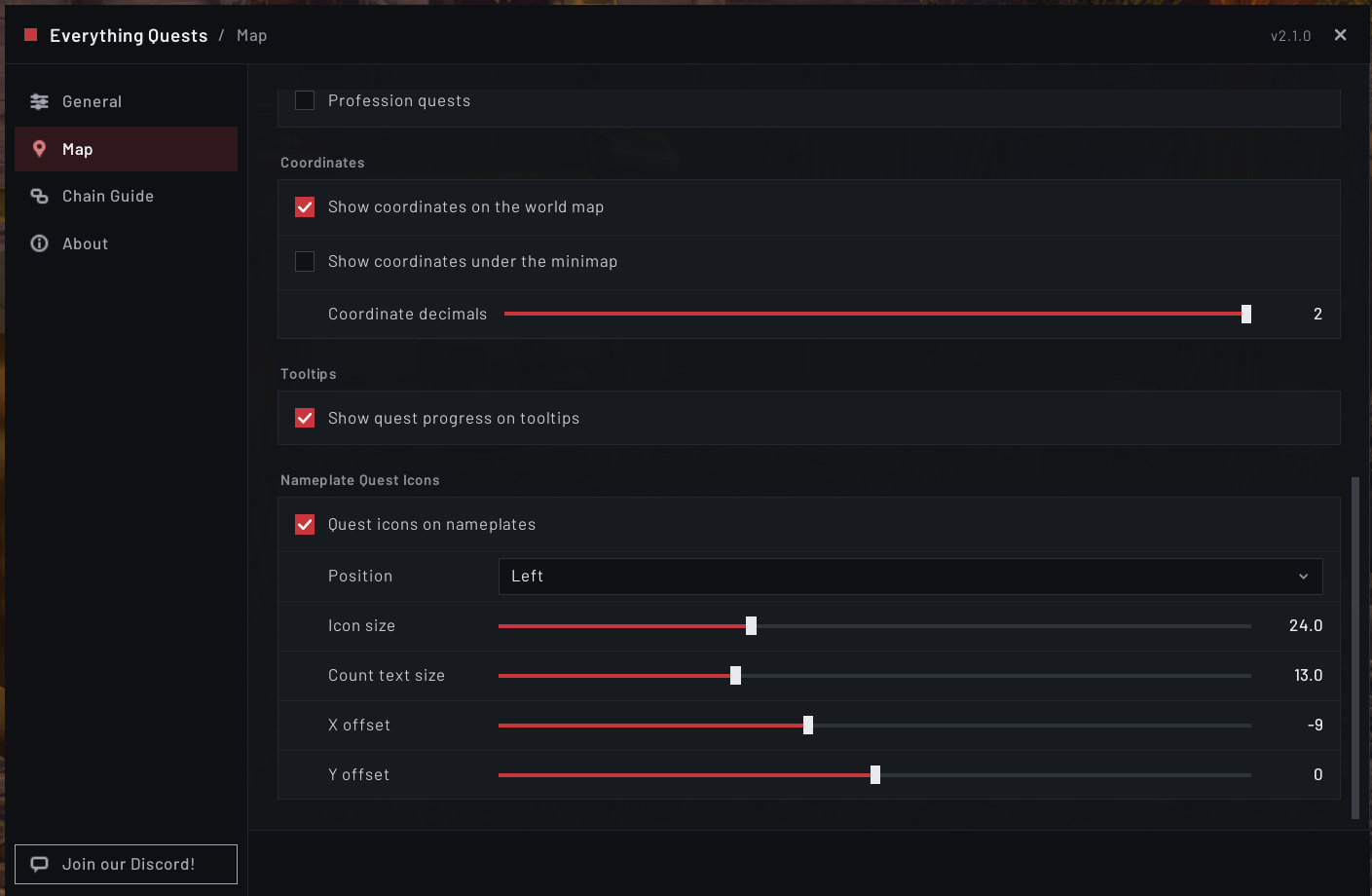
Options Menu - Map Tab
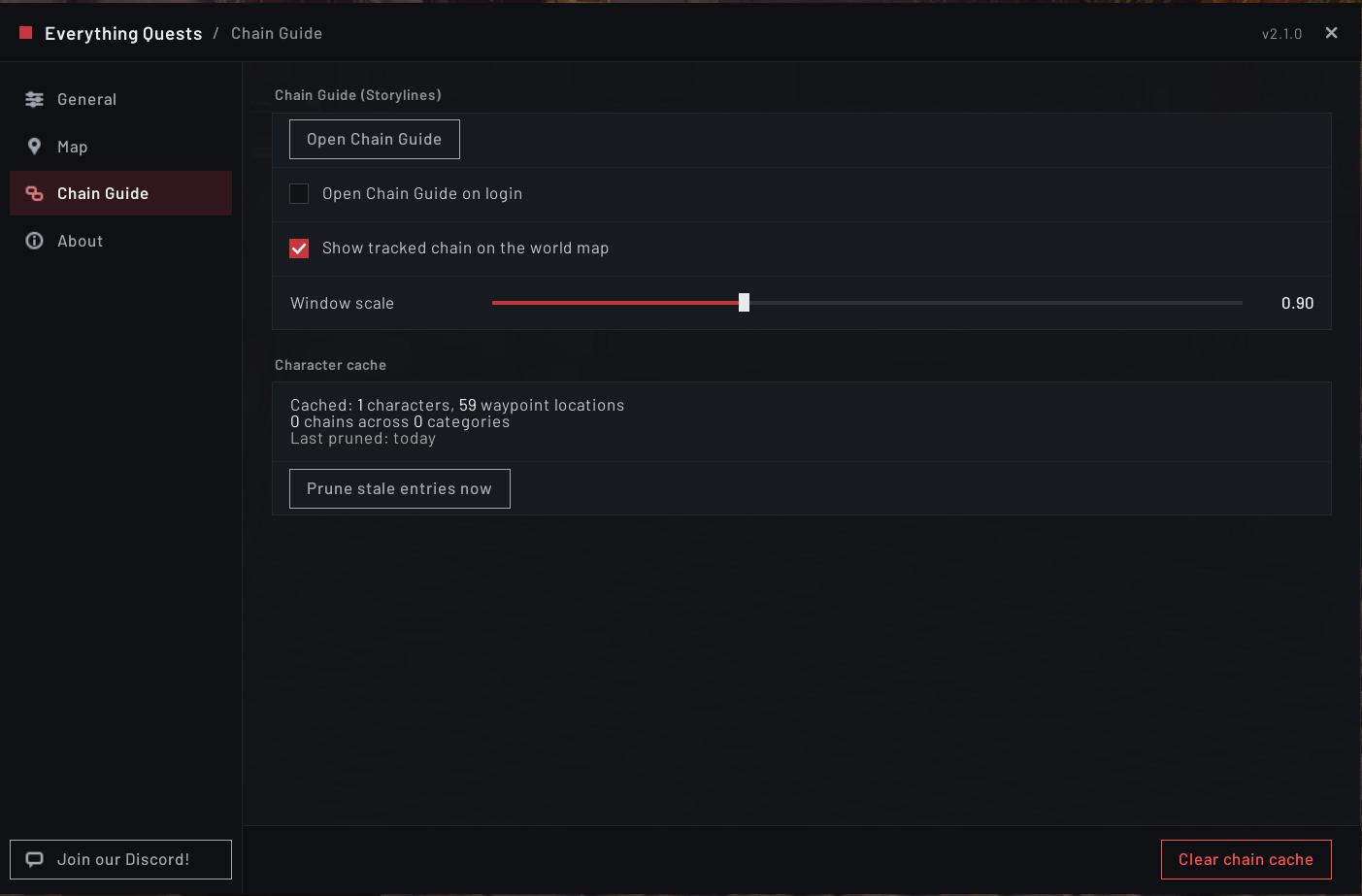
Open EQ's Chain Guide here
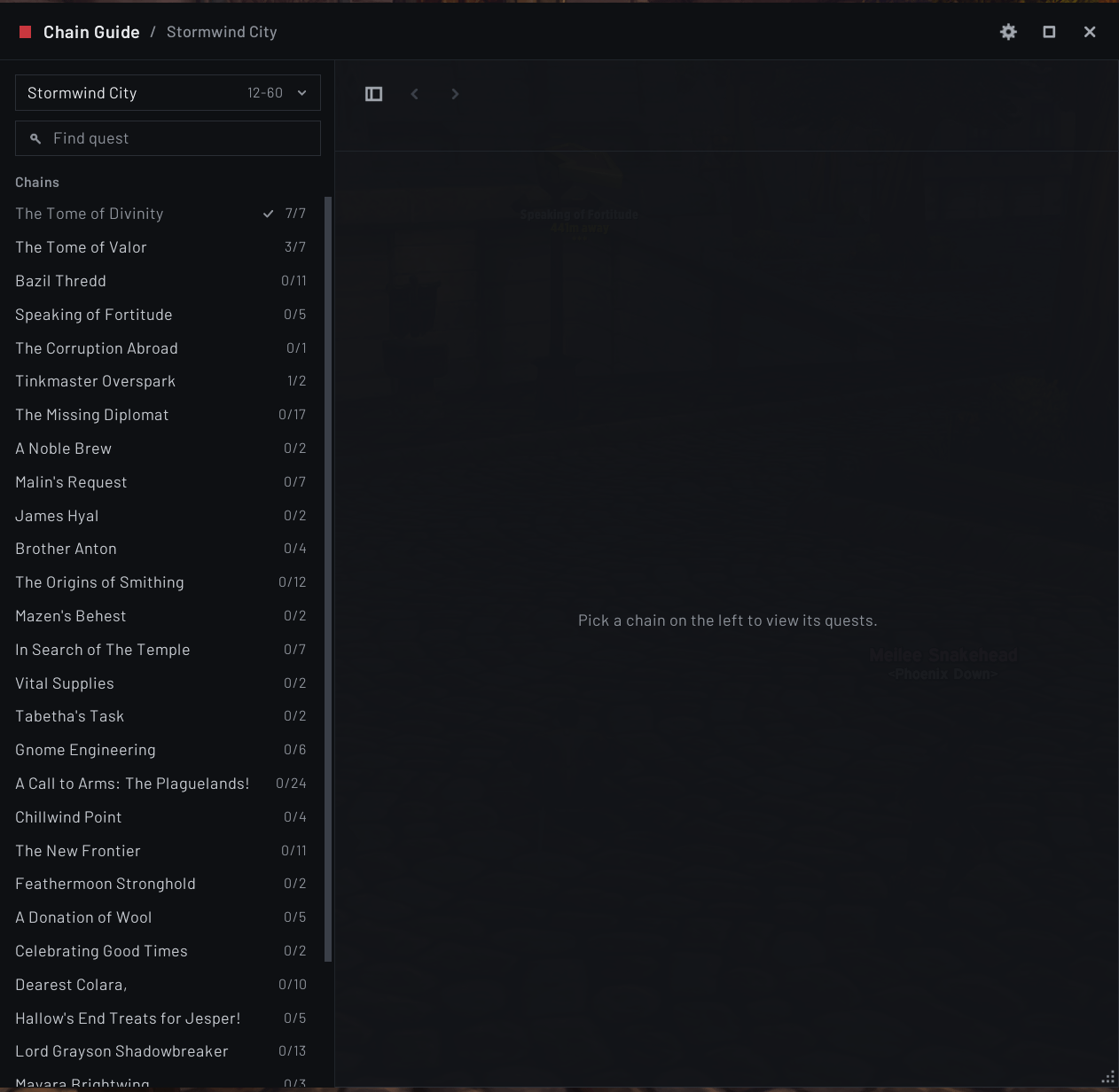
This is Forever's Chain Guide. It is complete with all quests that have a chain in Forever. Some quests do no have a starting point, so if no coords are given, EQ will tell you in chat
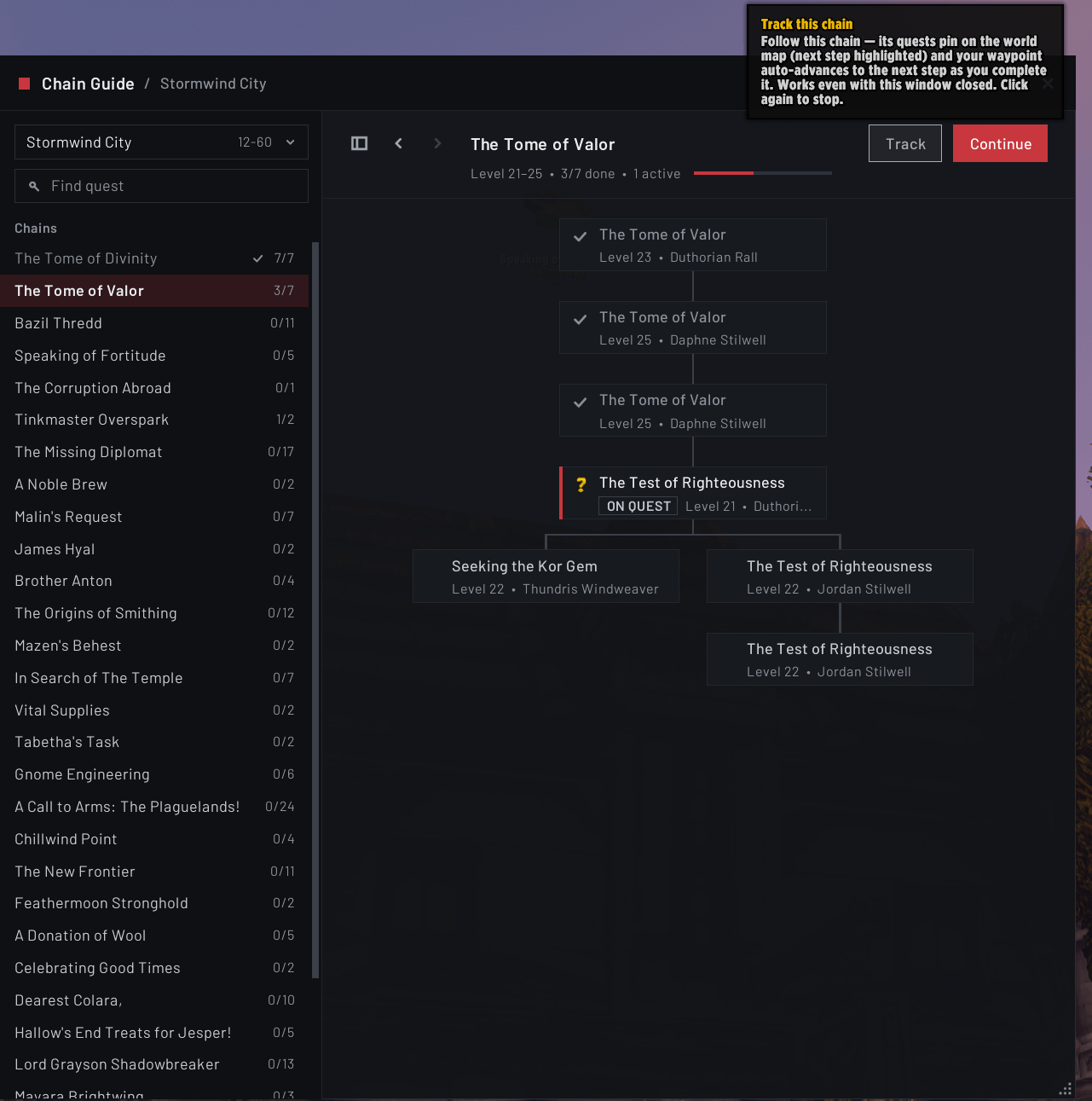
I have selected a Quest chain here to show you how it looks. You can track and quest in the chain (TomTom arrow if it is installed), or continue where you left off (The tooltip at the top)
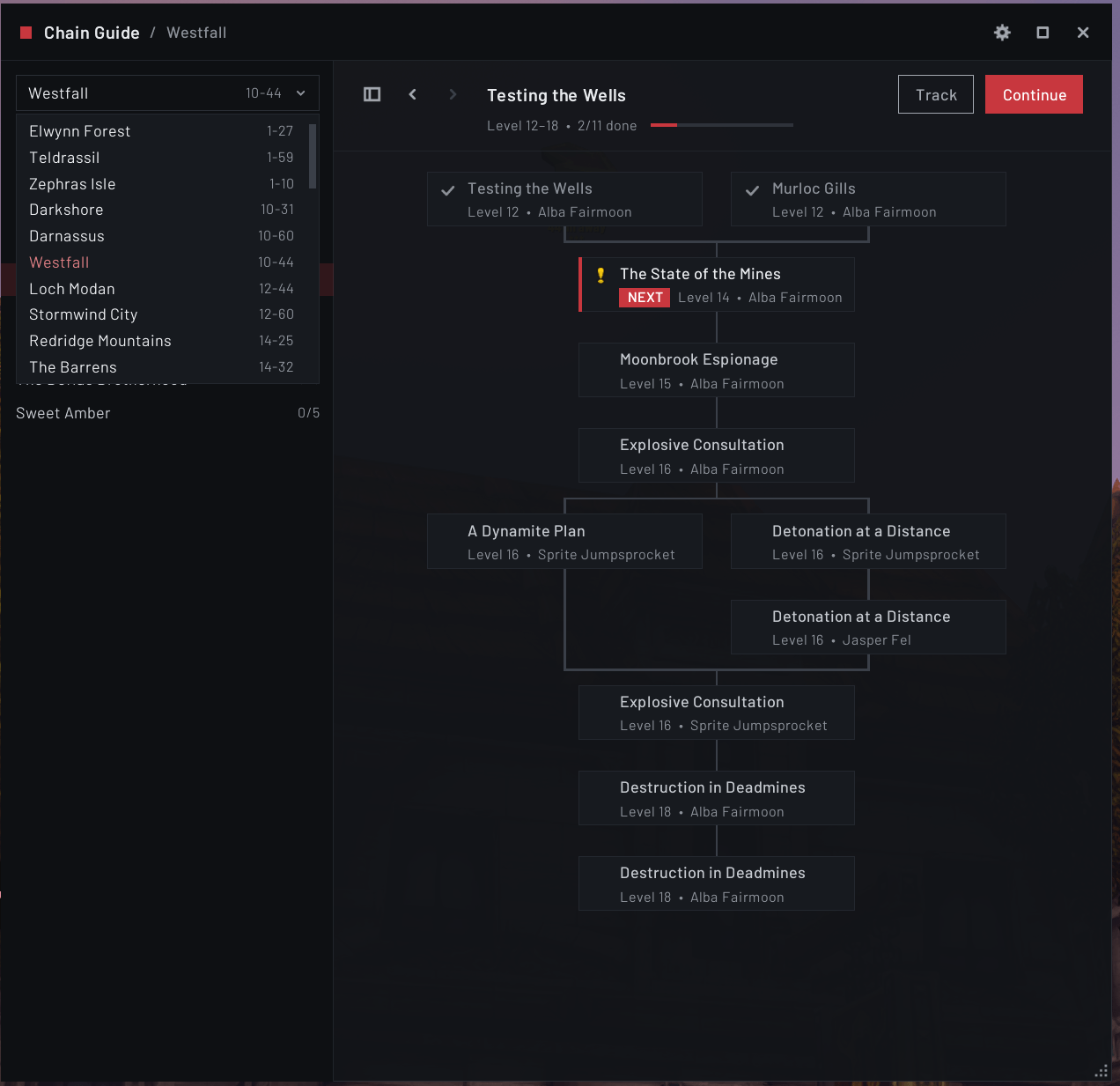
This is another example of the chain guide in action for Westfall Quests