
EllesmereUI for Mists of Pandaria
- By
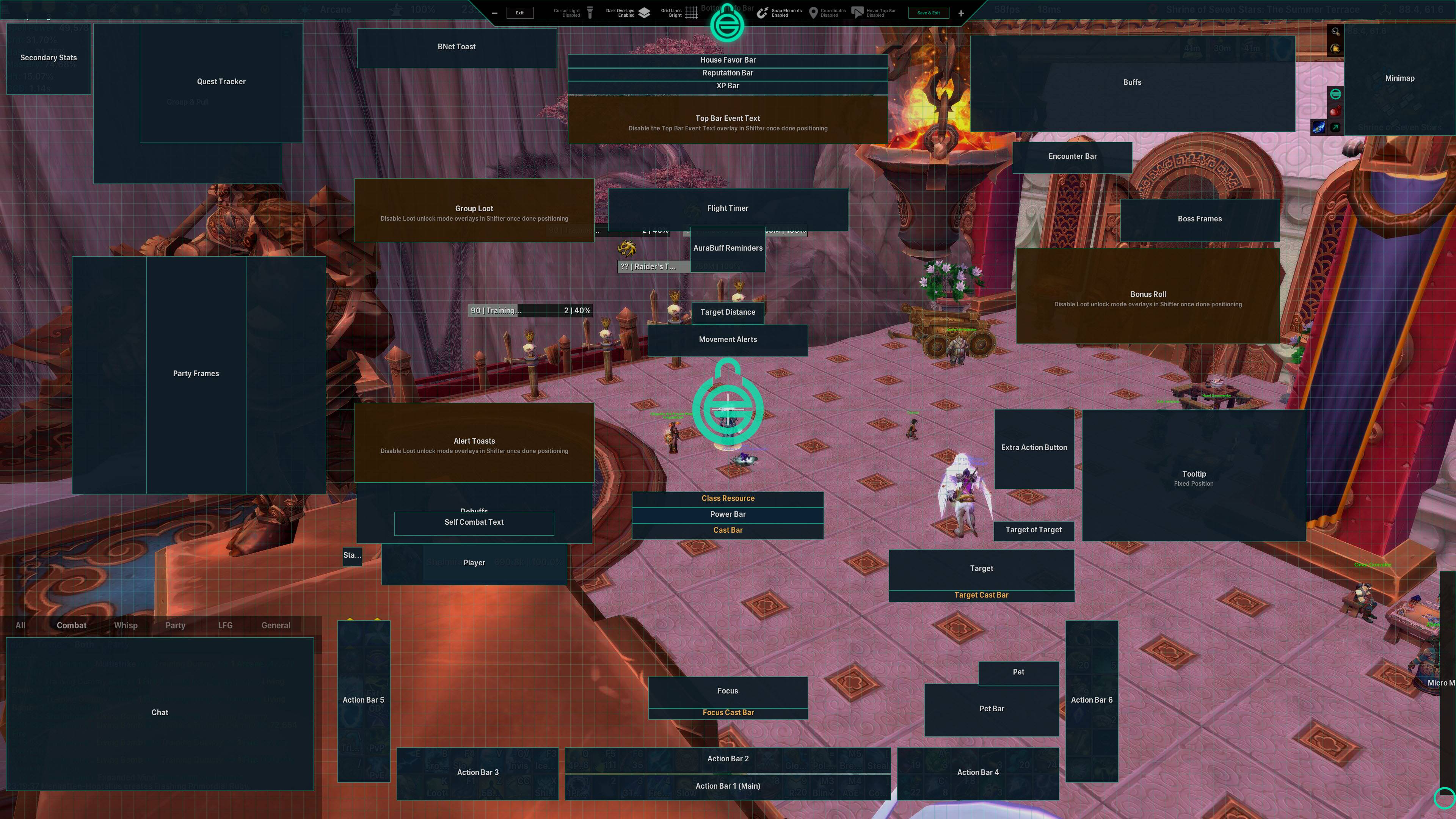
Unlock mode for editing UI positions
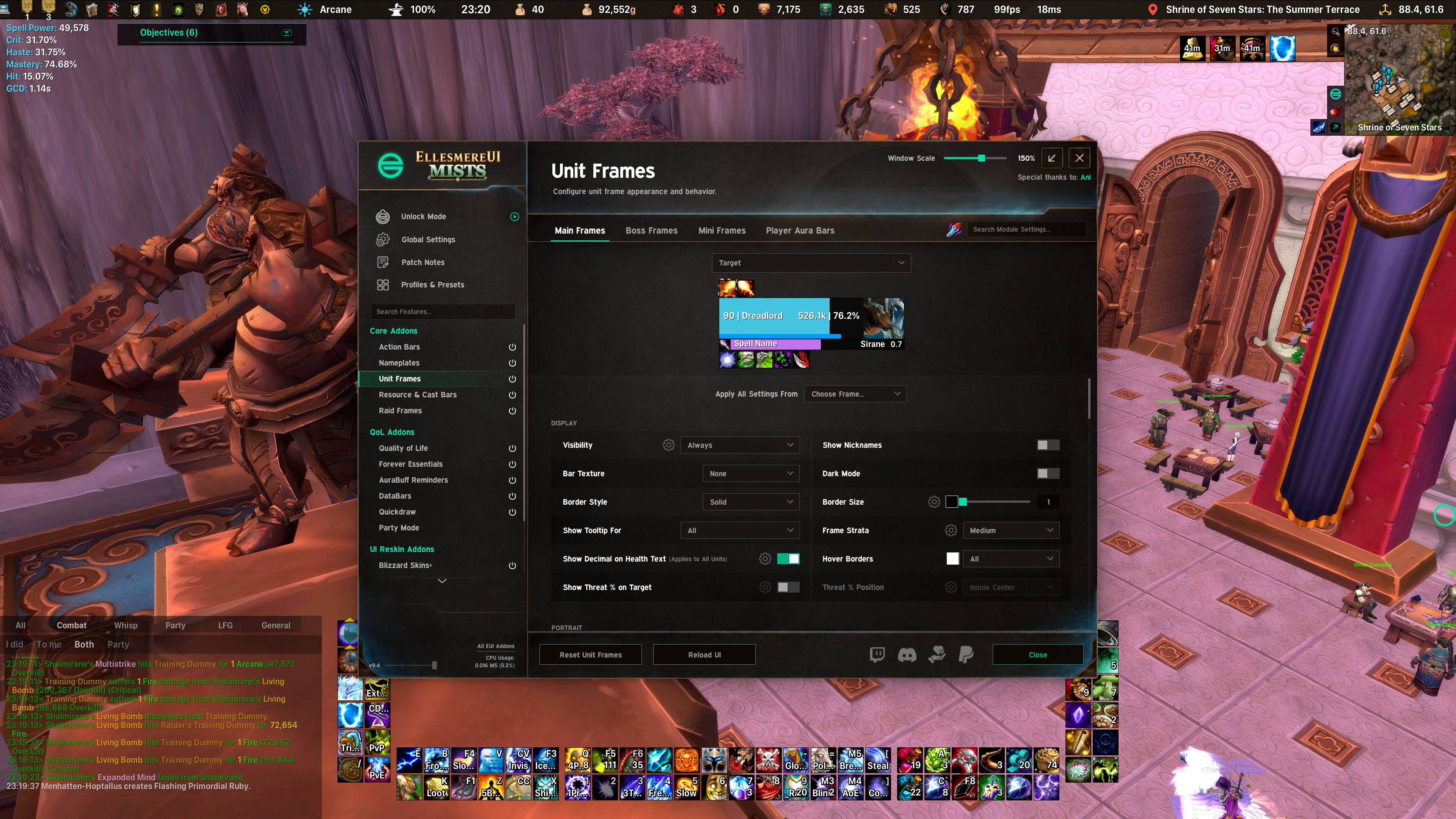
Target unit frame configuration
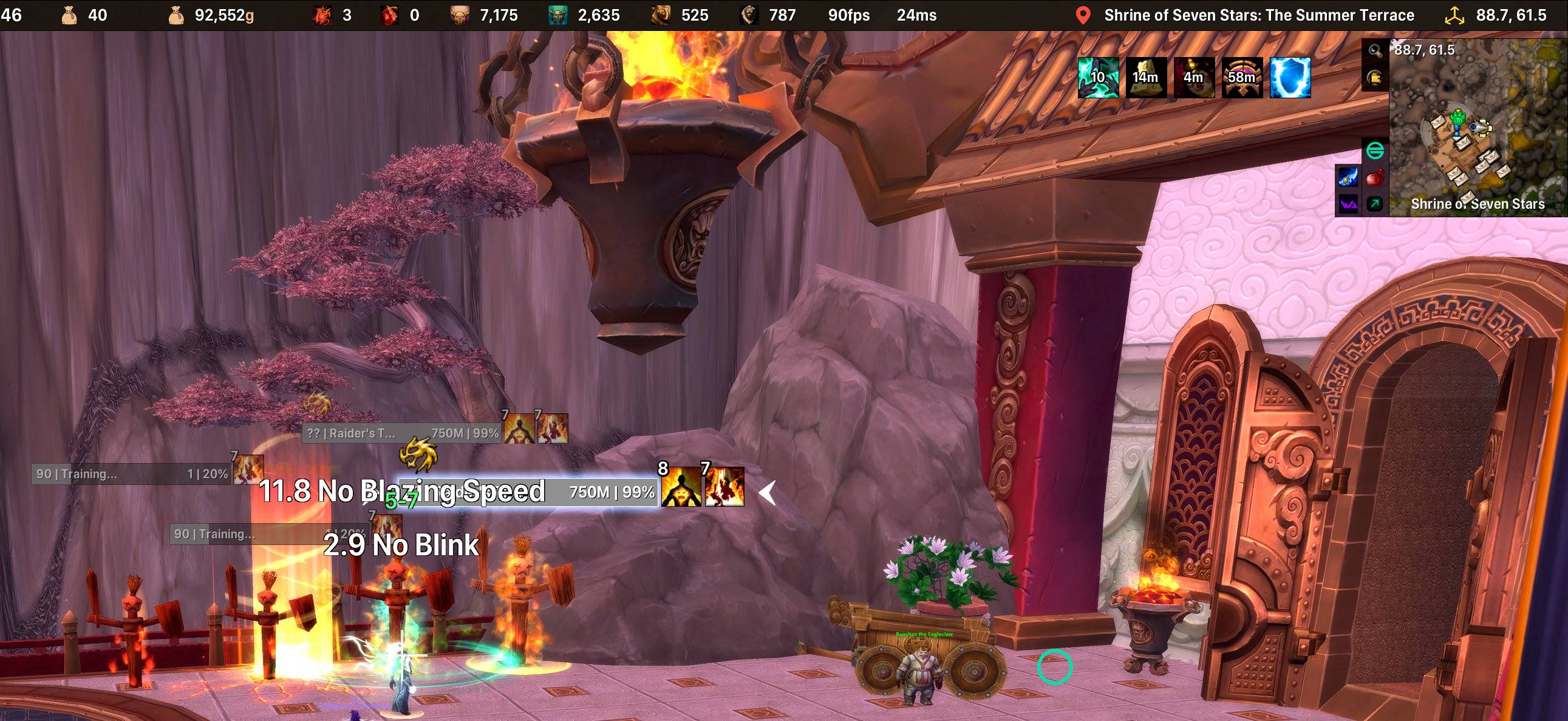
Example of nameplates, debuffs, target's highlight
Description
EllesmereUI for Mists of Pandaria Classic
A complete interface replacement with one consistent, modern look: modular, light on CPU, and set up in one searchable options window (/eui). This port brings EllesmereUI to MoP Classic and adds what MoP needs.
Feedback and bug reports: the #eui-dev-contributors channel on the EllesmereUI Discord. Please don't post MoP issues in the main support channels. Say that you play the MoP port and which release you have, and add the Lua error (for example from BugSack) or a screenshot.
Highlights
- Unlock Mode (
/unlock): drag and drop every element, anchor elements to each other, match sizes, and snap to elements, the screen or a pixel grid. - Profiles: one profile for the whole interface, per-spec assignment, and import and export strings to share a setup.
- Modular: every part is its own addon, so you run only what you use.
- One look: shared themes, fonts and colours, including the Mists and Dark Mists themes.
Modules
- Action Bars: modern or Blizzard look, button shapes, paging, XP and reputation bars, micro menu and bag bar.
- Unit Frames: player, target, focus, pet, target of target and boss frames with class resources and aura bars.
- Nameplates: aura slots with your own filters, interrupt-aware cast bars, threat and execute indicators.
- Raid Frames: party and raid frames with debuff handling, buff indicators, missing raid buffs and click-casting.
- Resource Bars: class resource, health and mana bars with threshold marks, a cast bar with MoP's channel ticks, GCD and totem bars.
- AuraBuff Reminders: missing raid buffs, class self-buffs, flasks and elixirs, food, weapon enhancements and talents.
- Minimap: a clean square or rectangular map with its buttons tidied away.
- Chat: cleaner chat with clickable links and Copy Chat.
- Quest Tracker: restyled, movable and collapsible.
- Data Bars: clock, gold across your realm's characters, currencies, location, spec, item level, professions, travel, micro menu, data broker feeds and more.
- Bags: one-bag or category views, a List view, and the bank.
- Blizzard Skins+: a matching restyle of Blizzard windows, tooltips and popups, including MoP's quest log, spellbook, talents, glyphs, achievements and professions; spell, item and icon IDs on tooltips.
- Quality of Life: secondary stats (including hit, expertise and your spec's cast times), cursor effects, raid tools, automatic combat logging and a Bloodlust tracker.
- Quickdraw: hold a key, point at an action in a ring, release to use it.
- Party Mode: a little celebration for boss kills, rated wins, Bloodlust and level ups.
- Forever Essentials: threat meter, flight timer and loot feed.
Made for MoP
- A MoP starting layout for fresh installs.
- Item level, enchants and gems on every slot of the character and inspect windows.
- MoP class resources, dual spec, the classic bank and the MoP quest log.
- MoP spells, buffs and consumables throughout: buff indicator presets, raid buff reminders, click-cast and mass resurrection, execute windows, channel ticks and the Macro Factory.
Not included
Cooldown Manager, Mythic+ tools, Friends List and Damage Meters (MoP cannot run them; Details covers damage meters). Retail-only content such as the Great Vault, delves, housing and skyriding is hidden.
Credits
EllesmereUI is made by Ellesmere (website, source); all credit for EllesmereUI goes to Ellesmere and everyone who works on it. EllesmereUI's licence (license.txt) applies to its code in this package. Class icons: JiberishUI artwork. The full list of what this port changes is in README.txt in the EllesmereUI folder.
EllesmereUI for Mists of Pandaria Team
